
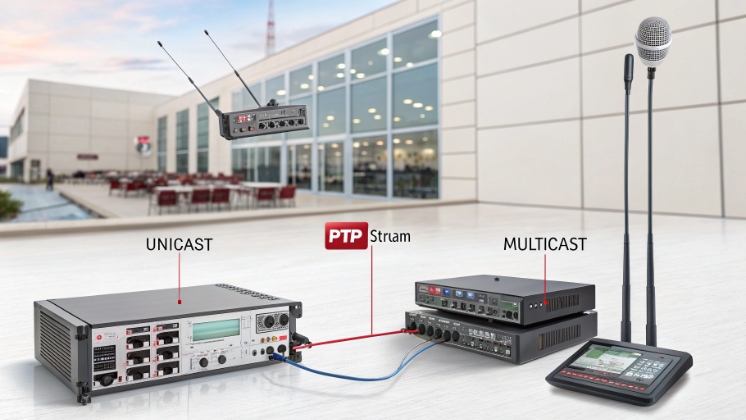
Old analog PA lines 1 turn every change into a wiring project. Zones are fixed, audio is noisy, and sites grow. An IP PA system solves this with the existing network.
An IP PA system (IP paging) sends audio as digital streams over an IP network to addressable endpoints like IP speakers, network amplifiers, and intercoms, so paging becomes scalable, flexible, and easier to integrate.
In our projects, IP PA runs on the same Ethernet and fiber that already supports IT and VoIP. We still deliver background music and emergency alerts, but now we gain zone control, diagnostics, and cloud management that analog systems never had.
What components build an IP PA system?
Many people think “IP speakers and a switch” are enough. Then the first real project needs zoning, time schedules, and integration with phones, and the design starts to fall apart.
A complete IP PA system includes audio sources, a paging server or controller, network switches, IP speakers or IP amplifiers, SIP intercoms, and software tools for zoning, scheduling, and health monitoring.
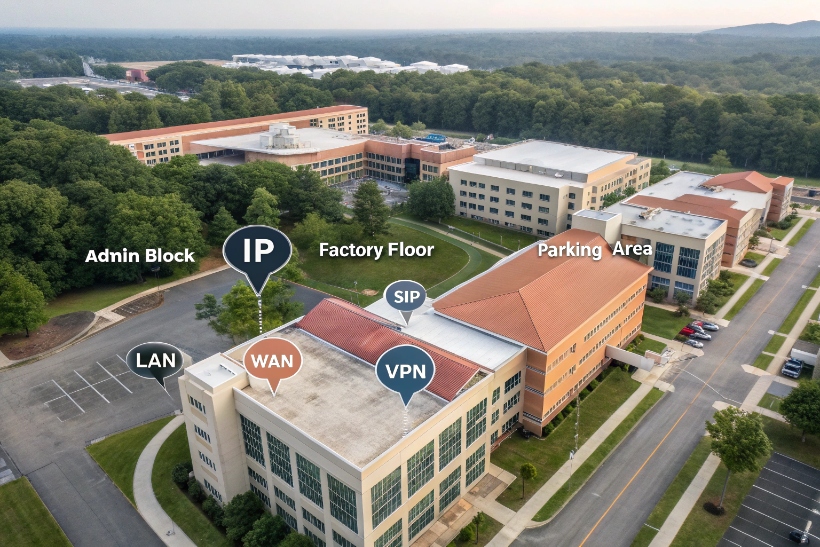
Core network elements
Every IP PA system starts with the network. We use standard Ethernet switches with PoE 2 to power IP speakers and intercoms. In larger sites, we add VLANs and QoS rules so paging traffic stays stable when data traffic spikes.
A paging or audio server sits in the network. This can be a dedicated appliance, a VM, or a cloud service. It handles user logins, zones, playlists, emergency priorities, and often SIP registration. When someone triggers a page, the server sets up the stream and decides which endpoints should play it.
Endpoint types
Endpoints are where sound leaves the network and reaches people. Typical devices include:
- IP ceiling speakers for offices, corridors, classrooms 3
- IP horn speakers for parking lots, yards, industrial areas
- IP amplifiers that drive existing 100V/70V analog speaker lines
- SIP intercoms that provide both talk-back and paging
- Wall-mounted paging consoles with gooseneck microphones
Modern network speakers often embed DSP, local memory for stored messages, and a simple web interface. This reduces the need for big central amplifiers and hardware DSP units.
Control and management layer
On top of the network and endpoints, we add software control:
- Web or client apps for live paging and zone selection
- Schedulers for bells, chimes, and routine announcements
- Integration hooks for fire alarms, BMS, or mass notification platforms 4
- Device management with status, logs, and firmware updates
At DJSlink, we design SIP intercoms and IP telephony products that register to SIP servers and UC platforms, so the same infrastructure can handle calls and paging. This keeps the architecture simple for integrators and security teams.
Example IP PA stack
| Layer | Example components |
|---|---|
| Applications | Paging console app, bell scheduler, emergency GUI |
| Control | SIP / audio server, zone manager, API gateway |
| Network | Switches, routers, PoE injectors, VLANs, QoS |
| Endpoints | IP speakers, SIP intercoms, IP amplifiers, emergency phones |
| Physical world | Ceiling speakers, horns, beacons, contact closures |
When all these parts work together, we get a system that grows with each building, not against it.
How does SIP paging compare to analog PA?
Old analog paging can feel simple: one amplifier, one 100V line, many speakers. It works, until someone asks for different audio in each zone or wants to link multiple campuses.
SIP paging extends IP PA by using SIP for call setup and RTP for audio, which makes paging work like VoIP and enables richer features than traditional analog PA systems.
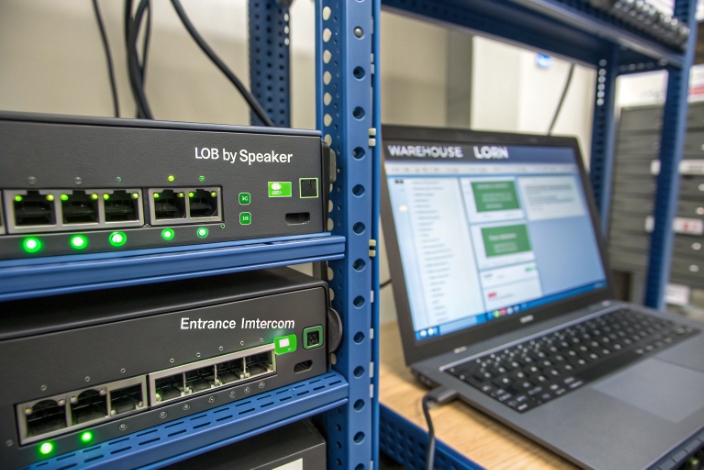
Analog PA: what it does well and where it stops
Analog PA is still common in schools, factories, and warehouses 5. A central amplifier drives 100V or 70V speaker lines. Paging microphones and simple zone selectors live in a rack. Audio quality is often good enough, and there is no codec or jitter to think about.
But analog systems have hard limits:
- Zones are fixed by how cables were pulled years ago
- Multi-site paging needs dedicated tie lines or extra hardware
- Integration with phones, fire alarms, and access control is basic or custom
- Health monitoring is poor; a broken speaker may stay unnoticed for months
Each new building or functional change means new copper, new labor, and often downtime.
SIP paging on IP networks
SIP paging treats each endpoint as a node with its own address. SIP handles the signaling to set up the page. RTP over UDP carries the audio stream. For many devices, we also use multicast for efficient one-to-many distribution 6.
Most SIP endpoints can join paging groups, emergency groups, or background music streams through configuration, not rewiring. We can define zones in software, split them, merge them, and even span them across WAN links.
Here is a simple comparison:
| Aspect | Analog PA | SIP / IP PA |
|---|---|---|
| Wiring | Dedicated audio cables | Standard Ethernet / fiber |
| Zones | Fixed by cabling | Defined in software |
| Multi-site | Hard, needs special links | Works over LAN/WAN/VPN |
| Integration | Limited relays, dry contacts | SIP, HTTP API, UC platforms, mass notification |
| Monitoring | Very basic | Device status, logs, remote tests |
SIP paging with UC and VoIP
Because SIP is the same protocol that powers VoIP, SIP paging can tie directly into PBXs and UCaaS platforms. A guard or receptionist can dial a paging group code from an IP phone. A SIP-capable intercom can also join paging groups and emergency calls.
In our DJSlink designs, SIP intercoms and IP emergency phones expose SIP accounts that can be part of paging groups. So one dial string from a handset can trigger horns in a yard, speakers in hallways, and emergency phones in stairwells, all at once.
For large deployments, we plan multicast carefully and apply QoS so voice traffic keeps priority. This keeps latency low and audio clear, even on busy networks.
Can IP speakers be powered by PoE?
Power bricks under ceilings and inside walls are a maintenance nightmare. When one fails, nobody knows which adapter belongs to which speaker.
Most IP speakers support PoE, so a single Ethernet cable can deliver both power and data, which simplifies installation, centralizes backup, and improves reliability for IP PA systems.
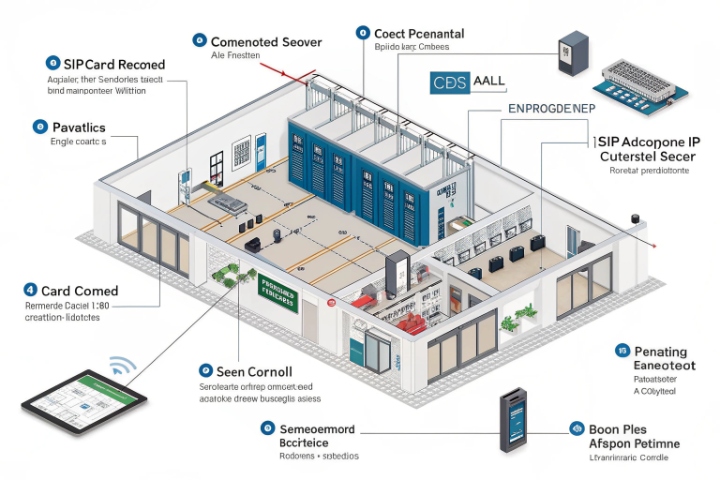
How PoE simplifies IP PA
With Power over Ethernet (PoE) 7, each IP speaker plugs into a PoE switch port. The switch negotiates power with the device, then delivers the needed wattage over the same CAT cable that carries audio packets. There is no local AC outlet, no extra low-voltage PSU, and fewer field points of failure.
For integrators, this brings real benefits:
- Central UPS in the rack keeps paging alive during power issues
- Moves and changes are easier; just re-patch or reconfigure the port
- Power budget can be planned and monitored from the switch interface
When we ship PoE-capable SIP intercoms or IP phones, partners often power them from the same PoE switch as IP speakers. This keeps the entire voice and paging system visible and controllable in one place.
PoE classes and power budgets
Different IP speakers need different power levels. A small indoor speaker with modest volume may fit in PoE Class 2 or 3. A high-power horn speaker for noisy factories may need PoE+ (IEEE 802.3at) or even 802.3bt.
A simple view:
| PoE standard | Typical power at device | Typical use |
|---|---|---|
| 802.3af (PoE) | Up to ~12–13W | Indoor ceiling speakers, small wall speakers |
| 802.3at (PoE+) | Up to ~25W | Horn speakers, high-output devices |
| 802.3bt | 40W+ | Multi-driver speakers, special devices |
Before selecting a switch, we always add up the max load of all powered endpoints, then add a safety margin. For example, if 24 horn speakers each may use 20W, we size the switch power budget above 480W.
Design tips for PoE-powered IP speakers
A few simple rules keep PoE deployments safe and stable:
- Use quality PoE switches from known brands, not random injectors everywhere
- Separate voice and paging into VLANs to control broadcast and multicast
- Keep cable runs inside distance limits for Ethernet (often 100m)
- Document which port powers which device for future maintenance
When this is in place, adding another IP speaker is almost as simple as adding another IP phone. One cable, one port, one entry in the device list.
How do I link paging with access control?
In many buildings, paging, access control, and video live in separate worlds. Security staff switch between three or four screens during an incident and lose precious seconds.
You can link IP paging with access control by integrating SIP intercoms, door controllers, and IP speakers through SIP, APIs, and event triggers, so doors and audio alerts respond together.
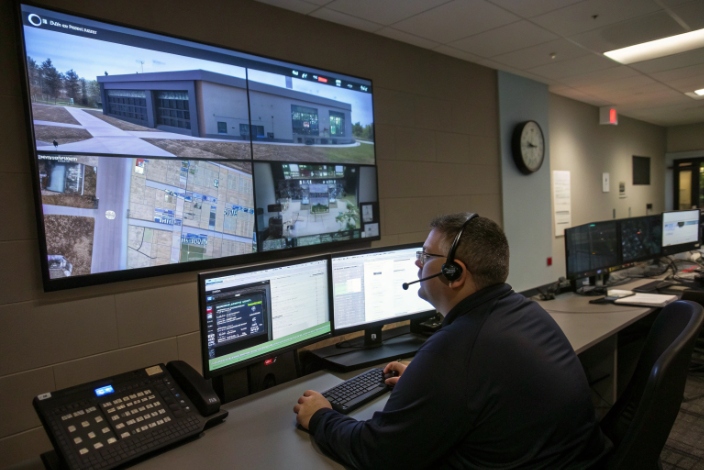
Typical integration goals
Most customers want a few simple yet powerful behaviors:
- When someone presses a door intercom, a chime plays on nearby speakers
- When an access event fails many times, a voice warning triggers automatically
- During a lockdown or fire alarm, the PA system plays a clear voice message in the right zones
- Security staff can make live pages from the same client they use to manage doors and cameras
With IP PA and SIP intercoms, we can build these flows in software instead of hard-wiring relays across panels.
Integration building blocks
We usually connect three main systems:
-
Access control platform
It manages card readers, doors, permissions, schedules. It also generates events: door forced open, door held, access denied, fire input. -
IP PA / SIP paging system
It manages zones, messages, and live paging. It exposes APIs or SIP interfaces to trigger specific announcements or groups. -
SIP intercoms and emergency phones
They sit at doors, gates, parking barriers, elevators, or help points. They support SIP calls, relays for doors, and sometimes local audio playback.
In a DJSlink-based design, our SIP intercoms talk SIP to the paging or UC server. The access control system triggers HTTP or SIP requests to start announcements or change zones. This way, one event can fan out to many audio endpoints.
Example use cases and logic
| Scenario | Trigger source | Paging action |
|---|---|---|
| Door forced open | Access controller | Local speaker plays warning, alarm zone pages |
| Fire alarm in building B | Fire panel → ACS | IP PA starts emergency message in building B only |
| Repeated badge failure at gate | ACS event rule | Play “Please move to visitor gate” announcement |
| Campus-wide lockdown | Security GUI button | Global SIP page to all horns and indoor speakers |
For advanced platforms, we also integrate video. When an intercom call comes in, the operator sees camera video and zone map. If they grant access, a short spoken confirmation can play over the nearest speaker, and the door unlocks at the same time.
Practical steps to design the link
When planning paging and access control together, these steps help:
- Map doors, gates, and zones to paging zones on a simple floor plan
- Decide which events should stay silent, and which deserve an audio response
- Confirm that each platform exposes REST APIs, SIP interfaces, or event webhooks
- Test edge cases, such as power loss, network loss, and fire panel overrides
With this approach, the result is not just “sound in the building.” It becomes a coordinated safety and communication system, with SIP intercoms, IP speakers, and access control all working in one flow.
Conclusion
An IP PA system uses the IP network to deliver smarter, more flexible paging, and it becomes far more powerful when it shares SIP, PoE, and event logic with access control and SIP intercoms.
Footnotes
-
Overview of how public address systems work and where analog PA is used. ↩︎ ↩
-
Basic explanation of what network switches do in Ethernet IP infrastructures. ↩︎ ↩
-
General reference on loudspeakers, including ceiling speakers used in paging systems. ↩︎ ↩
-
Background on mass notification systems and how they deliver alerts to many recipients. ↩︎ ↩
-
Overview of analog audio signals to contrast with digital IP-based paging solutions. ↩︎ ↩
-
Explanation of IP multicast and how it distributes one stream efficiently to many devices. ↩︎ ↩
-
Describes Power over Ethernet standards and delivering power plus data on one cable. ↩︎ ↩








