
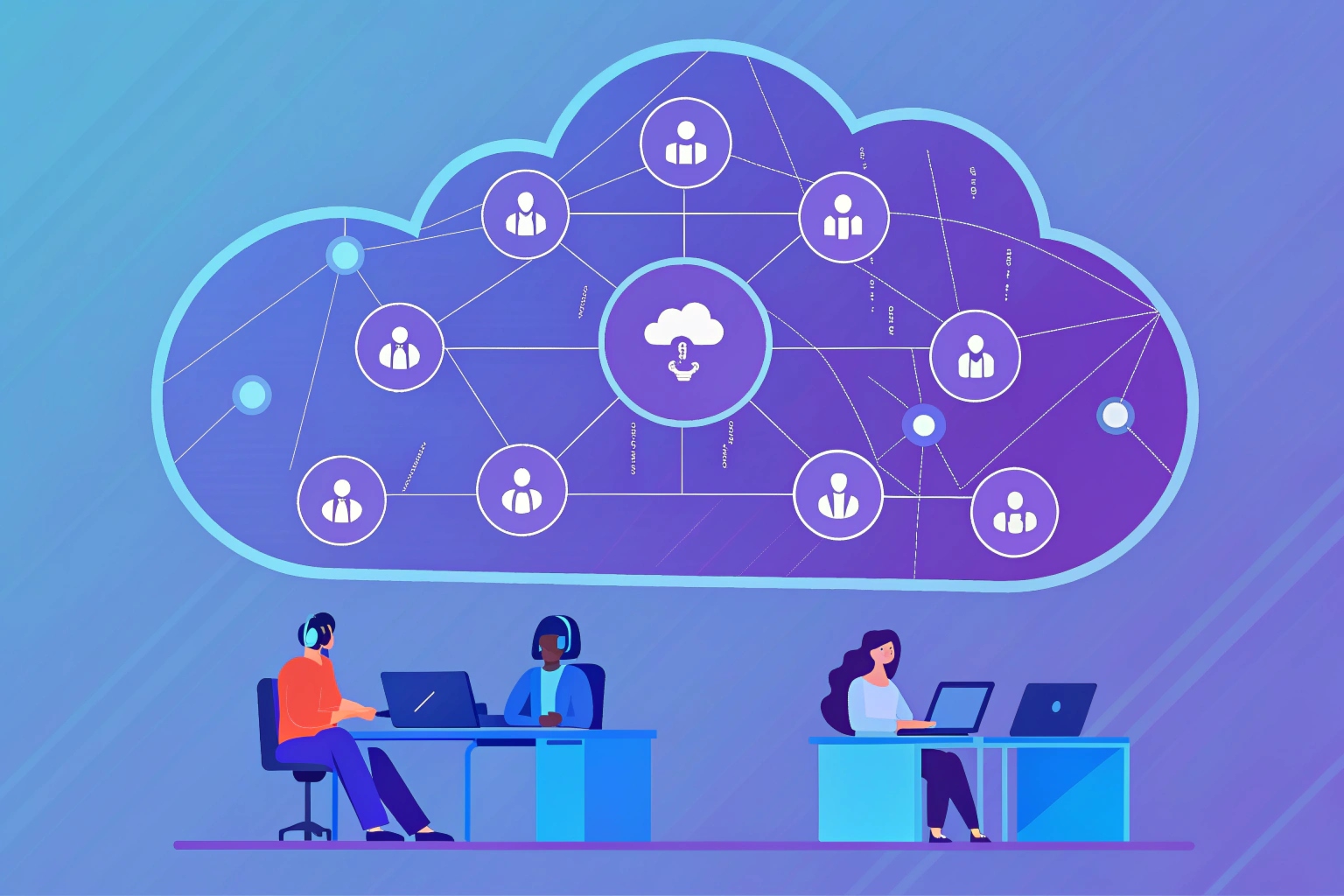
Remote customer teams are under pressure to answer faster, across more channels, with less budget. A single building full of agents no longer fits how many businesses work today.
A virtual contact center is a cloud-based contact center where agents work remotely across locations and handle voice, email, chat, SMS, and social channels from one platform instead of a single physical office.
In a virtual contact center 1, the “center” lives in the cloud, not in a building. Agents log in from home or different offices. Calls, chats, and messages flow through internet-based infrastructure. The platform connects to SIP trunks 2, CRMs, ticketing tools, and analytics. For us as a SIP device and intercom vendor, this model matters, because our phones, intercoms, and emergency endpoints now need to plug into cloud platforms, not only on-prem PBXs. When this setup works well, customers feel like they talk to one unified team, even though the people serving them sit in many locations and time zones.
How does a virtual contact center operate?
Many teams want the flexibility of remote work, but fear that the operation will become chaotic. There is a worry that quality, control, and security will drop when agents are not in one room.
A virtual contact center runs on cloud infrastructure and VoIP, so all routing, reporting, and supervision happen in the cloud while agents and supervisors connect to the same platform through the internet.
Core architecture: cloud, SIP, and WebRTC
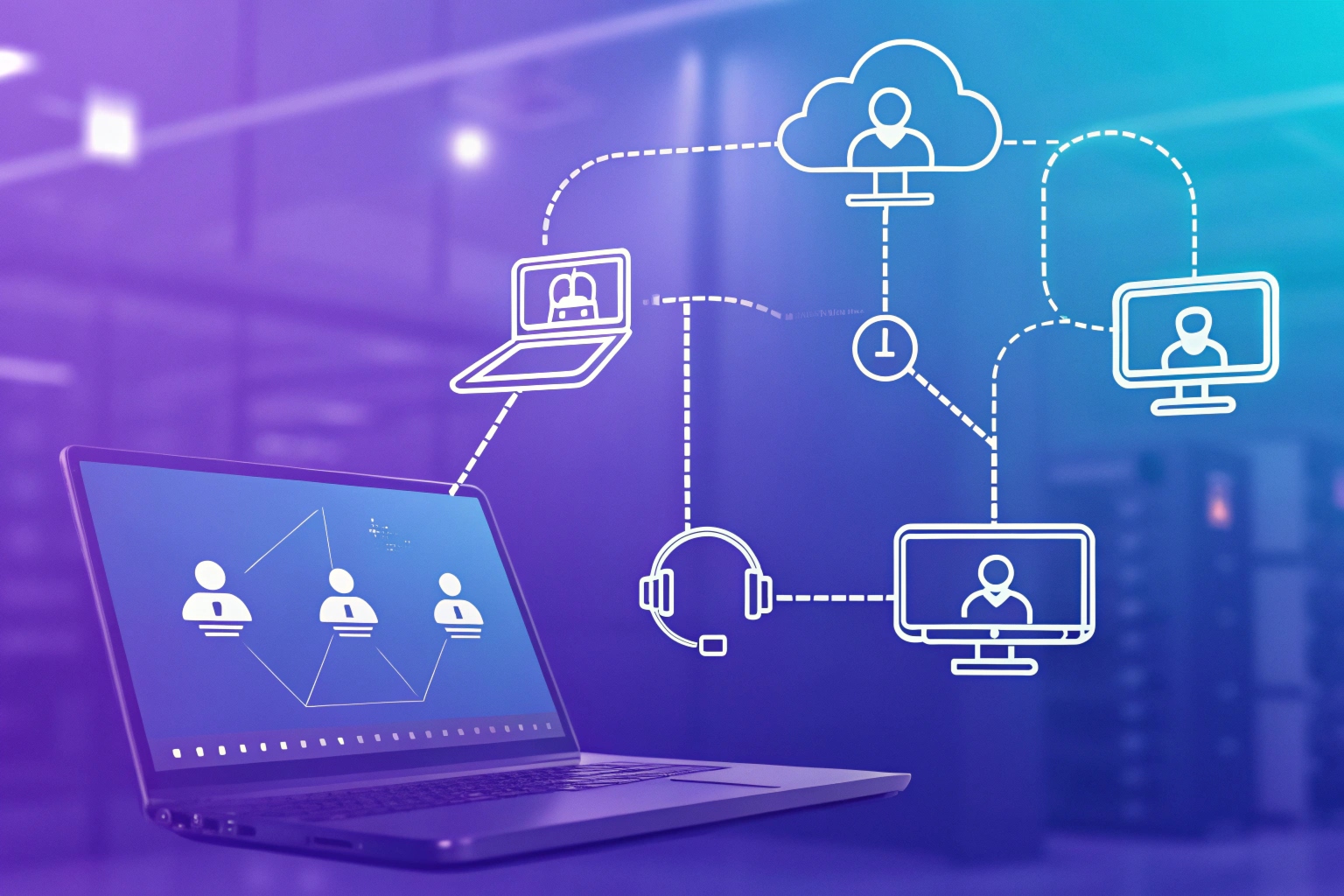
At the heart of a virtual contact center is a cloud platform. It replaces traditional on-premises switches and servers. Voice often rides on SIP or pure VoIP. The platform connects to carriers through SIP trunks. On the agent side, many modern systems use WebRTC 3 so the agent can take calls directly in the browser, without a desk phone or separate softphone. This makes deployment much faster, because a new agent often only needs a browser, a headset, and login credentials.
The same platform handles all channels, not voice alone. Email, web chat, social messaging, and sometimes SMS appear in one agent desktop. That is the key difference between a “virtual call center” (voice only) and a “virtual contact center” (true omnichannel). For our SIP intercom and emergency phones, the cloud platform becomes the brain. It decides how to route each SIP call that comes from a door, an elevator, or an outdoor emergency post.
Management, integrations, and remote supervision
Supervisors manage the operation inside the cloud admin console. They see queues, service level, agent states, and ongoing calls. They can listen to calls, whisper, or barge in when needed. Call recording and screen recording capture evidence for quality checks and training. Analytics show patterns in volume, wait time, and customer outcomes.
CRMs and ticketing systems sit side by side with the contact center platform. When a customer contacts support, the agent sees previous cases, contracts, and devices on the same screen. Workforce management (WFM) tools 4 forecast workload and schedule the right number of agents. In many of our customers’ projects, WFM connects with follow-the-sun staffing. Day shifts move from Asia to Europe to the Americas as the earth turns, using the virtual setup to deliver 24/7 coverage without one team working all night.
Pricing models are usually simple from a commercial view: a per-user subscription plus metered usage, like per-minute voice and per-message SMS. This fits B2B integrators well, because they can tie the license model to their own project contracts.
| Element | Role in operation |
|---|---|
| Cloud platform | Routing, queues, scaling, analytics |
| SIP trunks / carriers | Connect to the public telephone network |
| WebRTC / softphone | Agent voice in browser or app |
| CRM / ticketing | Customer context and case tracking |
| WFM and quality tools | Scheduling, monitoring, coaching |
| SIP endpoints (DJSlink etc.) | Entry points: intercoms, emergency phones, desk sets |
What tools enable remote contact agents?
Remote agents can feel isolated and under-equipped if they only receive a login and a headset. Without the right tools, quality drops and turnover rises.
Remote contact agents need a simple, unified workspace that combines voice, messaging, CRM data, collaboration, and secure access so they can work from anywhere with consistent quality.

Agent desktop, devices, and collaboration stack
Every remote agent needs one central “cockpit.” This is the agent desktop or browser app. It shows the queue, current contact, and all channels. An agent can switch between call, chat, or email while the system keeps one customer record. With WebRTC, the call comes into this same interface. There is no need for a separate SIP phone, unless the use case demands a physical handset.
Still, in many projects we support, physical devices stay important. For example, industrial or outdoor phones in a factory, mine, or parking lot must be rugged, weather-proof, and sometimes explosion proof. These SIP endpoints call into the virtual contact center when someone presses a button. Agents pick up calls inside the browser, while the caller uses a heavy-duty phone or intercom on site.
On the agent side, essential tools include:
- Stable internet connection, ideally wired or strong Wi-Fi
- Quality headset with noise cancellation
- Secure laptop or thin client managed by endpoint tools
- VPN or zero-trust access to company systems
Collaboration tools matter as much as telephony. Teams use chat, video meetings, and shared channels to replace the quick questions that would happen in a physical floor. Supervisors run stand-ups, coaching sessions, and side-by-side call reviews online.
Business applications and security layers
Beyond the agent desktop, remote teams rely on CRMs, ticketing, and knowledge bases. These tools give agents fast access to “known fixes” and device information. For example, when someone presses an emergency phone on a campus, the agent sees the exact location, device model, and past alarms in the CRM or security platform. This speeds up response and reduces risk.
Security is a core concern, because remote agents connect from many networks. Zero-trust principles 5 help here. Each device and user must prove identity and compliance before it gets access. Endpoints follow strict policies: disc encryption, strong auth, and remote wipe. Data in transit uses encryption. Access to recordings and logs follows role-based permissions. In sensitive projects, we often see extra controls, like IP allow lists, session timeouts, and audit trails.
| Tool category | Examples / purpose |
|---|---|
| Agent desktop | Omnichannel UI, call controls, status |
| Voice delivery | WebRTC, softphone, or SIP hardware phone |
| Business apps | CRM, ticketing, knowledge base |
| Collaboration | Team chat, video meetings, shared channels |
| Endpoint and security | MDM/EDR, VPN or zero-trust, SSO, MFA |
| Field endpoints | SIP intercoms, emergency phones, IP phones |
How do I route calls and chats in cloud?
Many businesses move to the cloud but keep old routing logic. Customers still wait in long queues. VIPs and emergencies still mix with general traffic.
In a cloud contact center, you design routing flows that use queues, skills, and context so each call or chat reaches the right agent or team, no matter where they sit.

Building routing flows for calls
In a virtual contact center, routing is defined in software flows, not copper wiring. You usually start with entry points:
- DID numbers for voice
- SIP endpoints like intercoms or emergency phones
- IVR menus for self-service
- Hotlines for different services or languages
Each entry point maps to a flow. The flow checks business hours, language, and caller data, then assigns the call to a queue or a skill group. Skills might be language, product line, or technical level. This kind of skills-based routing 6 helps match each contact to the best available agent. High-priority calls, such as emergency phones in elevators or roadside SOS posts, go to special queues with strict SLAs and backup routing.
IVR or voice bots can handle simple tasks: checking order status, resetting a password, or playing building instructions. When the caller needs a human, the system passes the right context to the agent. For example, the agent can see that the call came from a SIP intercom at “Gate 3 – North Parking” with live video if the device supports it.
Routing for chat, messaging, and omnichannel
Chats and messages enter through web widgets, mobile apps, or social channels. Cloud platforms treat them as work items similar to calls. They join queues based on channel, topic, or tags. You set rules for concurrency: an agent might handle three chats at once, but only one voice call.
Omnichannel routing helps keep the customer experience consistent. A customer who starts in chat and then requests a callback should reach an agent who can see the chat history. If the person presses a physical emergency phone later, the CRM record and previous contacts are still visible. This is very important for security and property management use cases.
Advanced routing can use data from external systems. For example:
- Send high-value tenants to a dedicated property manager
- Route industrial alarms to the on-call engineer for that site
- Send elevator emergency calls to the nearest or on-duty guard team
| Routing concept | Practical example |
|---|---|
| Skills-based routing | Send Spanish speakers to Spanish-speaking agents |
| Priority queues | Elevator emergency phones vs general building inquiries |
| Context-based | Use caller ID, device ID, or CRM tags |
| Channel rules | Limit concurrent chats, keep voice as highest priority |
| Failover routing | Overflow to another site or vendor if SLAs are at risk |
Which KPIs matter for virtual centers?
When teams go virtual, leaders often track the same old numbers but miss remote-specific risks. They may see stable handle time, but not notice login problems, dropped calls, or weak coverage across time zones.
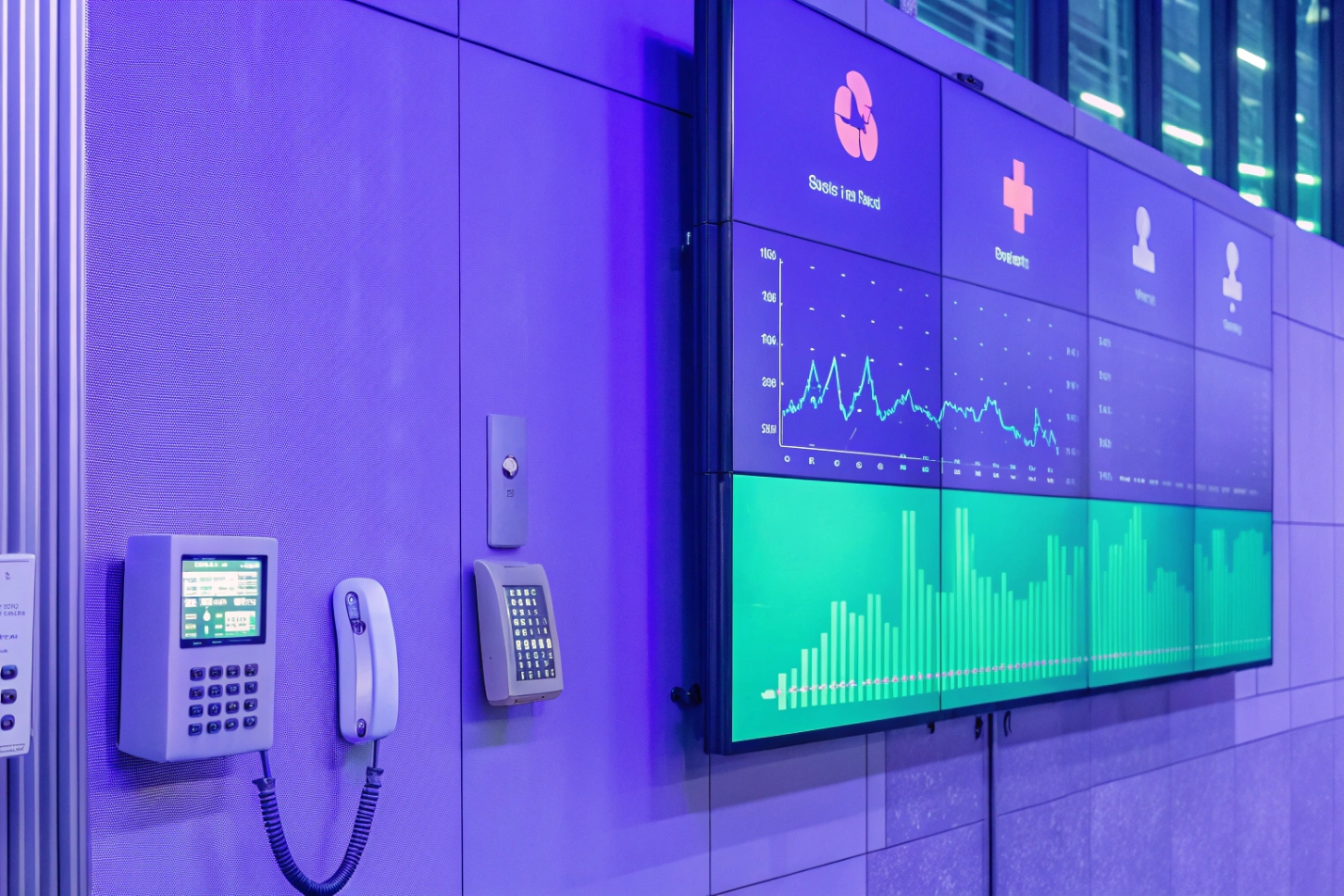
Virtual contact centers should track both classic service KPIs and remote-specific metrics like connectivity, schedule adherence, and channel coverage to keep quality high across a distributed workforce.
Classic service KPIs and what they mean in virtual setups
Some KPIs are timeless for contact centers:
- Service level (for example, % of calls answered in 20 seconds)
- Average speed of answer (ASA)
- Average handle time (AHT)
- First contact resolution (FCR) 7
- Customer satisfaction (CSAT) and sometimes NPS
In a virtual contact center, these metrics still matter. But their meaning changes because agents spread across homes, co-working spaces, and regional offices. For instance, a high AHT may show a training gap, but it may also point to a laggy VPN or a slow cloud app. We see this in projects where field devices, like SIP emergency phones, trigger complex workflows. If the agent desktop loads device location too slowly, every emergency call takes longer, even if the agent is skilled.
Supervisors should look at these KPIs per channel and per queue. Voice may have strong service level, while chat waits grow. Or general support may be fine, but the hotline for elevator emergencies misses its target. A cloud platform makes it easier to slice data by location, queue, or partner.
Remote-specific KPIs and reliability for critical endpoints
Virtual operations introduce new risks that physical floors hide. So it helps to track metrics that focus on remote work and infrastructure:
- Login and schedule adherence for remote agents
- Connectivity issues per agent (dropped calls, reconnection counts)
- Device health for SIP phones and intercoms in the field
- Uptime of the cloud platform and carrier trunks
- Response time to critical alarms or emergency calls
For safety and security projects, time-to-answer for emergency endpoints is a key KPI. This includes blue-light phones, roadside SOS pillars, and elevator intercoms. It is not enough to know that calls are short. You must also prove that almost every emergency button press reaches a trained human within a strict time window.
Quality scores and compliance checks remain vital. Recordings help measure soft skills and script adherence. Screen recordings help verify that agents follow security steps before sharing sensitive information or dispatching a guard.
| KPI type | Example metric | Why it matters in virtual centers |
|---|---|---|
| Service performance | Service level, ASA, AHT, FCR | Shows basic responsiveness and efficiency |
| Customer outcome | CSAT, NPS, complaint rate | Shows how customers feel about remote service |
| Remote work health | Adherence, login time, connectivity incidents | Reveals remote-specific friction and tech issues |
| Reliability / safety | Time-to-answer for emergency phones, uptime | Critical for security, industrial, and public projects |
| Quality and compliance | QA score, script adherence, error rate | Protects brand, safety, and regulatory requirements |
Conclusion
A virtual contact center replaces one big room with cloud, remote agents, and SIP endpoints, so you gain flexibility, scale, and always-on customer and safety coverage across channels.
Footnotes
-
Definition and key features of virtual contact center solutions. Back to content ↩
-
Learn how SIP trunking connects cloud platforms to the public telephone network. Back to content ↩
-
Official WebRTC project site explaining browser-based real-time voice and video communication. Back to content ↩
-
Guide to workforce management tools for forecasting, scheduling, and staffing contact centers. Back to content ↩
-
NIST guidance on designing and implementing zero trust cybersecurity architectures. Back to content ↩
-
Deep dive into skills-based routing strategies to match customers with qualified agents. Back to content ↩
-
Background on first contact resolution as a core contact center performance metric. Back to content ↩








