
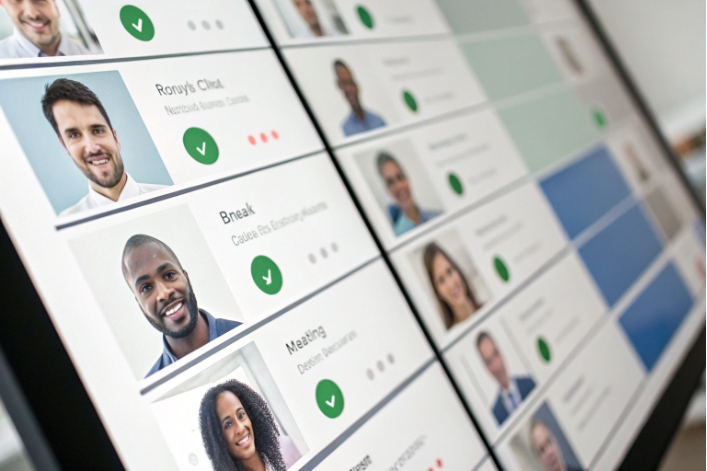
When queues spike, one simple thing breaks everything: nobody knows who is really free, who is busy, and who is stuck in the wrong status.
Agent status is the presence or availability state that shows what an agent is doing right now and whether the routing engine is allowed to send new interactions to that person.
When agent status and presence 1 is designed and used well, routing is fair, SLAs are stable, and reports actually match reality. When it is messy, metrics drift, teams burn out, and disputes start. Let me walk through which states you really need, how status ties into routing and SLAs, how to automate it, and how to audit the history.
Which presence states do I need?
Too many states confuse agents. Too few hide what is really happening during a shift.
You need a small, clear set of real-time states like Ready, On Call, Hold, After-Call Work, Not Ready with reason codes, Meeting/Training, Break, and Offline, plus optional channel-specific variants.
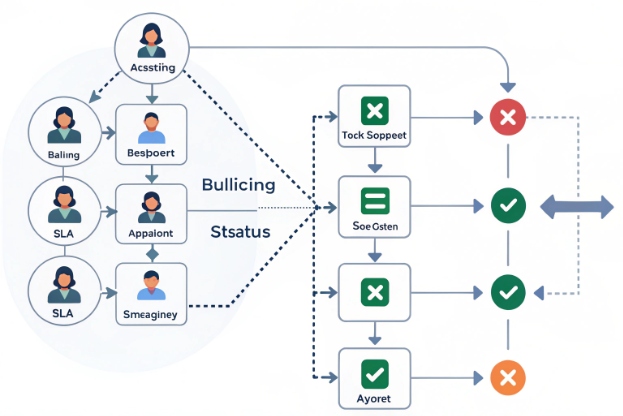
Designing a simple, honest status model
Every platform offers many possible states. The trick is to use only what you truly need for routing and reporting. In most contact centers, the core list looks like this:
| State | What it means in practice | Routing eligible? |
|---|---|---|
| Ready / Available | Can receive new contacts on one or more channels | Yes |
| On Call / Busy | Handling a live voice call | No |
| On Chat / Digital | Handling digital interactions under concurrency limit | Maybe (per rules) |
| Hold | Customer on hold, still responsible for the contact | No |
| ACW / Wrap 2 | Doing after-call work linked to the last interaction | No |
| Not Ready | Logged in but not taking new contacts | No |
| Break / Lunch | Personal time away from the desk | No |
| Meeting / Training | Planned internal activity | No |
| Offline / Logged out | Not on the platform | No |
From experience, the biggest mistake is to create many similar states that mean almost the same thing. Agents then pick random ones. Reporting becomes noisy. Instead, use a short list, then enrich “Not Ready” with reason codes like Lunch, Coaching, System issue, or Project work. This gives you detail without flooding the agent with choices.
Channel-specific readiness is also important. An agent might be Ready for chat with a concurrency limit of three sessions, while also ready for email, but not eligible for voice. Modern platforms let you slice presence per channel, so one person can keep one voice call plus a chat, or two chats only, and so on. It is good to write these rules down and make them easy to see in training.
When designing states, I like to ask two simple questions for each one: does this change routing? Does it change how we report time and pay? If the answer is no to both, the state is probably not needed.
How does status affect routing and SLAs?
If status is wrong, routing breaks. Some agents get hammered, others sit idle, and SLAs fall even though total capacity looks right on paper.
Routing engines only offer new contacts to agents in a Ready state that matches queue and channel rules, so bad status usage directly impacts SLA, AHT, occupancy, and fairness across the team.
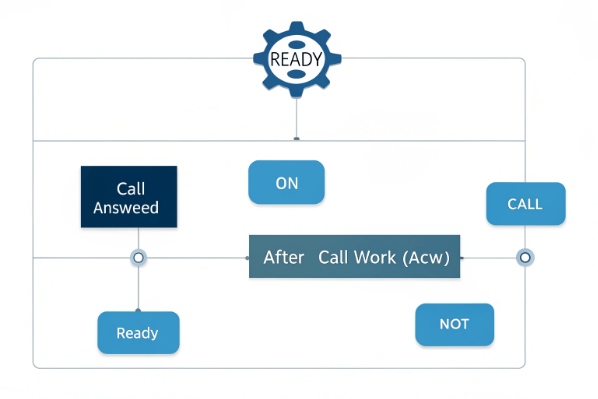
From presence to routing decisions
The automatic call distribution (ACD) routing engine 3 usually checks three things before it sends a new contact to someone:
- Is the agent in a routing-eligible state for this channel?
- Is the agent allowed to handle this queue or skill?
- Is the agent within concurrency limits for that channel?
If the status is Ready for voice, the system can offer a call. If the status is Not Ready or ACW, it will skip that person. For chat, the platform may allow two or three active sessions at once. In that case, status is often “On Chat” plus a counter. The routing engine sees that the agent has not yet reached the cap and can offer another chat.
This logic means every status toggle has real impact. A few agents who stay in Not Ready too long remove capacity from the pool. That delay raises average speed of answer (ASA) 4. When ASA rises, SLA drops. Customers wait longer, and more of them abandon.
Here is a simple mapping:
| Status pattern | Routing effect | SLA impact |
|---|---|---|
| Many “hidden Not Ready” agents | Less capacity than expected | Longer waits, SLA misses |
| Long ACW with no auto-wrap timer | Capacity blocked after calls | Fewer handled contacts per hour |
| Always Ready but high multi-chat | Overloaded agents, slower responses | Rising handle time, CSAT drops |
| Tight status discipline | Predictable capacity | Stable SLAs and fair workloads |
Status, SLAs, and WFM metrics
Contact center workforce management (WFM) 5 depends on time-in-status data. Occupancy is roughly time handling contacts divided by total logged-in time. Shrinkage covers time in Not Ready, Break, Meeting, and other non-productive states. Schedule adherence compares planned vs actual time in “on-queue” states.
If agents misuse status, these metrics lie. For example, if someone takes a long break but stays in Ready while blocking calls with manual rejects, occupancy looks high, but the queue suffers. If another agent does project work while sitting in Not Ready with no reason code, shrinkage seems low, even though capacity is missing.
SLAs are usually defined at queue level. But status behavior often explains why two queues with the same forecast get very different results. When I review SLA problems, I always start with status heatmaps: who spent how much time in each state, and when. Patterns show up fast.
Good status design and coaching make routing fair. They also make SLA commitments realistic. Leaders can then have honest talks with finance and customers about what is possible with current headcount.
Can I automate status changes with rules?
If every state change is manual, agents forget to click. Real-time views fall behind reality, and supervisors chase people all day.
Yes, you can and should automate many status transitions using system events, timers, and business rules, while still giving agents clear manual controls for true exceptions.
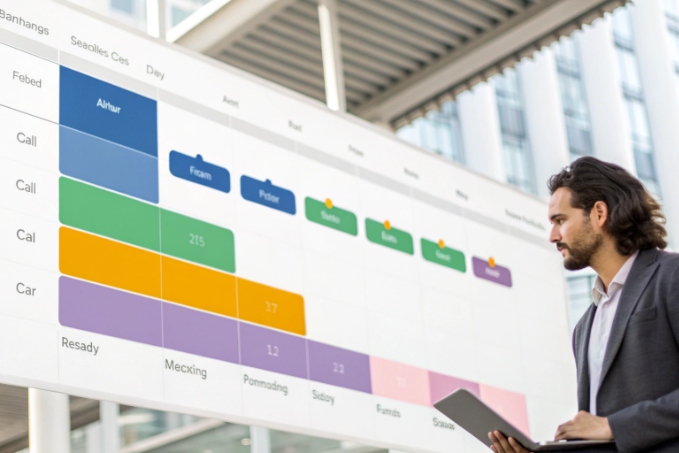
Using events and timers to reduce clicks
Most CCaaS platforms already support basic automation. When an agent answers a call, the system changes status from Ready to On Call. When the call ends, it moves to After-Call Work. After a set wrap timer, it shifts back to Ready. For chat and digital channels, similar events fire when new messages arrive or conversations close.
You can build on this with clear rules:
- Auto-set ACW for a minimum time after each interaction.
- Return to Ready after ACW unless the agent manually picked Not Ready.
- Move agents to Offline after long idle periods to avoid ghost logins.
- Prevent direct jumps from Break to On Call without going through Ready.
Well-tuned rules remove many small clicks. Agents can focus on customers rather than buttons. Status still reflects reality because the system uses actual events to drive it.
Policy-driven and data-driven automation
Beyond basic timers, some teams use policy-based rules. For example, if a queue hits a certain threshold of waiting callers, you can block voluntary Not Ready status for some roles. Or you can limit long “meeting” states during peak hours. These rules need to be transparent and agreed with the team, or they feel punishing.
Data can also drive smarter automation:
- If an agent spends too long in ACW, show a gentle prompt or auto-open coaching content.
- If an agent logs many short Not Ready gaps, suggest a formal Break instead.
- If system health drops, set a special Not Ready reason like “System issue” for everyone so reports stay clean.
Here is a small example of what can be automated:
| Trigger event | Old status | New status | Purpose |
|---|---|---|---|
| Agent answers a call | Ready | On Call | Start handle time and stop routing offers |
| Call disconnects | On Call | ACW | Protect wrap tasks |
| Wrap timer hits 45 seconds | ACW | Ready | Return capacity automatically |
| No activity for 20 minutes | Any | Offline | Clean up stale logins |
| Queue wait exceeds 120 seconds | Not Ready | Ready (optional) | Emergency recovery rule |
In every deployment I have worked on, some level of automation is needed to keep data clean. The key is balance. Automation should support human judgment, not replace it. When in doubt, keep a manual override and involve supervisors in both design and tuning.
How do I audit agent status history?
Without a clear audit trail, status turns into a blame game. Agents feel accused, and leaders feel blind.
You audit agent status history by logging every state change with timestamps, reasons, and actor details, then using reports and exports to analyze patterns, confirm disputes, and feed WFM and coaching.
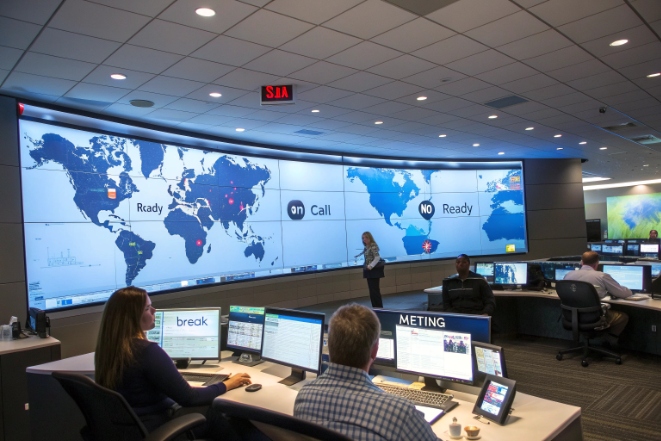
What a good status history needs to show
A solid audit log and call center reporting and analytics 6 setup records each transition as its own row. At minimum, it should include:
- Agent ID and name
- Old status and new status
- Channel or media type (voice, chat, email, etc.)
- Start and end timestamps or duration
- Who or what made the change (agent, system, supervisor API)
- Reason code, if moving into Not Ready or a special state
With this data, you can answer common questions. Did an agent really sit in Not Ready for 40 minutes during peak time? Did a supervisor force someone into Ready without warning? Did a system bug flip many people Offline at once?
Here is a simple structure:
| Agent | From status | To status | Channel | Start time | End time | Changed by | Reason code |
|---|---|---|---|---|---|---|---|
| A123 | Ready | On Call | Voice | 09:12:05 | 09:25:31 | System | |
| A123 | On Call | ACW | Voice | 09:25:31 | 09:26:10 | System | |
| A123 | ACW | Not Ready | All | 09:26:10 | 09:41:03 | Agent | Lunch |
| A123 | Not Ready | Ready | All | 09:41:03 | 09:55:40 | Agent |
Using history for fairness, coaching, and compliance
Status history is not just for catching problems. It is a tool for fairness and improvement. When you see that one agent spends a lot of time in Not Ready due to system issues, that is an IT problem, not a discipline problem. When another agent shows very high occupancy for months, you may need to adjust queues or staffing to avoid burnout.
Auditing also helps with:
- Schedule adherence: match status history to planned schedules and adherence targets 7 and paid breaks.
- Project work: prove time spent on training, meetings, and side tasks.
- Compliance: show regulators or clients that required coverage and monitoring were in place.
- Dispute resolution: check facts when there are disagreements about effort or fairness.
For global teams, I also look at cross-tool presence. If your UC platform, CRM, and CCaaS all track presence, it is dangerous if these systems disagree. Integrations that sync presence help avoid double booking. For example, when an agent joins a long video meeting in the UC tool, the CCaaS side should move to Meeting or Not Ready. Audit logs should show both events clearly.
A healthy culture treats status history as shared truth, not as a weapon. When everyone agrees on the data, conversations about performance, process, and staffing become much easier.
Conclusion
Agent status looks simple on the surface, but it is the backbone of routing, SLAs, fairness, and planning, so clear states, smart automation, and honest audits are worth the effort.
Footnotes
-
Deep dive into Genesys Cloud agent presence, status types, and activity indicators. Back ↩
-
Explains after-call work (ACW), why it matters, and best practices to manage wrap time. Back ↩
-
Overview of automatic call distribution capabilities and routing options for modern contact centers. Back ↩
-
Defines average speed of answer (ASA) and how it relates to service level performance. Back ↩
-
Genesys definition of contact center workforce management, forecasting, scheduling, and real-time performance tracking. Back ↩
-
Contact center reporting and analytics capabilities for monitoring queues, agents, and KPIs in real time. Back ↩
-
Guide to schedule adherence as a key call center metric for staffing efficiency and service levels. Back ↩








