
Echo ruins focus, wastes time, and makes people repeat themselves. It also makes teams look unprepared. It needs a clean fix that sticks.
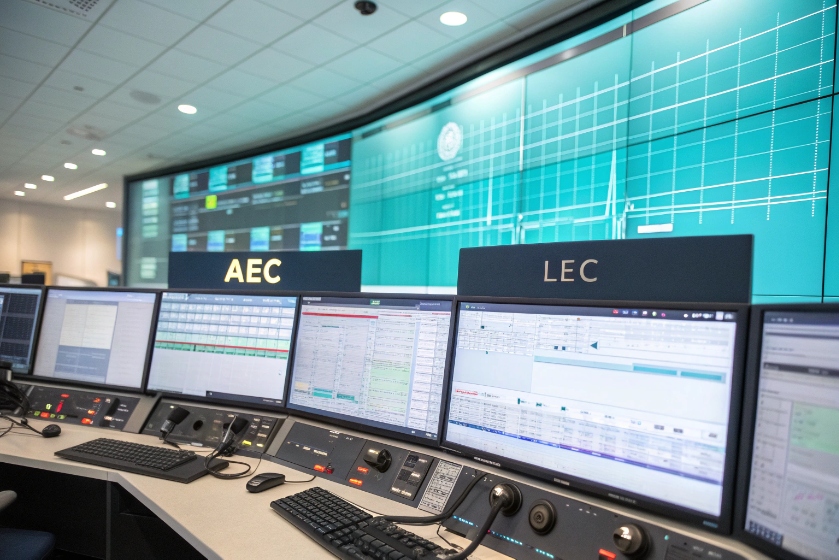
Echo cancellation removes echo by modeling the echo path with an adaptive filter and subtracting a predicted replica from the mic signal. AEC handles acoustic coupling; LEC handles electrical reflections.
Echo control is not one tool. It is a small pipeline. It starts with a reference of the far-end audio, then adapts a filter, then subtracts, then adds residual suppression to mop up what is left. Good systems also detect double-talk, manage delay, and keep quality when rooms or devices change. The sections below turn this into steps you can apply today.
What is Echo Cancellation?
Echo makes calls feel fake. People wait for their own voice to bounce back. Meetings slow down. Sales calls lose pace. Support calls drag.
Echo cancellation uses an adaptive filter to estimate the echo path and subtract it in real time. It enables natural, full-duplex talk without muting or awkward gaps.
Dive deeper
The moving parts, in order
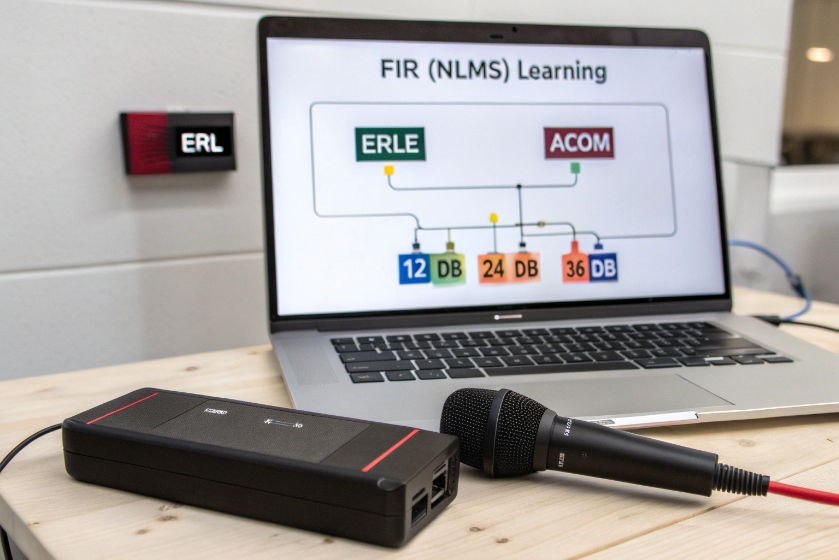
An echo canceller needs a clean far-end reference, the near-end microphone signal, and a path model. The model is an adaptive FIR filter (often NLMS or variants). It learns how the far-end signal leaks back into the mic. The output is an estimate of the echo. The system subtracts this estimate from the mic signal. A non-linear stage (residual echo suppression) then pushes any leftover echo below audibility. A double-talk detector pauses or slows adaptation when both sides speak, so the filter does not chase near-end speech and diverge. A comfort-noise step can mask small artifacts.
Key quality metrics you can read
| Metric | What it means | Good sign |
|---|---|---|
| ERL (Echo Return Loss) | Native loss in the path before cancellation | Higher is better (e.g., >10–15 dB) |
| ERLE (Echo Return Loss Enhancement) | Attenuation added by the canceller | Aim for 20–35 dB+ on speech |
| ACOM (ERL + ERLE) | Total echo attenuation | 30–45 dB+ feels clean |
Latency matters. Every frame, buffer, or resampler adds delay. A longer echo path is harder to track and more annoying to humans. Keep end-to-end delay low. Shorter frames and careful jitter settings help. Modern stacks also add neural residual echo suppression for non-linear junk like aggressive speakers, limiter clipping, or cheap DAC/ADC drift. These models sit after linear AEC and reduce what math alone cannot.
I keep one mental rule: cancel line-of-sight echo with the filter; kill stubborn leftovers with a gentle suppressor, not a sledgehammer.
How do acoustic and line echo differ for me?
The word “echo” sounds the same, but the sources are not. Wrong diagnosis wastes weeks and still misses targets.
Acoustic echo is sound from a speaker re-entering a mic in a room. Line echo is an electrical reflection on hybrids or gateways. AEC fixes rooms; LEC fixes telephony circuits.
Dive deeper
What creates each type
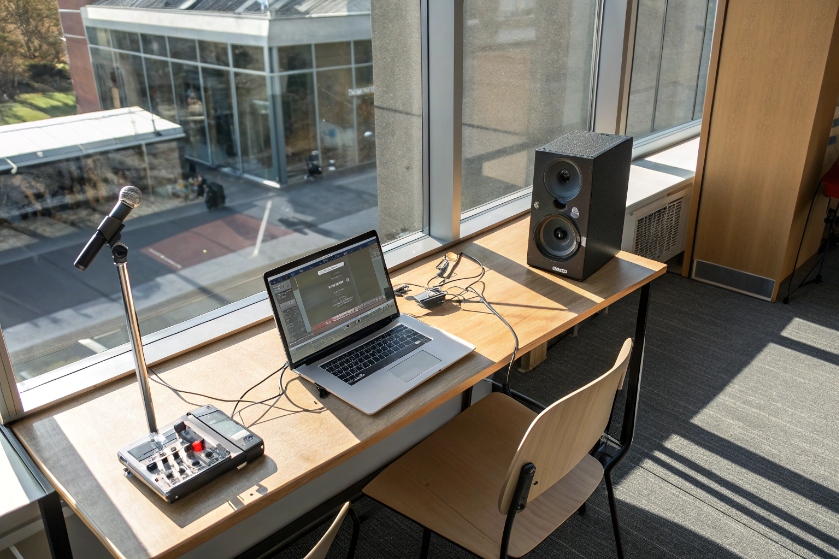
- Acoustic echo (AEC): Loudspeaker audio hits walls, tables, and screens, then the microphone. Open laptops, soundbars, and huddle rooms are common sources. The path is long, time-varying, and often multi-tap with reverb.
- Line echo (LEC): Analog/digital hybrids, impedance mismatches, and two-to-four-wire conversions cause reflections. The path is short and more stable. You will see this around PSTN/T1/E1 gateways, ATA boxes, or legacy PBXs.
How symptoms feel
| Symptom | More likely AEC | More likely LEC |
|---|---|---|
| Echo changes as people move or the laptop shifts | ✅ | |
| Echo present only on PSTN legs or IVR transfers | ✅ | |
| Echo strength grows with room volume | ✅ | |
| Echo persists at the same delay regardless of room | ✅ |
What to deploy
- For AEC: Use device or software AEC with a clean far-end reference. Choose mics close to mouths, speakers away from mics, and add soft materials. Enable double-talk detection. Add residual suppression with mild settings.
- For LEC: Use a G.168-grade canceller in the SBC or gateway. Verify impedance settings, hybrid balance, and country tones. Make sure echo tail length matches the circuit. Keep comfort noise consistent.
Practical triage flow
- Reproduce on a headset. If echo vanishes, root cause is acoustic.
- Route the same call over SIP only. If PSTN legs add echo, treat it as line echo.
- Check fixed delay vs moving delay. Fixed → LEC; moving with room changes → AEC.
- Inspect recordings from both ends. If the far-end hears themself but your local track is clean, echo lives before your recorder (often in the far-end room or network leg).
Which codecs and jitter buffers impact echo?
Codecs and buffers do not create echo from nothing. They can make it easier or harder to remove. Delay is the quiet killer.
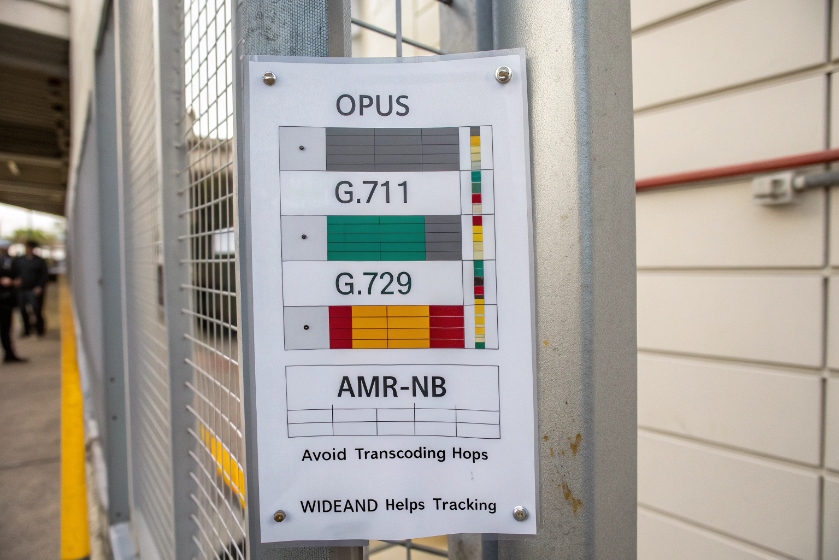
Low-delay, wideband codecs (e.g., Opus, G.711) help AEC track the path. Heavy compression and large jitter buffers add delay and smear transients, which reduces ERLE.
Dive deeper
Codec notes that matter in practice
- Opus (wideband/fullband): Low algorithmic delay, resilient to loss, great for speech and music modes. Opus pairs well with modern AEC and neural res suppressors.
- G.711 (narrowband): Very low algorithmic delay, simple to process, but narrowband. It works well with AEC and LEC, especially over clean LAN/WAN.
- G.729 / AMR-NB: Compressed and efficient but add codec delay and can mask fine structure. ERLE can drop because the adaptive filter sees a coarser reference.
- Transcoding penalty: Each extra encode/decode adds delay and artifacts. Keep the media path clean and avoid needless transcodes on SBCs.
Jitter buffer strategy
A jitter buffer smooths packet arrival. If it is too small, you get choppiness. If it is too large, delay grows and echo gets more annoying. AEC also tracks worse with long, varying delays.
| Setting | Guidance | Why |
|---|---|---|
| Initial size | Start small (e.g., 20–40 ms) | Lower delay helps ERLE and talk flow |
| Max size | Cap it (e.g., 60–120 ms) | Prevent runaway latency |
| Mode | Adaptive with floor and ceiling | Handles bursts without bloating |
| PLC (packet loss concealment) | Enable | Stabilizes reference signal for AEC |
Simple rules
Keep end-to-end one-way latency well under ~100 ms for natural talk. Prefer a single wideband codec across the path. Lock jitter buffer settings to sane limits. If you must use compressed codecs for bandwidth, raise ERLE expectations modestly and rely more on gentle residual suppression.
How do I tune AEC on headsets and softphones?
Many teams enable “AEC: On” and hope for the best. That wastes the best gain. Small, careful steps win.
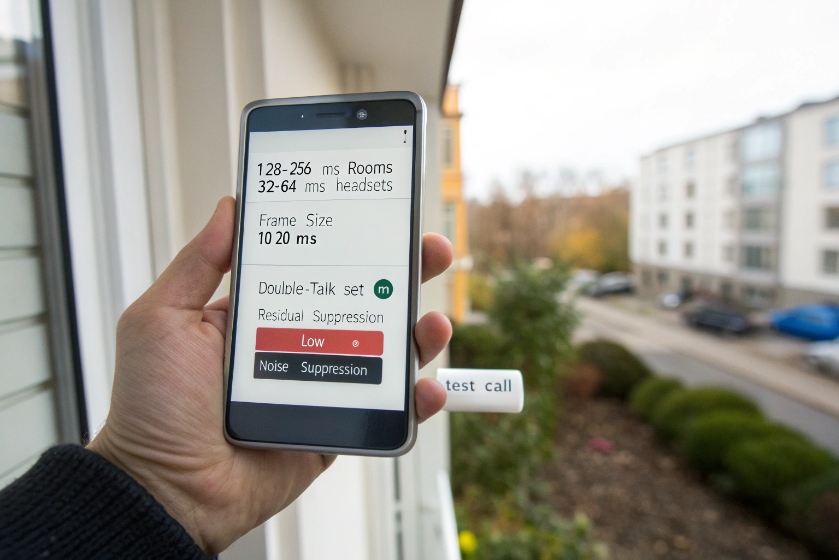
Start with device selection and gain staging, then set tail length, frame size, and double-talk behavior. Add mild residual suppression. Validate with controlled tests, not casual calls.
Dive deeper
Headset setup (fast wins)
- Prefer wired USB for predictable latency and a stable far-end reference.
- Mic placement: Two fingers from the corner of the mouth, slightly off-axis to avoid plosives.
- Input gain: Target healthy peaks at −12 dBFS on speech; avoid auto-gain that pumps room noise.
- Device DSP conflicts: If the OS, softphone, and headset all claim AEC/AGC/NR, you get fights. Pick one stack to own AEC and disable duplicates.
Softphone parameters that matter
| Parameter | Starting point | Notes |
|---|---|---|
| Tail length | 128–256 ms for rooms; 32–64 ms for headsets | Match path length; longer costs CPU and adds adaptation time |
| Frame size | 10–20 ms | Shorter frames track faster; watch CPU |
| Learning rate | Conservative under double-talk | Protects near-end speech |
| Double-talk detection | On | Pause or slow adaptation when both speak |
| Residual suppression | Low–medium | Enough to hide leftovers without “bubbling” |
| Near-end noise suppression | Low | Heavy NR can hurt AEC by hiding reference-like features |
Room endpoints and laptops
- Speaker arrangement: Place speakers away from the mic axis. Limit reflective surfaces near the mic. Add soft items (curtains, panels).
- Echo reference: Ensure the software uses the actual render stream as the reference, not a post-processed monitor.
- Multichannel traps: Stereo playback with high inter-channel coherence confuses linear AEC. Add light decorrelation (time-varying all-pass, small resampling) if your stack supports it.
A quick story: after months of complaints, one team fixed “echo” in a day by killing a second hidden NR in the USB driver that was starving the AEC of a clean reference. Gains often live in these small choices.
What tests confirm my echo is truly gone?
People say “sounds fine now,” then the next customer hears echo again. You need repeatable proof, not vibes.
Use structured AB tests: tone bursts, speech lists, and controlled double-talk. Measure ERLE and record both ends. Pass only if echo stays down across silence, single-talk, and double-talk.
Dive deeper
The five-step validation plan
- Loopback sanity: Call a known clean endpoint. Play pink noise and a 1 kHz tone at defined levels. Verify no clipping and expected latency.
- Single-talk ERLE sweep: Play standardized speech (male + female) from the far-end. Measure near-end mic level with and without AEC. Compute ERLE over voiced segments. Target 20–35 dB+.
- Double-talk robustness: Have both sides read numbers at once. Confirm the canceller stops or slows adaptation. Listen for “underwater” artifacts or speech pumping. intelligibility must remain stable.
- Room change resilience: Move the laptop lid, shift a speaker, or open a door mid-call. A healthy AEC re-converges quickly without a burst of echo.
- Real-world mix: Add background noise (HVAC, keyboard, mild music) at realistic levels. Check that residual suppression mutes only the echo, not near-end speech consonants.
What to log and keep
| Evidence | Why keep it |
|---|---|
| Dual-channel WAVs (far-end ref + near-end mic) | Lets you compute ERLE later |
| Screenshots of settings and versions | Repro across fleets |
| Delay and jitter stats per call | Correlate quality with network state |
| Pass/Fail with notes | Speed future rollouts |
Pass criteria you can ship with
- ACOM (ERL + ERLE) ≥ 30 dB on speech segments.
- No bounce-back during 3-second double-talk windows.
- Re-converge within ~1–2 seconds of a deliberate room change.
- No gating artifacts on soft consonants (“f,” “s,” “t”) at normal speech levels.
If your stack touches the PSTN, add G.168 style checks on the gateway side for line echo: limiters off, correct impedance, proper tail length, and stable comfort noise.
Conclusion
Echo control is a pipeline. Diagnose the type (acoustic vs line), keep delay low with sane codecs and buffers, tune AEC once with intent, and prove results with repeatable tests. Do this, and full-duplex talk feels natural again.








