
Unauthorized dial tone is dangerous. Proper Direct Inward System Access (DISA) 1 setup gives remote staff safe access while blocking fraud.
DISA lets an outside caller authenticate, get PBX dial tone, and place calls through company trunks as if on an internal phone.
I will explain how DISA works, how to make it safe, how to set PIN and whitelists, and how to troubleshoot trunks. Each section uses simple steps, tables, and checklists you can apply today.
How does DISA let external callers dial out through my trunk?
Remote staff need business caller ID and corporate rates. DISA gives both with a short login.
DISA answers a special number or IVR option, asks for a PIN, then returns dial tone. The caller dials a destination, the PBX routes it out the trunk.
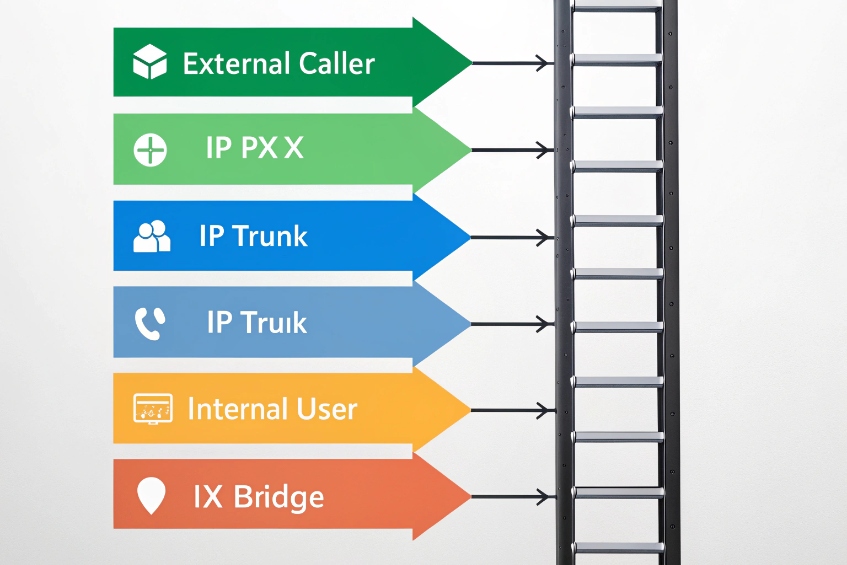
End-to-end call flow in plain steps
Here is the simple sequence most systems follow.
- The external user dials a hidden DID or chooses a private IVR option.
- The PBX plays a PIN prompt. The user enters digits, often ending with
#. - On success, the PBX presents internal dial tone.
- The user dials a destination (extension, local, national, or international) and presses
#. - The PBX matches outbound rules and sends a new INVITE on the SIP trunk 2.
- The far party answers. The PBX bridges the external leg and the trunk leg.
- Caller ID shows the business number, not the user’s mobile.
What parts make this work
- Entry point: DID, IVR, or secure SBC route. Keep it unlisted.
- Authentication: Single PIN or per-user PIN. Optional callback mode.
- Dial plan: Contexts and prefixes that control where calls can go.
- Trunk policy: Allowed caller ID, codecs, and headers (From/PAI).
- Timeouts: Response timeout, digit timeout, and maximum call length.
A quick capability table
| Layer | Requirement | Why it matters |
|---|---|---|
| PBX | DISA application enabled | Provides dial tone after auth |
| IVR | Hidden menu or DID | Reduces casual discovery |
| Auth | PIN and retry limits | Stops brute force attempts |
| Dial plan | Restricted context | Blocks premium or risky ranges |
| Trunk | Correct CLI and routing | Ensures provider accepts the call |
Practical tips
Keep the entry behind an IVR instead of a direct DID. Require # to end input to cut digit timeout delays. Set a max call duration for DISA calls. Log every attempt with ANI, time, digits length (masked), and result codes for audits.
What security risks does DISA pose, and how do I mitigate toll fraud?
DISA exposes dial tone to the public edge. Attackers hunt for it.
Use strong PINs, tight dial plans, rate limits, and network controls. Hide the entry. Monitor and alert on anomalies.

The main risks in simple words
- Toll fraud: Attackers brute-force PINs, then dial premium or international numbers (classic VoIP toll fraud 3).
- Caller ID spoofing: Attackers fake a trusted number if you rely only on ANI.
- Enumeration: Scanners find your DISA DID or IVR path and keep trying.
- Policy bypass: Loose dial plans let DISA users dial ranges your staff cannot.
- Compliance: DISA calls may evade location rules for emergency services.
A layered defense you can deploy today
-
Hide the door
- Do not publish the DID. Place DISA behind IVR. Use a non-obvious key sequence.
- Prefer VPN or SBC access lists for the entry if remote users are known.
-
Strong authentication
- Use 6–10 digit random PINs. No repeats like 111111 or sequences like 123456.
- Rotate PINs on a schedule. Disable after N failures (account lockout).
- Consider per-user PINs to trace usage and revoke fast.
-
Tight dial plan
- Put DISA in a restricted context. Allow only needed country codes and NPA-NXX.
- Block premium (e.g., 900/976), satellite, and high-cost prefixes.
- Strip or add prefixes so routing is exact and predictable.
-
Rate limits and caps
- Limit attempts per source number and per minute.
- Cap concurrent calls and maximum cost/duration per PIN per day.
-
Callback mode
- PBX hangs up and calls back a pre-verified number, then grants dial tone.
- This defeats many spoofing and robodial attempts.
-
Observability
- Send CDRs and failed PIN events to a SIEM log management system 4.
- Alert on spikes, unusual destinations, night usage, or long call chains.
-
Emergency calling policy
- Do not allow 911/112 via DISA. Route emergency calls locally with dispatchable location.
- Publish a clear remote policy to users.
Security checklist (copy, apply, verify)
| Control | Target | Status |
|---|---|---|
| Hidden entry (IVR, no public DID) | IVR | ☐ |
| Strong PIN policy and lockout | Auth | ☐ |
| Restricted DISA context | Dial plan | ☐ |
| Premium/INTL blocks by default | Dial plan | ☐ |
| Callback enabled for high risk | PBX | ☐ |
| Rate limiting and max duration | PBX/SBC | ☐ |
| SIEM/alerting on anomalies | Monitoring | ☐ |
| No emergency via DISA | Policy | ☐ |
How do I configure PIN codes and whitelist numbers for DISA?
Policy lives in the dial plan. PINs prove identity. Whitelists prove intent.
Create per-user PINs, set lockouts and expiries, and place DISA in a dial context that only allows whitelisted patterns and destinations.
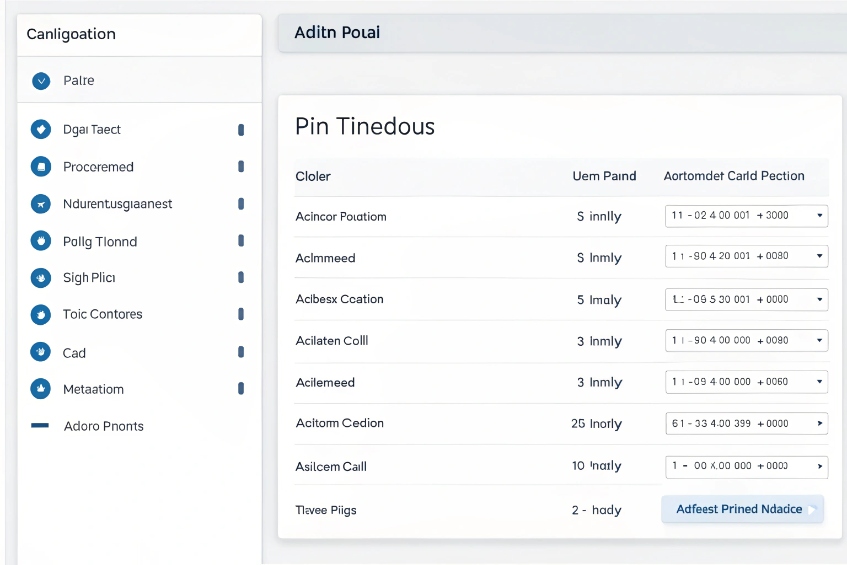
Simple steps to configure PINs
- Create a DISA object in the PBX. Set response timeout, digit timeout, and max call time.
- Choose authentication mode: one global PIN or per-user PINs. Prefer per-user.
- Enforce PIN complexity: length ≥ 6, no sequential or repeated digits, no birthdays.
- Set retry limit (e.g., 3 tries) and lockout period (e.g., 30 minutes).
- Enable PIN expiry and reminders to rotate.
Build a safe whitelist with contexts
Use a dedicated context for DISA. Allow only patterns you need. Keep them short and clear.
| Destination need | Example pattern | Allowed? | Notes |
|---|---|---|---|
| Internal extensions | _1XX, _2XX |
✅ | Site dial plan |
| Local/National | _NXXXXXX, _NXXNXXXXXX |
✅ | Adjust to your locale |
| Company mobiles | _9[2-9]XXNXXXXXX |
✅ | Prefix 9, mobile NPA-NXX |
| International (limited) | _00[1-4]. |
✅ | Only key regions |
| Premium/Satellite | _900NXXXXXX, _00[89]. |
❌ | Block by default |
| Emergency | _911, _112 |
❌ | DISA blocked; route locally only |
Tip: Start with deny-most. Add only what your remote users truly need.
Optional: per-PIN whitelists
If the PBX supports it, bind a route set to each PIN:
- Sales PIN → allow US/CA and certain EU codes.
- Support PIN → allow only domestic and internal extensions.
- Executive PIN → allow broader list with extra alerts.
UX settings that reduce errors
- Require
#to end destination input. - Play a short tone after successful PIN.
- Provide a help IVR key that repeats dialing rules.
- Announce remaining credit/time if you use quotas.
Record keeping
Store PIN owner, scope, created date, expiry date, and last four digits of recent destinations. Mask full numbers in logs. This keeps audits useful and private.
Why do DISA calls fail on my SIP trunk, and how do I debug?
Failures often come from dial plan mismatches, trunk policy, or DTMF timing.
Test inside-out: IVR → DISA → internal, then DISA → local, then DISA → mobile/INTL. Capture SIP, verify headers, codecs, and early media.
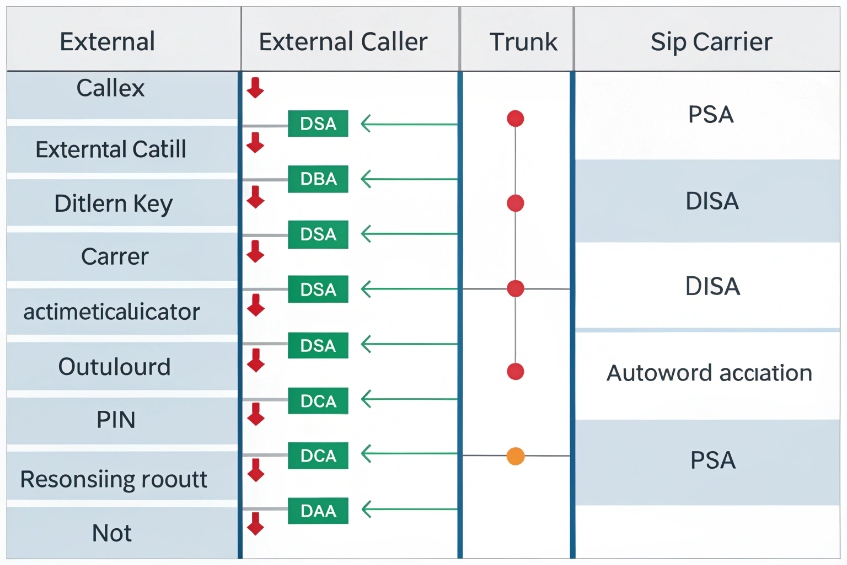
Symptom → likely cause → fast fix
| Symptom | Likely cause | Fast fix |
|---|---|---|
| PIN accepted, but no dial tone | Digit timeout too short; wrong end key | Increase digit timeout; require # |
| Immediate hangup after destination | DISA context lacks route | Add matching outbound rule/pattern |
| Provider 403/480 on trunk | CLI/PAI not allowed | Set From/PAI to assigned DID |
| One-way or no audio | NAT or codec mismatch | Enable symmetric RTP; align codecs (e.g., PCMU/G.729/Opus as allowed) |
| DTMF not recognized | RFC2833/Inband mismatch | Set DTMF to RFC2833 (RTP Events) 5 on DISA leg |
| Random rings, no answer | Carrier blocks premium/INTL | Verify allowed prefixes or send via alternate route |
| Works domestic, fails INTL | E.164 formatting issue | Normalize to +E.164 or carrier-required prefix |
| Long post-dial silence | Early media blocked | Allow PRACK/183; open RTP from provider IPs |
| Intermittent failures | SBC overload or rate limit | Check CPS, increase thresholds or add whitelist |
| Calls fine, billing huge | PIN brute-forced | Lockout, rotate PINs, enable alerts and caps |
A minimal test plan you can run now
- Internal sanity: From an outside line, enter DISA, call an internal extension. If this fails, fix DISA app or DTMF first.
- Local route: Call a local number. Confirm CDR shows the right outbound route and caller ID.
- Mobile: Call a mobile. Listen for early media and ringback.
- International: Try a whitelisted test code. Watch for provider 403/404/488; adjust format or route.
- Header check: In a SIP trace, confirm the trunk INVITE sends the right From, P-Asserted-Identity 6, and RPID. Many carriers need a validated CLI.
- Media check: Verify the final 200 OK contains your public RTP address and a common codec. Enable rtp symmetric or media relay if NAT exists.
- Policy check: Ensure SBC firewalls allow provider IPs and RTP ranges.
- Load check: During busy hours, confirm CPS (calls per second) and concurrent call caps are not throttling DISA.
Logging that actually helps
Turn on CDR tags for “origin = DISA,” include PIN owner ID (not the PIN), and route SIP logs to a central collector. Add real-time alerts for:
- More than N failed PIN attempts in 10 minutes
- Any call to high-cost prefixes
- Total DISA spend or duration over daily budget
A closing reminder
Do not route emergency calls over DISA. DISA lacks dispatchable location and may violate local rules. Keep DISA for business calls, not life safety.
Conclusion
DISA is powerful and risky. Secure the entry, lock the dial plan, enforce strong PINs, and test trunks with a clear, repeatable flow.
Footnotes
-
Official Asterisk DISA app docs: call flow, parameters, and dialplan examples. ↩ ↩
-
Explains SIP trunking and how PBXs connect to carriers over internet-based trunks. ↩ ↩
-
NIST guidance on VoIP security threats, including toll fraud patterns and countermeasures. ↩ ↩
-
NIST best practices for security log collection, retention, and analysis—useful for SIEM design. ↩ ↩
-
RTP telephony-events standard (obsoletes RFC2833) for reliable out-of-band DTMF delivery. ↩ ↩
-
IETF spec defining the P-Asserted-Identity header for verified caller identity in trusted SIP networks. ↩ ↩








