
Many SIP PBX deployments use dozens of numbers, but no one knows which one a caller actually dialed, so routing, reporting, and campaigns become a mess.
Dialed Number Identification Service (DNIS) 1 is the dialed number your SIP PBX receives from the carrier. It tells your system which DID or toll-free number was called, so you can choose the right IVR, queue, language, or campaign.
When a SIP trunk delivers a call, your PBX sees two important numbers: who is calling and which number they dialed. DNIS is the dialed number side. Once this number is visible and reliable, it becomes easy to build rules that send calls to different IVRs, queues, or even different tenants on the same platform. In our SIP PBX and intercom projects, most of the “wrong queue” and “wrong language” complaints come from missing or misunderstood DNIS.
How does DNIS differ from ANI and caller ID?
Many teams mix up DNIS, ANI, and caller ID, so they route calls based on the wrong field and get strange results in reports.
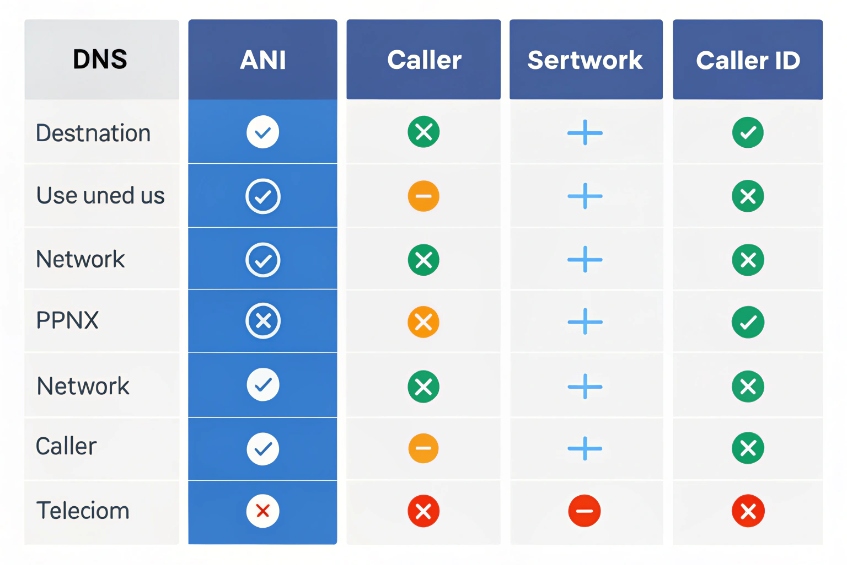
DNIS is the number dialed, ANI is the billing or network-level calling number, and caller ID is what you present to users. DNIS drives inbound routing, ANI and caller ID describe the caller.
DNIS, ANI, and caller ID in simple terms
In a SIP PBX, every inbound call comes with three different ideas:
- DNIS: the destination the caller dialed. This is usually your DID or toll-free number.
- ANI: the Automatic Number Identification (ANI) 2 used by carriers, often equal to the real calling number.
- Caller ID: the number (and sometimes name) that phones and softphones display.
Sometimes ANI and caller ID are the same. Sometimes they are not, for example when a call passes through a contact center or a cloud PBX that changes the display number. DNIS stays focused on the dialed destination, not on the person who is calling.
For most projects, DNIS answers this question: “Which of my numbers did this call hit?” ANI and caller ID answer a different question: “Who seems to be calling me?” When you keep this split clear, it becomes much easier to design routing logic and reports.
Who uses which number and for what
You can think of each field as serving a different stakeholder:
| Signal | What it shows | Who mainly uses it | Typical use cases |
|---|---|---|---|
| DNIS | Number that was dialed | PBX, IVR, routing engine | IVR script choice, queue choice, campaigns |
| ANI | Network calling number | Carrier, billing systems | Billing, fraud control, regulatory tracing |
| Caller ID | Displayed calling number | Agents, end users | Identifying callers, callback from phone list |
When setting up a SIP PBX or contact center, DNIS helps decide where the call goes. ANI and caller ID are more about who the caller is and how you see them on the screen.
Why the difference matters in a SIP PBX
If your routing rules use the wrong signal, the system behaves in confusing ways. For example, some teams try to route VIPs or marketing campaigns based on caller ID while the real goal is to segment traffic based on different inbound numbers. In that case, DNIS is the correct field.
In multi-tenant or multi-brand deployments, one physical PBX often carries many “virtual” businesses. Each brand owns a group of DIDs or toll-free numbers. DNIS allows the same trunk to feed all tenants while the PBX separates traffic just by the dialed number. That is why DNIS is so common with did ranges and toll-free services.
This difference also helps with reporting. You can group calls by DNIS to see which campaigns, ads, or sites drive volume. At the same time, you can group by ANI or caller ID to see repeat callers and customer journeys. When DNIS and ANI are treated as separate fields in CDRs and BI tools, you get both views without confusion.
How do I route calls by DNIS to IVR, queues, or campaigns?
Many contact centers buy extra numbers for new campaigns, languages, or partners, but still send all traffic into one generic IVR and have agents transfer calls by hand.
You route by DNIS by matching the dialed number, then branching to a specific IVR script, queue, or outbound campaign tag. Each dialed number becomes a simple routing key in your SIP PBX.
Start with a clean DNIS map
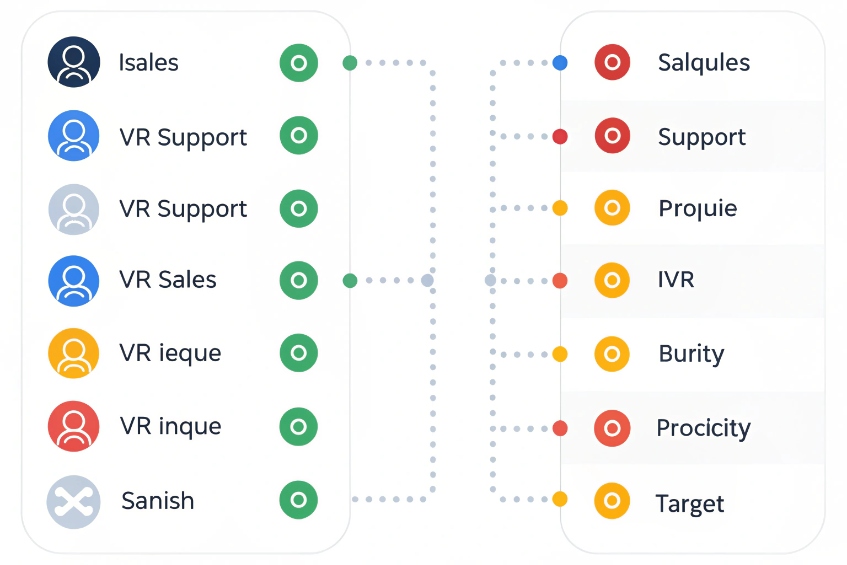
First, make a simple inventory of your numbers. For each DID or toll-free number, decide its purpose. For example:
| DNIS (Dialed number) | Purpose | Target |
|---|---|---|
| +1-800-111-1000 | Global sales | Sales IVR, English queue |
| +1-800-111-2000 | Technical support | Support IVR, mixed queue |
| +1-800-111-3000 | VIP customers | Short IVR, priority queue |
| +1-800-111-4000 | Spanish marketing campaign | Spanish IVR, ES queue |
This table becomes your DNIS map. With this map, you can create inbound rules on the PBX or SBC. In many SIP PBX platforms, each inbound number or pattern can point to a different “destination” object, such as IVR, ring group, queue, or script.
When we design systems for partners, this DNIS map is usually the first sheet we share. The document avoids guesswork and reduces the chance of routing the wrong traffic into a campaign.
Connect DNIS to IVR and queues
Once the map is clear, you tie each DNIS to logic:
- Match the DNIS on the inbound route.
- Set a variable like
CAMPAIGN_ID,LANGUAGE, orBRAND. - Jump to the appropriate IVR script.
- From the IVR, send callers to different queues or skill groups.
In a classic SIP PBX or ACD, this often looks like:
- Inbound rule for +1-800-111-1000 → Sales_IVR
- Inbound rule for +1-800-111-2000 → Support_IVR
- Inbound rule for +1-800-111-3000 → VIP_IVR with shorter menus
- Inbound rule for +1-800-111-4000 → ES_IVR with Spanish prompts
Inside the IVR, you can still play options like “Press 1 for sales, 2 for support”. The key difference is that DNIS defines the default path and language before the caller presses any key.
Use DNIS for campaign and channel tracking
DNIS is also a simple way to track marketing and partner performance. You can assign one or more numbers per channel:
- One DNIS for Google Ads.
- One DNIS for a landing page.
- One DNIS for a partner website.
- One DNIS for print or outdoor ads.
Your SIP PBX or reporting system can then group calls by DNIS and show which channel produced calls, talk time, and conversions. There is no need to ask callers “Where did you see our number?” because the dialed number itself carries that context.
Agents can also see the DNIS on their softphone or CRM screen-pop. When they know which number a customer dialed, they know the product, language, or offer that customer expects. That reduces transfers and speeds up the first response, especially in busy service centers.
How do I capture DNIS in SIP headers and CDRs?
Many admins know that routing is based on DNIS, but later discover that their CDRs only store the caller’s number and extension, not the original dialed number. Reports then lose campaign and channel visibility.
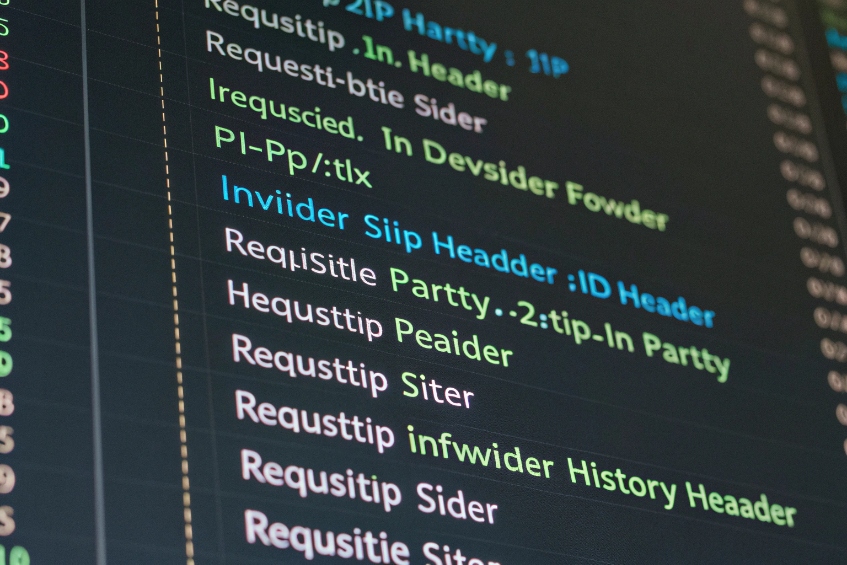
You capture DNIS by reading the called number from SIP headers like Request-URI, To, or P-Called-Party-ID, then saving that value into PBX variables and CDR fields for later reporting.
Where DNIS lives in a SIP message
In SIP, the dialed number usually appears in one or more of these places:
| SIP field | Typical DNIS role |
|---|---|
| Request-URI (R-URI) | Main routing destination in SIP INVITE |
To: header |
Called party number |
P-Called-Party-ID header 3 |
Original called number from carrier/SBC |
History-Info header 4 / Diversion |
Originally dialed number after forwards |
On a simple trunk, the Request-URI user part often contains your DID. In many cases, PBXs map that straight to the extension or inbound route. When there is forwarding at the carrier or an upstream IVR, the R-URI may change. Then the true “originally dialed” DNIS hides in P-Called-Party-ID or a Diversion / History-Info header.
It is important to check your own SIP traces, because different carriers use slightly different patterns and headers.
Storing DNIS inside the PBX
After you know which header is your source of truth, you store that value in internal variables. Common patterns include:
- Mapping the called number to a DID variable on inbound routes.
- Reading
P-Called-Party-IDorHistory-Infointo a custom field if the R-URI is rewritten. - For forwarded calls, treating Diversion as the DNIS and the current R-URI as the “delivery” number.
Then you must write that variable into your CDRs. Many PBX platforms allow:
- Custom CDR fields.
- Custom CDR user fields in a SQL table.
- Log enrichment in a mediation layer or SBC.
Make sure your CDR schema has at least:
- Caller number (ANI).
- Display caller ID.
- DNIS (dialed number).
- Final extension or queue.
When these are separate columns, BI tools and simple SQL reports become much more powerful.
Showing DNIS to agents and applications
Most modern call center apps and SIP phones can show DNIS in the UI. There are several ways to do that:
- Include the DNIS in the “called” or “destination” field that the softphone displays.
- Pass DNIS as part of a CTI event to a CRM for screen-pop.
- Use DNIS as a key to load different CRM layouts or workflows.
For example, a sales DNIS can open an opportunity screen, while a support DNIS opens a ticket screen. In intercom or emergency devices, DNIS can select the correct response profile in a dispatch console.
In our deployments with SIP intercoms and emergency phones, this is very useful. Different help points share the same SIP trunk but use different DIDs or extensions. DNIS tells the dispatch application which site, entrance, or emergency tower the caller dialed, so the operator sees relevant instructions at once.
Why is DNIS missing on my SIP trunk, and how do I fix it?
Sometimes everything looks correct in the PBX, but all inbound calls arrive with the same number, or the “dialed number” seems blank or wrong. Routing then falls back to one default IVR.
DNIS goes missing when the carrier, SBC, or upstream IVR rewrites or strips the called number. You fix it by tracing SIP messages, finding the true DNIS header, and adjusting trunk and PBX mapping.
Common causes of missing or wrong DNIS
When DNIS does not appear as expected, one or more of these is usually true:
| Problem | Typical cause |
|---|---|
| All calls show same called number | Carrier sends pilot number only |
| DNIS is blank in PBX | PBX reads wrong SIP header |
| DNIS changes after forwarding | R-URI overwritten; original number in Diversion |
| Wrong DNIS for toll-free calls | Carrier translation tables not aligned with DIDs |
In some countries, carriers deliver a single “pilot” number to the trunk and rely on DTMF or other methods for routing. In SIP and DID-style deployments, they usually deliver the DID or toll-free number directly, but sometimes they only send the last few digits.
Upstream IVRs or SBCs can also cause confusion. If an IVR routes a call to an agent group and rewrites the Request-URI in the process, your PBX might only see the internal target number and not the original toll-free number. The original DNIS may still be present in History-Info or Diversion, but the PBX configuration may ignore those headers.
Step-by-step way to find the real DNIS
When we troubleshoot missing DNIS for partners, the process is almost always the same:
- Capture a SIP trace with tools like
sngrep5,tcpdump + Wireshark, or the PBX’s own trace. - Look at the initial INVITE from the carrier side of the trunk.
- Inspect Request-URI,
To:,P-Called-Party-ID,History-Info, andDiversion. - Note where the expected dialed number appears.
- Check if a later hop (SBC, IVR, transfer) changes the R-URI or To-header.
- Decide which header should be treated as DNIS in your environment.
Once you find the header that always carries the “originally dialed” number, update the PBX or SBC inbound rules to use that header as DNIS. Some platforms have explicit options like “Use P-Called-Party-ID as DID” or “Use Diversion as original called number”.
Fixing DNIS delivery with the carrier and PBX
If the carrier does not send the number you expect, you may need to open a ticket with them. You can ask for:
- Delivery of full DID in Request-URI.
- Delivery of original number in
P-Called-Party-ID. - Use of Diversion or History-Info for forwarded calls.
On the PBX side, review:
- Inbound DID patterns: do they match the digits the carrier actually sends?
- Any translation rules that strip prefixes or truncate numbers.
- Whether the PBX is configured to trust P-Asserted-Identity, Diversion, or P-Called-Party-ID.
In some systems, a simple change from “Use To-header as DID” to “Use Request-URI as DID” fixes DNIS. In more complex cases, especially with redirections, enabling Diversion support or adding logic in an SBC is the right path.
If you need deeper packet inspection, Wireshark SIP analysis documentation 6 can help you filter INVITEs and confirm which header contains the dialed number.
Once DNIS is restored, you can turn routing and reporting back on. IVRs will select the correct script, queues will receive the right flows, and campaign dashboards will again show which numbers and channels produce value.
Conclusion
DNIS tells your SIP PBX which number the caller dialed, so you can route smartly, show context to agents, and track campaigns accurately across all your inbound numbers.
Footnotes
-
DNIS definition and examples for understanding dialed-number based routing. ↩ ↩
-
ANI overview and how carriers use it for billing and caller identification. ↩ ↩
-
Defines P-Called-Party-ID, often carrying original DNIS when Request-URI is rewritten. ↩ ↩
-
Explains History-Info, useful for tracking originally dialed numbers across forwards and retargeting. ↩ ↩
-
sngrep lets you view SIP call flows live for quick DNIS and header troubleshooting. ↩ ↩
-
Wireshark SIP analysis docs for filtering, decoding, and confirming DNIS in captures. ↩ ↩








