
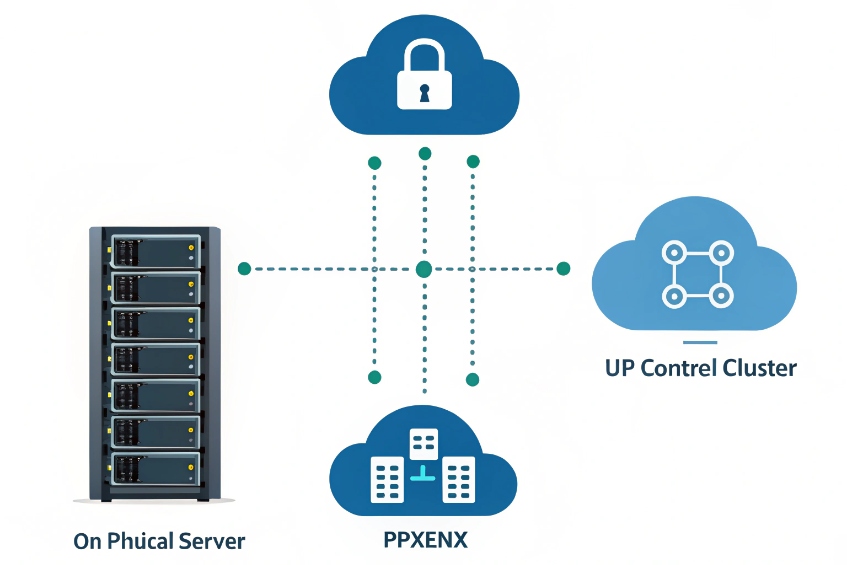
Many companies still run on scattered phones, mobile numbers, and ad-hoc forwarding, so no one really controls call quality, routing, or security.
A Private Branch Exchange (PBX) is my own business phone system. It connects extensions, SIP devices, and SIP trunks, so I control routing, features, recording, and security inside my own domain.
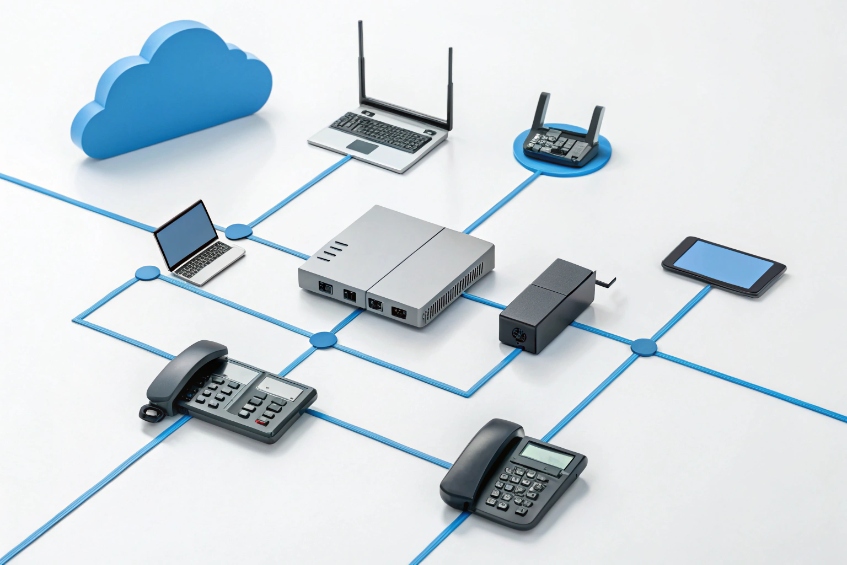
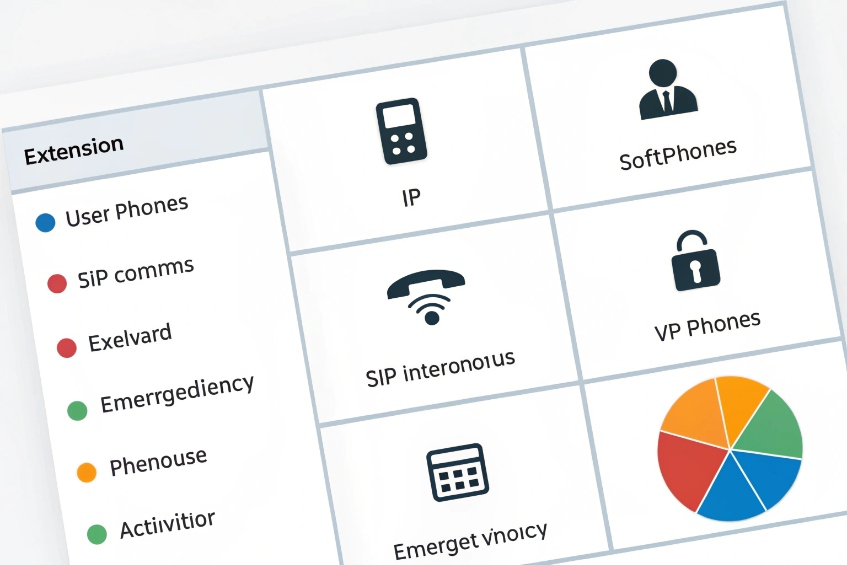
A Private Branch Exchange (PBX) 1 sits in the middle of my voice world. Inside, I have extensions, softphones, SIP intercoms, and paging. Outside, I have Session Initiation Protocol (SIP) 2 devices and SIP trunking 3 to carriers and numbers. The PBX decides how to connect both sides, how to handle busy times, which calls to record, and what to do in emergencies. For a security or building project, this is no longer “just phones”. It becomes the backbone for alarms, door access, elevators, and emergency help points.
How does a PBX differ from a hosted VoIP system?
Many teams compare PBX and hosted VoIP only by price per user, and then they discover too late that control, security, and integration are completely different.
A PBX is my own phone system that I configure and secure. A hosted VoIP system is a provider’s shared platform that I rent as a service with less control but less maintenance.
Deployment models in simple terms
I can think about three main options:
| Model | Who owns core system | Where it runs | Typical use case |
|---|---|---|---|
| On-prem IP PBX | I do | My server / appliance | Sites with strict control and security |
| Hosted PBX | Provider | Provider’s cloud | Fast rollout, low IT overhead |
| Hybrid | Shared | Mix of local and cloud | Branch offices, resilience, migration |
An on-prem IP PBX runs as an appliance or virtual machine in my rack. I control software versions, firewall rules, SIP trunk peers, and local survivability. I can also keep media on my own network, which is very important for security projects and closed environments.
A hosted PBX / hosted VoIP lives in a provider’s cloud. I get a web portal, per-seat pricing, and managed upgrades. I have less freedom to change SIP signalling, routing logic, or special integrations. This is often packaged as Unified Communications as a Service (UCaaS) 4. It can be fine for a standard office, but it is often harder when I want tight links with SIP intercoms, PAGA, or elevator phones.
A hybrid setup gives me both. I might keep a local IP PBX for critical on-site devices and paging, and still use a cloud UC platform for knowledge workers. SIP trunks, DIDs, and routing rules can bridge both sides.
Feature and control differences
At a high level, both PBX and hosted VoIP can offer the classic functions:
| Feature | On-prem PBX | Hosted VoIP |
|---|---|---|
| Extension dialing | Yes | Yes |
| IVR / auto attendant | Yes, often very flexible | Yes, sometimes more limited |
| Ring groups / queues | Yes | Yes |
| Call recording | Local storage, full control | Provider options, quotas, policies |
| Trunk control | I choose carriers and peers | Usually tied to provider’s own trunks |
| Custom SIP integrations | Deep control at protocol level | Often limited or not exposed |
So the main difference is not “what exists” but “who decides and who can change it”. For a security-heavy project, I usually prefer my own PBX (or at least a strong on-site role) so I can integrate SIP intercoms, access control, paging, and emergency routing the way the site really needs, not only the way the provider template allows.
Which PBX features matter for my security project?
When I design a PBX only as “office telephony”, I miss features that are critical for doors, gates, alarms, and emergency flows.
For a security project, I care most about SIP trunk security, E911 handling, integration with paging and intercoms, recording, detailed CDRs, and reliable failover across sites.
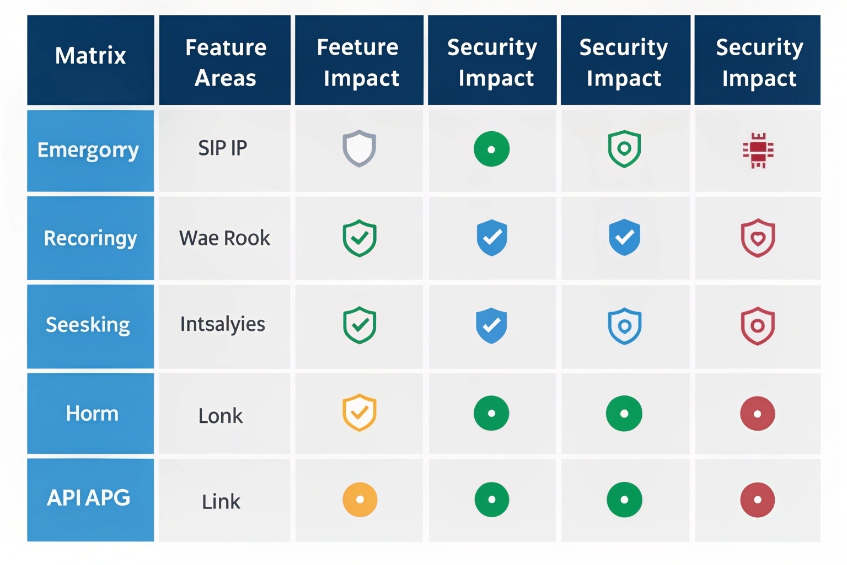
Core PBX features with security impact
The normal PBX feature list becomes more serious in a security context:
| Feature area | Why it matters for security projects |
|---|---|
| SIP trunk control | Protects against toll fraud and misuse |
| Enhanced 911 (E911) handling 5 | Ensures correct caller ID and location for help centers |
| Recording | Supports incident review and training |
| Call detail records (CDRs) 6 / analytics | Proves who called where and when |
| Paging / intercom | Handles live and recorded announcements across zones |
| Integration APIs | Links PBX with VMS, access, and PSIM systems |
For trunk security, I want strong SIP configuration, TLS/SRTP where possible, IP access lists, and rate limits. The PBX should be able to detect strange call patterns and either alert or block them. For media protection specifically, encrypting voice with Secure RTP (SRTP) 7 is a common requirement. For some critical installations, I also separate “business voice” trunks from “emergency / PAGA” trunks.
Operational features for control rooms and SOCs
In a control room, the PBX is a real part of the security stack:
- Operators use special phones or soft clients with BLF, speed dial to cameras and doors, and emergency hotlines.
- Ring groups and queues route calls from SIP intercoms and help points based on zone and priority.
- Paging groups and horn speakers broadcast alerts from the same PBX.
I look for:
- Multi-level ring groups and queues for escalation.
- Skill-based routing for languages, sites, or incident types.
- Wallboard or dashboard that shows active emergency calls, queue depth, and device status.
- Role-based admin so only trusted users can change dial plans, emergency routes, or recording rules.
Resilience and survivability
Security calls must work when everything else is under pressure. So I want:
| Risk | PBX capability that helps |
|---|---|
| WAN or ISP failure | Local SIP gateways or FXO/PRI fallback |
| Server failure | High availability cluster or warm standby |
| Power failure | PoE, UPS, and prioritized switches |
| Cloud outage (if hybrid) | Local routing for on-site intercoms and paging |
In our own deployments with SIP intercoms, industrial phones, and emergency help points, this is often where we spend the most design time. The PBX feature list is not enough. I must see how it behaves when one trunk drops, one server fails, or a whole WAN link goes dark.
Can my PBX integrate with SIP intercoms and access?
In many buildings, the PBX and the access system live in different worlds, so the guard has three screens, two radios, and four handsets.
Yes. A modern IP PBX can treat SIP intercoms, access panels, elevator phones, and broadcast horns as normal SIP endpoints, then use call flows, DTMF, and APIs to control doors and zones.
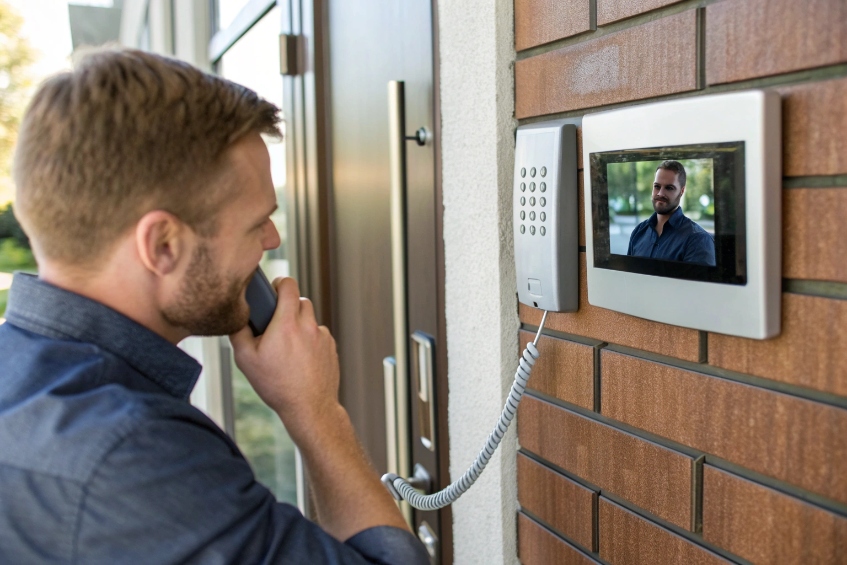
How SIP intercoms look to a PBX
From the PBX view, a SIP intercom is just another SIP endpoint:
- It registers with an extension or a SIP account.
- It can place calls (for example, to a guard group).
- It can receive calls (for remote talk-down and assistance).
- Some models also send video using SIP and ONVIF / RTSP.
This means I can:
- Put intercoms into ring groups or queues.
- Use time conditions (day/night) to route calls to different desks.
- Set caller ID labels so operators see “Gate A” or “Parking Level 2” on their phones.
Door release and DTMF in the call flow
For access, I need one extra trick: remote door or gate control. That usually works with DTMF or SIP messages.
A simple pattern:
| Step | What happens |
|---|---|
| Visitor presses button | Intercom calls PBX extension or group |
| Operator answers | Audio and sometimes video session opens |
| Operator presses DTMF (e.g. 9) | PBX sends DTMF or relay command back to the intercom |
| Intercom triggers relay | Door strike or gate opens for a configured time |
The PBX itself may not fire the relay. The intercom usually does that, based on a code or command that the PBX passes during the live call. So I make sure the PBX does not strip DTMF and that transcoding does not break the tones.
I also like to:
- Log door release actions with time, operator ID, and device ID.
- Use different codes or even two-step checks for sensitive doors.
- Combine audio intercom with video from a VMS on the same screen.
Tying PBX and access together over time
A good design uses the PBX as a voice and signalling hub, not the only access brain. Access control systems still handle badge rules and schedules. The PBX adds:
- Unified audio intercom and paging.
- Voice prompts and IVRs for visitor flows.
- Recorded lines for security calls.
Because we at DJSlink focus on SIP intercoms, emergency phones, and IP PBXs, we see this pattern almost everywhere. The PBX does not replace the access controller. It gives it a voice, connects it to trunks, and lets guards work from a single panel instead of juggling three different devices.
How do I size trunks and extensions correctly?
If I size too small, calls fail or get busy tone at peak time. If I size too big, I buy channels and numbers that sit idle for years.
I size extensions based on people and devices, and I size trunks based on concurrent call demand. Most offices need far fewer trunk channels than extensions, but security and call centers need more.
Counting extensions the right way
Extensions are not only “people at desks”. For a PBX that integrates security, I count:
| Extension type | Examples |
|---|---|
| User extensions | Desk phones, softphones, mobile apps |
| Intercom / access extensions | Door stations, gate intercoms, help points |
| Service extensions | IVRs, queues, voicemail, conferencing bridges |
| Special devices | Elevators, plant phones, emergency phones |
I plan for current devices and at least 20–30% growth. It is cheap to reserve extension ranges early. Renumbering later is painful once devices, door labels, and documentation are in place.
Sizing SIP trunks and concurrent calls
Trunk capacity is about how many calls at the same time, not how many extensions exist. A simple rule of thumb for typical office traffic is:
- Light office: about 1 trunk channel per 4–5 users.
- Normal office: about 1 trunk channel per 3–4 users.
- Call center or security control room: 1 trunk channel per 1–2 active agents.
I also add extra capacity for:
- Inbound campaigns or announcements.
- High-risk periods (storms, incidents, special events).
- Emergency devices that must always get a line.
A small sizing table might look like this:
| Scenario | Users/devices | Suggested channels | Notes |
|---|---|---|---|
| 40-person office, low traffic | 40 | 8–10 | 1:4 or 1:5 ratio |
| 60-person office, active sales | 60 | 15–20 | 1:3 or lower |
| 10-seat control room, many intercoms | 10 agents | 10–15 | Plus reserved capacity for emergencies |
For security projects, I often reserve a small slice of trunks or even a separate trunk for emergency and help-point traffic. That way, marketing campaigns cannot saturate all channels during a busy day.
Testing and adjusting capacity
After go-live, I do not freeze numbers. I:
- Watch peak concurrent calls per day and per week.
- Check call blocking or busy reports from the trunks.
- Increase or decrease capacity as patterns become clear.
With SIP trunks, it is usually easy to adjust channel counts. So I do a careful first estimate, then refine based on real traffic. The main mistake is ignoring non-user devices like intercoms, elevator phones, and paging. These may not call often, but when they do, I want zero risk of a busy tone.
Conclusion
A PBX becomes the voice core of my business and security stack, linking people, SIP intercoms, trunks, and emergency paths under one controlled, well-planned system.
Footnotes
-
PBX basics and history for understanding what sits between extensions and carriers. ↩ ↩
-
RFC 3261 defines SIP signaling your phones and PBX use to set up calls. ↩ ↩
-
Explains SIP trunking and how carriers deliver inbound/outbound calling over IP. ↩ ↩
-
Overview of UCaaS hosted calling when you rent PBX features as a service. ↩ ↩
-
FCC primer on 911/E911 concepts and why location/caller ID handling matters. ↩ ↩
-
CDR definition and fields, useful for reporting, audits, and troubleshooting. ↩ ↩
-
SRTP standard for encrypting voice media, often paired with TLS for signaling security. ↩ ↩








