
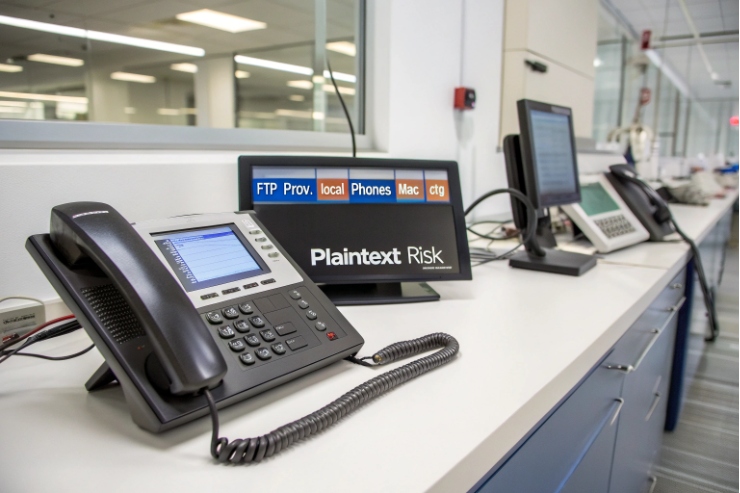
Provisioning can feel simple until a config leak, a failed upgrade, or a phone stuck in a reboot loop breaks the whole rollout. FTP often shows up right there.
FTP is a file transfer protocol that many IP phones can use to pull config and firmware, but it is plaintext by default, so it only fits closed networks or legacy cases—otherwise use HTTPS, SFTP, or FTPS.
The File Transfer Protocol (FTP) 1 is still common in voice projects because it is familiar, easy to script, and supported by older endpoints. The key is choosing it for the right reason, and then putting guardrails around it so “simple” does not turn into “unsafe.”
When does FTP make sense for phone provisioning?
FTP can work great in a lab, then become a liability the moment it touches a shared network or a remote site. That gap surprises many teams.
Use FTP for provisioning only on trusted, segmented networks or for legacy phones that cannot do HTTPS/SFTP/FTPS; for anything exposed, encrypted transport should be the default.
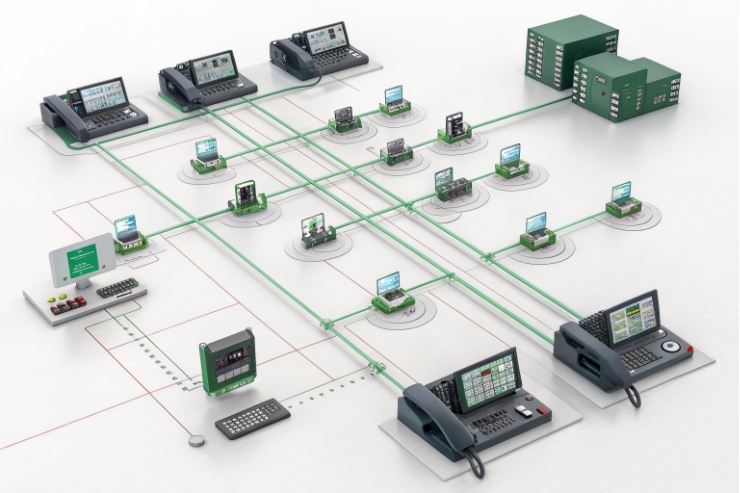
What FTP is doing during provisioning
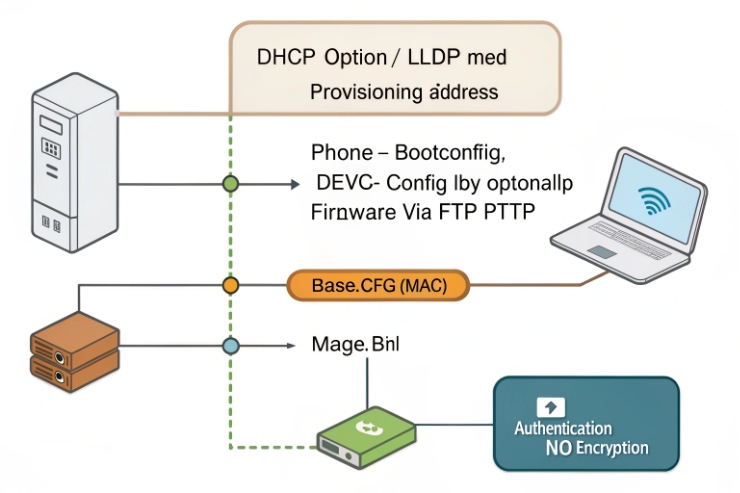
Most SIP phones follow a basic pattern: they learn a provisioning server address, then fetch one or more files (boot config, device config, firmware). The server address may come from DHCP options 2, LLDP-MED, or a manually set provisioning URL.
Common URL formats look like this:
ftp://prov.example.local/phones/{MAC}.cfgftp://prov.example.local/common/base.cfg
Where FTP fits well
FTP is usually fine in these cases:
- Isolated voice VLAN with strict ACLs (only phones → provisioning server).
- Short-lived staging networks for factory burn-in or bench testing.
- Legacy devices that support FTP but not HTTPS or SFTP.
- Large firmware files where you want a straightforward “get file” workflow.
Where FTP is the wrong choice
FTP is risky when:
- The path crosses untrusted networks (WAN, guest VLANs, shared enterprise LAN).
- There is any chance of packet capture by other devices.
- Compliance requires encrypted transport or credential protection.
Quick protocol decision table
| Protocol | Encryption | Authentication | Typical use in provisioning | Main risk |
|---|---|---|---|---|
| FTP | No | Username/password in cleartext | Legacy, closed networks | Credential/config exposure |
| Trivial File Transfer Protocol (TFTP) 3 | No | Usually none | Bootstrapping on LAN | No auth, easy to spoof |
| FTP over TLS (FTPS) 4 | Yes (TLS) | Username/password + TLS | “FTP-style” but encrypted | Cert handling, firewall complexity |
| SFTP | Yes (SSH) | Password or SSH keys | Secure file pulls | Client support varies on phones |
| HTTPS | Yes (TLS) | Optional (basic/token/cert) | Modern default | Needs cert trust + web server |
How do I secure FTP with FTPS or SFTP instead?
A secure transport fixes the biggest FTP problem: plaintext credentials and payloads. It does not fix bad file permissions or weak account design.
Pick SFTP if your phones support it and you want simple firewall rules; pick FTPS if your workflow depends on FTP semantics, and always enforce certificate validation and modern TLS.
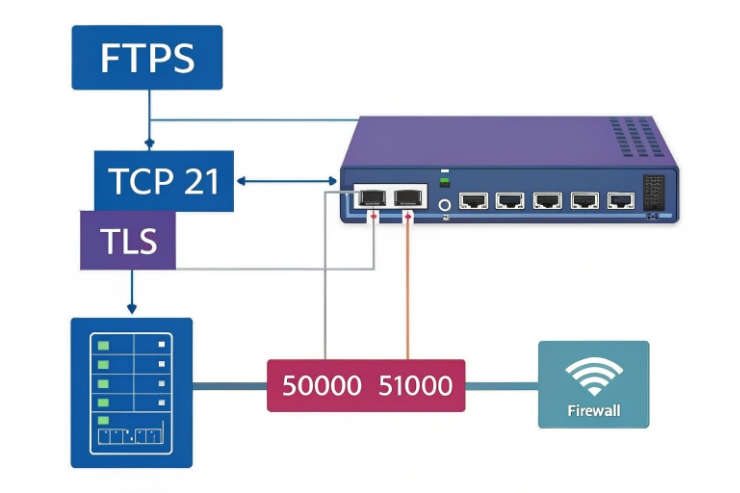
FTPS vs SFTP in plain terms
- FTPS is “FTP + TLS.” It keeps FTP’s control/data channels, plus encryption.
- SFTP is “file transfer over SSH.” It is not FTP at all, and usually uses one port.
Firewall and NAT notes that matter in real deployments
FTPS can be tricky because it still uses separate data connections.
- Explicit FTPS usually starts on TCP 21, then upgrades to TLS.
- Implicit FTPS often uses TCP 990 (less common in provisioning).
For NAT/firewalls:
- Prefer passive mode (PASV).
- Define a narrow passive port range on the server (example: 50000–51000).
- Allow:
- Control: TCP 21 (FTPS explicit)
- Data: TCP 50000–51000 (server → client data ports)
SSH File Transfer Protocol (SFTP) 5 is simpler:
- Allow TCP 22 from phone VLANs to the provisioning server.
TLS and certificate validation (do not skip this)
Encrypted transport is only “secure” when endpoints verify who they are talking to.
- Use a proper certificate chain (internal CA is fine).
- Enable certificate validation on phones where supported.
- Avoid old TLS versions and weak ciphers on the server.
- For practical baselines, follow NIST SP 800-52 Revision 2 6.
Practical recommendation from the field
For most modern projects, HTTPS is the cleanest provisioning transport. When “FTP-like” tooling is already in place, SFTP is often the next best step because it is easier across firewalls than FTPS. For tight voice VLANs with strict ACLs, FTPS can still be acceptable.
Can my phones pull configs via FTP and TFTP?
Many phones can. The real question is whether they should, and how to reduce damage if a device is compromised.
Yes, many SIP phones can fetch configs and firmware via FTP and sometimes TFTP, but TFTP is unauthenticated and plaintext, so it should stay inside a restricted LAN or be avoided.
What TFTP is used for
TFTP is a “minimal” file transfer protocol. In voice networks, it is sometimes used for:
- Simple bootstrapping on a local VLAN
- PXE-like workflows in other device types
But TFTP usually has:
- No user authentication
- No encryption
- Weak controls for who can request what
Safer ways to use legacy protocols
If a site is stuck with FTP/TFTP due to older models:
- Put phones in a dedicated VLAN.
- Use ACLs so phones can only reach:
- Provisioning server
- DNS/NTP
- SIP/RTP as required
- Block phones from reaching the rest of the LAN.
- Avoid sharing the provisioning network with user endpoints.
Boot config patterns that reduce exposure
A simple and common structure:
- A small boot file points the phone to a model-specific config
- A device file is fetched by MAC/serial
Example layout:
/common/base.cfg/models/modelX.cfg/devices/001122AABBCC.cfg/firmware/modelX/1.2.3/image.bin
“Best available” choice table for phone fleets
| Fleet situation | Recommended transport | Why |
|---|---|---|
| New phones, modern firmware | HTTPS | Simple, secure, widely supported |
| Mixed models, some limited support | HTTPS + fallback SFTP | Keep secure default, cover edge cases |
| Legacy-only phones on closed LAN | FTPS or FTP with strict VLAN/ACL | Better than open LAN FTP, still manageable |
| Temporary lab provisioning | FTP/TFTP acceptable | Only if isolated and short-lived |
How do I manage credentials and folder permissions?
Provisioning security is mostly account design and file scoping. Transport encryption helps, but it will not stop an over-permissioned user from reading every device config.
Use per-device or per-site accounts, lock each account into a scoped directory (chroot/jail), and enforce read-only access for configs and firmware so phones cannot browse or overwrite anything.
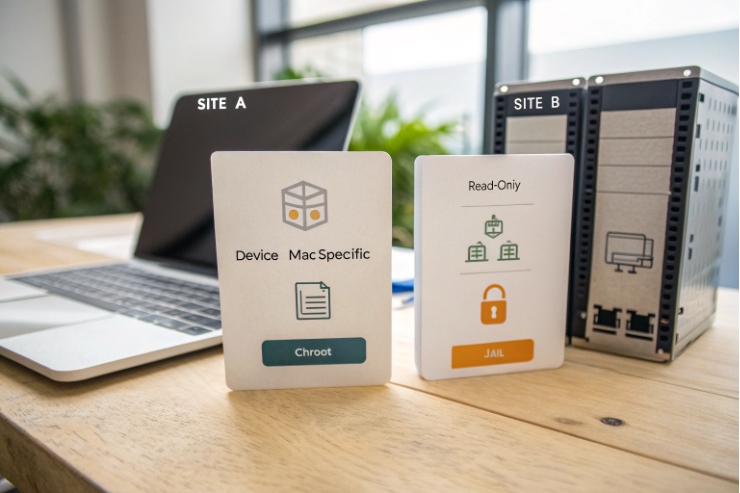
The cleanest model: scoped accounts with read-only access
A strong baseline design:
- One account per device, site, or customer (OEM/ODM style)
- Account can only read:
- Its own config
- Shared base config (if needed)
- Approved firmware folder
- No shell access (for SFTP/SSH setups)
- No write permission for phones
Directory scoping patterns that work
Pattern A: per-device directories
/prov/devices/001122AABBCC/config.cfg/prov/devices/001122AABBCC/firmware/
Pattern B: per-site directories
/prov/sites/siteA/devices/001122AABBCC.cfg/prov/sites/siteA/firmware/
Pattern C: per-OEM customer
/prov/customers/brand1//prov/customers/brand2/
Permission matrix example
| Path | Owner/Group | Phone access | Why |
|---|---|---|---|
/prov/common/ |
root:prov | Read-only | Shared base templates |
/prov/firmware/ |
root:prov | Read-only | Prevent tampering |
/prov/devices/<MAC>/ |
root:prov | Read-only (scoped) | Prevent cross-device leaks |
/prov/staging/ |
ops:ops | No phone access | Avoid partial rollouts |
/prov/logs/ |
root:root | No phone access | Protect audit trail |
Credential hygiene that prevents “silent compromise”
- Use strong, unique passwords per account when keys are not possible.
- Rotate credentials on a schedule, and after any suspected leak.
- Set rate limits and lockouts to slow brute force.
- Log provisioning pulls and alert on:
- Sudden spikes
- Pulls from unexpected subnets
- Repeated failures
In one large campus rollout, the biggest win was not a new protocol. It was moving from one shared “phone/phone” account to scoped credentials per building. It stopped accidental cross-site config pulls right away.
Why do firmware uploads fail or corrupt files?
Firmware failures are usually not “random.” They follow patterns: transfer mode mistakes, firewall issues, timeouts, partial downloads, or integrity checks that were never added.
Firmware uploads fail or corrupt because of interrupted transfers, wrong FTP mode (ASCII vs binary), unstable NAT/firewalls, server limits, or missing integrity checks; fix it with binary-only transfers, checksums, and staged rollouts.
The top causes seen in real provisioning systems
1) ASCII vs binary mode mistakes
Firmware is binary. If any tool or server path uses ASCII transfer, the file can be altered. The result looks like “download succeeded” but the image fails to flash.
2) Partial downloads that look “complete”
Some phones do not handle retries well. A short network blip can produce:
- A truncated file
- A cached bad file
- A reboot loop during upgrade
3) PASV, NAT, and “helpful” firewall ALGs
FTP is sensitive to NAT. A misconfigured passive range or an FTP ALG that rewrites packets can break transfers in ways that only show up under load.
4) Server-side limits
Common culprits:
- Disk full
- File size limits
- Connection limits too low
- Idle timeouts too aggressive
Add integrity checks so corruption is visible
A simple and strong approach:
- Publish a SHA-256 checksum file next to firmware
- Have the phone verify it if supported
- If the phone cannot verify, verify at the server side by:
- Serving only signed/known-good images
- Using HTTP over TLS (HTTPS) 7 with strong TLS and known certificates
Staged rollout tree that avoids half-upgrades
Keep it atomic:
- Versioned firmware folder:
/firmware/modelX/1.2.3/ - A “current” pointer:
- Use a symlink when possible:
current -> 1.2.3 - Or use a small “release” file that points to the target version
- Use a symlink when possible:
- Move a site from old to new by changing one pointer, not by copying files mid-rollout
Troubleshooting checklist table
| Symptom | Likely cause | Fast check | Fix |
|---|---|---|---|
| Download completes, flash fails | ASCII transfer or corrupted file | Compare checksum/file size | Force binary, add SHA-256, re-upload |
| Random failures across remote sites | PASV/NAT/ports | Review firewall logs | Define passive range, open ports, disable FTP ALG |
| Many phones fail at once | Server limits | Check CPU, disk, max sessions | Raise limits, add caching, stagger reboots |
| Some phones stuck in loop | Cached bad image | Check device logs | Clear cache, force re-download, pin version |
| Only large files fail | Timeout/MTU issues | Packet capture, server timeout | Increase timeouts, check MTU/VPN policies |
Conclusion
FTP still has a place, but secure transport, scoped access, and integrity checks turn provisioning from “works today” into “works every rollout.”
Footnotes
-
RFC 959 is the canonical FTP specification—useful for understanding control/data channels and commands. ↩ ↩
-
RFC 2132 lists DHCP options used to deliver provisioning server parameters to endpoints. ↩ ↩
-
RFC 1350 defines TFTP’s minimal, unauthenticated behavior and packet structure. ↩ ↩
-
RFC 4217 explains how FTPS adds TLS to FTP for confidentiality and authentication. ↩ ↩
-
OpenBSD’s sftp(1) manual summarizes SFTP over SSH, including URI format and authentication features. ↩ ↩
-
NIST SP 800-52 Rev. 2 provides practical TLS configuration guidance: versions, ciphers, and certificate validation. ↩ ↩
-
RFC 2818 documents HTTPS as HTTP layered over TLS, including port conventions and security model. ↩ ↩








