
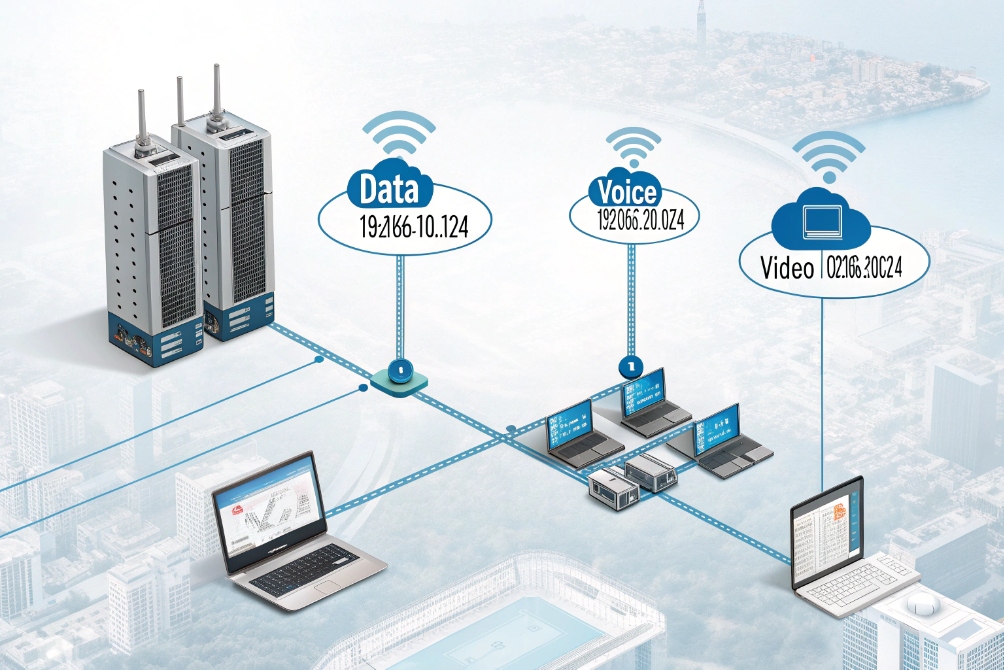
Voice, video, and data often share one flat LAN until calls start breaking and cameras freeze. At that moment, subnetting stops being theory and becomes a real design problem.
A subnet is a logical IP slice with its own network prefix and gateway. Subnetting breaks one big network into smaller voice, video, and data segments so routing, security, and QoS all become easier to control.
Once the idea of “one subnet per VLAN and purpose” is clear, many other choices fall into place: where to put phones, where to put cameras, which masks to use, and how to route between everything without breaking quality.
How do I design voice, video, and data VLANs?
A single flat 192.168.0.0/24 works for ten devices, then suddenly fails when phones, cameras, and PCs all compete. Calls jitter, broadcasts spike, and troubleshooting gets painful.
I map each logical traffic type to its own VLAN and subnet: one for data, one for voice, and one for video/security, then route and enforce policies between them.
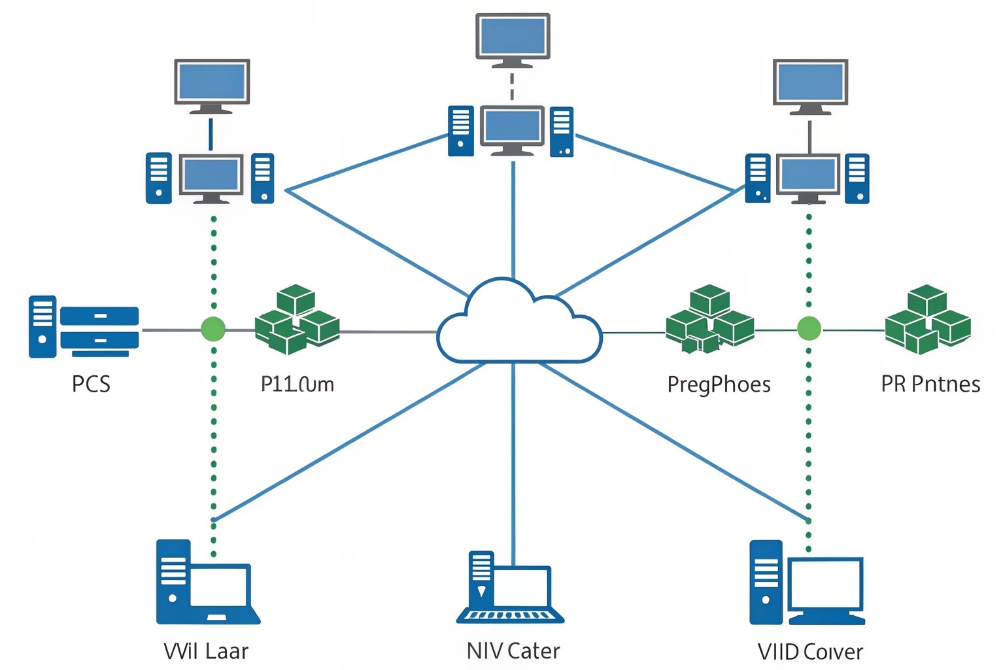
One VLAN, one subnet, one clear purpose
The cleanest design links three things:
- One VLAN ID using IEEE 802.1Q VLAN tagging 1
- One IP subnet
- One business role
For example:
| Purpose | VLAN ID | Subnet | Typical devices |
|---|---|---|---|
| User data | 10 | 192.168.10.0/24 | PCs, laptops, printers, Wi-Fi clients |
| Voice / SIP | 20 | 192.168.20.0/24 | IP phones, SIP intercoms, softphones |
| Video / security | 30 | 192.168.30.0/24 | Cameras, NVRs, video door stations |
Each VLAN gets its own default gateway, usually an SVI (Layer-3 interface) on a core or distribution switch, or a router-on-a-stick interface.
Phones, SIP intercoms, and paging gear sit in the voice VLAN. Video intercom streams and cameras sit in the video VLAN. PCs and servers stay in the data VLAN. This split reduces broadcast noise, limits which devices can talk directly, and sets the stage for QoS.
How phones, cameras, and PCs learn their VLANs
In practice, I want zero manual tagging on endpoints if possible. A typical setup:
- Access ports are in data VLAN untagged.
- Voice VLAN is tagged and signaled with LLDP-MED discovery 2.
- IP phones boot in data, learn the voice VLAN, then re-DHCP in the voice subnet.
- Intercoms or cameras often get fixed VLANs via switch port configuration or DHCP option 132/other vendor options.
DHCP scopes match subnets:
- Scope A for 192.168.10.0/24 → data.
- Scope B for 192.168.20.0/24 → voice.
- Scope C for 192.168.30.0/24 → video.
This lets me:
- Hand out different DNS, option 66/160, and NTP per subnet.
- Point voice devices to the PBX and provisioning servers.
- Point video devices to NVR or VMS endpoints.
DHCP itself does not move packets across subnets. For that, I use a DHCP relay agent 3 on the router or L3 switch, which forwards discover messages to central servers and can add Option 82 (relay information) so the server knows which interface, VLAN, or circuit the request came from. That is useful for policy and tracking in larger sites.
Security and policy per VLAN
Once each traffic type has its own subnet, I can apply targeted rules:
- Allow voice VLAN → PBX, SBC, NTP, DHCP, DNS.
- Allow video VLAN → NVR, VMS, time servers.
- Limit data VLAN access into voice/video except for admins.
Simple ACL examples:
- Block data VLAN from directly reaching cameras, force access through the VMS.
- Block phones from talking to random internet hosts, allow only PBX, SBC, and update servers.
By keeping VLAN and subnet boundaries aligned, every rule becomes easier to reason about. When something breaks, I know which layer to check: port VLAN, IP subnet, default gateway, or firewall in between.
Which CIDR masks fit my sites and growth plans?
Many deployments start with 192.168.0.0/24 “just because”, then new wings, new sites, and more devices arrive. Renumbering hurts far more than planning masks early.
I choose CIDR masks based on realistic device counts plus growth room: /24 for larger user networks, /25–/27 for voice and video, and a consistent scheme per site so I never overlap.
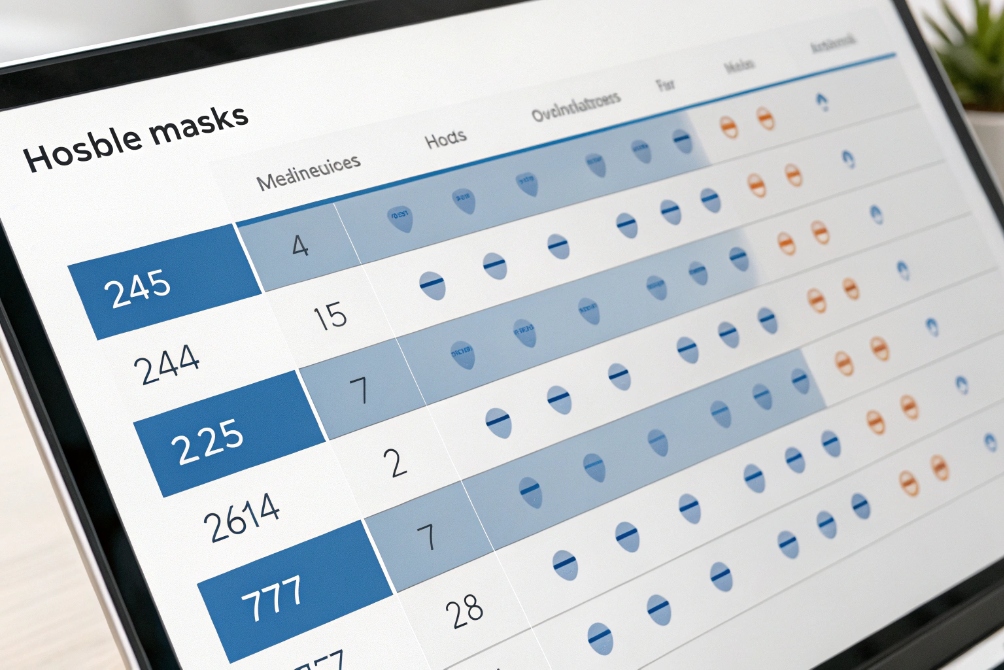
Matching subnet size to real device counts
Subnet masks control how many usable addresses I get:
- /24 ≈ 254 hosts
- /25 ≈ 126 hosts
- /26 ≈ 62 hosts
- /27 ≈ 30 hosts
- /28 ≈ 14 hosts
Most voice or video networks do not need hundreds of devices per site. So I often give data VLANs a /24, and voice and video smaller ranges.
Example per site:
| Subnet | Size | Suggested use |
|---|---|---|
| 10.10.10.0/24 | /24 | Users and Wi-Fi |
| 10.10.11.0/25 | /25 | Voice (phones, intercoms, gateways) |
| 10.10.11.128/26 | /26 | Cameras and NVR |
| 10.10.12.0/28 | /28 | Infrastructure and controllers |
Voice rarely needs more than a /25 in a normal office. Even a call center with 100–120 phones still fits. Video may need more addresses if each camera gets separate IPs for several streams; I adjust based on the real camera count.
Site-by-site IP plan that avoids overlaps
A simple pattern is to reserve a block per site, then slice it the same way each time. For example:
- Site 1 → 10.10.0.0/20
- Site 2 → 10.10.16.0/20
- Site 3 → 10.10.32.0/20
Inside each /20, I keep the same layout:
| Purpose | Site block example |
|---|---|
| Data | x.x.0.0/24 |
| Voice | x.x.1.0/25 |
| Video | x.x.1.128/26 |
| Infra Mgmt | x.x.2.0/28 |
So Site 2 might use:
- Data: 10.10.16.0/24
- Voice: 10.10.17.0/25
- Video: 10.10.17.128/26
- Infra: 10.10.18.0/28
The pattern stays the same, only the high-level block changes. This makes routing tables clean and helps avoid overlapping routes later.
Reserving space for future roles
Phones today may just be SIP handsets. Tomorrow there may be:
- Paging gateways
- SIP speakers
- Door controllers
- Extra SIP trunks and SBCs in the same site
So I do not use every single small block from day one. I leave a few unused /27 or /28 ranges in each site for future “special” VLANs such as:
- Guest Wi-Fi
- IoT / building automation
- Management-only network for switches and controllers
A short spreadsheet or IPAM tool keeps a record:
- Site name
- VLAN ID
- Subnet
- Purpose
- Gateway IP
- DHCP scope and exclusions
This simple tracking avoids surprises and overlapping routes as the network and the security system grow together.
Can I route between subnets without breaking QoS?
Once traffic leaves the access switch and hits the router or firewall, some designs accidentally strip DSCP tags or push voice into a congested queue. Then phones and intercoms glitch.
I route between subnets on Layer-3 switches or firewalls while preserving DSCP markings and giving voice and video their own priority queues, so QoS stays intact across hops.
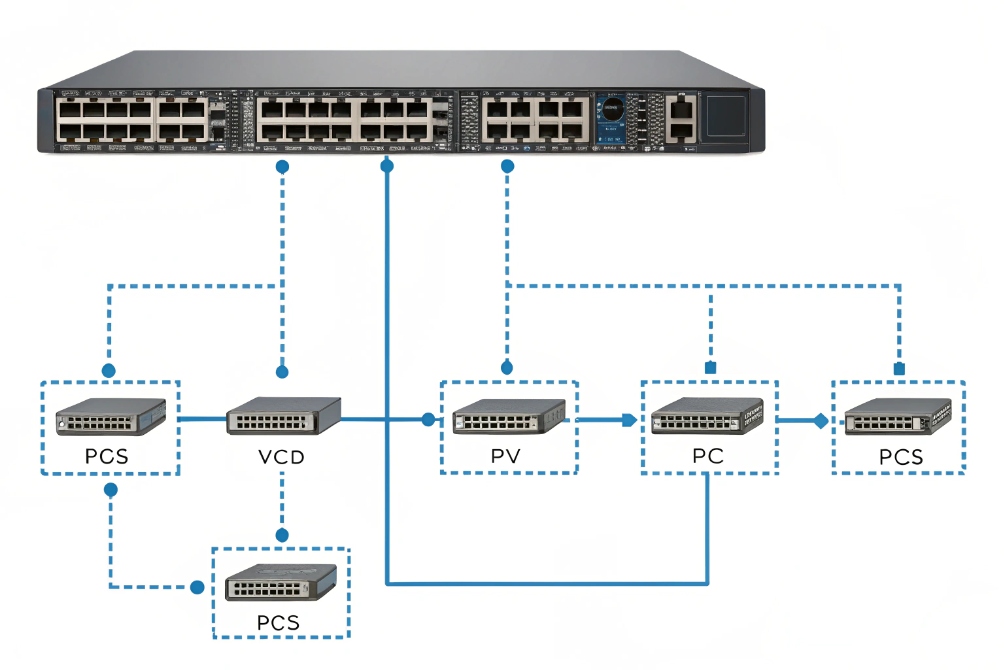
Inter-VLAN routing with QoS in mind
Inter-VLAN routing is what lets a phone in the voice VLAN reach a PBX, SBC, or SIP trunk that sits in another network. This typically happens on:
- A Layer-3 switch with SVIs, or
- A router/firewall with subinterfaces or VLAN interfaces.
Key steps:
- Create one L3 interface per subnet (for example, 192.168.20.1/24 for voice).
- Set that IP as the default gateway for devices in that subnet.
- Enable routing so traffic can move between them.
- Add firewall/ACL rules to allow only the flows you want.
QoS then sits on top of this. The goal is to keep:
- SIP signaling marked correctly (often DSCP 24 or 26).
- RTP media marked EF (46) for strict priority.
- Video at a suitable class (AF41 or similar).
- Data in a lower-priority class.
Keeping DSCP consistent across the path
Several devices can ruin QoS:
- APs or switches that reset DSCP to 0 on ingress/egress.
- Firewalls that re-mark packets by default.
- VPN tunnels that wrap packets but do not copy DSCP bits into the outer header.
So I check:
- Access switches: trust DSCP from phones and intercoms, or re-mark based on voice VLAN.
- Distribution / core: maintain DSCP and give voice/video their own queues.
- Firewalls: inspect rules and disable “default DSCP rewrite” if present.
A small reference table helps keep markings consistent:
| Traffic type | DSCP value | Queue role |
|---|---|---|
| RTP voice | Expedited Forwarding (EF) 4 (46) | Strict priority, low latency |
| SIP control | Differentiated Services Code Point (DSCP) 5 (CS3/AF31) | High but not strict priority |
| Video | AF41 | High bandwidth, less strict |
| Best effort | 0 | Normal traffic |
Once markings survive each hop, I check queuing and shaping on the WAN edge. If the WAN link is smaller than the LAN side, I shape it slightly below the provider rate and give voice a guaranteed slice. That way RTP is never dropped first.
Routing to SBCs, trunks, and cloud without surprises
Many SIP trunks or cloud PBX links go through:
- A local SBC
- A firewall
- One or more WAN hops
Calls drop or stutter if I hairpin traffic unnecessarily or treat SIP and RTP as generic data. So I:
- Place SBCs close to the voice core in routing terms.
- Avoid sending voice to the internet and back into the same site.
- Use policy-based routing only when needed, and keep rules simple.
As long as routing is clean and QoS is preserved, moving from one subnet to another feels transparent to phones and intercoms. The only difference is that security and monitoring become much easier to manage.
Why does my subnetting cause overlapping routes?
Over time, networks grow, consultants change, and someone adds “just one more range” without checking the plan. Later, routing tables show strange behavior and some addresses never respond.
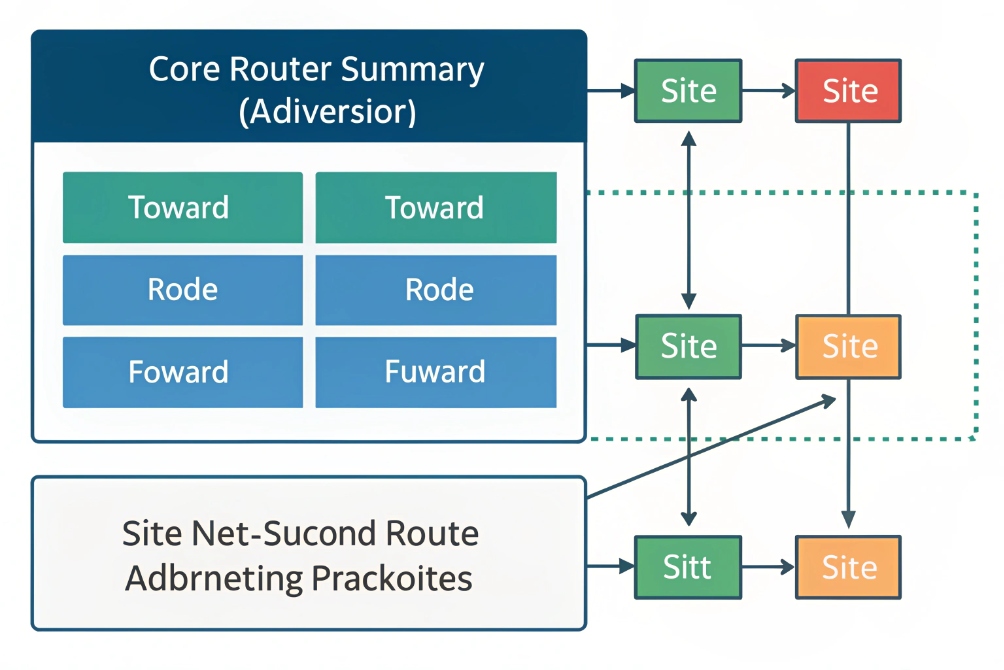
Overlapping routes come from reusing the same IP ranges or misaligned summary routes. I avoid them with a clear IP plan per site, careful summarization, and strict checks before adding new subnets.
How overlaps happen in real deployments
Overlaps often come from small shortcuts:
- Reusing the same 192.168.1.0/24 at multiple sites and then trying to route between them.
- Mixing a broad route (10.10.0.0/16) with a more specific one that conflicts with another site’s use.
- Adding new VLANs without updating the global IP plan or IPAM.
Some examples:
- Site A voice = 10.10.20.0/24, Site B voice = 10.10.20.0/24. A central firewall cannot tell which site to send “10.10.20.x” to.
- Core router has 10.10.0.0/16 static route to Site 1, then Site 2 uses 10.10.20.0/24 via a different path. Packets might go to the wrong place, or route flapping appears.
- VPNs that use the same internal ranges on both ends, so phone subnets collide when tunnels come up.
When this happens, ping tests get strange:
- Some IPs reply from the wrong location.
- Traceroutes show traffic entering the wrong site.
- Phones fail to register because traffic never returns along the expected path.
Tools and habits that prevent overlaps
Good subnetting discipline matters more than any special feature. A few habits help:
- Maintain a single source of truth for all subnets (spreadsheet, IPAM, CMDB).
- Allocate non-overlapping private ranges per site, even if it looks wasteful.
- Use clear naming: “S1-VOICE-10.10.20.0/24”, “S2-VOICE-10.20.20.0/24”, etc.
- Avoid random 192.168.x.0/24 choices; use a structured plan within RFC 1918 private address space 6.
For example, assign each site a unique second octet:
| Site | Global block | Voice subnet | Video subnet |
|---|---|---|---|
| 1 | 10.11.0.0/16 | 10.11.20.0/24 | 10.11.30.0/24 |
| 2 | 10.12.0.0/16 | 10.12.20.0/24 | 10.12.30.0/24 |
| 3 | 10.13.0.0/16 | 10.13.20.0/24 | 10.13.30.0/24 |
No two sites share the same voice or video range, so central routing stays clean.
Summarization and static routes done carefully
Route summarization is powerful but dangerous when misaligned with reality. If I advertise 10.10.0.0/16 from Site 1 but then give Site 2 a subnet inside that range, routers may pull traffic for Site 2 into Site 1 by mistake.
So I:
- Summarize only when I fully control all subnets inside the summary.
- Keep static routes as specific as needed, especially for WANs and VPNs.
- Validate changes with route lookups and small test pings before declaring success.
If you want a quick mental model, route aggregation (summarization) 7 is simply “advertise fewer, larger routes”—but only when your allocation boundaries truly match.
When overlapping routes already exist, the fix is sometimes painful: renumber one site or one subnet. But doing it once is better than fighting subtle routing issues for years.
With a clear plan, new voice, video, and data subnets can be added without fear of hidden overlaps, and multi-site PBX or intercom deployments behave as expected.
Conclusion
Subnetting gives structure to voice, video, and data networks; with clear VLAN mapping, right-sized CIDR blocks, solid QoS routing, and a strict IP plan, phones and intercoms run cleanly without route conflicts.
Footnotes
-
Quick overview of IEEE 802.1Q VLAN tagging and trunking basics. ↩︎ ↩
-
Explains LLDP-MED and how phones learn voice VLAN and policies automatically. ↩︎ ↩
-
Details how a DHCP relay agent forwards DHCP across subnets/VLANs. ↩︎ ↩
-
Describes EF per-hop behavior used for low-latency RTP voice priority. ↩︎ ↩
-
Defines DSCP and DiffServ behavior for marking and handling traffic classes. ↩︎ ↩
-
Reference for private IPv4 ranges (10/8, 172.16/12, 192.168/16) used in enterprise IP plans. ↩︎ ↩
-
Explains route aggregation/summarization concepts and risks when summaries don’t match real allocations. ↩︎ ↩








