
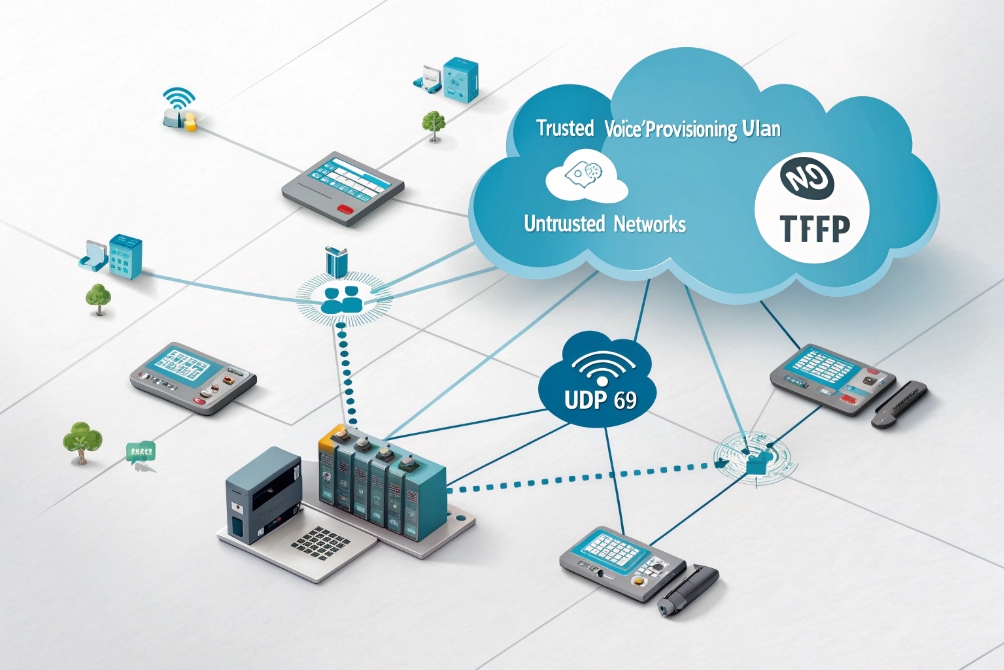
Phone provisioning sounds easy until you face hundreds of devices, random wall adapters, and broken security rules. TFTP is simple, but it can also expose your network.
TFTP is a very simple UDP file service that many IP phones use to fetch configs and firmware. I only use it inside a trusted voice or provisioning VLAN and prefer HTTPS or SFTP for anything exposed beyond my LAN.
In real VoIP and intercom projects, TFTP is not “good” or “bad” by itself. It is just a tool. It becomes useful when you control the network end to end and you want zero-touch boot for phones. It becomes dangerous when someone points it at the internet or lets any client read every config file in the tree. For the protocol specifics, see the RFC 1350 Trivial File Transfer Protocol (TFTP) specification 2.
How do I serve configs and firmware with TFTP safely?
Many deployments start with a quick TFTP server on a laptop or router, then that “temporary” setup silently becomes production for years. That is when risks grow.
To serve configs and firmware safely with TFTP, I keep it on a trusted VLAN, bind it to local IPs only, use read-only directories, and share per-phone files keyed by MAC addresses.
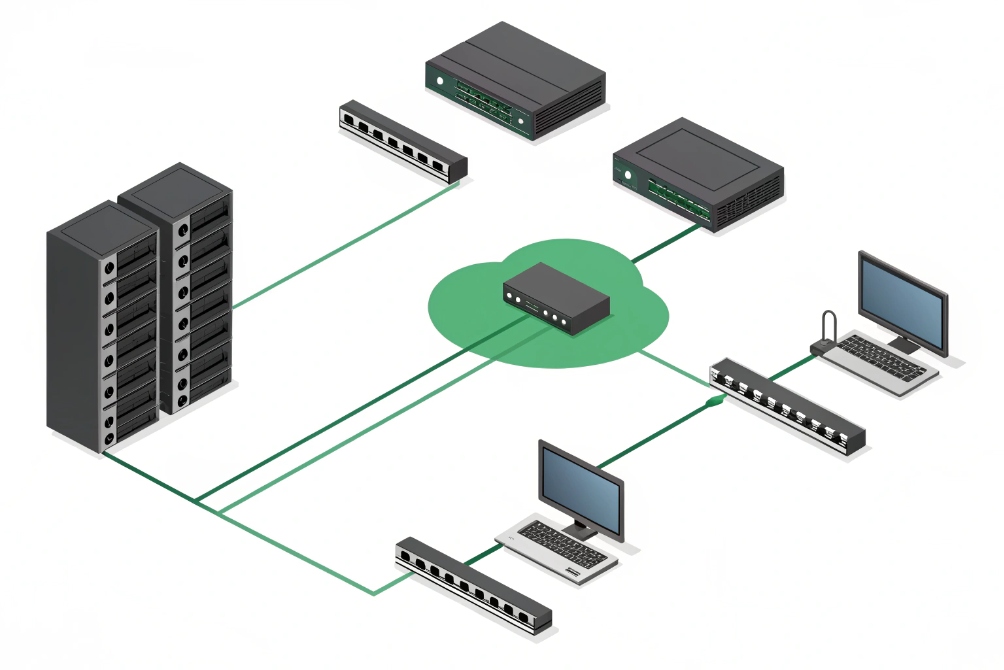
What “safe enough” TFTP looks like on a voice network
TFTP has no login, no encryption, and no directory browsing in the protocol. Anything that reaches the server and guesses a filename can request that file. So the safety comes almost entirely from how the network around it is built.
In most voice deployments, I keep TFTP usage inside a voice or provisioning VLAN that only phones, intercoms, and a few management hosts can reach. No guest Wi-Fi. No random PCs. No internet.
I also bind the TFTP daemon only to a local IP address on that VLAN, never to 0.0.0.0. On a multi-homed PBX or Linux server, that one detail stops other segments from accidentally talking to TFTP.
On disk, I put all phone config trees into a chroot/jail directory. The server only sees that root folder. Inside that I separate per-brand and per-model directories, and I use per-MAC config files such as:
| Device type | Example config file name |
|---|---|
| SIP desk phone | 001122334455.cfg |
| SIP video intercom | DJS-INTERCOM-8899AABBCC.cfg |
| Global defaults | y0000000000.cfg or default |
For most projects, TFTP stays read-only. I disable write or upload if the daemon allows it. That simple step blocks a whole class of abuse where someone tries to overwrite configs or drop malware into the tree.
Firewall rules then wrap it up:
- Only allow UDP 69 and the data ports from the voice VLAN.
- Block TFTP from all WAN and VPN interfaces.
- Log unusual source addresses that talk to the server.
DHCP and file layout for zero-touch phone boot
Phones must learn the TFTP server address without manual clicks. I usually use DHCP options as defined in the RFC 2132 DHCP Options and BOOTP Vendor Extensions 4.
- DHCP Option 66, 150, or vendor-specific options for the TFTP host.
- Voice VLAN DHCP scope that hands out the correct server IP, NTP, and domain.
On DJSlink or other SIP phones, the boot flow is simple:
- Phone joins voice VLAN, gets IP via DHCP.
- Phone reads Option 66/150 for
tftp://server. - Phone requests a model-level config, then a MAC-specific file.
- Phone sees firmware path and version, downloads if needed, reboots.
I keep the directory tree structured and versioned:
| Folder | Purpose |
|---|---|
/tftpboot/common/ |
Shared tones, logos, default configs |
/tftpboot/brandX/ |
Brand-specific templates and firmware |
/tftpboot/brandX/v1/ |
Frozen set for one firmware generation |
/tftpboot/brandX/v2/ |
New firmware, tested, staged for rollout |
To roll out new firmware, I update symlinks or filenames atomically so phones never see half-uploaded images. This avoids corrupted downloads that would otherwise force manual recovery on site.
Can I lock TFTP to a provisioning VLAN only?
If TFTP replies to anything on the LAN, it quickly becomes a scanning target, even inside a “safe” office network. That is not something I want for device configs.
I lock TFTP to a provisioning or voice VLAN by binding it to that subnet’s IP, limiting DHCP scopes, and enforcing ACLs so only phone and intercom addresses can reach UDP 69 and related data ports.
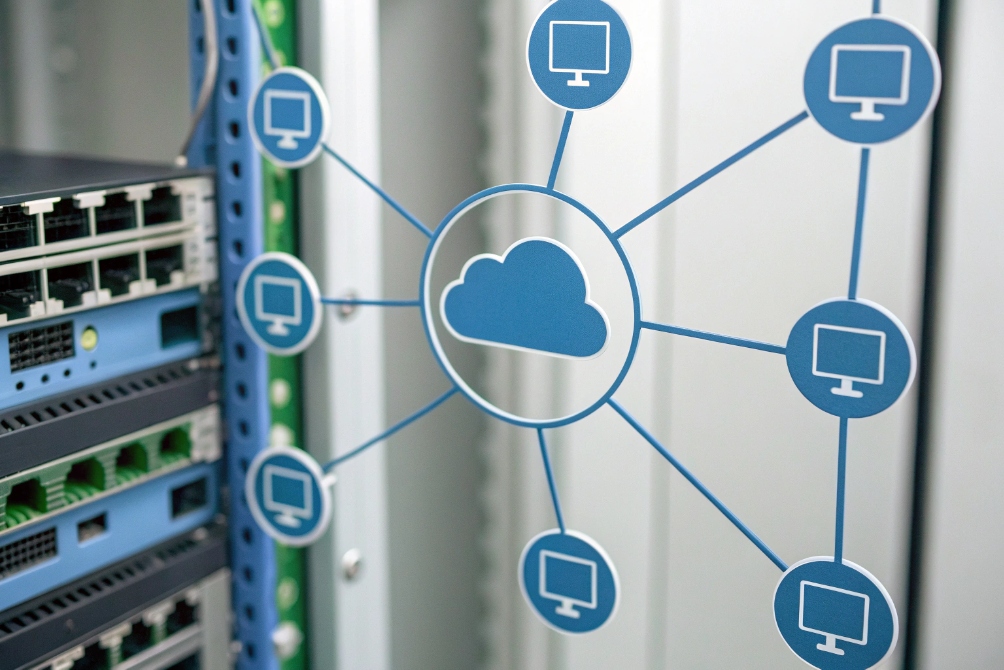
Network design to fence off TFTP
The main protection for TFTP is network isolation, not the protocol itself. I treat the provisioning or voice VLAN as a mini “walled garden” for endpoints that need simple file pulls.
The basics look like this:
| Layer | Control | Goal |
|---|---|---|
| TFTP daemon | Bind to voice VLAN IP only | No service from other interfaces |
| DHCP | Option 66 only in voice/provisioning | Other VLANs never see the TFTP server |
| Switches | Access ports tagged for voice VLAN | Only phones and intercoms in that segment |
| Routing | ACLs per VLAN interface | Block TFTP from data, guest, WAN |
Phones and SIP intercoms connect to access ports that carry data VLAN untagged and voice VLAN tagged. Through LLDP-MED or options, they land in the voice subnet, then they can see TFTP. User laptops or guest Wi-Fi never join that VLAN, so they cannot see TFTP at all.
On the router or Layer-3 switch, I apply simple ACLs:
- Permit
UDP any -> TFTP_IP eq 69only from voice subnet. - Permit the ephemeral UDP data range only from voice subnet.
- Deny all other TFTP traffic, log hits.
Extra hardening with NAC and firewall zones
If the site already uses 802.1X or MAC Authentication Bypass, I tie the phone MAC OUIs or certs to a “voice” role. That role maps to the voice VLAN where TFTP lives. Unknown or untrusted devices drop into a guest VLAN that has no path to TFTP or the PBX.
On the security edge (firewall or SD-WAN), I keep a dedicated “voice zone” for phones and intercoms. That zone can talk to:
- PBX and SBCs.
- Provisioning services (TFTP/HTTPS/SFTP).
- NTP and internal DNS.
It cannot talk freely to user PCs or arbitrary servers. This limits the impact if someone does get a phone config file. They gain very little network reach.
In some projects, I also move TFTP into a temporary provisioning VLAN only used during staging. Phones receive full configs and firmware there, then later join a production voice VLAN where they use only HTTPS for future updates. That pattern removes TFTP from the steady-state design while still giving me simple bulk boot during rollout.
How do I migrate from TFTP to HTTPS provisioning?
Legacy phones love TFTP. Security teams do not. At some point, the question appears: can we stop using TFTP without breaking all existing deployments?
To migrate from TFTP to HTTPS, I run both in parallel, update phone templates and DHCP options to use HTTPS URLs, test a pilot group, then phase out TFTP once all active devices confirm secure pulls.
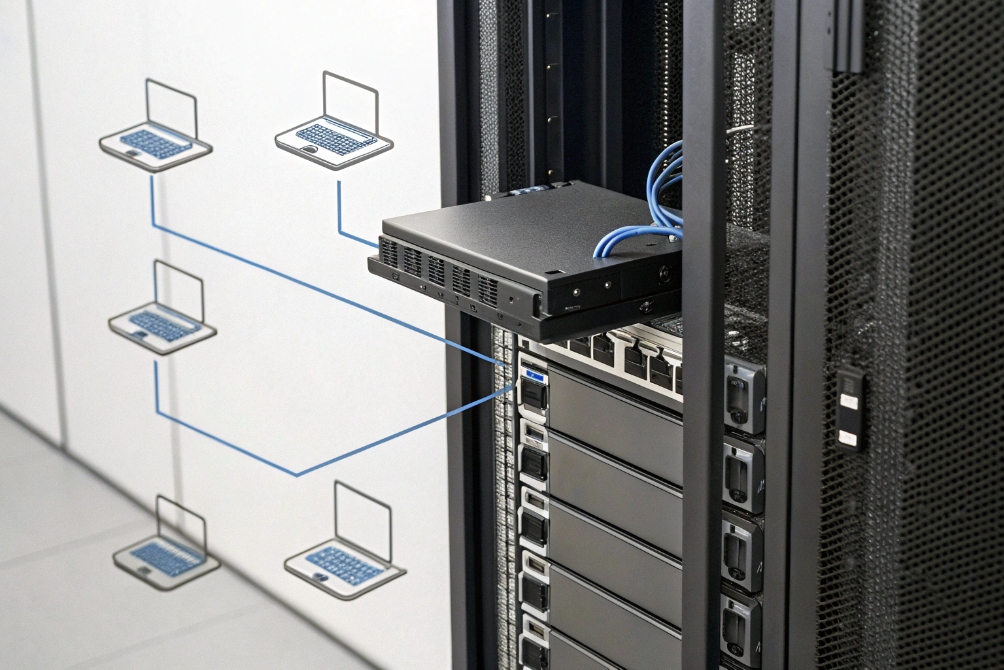
Planning a gentle migration path
A hard cutover from TFTP to HTTPS often fails because some devices still only understand TFTP, or certificates are not trusted yet. I prefer a phased approach that keeps phones stable.
I start by listing which models support HTTPS for provisioning and firmware. Newer SIP phones and SIP intercoms almost always do. Some very old models may need to stay on TFTP inside a limited VLAN.
Then I set up an HTTPS server:
- Use a proper certificate, ideally trusted by phone firmware.
- Serve config trees over
https://prov.example.com/brand/model/mac.cfg. - Mirror the same logical structure that TFTP used.
A simple comparison helps.
| Attribute | TFTP | HTTPS |
|---|---|---|
| Transport | UDP, no encryption | TCP, TLS encryption |
| Auth | None (by default) | Basic, digest, tokens, or certs |
| Directory listing | No | Can be controlled by web server |
| Logging | Very basic | Full web logs and audit |
Next, I update templates in the PBX or provisioning system so new phones point to HTTPS immediately, using either:
- DHCP vendor options with full URL, or
- Hard-coded provisioning URL in the phone profile.
For existing phones, I often keep TFTP as a bootstrap only. A small TFTP config can tell the phone: “Your master config now lives at this HTTPS URL.” After that, almost all provisioning traffic moves to HTTPS.
Rolling out safely and cleaning up TFTP
I always test with a pilot group:
- Enable HTTPS provisioning for a small set of phones and one intercom.
- Confirm they fetch configs and firmware without warnings.
- Check that certificates validate and that credentials or tokens work.
- Simulate failures (server down, wrong path) and verify phones fall back correctly.
Once the pilot is stable, I expand group by group. During this time, the TFTP server remains online but mostly unused, except by truly legacy units.
When the logs show that active devices use HTTPS only, I tighten TFTP:
- Restrict it to a tiny IP allowlist.
- Disable or remove DHCP Option 66 pointing at TFTP.
- Update documentation so new projects never rely on it.
In some cases, I keep TFTP in a lab VLAN only for recovery images or very old devices. Production phones, intercoms, and SIP paging gear then live entirely on HTTPS, which makes security reviews and logging much easier.
Why do TFTP requests time out from remote sites?
In one building, phones pull firmware in seconds. In a remote branch, the same phones sit on “updating…” forever. Wireshark shows retries and timeouts, and users lose patience.
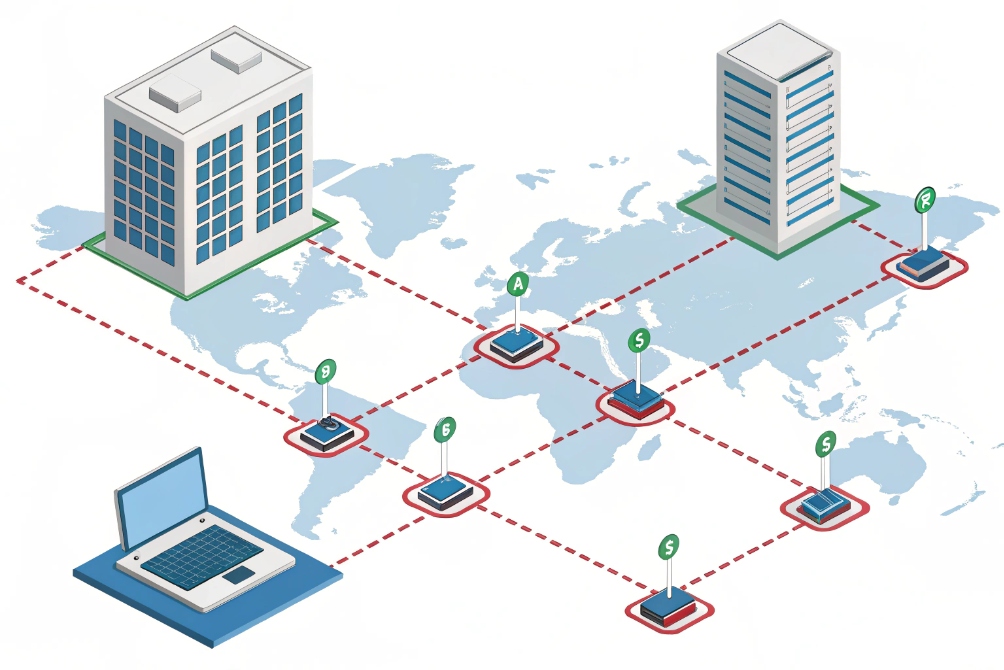
TFTP times out from remote sites when UDP 69 and data ports are blocked, mangled by NAT, or hit by loss and MTU issues. I fix this with proper relays, firewall rules, and often by keeping TFTP local or switching to HTTPS.
Why TFTP hates slow or complex paths
TFTP is small and simple, but that also makes it fragile on long or complex routes. It uses:
- UDP port 69 for the initial request.
- Separate UDP data ports for the actual file transfer.
- No built-in encryption or strong recovery logic.
On the same LAN, this works fine. Across VPNs, SD-WAN, or high-loss WAN links, small UDP packets can disappear silently. Firewalls may allow port 69 but drop the dynamically chosen data ports. Some NAT devices also mishandle TFTP because it is not as common as HTTP or HTTPS.
Typical failure patterns:
| Symptom | Likely cause |
|---|---|
| Phones fail only at remote sites | Firewall or SD-WAN path dropping data ports |
| Small configs work, big firmware fails | MTU issues, packet loss, or low timeouts |
| Wireshark shows many TFTP retries | Loss, jitter, or broken helper configuration |
If routers use TFTP helpers or relay agents, misconfiguration can send replies to the wrong address or inject extra delay. With TFTP’s simple logic, that quickly triggers retries and timeouts.
Practical fixes for remote provisioning
First, I verify that the remote site can reach:
- The TFTP server’s IP from the voice VLAN.
- UDP 69 and the full data port range from phones.
Firewall logs often reveal that only port 69 is allowed, while the ephemeral UDP ports are not.
If the WAN link is fragile, I have three good options:
- Local TFTP at the branch: small VM or router-based TFTP that syncs from central over a more robust protocol like HTTPS or SFTP. Phones then talk to a local server.
- Switch to HTTPS for remote provisioning: one TCP session, better handling of loss, and easier traversal of firewalls and proxies.
- Use staging: pre-load firmware and base configs in the main site, then ship phones to branches with only light config fetches over the WAN.
I also check MTU and fragmentation. If VPNs or tunnels reduce MTU and no one adjusts it, large TFTP blocks may fragment and drop. Using TFTP blocksize options on both sides can help, but at that point HTTPS is usually a better long-term answer.
In short, I treat TFTP as a local-LAN tool. For remote branches with shared WAN or internet transport, HTTPS or SFTP are more robust. TFTP can stay inside small, controlled voice networks where it was originally meant to live.
Conclusion
TFTP is useful for simple, local phone provisioning, but it must live inside a well-designed subnet plan, locked VLANs, and a clear migration path toward secure HTTPS provisioning.
Footnotes
-
Reference diagram of secure SIP provisioning VLAN separation for voice networks. ↩︎ ↩
-
Official TFTP protocol definition and behavior details in RFC 1350. ↩︎ ↩
-
Example small-office topology illustrating where to place a TFTP server and phone VLAN. ↩︎ ↩
-
DHCP option definitions (including Option 66) in RFC 2132 for automated provisioning. ↩︎ ↩
-
Concept diagram for provisioning isolation and routing boundaries across networks. ↩︎ ↩
-
Hybrid provisioning diagram showing parallel TFTP/HTTPS migration architecture. ↩︎ ↩
-
SD-WAN/branch diagram highlighting why remote TFTP paths can be fragile. ↩︎ ↩








