
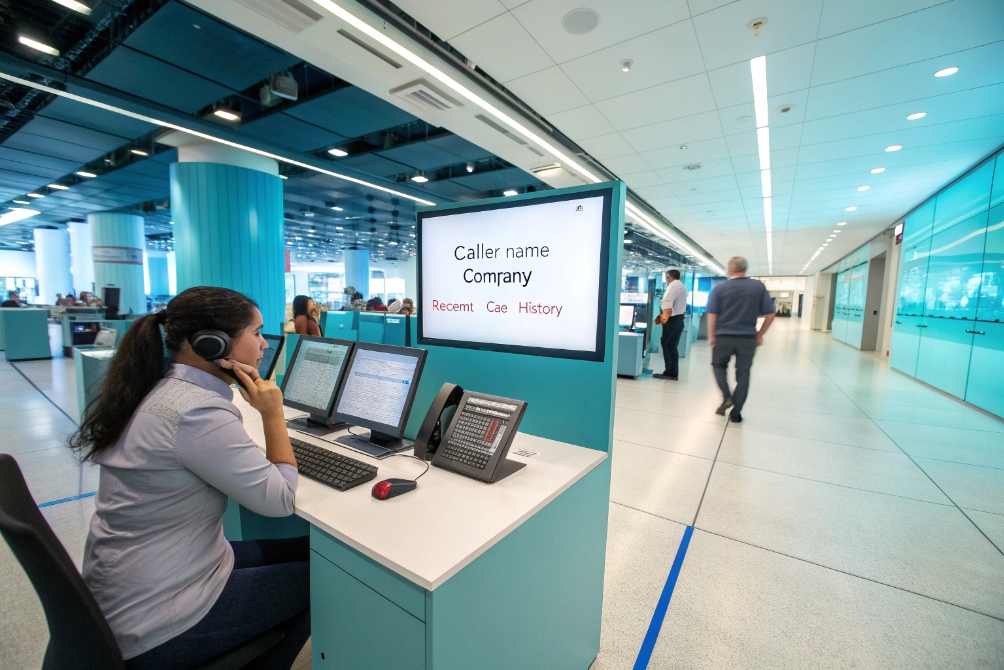
Agents answer calls blind every day, ask the same questions again, and waste the first minute just finding the right record. Customers feel it and lose patience fast.
Call pop (screen pop) automatically opens the right customer or lead record on the agent’s screen as the phone rings, using call data and CTI links to your CRM or helpdesk so conversations start with context, not guesswork.
When call pop is done well, the agent says “Hi Sarah, I see you called last week about your access control project”, instead of “Can I have your name, company, phone number, and case number again?”. Handle time drops, first-call resolution goes up, and every call feels more personal. The key is not only the pop itself, but how you connect it to your CRM, which data you show first, and how you measure the impact on real KPIs.
How do screen pops connect to my CRM?
You already have call logs in the PBX and rich data in the CRM, but agents still click around in three tabs to join them. That gap is what screen pops close.
Screen pops connect to your CRM through CTI: the phone system sends caller and dialed-number data to an integration layer, which looks up the right record and opens it in the agent’s browser or desktop app in real time.
In practice, this is usually delivered through a Computer Telephony Integration (CTI) connector 2 inside the agent workspace.
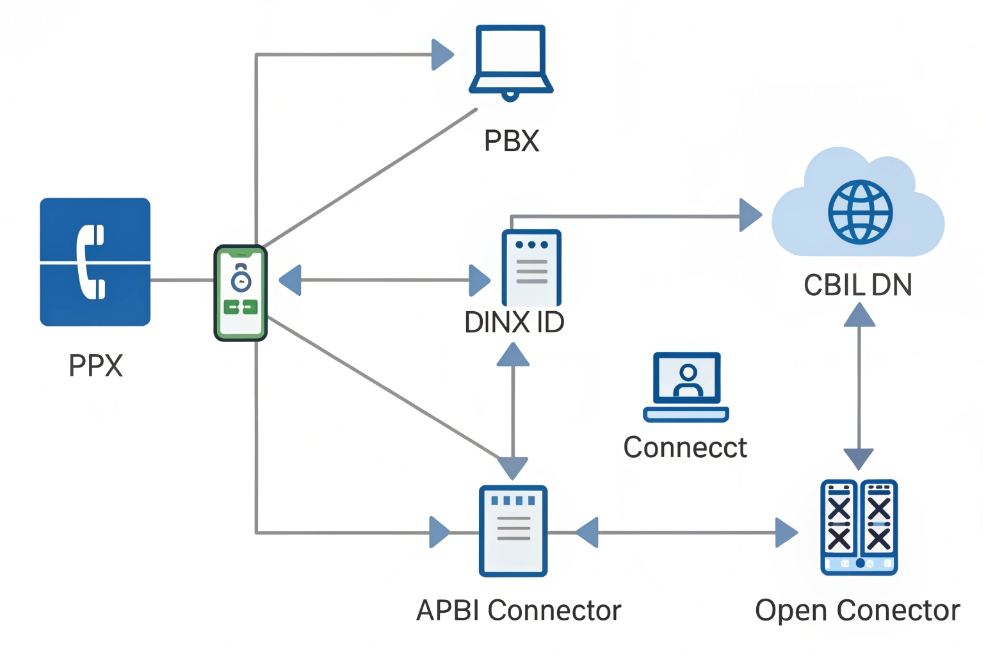
How CTI wiring actually works
At a high level, three systems must talk to each other:
- Your SIP PBX / cloud phone / contact center platform
- Your CRM or helpdesk (Salesforce, HubSpot, Zendesk, etc.)
- A CTI connector or softphone that sits in the agent’s workspace
When a call arrives:
- The PBX receives the call and decides which queue or agent should get it.
- Before or as the phone rings, the PBX or CTI adapter sends an event with:
- ANI (caller’s number)
- DNIS (number dialed or queue)
- Call ID and direction
- The CTI app uses that event to call the CRM’s API:
- It normalizes the phone number (often into the E.164 international numbering format 4) for a clean match.
- It searches contacts, accounts, open tickets, or leads.
- If there is a match, it opens that record or a small unified view.
- If there is no match, it can:
- Open a new record form with the number pre-filled.
- Show a generic “unknown caller” screen.
A simple map of the data flow:
| Step | System | What it does |
|---|---|---|
| 1 | PBX / UC | Detects call, decides destination |
| 2 | CTI connector | Receives call event with ANI/DNIS |
| 3 | CRM | Finds or creates the right record |
| 4 | Agent UI | Shows pop with context |
Where you configure the pop behavior
Depending on your tools, you usually adjust:
-
In the CRM
- Which entities to search first (contact, account, case).
- What to show if there are multiple matches.
-
In the CTI / softphone
- When to pop (on ring, on answer, after IVR).
- How to handle outbound pops (open record when agent dials out).
-
In the PBX
- Which queues or numbers trigger pops.
- Which call metadata should be sent in events.
Once this link is in place, your IP phones, SIP intercoms, and softphones stop being “dumb endpoints”. They become part of a complete workflow where the call and the customer record show up together, not as two separate worlds.
Which data should my agents see first?
If you throw the whole CRM page at the agent, they will scan for ten seconds while the customer waits in silence. Too much data can be as bad as none.
Agents should see a short, focused summary first: who the caller is, why they might be calling today, and what is currently open, with deeper details one click away.
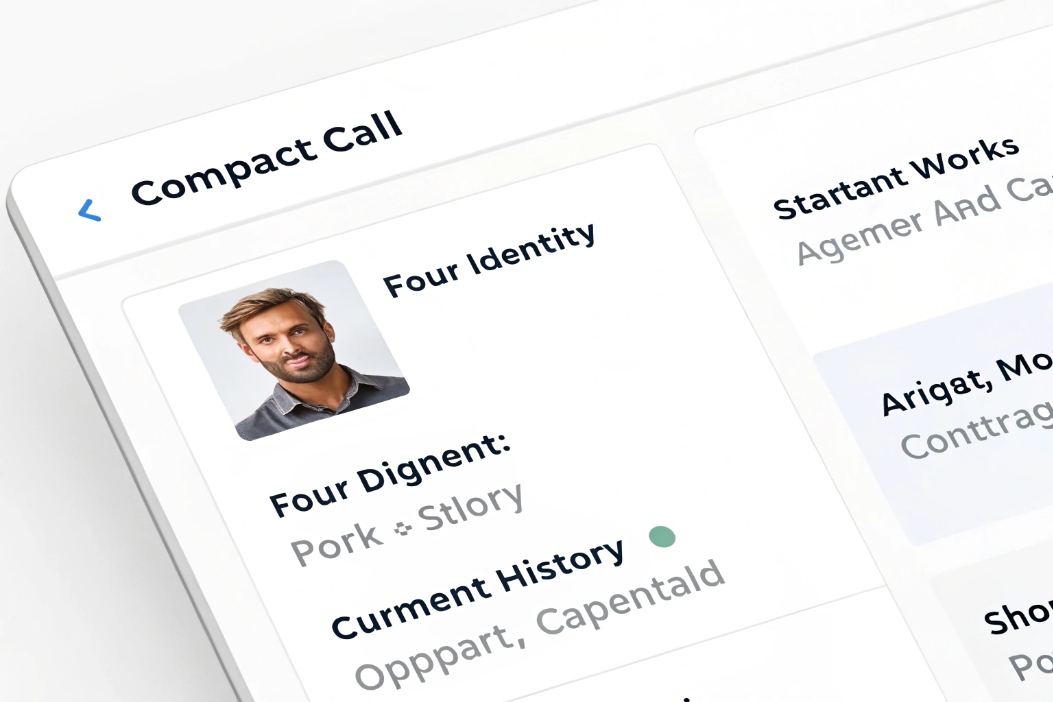
Designing a useful first screen
Think of the call pop as a one-glance dashboard, not a full CRM page. The top section should answer three questions:
-
Who is this?
- Name and company
- Role or segment (VIP, partner, reseller, etc.)
-
What is the relationship?
- Status (lead, active customer, trial, high-risk, etc.)
- Key product or contract details
-
What is happening right now?
- Open tickets or deals
- Last interaction and its outcome
Here is a simple layout:
| Section | Fields to show first | Why it matters |
|---|---|---|
| Identity | Name, company, phone, email | Confirms who you talk to |
| Status | Customer tier, account status, MRR / key product | Guides tone and options |
| Current work | Open ticket(s), open opportunity, due tasks | Avoids duplicate questions and promises |
| History snippet | Last 2–3 interactions with date and channel | Gives context without scrolling |
Below that, you can add tabs or links for:
- Full timeline
- Quotes, orders, RMA
- Contracts and billing
- Technical details or site info
Keep it small, fast, and safe
Some simple rules keep pops agent-friendly:
- Limit the first view to one small panel that fits next to the softphone.
- Avoid loading ten related lists by default; that slows everything down.
- Respect field-level security so agents only see what they need.
- Hide or mask sensitive data (card numbers, full IDs) in the pop itself.
For many teams, the biggest win is not some fancy AI. It is a small, clean card that loads in under a second and shows the top five things an agent actually uses in the first minute of the call. Everything else can be one click away.
Can I trigger call pops by ANI or DNIS?
Some customers call from the same number every time. Others call a shared line, like “Technical Support” or “Order Hotline”. Both the caller and the dialed number are strong signals.
Yes. You can trigger and shape call pops by ANI (caller number) and DNIS (number dialed), so the system finds the right record and opens the right view for that specific entry point.
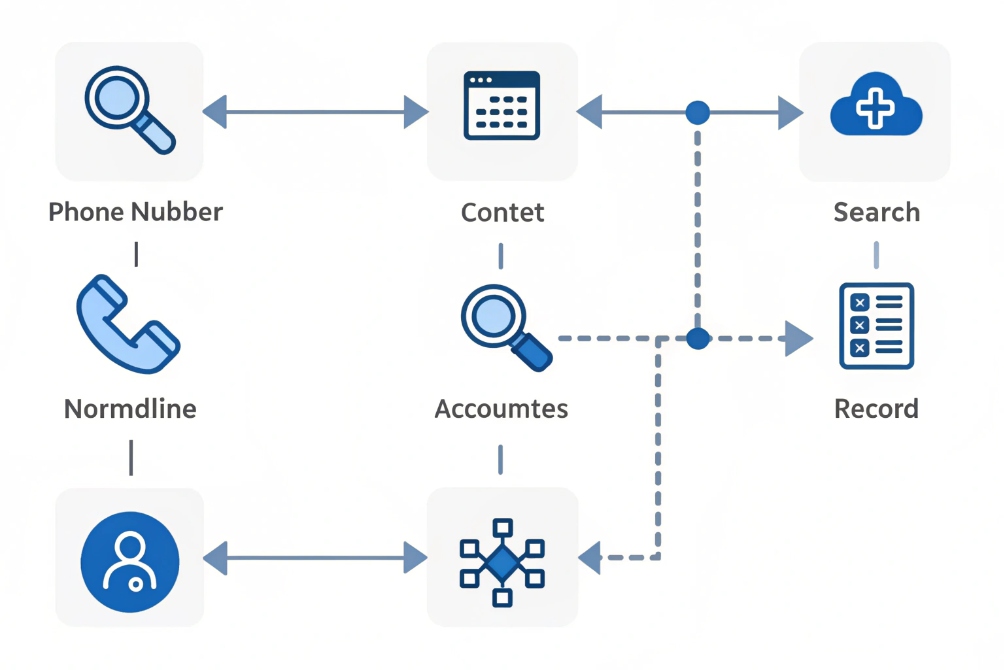
Using ANI for identification
ANI (often just “caller ID”) is your first key:
- Primary use: find who is calling.
- Typical logic:
- Normalize the number once (country code, no spaces).
- Search contacts and accounts.
- If multiple matches, show a simple choice list.
You can also use reverse-phone enrichment when the number is not in your CRM, to show at least a likely name or region. That gives agents some context even for “new” callers.
Using DNIS for intent and routing
DNIS tells you which number the caller dialed. In multi-line businesses, this is very important:
- Sales line vs Support line vs Billing line.
- Different brands or product lines on separate numbers.
- Dedicated numbers for big accounts or campaigns.
You can use DNIS to:
- Choose which CRM object to show first:
- Support number → open the tickets view.
- Sales number → open the current opportunity view.
- Choose the layout:
- Technical hotline → show device, site, or installation details at the top.
- Billing → show invoices and payment status first.
- Attach calls to the right campaign or queue, so reports make sense later.
A combined logic might look like this:
| Step | Condition | Pop behavior |
|---|---|---|
| 1 | ANI matches an existing contact | Open contact + default view for that DNIS |
| 2 | ANI matches multiple accounts | Show small selector, then open chosen record |
| 3 | No match + DNIS is sales campaign | Open “New lead” form with number pre-filled |
| 4 | No match + DNIS is support / customer line | Open “New case” form with number pre-filled |
This way, call pop is not just “who is this?”, but also “what are they likely calling about, based on how they reached us?”. That is where handle-time savings and better routing really start to show.
How do I measure call pop handle-time gains?
It is easy to feel that screen pops “help a lot”. It is harder to prove it in numbers and keep budget and support for the project over time.
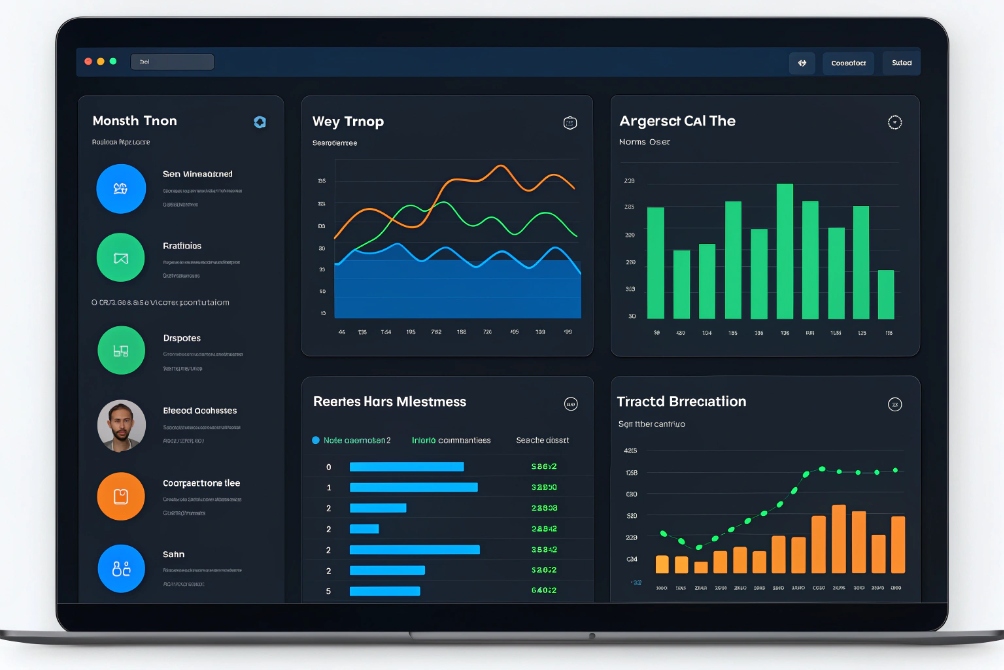
You measure call pop impact by comparing handle-time, wrap-up, and first-call resolution before and after rollout, and by tracking how often agents actually use popped data in their workflows.
Define what “better” means first
For most teams, the key metrics are:
-
AHT (Average Handle Time)
Talk time + hold time + after-call work. -
ACW / wrap-up time
Time spent after the call on notes, logging, and updating CRM. -
FCR (First Call Resolution)
Percentage of issues resolved in the first interaction.
You can also watch transfer rate, because better context often reduces unnecessary transfers.
Before you switch on call pop, capture a baseline:
- 4–6 weeks of KPIs by queue and by agent group.
- Note changes in volume or seasonality that might distort results.
Track changes after rollout
Once you enable call pops:
- Start with one or two pilot queues (for example, sales or support L1).
- Keep other similar queues as a control group if you can.
- Measure the same KPIs for at least a few weeks.
Build a simple comparison table:
| Metric | Before call pop | After call pop | Change |
|---|---|---|---|
| Average handle time | 6:10 | 5:05 | -17% |
| Average wrap-up time | 1:20 | 0:50 | -28% |
| First-call resolution | 71% | 79% | +8 points |
| Transfers per 100 calls | 24 | 17 | -29% |
You can go deeper:
- Compare calls with successful pops against calls where the pop failed or had no match.
- See if new or less experienced agents gain more than senior ones.
- Measure how often agents click into popped links or tabs.
Connect analytics back to configuration
Call pop is not “set and forget”. Use your measurements to refine:
- If agents still spend time searching, maybe the first-screen layout is wrong.
- If pops are slow, check CTI and CRM API latency; aim for under one second.
- If many calls have “no match”, improve number formatting and CRM hygiene.
Over time, you can even tie call pop analytics to revenue:
- Faster answer and better context → higher conversion on inbound sales calls.
- Better FCR and fewer repeats → lower churn in support queues.
When you can show a clear, steady reduction in handle time and better outcomes, call pop becomes more than a nice feature. It becomes part of how your entire voice, SIP, and CRM stack proves its value to the business.
Conclusion
Call pop uses call data and CTI to open the right CRM context at the right moment, cutting handle time and making every call feel more informed and personal for your customers.
Footnotes
-
Example screen-pop context showing caller ID and agent UI alignment. ↩ ↩
-
Explains CTI concepts and how a CRM workspace can receive telephony events for screen pops. ↩ ↩
-
Visual reference for PBX → CTI → CRM event flow used to trigger pops. ↩ ↩
-
Defines the E.164 numbering format used to normalize phone numbers for accurate CRM matching. ↩ ↩
-
UI pattern for a fast “first glance” caller summary before deeper CRM details. ↩ ↩
-
Diagram illustrating how caller number matching can drive identification logic. ↩ ↩
-
Dashboard view supporting before/after measurement of handle-time impact. ↩ ↩








