
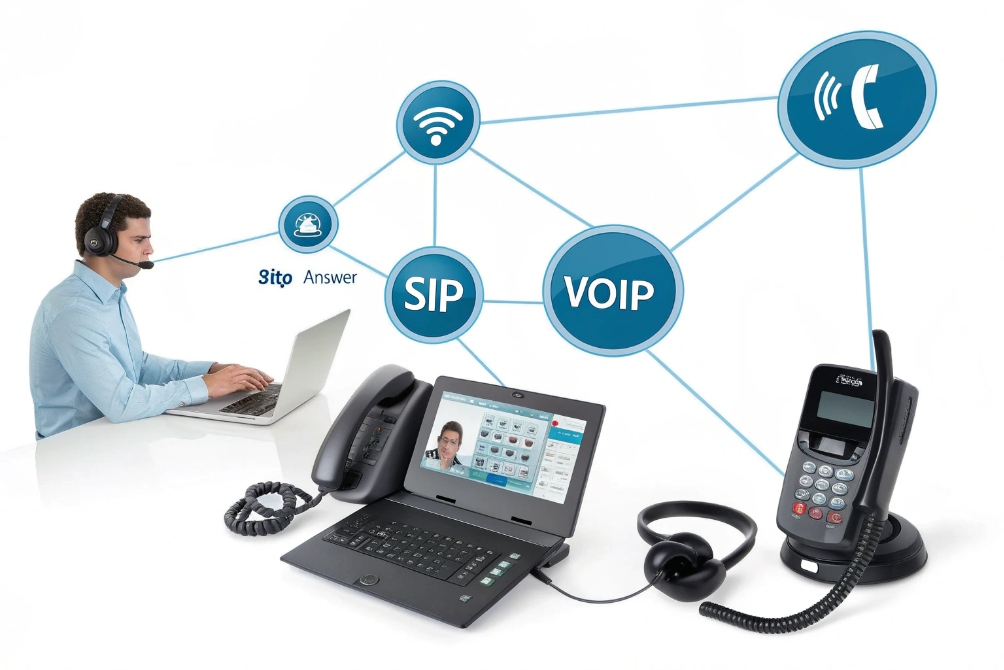
Ringing phones that nobody picks up waste time, lose customers, and break SLAs. But if every device auto answers, you risk surprise eavesdropping and angry users.
Auto Answer is a feature that makes an endpoint pick up calls by itself after zero or a small delay, often on speaker or headset, and it works best when you scope it to trusted callers, queues, and devices.
In Session Initiation Protocol (SIP) 1 and VoIP systems, Auto Answer is more than a single checkbox. It is a combination of endpoint settings, SIP headers, and policies. When we design IP phones, SIP intercoms, and softphone deployments, the real work is deciding where Auto Answer makes life easier and where it becomes a privacy or safety problem instead of a feature.
When should I enable auto answer on endpoints?
If you enable Auto Answer everywhere, people freak out. If you never use it, agents lose time clicking “Answer” all day and staff miss important announcements. The trick is to match Auto Answer to the job.
Auto Answer makes sense on endpoints that are tools, not personal phones: contact-center softphones, wired or wireless headset users, wall and door phones, SIP intercoms, and paging speakers where speed matters more than call screening.
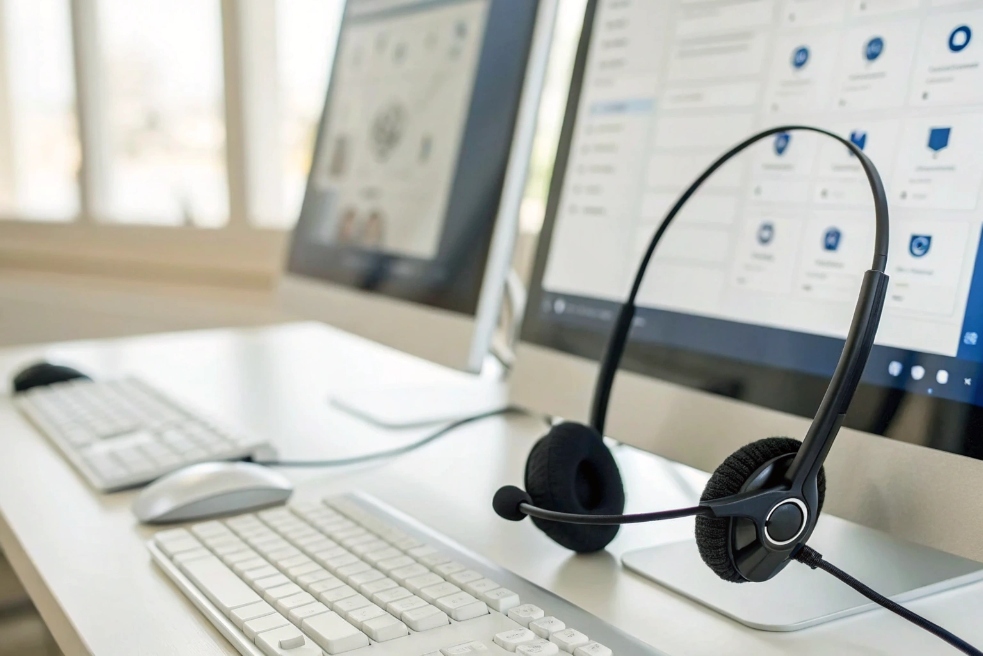
Good fit: agent and headset workflows
In a contact center or busy support team:
- Agents already live in Ready / Wrap-up / Away states.
- Calls arrive from queues with known caller flows.
- Every second of ring time adds delay to your ASA and SLA stats.
This is exactly where tracking and improving your Average Speed of Answer (ASA) 2 becomes easier, because you remove the “human click delay” from the front of every queued call.
With Auto Answer:
- When an agent is Available, the softphone or IP phone auto answers in headset mode.
- The agent hears a short tone and starts talking right away.
- You keep full control over agent state. Agents still decide when to go Not Ready or wrap up.
This is common with:
- Softphones inside CRMs.
- Hard phones paired with wired or DECT headsets.
- Remote workers using UC apps with “auto answer on headset only”.
It cuts out low-value “click to answer” actions and keeps hands on the keyboard, not on the mouse or phone.
Good fit: room, door, and industrial endpoints
Auto Answer is also natural on devices that behave like infrastructure, not private devices:
- SIP door phones and gate intercoms.
- Lobby or reception phones.
- Workshop or warehouse wall phones.
- Emergency pillars and blue-light phones (for operator side in some designs).
- Dedicated conference room endpoints for internal help desks.
Examples:
- A guard station phone auto answers calls from specific intercoms so the guard hears “door pressed” audio instantly.
- A maintenance wall phone auto answers paging from the control room on speaker, so staff hear alerts even with tools in hand.
In these cases, Auto Answer is part of the safety or speed story. The device is not expected to “screen” calls; it is there to receive them.
When Auto Answer is a bad idea
Do not turn on Auto Answer by default for:
- Personal desk phones in open offices.
- Mobile apps on personal smartphones.
- Shared spaces without clear signage.
- Any place where people undress or discuss sensitive topics.
In these cases, you want:
- Normal ringing.
- Manual accept.
- Clear indicator when the mic and speaker are live.
If Auto Answer is used, it should be opt-in and scoped: for example, “auto answer internal helpdesk extension only, headset required, during business hours”.
How do I restrict auto answer for privacy?
Auto Answer can feel creepy if done wrong. Nobody likes a phone that suddenly opens the mic to an unknown caller. The good news: SIP and PBX policies give you fine-grain control.
You restrict Auto Answer by limiting it to internal or whitelisted callers, honoring user settings like Do Not Disturb, requiring headsets or business hours, and using SIP headers so only trusted calls trigger hands-free pickup.
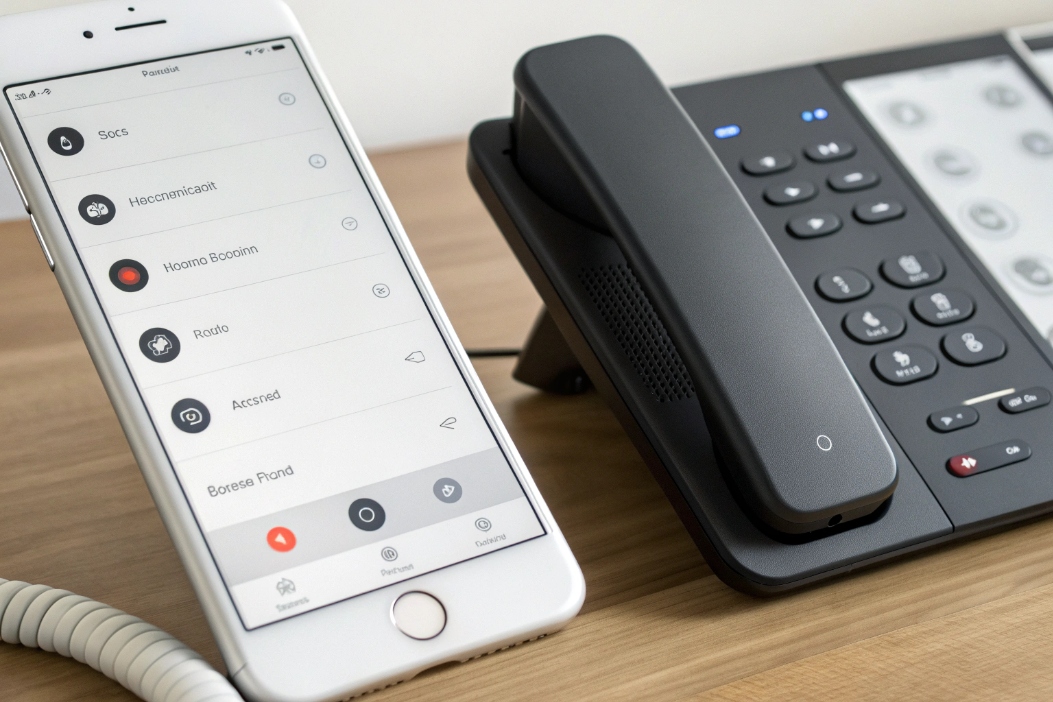
Scope it: who is allowed to trigger Auto Answer?
Start with who is allowed to cause an auto-answered call:
-
Internal only
Allow Auto Answer for calls from your own PBX or specific extensions, block it for external trunks. -
Whitelist specific extensions or queues
For example:- Helpdesk can auto answer calls from monitoring systems.
- Security can auto answer emergency intercoms.
- Field engineers can auto answer dispatch from a specific number.
-
Trusted networks
Only accept auto-answer triggers when the call comes from internal LAN or VPN, not from the public internet.
Under the hood, many endpoints key off signaling hints like the SIP Alert-Info header 3 or the Call-Info header field 4 to trigger speaker/intercom-style behavior.
Under the hood, many SIP phones and softphones react to headers like:
Alert-InfoCall-Info- Vendor-specific tags such as “answer-after=0” or “Auto Answer”
You can configure phones to ignore those headers unless the caller ID or source IP matches your allowed list. That way, even if a random SIP scanner tries to abuse auto answer, the device will treat it as a normal call.
Respect user choice: DND, locks, and opt-out
To avoid privacy surprises, keep Auto Answer under user or policy control:
Make sure the Do Not Disturb (DND) feature 5 always overrides Auto Answer in your design, especially on personal endpoints.
-
Do Not Disturb (DND) should always override Auto Answer. If a user says “do not ring”, the device should not silently pick up either.
-
Privacy lock or a simple toggle:
- A physical button or clear on-screen switch saying “Auto Answer: On/Off”.
- Some endpoints show a lock icon when they refuse auto-answer attempts.
-
Headset-only rule:
- Auto Answer only when a headset is connected.
- This prevents calls from blasting out of a speaker in a quiet shared office.
-
Time-of-day / calendar rules:
- Auto Answer during shift hours.
- Normal ringing outside those hours, or completely off.
In many deployments, we default Auto Answer off for users, then allow tech-savvy groups (agents, operators, power users) to enable it with clear training and documentation.
Announce the connection
Privacy is not just about who can connect, but also how obvious it is that a call is active:
- Play a short warning tone or “beep” when the call auto answers.
- Show a clear call screen with caller ID and a big “Hang up” button.
- On video endpoints, consider a light or LED ring that shows when the camera and mic are live.
This way, even if a user forgets they turned on Auto Answer, they can immediately see and hear that someone is on the line.
For compliance-heavy sites (healthcare, finance, public safety), you may even require a verbal announcement or text on-screen: “Incoming call auto-answered on this device.”
Can paging and intercom use auto answer?
Paging and intercom are basically “one-way” or “push-to-talk” cousins of Auto Answer. Here, not answering fast can mean lost time or safety problems.
Yes. Paging and intercom are classic use cases for Auto Answer: endpoints answer instantly on speaker, often with a warning tone, so announcements and two-way talk paths are open without anyone touching the device.
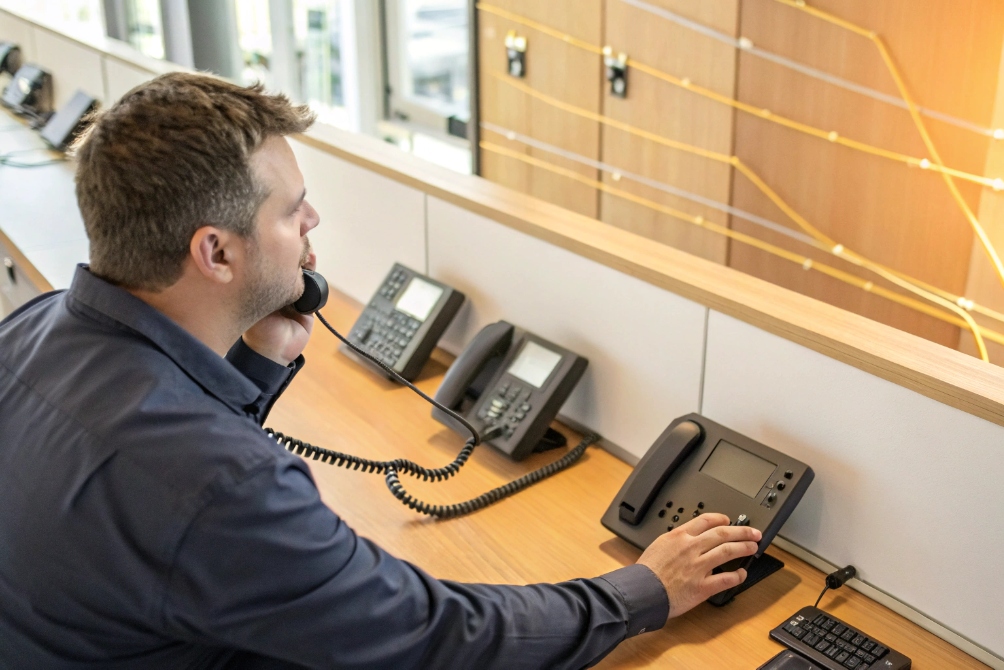
One-way paging with auto-answered receivers
For paging, you usually have:
- One origin device (phone, softphone, or paging console).
- Many destination devices (SIP speakers, wall phones, IP phones, intercom panels).
The destinations:
- Auto answer immediately.
- Go to speaker mode at fixed or controlled volume.
- May not send audio back (pure broadcast), or may support talk-back.
Because endpoints auto answer in speaker mode, nobody needs to hit “Answer” on each phone in a hallway or factory area. You just dial the paging group or press a paging key and talk.
Key settings:
- Limit paging Auto Answer to:
- Internal paging groups.
- Specific subnets or VLANs.
- Add a pre-announcement tone so staff recognize it as a page, not a two-way private call.
- For safety: ensure paging cannot be triggered from untrusted external callers.
Two-way intercom with auto answer
For intercom, Auto Answer often powers:
- Door stations and gates.
- Help points in parking lots and campuses.
- Nurse call or ward phones.
- Warehouse and loading dock intercoms.
Typical pattern:
- Visitor or staff presses a button on a SIP intercom.
- The PBX calls a security desk, reception phone, or hunt group.
- That endpoint auto answers so the person at the intercom hears someone immediately say “Security, how can I help?”.
In some setups, it works the other way:
- Control room calls out to an intercom.
- Intercom auto answers on loudspeaker.
- Staff on-site hear the incoming voice right away.
Again, privacy and security matter. You should:
- Use Auto Answer only for predefined intercom relationships.
- Make sure video endpoints do not silently open cameras in private areas.
- Log and record intercom sessions as needed for security investigations.
SIP headers and “intercom mode”
Many IP phones and SIP intercom devices support a special intercom mode:
- They auto answer on speaker.
- They may start with local mic muted until the user un-mutes.
- They may show “Intercom from 201” instead of normal caller ID.
On the wire, this is usually triggered by SIP headers or URIs, combined with per-device settings that say “allow auto-answer for intercom calls from this PBX only”.
If you keep these rules tight, paging and intercom can use Auto Answer heavily without turning every phone into a random listening device.
Do logs record auto-answered calls properly?
If a call auto answers without ringing, it still affects SLAs, recordings, and compliance. You need clean records to prove what happened and when.
Yes. Auto-answered calls show up in CDRs and logs like normal answered calls, usually with zero ring time. You can also tag them as “auto answer” so reporting, QA, and recording rules stay accurate.
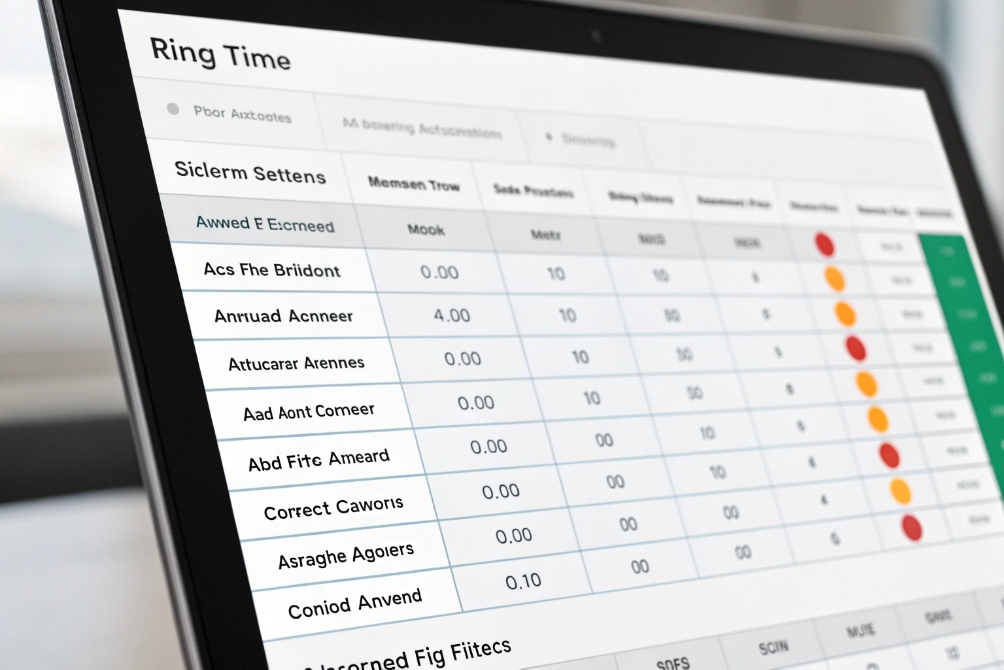
How auto-answered calls appear in your PBX
From the PBX point of view:
- A call is either answered, missed, or redirected elsewhere.
- Auto Answer is just “answered quickly” by the endpoint.
So in Call Detail Records (CDRs) 6 you will see:
- Normal answer timestamps, duration, caller ID, callee ID.
- Very short or zero ring time values.
- Queue stats that show speed-of-answer improved, because agents do not wait several seconds to click “Answer”.
If you want more detail, you can:
- Add a flag in CDRs like
answer_mode=autovsmanual. - Add tags in queue or agent logs when Auto Answer was active for that endpoint.
This helps you:
- Check if Auto Answer is working as planned.
- Compare agent performance with and without Auto Answer.
- Audit specific devices (door phones, intercoms) easily.
Recording and voicemail behaviour
Auto Answer also interacts with recording and voicemail rules:
-
If the device auto answers:
- Recording usually starts as soon as the session is established, not after a human click.
- For compliance lines, this is often an advantage: no “ring then record later” gap.
-
If Auto Answer is off or blocked (DND, privacy mode, out of hours):
- The call behaves like a normal unanswered call.
- It can overflow to voicemail, another queue, or a fallback number.
- Logs still show all routing legs.
Make sure your recording policy is clear:
- Which endpoints record all calls, including auto-answered ones?
- Do intercom auto-answers get recorded for safety and security evidence?
- How long do those recordings stay stored?
On the analytics side, you might want to exclude some auto-answered endpoints (like pure paging speakers) from certain KPIs, since they are not “agents” in the usual sense.
Auditing for security and compliance
Because Auto Answer touches privacy, your logs should make investigations easy:
- Who called which auto-answer device?
- At what time?
- From which extension, trunk, or IP?
- How long was the call live?
Tie this back to:
- Your SIP trunks.
- Your Session Border Controller (SBC) 7 or firewall logs.
- Your CRM or ticketing system if auto-answered calls create cases.
Then, if there is ever a question like “Did this intercom call really happen?” or “Why did this phone auto answer at 02:13?”, you do not have to guess. The system of record can show each step clearly.
Conclusion
Auto Answer is a powerful tool for SIP phones, headsets, paging, and intercoms when you restrict it to the right endpoints and callers, protect privacy with clear rules, and keep your logs and recordings honest about every auto-answered call.
Footnotes
-
Read the SIP core spec to understand how VoIP call signaling works under the hood. ↩ ↩
-
See common call-center KPI definitions to interpret ASA changes when auto-answer reduces ring time. ↩ ↩
-
Learn what the Alert-Info header does and why platforms use it for distinctive ringing and intercom-style behavior. ↩ ↩
-
Understand how Call-Info can carry call-related context and why some devices treat it as a trust signal. ↩ ↩
-
Review how DND is expected to behave so auto-answer never bypasses user intent. ↩ ↩
-
Learn what CDRs typically contain so you can audit zero-ring answered calls correctly. ↩ ↩
-
Understand what an SBC does at the voice edge for policy control, security, and troubleshooting. ↩ ↩








