
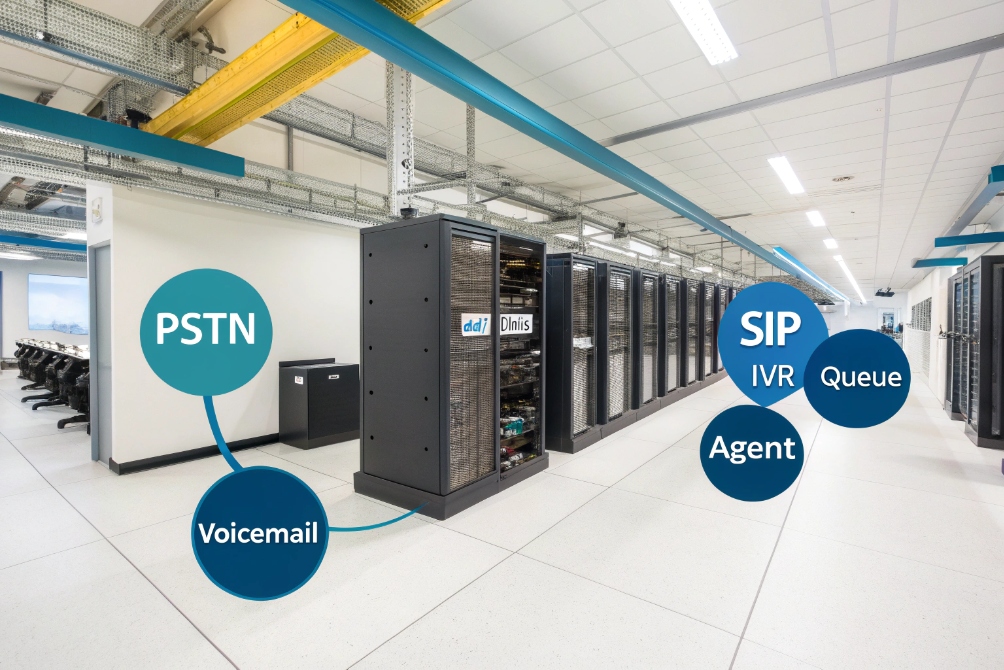
Your phones ring all day, but calls bounce between extensions, sit in the wrong queue, and customers repeat their story three times before anyone can help.
Call routing is the logic that decides where each inbound call goes—IVR, queue, agent, or device—based on rules like number dialed, skills, CRM data, time, language, and priority, so the first person who answers is usually the right one.
In a Session Initiation Protocol (SIP) 1 and VoIP environment, routing sits in the middle of everything: carriers, trunks, IP PBX, SIP intercoms, softphones, and mobile apps. When we design systems for buildings, factories, and contact centers, call routing is the part that quietly carries business logic. It decides which calls go to operators, which go to door stations, and which should go straight to voicemail or callbacks instead of burning agent time.
How do skills and CRM data steer my calls?
You already have skilled people and a CRM full of customer context, yet calls still land on the wrong desk and get transferred like a hot potato.
Skills and CRM data steer calls by matching each caller’s need and value to the best available agent group, using tags like product, language, account tier, and open tickets instead of blind “first come, first served” routing.

Turn skills into routing rules, not just CV lines
Most teams already know who handles what:
- Who speaks which languages.
- Who understands specific products or verticals.
- Who can deal with VIPs or complex cases.
Call routing makes this explicit:
- Agent profiles: each agent gets skill tags like
EN,FR,AccessControl,IndustrialVoIP,VIP. - Queue skill requirements: each queue defines required or preferred skills.
- Matching engine: the Automatic Call Distribution (ACD) 2 picks agents whose skills meet these requirements.
A simple skills matrix might look like this:
| Agent | Language skills | Product skills | Priority segment |
|---|---|---|---|
| A101 | EN, DE | SIP Intercom, IP PBX | Enterprise |
| A102 | EN, ES | SIP Phones, SME bundles | SMB |
| A103 | EN, AR | Industrial VoIP, Intercom | Critical infrastructure |
Routing logic then becomes “send industrial intercom tickets from this region to people like A103 first”, not “send to whoever is free”.
Let CRM data choose the best path
The CRM already knows a lot:
- Account tier or plan.
- Open tickets or projects.
- Last interaction and its outcome.
- Region and preferred language.
When a call arrives, your SIP PBX or UC platform sends:
- Caller number (Automatic Number Identification (ANI) 3).
- Number dialed (Dialed Number Identification Service (DNIS) 4).
- Maybe a reference from the IVR (ticket ID, order ID).
The CTI connector looks up the CRM record and sends back:
- Account segment (VIP, standard, trial).
- Assigned owner or pod.
- Active ticket or opportunity.
- Preferred language.
Routing can then:
- Send VIP accounts straight to a priority queue.
- Send callers with open tickets back to the same team or owner.
- Route by language before the IVR even asks.
A simple mapping table:
| CRM field | Routing decision |
|---|---|
| Account tier = VIP | Use VIP queue with better SLA and skills |
| Owner = A101 | Prefer A101’s pod, then overflow to same skills |
| Language = FR | Send to French-speaking skill group |
| Open case = hardware | Send to hardware support queue |
In our deployments with SIP intercoms and IP phones, this often means a repeat customer or integrator reaches the same specialist who already knows their building or plant layout, instead of starting from zero every time. That reduces handle time and improves trust more than any script change.
Can I route by time, language, and priority?
Many systems still use a single “main line” that behaves the same at 10:00 on a Monday and 02:00 on a holiday, for VIPs and random callers alike.
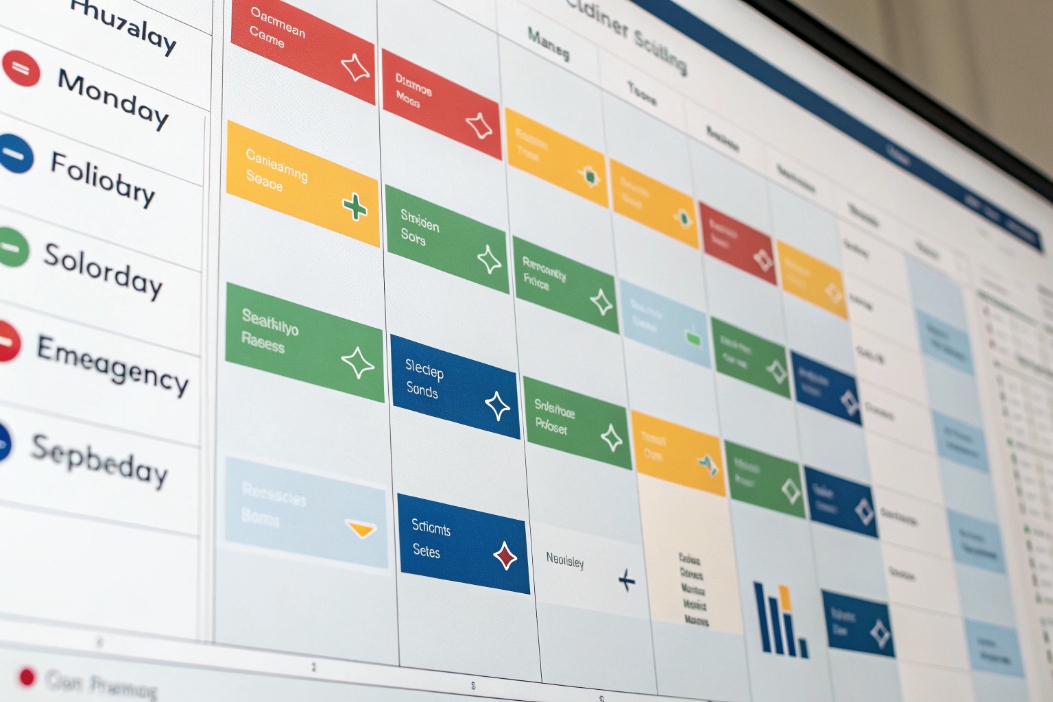
Yes. You can route calls differently by business hours, language, and priority, using schedules, IVR choices, caller attributes, and queue priorities so the right people see the right calls at the right time.
Time-based and calendar routing
Time-based routing is one of the simplest wins:
- Business hours: send calls to live queues when agents are on duty.
- After-hours: send to voicemail, outsourced answering, or on-call staff.
- Lunch breaks or short gaps: use a smaller skeleton team or a different message.
- Holidays: play special messages and direct callers to email or self-service.
You model this as:
- Schedules: workdays, weekends, holidays.
- Time blocks: specific ranges with different rules.
- Routing overrides: emergency closures, special events.
A small example:
| Time block | Route to |
|---|---|
| Mon–Fri 08:30–18:00 | Live support queues |
| Mon–Fri 18:00–22:00 | Small after-hours team + voicemail |
| Night 22:00–08:30 | Emergency on-call, general voicemail |
| Public holidays | Holiday IVR and voicemail |
For SIP intercoms on doors and gates, we often use time routing too: during the day, ring reception and security; at night, ring only the guard desk or on-call mobile.
Language-aware routing
Language routing can happen in three ways:
- By DID/DNIS: different numbers per language, mapped to different IVRs and queues.
- By IVR choice: “Press 2 for Spanish”, then route to Spanish skills.
- By CRM / caller profile: use stored preference to skip language menus.
You can combine them:
- Caller dials a country-specific number.
- System guesses a default language based on DID and CRM.
- IVR offers confirmation: “We will serve you in French. Press 9 to change language.”
Then the queue requires language tags like FR or ES, so only suitable agents ring.
Priority routing for VIPs and callbacks
Priority routing decides who waits less when the system is busy:
- VIP customers or partners.
- Callbacks you already promised.
- Safety or security calls from intercoms and emergency phones.
- Internal escalation numbers.
You give calls a priority score based on:
- DNIS (VIP line vs general line).
- CRM tier.
- IVR path (“urgent technical issue”).
- Source device (SIP emergency pedestal vs normal phone).
Then the ACD sorts calls by priority first, time second:
| Call type | Priority | Example treatment |
|---|---|---|
| Emergency intercom | 100 | Always first, ring security instantly |
| VIP account main line | 80 | Ahead of normal calls in same queue |
| Scheduled callback | 70 | Treated as if they were waiting the whole time |
| Normal support | 50 | Standard SLA |
| Low-priority campaign | 20 | Only when agents are free |
This way, the routing engine behaves more like a traffic controller than a simple switchboard. It understands “who, when, in which language, and how important?”, not just “somebody called the main number”.
How do I fail over across carriers automatically?
VoIP gives you flexibility, but it also adds new failure points: a trunk goes down, a carrier has a regional outage, or a data center link fails when your lines are busiest.
Automatic routing failover uses health checks, multiple trunks, and percentage-based rules to move calls between carriers or sites when something fails, so callers still reach you even if one provider has a bad day.
Multi-carrier and multi-trunk design
In a SIP setup, you rarely want a single trunk:
- Primary carrier: main route for normal traffic.
- Secondary carrier: backup for failover or overflow.
- Local FX or regional trunks: for specific regions or emergency calling rules.
Your routing logic at the PBX or Session Border Controller (SBC) 5 can define:
- Primary route: send calls through Carrier A.
- Failover route: if Carrier A fails tests, use Carrier B.
- Split load: send, for example, 70% through A and 30% through B in normal times.
A sample outbound routing plan:
| Rule order | Condition | Action |
|---|---|---|
| 1 | Emergency numbers (e.g., 911/112) | Send to local trunk with highest SLA |
| 2 | Normal outbound, Carrier A healthy | Route via Carrier A |
| 3 | Normal outbound, Carrier A down | Route via Carrier B |
For inbound, you can:
- Use multiple DIDs pointing to different carriers.
- Rely on hosted failover: some carriers can route your numbers to a backup IP or PSTN number if your primary IP is unreachable.
Health checks and failover triggers
Failover cannot rely only on human reports. It needs health checks:
- SIP OPTIONS method 6 from SBC or PBX to each trunk.
- Synthetic test calls from monitoring agents.
- Monitoring of SIP error codes and registration status.
If a trunk:
- Stops responding.
- Returns repeated 5xx errors.
- Loses registration in a way that suggests an outage.
then routing rules should switch automatically to backup paths.
Important details:
- Build hysteresis: do not flip back and forth on small glitches.
- Log every failover event for later analysis.
- Decide whether to stay on backup until someone manually confirms that primary is stable again.
Tying failover to queues and SLAs
Failover is not just about dial tone. It is about service quality:
- If a carrier introduces high latency or MOS issues, you may route only low-priority or non-critical traffic there.
- For VIP or emergency queues, you might restrict calls to the most stable trunk, even if it costs more.
In our own SIP and intercom designs, we often:
- Give critical emergency and security numbers extra redundancy and their own route logic.
- Use more aggressive failover thresholds for those numbers than for general sales calls.
This way, call routing protects your brand and safety promises even when something outside your building goes wrong.
Which reports validate my routing rules?
Once routing goes beyond “send everything to reception”, it becomes hard to see if rules are helping or hurting. If you cannot measure outcomes, you end up tuning by gut feel.
Routing reports show where calls came from, which rules fired, how long people waited, and where calls ended, so you can prove that skills, priorities, and failover paths actually improve service instead of adding complexity.
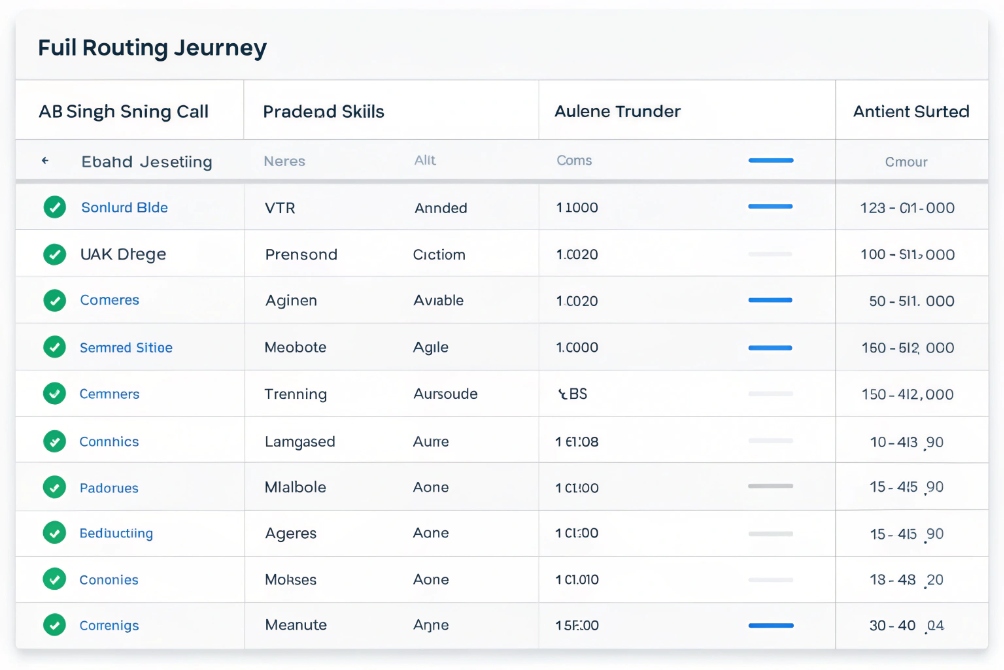
What to track about each routed call
Every call should leave a trail:
- Entry point: DID/DNIS, IVR menu, device (door phone, SIP intercom, main line).
- Routing decisions: which rules fired, which queue or group was selected.
- Agent assignment: who answered, after how long, with which skills.
- Outcome: resolved, transferred, abandoned, voicemail, callback created.
- Quality: Mean Opinion Score (MOS) 7 or jitter if you track QoS.
A simple per-call log structure:
| Field | Example value |
|---|---|
| Entry DID | +1 555 0100 (Support EN) |
| IVR path | Main → 1 (Support) → 2 (Hardware) |
| Priority | 70 (VIP, open ticket) |
| Skills used | EN, Hardware, SIP Intercom |
| Queue | Support_HW_VIP |
| Agent | A103 |
| Wait time | 18 seconds |
| Handle time | 7:42 |
| Outcome | Resolved, no transfer |
When you collect this consistently, routing stops being a black box. It becomes visible.
Aggregated KPIs that tell you if routing works
From those logs, you want reports like:
-
Volume by entry point
Which numbers, IVR paths, or intercoms create most traffic? -
SLA and ASA by queue and priority
Does VIP routing really reduce wait times for VIPs? -
Transfer rate by source queue
If a queue has many transfers, routing into it is probably wrong. -
First-contact resolution by route
For example, calls routed by product skills vs calls routed only by time-of-day. -
Fallback and failover usage
How often did calls hit backup queues, voicemail, or backup carriers?
Example comparison:
| Metric | Old routing (simple) | New routing (skills + CRM) |
|---|---|---|
| Transfers per 100 calls | 32 | 18 |
| VIP ASA (answer in seconds) | 41 | 17 |
| FCR for technical support | 68% | 79% |
| Calls using backup carrier per week | 3 | 3 (but discovered faster) |
These reports show whether your clever routing ideas actually give customers faster, more accurate answers.
Closing the loop: adjust, test, and iterate
Routing is never “done”. Use reports to:
- Split test new IVR and routing paths on a small percentage of calls.
- Move skills or staff between queues based on real patterns.
- Adjust time-of-day rules when you see new busy hours emerge.
- Remove rules nobody uses, to keep the design simple and explainable.
In integrated SIP deployments with IP phones, intercoms, and public emergency endpoints, we also watch device-level stats: which doors and help points generate most calls, at which times, and with which outcomes. That way, routing rules evolve with the building or site, not just with the contact center.
Conclusion
Call routing is the brain of your VoIP system, using skills, CRM data, time, language, priority, and failover rules—then proving its value through clear reports that show faster answers and fewer wrong turns for every caller.
Footnotes
-
Authoritative SIP standard for how calls are signaled and routed across IP networks. ↩ ↩
-
Overview of ACD concepts that power queue distribution and agent selection logic. ↩ ↩
-
Explains ANI as the caller identity signal used for CRM lookups and routing decisions. ↩ ↩
-
Explains DNIS as the dialed-number signal used to infer intent and choose routes. ↩ ↩
-
Background on SBC roles in SIP security, interop, and carrier failover design. ↩ ↩
-
Details the SIP OPTIONS capability query often used for trunk health checks. ↩ ↩
-
Defines MOS and why it’s a standard way to quantify perceived voice quality. ↩ ↩








