
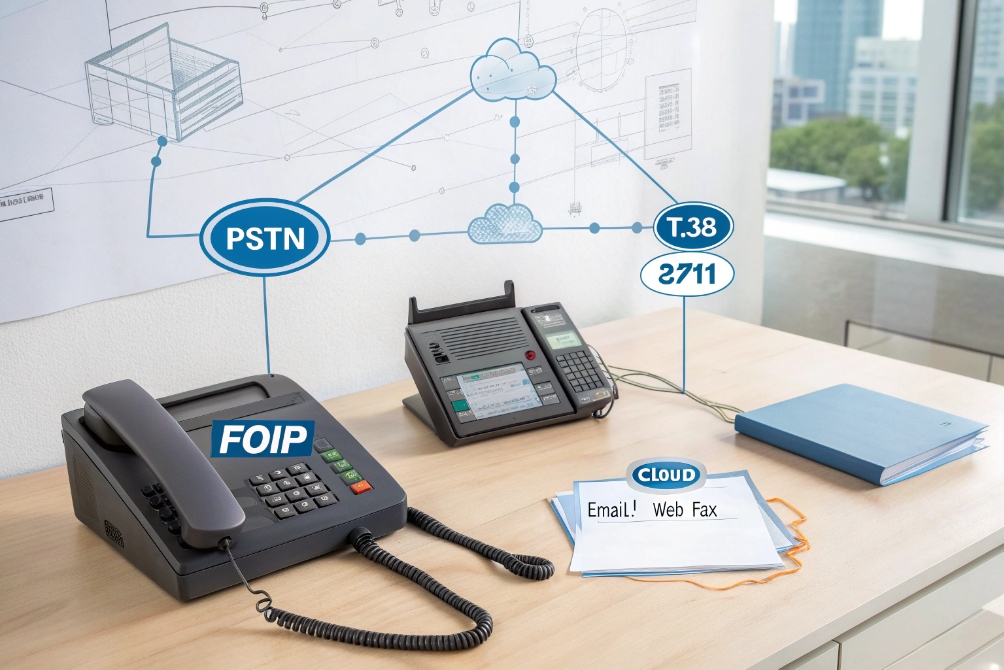
Fax is still required in many industries, but analog lines are expensive, noisy, and hard to manage as everything else moves to IP.
VoIP faxing (Fax over IP or FoIP) sends fax documents as digital packets across your IP network and SIP trunks, using T.38, G.711 pass-through, or cloud email/web fax, so you can keep your fax numbers without old copper lines.
With a good design, Fax over IP (FoIP) 1 lets you connect legacy fax machines and MFPs via ATAs, send and receive fax by email or web portal, and centralize archiving for compliance. You can phase out PSTN lines, simplify wiring, and keep regulators and customers happy at the same time.
How does FoIP work with my SIP trunks?
Fax over IP sounds fragile at first. People remember failed fax attempts and worry that voice-optimized SIP trunks 2 cannot handle old fax tones.
FoIP works with your SIP trunks by wrapping fax signals in IP packets. The trunks carry T.38 fax relay or G.711 audio pass-through, while your IP PBX, gateways, or ATAs handle conversion between legacy fax machines and the IP world.
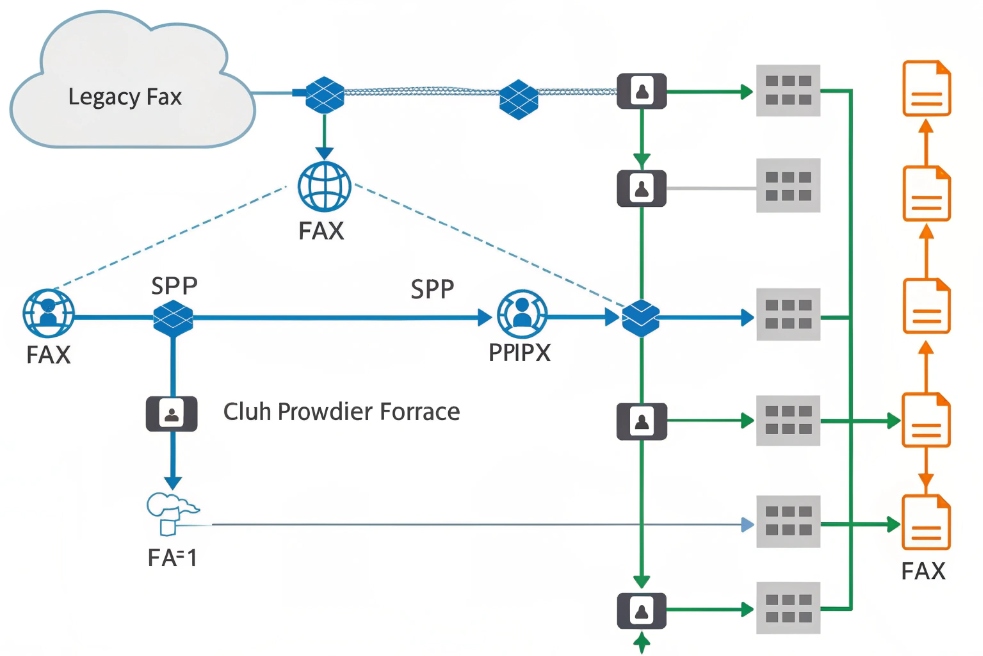
Typical FoIP paths over SIP trunks
When someone presses “Start” on a fax machine, nothing looks different to them. The difference happens behind the scenes. A fax call may follow different paths, for example:
| Scenario | Path over SIP trunks | Notes |
|---|---|---|
| Legacy fax → external fax | Fax machine → ATA → SIP trunk → provider → PSTN | ATA converts analog to T.38 or G.711 |
| MFP → cloud fax | MFP → SIP gateway/IP PBX → SIP trunk → cloud fax SBC | Cloud platform stores and forwards |
| External fax → your office | PSTN → provider SBC → SIP trunk → IP PBX/ATA → fax | DID routes to a specific fax endpoint |
| Email fax → external fax | Email → cloud fax API → SIP trunk → destination | No on-prem fax device required |
With T.38 fax relay 3, the gateway or ATA detects fax tones and switches from normal voice to fax relay. It does not send the pure audio stream. Instead it sends fax image data in special packets with redundancy and error handling. This is more tolerant of jitter and packet loss than simple audio.
With G.711 pass-through 4, fax stays as audio. The SIP trunk carries RTP packets that look like a normal voice call. This can work very well on clean, low-jitter links, for example inside the LAN or over high quality dedicated WAN circuits. On busy, long-distance internet routes, it becomes more fragile.
Role of IP PBX, gateways, and provider settings
Your IP PBX, SIP gateways, and ATAs sit between the fax endpoints and the SIP trunk provider. They decide when to switch to fax mode, which codec or protocol to use, and how to treat DTMF and echo cancellation.
In many deployments, we use:
- An IP PBX to route fax numbers (DIDs) to fax extensions or dedicated gateways
- SIP–to–analog gateways or ATAs to bridge legacy fax machines and MFPs
- Fax-capable SIP trunks from providers that clearly support T.38 and G.711 fax
The trunk side configuration often includes:
- T.38 on or off, and which versions are supported
- Supported codecs if G.711 pass-through is used
- Jitter buffer size and adaptive behavior
- Echo cancellation settings and silence suppression (usually off for fax)
Once this stack is tuned, fax behaves much closer to the old PSTN experience, but with more flexibility and lower monthly line costs.
Should I use T.38 or G.711 pass-through?
Many engineers ask this first. They hear that T.38 is “the fax standard for IP” but they also see many trunks still using G.711.
T.38 is usually better for fax over unstable or long-haul networks because it turns fax tones into structured packets with redundancy. G.711 pass-through works on clean, well-managed links but is more sensitive to loss and jitter.
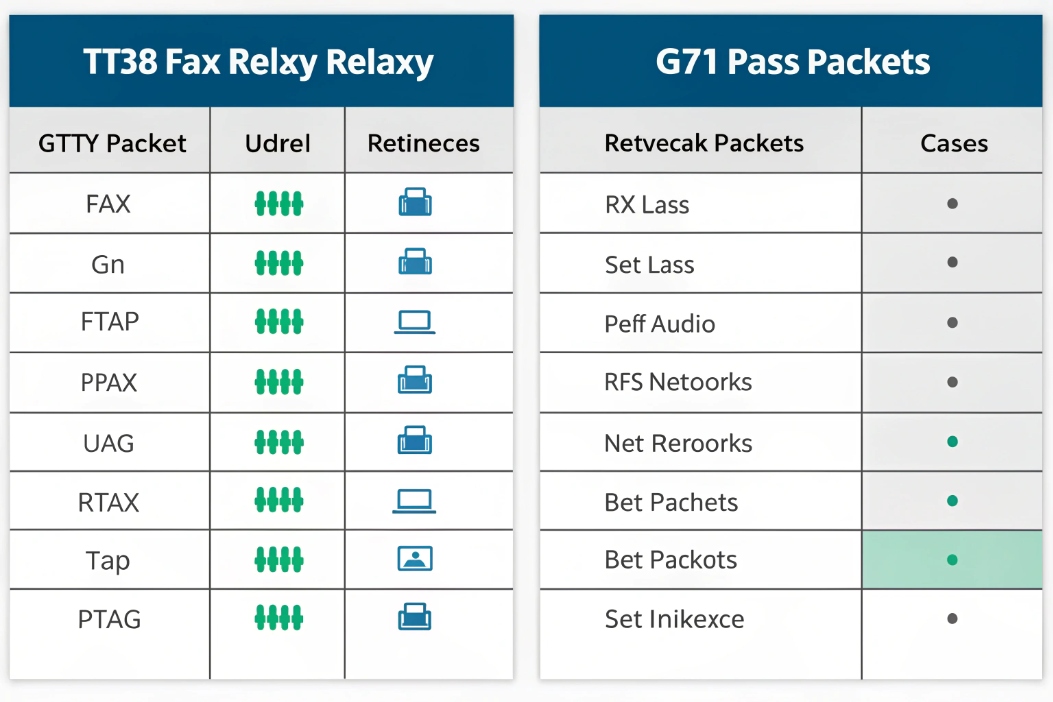
T.38 vs G.711 at a glance
| Feature / Aspect | T.38 fax relay | G.711 pass-through |
|---|---|---|
| How it works | Converts fax to data packets (UDPTL) | Sends fax audio as RTP stream |
| Tolerance to packet loss | Better (redundancy, re-tries) | Poorer (fax sees loss as noise) |
| Network requirements | Still needs a stable link | Needs very clean, low-jitter path |
| Device support | Not all ATAs and carriers support well | Widely supported where voice works |
| Best use cases | Over internet, mixed paths, cloud fax | LAN, private WAN, short stable paths |
How to choose in real deployments
In practice, the choice depends on a few simple checks:
- Does your SIP trunk provider support T.38 end-to-end, not just at the edge?
- Do your ATAs, gateways, IP PBX, and fax devices have solid T.38 support?
- How stable is the network path? Pure LAN? Private fiber? Shared internet?
If the answer to the first two is “yes” and your network is typical business internet or multi-site, T.38 is usually the safer default.
If you run everything inside a clean LAN or MPLS, and you control both ends, G.711 pass-through can be very stable. In those cases, we often lock baud rates to 9600 or 14400 bps, disable ECM when needed, and enforce strict QoS.
A hybrid approach also works well:
- Use T.38 on the SIP trunk / WAN side
- Use G.711 between your IP PBX and local ATAs on the LAN
Can I fax from my IP PBX or ATA?
Many teams want to retire old fax machines, but some users still like paper and physical confirmation slips. Others want full eFax, without hardware at all.
You can fax in an IP setup by connecting legacy fax machines through ATAs, using MFPs with SIP, enabling fax features on your IP PBX, or offloading everything to a cloud fax platform that integrates with your trunks or email.

Options for fax in an IP environment
| Method | What it looks like in practice | Best for |
|---|---|---|
| Legacy fax + ATA | Old fax plugged into ATA/gateway | Small offices keeping familiar workflow |
| MFP with ATA or native SIP | Shared MFP sends/receives via SIP | Offices with shared print/scan/fax devices |
| IP PBX built-in fax server | Fax as PDF via email/web portal | Centralized IT-managed fax |
| Cloud fax (no local machine) | Email/web/API; provider handles send/receive | Remote teams, multi-site, compliance needs |
Reliability settings that matter
Fax is more sensitive than voice. These settings help:
- Fix baud rate at 9600–14400 bps when reliability is the priority
- Tune or disable Error Correction Mode (ECM) 5 if your carrier suggests it
- Disable VAD (silence suppression) and echo cancellation on fax legs
- Use sensible jitter buffers (avoid extreme “auto” behavior)
- Apply QoS for fax RTP or T.38/UDPTL packets
Most “random” FoIP failures trace back to one of these:
1) hidden transcoding in the path, 2) ATA DSP settings, or 3) congested internet links.
How do I secure and archive eFax documents?
Fax feels “old”, but many industries still treat it as a trusted channel for contracts, medical forms, and payment details. If you move fax onto IP without a plan, you may expose that data.
To secure and archive eFax, protect signaling with TLS, use encrypted transport where possible (VPN/SRTP/provider encryption), restrict portal/mailbox access, and store PDFs in a compliant archive with audit trails and retention policies.
For SIP-based fax signaling, Transport Layer Security (TLS) 6 can protect SIP registrations and call setup across untrusted networks. Where fax uses RTP audio (G.711), Secure Real-time Transport Protocol (SRTP) 7 can encrypt media when all endpoints support it.
Archiving models
| Archive model | How it works | Trade-off |
|---|---|---|
| Email-only | Fax delivered as email attachment | Simple, but weak governance |
| IP PBX / fax server archive | Stored on server, accessed via portal | More control, needs backup/ops |
| Cloud fax archive | Provider stores with retention and audit logs | Fast rollout, watch data residency |
| DMS / ECM integration | Pushed into a document system | Best governance, more integration work |
Treat fax PDFs like any other sensitive customer document: RBAC, SSO/MFA, encryption at rest, retention, legal holds, and searchable audit logs.
Conclusion
VoIP faxing keeps your fax numbers and workflows while moving the transport, routing, and archiving into SIP and cloud-friendly systems—reducing analog line cost and making compliance and management much easier.
Footnotes
-
Overview of Fax over IP concepts, terminology, and typical deployment options. ↩ ↩
-
Explains what SIP trunking is and how it replaces traditional phone lines for PSTN access. ↩ ↩
-
Technical specification of real-time fax over IP (T.38) signaling/format details for interoperability. ↩ ↩
-
Codec reference for G.711 bandwidth, quality, and why it’s common for VoIP pass-through fax. ↩ ↩
-
Quick explanation of fax Error Correction Mode and when disabling it can improve reliability on VoIP. ↩ ↩
-
Authoritative TLS specification for encrypting SIP signaling sessions over the internet. ↩ ↩
-
SRTP standard describing how to encrypt RTP media streams, useful when fax uses G.711 audio. ↩ ↩








