
A lot of businesses still rely on a single receptionist or a basic hunt group 1. When call volume grows, people wait, calls bounce around, and first impressions start to slip.
An auto attendant is a virtual receptionist that answers your main business number, plays a greeting, and routes callers through menu choices to the right person, team, or voicemail, without needing a live operator.
When the auto attendant runs on your IP PBX or UCaaS platform, it becomes the front door for all inbound calls. It shapes how customers see your brand, how fast callers reach the right expert, and how well your VoIP or SIP intercom deployment scales as the business grows.
How does an auto attendant work in modern business phone systems?
If calls still land on one main desk phone, every sick day, lunch break, or busy hour becomes a risk. Customers hear endless ringing or get sent to the wrong person.
In a modern phone system, an auto attendant sits in front of your numbers, answers every call with a greeting, collects keypad or speech input, then routes the call to extensions, queues, voicemail, or external numbers based on your rules.
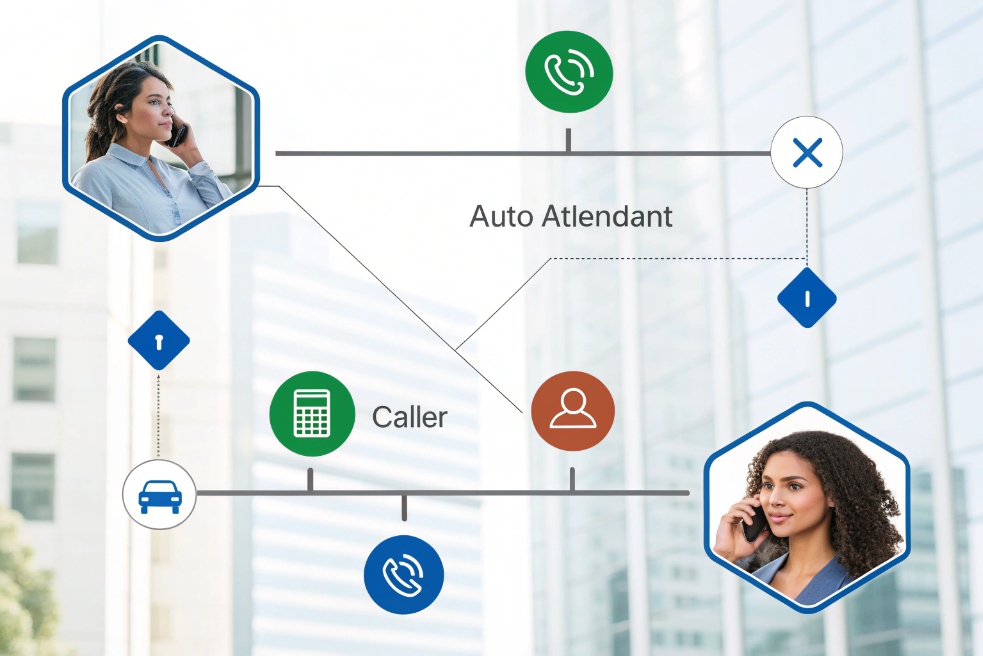
Core building blocks of an auto attendant
Under the friendly voice, the logic is simple. The auto attendant is a call-flow engine that follows your plan:
| Building block | What it does |
|---|---|
| Main greeting | Welcomes callers, sets tone, tells them what options exist |
| Menu options | Collects DTMF (keypad) 2, for example “Press 1 for Sales” |
| Business hours profile | Switches between open, lunch, after-hours, holidays |
| Routing rules | Sends calls to queues, ring groups, extensions, or voicemail |
| Failover destinations | Handles no-input, invalid input, or system issues |
| Directories | Dial-by-name or dial-by-extension search |
A typical flow on a VoIP or UCaaS platform looks like this:
- Call hits your main Direct Inward Dialing (DID) 3 or SIP trunk.
- System checks time-of-day and date.
- Auto attendant answers with the right greeting for that schedule.
- Caller presses a key or says a keyword.
- System routes the call to the mapped destination.
- If no input, it repeats, sends to a default queue, or voicemail.
You can nest menus when you really need it, but in my projects I try to keep depth small. One or two levels is usually enough for B2B.
Auto attendant, queues, and IVR: how they fit together
People often mix terms, so it helps to separate them:
- Auto attendant: menu and routing logic.
- ACD / call queues: manage waiting callers for each team.
- IVR: more advanced logic, lookups, and workflows, like checking order status.
In practice, most call queues are managed by an automatic call distributor (ACD) 4, and an interactive voice response (IVR) 5 handles deeper self-service and data collection.
In a modern IP PBX or UCaaS stack, these pieces work together. The auto attendant collects the caller’s intent, then passes them into the right queue or simple IVR branch. For example:
- “Press 1 for Support” → Support queue with skills-based routing.
- “Press 2 for Billing” → Billing queue plus an IVR branch to hear balance.
- “Press 9 for Emergency” → Bypasses queues, rings a priority on-call group.
This design keeps the experience simple for callers, but gives you very fine control over who answers what, and when.
What business benefits do auto attendants deliver for B2B service and sales?
In B2B, many calls are high value. A missed RFQ, a confused integrator, or an upset end user can cost real revenue. Manual reception does not scale with global time zones or multi-site teams.
Auto attendants shorten time-to-answer, reduce misrouted calls, and provide a consistent, branded first impression, so service and sales teams spend more time solving problems and closing deals instead of chasing stray calls.
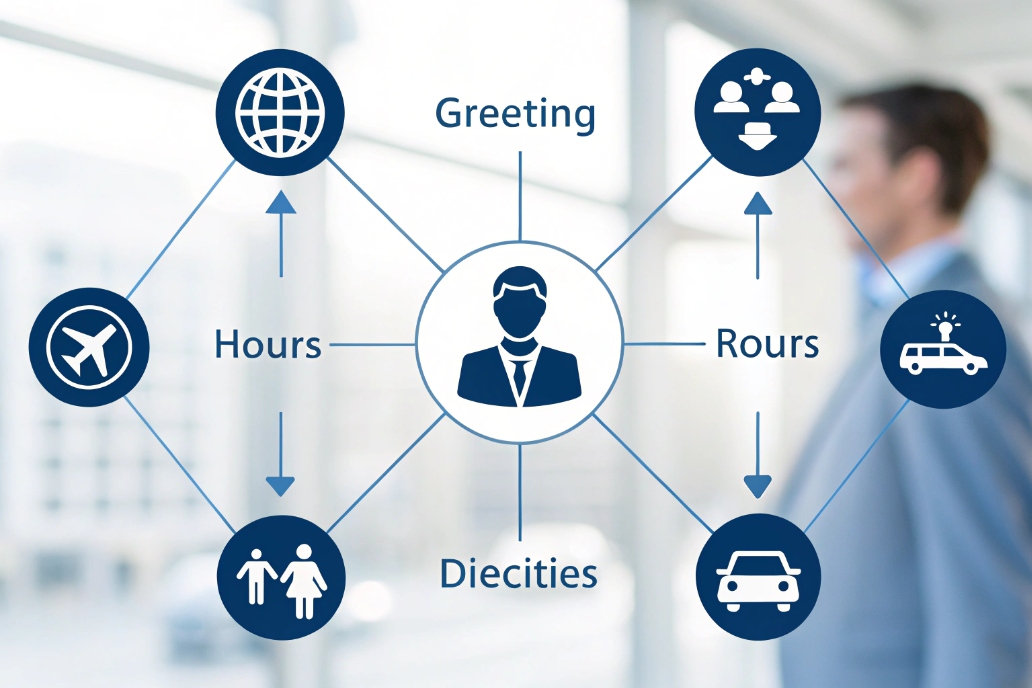
Service, sales, and operations gains
When the auto attendant is configured well, every inbound call gets triaged from the first second:
- Service callers can go straight to Support or to a specific case queue.
- Resellers can choose “Partner Desk” without waiting behind general calls.
- New prospects reach Sales or Pre-Sales fast, which lifts conversion rates.
You can also use messages to answer common questions before an agent even joins. For example, hours of operation, holiday closures, or basic shipping info. In my experience, this cuts a surprising number of “simple info only” calls that used to tie up agents.
Here is how different teams benefit:
| Stakeholder | Benefit from auto attendant |
|---|---|
| Customers | Faster path to the right person, less hold and transfer |
| Service team | Better call triage, fewer wrong transfers |
| Sales team | Hot leads reach them faster, prioritized routing for key DIDs |
| Reception / admin | Less manual routing, fewer “switchboard” headaches |
| Management | Better reporting, clear SLA paths, measurable missed calls |
Because the auto attendant is software, you also gain flexibility. You can set different behavior for:
- Open hours vs after-hours vs weekends.
- Different languages or regions.
- Emergency situations (for example, route to an incident bridge or on-call mobile).
One main number can now serve many time zones and offices, while still feeling local and organized to the caller.
First impression and brand consistency
Your greeting is often the first “voice” of your company. A clear script, spoken at a calm pace, sends a message about your quality. Many callers will never see your office or hardware. They only meet your voice and how well you route them.
You can:
- Use professional recordings or well-recorded internal voices.
- Match messages to campaigns, events, or seasonal changes.
- Add short, helpful info while callers decide (without going overboard).
The key is balance. Auto attendants that try to “sell” too much in the greeting usually frustrate frequent callers. The best menus respect the caller’s time and focus on getting them where they want to be.
How do I evaluate auto attendant solutions for UCaaS or VoIP deployments?
Every vendor claims to have an “easy” auto attendant. In reality, some tools make simple things painful, or hide key features in separate modules.
To evaluate auto attendant options, look at call-flow flexibility, admin usability, integration with your IP PBX or UCaaS, reporting, reliability, and how well the platform fits your routing and compliance needs.

Functional checklist: what you actually need
Before looking at vendors, write a small call-flow map on paper. Note your departments, languages, time zones, and any special cases like on-call engineers. Then check each solution against that map.
A simple comparison grid helps:
| Capability | Why it matters |
|---|---|
| Multi-level menus (with limits) | Lets you grow without confusing callers |
| Business hours / holiday rules | Different behavior for open, lunch, after-hours |
| Multilingual support | One number, multiple languages or regions |
| Dial-by-name / extension | Useful for returning customers and partners |
| Failover logic | Backup routes for no-answer or system issues |
| Queue / ring-group integration | Smooth path from menu to teams |
| Simple IVR actions | Collect digits, basic lookups, simple workflows |
In my own deployments, the small details often matter more than big marketing labels. For example, can you set different greetings by DID? Can you quickly change a route during an outage without a long ticket process?
Admin experience, reporting, and integration
Even the best auto attendant logic fails if admins find it hard to manage. For UCaaS or VoIP, focus on:
- Visual call-flow editor: drag-and-drop or at least clear diagrams.
- Template support: reuse common menus across sites with small tweaks.
- Role-based access: let local managers adjust greetings without changing core routing.
Reporting is just as important. You want to see:
- How many calls hit each menu option.
- Where callers drop or time out.
- Which paths overflow to voicemail or failover destinations.
These reports show which options confuse callers and which teams overload. You can then adjust menus or staffing with real data.
Integration matters most when your phone system is part of a larger UCaaS or IP PBX deployment:
- Does the auto attendant use the same user and extension directory?
- Can it pull presence or queue status, so you only route to available teams?
- Does it work cleanly with your SIP trunks and DIDs, including failover routes?
For multi-site rollouts, also check how you manage regional auto attendants. One centralized model with local variations often works well: core logic is the same, but greetings and some routes adapt to each market.
What trends shape auto attendants—AI routing, speech recognition, and CRM personalization?
Static menus will not disappear, but caller expectations are shifting. People talk to smart speakers and chatbots every day, so “Press 1, press 2” feels old in some contexts.
Modern auto attendants are moving toward AI-powered intent routing, speech recognition, and CRM-based personalization, so callers can say what they want in their own words and get routed based on who they are, not just which key they press.

AI and natural language understanding
AI auto attendants can ask open questions like “How can we help you today?” and then classify the answer using speech recognition 6 plus intent modeling. Instead of forcing callers to remember menu numbers, they let people speak naturally:
- “I need technical support for an IP intercom.”
- “I want to check my order status.”
- “I’m calling about a large project quote.”
The system maps these phrases to intents, then routes to the correct queue or self-service flow. In some deployments, AI also learns from real traffic: if many callers say the same words, you can add new routing paths or update prompts.
This does not replace menus everywhere. Many B2B callers still like simple keypad choices, especially when calling from noisy environments. A hybrid is often best: offer “Press 1, 2, 3” and “Or say what you need”.
CRM-aware and account-aware routing
When your auto attendant connects to CRM or ticketing data, it can treat different callers differently, often through computer-telephony integration (CTI) 7 connectors that pass caller context into business systems:
- Recognize a partner’s main number and route them to a partner desk.
- Send high-value accounts to a priority queue.
- Route open-tickets callers to the team already working with them.
This usually works through:
- Caller ID lookups against CRM or helpdesk systems.
- Simple “data dips” to see segment, status, or open cases.
- Custom tags that define routing rules (“VIP”, “Distributor”, “Trial user”).
A simple view of personalization levels:
| Level | Behavior |
|---|---|
| Basic | Same menu for everyone |
| Profile-based | Different menus or routes by language/region |
| CRM-based | Routes adapt based on caller type or account value |
| Context-based | Uses recent tickets, orders, or web actions to route |
As this matures, callers feel like you “know” them a bit before they speak to an agent. That improves experience without asking more questions at the start of the call.
Automation, analytics, and omnichannel
Auto attendants are also becoming part of a wider automation layer:
- Voice menus that offer SMS or email callbacks.
- Shared logic between voice IVR, web chat, and messaging bots.
- Analytics dashboards that show full funnels from menu to resolution.
For example, a caller who chooses “Track order” on the phone can get a follow-up message with a link and tracking page, while still having the option to speak to someone if needed. The same intents and routing rules can power both chatbots and voice bots.
From a deployment view, this means your auto attendant is no longer an isolated feature. It is part of your overall contact strategy. The good news is that the basics stay the same: clean menus, clear scripts, and reliable routing. AI, speech recognition, and CRM integrations just make that front door smarter over time.
Conclusion
An auto attendant is your always-on virtual receptionist, and when it ties into VoIP, UCaaS, AI, and CRM, it becomes a smart front door that routes every call faster, more accurately, and with less manual effort.
Footnotes
-
Definition and examples of hunt groups for distributing calls across multiple extensions. ↩ ↩
-
Technical standard for sending keypad tones reliably over IP (DTMF over RTP). ↩ ↩
-
DID basics for mapping public numbers to internal extensions and inbound call flows. ↩ ↩
-
Explains how ACD logic distributes calls and powers queues in phone systems. ↩ ↩
-
Overview of IVR concepts and how automated menus collect inputs and route calls. ↩ ↩
-
Specification for speech recognition interfaces that support spoken input in modern assistants. ↩ ↩
-
CTI overview for linking telephony events with CRM records and routing decisions. ↩ ↩








