
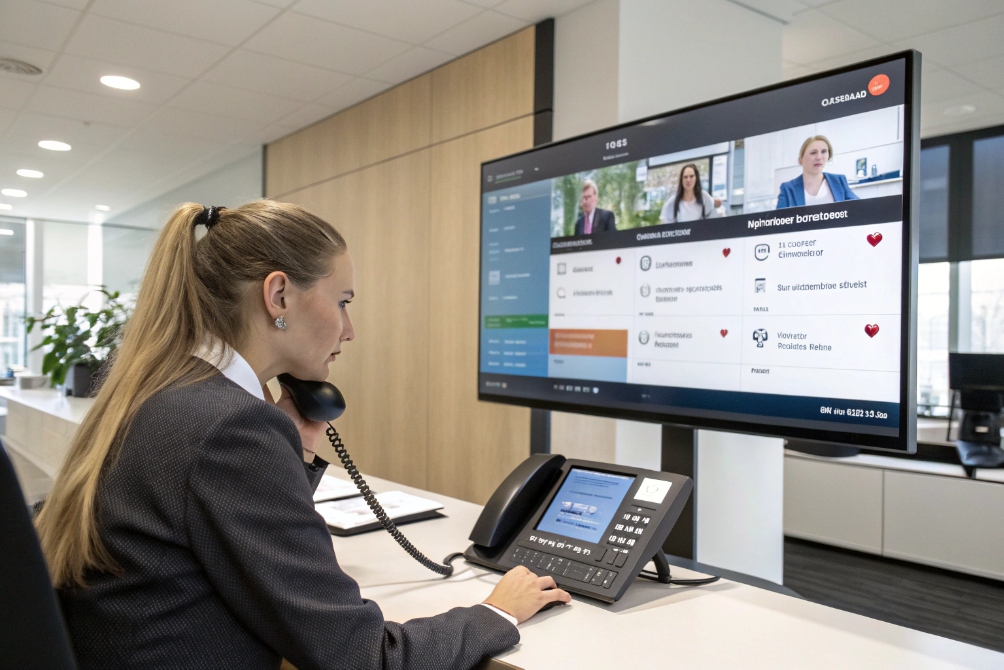
When calls hit a business and nobody knows who should answer first, you get chaos: bouncing transfers, missed opportunities, and frustrated callers.
An office switchboard is the central phone system that answers your main business numbers, then routes calls to the right extensions, queues, or external numbers so communication stays organized instead of chaotic.
In the past this was a person plugging cables into a physical board. Today it is usually an IP PBX 1 or cloud UCaaS platform 2 that automates routing, supports auto attendants and queues, and still gives receptionists powerful live controls. The rest of this guide explains how modern switchboards work, what business value they bring, how IT should choose and manage them, and which trends are reshaping them with VoIP and AI.
How does a modern office switchboard work?
Many people still picture a receptionist with a big console. They miss that most “switchboards” now live in software and use VoIP rather than bundles of copper lines.
A modern office switchboard is usually an IP PBX or hosted PBX (UCaaS) that sits between your internal extensions and the public phone network, handling call routing, transfer, queues, voicemail, paging, and auto attendants in one place.
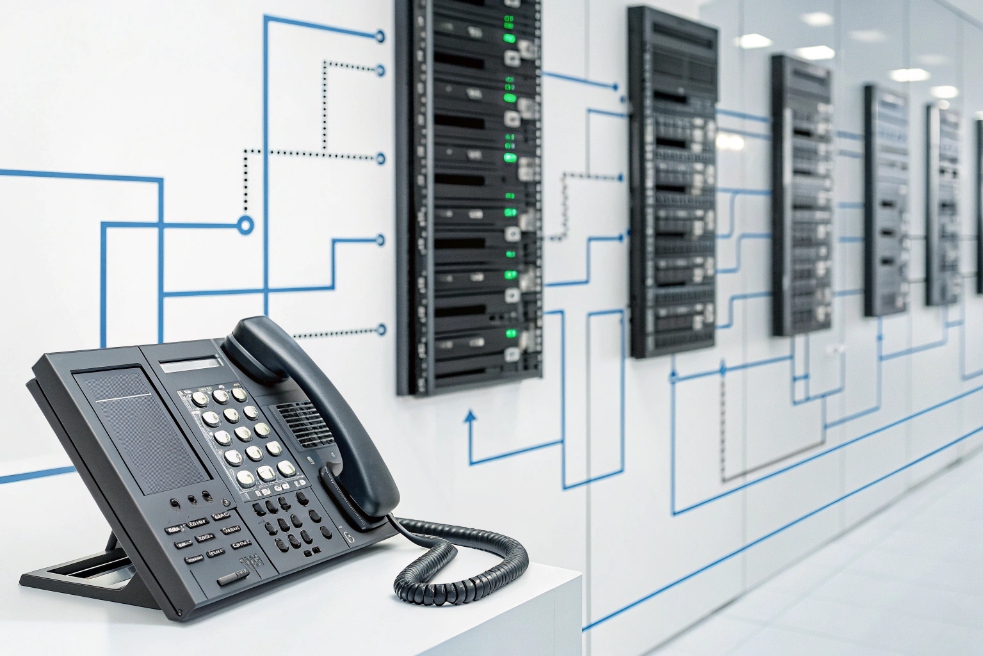
Inside the system, several pieces work together:
- Trunk side: SIP trunks 3, or sometimes PRI/analog lines, connect you to the public switched telephone network (PSTN) 4.
- User side: SIP desk phones, softphones, SIP intercoms, and mobile apps register as extensions.
- Logic layer: the PBX or UCaaS brain that decides where each call should go.
A typical inbound flow:
- A caller dials your main number (direct inward dialing (DID) 5).
- The switchboard receives the call from a SIP trunk.
- An auto attendant or receptionist answers.
- The system routes the call based on keypad input, rules, or operator actions.
- The call lands on an extension, a ring group, a queue, or voicemail.
For internal calls, users just dial short extension numbers. The switchboard keeps track of presence (busy, ringing, available), so it can show operators who is free and route calls intelligently.
Key functions include:
- Transfer (attended and blind)
- Hold and call park
- Pickup groups
- Paging and intercom to phones or SIP speakers
- Voicemail and message waiting indication
- Dial-by-name directory and speed dial
Auto attendants and IVR menus extend this. They answer the main line with a greeting like “Press 1 for Sales, 2 for Support” and send calls to the right queues or teams, so the live operator focuses on exceptions rather than every single call.
On the operator side, many systems offer a switchboard console in a web browser or desktop app. It shows:
- Active calls and queues
- Who is available or on a call
- One-click transfer, park, pickup, recording, and paging
So even though the physical board is gone, the idea of a central “switchboard seat” is still very real.
What business benefits do office switchboards provide?
Without a real switchboard, calls often hunt through random extensions, land on the wrong team, or die in voicemail. That hurts both customer experience and internal productivity.
A well-designed office switchboard improves call reachability, reduces misrouting, supports better customer journeys, protects SLAs, and gives management visibility into how the phone channel actually performs.

For callers, the benefits are immediate:
- One main number always works during business hours.
- Auto attendants and operators route calls quickly to the right department.
- Hold music and messages reassure them the line is active.
- Call queues avoid endless ringing and give a fair “first come, first served” path.
For internal staff, a switchboard removes many small frictions:
- Short extension dialing instead of repeating full numbers.
- Presence indicators and directories to find colleagues fast.
- Simple transfer, park, and pickup flows during busy times.
- Paging and intercom for quick announcements or emergency alerts.
From a management view, the switchboard gathers all call activity in one place. You get:
- Call detail records (CDRs) 6 for audits and billing.
- Wallboards showing active calls, queues, and service levels.
- Recording and monitoring for quality and training.
This turns voice from a “black box” into a measurable channel. You can see:
- How many calls hit Sales or Support.
- How long people wait.
- How many abandon before reaching an agent.
- Which hours or regions need more capacity.
In B2B service and sales, that level of control often makes the difference between a “nice phone system” and a real business communication platform.
How should IT select, integrate, and manage a switchboard?
It is easy to treat the switchboard as “just a PBX” and pick whatever your carrier suggests. That approach often leads to painful routing limits, weak analytics, or security gaps once you scale.
IT should choose an office switchboard by matching PBX or UCaaS features to call flows, integrating it with SIP trunks and business apps, and managing it with clear policies for routing, security, monitoring, and lifecycle upgrades.

A good starting point is to map your real-world needs:
- How many sites and time zones?
- Which main numbers and DIDs exist today?
- What queues do you need (Sales, Support, Billing, NOC, etc.)?
- Are there SIP intercoms, doorphones, or paging horns to integrate?
- What are your uptime and emergency-calling requirements?
From there, compare platforms on a few core axes:
| Area | What to look for |
|---|---|
| Routing flexibility | Auto attendants, IVR, queues, ring groups, failover paths |
| Device support | SIP phones, softphones, mobile apps, SIP intercoms/paging |
| Trunking | SIP trunk support, redundancy, Enhanced 911 (E911) 7 setup |
| Security | TLS/SRTP, strong admin auth, role-based permissions |
| Analytics | CDRs, live dashboards, SLA reports, recording options |
| Management | Web-based admin, APIs, multi-site and multi-tenant support |
Integration matters now more than ever. Your switchboard does not live alone. It connects to:
- SIP trunks or SBCs for PSTN access.
- CRM and helpdesk for screen pops, call logging, and click-to-call.
- SIP intercoms and speakers at doors, gates, and emergency points.
- Microsoft 365, Google Workspace, or other identity sources for SSO.
When these pieces line up, the switchboard becomes a central hub for both voice and related workflows.
Ongoing management includes:
- Maintaining dial plans, extensions, and number ranges.
- Updating business hours, holidays, and emergency overrides.
- Monitoring call quality, MOS, and failure rates.
- Keeping firmware and software patched for phones and PBX components.
IT should also define governance: who can create new queues, change auto attendants, or enable recording. Without clear rules, the switchboard slowly turns into a patchwork of one-off configurations that nobody fully understands.
What trends are transforming office switchboards—VoIP, UCaaS, AI?
The “switchboard” idea is old, but the technology behind it is moving fast. The move to IP, cloud, and AI-based services is changing how call control works and where it lives.
Office switchboards are shifting from hardware PBXs to VoIP and UCaaS platforms with softphones, mobile clients, and AI-powered routing and assistance, while still keeping the core mission of connecting callers and staff efficiently.

VoIP and UCaaS as the new default
Legacy digital and analog PBXs are fading fast. More deployments move to:
- IP PBXs running on standard servers or virtual machines.
- Hosted PBX / UCaaS where the whole switchboard runs in the cloud.
Both models use SIP and IP networks instead of proprietary TDM modules. That brings a few big changes:
- Easier integration with SIP trunks, softphones, and SIP intercoms.
- Simpler multi-site and remote work, since extensions can be anywhere with IP.
- Faster feature rollouts, because software updates add functions instead of forklift upgrades.
UCaaS in particular merges call control with messaging and video. The “switchboard” becomes one part of a wider collaboration suite. Receptionists can see chat presence and calendar status when transferring calls. Agents can jump from voice to screen share in one interface.
AI and automation at the front door and operator console
AI is starting to augment, not replace, the switchboard:
- AI-powered auto attendants let callers say what they need in natural language.
- Smart routing uses caller history, CRM data, and intent to choose the best queue.
- Agent assist tools suggest answers or surface knowledge while someone is on the call.
- Summaries and tagging help with call logging and follow-up without heavy manual notes.
For reception and operator roles, this means less guesswork. Console apps may highlight likely destinations based on who is calling and at what time. Voicebots can handle very simple requests or triage, while humans handle complex or sensitive ones.
Security, reliability, and hybrid environments
As switchboards move to IP and cloud, security and uptime change shape:
- Encryption (TLS/SRTP) protects signaling and media.
- Geo-redundant UCaaS data centers reduce the risk of total outages.
- Firewall and SBC hardening protect against SIP attacks and toll fraud.
Hybrid setups will stay common for some time. Many organizations run a central IP PBX or UCaaS tenant but keep local gateways for analog lines, fax, elevator phones, or legacy devices. The switchboard has to bridge both worlds smoothly.
Looking forward, the “office switchboard” is less a single box and more a set of cloud and on-prem components that coordinate:
- Numbers and routes
- People and presence
- Voice, video, and messaging
- Automation and human operators
If the design stays clear and user-focused, callers will not care where the switchboard lives. They will just notice that someone answers, understands why they are calling, and connects them quickly to the right person.
Conclusion
An office switchboard is still the communication heart of a business, but now it runs on VoIP, UCaaS, and AI, tying together main numbers, SIP endpoints, and call flows so every call has a clear, professional path from “hello” to the right destination.
Footnotes
-
IP PBX overview and typical capabilities for routing, extensions, and VoIP features. ↩ ↩
-
Explains UCaaS and how cloud platforms deliver calling, messaging, and meetings together. ↩ ↩
-
Background on SIP trunking and how businesses connect VoIP systems to carriers. ↩ ↩
-
PSTN basics and why legacy public networks still matter for business calling. ↩ ↩
-
DID definition and how main numbers map to extensions, queues, or call flows. ↩ ↩
-
What CDRs contain and how they support billing, audits, reporting, and troubleshooting. ↩ ↩
-
FCC guidance on 911/E911 services and key considerations for business phone deployments. ↩ ↩








