
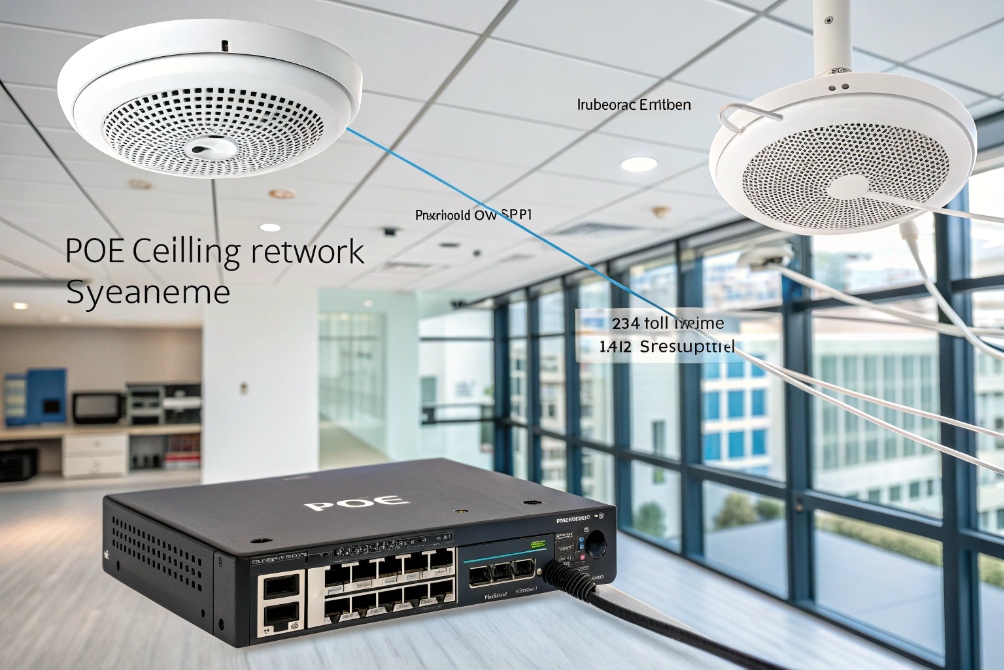
Old analog paging systems are hard to expand, hard to manage, and often impossible to hear clearly in real emergencies.
IP paging is network-based public address that sends audio over Ethernet to PoE speakers, horns, and intercoms, so you can make clear, targeted announcements anywhere on your IP network.
With IP paging, you treat speakers like any other IP endpoint. They sit on switches, get power from Power over Ethernet (PoE) 1, and talk Session Initiation Protocol (SIP) 2 or IP multicast 3. That means IT can control zones, priorities, schedules, and integrations in software instead of pulling new copper every time the layout changes. Let’s break down how it works, what value it brings, how to design it, and which trends to watch.
How does IP paging work in enterprise networks?
Many people still picture a big analog amplifier driving miles of 70V speaker cable. When sites expand, that design quickly turns into a wiring maze.
IP paging uses your data network as the audio backbone: announcements start from phones or apps, are encoded as packets, and reach PoE speakers or adapters in selected zones using SIP unicast, multicast, or both.
IP paging building blocks
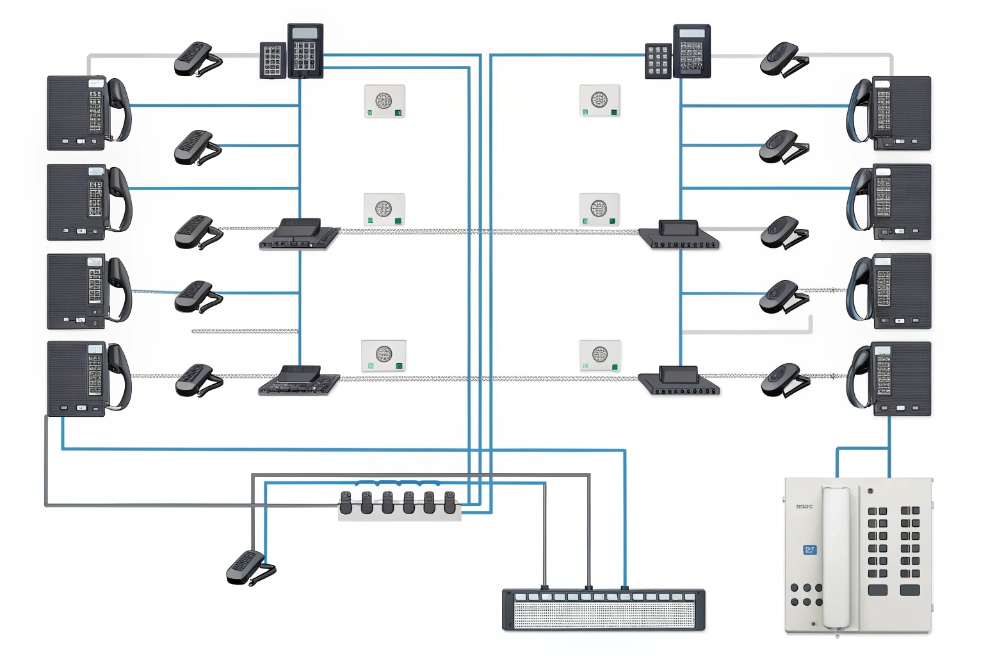
At a high level, an IP paging system has a few main pieces:
-
Audio sources
- Desk SIP phones (dial a page code)
- Softphones and web consoles
- Hardware mics and paging stations
- Automated sources like text-to-speech or scheduled bells
-
Network transport
- Standard Ethernet switches, often with PoE
- Virtual LANs (VLANs) 4 and Quality of Service (QoS) 5 to keep real-time audio stable
-
Endpoints
- PoE ceiling and wall speakers
- Outdoor IP horns and strobe lights
- SIP intercoms with talkback
- IP-to-analog adapters that drive legacy speaker loops
When someone pages, the system encodes their voice and sends it across the LAN as IP packets. Endpoints in the chosen zones decode the stream and play audio through their built-in amplifiers.
SIP unicast vs multicast
Most IP paging platforms support two main delivery modes:
| Mode | How it works | Where it fits |
|---|---|---|
| SIP unicast | Each speaker or group acts like a SIP “phone” | Smaller sites, complex confirmation needs |
| RTP multicast | One stream sent to a multicast address, many listen | Large campuses, many endpoints per zone |
With SIP unicast, the paging source (often the PBX or paging server) sets up a SIP call to each target endpoint. This is simple to reason about, and you can see which devices answered. But it creates many streams when zones have many speakers.
With multicast, the server sends one stream to a special IP address. All speakers that subscribe to that address and VLAN play the audio. This is very efficient for “all-call” and large zones, as switches replicate traffic only to ports that joined the group. Features like IGMP snooping 6 keep multicast from flooding the entire network.
Many real deployments mix both: SIP for control and zone selection, multicast for the heavy audio.
Integration with PBX, safety, and automation
IP paging rarely lives alone. It plugs into other systems:
- PBX / UCaaS via SIP, so staff page from their existing phones or softphones.
- Access control to play tones or messages when doors open or alarms trigger.
- Fire panels and mass-notification platforms for life-safety alerts.
- APIs and webhooks so applications can trigger announcements or tones.
You can set priority levels. For example, an emergency page can override background music, “duck” normal announcements, and force all devices in safety zones to maximum volume. Scheduled tones can ring school bells or shift-change sirens without someone pressing a button.
Compared with analog, IP paging moves logic from the rack to software. This gives IT much more control over who can page, which zones react, and how the system behaves when network links fail.
What business benefits does IP paging deliver for safety and operations?
Many sites rely on ad-hoc methods to get people’s attention: handheld radios, emails, group chats, or someone literally shouting. In real incidents, that does not scale.
IP paging improves safety and day-to-day operations by delivering clear, zoned announcements across buildings and campuses, so you can alert people quickly, guide them with simple instructions, and coordinate work without chaos.
Safety and emergency communication
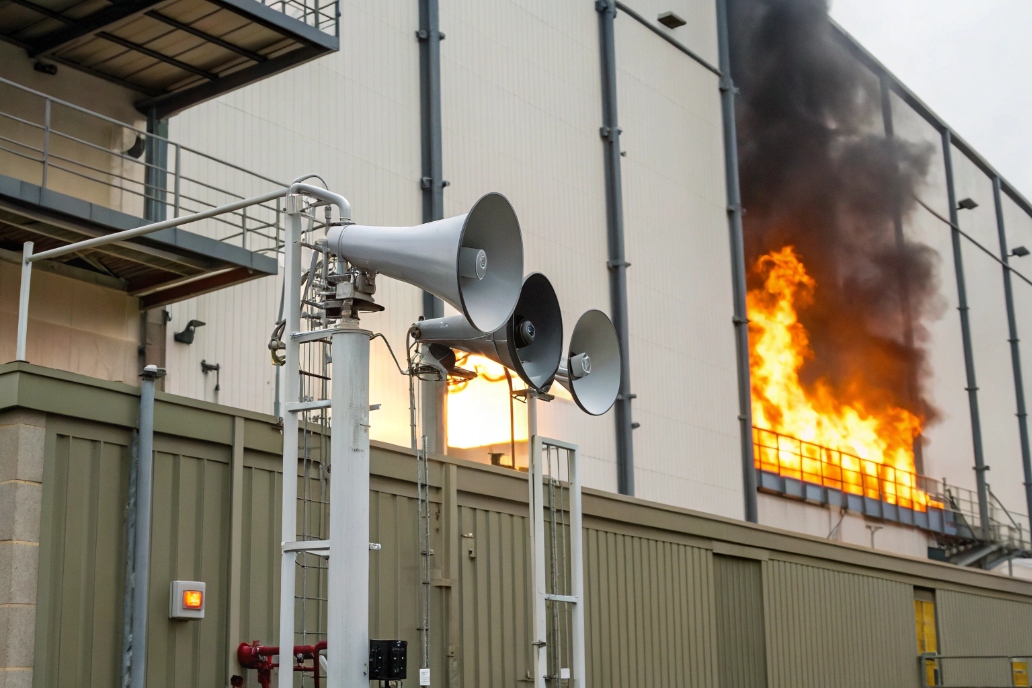
In emergencies, seconds matter. IP paging lets you reach everyone in affected areas at once:
- Fire, gas, or chemical alerts in industrial sites
- Lockdown and evacuation notices in schools and campuses
- Severe weather warnings in logistics yards and warehouses
- Elevator or stairwell guidance in multi-story buildings
Because endpoints are smart, you can predefine emergency zones and map them to different scripts. Outdoor horns can play high-SPL sirens plus voice instructions. Indoor speakers can play a calmer voice message. Talkback intercoms at doors and stairwells can open two-way channels to security or control rooms.
Paired with UPS-backed PoE switches, the system can keep working through short power problems. Network redundancy and dual uplinks give extra resilience. This is a big step up from one central analog amp with a single point of failure.
Daily operations and productivity
Outside emergencies, IP paging becomes a quiet workhorse. It helps you:
- Call staff to loading bays or docks
- Announce visitors or deliveries to specific departments
- Signal start and end of shifts, breaks, and meetings
- Coordinate housekeeping, maintenance, or security rounds
With zones, you avoid blasting whole buildings for small messages. Only the right areas hear each call. That reduces noise fatigue and keeps attention for pages that matter.
A simple view of business impacts:
| Area | Example use case | Benefit |
|---|---|---|
| Safety | Evacuation instructions | Faster, clearer response |
| Operations | Dock and warehouse calls | Less downtime, fewer delays |
| HR / admin | Shift bells, site-wide notices | Consistent communication |
| Customer-facing | Waiting room and lobby messages | Better visitor experience |
Financial and lifecycle benefits
IP paging also changes cost and lifecycle:
- Uses existing Ethernet and PoE instead of dedicated audio cable for every change.
- Makes moves, adds, and changes mostly a configuration task.
- Extends the life of legacy analog speakers via IP-to-analog adapters.
- Centralizes management instead of local tuning on many amps.
Over time, this reduces both project labor and long-term maintenance. You can roll out new zones, add horns in a yard, or split floors into smaller paging groups with only limited physical work. That agility is where most of the ROI comes from.
How should IT design, deploy, and manage IP paging at scale?
Paging often starts as a small add-on. Then one day it needs to cover multiple buildings and hundreds of speakers, and suddenly the original design is not enough.
To run IP paging at scale, IT should treat it like any real-time service: plan zones and priorities, design network paths with PoE and QoS, pick the right endpoints, and use central tools to monitor and update the system.

Plan the architecture first
A bit of upfront planning saves many headaches. Key questions:
- How many buildings, floors, and outdoor areas do you need to cover?
- Which zones should exist (by floor, department, safety area, or function)?
- Which pages must override others, and which can wait?
- What is your network layout (VLANs, PoE switch locations, WAN links)?
You can map this in a simple table:
| Element | Design choice example |
|---|---|
| Zone model | Per floor + special emergency zones |
| Transport | SIP unicast for control, multicast for large zones |
| Power | PoE switches with UPS for all critical endpoints |
| Integration | SIP to PBX, contact closure to fire panel, REST API |
Think about PoE budget. Horns and multi-driver speakers draw more power. Spread them across switches so you do not overload a single closet. For outdoor and industrial spots, choose weather-rated and high-SPL devices, sometimes with ambient-noise sensing.
Deployment checklist
Once the design is set, deployment follows a clear path:
- Create a paging VLAN or set of VLANs.
- Configure QoS to prioritize RTP or multicast traffic.
- Enable IGMP snooping and queriers on switches that carry multicast.
- Install endpoints and label them with zone and location.
- Register SIP devices to the PBX or paging server if using SIP unicast.
- Upload and test tones, messages, and TTS voices.
- Set up paging codes on phones and softphones.
- Run walk tests: make pages in each zone, verify coverage and clarity.
For talkback endpoints, also validate call flows: door stations calling reception, warehouse call buttons reaching the right desk, nurse stations reaching the right support line.
Ongoing management and monitoring
After go-live, treat IP paging as a living system:
- Monitor endpoint status (online/offline) in a central console.
- Check logs for failed pages or missing zones.
- Review coverage and clarity after layout changes or new machinery.
- Update messages and tones for new schedules, holidays, or policy changes.
For large sites, IT can adopt simple SLAs, such as:
- All critical zones must have at least one healthy endpoint per defined area.
- Any offline emergency endpoint must trigger an alert.
- Annual or semi-annual audible tests with safety teams.
Security matters too. Restrict who can send all-call pages, and control which accounts can access paging APIs. Isolate the paging VLAN from the open office LAN where possible. Use SIP over TLS and SRTP on unicast legs when supported, even if multicast remains unencrypted by design.
What trends shape IP paging—PoE speakers, SIP, multicast, and IoT?
Paging used to mean “one big amp and some horns”. Now it sits at the intersection of IP networking, UC, and building systems.
Modern IP paging is driven by smarter PoE endpoints, tighter SIP integration with phone systems, efficient multicast for large sites, and IoT-style triggers that turn speakers into part of a wider safety and automation fabric.
Smarter PoE speakers and SIP endpoints
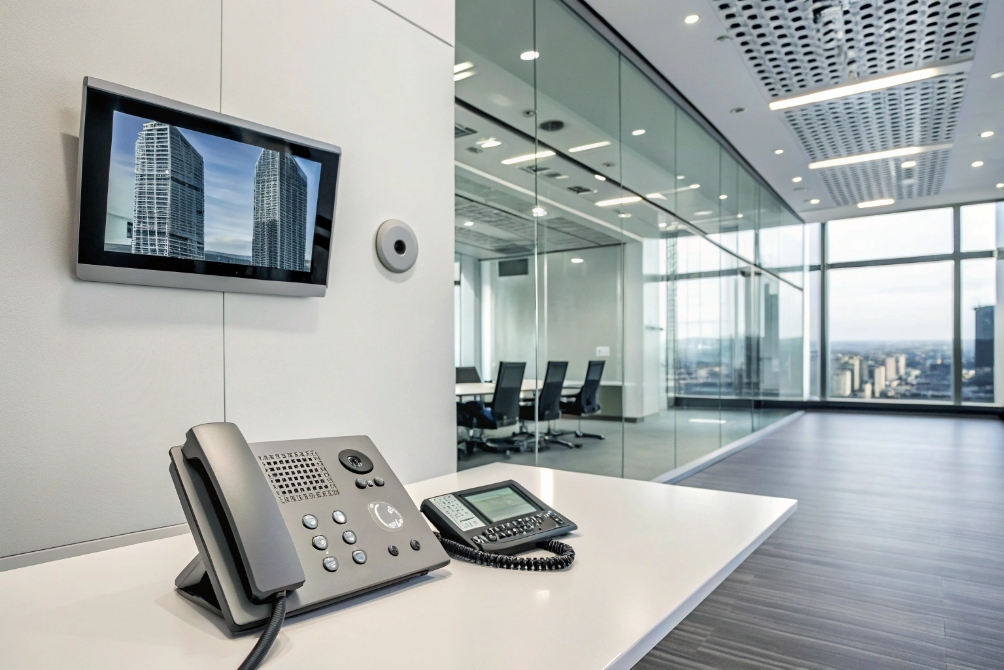
New generations of IP speakers, horns, and intercoms are not just “dumb loudspeakers”. They often include:
- Built-in SIP stacks that register directly to PBXs or UCaaS.
- Local schedulers for bells and tones.
- Ambient-noise sensors that auto-adjust volume.
- Relays for strobes and door contacts.
This lets IT treat each device like a small, smart node. You can push firmware updates, adjust volume per zone, and even switch codecs (for example, G.711 vs G.722) to match your VoIP environment.
Talkback devices also blur the line between paging and intercom. A single SIP endpoint can act as a paging speaker, a door phone, and an emergency call point depending on how it is addressed.
Smarter software, multicast, and cloud control
On the software side, paging controllers and servers are adding features such as:
- Web dashboards for zones, priorities, and schedules.
- Multicast mapping across VLANs and routed networks.
- Text-to-speech for dynamic announcements like sensor alerts.
- API-driven control for integration with mass notification systems 7 and workflow tools.
Cloud-based controllers can manage many sites from one place. Local edge devices handle low-latency audio, while the cloud holds configuration, user roles, and analytics. This makes “paging as a service” across campuses and branches much easier.
Multicast remains important for scale, but implementations are getting cleaner. IGMP snooping defaults, better documentation, and templates from network vendors make it easier for IT teams who are used to pure unicast VoIP.
IoT and system-wide automation
Finally, IP paging is joining the wider IoT and safety ecosystem. Speakers and intercoms now respond to:
- Triggers from access control (forced door, propped door).
- Events from fire and intrusion panels via contacts or network APIs.
- Signals from environmental sensors for gas leaks, temperature, or air quality.
- Workflow systems that manage drills, lockdowns, or production alarms.
A simple trend view:
| Trend | Impact on IP paging |
|---|---|
| PoE and smart endpoints | Easier installs, per-device control, less cabling |
| SIP and UC integration | One dialing plan for phones and paging |
| Multicast optimization | Efficient all-call coverage at large scale |
| IoT and automation | Faster, event-driven alerts with less manual effort |
These trends move paging from a single-purpose PA system to a unified voice and alerting layer for the entire site. When it is designed with the network in mind, IP paging becomes one of the most reliable ways to reach people fast, no matter where they are on your campus.
Conclusion
IP paging turns your network into a flexible PA system, giving you clear, zoned voice coverage for both everyday coordination and critical safety alerts, all managed like any other modern IP service.
Footnotes
-
Understand PoE power delivery and standards for network speakers and endpoints. ↩ ↩
-
SIP basics for signaling and registering paging endpoints to PBXs or servers. ↩ ↩
-
Overview of IP multicast and why it scales efficiently for one-to-many audio delivery. ↩ ↩
-
VLAN overview for segmenting paging traffic and simplifying control and security. ↩ ↩
-
QoS concepts for prioritizing real-time audio packets over congestion and background traffic. ↩ ↩
-
How IGMP snooping prevents multicast flooding and improves efficiency on switched networks. ↩ ↩
-
Learn what mass notification systems are and how they support emergency alerts across facilities. ↩ ↩








