
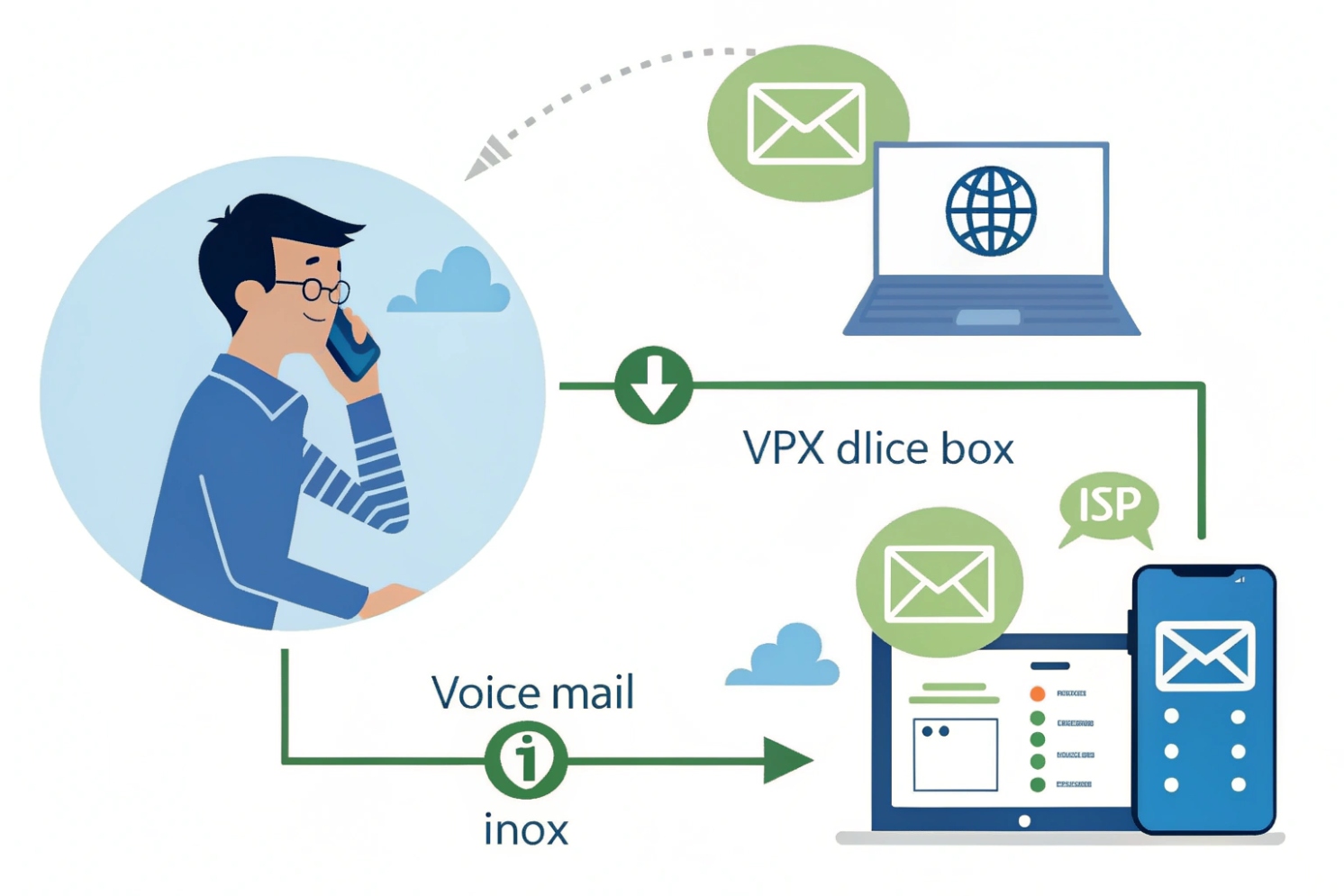
Miss a call, and you should not have to dial into a clunky voicemail box just to find out it was nothing important. That is where voicemail-to-email helps.
Voicemail-to-email records messages on your IP PBX or hosted VoIP platform, then emails them as audio attachments or secure links so you can listen and respond from any device with email.
Instead of hunting for the right desk phone, new voicemails simply appear in your inbox and apps. For a SIP system with IP phones, softphones, and intercoms, this turns voicemail into just another piece of digital work you can triage anywhere.
How do I set up voicemail to email on an IP PBX?
You can buy the best SIP phones and still miss leads if voicemails stay locked inside a single mailbox on the PBX.
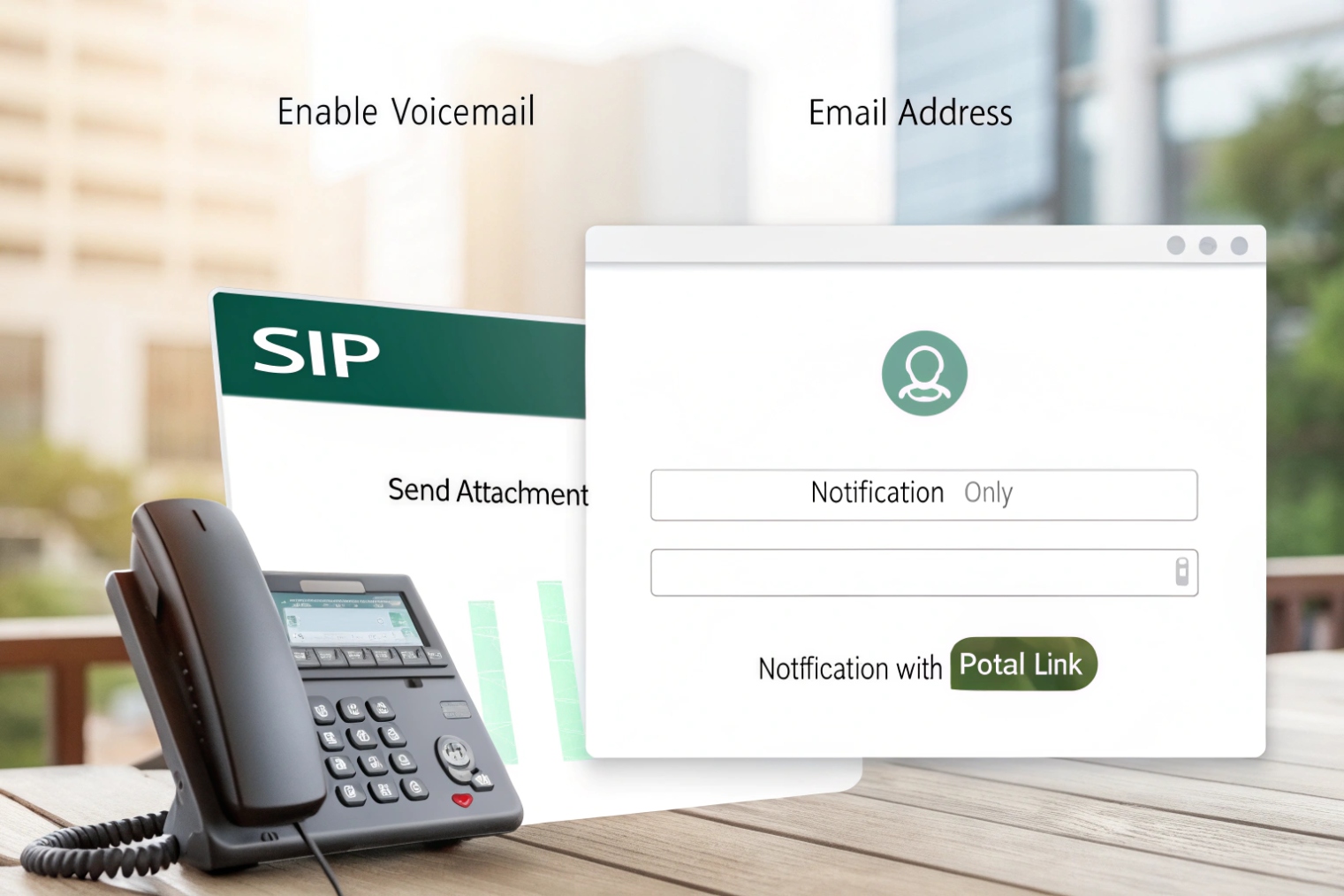
To set up voicemail-to-email, you configure SMTP on the IP PBX, add email addresses to extensions or groups, choose the attachment style, and then test delivery end-to-end.
1. Configure SMTP on the PBX
The voicemail engine needs a Simple Mail Transfer Protocol (SMTP) 1 server to send through. On most IP PBXs you find a “Email / SMTP” or “Voicemail to email” page and set:
- SMTP server address (for example
smtp.yourdomain.com) - Port and encryption (the SMTP STARTTLS extension 2 or SMTPS)
- Auth user and password, or OAuth if supported
- Default “From” address (for example
pbx@yourdomain.com)
I like to use a proper domain-based From: address so SPF/DKIM/DMARC alignment 3 can be set correctly by the IT or email team. This avoids messages landing in spam just because they come from pbx@some-random-hostname.
2. Enable voicemail and enter destination emails per extension
Next, on each SIP extension or ring group:
- Enable voicemail.
- Set an email address for the user or team.
- Choose whether to send:
- Attachment + metadata
- Notification only
- Notification plus link to a portal
For shared lines (reception, support, after-hours duty) you can add multiple recipients or use a shared mailbox. In our projects, shared mailboxes are easier to manage than long recipient lists.
3. Decide what happens to the server copy
The PBX can:
- Keep a copy of the message and send email.
- Delete the server copy after sending.
- Auto-purge older messages after a number of days.
This choice affects the SIP Message Waiting Indicator (MWI) event package 4 and the lamps on SIP phones:
| Server behavior | MWI behavior on phones |
|---|---|
| Keep messages | Lamps stay on until user listens or deletes |
| Delete after email | Lamps may never light or clear immediately |
| Purge after X days | Lamps work normally; storage remains in check |
For most users, I prefer “keep messages but auto-purge after 30–90 days”, which keeps both MWI and storage under control.
4. Test with real devices and mailboxes
Finally, test from end to end:
- Call the extension and leave a message.
- Confirm the email arrives quickly with the right caller ID and time.
- Check spam folders, attachment quality, and that MWI behaves as expected.
- Confirm users can still dial in from SIP phones or apps to manage messages.
This simple test loop catches most misconfigurations early: wrong SMTP auth, blocked ports, or typos in user addresses.
Will voicemail to email work with my SIP intercoms and door phones?
SIP intercoms and door phones do not usually store voicemail themselves, but that does not mean you cannot get messages from visitors or after-hours calls.
Yes. Voicemail-to-email works with SIP intercoms and door phones as long as their calls are routed through the IP PBX, which sends unanswered or busy calls to a voicemail box that emails the recording.
1. Where voicemail actually lives in an intercom setup
Most SIP intercoms and door phones are just endpoints:
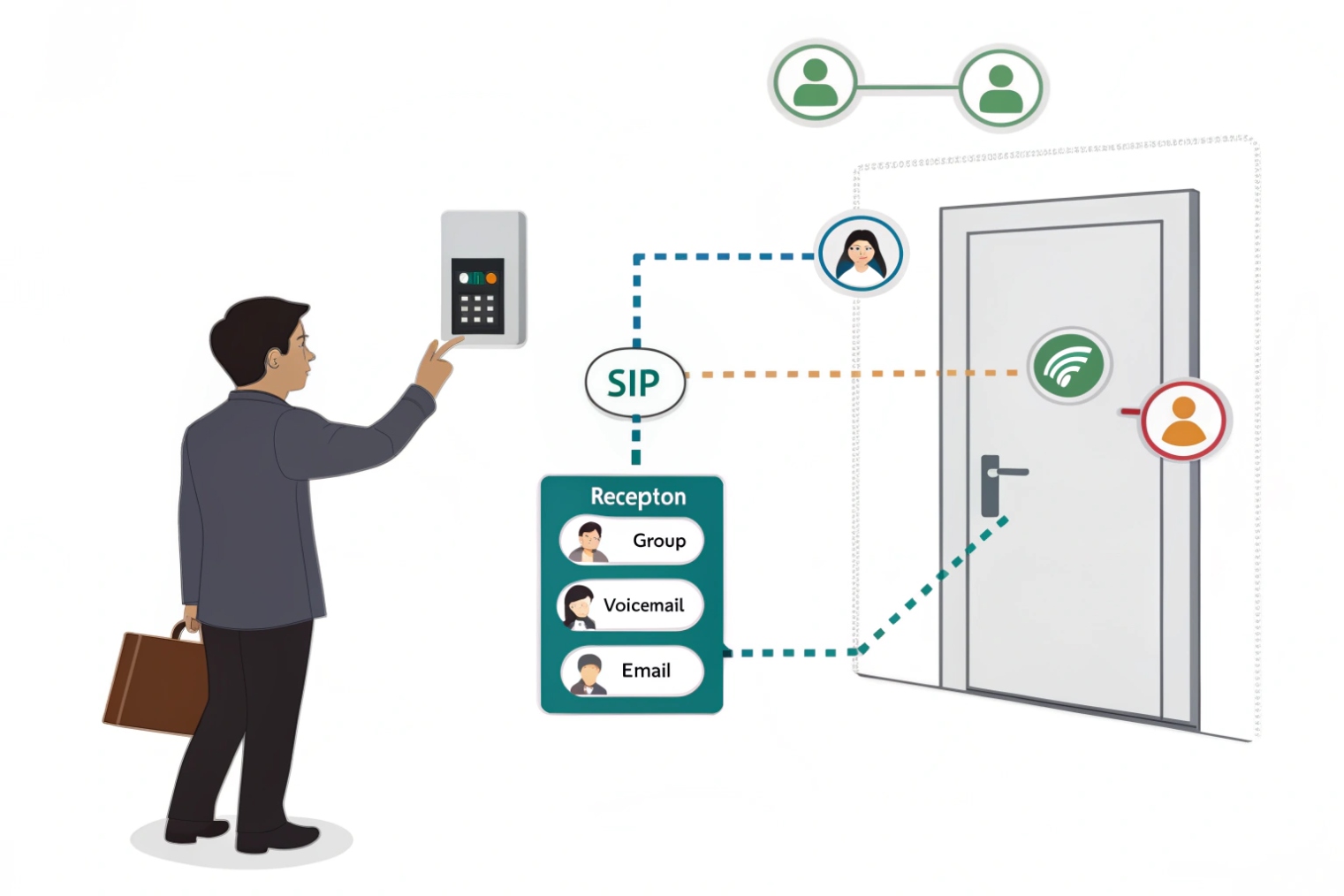
- They call one or more SIP extensions or ring group (hunt group) destinations 5.
- If nobody answers within a timeout, the PBX routes the call to voicemail.
- The voicemail belongs to the person, group, or service extension that the intercom dialed.
So the intercom does not need a local SD card or voicemail engine. Everything is handled by the same virtual voicemail system as your desk phones.
A typical flow:
- Visitor presses the call button on the SIP door phone.
- Intercom calls a ring group (for example reception or security).
- No one answers within X seconds (or the line is busy).
- The PBX sends the call to a group voicemail box.
- The PBX emails the message to the chosen recipients.
2. Different voicemail behavior by time of day
For intercoms, time conditions matter a lot:
- Business hours: Calls ring live staff first, voicemail is a backup.
- After hours: Calls might go straight to voicemail with a custom greeting (for example “Office closed, please leave your name and contact”).
- Holidays: You might play a different greeting and email messages to an on-call team.
The PBX can attach the same voicemail to several addresses: operations, property management, or a security contractor. This is safer than letting messages pile up in one person’s mailbox over a long weekend.
3. Special considerations for emergency or help-point phones
For emergency SIP phones and help points you often do not want voicemail at all. If these calls go unanswered they may:
- Overflow to a backup number or external security center.
- Trigger alerts but not record messages.
So I usually separate:
| Device type | Voicemail to email? | Notes |
|---|---|---|
| Lobby / visitor intercom | Yes, after timeout | Good for missed deliveries, visitors |
| Service entrance / loading dock | Yes, routed to logistics team | Helps track missed drivers or contractors |
| Emergency or blue-light phones | Usually no voicemail | Prefer live answer + escalation paths |
When you route intercom calls through the PBX first, voicemail-to-email is just another routing option, and it works the same way as for SIP phones.
Which audio formats and file sizes will I receive by email?
Users care about two things here: “Will it play everywhere?” and “Will big voicemails break my inbox?”
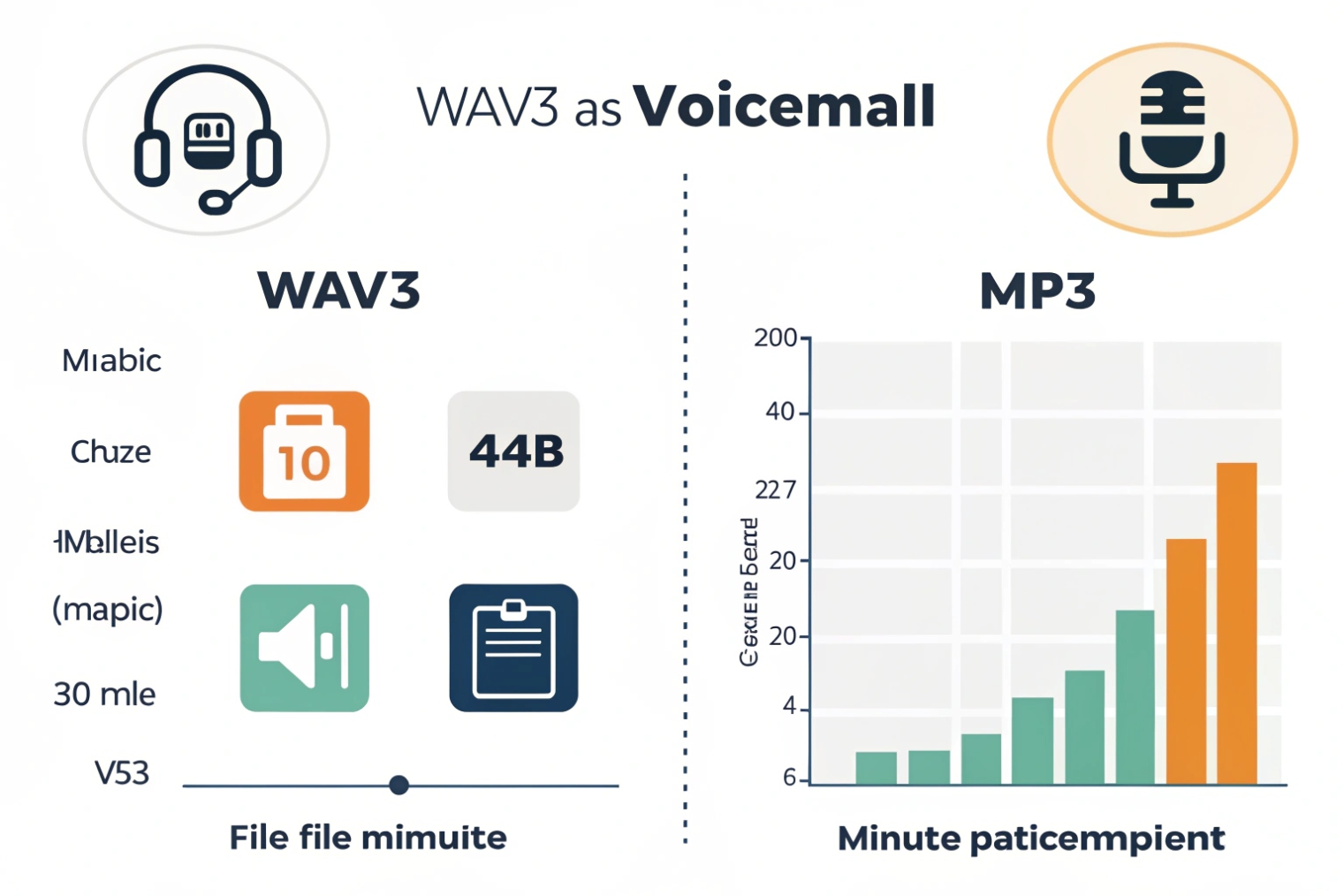
Most systems send voicemail as WAV (or sometimes MP3) attachments. A one-minute message is usually under 1 MB for G.711/WAV and far smaller if compressed, but mail size limits still matter.
1. Common voicemail audio formats
The actual format depends on your PBX or hosted platform, but you will most often see:
-
WAV / PCM (G.711, 8 kHz mono)
- Very compatible with players on Windows, macOS, iOS, and Android.
- Simple and easy to generate.
-
Compressed WAV or MP3
- Smaller file sizes.
- Still widely supported, but slightly more CPU to encode/decode.
Many IP PBXs let you choose output format in a global setting. If users work on locked-down corporate PCs, I tend to stick with plain WAV because built-in players handle it without extra software.
2. Rough file size estimates
As a simple rule of thumb:
- 8 kHz, 16-bit, mono PCM WAV ≈ 128 kbps ≈ 16 kB/s.
- One minute of this G.711 PCM WAV audio 6 ≈ 960 kB (about 1 MB).
- Compressed formats can cut this by half or more.
So an inbox with a 25 MB limit can hold quite a few voicemail attachments, but long messages or many messages in the same email thread can still hit limits.
Typical real-world sizes:
| Message length | PCM WAV (approx) | Compressed MP3 (approx) |
|---|---|---|
| 30 seconds | ~0.5 MB | ~0.1–0.2 MB |
| 1 minute | ~1.0 MB | ~0.2–0.4 MB |
| 3 minutes | ~3.0 MB | ~0.6–1.2 MB |
If your users travel a lot on mobile data, smaller MP3 attachments or “link-only” mode can be more friendly than big WAV files.
3. Transcription and email content options
Beyond audio, many platforms let you choose the email payload:
- Attachment + short transcript.
- Transcript only, with a portal link to audio.
- Attachment only, no transcript.
- Notification only (“You have a new voicemail”), for highly locked-down environments.
For noisy environments or SIP intercom messages at doors, transcripts may be less accurate, but even a rough text preview helps people decide which messages to open first.
As an admin, I like to make this configurable per user or group. Sales might want full attachments and transcripts; legal or security teams might prefer portal-only access with no audio leaving the system.
How do I fix voicemail-to-email delivery or spam issues?
The feature looks simple, but nothing happens if the email never arrives or gets dumped into spam.
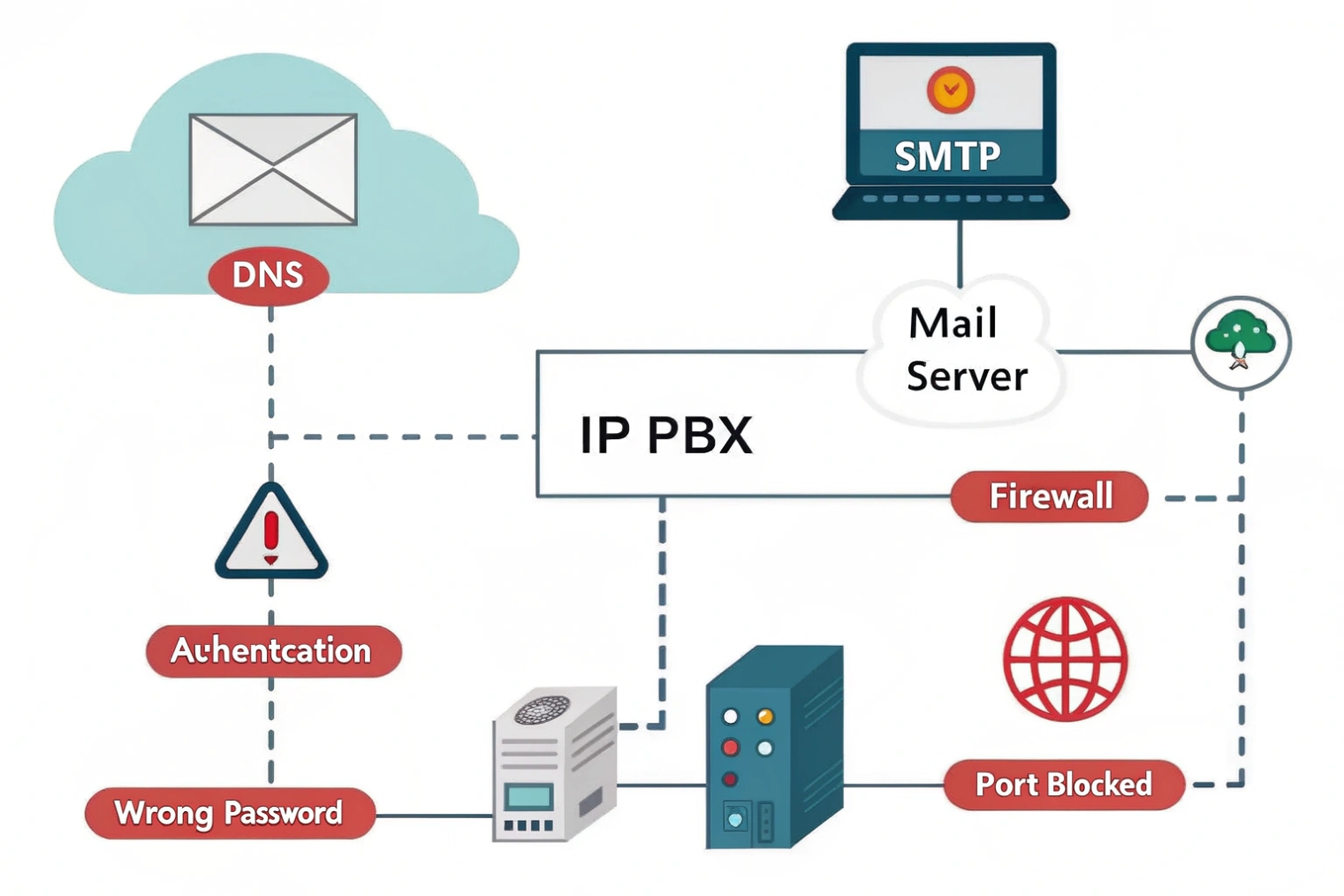
If voicemail-to-email fails, check SMTP settings, message size, and spam filters first. Use proper domains, SPF/DKIM, and test from the PBX side to see whether messages were actually sent.
1. Check SMTP and PBX logs first
When users say “I did not get my voicemail email”, start at the PBX:
- Confirm SMTP server, port, and encryption mode are correct.
- Make sure credentials or auth method still work.
- Look at PBX mail logs or status pages for send errors (auth failed, timeout, relay denied).
If the PBX cannot even talk to the mail server, nothing else matters. Fix DNS, firewall rules, or credentials until a test email from the PBX succeeds.
2. Watch for size limits and attachment policies
Even when SMTP is fine, the message can be rejected later because of:
- Attachment size limits (often 10–25 MB per message).
- Attachment type policies (how MIME email attachments 7 are handled by gateways and filters).
- Company policies that strip audio from certain mailflows.
You can mitigate this by:
- Switching to a more compressed format if your PBX supports it.
- Shortening maximum voicemail length, especially on public numbers or intercom lines.
- Using “link-only” emails where the message stays on the server and email carries only a URL.
In one deployment, long voicemails from a gate intercom kept bouncing at the customer’s mail server. Switching to MP3 attachments and limiting messages to 2 minutes fixed the problem without losing important content.
3. Reduce spam flagging with proper sender settings
Spam filters are suspicious of:
- Messages from odd hostnames or IPs with no proper DNS.
- “From” addresses that do not match SPF or DKIM for the domain.
- Generic subjects with no meaningful content.
So I like to:
- Use a real corporate
From:address likevoicemail@yourdomain.com. - Make sure SPF includes the IP that sends mail from the PBX or its relay.
- Add DKIM signing where possible.
- Use clear subject templates like
New voicemail from +1 555 123 4567 to 201.
Ask users to check their spam folder once after rollout and mark these messages as “not spam” if they slipped through.
4. Keep MWI and mailbox state in sync
Sometimes voicemail-to-email works, but users complain that the red light never turns off, or never turns on. That is usually about mailbox state, not email.
Common causes:
- Server copy is deleted immediately after emailing, so the system never shows “new” messages.
- Users only delete emails, not the server voicemail, so MWI stays on.
- Mailbox quotas are hit and new messages are not being stored anymore.
The fix is to align email and server behavior:
| Problem | Likely cause | Fix |
|---|---|---|
| Lamp never lights | “Delete after email” or no voicemail | Keep server copy at least until first play |
| Lamp never clears | Users delete only emails | Train users to clear messages from phone/app or portal |
| New messages stop arriving | Mailbox full or quota reached | Increase quota or lower retention period |
A quick test with a known extension and your own email inbox usually reveals whether the issue is at the PBX, mail server, or user mailbox level.
Conclusion
Voicemail-to-email turns missed calls on your SIP phones and intercoms into readable, portable messages. With the right PBX setup, formats, and email hygiene, it simply becomes part of your normal inbox workflow.
Footnotes
-
SMTP basics for how PBXs relay voicemail notifications and attachments. ↩ ↩
-
STARTTLS details for encrypting SMTP connections between your PBX and mail server. ↩ ↩
-
DMARC overview to reduce spoofing and improve deliverability for PBX-sent voicemail emails. ↩ ↩
-
How SIP MWI events control voicemail lamps/badges on IP phones and softphones. ↩ ↩
-
Hunt group concept for routing intercom calls to multiple phones before voicemail. ↩ ↩
-
G.711 reference for why uncompressed voicemail WAV sizes are predictable per minute. ↩ ↩
-
MIME standard for email attachments, useful when diagnosing attachment filtering and policy rejections. ↩ ↩








