
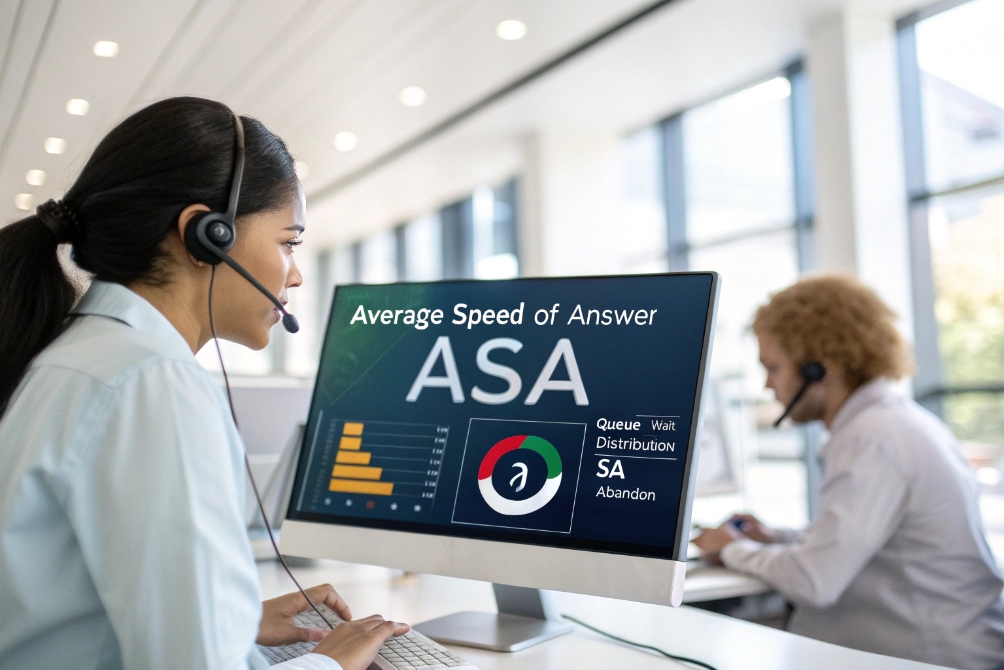
Calls can stack up fast. Customers hear music. Agents feel pressure. Then the SLA report looks bad, even when the team worked all day.
ASA (Average Speed of Answer) is the average time it takes for answered calls to reach a live agent after the caller enters the queue, based on a clearly defined start and stop point.
ASA is a queue metric, not an agent personality score
Average Speed of Answer (ASA) 1 is about the queue’s behavior. It measures how long callers wait before an agent answers. It is one of the fastest signals of customer friction. When ASA rises, callers feel it right away. When ASA falls, the center feels calmer, even if call volume stays the same.
In SIP: Session Initiation Protocol 2 systems, ASA is still built on simple events. A caller hits an IVR, then exits into a queue. The ACD selects an eligible agent. The agent phone rings. The agent answers. ASA tries to describe that waiting period in one number. The tricky part is the definition. Some centers start timing at “queue entry.” Others start timing at “IVR exit.” Some include agent ringing time. Others do not. If the definition changes, the number changes, even when the customer experience did not.
ASA is also tied to AHT, but it is not the same. AHT is what happens after the call is answered. ASA is what happens before. If AHT increases, agents stay busy longer. Then fewer agents are available. Then ASA rises. That link is why staffing forecasts break when AHT definitions are sloppy.
A single ASA value can hide a lot. A center can hit a good daily ASA and still fail during peak 30-minute windows. That is why interval ASA is more useful than daily ASA for most operational decisions.
| Metric | What it measures | Typical start point | Typical stop point | What it is best for |
|---|---|---|---|---|
| ASA | Wait time before answer | Queue entry (or IVR exit) | Agent answers | service level objective 3 and customer wait experience |
| AHT | Work time to handle a call | Agent answers | ACW complete | Capacity and staffing math |
| abandon rate 4 | Callers who hang up | Queue entry | Caller disconnects | How painful the wait feels |
ASA is simple, but it must be defined and tracked with discipline. That makes later optimization clean and repeatable.
If ASA is the “symptom,” then queue math and routing rules are the “cause.” The next step is to calculate ASA in a way that matches how your PBX truly routes SIP calls.
How do I calculate ASA in my call queues?
ASA looks like an easy formula. But small definition mistakes can produce a “good” ASA on paper while callers still wait too long.
ASA is calculated as the total queue waiting time for answered calls divided by the number of answered calls, using consistent rules for IVR time, ringing time, and transfers.

The standard formula and the parts that must be defined
A practical baseline formula is:
ASA = (Sum of wait time for answered calls) ÷ (Number of answered calls)
Then define “wait time.” In most VoIP contact centers, wait time means the time from queue entry to agent answer. Some teams exclude IVR time. Some include IVR time. Many teams exclude abandoned calls from the calculation, because the call was never answered. That is common, but it can hide pain if abandon rates rise. So ASA should usually be read together with abandon rate.
Start and stop boundaries that match real SIP call flow
A stable ASA definition usually sets:
- Start: caller enters the queue (or exits IVR into the queue)
- Stop: agent answers and the call is connected
The ringing window matters. If the ACD rings an agent for 25 seconds before trying the next agent, the caller still waits. So many centers include ringing time in ASA because the caller experiences it as waiting. Some systems track “time in queue” and “time ringing” separately. That split is useful because it points to different fixes.
Transfers and callbacks can change the denominator
In SIP environments, transfers can create two common measurement options:
- Count ASA only for the first answered agent connection.
- Count ASA again if the call re-enters a queue after transfer.
Callbacks also create choices. If a “virtual queue” offers a callback, ASA can drop because fewer callers wait on hold. Still, the customer is waiting in another way. So it is useful to track callback delay as a separate metric.
| Item | Include in ASA? | Why teams choose it | Risk if ignored |
|---|---|---|---|
| IVR time | Usually no | Keeps ASA focused on queue | IVR pain becomes invisible |
| Queue time | Yes | Core customer wait time | ASA becomes meaningless |
| Agent ringing time | Often yes | Caller still waits | Long ring cycles inflate wait |
| Abandoned calls | Usually no | ASA reflects answered calls | Abandon rate must be tracked beside ASA |
| Re-queued transfers | Depends | Shows process friction | Can hide transfer loops |
A simple audit method that prevents bad ASA reporting
A clean habit is to pick a small sample of calls and trace them in logs:
- IVR enter and exit timestamps
- Queue enter timestamp
- Agent offer timestamp
- Agent answer timestamp
- Any re-queue events
If the timestamps do not tell a consistent story, the metric definition needs adjustment. This is faster than debating dashboards.
If you’re doing staffing math from ASA and AHT, many teams sanity-check assumptions with the Erlang C staffing model 5 (even if they later move to simulation for multi-skill complexity).
Once the math is correct, the next question becomes practical. What actually pushes ASA up in a SIP-based ACD?
What impacts ASA in my SIP-based ACD?
ASA is not only “we need more agents.” In many centers, ASA rises because of routing design, long ring cycles, and hidden time sinks inside the system.
ASA is impacted by call arrival spikes, agent availability, AHT, ring time, skills filters, schedules, routing strategy, and SIP network issues that delay setup or reduce eligible agents.
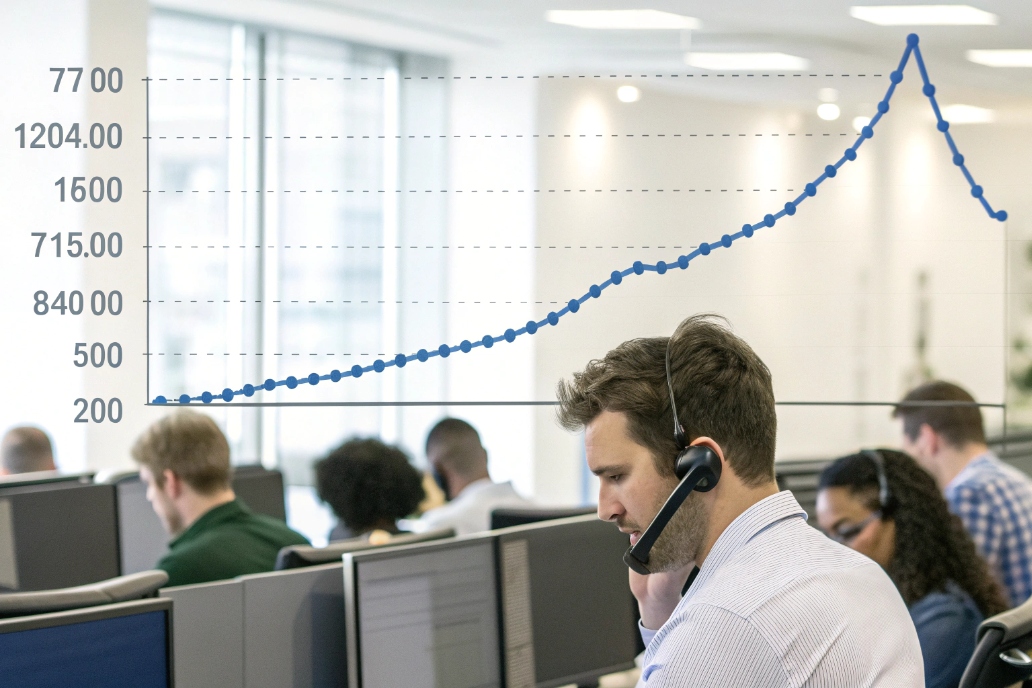
Agent availability is the first gate
ASA rises when fewer agents are eligible to receive calls. Eligibility depends on login, presence, queue membership, and wrap-up rules. Even when headcount is the same, availability can shrink due to:
- Long after-call work (ACW) 6
- Too many pause states (breaks, training, meetings)
- DND or “not ready” misuse
- Schedule adherence issues
- Concurrency caps that block new calls
AHT is a strong upstream driver
ASA and AHT are linked by capacity. If calls take longer to handle, agents stay busy longer. Then the queue has fewer available agents at any time. Then ASA rises. This is why “ASA fixes” often start with AHT cleanup, not staffing changes.
Routing rules can shrink the eligible pool
skills-based routing 7 helps quality, but it can reduce eligible agents too much. A narrow skill filter can create a queue that looks staffed but behaves empty. Priority weighting can also starve lower-priority queues, which raises their ASA while a premium queue looks healthy.
Ring strategy and no-answer behavior waste time
A long ring timeout is a hidden ASA killer. If the ACD rings an agent for 25–30 seconds and the agent does not answer, the caller just lost 25–30 seconds. Multi-ring cycles can pile up fast. Shorter ring times, better alerting, and clear “answer discipline” reduce wasted waiting.
SIP and network effects that can look like “slow answering”
Most ASA is queue time, but SIP setup can add friction when the system is strained:
- Poor WAN quality can delay signaling and media establishment.
- Misconfigured endpoints can cause missed rings.
- SBC overload can slow call setup during peaks.
These issues do not always show as “queue delay.” They can show as delayed ringing, failed offers, or re-offers to other agents.
| ASA driver | What it looks like | What to check first | Common fix |
|---|---|---|---|
| High AHT | Agents busy longer | Talk/hold/ACW split | Reduce hold and ACW friction |
| Low availability | Few eligible agents | Status timelines | Tighten pause policy and adherence |
| Strict skills gating | “No agents available” | Skill match rates | Add fallback after X seconds |
| Long ring time | Big ringing share | Offer-to-answer logs | Shorten ring timeout and reduce no-answers |
| Call spikes | ASA jumps in bursts | Interval volume | Callback and overflow rules |
When these drivers are visible, lowering ASA becomes a design project. It does not always require more agents.
How can I lower ASA without adding agents?
Adding agents can work, but it can also hide process problems. Many ASA gains come from reclaiming wasted minutes and making routing smarter.
You can lower ASA by improving availability, shortening ring cycles, reducing AHT, tuning skills routing with fallbacks, using callbacks, and deflecting simple calls with IVR or self-service.

Reduce “wasted waiting” in the offer-and-ring stage
One of the quickest ASA wins is reducing no-answer waste:
- Shorten ring timeout (with care for headset users and remote agents)
- Use clear audible and on-screen alerts
- Use “auto-answer” for certain roles when appropriate
- Remove agents from routing if they miss offers repeatedly
This improves answer speed without changing headcount.
Increase real agent availability by cutting ACW and hold
If agents spend 60–120 seconds in wrap-up for every call, availability collapses. The clean approach is not to rush notes. The clean approach is to remove unnecessary steps:
- Auto-fill CRM fields from CTI screen pops
- Use short disposition lists with clear rules
- Use templates for common notes
- Remove duplicate logging steps across tools
Hold time reductions also matter. Better knowledge search and faster approvals cut holds, which cuts handle time, which increases availability, which lowers ASA.
Use skills routing, but do not trap calls
Skills-based routing is powerful when it has a safety valve:
- Route to the best skill match first
- If no match answers within X seconds, expand the eligible set
- If queue wait exceeds Y seconds, overflow to a backup group
This keeps quality high while protecting ASA.
Use “virtual queue” and deflection to remove peak pressure
Callbacks do not reduce total work, but they remove waiting pressure in the moment. That lowers ASA because fewer callers stay in the live queue. IVR self-service can also reduce volume if it solves simple tasks fast.
A practical pattern is:
- Offer callback after 60–90 seconds predicted wait
- Deflect status checks and simple requests to IVR or web
- Keep a clean escape path to an agent for complex cases
| Lever | Why it lowers ASA | What it costs | What to watch |
|---|---|---|---|
| Shorter ring time | Less wasted offer time | More re-offers if too short | Missed answers from slow devices |
| Reduce ACW | More eligible agent time | Process cleanup work | QA and compliance needs |
| Skills fallback | More eligible agents over time | Slightly less perfect matching | Track FCR and transfers |
| Callback | Fewer callers waiting live | Callback management | Track callback completion time |
| Deflection | Lower inbound volume | IVR design effort | Do not trap callers in menus |
Keep service quality safe while lowering ASA
Lower ASA can look “great” while CSAT falls if calls get rushed. So ASA work should run with guardrails:
- Watch abandon rate and repeat contact rate
- Watch FCR and transfer rate
- Watch QA scores for compliance steps
- Watch agent occupancy so burnout does not rise
Lower ASA without new agents is realistic, but it requires clear data and tight operational rules.
After improvements start, the last question becomes reporting. Where should ASA be tracked so the story stays clear?
Should I track ASA by agent, queue, or IVR?
Tracking ASA in the wrong place creates noise. ASA is mainly a queue behavior, so the main view should match that reality.
Track ASA primarily by queue and by interval, then break it down by IVR path or entry point; use agent-level tracking only for related metrics like answer delay and missed offers, not as the main ASA score.

Track ASA by queue for SLA control
Queue-level ASA is the best operational view. It ties directly to staffing, routing, and SLA commitments. It should be tracked by short intervals (like 15 minutes) because peaks matter more than daily averages.
Queue-level views also allow clean comparisons:
- sales vs support
- tier 1 vs tier 2
- language queues
- VIP vs standard queues
Track ASA by IVR path to find design issues
IVR path tracking shows which entry points create long waits. This can expose problems like:
- An IVR option that routes too many complex calls to a small team
- A menu label that sends callers to the wrong queue
- A self-service flow that fails and dumps callers into the queue later
This view helps reduce ASA by fixing call mix, not only by changing agent behavior.
Use agent-level views for offer handling, not for ASA blame
ASA is not truly “per agent,” because callers wait in the queue before an agent is even selected. Still, agent behavior can influence ASA through:
- missed offers
- slow answer after ringing
- staying in “not ready” too long
- extended wrap-up time
So it is useful to track agent-level metrics that connect to ASA, like average time to answer after ring, missed offer rate, and time in ACW. This keeps coaching fair and targeted.
| Tracking view | What it answers | Best frequency | Decision it supports |
|---|---|---|---|
| Queue ASA (interval) | Are we meeting SLA right now? | 15–30 min | Real-time staffing and overflow |
| Queue ASA (daily/weekly) | Are changes working? | Daily/weekly | Routing and staffing strategy |
| IVR path ASA | Which entry points cause long waits? | Weekly | IVR and deflection fixes |
| Agent answer delay | Who misses offers or answers slowly? | Daily | Coaching and adherence |
A clean reporting pack keeps the definition consistent across all views. It also shows ASA beside abandon rate and AHT. Those three together tell the true story of caller experience and capacity.
Conclusion
ASA is the average wait time before an answered call reaches an agent. Clear timing rules, smart routing, and less wasted agent time can lower ASA without adding headcount.
Footnotes
-
Official ASA definition and why it matters for speed-to-answer reporting. ↩ ↩
-
The SIP standard (RFC 3261) explaining signaling events that underpin queue timing and call setup. ↩ ↩
-
Clear explanation of “X% in Y seconds” service level objectives versus broader SLAs. ↩ ↩
-
Abandon rate definition to interpret ASA alongside “how many callers give up waiting.” ↩ ↩
-
Erlang C overview for translating call volume and handle time into staffing and predicted waits. ↩ ↩
-
ACW definition showing why wrap-up time reduces eligibility and pushes ASA higher. ↩ ↩
-
Skills-based routing overview for understanding why filters can shrink the eligible agent pool. ↩ ↩








