
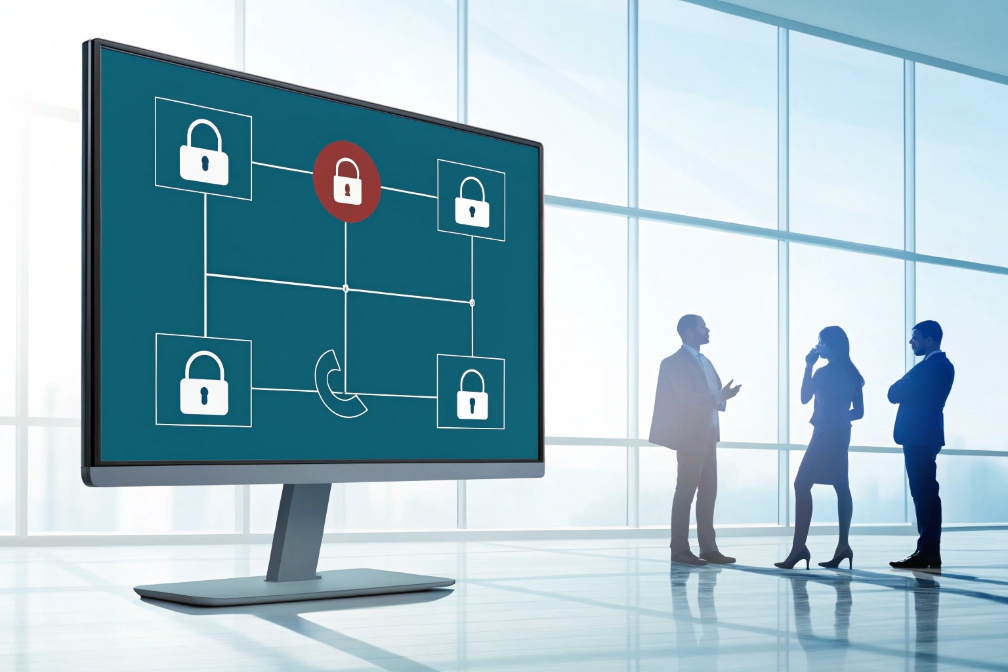
Conference bridges feel simple until the wrong person joins. Then the meeting stops, trust drops, and the team starts sharing codes in unsafe ways.
A conference ID (often paired with a conference PIN) is the numeric code callers enter to reach a specific conference “room” on your VoIP bridge; a host PIN can add moderator control and keep the room locked until the host arrives.
Conference ID vs conference PIN vs host PIN
Different platforms use different labels, so it helps to separate roles:
- Conference ID / Room ID: identifies the meeting room. It routes the caller to the correct bridge context.
- Participant PIN (passcode): authenticates entry so only people with the code can join.
- Host/Moderator PIN: grants control features like start, lock, mute-all, and recording.
In many PBX bridges, the “conference ID” and “PIN” are combined into one numeric code. In stricter setups, the room ID is public, and the PIN is the secret. For security, separating them is better because the join number can be shared widely while the secret stays limited.
How joining works on SIP and PSTN
A participant typically:
1) dials a PSTN access number (DID) or a SIP URI 1 (like sip:meet@company.com)
2) hears an IVR prompt
3) enters the conference ID/PIN using RTP telephone-event DTMF (RFC 4733) 2
4) is placed into the conference media mix (or SFU/MCU logic, depending on platform)
For SIP phones and softphones, some systems allow “auto-join” by embedding the digits in the dial string or sending DTMF automatically after answer. That reduces user mistakes, but it must be done carefully to avoid leaking credentials in logs or contact lists.
Why this matters for SIP deployments
In enterprise SIP designs, conference IDs and PINs touch:
- PSTN and SIP interoperability (DTMF interworking is critical)
- security (brute-force attempts and leakage risks)
- policy (who can start meetings, who can record)
- reporting (join/leave logs and audit trails)
| Item | What it controls | What can go wrong |
|---|---|---|
| Room ID | Which room is joined | Wrong meeting joined |
| Participant PIN | Who can enter | Unauthorized listeners |
| Host PIN | Who can control | Hijacked meeting controls |
| DTMF method | How digits are sent | “PIN not recognized” failures |
A conference ID is simple by design. The goal is to keep it usable while still protecting the bridge from guessable codes and repeated attacks.
Next, the first practical task is creating and sharing a secure conference PIN without making it hard for normal users.
Most leaks happen through convenience: short codes, reused codes, and PINs posted in public calendars. It works until it doesn’t.
Create a secure conference PIN by using longer random digits, separating room ID from the secret passcode, limiting reuse, and sharing the PIN through controlled channels instead of open invites.

PIN design rules that actually reduce risk
For numeric-only systems, security comes from length and randomness. A predictable “1234” or “2025” is not a PIN. It is an invitation.
A practical baseline for most business VoIP bridges:
- Room ID: 8–10 digits (public identifier)
- Participant PIN: 6–8 digits (secret)
- Host PIN: 6–10 digits (secret, not shared broadly)
If your system supports only one code, aim for at least 8 digits and avoid patterns. If you need a policy reference, align with NIST SP 800-63B (Digital Identity Guidelines) 3 principles on longer, user-friendly secrets.
A safe sharing approach is:
- Put the dial-in number and room ID in the calendar invite.
- Send the PIN in a separate channel (secure chat, a password manager 4, or a protected portal message).
- Rotate the PIN if the meeting includes external attendees or contractors.
For recurring meetings, fixed room IDs are fine, but fixed PINs are often the weak point. If the meeting is public-facing or includes many external guests, a one-time PIN is safer.
Keep the human workflow simple
Security fails when it becomes painful. The easiest secure workflow is:
- one-click join links for internal users (SIP URI with controlled auth)
- separate PIN only for PSTN guests
- host PIN stored in the host’s profile, not retyped every time
| Sharing method | Risk level | Why | Better alternative |
|---|---|---|---|
| PIN in public calendar invite | High | Forwarding leaks the secret | Separate message or protected portal |
| Same PIN for all recurring meetings | High | Long-lived credential | Rotate monthly or per event |
| Random PIN per meeting | Low | Limits reuse | Add easy copy buttons in portal |
| Host PIN shared with attendees | High | Control takeover | Keep host PIN private |
When PIN creation and sharing are stable, the next requirement is often “make it mandatory,” especially when PSTN dial-in is allowed.
Can I require a conference ID for PSTN and SIP dial-ins?
If a bridge DID drops callers straight into a room, it will eventually be abused. Requiring an ID is a simple gate that stops random entry.
Yes. You can require a conference ID/PIN for both PSTN and SIP dial-ins by routing all access numbers and SIP URIs through an IVR that prompts for digits and rejects invalid or expired codes.
PSTN dial-in enforcement
For PSTN callers, the pattern is:
- DID → conference IVR → prompt for room ID → prompt for PIN (optional) → join
The key technical requirement is DTMF reliability. If your trunk sends DTMF via RFC4733 but your IVR expects DTMF over SIP INFO packages (RFC 6086) 5, callers will “enter” the PIN and still fail. So DTMF interop must be tested per carrier.
SIP dial-in enforcement
For SIP endpoints, there are two common models:
- SIP to IVR:
sip:meet@company.comlands in an IVR that asks for ID/PIN. - Direct room SIP URI + PIN:
sip:12345678@company.commaps to a room ID, and the system prompts only for the PIN.
Some setups can auto-send digits after answer to reduce user typing, but that should be limited to trusted devices. Auto-sending conference credentials from a softphone can leak secrets into:
- dial history
- call logs
- device contact exports
Mixed bridges: PSTN + SIP + WebRTC
In hybrid environments, the same room ID/PIN should work across access methods, but policies can still differ:
- internal users might use SSO and skip PIN
- external PSTN guests must use PIN
- host must enter host PIN to start or unlock the room
| Access method | How entry is controlled | Common failure point |
|---|---|---|
| PSTN | DTMF to IVR | DTMF method mismatch |
| SIP phone | IVR prompt or mapped URI | SIP early media and DTMF handling |
| Softphone/app | App UI + DTMF | Credential leakage in logs |
| WebRTC gateway | Browser auth + bridge mapping | DTLS-SRTP keying (RFC 5764) 6 interop |
After requiring IDs, most teams want “host control” so meetings don’t start early, and one-time codes so leaks do not last forever.
How do one-time PINs and host PINs work on my PBX?
A static PIN is convenient, but it becomes a long-lived password. Host PINs and one-time PINs solve different problems.
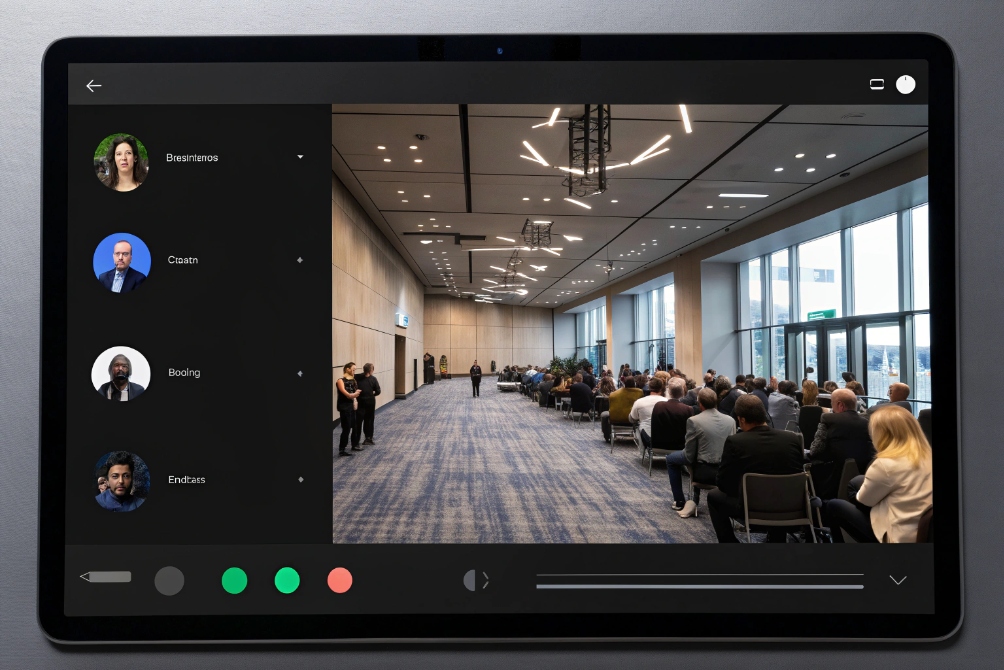
Host PINs grant moderator privileges and can gate conference start/lock behavior, while one-time PINs generate unique, time-bound access for a single meeting so leaked codes expire quickly.
Host PIN: control and “meeting ownership”
A host PIN typically enables:
- start the conference (others wait in lobby until host arrives)
- lock the room after start
- mute-all and manage participants
- enable recording
- end the conference
This is useful because it prevents “room squatting,” where attendees join early and talk without controls. It also prevents unauthorized users from gaining control if they guess the participant PIN.
One-time PIN: reduce reuse and limit blast radius
One-time PINs are designed to expire. Typical policies:
- valid only within a meeting window (for example ±30 minutes)
- valid only once per caller (or per join link)
- invalid after the meeting ends
- auto-rotated for recurring meetings
One-time PINs are especially valuable when:
- meetings include external partners
- invites are forwarded widely
- the same bridge number is used across departments
Practical combinations that work well
- Internal recurring room: fixed room ID, host PIN, participant PIN rotated monthly
- External meetings: one-time participant PIN + host PIN
- High-risk rooms (finance/legal): one-time PIN + lock after host joins + restricted dial-in countries
| Model | Convenience | Security | Best for |
|---|---|---|---|
| Static ID + static PIN | High | Low | Small internal teams |
| Static room + rotated PIN | Medium | Medium | Departments with some external calls |
| Static room + one-time PIN | Medium | High | Partner/customer meetings |
| One-time room + one-time PIN | Low | Highest | Sensitive or regulated meetings |
Host and one-time PIN features reduce risk, but they do not fully stop brute-force attempts. That requires defensive policies on the bridge and carrier edge.
What policies prevent brute-force or leaked conference PINs?
If a bridge is exposed to the PSTN, attackers can try codes at scale. If a PIN leaks, anyone can join unless the room is locked and monitored.
Prevent brute-force and leakage by enforcing long PINs, rate limiting and lockouts, restricting caller origins, using time windows and auto-lock, and monitoring failed attempts with alerts and audit logs.

Rate limiting and lockout rules
The simplest brute-force defense is to make guessing slow:
- limit attempts per ANI (caller ID) per minute
- limit attempts per IP for SIP dial-in
- temporary lockout after N failures
- progressive backoff delays between attempts
If your carrier or SBC supports it, enforce these rules at the edge, before the PBX IVR is overwhelmed.
Reduce the attack surface
Not every conference bridge needs to be reachable from everywhere. Controls that help:
- restrict SIP access to known IP ranges
- restrict PSTN access by country (where appropriate)
- require host presence to admit participants
- auto-lock after host joins
- disable “search by extension” behaviors on public IVRs
For leaked PINs, the best mitigations are:
- one-time PINs or expiring PINs
- host admission / lobby
- room lock after start
- quick rotation and reset workflows
Monitoring and alerting so you see attacks early
A secure bridge should generate:
- failed PIN attempt logs
- join/leave logs
- unusual attempt rate alerts
- reports by source (ANI/IP) and time-of-day
If a room is targeted, admins should be able to:
- lock the room immediately
- rotate PINs immediately
- block a source at SBC or carrier level
A practical way to align controls with common defenses is to reference the OWASP Authentication Cheat Sheet 7 for lockout, throttling, and monitoring patterns.
| Control | Stops brute force | Limits leaked PIN damage | Operational cost |
|---|---|---|---|
| Longer random PINs | Yes | Yes | Low |
| Rate limits + lockouts | Yes | Medium | Medium |
| One-time/expiring PINs | Medium | Yes | Medium |
| Host-required start | Medium | Yes | Low |
| Auto-lock after start | Low | Yes | Low |
| Origin restrictions | Yes | Medium | Medium |
| Alerts + audit logs | Detects | Detects | Medium |
A practical “secure by default” policy set
For most business VoIP bridges, a strong baseline is:
- room IDs ≥ 8 digits, participant PINs ≥ 6 digits, host PINs ≥ 6 digits
- host required to start, auto-lock after start
- failed-attempt rate limits and short lockouts
- rotate PINs for external-facing recurring meetings
- alert on repeated invalid attempts and unusual join patterns
That gives a bridge that is usable for normal staff and still resilient against guesswork and accidental leakage.
Conclusion
A conference ID/PIN is the access code that routes and protects meetings on your VoIP bridge. Use long random PINs, host controls, expiring codes, and rate limits so dial-in access stays secure.
Footnotes
-
Defines SIP URIs and core SIP call setup behavior for VoIP endpoints. ↩ ↩
-
Explains RTP-based DTMF signaling used by most SIP trunks and IVRs. ↩ ↩
-
Practical guidance on strong “memorized secrets” like passcodes and PINs. ↩ ↩
-
Government guidance on using password managers to reduce password reuse and leakage. ↩ ↩
-
Details standardized SIP INFO event packages for reliable DTMF relay. ↩ ↩
-
Specifies DTLS-SRTP keying for secure media in WebRTC-to-VoIP bridges. ↩ ↩
-
Best practices for throttling, lockout, and monitoring to reduce brute-force risk. ↩ ↩








