
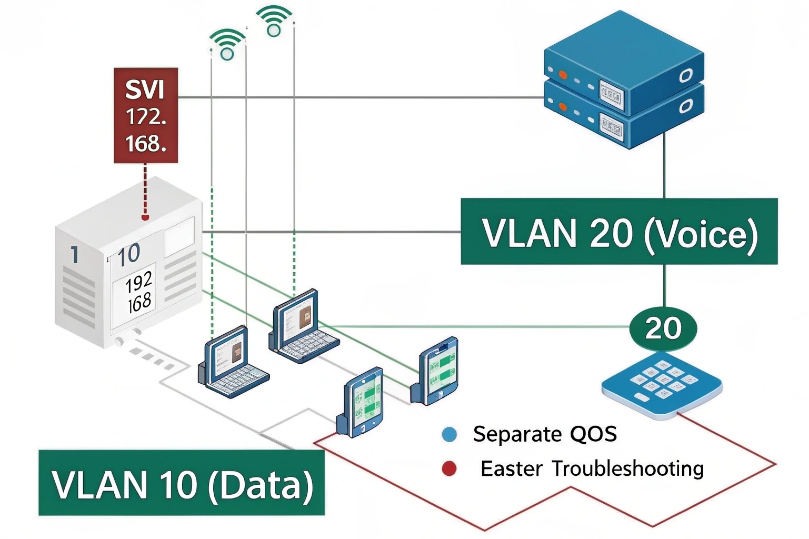
Nothing breaks focus faster than a phone that keeps ringing. People stop answering, callers get frustrated, and the team starts building messy forwarding rules just to survive meetings. That’s why the Do Not Disturb (DND) feature 1 exists.
DND (Do Not Disturb) mode silences or blocks incoming call alerts on a SIP phone by making the phone or PBX treat the user as unavailable, so calls are rejected, skipped, or diverted to voicemail or another destination.
DND is a policy, and it can be enforced in two places
DND can be implemented in two main ways, and this is why behavior differs between brands and PBX platforms:
1) Device-side DND (handset DND)
The phone itself rejects or suppresses SIP INVITE requests 2. The PBX still offers calls, but the phone responds with a 486 (Busy Here) response code 3 or similar “unavailable” treatment. This is simple, but it can create inconsistent team routing because the PBX thinks it tried you.
2) Server-side DND (PBX DND / presence DND)
The PBX marks the extension as not eligible and stops offering calls to that user in the first place. This is cleaner for ring groups and queues because routing logic sees the state before ringing.
In real deployments, server-side DND is the better “system design” choice, while device-side DND is a useful personal toggle. Problems happen when both are enabled and nobody knows which one is in control.
What DND does—and what it does not do
DND usually:
- blocks ringing and pop-ups
- blocks call waiting beeps
- causes calls to be routed to voicemail, busy treatment, or overflow rules
- marks presence/Busy Lamp Field (BLF) indicators 4 as busy or DND (depending on platform)
DND does not usually:
- stop outbound calling
- stop voicemail notifications (MWI still updates)
- prevent emergency outbound calls
| Behavior | Typically true under DND | Why it matters |
|---|---|---|
| Phone does not ring | Yes | Focus and meeting time |
| Outbound calls work | Yes | Users can still call out |
| Caller hears voicemail/busy | Depends on policy | Caller experience control |
| Queues skip the agent | Usually yes (server-side) | Protects queue routing |
| Intercom rings bypass | Only if configured | Safety and door access |
DND is often treated as a “user feature,” but in SIP projects it becomes a routing decision. The next sections show how to enable it correctly and how to control its side effects on call queues, door stations, and team hunt groups.
How do I enable DND on my IP PBX and handsets?
Teams often enable DND on phones first because it is one button. Then the PBX still rings the user in groups and queues, and the logs show “no answer.” That creates confusion.
Enable DND at the PBX level for consistent routing (feature codes, user portal, presence), and use handset DND as a convenience toggle when you want device-local silence without changing server policies.
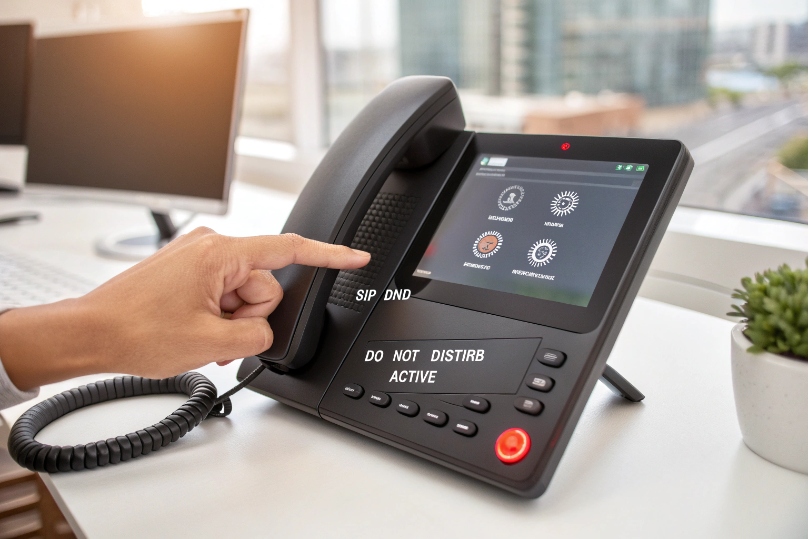
PBX-side DND: the clean, predictable method
Most PBXs support one or more of these:
- user portal toggle (web/mobile)
- feature codes (common patterns like 78 to enable, 79 to disable)
- presence state selection (Available / Busy / DND)
- admin policy controls (force DND, schedules)
PBX-side DND is the right choice when:
- you use ring groups and queues
- you want call reporting to reflect availability states accurately
- you want a single DND state across desk phone + softphone
Handset-side DND: fast but not always “global”
Most SIP phones have:
- a DND softkey
- a settings menu DND toggle
- sometimes per-line DND (line 1 vs line 2)
Handset DND is useful when:
- a user wants silence on that one device
- the PBX does not provide good presence features
- the user is still “available” on another device
Still, handset DND can be confusing in multi-device setups. A user can enable DND on the desk phone, but the mobile softphone still rings. That is fine if it is intentional, but it must be explained to the team.
A simple best-practice setup
- Use PBX DND as the “official” availability state.
- Configure phones to show presence/BLF so staff can see DND clearly.
- Allow handset DND only as a personal override, not as the main method.
| Method | Pros | Cons | Best fit |
|---|---|---|---|
| PBX DND | Consistent routing, clean reporting | Needs PBX support | Call groups, queues, multi-device users |
| Handset DND | One button, no portal needed | Can conflict with PBX | Simple single-device setups |
Once DND is enabled, most businesses ask the same question: “Can urgent calls still reach me?” That leads to priority and emergency bypass design.
Can DND allow priority or emergency calls to bypass?
For normal office calls, DND should be respected. For safety and operations, there must be exceptions.
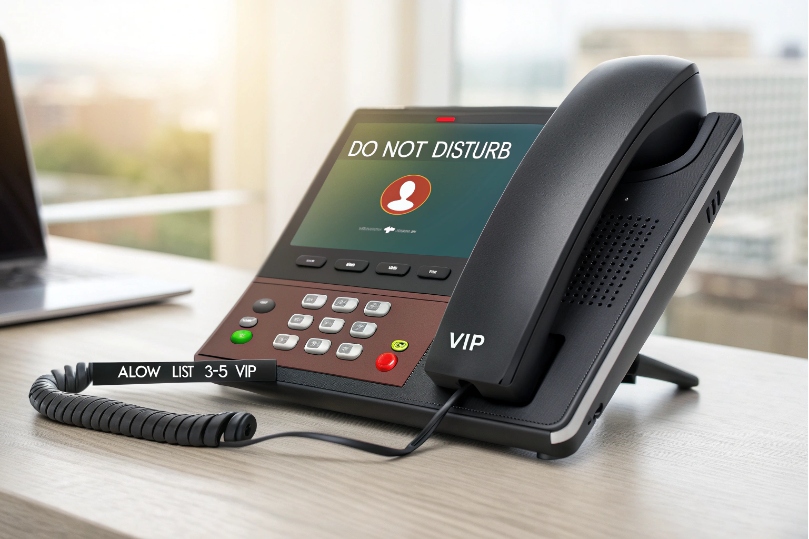
Yes. Many VoIP systems can bypass DND for defined emergency numbers, priority callers, or specific extensions by using VIP allow-lists, emergency routes, paging/intercom policies, or special ring group rules.
Three common bypass patterns that work well
1) Emergency call routes
Some PBXs treat emergency numbers and certain internal emergency extensions as “always deliver.” This is common in industrial sites, elevators, and campus safety deployments.
2) VIP / allow-list bypass
A short list of caller IDs or internal extensions can be allowed to ring even when DND is on. This is useful for:
- security desk
- plant manager
- executive assistant lines
3) Dedicated emergency group that ignores presence
Instead of bypassing DND everywhere, create an emergency call group with its own logic:
- ring-all to dedicated devices
- loud ringer profiles
- hardware strobe/siren integration (where needed)
Be careful with “bypass everything”
If bypass rules are too wide, DND becomes meaningless. A good bypass policy is:
- narrow scope (only truly urgent sources)
- clear labeling (special ringtone or whisper tag)
- auditable and tested
| Bypass type | What bypasses DND | Best use case | Risk |
|---|---|---|---|
| Emergency route | Emergency extensions/numbers | Safety and compliance | Must avoid accidental misuse |
| VIP allow-list | Specific callers | Ops continuity | List can grow uncontrolled |
| Override group | Special ring group | Security/dispatch | Needs extra devices or logic |
After bypass policy, the next reality is how DND changes distribution in queues, intercom calls, and ring groups. This is where most “why didn’t it ring?” tickets come from.
Will DND affect call queues, intercom doorbells, and ring groups?
Yes, and the behavior depends on whether DND is server-side or device-side.
DND usually makes an agent ineligible for queues and hunt groups, and it can also silence intercom doorbell calls unless you configure a bypass or separate route for door stations and emergency devices.
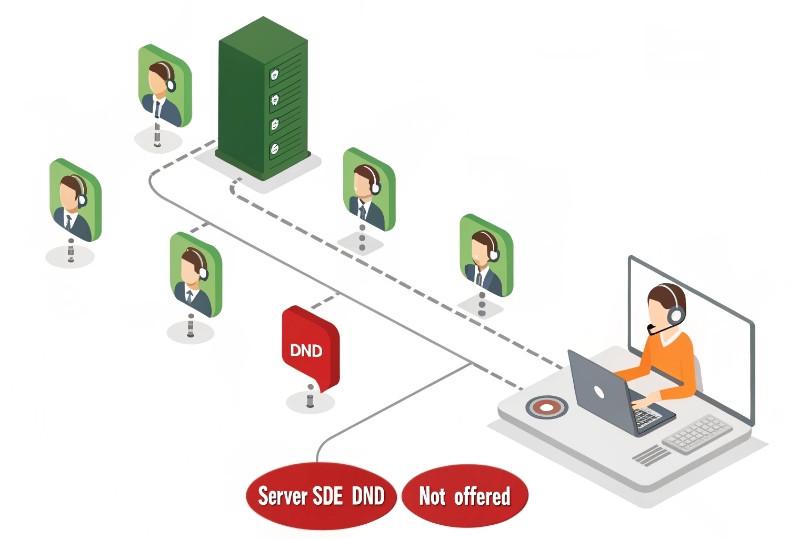
Call queues and ACD behavior
In most ACD systems:
- DND = not eligible
- the router skips you like you are offline or paused
- service level improves when DND is accurate, because calls are not wasted ringing unavailable agents
If DND is device-side only, the PBX may still offer calls to you, then mark “no answer” or “busy.” That wastes queue time and increases wait.
Ring groups and hunt groups 5
For ring groups, DND typically:
- removes you from ringing attempts (server-side)
- or rings you but your phone rejects (device-side)
The most stable behavior is:
- ring group checks eligibility first (registered, not DND, not busy if policy says so)
- skips ineligible members quickly
- overflows after a defined time
SIP intercom doorbells and paging calls
Door stations are special because:
- calls are short and time-sensitive
- missed calls create access delays
- some sites require door calls to ring loudly
If door calls follow the same routes as normal inbound calls, DND will silence them. So for intercom deployments, a better design is:
- route door calls to a separate group with DND bypass rules
- or route door calls to shared devices that should never be in DND
- add a secondary target (security desk) when primary users are unavailable
| Call type | Should DND apply? | Recommended routing approach |
|---|---|---|
| Normal inbound calls | Yes | Respect DND, send to voicemail/overflow |
| Queue calls | Yes | Mark agent ineligible, skip quickly |
| Doorbell/intercom | Often no | Separate group + bypass policy |
| Emergency/internal dispatch | No | Always-deliver route or override group |
When DND behavior is correct, the last step is user experience: people want DND to sync across desk phones, softphones, and presence systems, and they often ask about AD/SSO integration.
How do I sync DND with presence, AD, and softphones?
DND becomes confusing when it is inconsistent. One device shows DND, another rings. One system says “Available,” but the phone is silent.
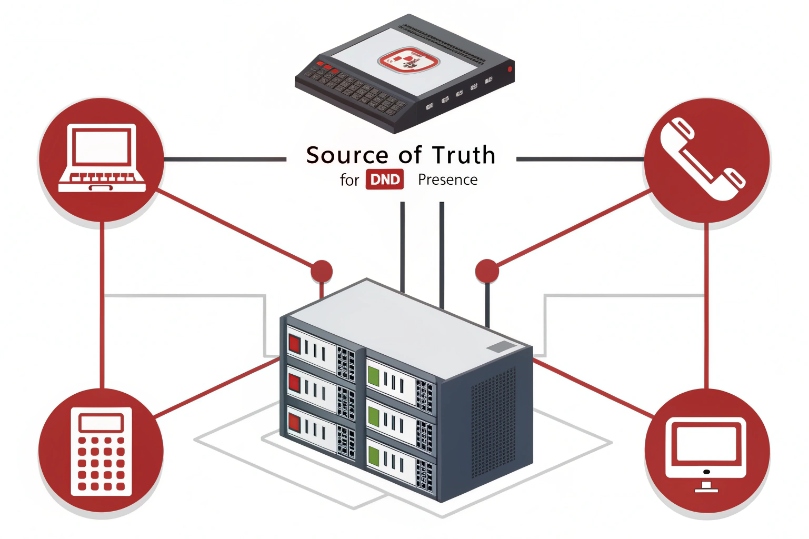
Sync DND by using PBX-side presence as the single source of truth, publishing that presence to desk phones and softphones, and integrating login/SSO for app access while keeping Active Directory as identity—not the real-time presence engine.
Use one “truth” for availability
The most reliable approach is:
- PBX presence state = truth (Available / Busy / DND)
- desk phone subscribes to that state using the SIP SUBSCRIBE/NOTIFY event framework 6 (BLF/presence)
- softphone uses the same account state
- the PBX enforces eligibility in groups and queues
If users toggle DND only on the handset, the softphone may still ring. If they toggle DND only on the softphone, the desk phone may still ring. So the best workflow is a single toggle in the PBX app or portal that pushes state everywhere.
What AD can and cannot do
Active Directory Domain Services 7 is great for:
- authentication (SSO)
- user provisioning (names, emails, departments)
- role and permission mapping
AD is not typically the system that drives real-time DND status. Presence is real-time and changes all day. That is usually managed by the PBX/UC platform, not AD.
Still, AD/SSO can help operationally:
- users log into the softphone/portal with domain credentials
- deprovisioning disables access cleanly
- group membership can control who is allowed to use DND bypass features or admin overrides
Softphones and multi-registration details
If the same extension registers on multiple devices, your PBX needs a policy:
- ring all devices unless DND is set
- allow per-device DND (advanced, but can confuse)
- enforce global DND across all registrations
For most businesses, global DND is simplest and reduces missed-call complaints.
A stable “sync” design checklist
| Goal | Setting | Result |
|---|---|---|
| One DND state everywhere | PBX presence-based DND | Desk + mobile behave the same |
| Accurate queue routing | Server-side eligibility | Skips DND users instantly |
| Door calls still ring | Separate intercom route | DND does not block access events |
| Secure access | SSO for apps/portal | Strong identity with easy login |
| Clear visibility | BLF/presence lamps | Team sees who is DND |
If the deployment includes SIP intercoms, this last point matters: door calls should not be blocked by a user forgetting DND after a meeting. The design should route door calls to shared endpoints or security coverage by default.
Conclusion
DND silences or blocks inbound call alerts by making a user ineligible or busy. Use PBX-side DND for consistency, allow emergency bypass for critical calls, and separate intercom routes so doorbells still reach the right people.
Footnotes
-
Overview of DND mode and why it’s used to silence call alerts across devices. ↩ ↩
-
Defines SIP INVITE behavior so you can understand how endpoints accept, reject, and signal calls. ↩ ↩
-
Explains the SIP 486 Busy Here response and when endpoints return it during call setup. ↩ ↩
-
Details the SIP dialog event package used for BLF subscriptions and lamp/status updates. ↩ ↩
-
Shows how hunt groups distribute calls across members and how routing order affects fairness. ↩ ↩
-
Reference for the SIP SUBSCRIBE/NOTIFY event framework that underpins presence-style state syncing. ↩ ↩
-
Microsoft overview of AD DS for identity, provisioning, and enterprise policy integration. ↩ ↩








