
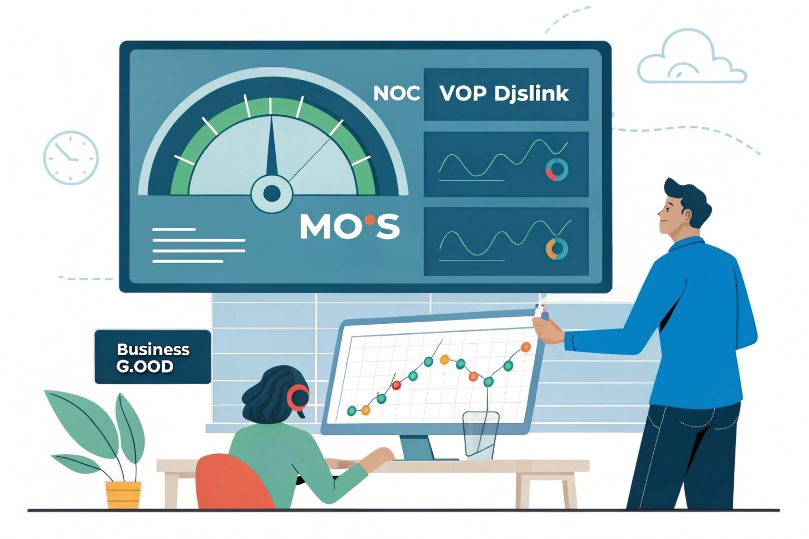
Sometimes calls sound “OK” to one person and “terrible” to another, and the debate goes nowhere. Without a common score, it is hard to tune SIP trunks or blame the network with confidence.
A MOS score (Mean Opinion Score) is a 1.0–5.0 rating of perceived voice quality on your VoIP calls, where higher is better; good business VoIP usually stays around 4.0–4.5, and anything under about 3.5 becomes clearly noticeable for most users.
In a modern SIP network, MOS (Mean Opinion Score) 1 is the “voice health meter.” Your SBCs, IP PBX, and monitoring tools convert jitter, packet loss, latency, and codec choice into a single number. When I look at a DJSlink deployment, MOS trends often tell me more than any one ping test.
How do I calculate MOS from jitter, packet loss, and latency?
You see jitter, packet loss, and latency in dashboards, but MOS feels like a magic number. If you cannot connect them, it is hard to explain bad calls to your network team.
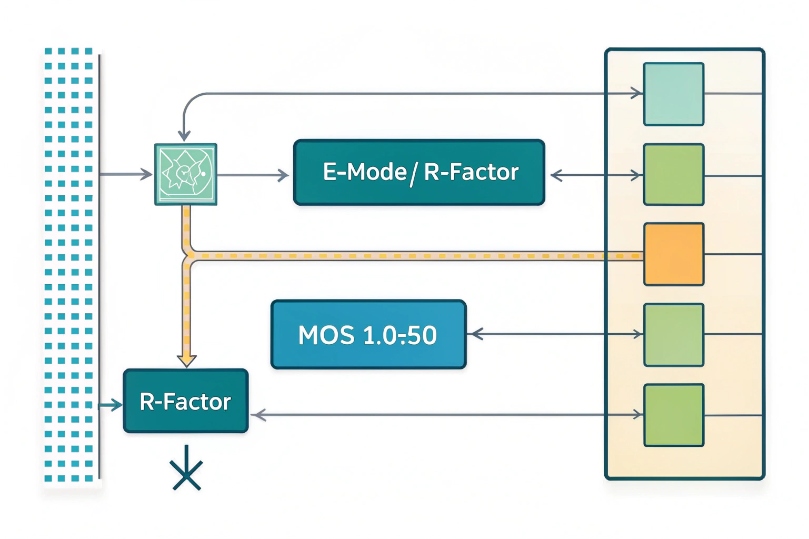
MOS is usually calculated by an algorithm that turns jitter, packet loss, latency, and codec settings into an R-factor and then maps that R-factor to a 1–5 MOS score, often using the ITU E-model.
Two ways MOS is computed
There are two main approaches in VoIP systems:
-
Subjective MOS
Real people listen to audio samples and rate them from 1 to 5. This is how MOS started, in lab tests. -
Objective or estimated MOS
Your tools do not bring in a panel of human listeners for every call. They estimate MOS from:- Codec type and bitrate
- Packet loss (random vs burst)
- Jitter and jitter buffer behavior
- One-way latency
- Echo and level issues (in some models)
When you see MOS on a SIP trunk report, it is almost always this second type.
A quick summary of network inputs:
| Metric | Good target | Warning range | Bad for MOS |
|---|---|---|---|
| One-way latency | < 100 ms | 100–150 ms | > 200 ms |
| Jitter | < 20 ms | 20–30 ms | > 30 ms (if not buffered well) |
| Packet loss (avg) | < 0.5% | 0.5–1% | > 1–2% (especially in bursts) |
These are simple guidelines. For some codecs you can push a bit harder, but MOS will slide down as you move into the warning and red zones.
E-model, R-factor, and a simple formula
Many vendors base their MOS estimates on the ITU-T E-model 2. It first calculates an R-factor 3 between 0 and 100. Then it converts R to MOS.
The common mapping (for R ≤ 100) looks like this:
MOS ≈ 1 + 0.035R + 7×10⁻⁶ · R · (R − 60) · (100 − R)
You do not need to run this formula by hand every day, but it helps to know the ballpark:
- R ≈ 90 → MOS ≈ 4.3 (very good)
- R ≈ 80 → MOS ≈ 4.0 (good)
- R ≈ 70 → MOS ≈ 3.6 (users start to notice)
- R ≈ 60 → MOS ≈ 3.1 (poor)
Loss, jitter, and latency all subtract from the R-factor. Codecs with higher compression also start with a lower “base” R before network penalties.
Using jitter, loss, and latency targets in practice
In real projects, I rarely compute MOS from raw numbers by hand. Instead, I:
- Check whether jitter stays under 20–30 ms.
- Keep one-way latency under about 150 ms where possible.
- Hold packet loss under 1%, and prevent bursty loss.
If those stay in line, MOS usually sits above 4.0 for G.711 (PCM) codec 4 or wideband codecs. If any metric is out of range, I already know MOS will suffer, and so will user satisfaction.
Your tools do the E-model math for you. Your job is to keep the inputs in healthy ranges and to understand which of the three (jitter, loss, latency) is actually killing the score on a bad day.
What MOS is acceptable for HD voice on my SIP trunks?
Every vendor promises “HD voice,” but people still complain. Without clear MOS targets, it is hard to decide if the trunks are fine or if the network is slipping below business quality.
For HD voice on SIP trunks, a practical target is MOS ≥ 4.0 most of the time, with 4.2–4.4 under clean conditions; once MOS falls below about 3.8, users start to notice lower quality, and below 3.5 it becomes clearly poor.
Typical MOS ranges for VoIP
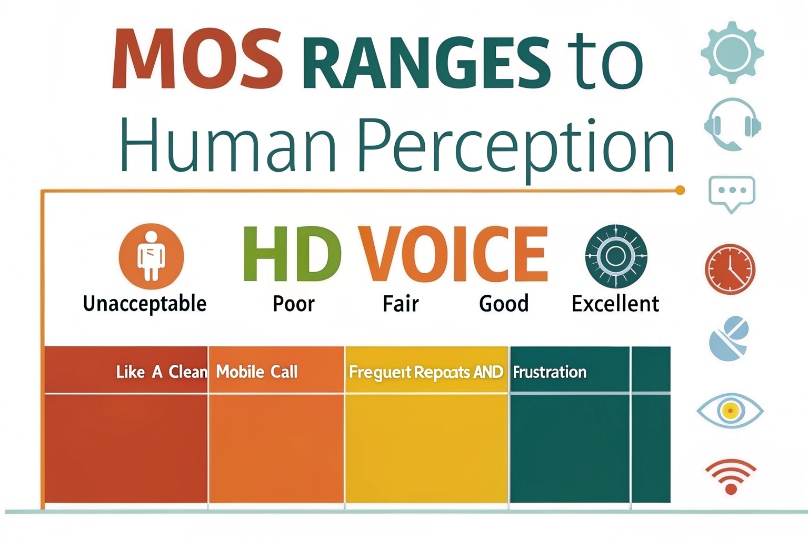
Here is a simple mapping between MOS values and how calls feel to humans:
| MOS range | Perceived quality | Typical user reaction |
|---|---|---|
| 4.3–5.0 | Excellent | “Like a good mobile or landline.” |
| 4.0–4.3 | Good | Small glitches, but not annoying. |
| 3.6–4.0 | Fair | Users notice issues but tolerate them. |
| 3.1–3.5 | Poor | Frequent complaints and repeats. |
| 1.0–3.0 | Unacceptable | “I cannot hear you” level problems. |
In a controlled LAN using G.711 or wideband, MOS should sit in the top two rows most of the time. If it does not, the network needs attention.
Targets for HD and “toll quality” voice
Older standards talked about “toll quality” for PSTN-like calls. With HD codecs, expectations are a bit higher.
As a simple rule for SIP trunks:
-
Business baseline
- MOS ≥ 4.0 average on active periods.
- Less than 5–10% of calls below about 3.8.
-
HD-focused services (Opus or G.722 where end devices support it)
- MOS 4.2–4.5 on clean links.
- Short dips are accepted in mobile or Wi-Fi environments, but should not be constant.
Narrowband codecs like G.729 have a lower ceiling by design. Even in perfect conditions, they never reach the same MOS as G.711 or wideband. That is a design choice, not a problem, if you planned for bandwidth savings.
How SLAs and alerts use MOS
Carriers and enterprises often embed MOS into SLAs and monitoring:
-
SLA example
- Monthly average MOS on SIP trunk must be ≥ 4.0.
- If it drops below 3.8, credits or investigations start.
-
Alerting example
- Warning when MOS < 3.8 for more than N calls in 5 minutes.
- Critical when MOS < 3.5, because users will complain.
When you combine MOS with jitter, loss, and latency charts, you can talk with your ISP or WAN team using numbers everyone understands, not just “the call sounded bad.”
How do codecs and jitter buffers affect my MOS?
You can fix the network as much as you want, but if the codec choice and jitter buffers are wrong, users still hear choppy or delayed speech.
Codecs set the maximum MOS you can reach, while jitter buffers and packet loss concealment decide how gracefully your calls degrade when jitter and packet loss appear on the path.
Codecs set the quality ceiling
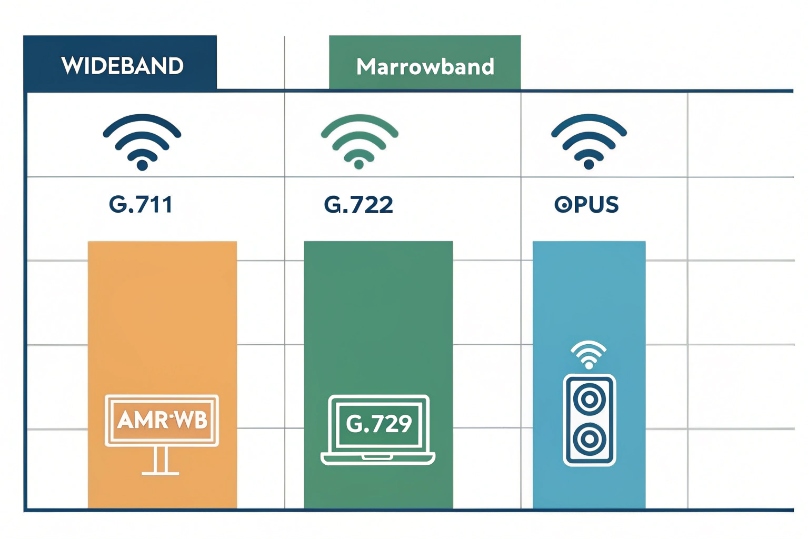
Each codec has a “best case” MOS when the network is perfect. Some rough examples under clean conditions:
| Codec | Bandwidth (approx) | Type | Typical MOS ceiling* |
|---|---|---|---|
| G.722 | 64 kbps | Wideband | ~4.3–4.5 |
| Opus WB | 16–32 kbps | Wideband | ~4.3–4.6 (very flexible) |
| G.711 | 64 kbps | Narrowband | ~4.1–4.4 |
| AMR-WB | 12–24 kbps | Wideband | ~4.2–4.4 |
| G.729 | 8 kbps | Narrowband | ~3.7–3.9 |
*These are typical ranges, not exact numbers, and they vary by test method.
Key points:
- Wideband codecs (Opus, G.722, AMR-WB) can reach higher MOS at lower bitrates than older narrowband ones.
- Heavy compression (very low bitrate) lowers the best possible MOS even on a perfect network.
- Transcoding between codecs (for example, Opus → G.711 → G.729) adds extra loss of quality and can lower MOS further.
When I design systems with DJSlink SIP endpoints, the goal is to keep transcoding hops as few as possible and choose a codec that fits both WAN limits and MOS expectations.
Jitter buffers: smooth vs delayed
Jitter buffers sit on endpoints or SBCs. They collect incoming RTP packets, then play them out at a steady rate to hide jitter.
Trade-off:
-
Larger buffer
- Better at hiding jitter.
- Adds more delay, which lowers conversational MOS when one-way latency grows too high.
-
Smaller buffer
- Less added delay.
- More risk of gaps and “robotic” sound when jitter spikes.
Modern devices often use adaptive jitter buffers. They grow when jitter increases and shrink when the network is clean. This helps keep MOS up without constant large delay.
Packet Loss Concealment (PLC) and FEC
Most VoIP stacks include:
- PLC: The decoder guesses missing audio based on previous packets. Works well for small, random losses.
- FEC: Extra information is sent so that some lost packets can be reconstructed.
Effects on MOS:
- Light random loss (for example 0.5–1%) with good PLC and FEC can still give MOS around or above 4.0.
- Bursty loss (several packets in a row) is much harder to hide. MOS can crash even if average loss looks small.
So, codecs and jitter buffers do not create good MOS alone. They give you some protection and shape the curve of how quality drops when the network is not perfect.
How can I improve MOS with QoS, VLANs, and Wi-Fi tuning?
If your MOS is low, you can either accept complaints or treat it like any other performance metric and tune the path from phone to SIP trunk step by step.
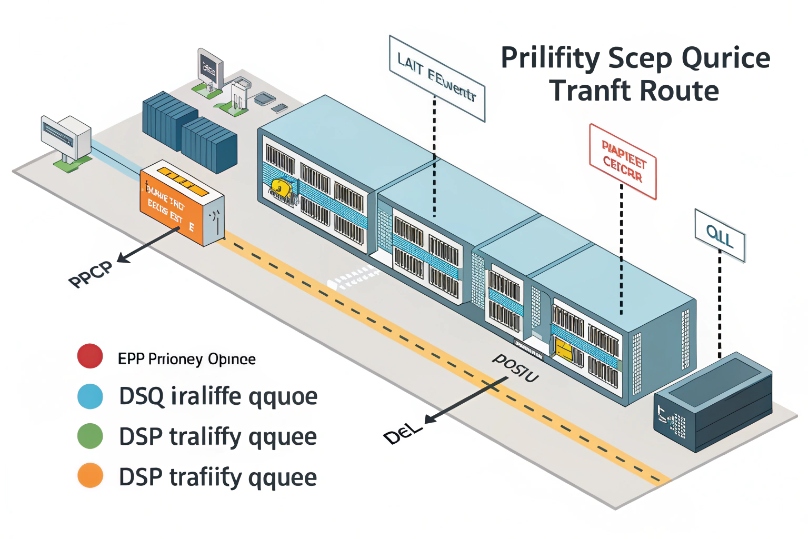
You improve MOS by keeping loss, jitter, and latency in check: separate voice VLANs, enforce QoS (DSCP and queues), stabilize WAN paths, and tune Wi-Fi so VoIP packets get clean, low-delay airtime.
Start with the basics: jitter, loss, latency
Before deep design changes, confirm the simple facts:
- Measure one-way latency where you can.
- Look at jitter and loss from endpoints or SBC RTCP statistics 5.
- Check if problems align with specific sites, times of day, or Wi-Fi vs wired.
Map these to actions:
| Problem pattern | Likely cause | First action |
|---|---|---|
| High latency everywhere | WAN routing, slow VPN | Check ISP path, remove unnecessary hairpins |
| Jitter spikes at busy hours | No QoS, congestion | Enable QoS, prioritize EF voice traffic |
| Loss only on Wi-Fi | RF noise, weak signal, roaming issues | Tweak Wi-Fi settings, prefer 5 GHz |
| Loss only across one site or VLAN | Duplex issues, errors, shaping | Check switch ports, error counters, QoS |
QoS and VLAN design
Voice and data should not fight in the same best-effort queue when links are full.
Key steps:
- Put phones and SIP intercoms into a voice VLAN with its own gateway.
- Mark voice RTP with Expedited Forwarding (EF) DSCP 46 6 or your local “priority” code.
- Configure switches and routers to:
- Trust DSCP from access ports that carry phones or SIP devices.
- Map EF to a low-latency queue on uplinks and WAN.
- Avoid over-policing voice. Shaping must give it enough guaranteed bandwidth.
Simple example:
- Data VLAN uses default queue.
- Voice VLAN uses EF and a priority queue with, for example, 20–30% reserved bandwidth on the WAN.
When done right, even heavy file transfers should not move MOS much, because voice packets bypass congestion in the main data queue.
Wi-Fi tuning for softphones and SIP apps
Softphones on laptops and mobile devices live in a noisy world. Wi-Fi can easily ruin MOS even if your WAN is clean.
Practical tips:
- Prefer 5 GHz over 2.4 GHz for VoIP SSIDs.
- Use non-overlapping channels and avoid crowded ones.
- Ensure signal strength is strong where calls happen (aim for at least −65 dBm).
- Limit client load per AP during peak times.
- Disable aggressive power saving on devices that must carry calls.
- Tune roaming:
- Avoid sticky clients that cling to a weak AP.
- Use threshold-based roaming if your Wi-Fi gear supports it.
For some critical roles, the most effective MOS improvement is simple: use a wired connection for key agents and operator consoles.
Ongoing monitoring and tools
Finally, make MOS part of a regular health check, not just a panic metric.
Good habits:
- Track MOS per site, per trunk, and per VLAN.
- Set clear thresholds:
- Warning around 3.8
- Critical around 3.5
- Correlate MOS drops with:
- QoS queue drops
- Wi-Fi AP load
- WAN utilization
For DJSlink deployments, I like to combine SBC MOS stats with switch and Wi-Fi telemetry. When agents complain, I can usually point to a clear root cause: a single overused link, a mis-marked VLAN, or a Wi-Fi cell that needs redesign.
Also consider upgrading voice endpoints and trunks to a modern wideband option such as the Opus codec (RFC 6716) 7 where it is supported end-to-end, so quality stays higher when conditions are imperfect.
Conclusion
MOS is your single, user-focused score for VoIP quality; keep it near 4.0–4.5 by tuning codecs, QoS, VLANs, and Wi-Fi so jitter, loss, and delay stay under control.
Footnotes
-
MOS standard reference for how voice quality is rated from listener perception. ↩ ↩
-
E-model overview for estimating voice quality from impairment factors like delay and loss. ↩ ↩
-
Explains what the R-factor represents and how it relates to MOS scoring ranges. ↩ ↩
-
Official codec specification for the baseline narrowband audio used widely on SIP trunks. ↩ ↩
-
Defines RTP/RTCP reporting so you can interpret jitter, loss, and timing metrics correctly. ↩ ↩
-
RFC defining EF behavior and DSCP value used to prioritize real-time voice traffic. ↩ ↩
-
Opus codec specification for high-quality wideband voice at flexible bitrates. ↩ ↩








