
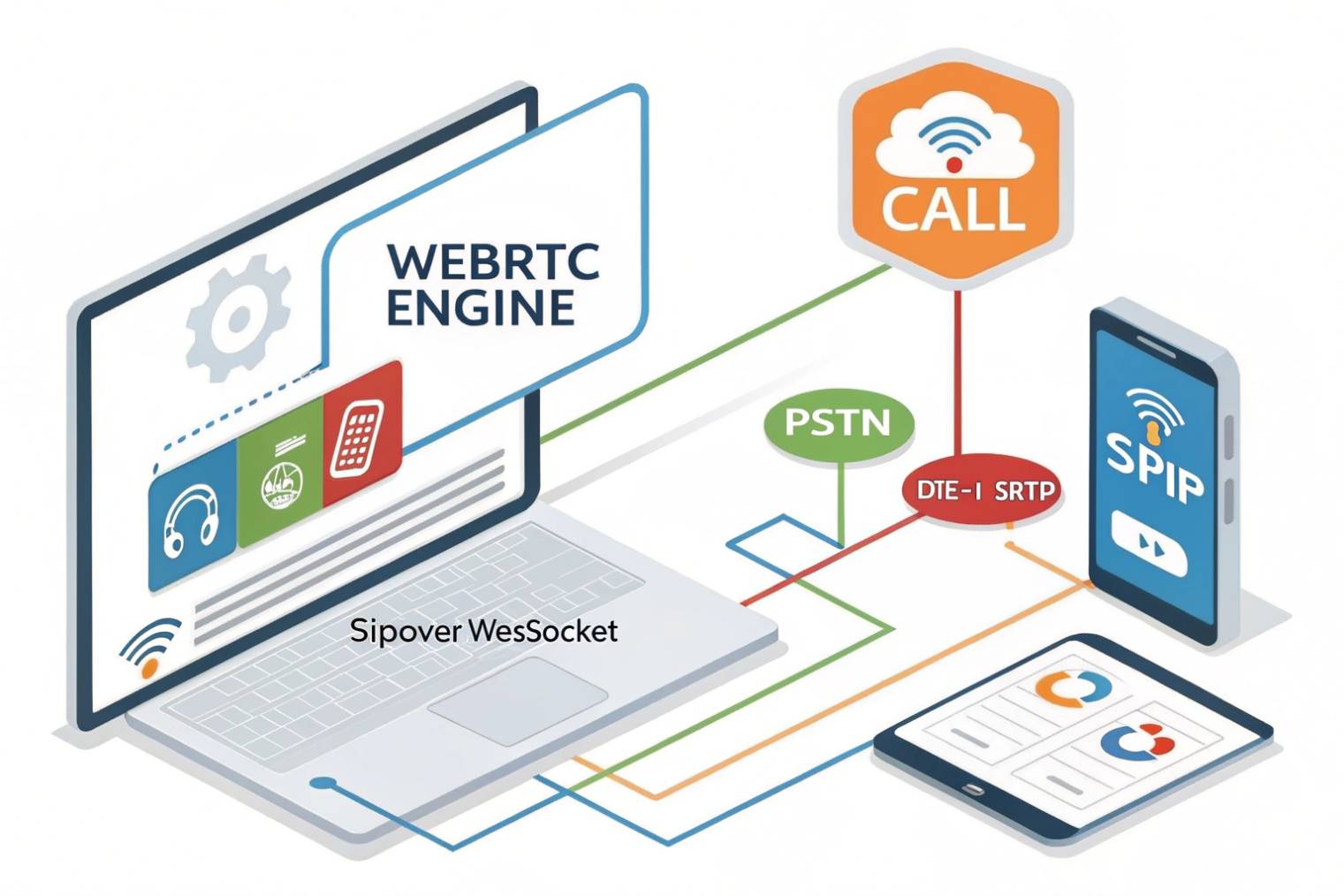
Visitors want to click and talk. No installs. No friction. WebRTC makes that happen—aligned with the WebRTC 1.0 specification 1—and keeps media secure and fast inside the browser.
WebRTC brings real-time voice, video, and data to browsers and apps. It uses ICE for NAT traversal, DTLS-SRTP for secure media, and pairs with SIP over WebSocket for call setup.
Next I will explain how WebRTC enables browser-based SIP calls and video. Then I will show how to connect it to an IP PBX and SIP trunks. After that I will list codecs, NAT traversal, and TURN needs. Finally, I will cover security: TLS, SRTP, and user auth.
How does WebRTC enable browser-based SIP calls and video?
Browsers do not speak SIP or RTP by default. WebRTC adds the missing real-time parts, and a small layer of signaling glues it into your telephony.
WebRTC handles capture, encryption, congestion control, and NAT traversal. A signaling layer—often SIP over WebSocket (WSS) 2—carries offers, answers, and call state between the browser and your system.
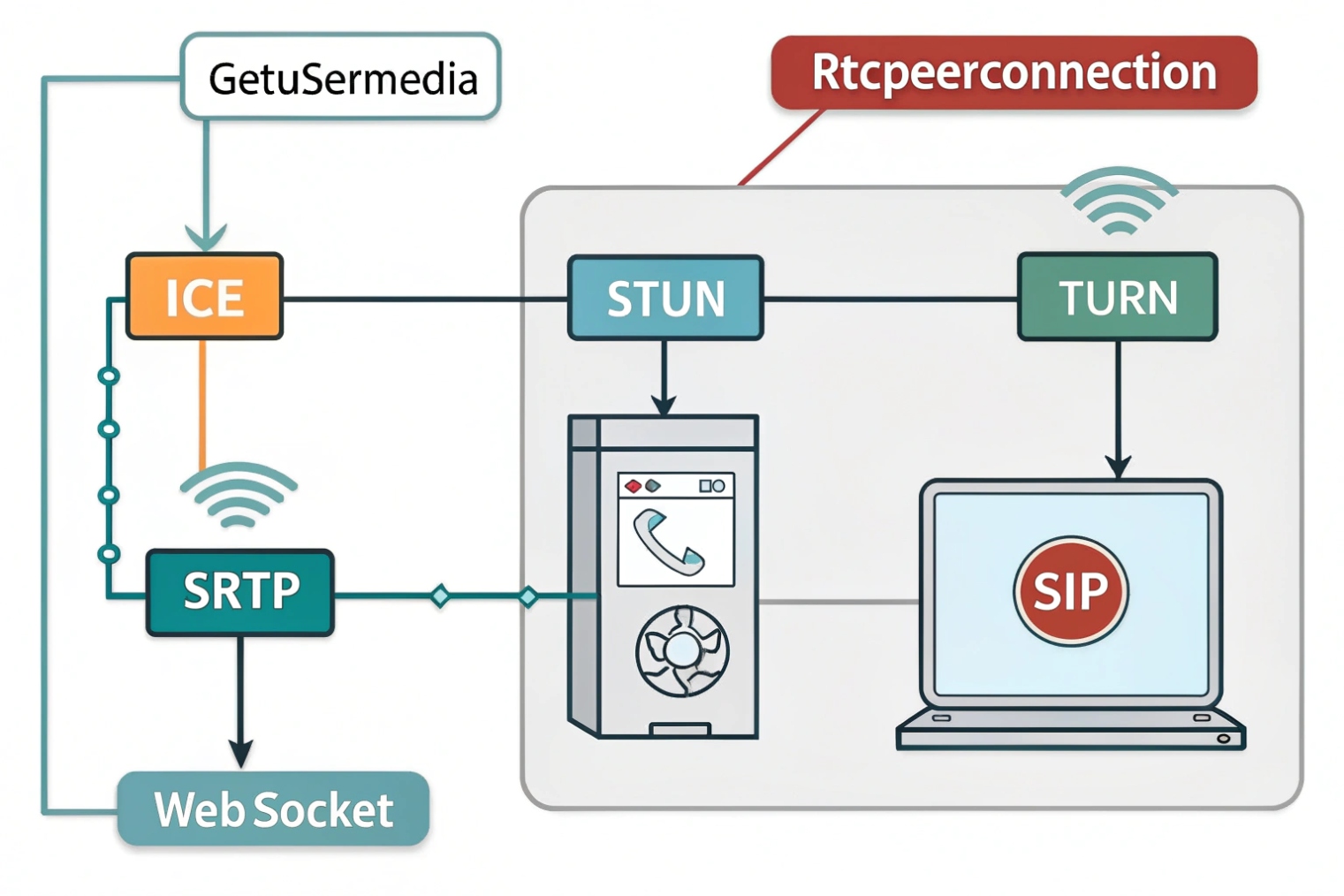
The moving pieces in simple words
WebRTC gives the browser three core APIs. getUserMedia opens the mic and camera with echo cancellation, noise suppression, and AGC. RTCPeerConnection sets up media paths and does ICE to punch through NATs. RTCDataChannel sends low-latency data like chat, DTMF events, or UI control.
Media uses RTP inside SRTP for privacy. Key exchange uses DTLS-SRTP keying 3, so you get encryption by default. Congestion control reacts to network change. The sender adapts bitrate and frame rate to keep delay low. This is why calls hold up when Wi-Fi gets busy.
Where SIP fits
WebRTC does not define signaling. Many stacks use SIP over WebSocket (WSS) so browsers can register, invite, hold, transfer, and subscribe to presence. The browser sends SIP over WSS to a WebRTC-aware SBC or gateway. That device speaks classic SIP to your PBX or carrier trunks. You keep your dial plan and features, and users join through a URL.
Media paths that scale
Small deployments go peer-to-peer when possible. Larger ones add media servers:
- SBC/WebRTC gateway to bridge WebRTC ↔ SIP and anchor media.
- SFU (Selective Forwarding Unit) to fan out many video streams with low CPU.
- TURN to relay media when NATs block direct flow.
This gives options: browser ↔ browser, browser ↔ desk phone, browser ↔ PSTN. You keep one logic: the PBX owns numbers and policies; WebRTC adds reach.
| Layer | Role | Typical Tech |
|---|---|---|
| Signaling | Call control | SIP over WebSocket (WSS) |
| Media | Audio/video | SRTP with DTLS |
| NAT traversal | Connectivity | ICE with STUN/TURN |
| Data | Chat/telemetry | SCTP over DTLS (DataChannel) |
Can I integrate WebRTC with my IP PBX and SIP trunks?
Yes. Keep the PBX. Add a WebRTC edge. Translate where needed. Start small and grow when adoption proves the case.
Place a WebRTC-capable SBC or gateway in front of your PBX. It terminates DTLS-SRTP and WebSocket, converts SDP quirks, and hands standard SIP/RTP to trunks.
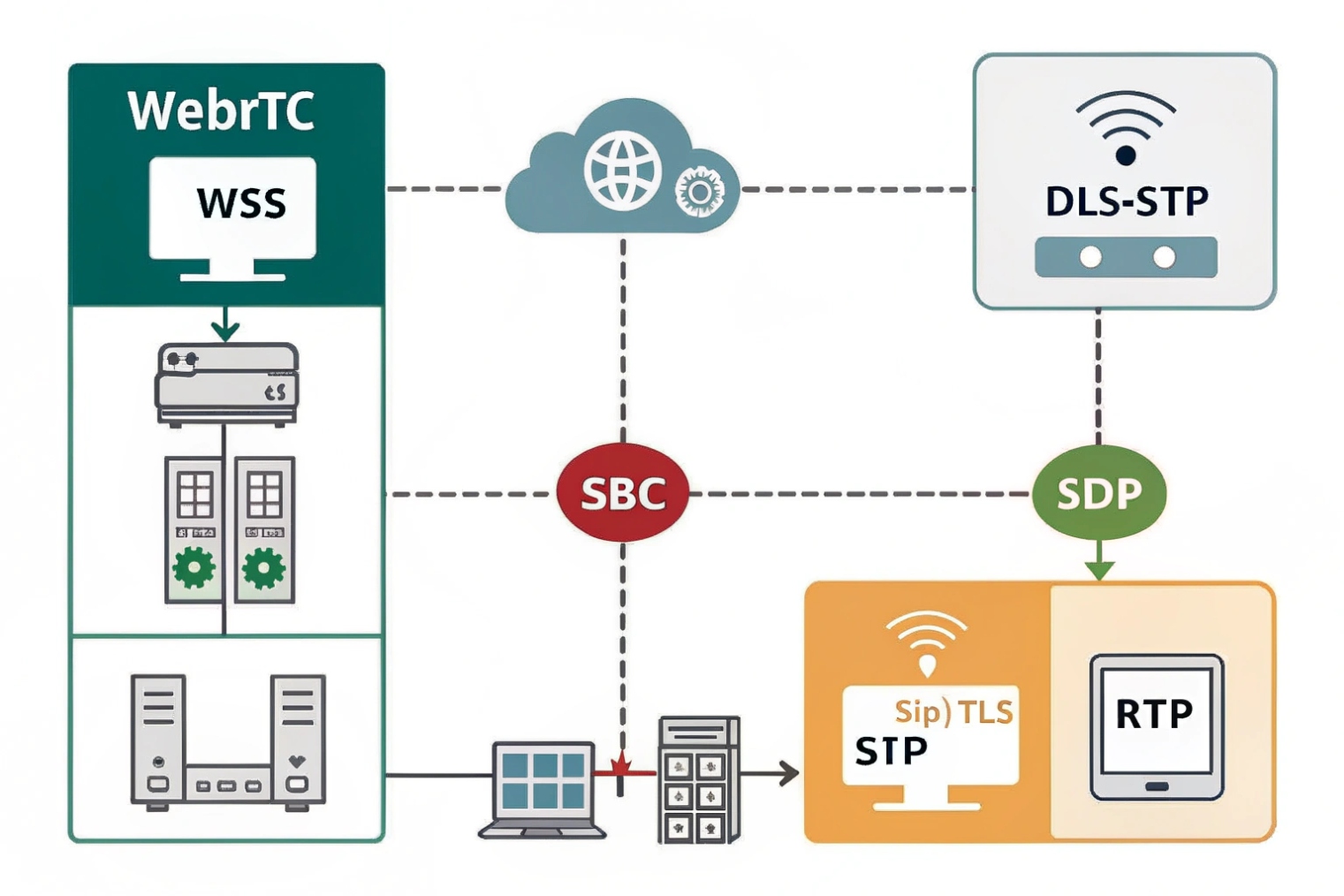
The common architecture
Browsers connect to a WebRTC gateway/SBC over HTTPS/WSS. The SBC terminates DTLS, handles ICE, and anchors SRTP. It also normalizes SDP between browser and PBX. The PBX sees a normal SIP endpoint or trunk. Outbound calls flow to your carrier trunks. Inbound DIDs hit the PBX rules and can fork to browsers, desk phones, or mobile apps.
This keeps your numbering plan, queues, and IVRs intact. Agents can log in from a browser with the same extension. On the PBX, you map that user to a contact that happens to be a WebSocket UA.
Interop details that matter
Browsers speak Opus for audio and VP8/VP9/H.264 for video. Many desk phones and carriers favor G.711 and H.264. The SBC must transcode or at least negotiate a shared codec. For audio, keep G.711 as a fallback for PSTN calls, and Opus for browser-to-browser or modern trunks. For video, choose H.264 if you need desk-phone or legacy interop; otherwise VP8 works well with SFUs.
SIP details also differ. Browsers send ICE candidates gradually (trickle ICE). The SBC collects them, updates the PBX side, and runs connectivity checks. The SBC may also rewrite SDP to remove unknown attributes before handing it to the PBX.
Step-by-step rollout
- Enable WebSocket (WSS) and WebRTC profiles on the SBC.
- Point browsers to the SBC’s WSS URL and HTTPS origin.
- Register browsers as SIP user agents against the PBX (or use SBC static routing).
- Test internal extensions, then outbound via trunks.
- Add inbound DID rules to fork to the browser UA during business hours.
- Add TURN for hard NAT cases and test roaming (Wi-Fi ↔ LTE).
- Monitor MOS, jitter, and ICE success rates. Tune before scaling.
| Interop Area | Browser Side | PBX/Trunk Side | Gateway Action |
|---|---|---|---|
| Signaling | SIP over WSS | SIP over UDP/TCP/TLS | Terminate WSS, normalize SIP |
| Audio | Opus | G.711/Opus | Transcode or negotiate |
| Video | VP8/VP9/H.264 | H.264 | Prefer H.264; transcode if needed |
| Security | DTLS-SRTP | RTP/SRTP | Re-encrypt or pass-through |
| NAT | ICE (STUN/TURN) | Public IPs | Relay media when needed |
What codecs, NAT traversal, and TURN servers do I need?
Pick codecs that sound good under stress. Make NAT boring. Size TURN so the worst day still works.
Use Opus for audio and H.264 or VP8 for video. Use ICE with public STUN and an anycast or regional TURN. Plan TURN capacity for 15–30% of sessions.
Audio and video codecs that work
The Opus audio codec 4 is the default audio codec in browsers. It handles narrowband to fullband speech, has built-in FEC and DTX, and changes bitrate quickly when Wi-Fi gets noisy. Keep a target of 16–32 kbps for typical calls and allow it up to 48–64 kbps for premium quality. G.711 is your PSTN interop fallback; it uses about 87–100 kbps including headers. For video, VP8 ships everywhere; H.264 is the safest for interop with SIP video endpoints; VP9/AV1 give better quality per bit but cost more CPU and may need SFU support.
NAT traversal that survives the real world
WebRTC uses ICE (Interactive Connectivity Establishment) 5. The browser first tries host candidates (private IPs). It then tries Session Traversal Utilities for NAT (STUN) 6 to learn its public mapping. If those paths fail, it uses Traversal Using Relays around NAT (TURN) 7 to relay media. TURN is not a “nice to have.” Some corporate NATs block peer-to-peer. Cellular networks often change paths mid-call. Without TURN, calls drop or start with silence.
Plan TURN capacity for peak. A safe rule: 15–30% of sessions relayed in steady state. Increase to 50% during events or travel seasons. Each audio-only call needs ~60–100 kbps per direction with Opus at common bitrates. Add headroom for video. Place TURN close to users (multi-region). Use TCP and TLS listeners for firewall-friendly paths, and UDP for low latency when allowed.
ICE features to turn on
- Trickle ICE so the first viable path connects faster.
- ICE restarts on network change (Wi-Fi ↔ LTE).
- mDNS host candidates to avoid local IP leaks.
- Consent freshness to tear down dead paths quickly.
QoS and DSCP in practice
Browsers may restrict DSCP marking. Do not assume the browser can set EF. Instead, remark at your edge: the SBC or gateway sets EF (46) on SRTP and CS3/AF31 on signaling. Then your routers can give media a strict lane. On VPNs, copy DSCP to the outer header so priority survives the tunnel.
| Item | Recommendation | Notes |
|---|---|---|
| Audio codec | Opus first, G.711 fallback | Enable FEC, DTX |
| Video codec | H.264 for interop; VP8 default | Use simulcast/SVC with SFU |
| STUN | Public, redundant | Anycast or multi-region |
| TURN | Regional, UDP+TCP+TLS | Plan 15–30% relay usage |
| ICE | Trickle + restarts | Faster setup, better roaming |
| DSCP | Remark at edge | EF for SRTP, CS3 for SIP |
How do I secure WebRTC—TLS, SRTP, and user authentication?
Security is built in, but you must wire it end to end. Use TLS for signaling, DTLS-SRTP for media, and strict auth. Then watch the logs.
Serve pages over HTTPS. Use WSS for SIP. Use DTLS-SRTP for media. Authenticate users with tokens. Lock CORS, rate-limit SIP, and pin TURN to credentials.
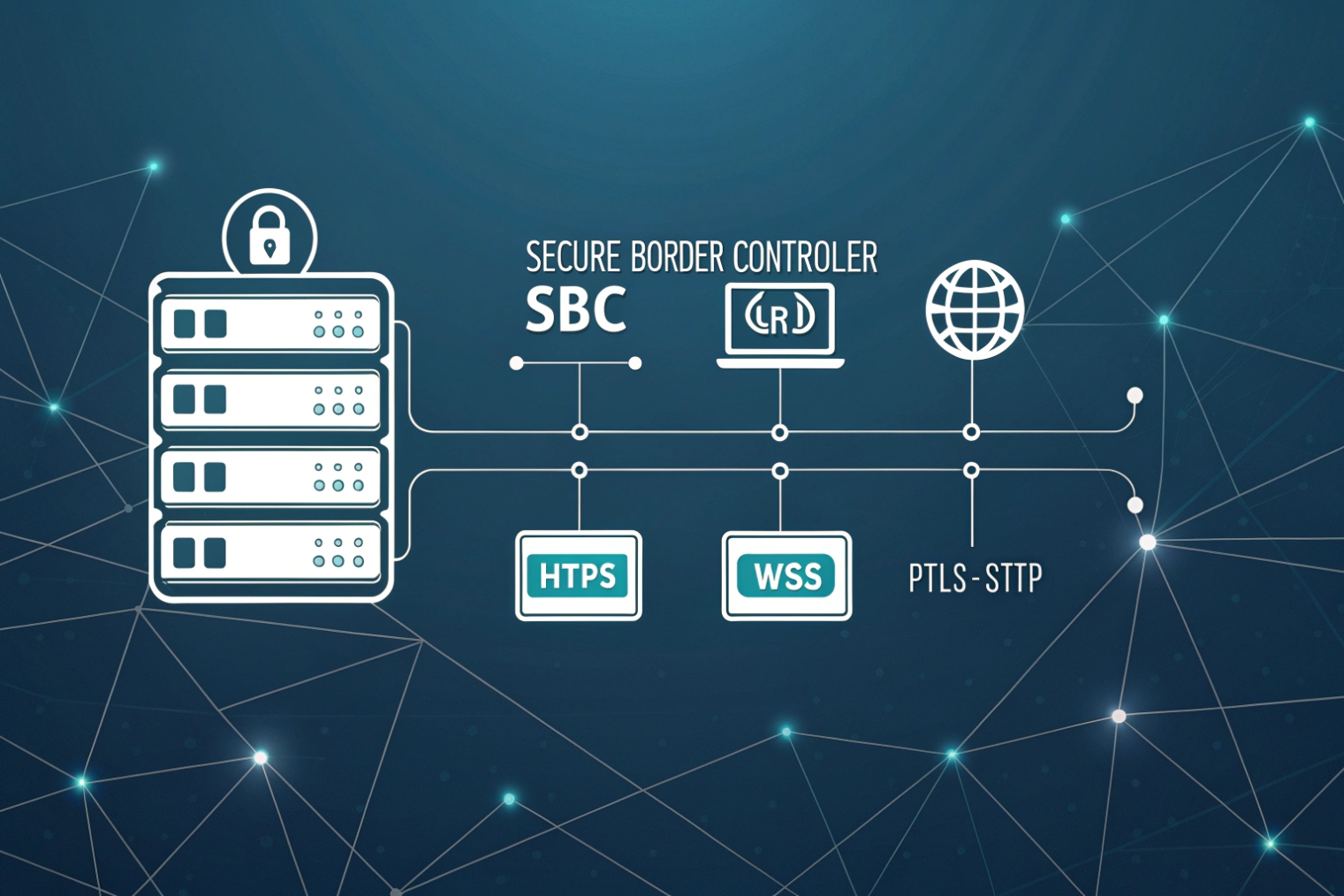
Transport security defaults
Run the web app on HTTPS. Browsers require secure origins for camera and mic. Run signaling on WSS (TLS). For media, use DTLS-SRTP. Certificates live on the web origin, the WSS endpoint, the SBC, and the TURN server. Use modern ciphers and keep certs short-lived with automated renewals.
Do not trust only SIP passwords in a browser. Use a web login (SAML/OIDC) to authenticate users. Mint a short-lived token (JWT) for the SIP/WebSocket and TURN (REST API with time-bound credentials). Scope the token to a tenant, user, and allowed features. Rotate often. On the PBX/SBC, map the token to the SIP user or to a B2BUA session with strict limits (max calls, destinations, recording policy).
TURN and ICE hardening
Use TURN over TLS on 443 for strict networks, but keep UDP open where possible for latency. Demand long random usernames and short-lived passwords via REST. Disable open relays. Limit per-user bandwidth and sessions. Monitor relay ratios and throttle abuse. Set realm per tenant if you host many customers.
Browser and app hygiene
Request minimal device permissions. Show clear mic/cam indicators. Use autoplay policies with user gestures so audio cannot start by surprise. Handle tab sleep and network changes with ICE restarts. Clear cached tokens on logout. For desktop capture, use constrained window sharing to avoid data leaks.
Network and SBC controls
- Enforce TLS for SIP between browser and SBC.
- Prefer SRTP to trunks if your carrier supports it; otherwise decrypt at the SBC edge only.
- Rate-limit SIP INVITE and REGISTER; block floods.
- Geo-block countries you never call.
- Keep management GUIs off the public internet. Use VPN or SSO with MFA.
Compliance and recording
If you record calls, do it at the SBC or media server, not in the browser. Signal consent in the IVR and UI. Store keys and files in a compliant store. For E911, confirm your web clients still route to the right PSAP through the PBX, and that caller ID laws are met.
| Control | What to do | Why |
|---|---|---|
| HTTPS/WSS | Force TLS 1.2+ | Browser security and policy |
| DTLS-SRTP | Default on | Media privacy and integrity |
| Auth | OIDC + JWT for SIP/TURN | Strong, short-lived access |
| TURN | TLS on 443 + UDP | Works through strict firewalls |
| SBC | Rate-limit + SIP TLS | Stop scans/floods |
| Logs | Jitter/loss/ICE/MOS | Catch issues before users do |
Conclusion
Start with a WebRTC-ready SBC, Opus + H.264, ICE with TURN, WSS signaling, and DTLS-SRTP. Remark DSCP at the edge, secure tokens, and monitor ICE success and MOS.
Footnotes
-
W3C baseline for WebRTC APIs and required behaviors across browsers. ↩︎ ↩
-
Defines SIP signaling over WebSocket for browser-friendly SIP registration and calling. ↩︎ ↩
-
DTLS-SRTP keying details for secure media setup and negotiated SRTP keys. ↩︎ ↩
-
Opus codec spec for bitrate, resilience features, and interoperability guidance. ↩︎ ↩
-
ICE standard for candidate gathering and connectivity checks through NATs. ↩︎ ↩
-
STUN reference for discovering public reflexive addresses used in ICE. ↩︎ ↩
-
TURN reference for relaying media when direct ICE paths fail. ↩︎ ↩








