
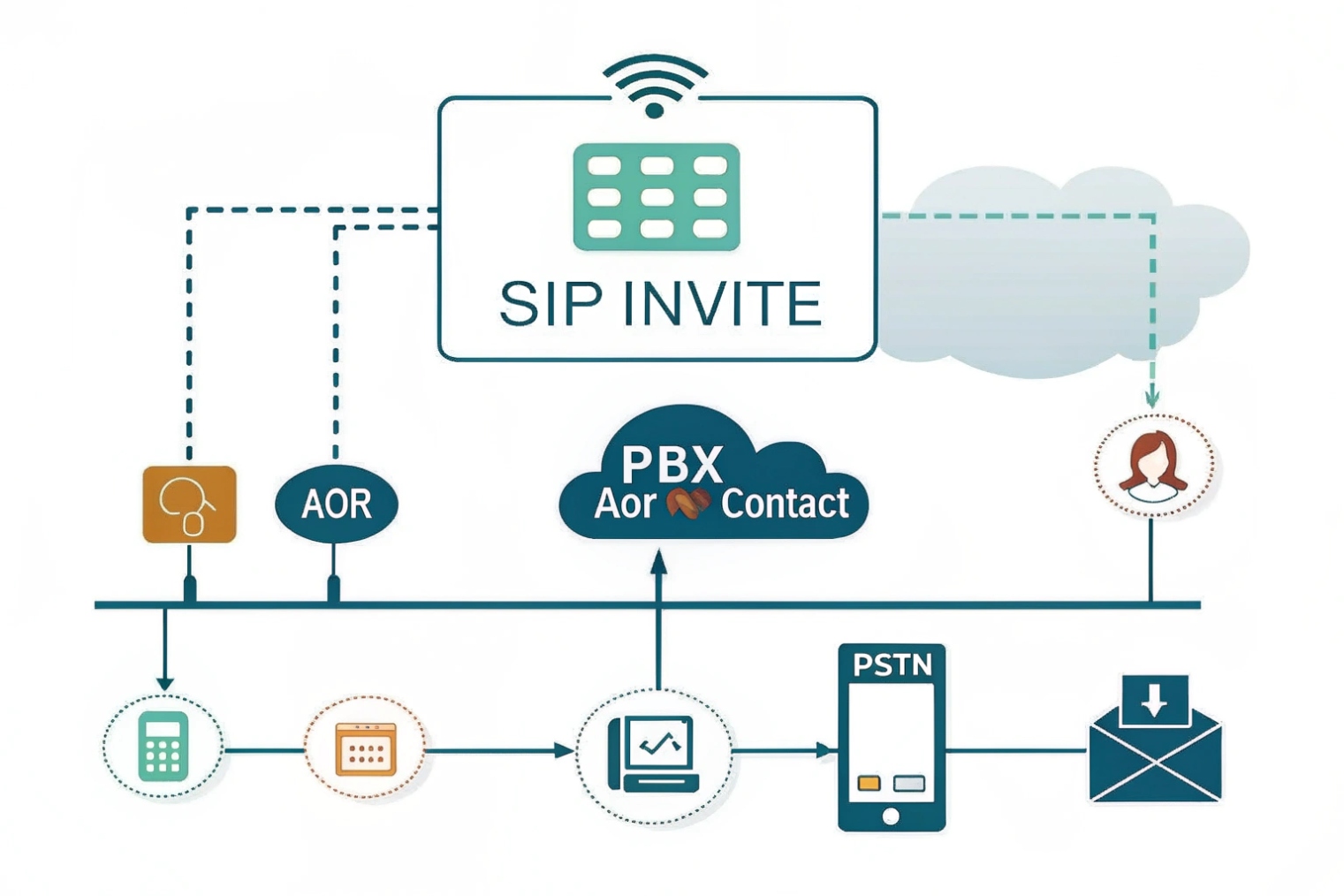
Phones must be reachable. SIP registration 1 tells the PBX where to find them. Without it, inbound calls wander and fail.
SIP registration binds your Address of Record (AoR) to a live Contact. The registrar stores this mapping so proxies can route calls to your device over the right transport.
Below I explain how to register IP phones, intercoms, and gateways. Then I cover the common failure causes. After that, I show how NAT, keep-alives, and STUN shape reachability. I end with safe ways to register multiple devices to one extension.
How do I register my IP phones, intercoms, and gateways to PBX?
The steps are simple when names match and timers fit your network. Small mismatches cause big outages.
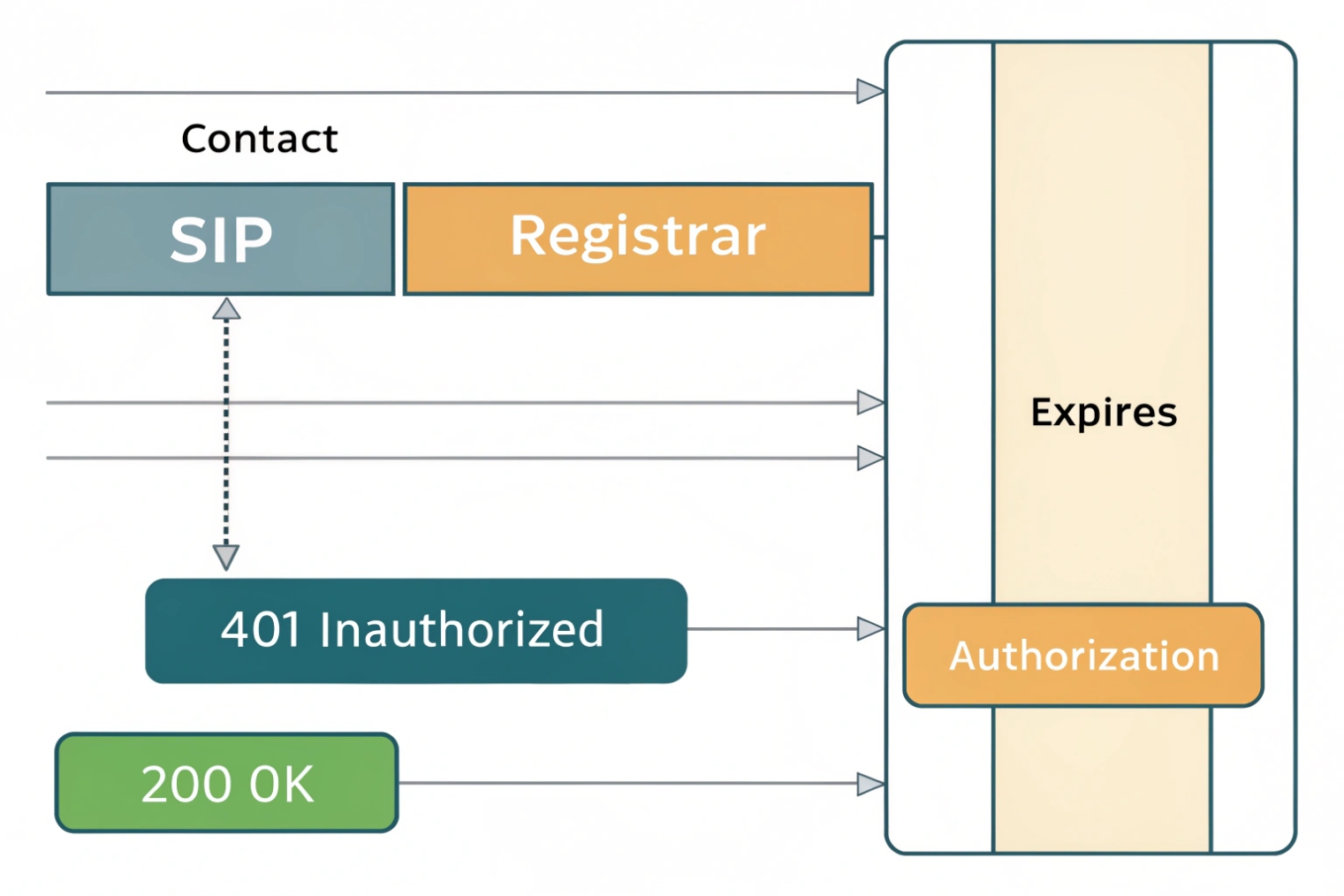
Create a user/AoR on the PBX. Configure the device with the server, Auth ID, password, realm, and transport. The device sends REGISTER. The registrar replies 401, then 200 OK after digest auth.
The moving parts
SIP registration ties an Address of Record 2 like sip:2001@pbx.example.com to a Contact URI 3 such as sip:2001@192.0.2.50:5260;transport=tls. The device sends a REGISTER with its desired Expires. The registrar challenges with 401 Unauthorized and a nonce. The device resubmits with an Authorization header using Digest (username, realm, nonce, method, URI). On success, the registrar stores the binding in its location service and returns 200 OK.
Required fields that must match
Devices often have three identifiers:
- Auth ID / Username: used in the Authorization header.
- Extension / From user: what callers see.
- Display name: cosmetic.
Keep Auth ID and password exact. Realms are case-sensitive. The realm shown in the 401 must match what the PBX expects for HA1 verification. Many phones let Auth ID differ from the extension; use that when the PBX separates login and identity.
Transport choices
Pick SIP over TLS 4 for signaling when possible. It protects credentials and helps NAT traversal with a stable TCP flow. UDP is lightweight but sensitive to timeouts. Web clients use WSS. Match the PBX’s SRV/NAPTR records 5 or enter the exact registrar host and port.
Timers and expiry
Phones propose an Expires (e.g., 3600 seconds). The server can shorten or lengthen it, or return 423 Min-Expires to enforce a minimum. Behind NAT, shorter intervals keep pinholes fresh. A safe starting point is 300–600 seconds for remote devices and 900–1800 seconds on LAN.
Provisioning flow that scales
Use DHCP Options (e.g., 66/160) or device-specific redirection to point phones at an auto-provisioning server. The template should set:
- SIP server FQDN and transport
- Auth ID, password, realm
- Register interval and retry timers
- Keep-alive method (CRLF/OPTIONS)
- Time source (NTP) to avoid nonce errors
- SRTP and TLS settings
| Item | Good default | Why |
|---|---|---|
| Transport | TLS (5061) | Secure, NAT-friendly |
| Register Expires | 600 s remote / 1200 s LAN | Freshness vs load |
| Retry after fail | 30–60 s backoff | Avoid thundering herd |
| Keep-alive | CRLF or OPTIONS 30–60 s | Keep NAT pinhole |
| DNS use | NAPTR/SRV enabled | HA and geo balance |
| Time sync | NTP enabled | Prevent nonce/TLS errors |
Why does SIP registration fail—wrong credentials, realm, or transport?
Most failures are small data errors. A single field off by one letter stops the whole flow.
Check five things first: server reachability, Auth ID/password, realm, transport/port, and DNS/SRV targets. Then check digest headers, clocks, and any SIP ALG on the path.
Fast diagnosis by symptom
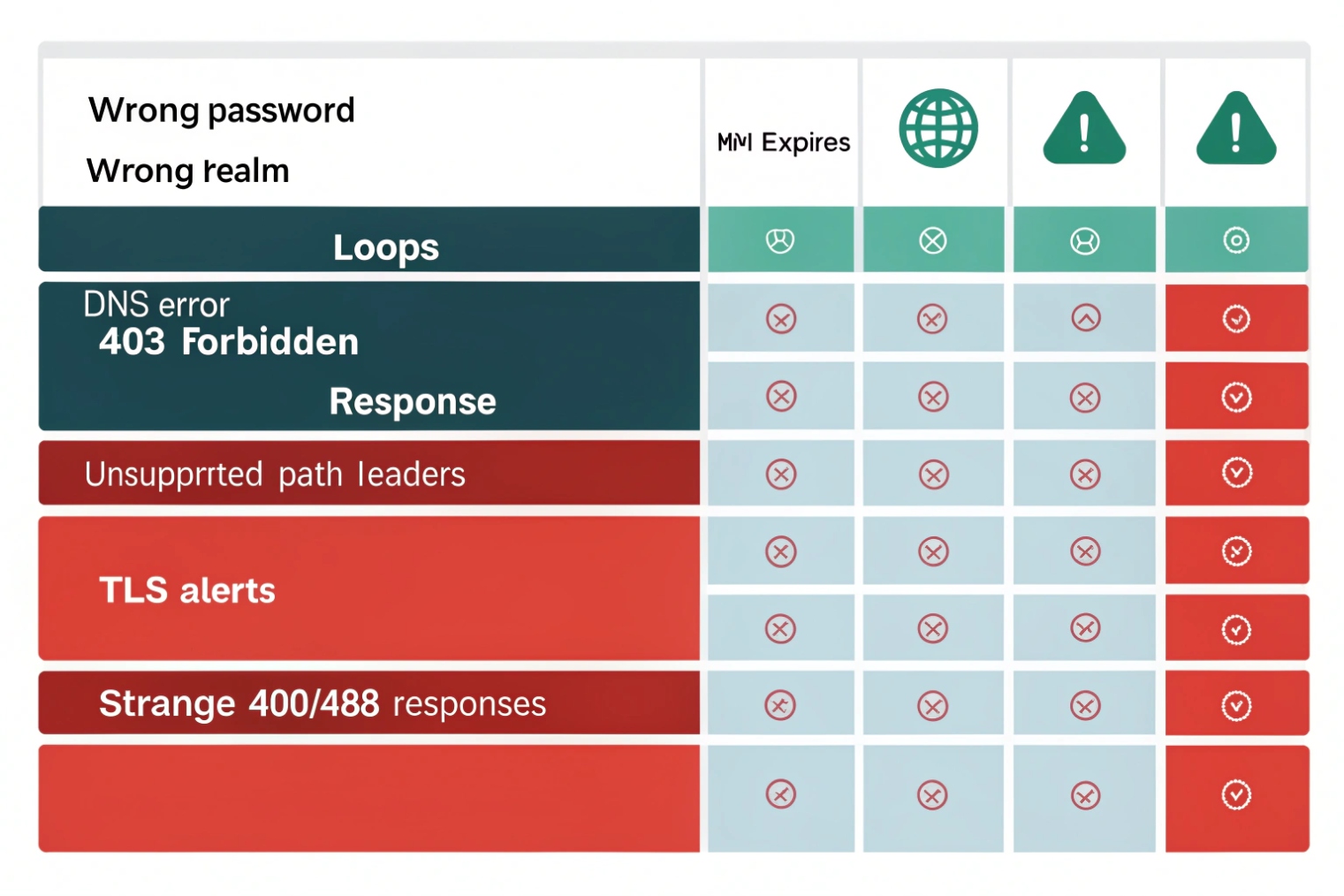
- 401 loops forever: wrong password, wrong Auth ID, or wrong realm. Pull a pcap: confirm the username and realm in
Authorization. If the PBX changed the realm during a migration, the stored HA1 no longer matches. - 403 Forbidden: credentials syntactically correct, but user not allowed, extension disabled, IP not allowed, or auth policy blocked the attempt after too many failures.
- Timeout / no 401 at all: DNS points to the wrong host; firewall blocks the port; transport mismatch (phone tries UDP 5060, PBX listens on TLS 5061); SIP ALG mangled the packet.
423 Min-Expires: device requested too short an interval. Increase Expires or per-Contactexpiresuntil it meets the server’s minimum.- TLS alert / certificate error: wrong SNI/host, expired cert, unsupported ciphers, or the phone lacks the CA. Set the registrar FQDN to match the certificate CN/SAN.
400/488on REGISTER with path parameters: registrar does not support SIP Outbound features; disable Path/flow-tokens on that device.
Common pitfalls you can avoid
- Auth ID ≠ extension: set the exact login name in the Auth field; keep the extension in the From.
- Clock skew: large time drift makes nonce or TLS fail. Enable NTP on every phone and gateway.
- DNS SRV ignored: some phones ignore SRV and go straight to A/AAAA. Either fix firmware or pin a specific host:port.
- Double registration to the wrong domain: multi-tenant PBXs need the right domain/realm in the Registrar field, not just an IP.
- SIP ALG on the router: many ALGs rewrite
Contactand break digest. Disable ALG on edge routers and firewalls unless a known profile is required.
A quick checklist
| Symptom | Likely cause | Fix |
|---|---|---|
| Infinite 401s | Bad password/realm | Reset creds; align realm |
| 403 | Policy/account issue | Enable user; check ACL |
| Timeout | Port/transport/DNS | Match TLS/UDP/TCP; fix SRV |
| 423 | Too-short Expires | Raise to Min-Expires |
| TLS fail | Cert/SNI/CA | Use FQDN; load CA bundle |
| Random drops | SIP ALG / NAT | Disable ALG; tune keep-alives |
How do NAT, keep-alives, and STUN affect my SIP registrations?
NAT hides devices. Registration must also hold the return path open. Keep-alives and SIP Outbound make that reliable.
Behind NAT, use short register intervals plus CRLF/OPTIONS keep-alives. Prefer TCP/TLS. Add STUN or full SIP Outbound so the PBX can send calls back on the exact flow.
Why NAT breaks idle phones
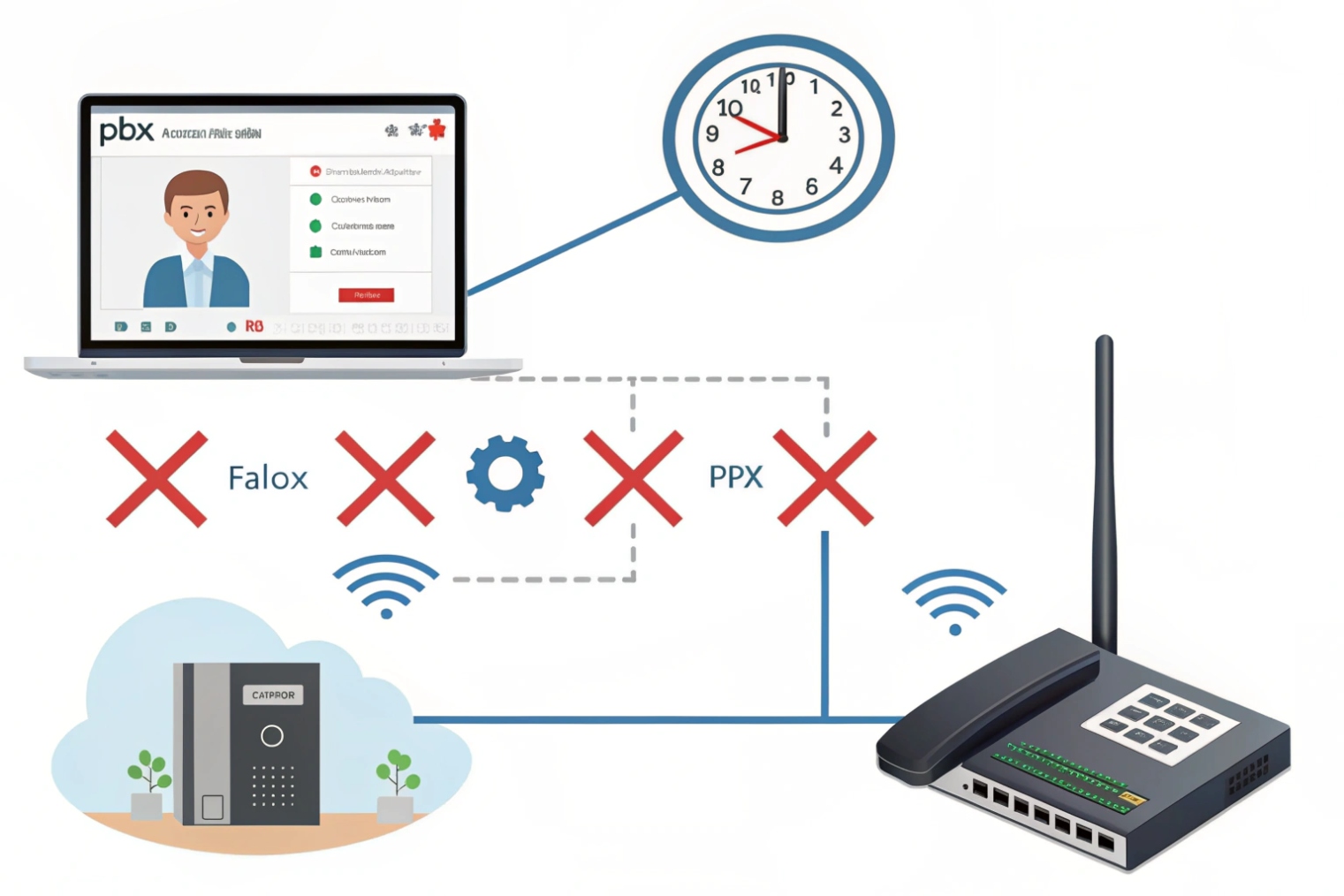
Home and carrier-grade NATs close idle UDP mappings in 30–120 seconds. If a phone registers every 30 minutes with UDP and sends no keep-alives, inbound INVITEs will never reach it. The PBX thinks the user is “registered,” but the path is gone. Result: missed calls, one-way audio, or late ringing.
Keep-alive options
- CRLF keep-alive: many phones send a double-CRLF on the existing flow every 30–60 seconds. Cheap and light.
- OPTIONS pings: a full SIP method; more overhead but widely supported.
- Re-REGISTER early: refresh at 50–80% of the expiry to keep the binding fresh.
- TCP/TLS transport: keeps a long-lived connection; NATs hold it longer than UDP. Works well with keep-alives.
STUN and when to use it
STUN 6 lets a device discover its public IP and port. For registration, STUN is optional if you already use TLS and keep-alives. It helps some gateways fill correct Contact info when SBCs are not doing topology hiding. Do not rely on STUN alone to hold mappings; still send keep-alives.
SIP Outbound and GRUU (best practice for roaming)
With SIP Outbound 7 (RFC 5626/5627), the registrar issues flow tokens and Path vectors. Each device establishes one or more persistent flows (often over TLS). The PBX sends inbound calls back over that exact flow, even if the IP changes, and uses GRUU (Globally Routable UA URI) to target a specific device when many share one AoR. This is the most reliable way to handle laptops and mobiles moving between Wi-Fi and LTE.
Settings that work in the real world
- Remote phones: TLS transport, keep-alive 30–60 s, Expires 300–600 s, early re-register at 80% of expiry.
- SIP Outbound enabled on the PBX and phones that support it.
- SBC in front of the PBX to anchor signaling and media, plus DSCP remarking so keep-alives and SIP do not get starved.
| Mechanism | Purpose | Good value |
|---|---|---|
| Register expiry | Refresh binding | 300–600 s remote |
| CRLF keep-alive | Hold NAT flow | 30–60 s |
| Transport | Stable path | TLS/TCP preferred |
| SIP Outbound | Flow pinning | Enable with GRUU |
| STUN | Public mapping | Optional helper |
Can I register multiple devices to one extension safely and reliably?
Yes. Many teams do this for desk phone + mobile + browser. You need clear rules for forking, priority, and identity.
Use multiple Contacts per AoR with q-values and unique instance IDs/GRUUs. Limit device count, align ring strategy, and handle voicemail and presence cleanly.
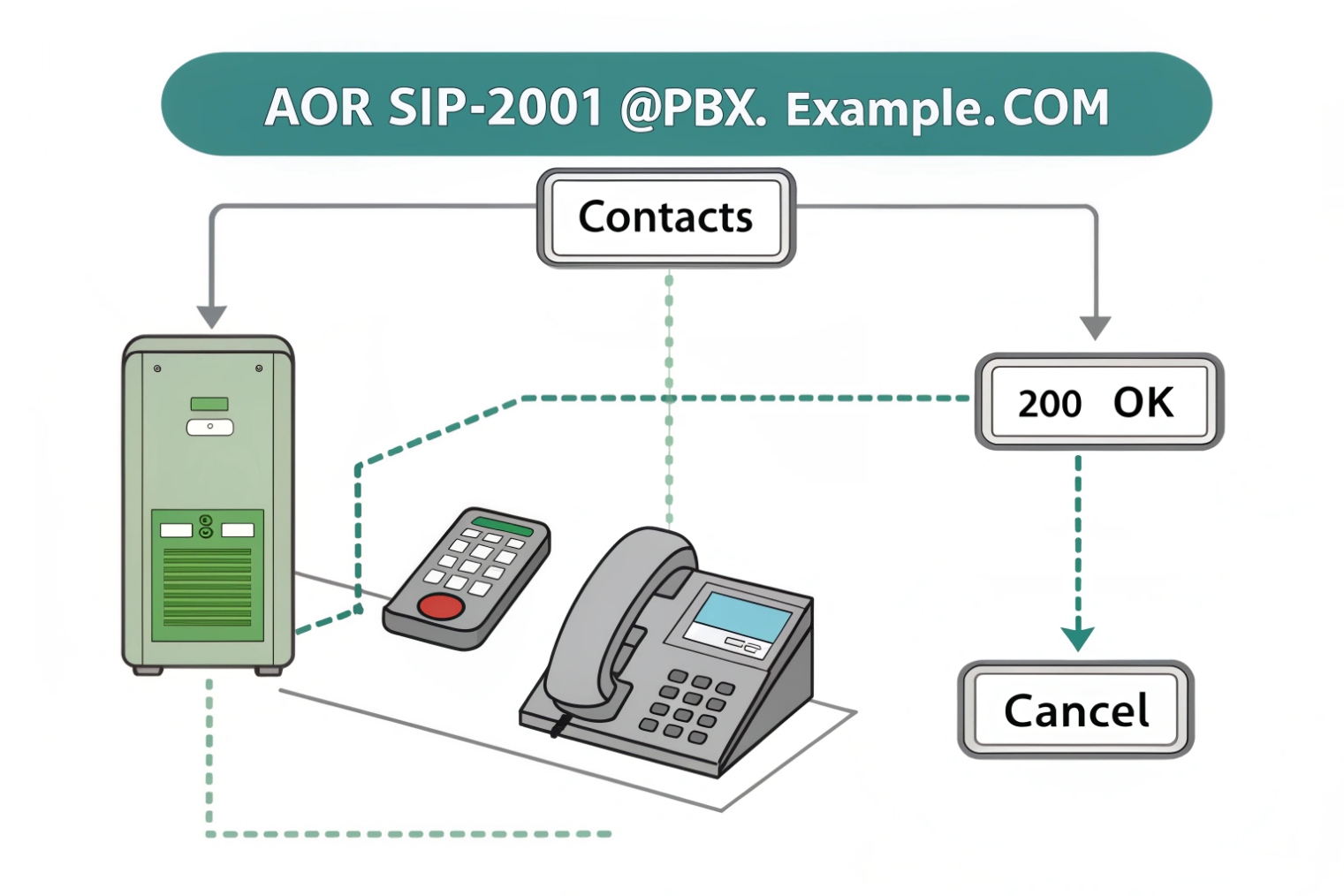
Parallel vs sequential forking
A registrar can keep multiple Contacts for one AoR. With parallel forking, the proxy sends INVITE to all Contacts at once. The first 200 OK wins; the proxy cancels the rest. With sequential forking, it tries the top Contact first, then the next if no answer. You control order with q-values (lower q rings first or has higher priority depending on implementation; check your PBX docs).
Device identity and reachability
Each device should register with a unique instance ID and, if supported, obtain a GRUU. This allows targeted calls to a specific device (for example, alert the intercom only, not the desk phone). Presence and call pickup features work better when the PBX can tell devices apart.
Practical guardrails
- Limit fan-out: 2–4 Contacts per user is fine; dozens create confusion and extra ringing.
- Ring timers: keep alerting windows short (e.g., 15–20 seconds) so voicemail logic is predictable.
- Consistent media: align codec sets and SRTP policies across devices to avoid re-INVITE churn when the first answer arrives.
- Single voicemail: ensure only one destination owns the busy/no-answer path. Avoid racing multiple voicemail systems.
Emergency calling and caller ID
When many devices share one AoR, set outbound rules so emergency calls use the right E911 identity for the device’s location. A softphone at home should not send the office caller ID for 911. Use per-device caller ID or policy rules on the SBC.
Registration scale and policy
Large fan-out increases REGISTER load and presence traffic. Use short, randomized re-register offsets to avoid spikes. Apply rate limits per AoR to block misbehaving clients. For shared lines or hot-desking, prefer PBX features (SCA/BLF) over raw multi-registration when available.
| Goal | Setting | Example |
|---|---|---|
| Prefer desk phone | q-value higher priority | Desk: q=0.1, Mobile: q=0.5 |
| Target a device | Use GRUU | Call sip:user;gruu;opaque=... |
| Reduce ring chaos | Short timers | 20 s alert, then voicemail |
| Keep security | TLS + digest + SRTP | Same on all devices |
Conclusion
Keep registration simple and sturdy: correct Auth ID and realm, TLS transport, sensible timers, steady keep-alives, and SIP Outbound. Add multi-device rules with q-values and GRUU to ring smart, not loud.
Footnotes
-
SIP standard section explaining registration flow and how registrars store bindings. ↩︎ ↩
-
Definition and behavior of an Address of Record used for routing to a user. ↩︎ ↩
-
How Contact header/URI indicates the reachable device address and transport. ↩︎ ↩
-
Best practices for using TLS with SIP to secure signaling and authentication. ↩︎ ↩
-
SIP DNS discovery rules using NAPTR/SRV to locate the right server and transport. ↩︎ ↩
-
STUN specification for discovering public IP/port mappings across NAT. ↩︎ ↩
-
SIP Outbound standard for persistent flows and reliable inbound routing to roaming devices. ↩︎ ↩








