
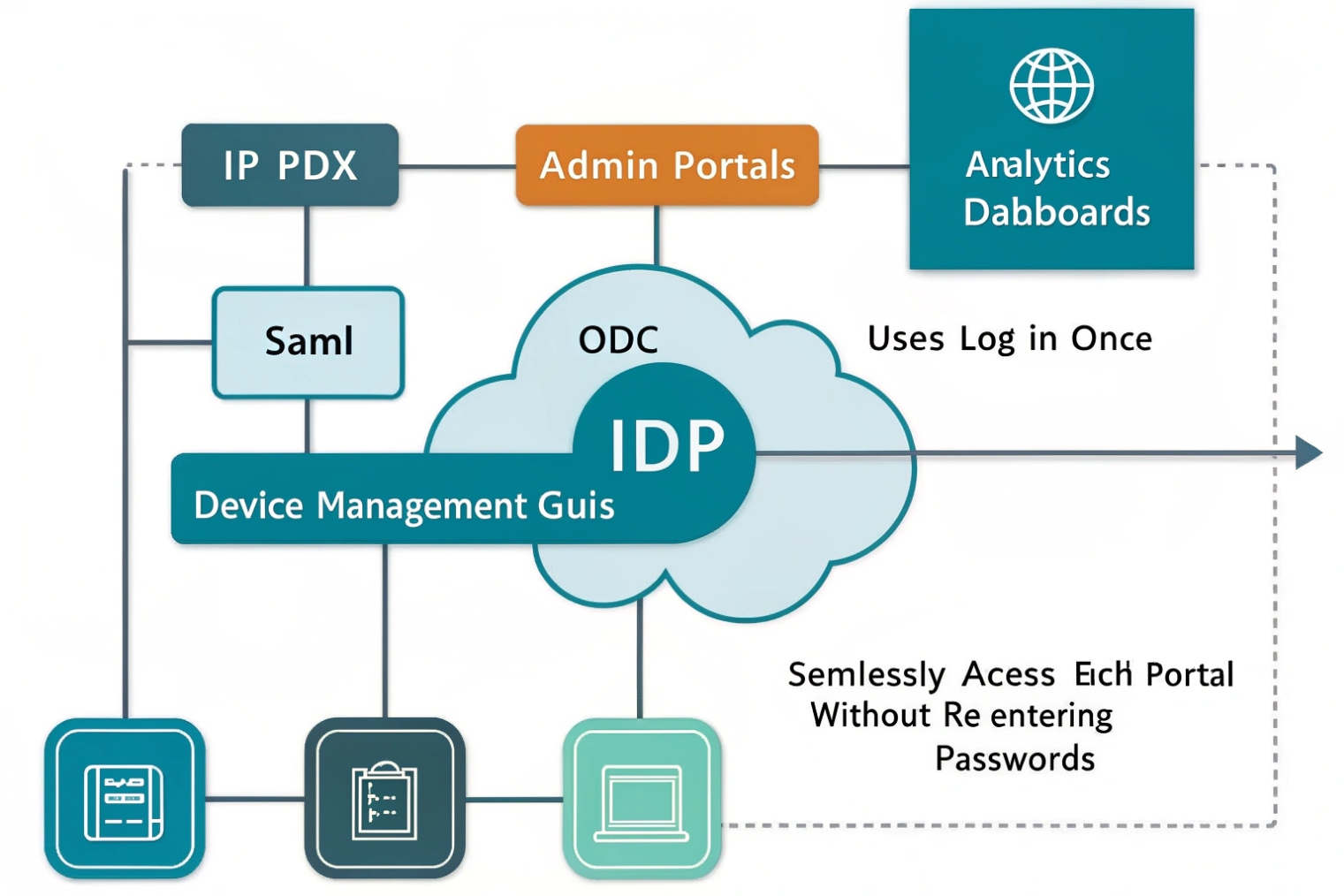
Too many VoIP portals mean too many passwords. That leads to weak reuse, lockouts, and “shared admin logins” that quietly turn into a security risk.
SSO (Single Sign-On) lets users access VoIP web apps and portals with one login from a trusted identity provider (IdP), using standards like SAML 2.0 or OpenID Connect. It reduces passwords, centralizes MFA, and makes access easier to control.
SSO is for VoIP apps, not for SIP registration
What SSO actually covers in a VoIP environment
SSO mainly protects anything that looks like an application login:
- IP PBX admin portal
- User self-care portal (voicemail settings, forwarding rules, call history)
- Softphone sign-in (desktop/mobile app login)
- Call analytics, recordings, wallboards, supervisor dashboards
- Intercom management dashboards, door access portals, and monitoring screens
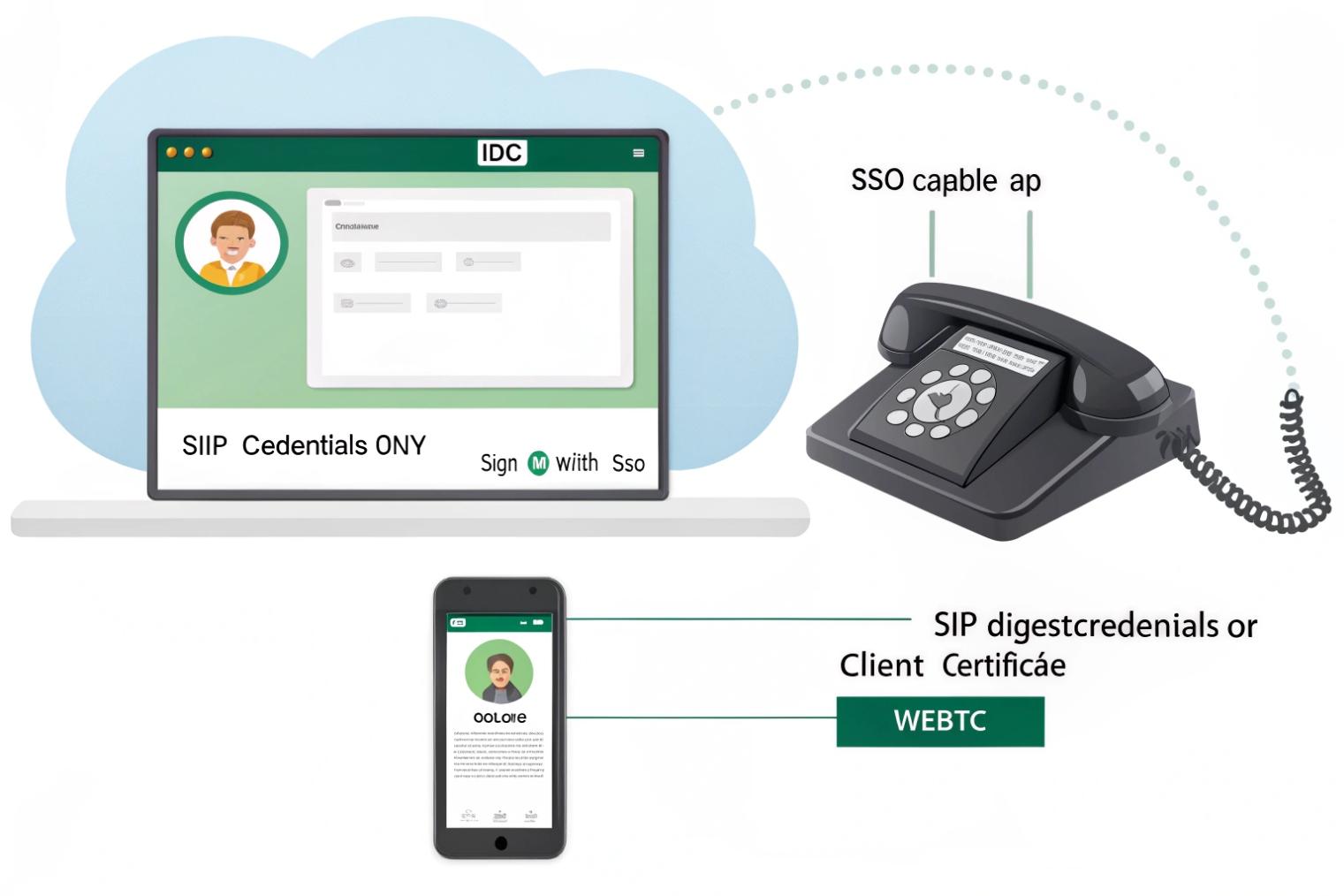
This is important: SSO does not replace SIP Digest credentials for phone registration.
A desk phone or SIP trunk still registers using:
- SIP username/password (Digest auth), or
- Mutual TLS (mTLS) with client certificates (in some enterprise setups)
So, SSO controls who can access the apps and manage the system. SIP auth controls how endpoints register to place/receive calls. Mixing these two causes confusion during planning.
Why this split is healthy
VoIP has two different security surfaces:
- Human access (admins, supervisors, agents) → best secured by IdP controls, MFA, conditional access, short sessions.
- Device access (SIP phones, intercoms, gateways) → best secured by SIP auth, certificates, VLANs, and provisioning controls.
Good architecture keeps them separate, so a stolen SIP phone cannot automatically “inherit” a human identity, and a stolen laptop token cannot register random SIP endpoints.
| Item in your VoIP stack | Uses SSO? | Typical protocol | Notes |
|---|---|---|---|
| Admin portal / web UI | Yes | SAML 2.0 1 or OpenID Connect (OIDC) 2 | Biggest SSO win: fewer local admin passwords |
| Softphone login | Usually yes | OIDC + OAuth2 (PKCE/device code) | App gets tokens, then talks to VoIP services |
| SIP desk phone registration | No | SIP Digest or mTLS | SSO does not replace SIP REGISTER auth |
| SIP trunks / gateways | No | IP auth, Digest, TLS/mTLS | Usually machine-to-machine, not user SSO |
| Intercom dashboard / door control web app | Yes | SAML or OIDC | Great for role-based access per site |
That foundation makes the next steps easier: integrate SSO into the PBX portal, decide which endpoints can use it, and enforce access policy centrally.
How does SSO integrate with my IP PBX and admin portal?
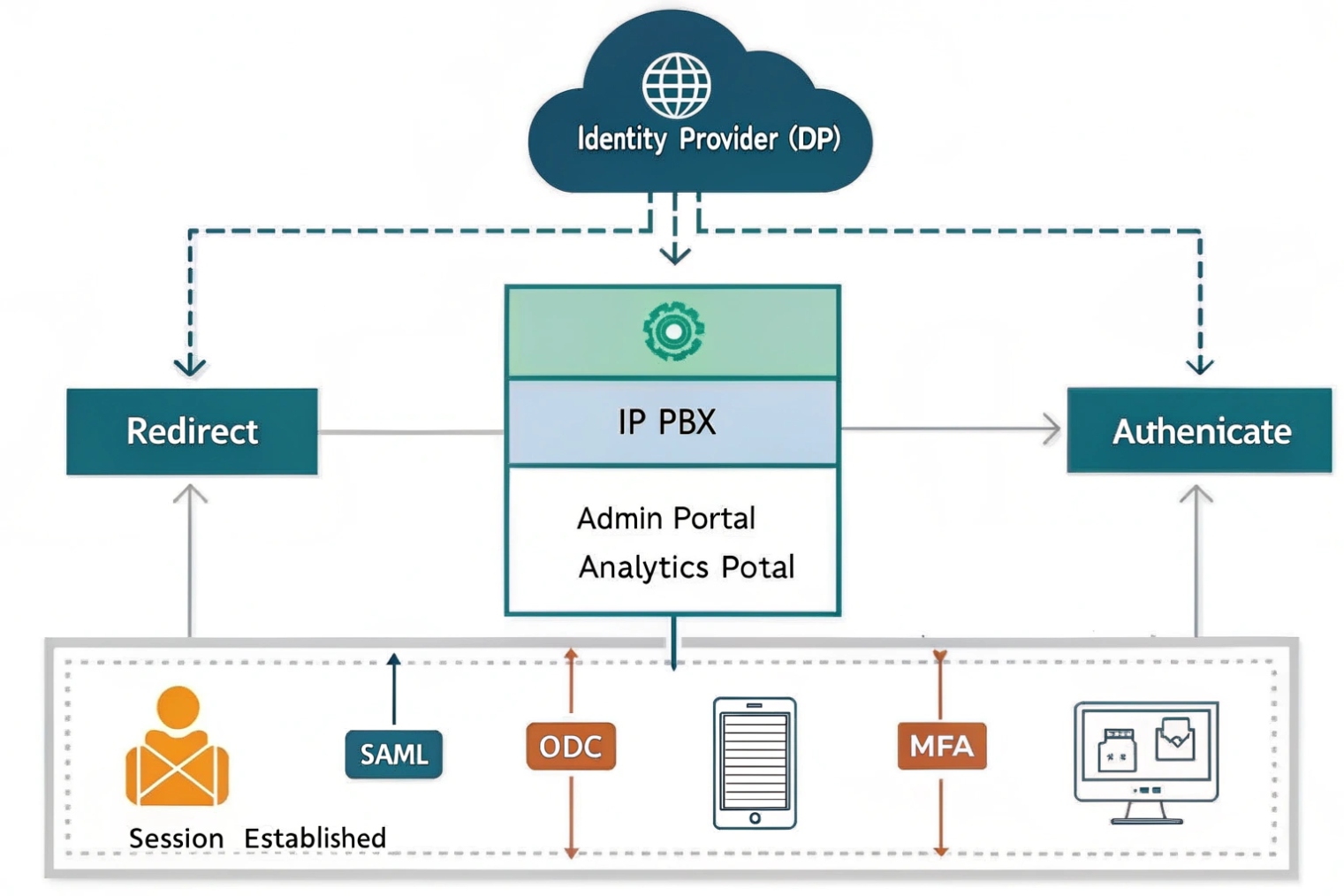
Your IP PBX (or its admin portal) becomes a “service provider” that trusts an IdP. Users authenticate at the IdP, then return to the PBX portal with signed claims that say who they are and what groups they belong to.
Two common integration patterns: SAML vs OIDC
Most PBX/admin portals implement one or both:
SAML 2.0 (common for admin portals)
- Browser redirects to IdP
- IdP returns a signed SAML assertion
- PBX portal creates a session
SAML works well for web portals and is widely supported in enterprise identity stacks.
OpenID Connect (OIDC) + OAuth2 (common for modern portals and apps)
- Browser or app redirects to IdP
- IdP returns ID token + access token
- PBX portal or app uses tokens for API calls
OIDC is often the better choice when the VoIP system has APIs, mobile apps, or a modern microservice backend.
Where roles and permissions come from
The IdP sends “claims” (attributes) like:
- email, username, display name
- tenant / domain
- group membership
- custom roles
Then the PBX maps those claims to local permissions using RBAC:
- Admin
- Supervisor
- Agent
- Standard user
- Read-only auditor
This mapping is where most “secure by default” designs live. The IdP becomes the single place to manage who is allowed in.
Operational best practices that prevent lockouts
- Claim and verify your company domain in the IdP.
- Disable local logins for normal users once SSO is stable.
- Keep a break-glass admin account that is not dependent on the IdP, stored securely, with MFA if possible.
- Monitor clock sync (NTP). Time drift breaks token validation and SAML assertions.
Can I use SSO with SIP phones, softphones, and intercom dashboards?
Yes for apps and dashboards. Not directly for SIP phone registration.
SSO works best for softphones and web dashboards. SIP desk phones typically still use SIP credentials or certificates, while the management portal and user apps use SSO tokens.
Softphones: the strongest fit for SSO
Softphones usually have a real login screen, so SSO is natural:
- OIDC with PKCE (Proof Key for Code Exchange) 3 (common for desktop/mobile)
- Device code flow (useful for shared stations or limited input devices)
- Conditional access (allow only managed devices or trusted networks)
After the user signs in, the softphone may still receive SIP credentials behind the scenes, or it may use token-based APIs to request calling services. The user experience stays “one login.”
SIP desk phones: provisioning helps, not SSO
Phones typically cannot do full browser-based SSO flows well. Instead, control access using:
- Secure provisioning (HTTPS + per-device credentials)
- Unique SIP credentials per device or per user
- Certificate-based auth (where supported)
- Network segmentation (voice VLAN, 802.1X, ACLs)
Some ecosystems support user sign-in on the phone using a code or QR, but behind the curtain the phone still ends up with SIP credentials or certificates.
Intercom dashboards: SSO is ideal
Intercom and access control dashboards benefit from SSO because:
- Many roles exist (security, receptionist, building admin, auditor)
- MFA and conditional access reduce risk
- SCIM can auto-provision staff per site
For multi-site deployments, SSO plus RBAC stops the “everyone can see every door” problem.
| Endpoint/app | Can use SSO for login | What still needs separate auth | Practical approach |
|---|---|---|---|
| Admin portal | Yes | None (portal-level) | Enforce IdP MFA + RBAC |
| Softphone app | Yes | SIP/media services behind app | OIDC (PKCE) + conditional access |
| SIP desk phone | Rarely | SIP REGISTER auth | Secure provisioning + SIP creds/mTLS |
| Intercom monitoring dashboard | Yes | Door controller device trust | SSO + SCIM + site-based roles |
Which providers work for me—Azure AD, Okta, Google, or LDAP?
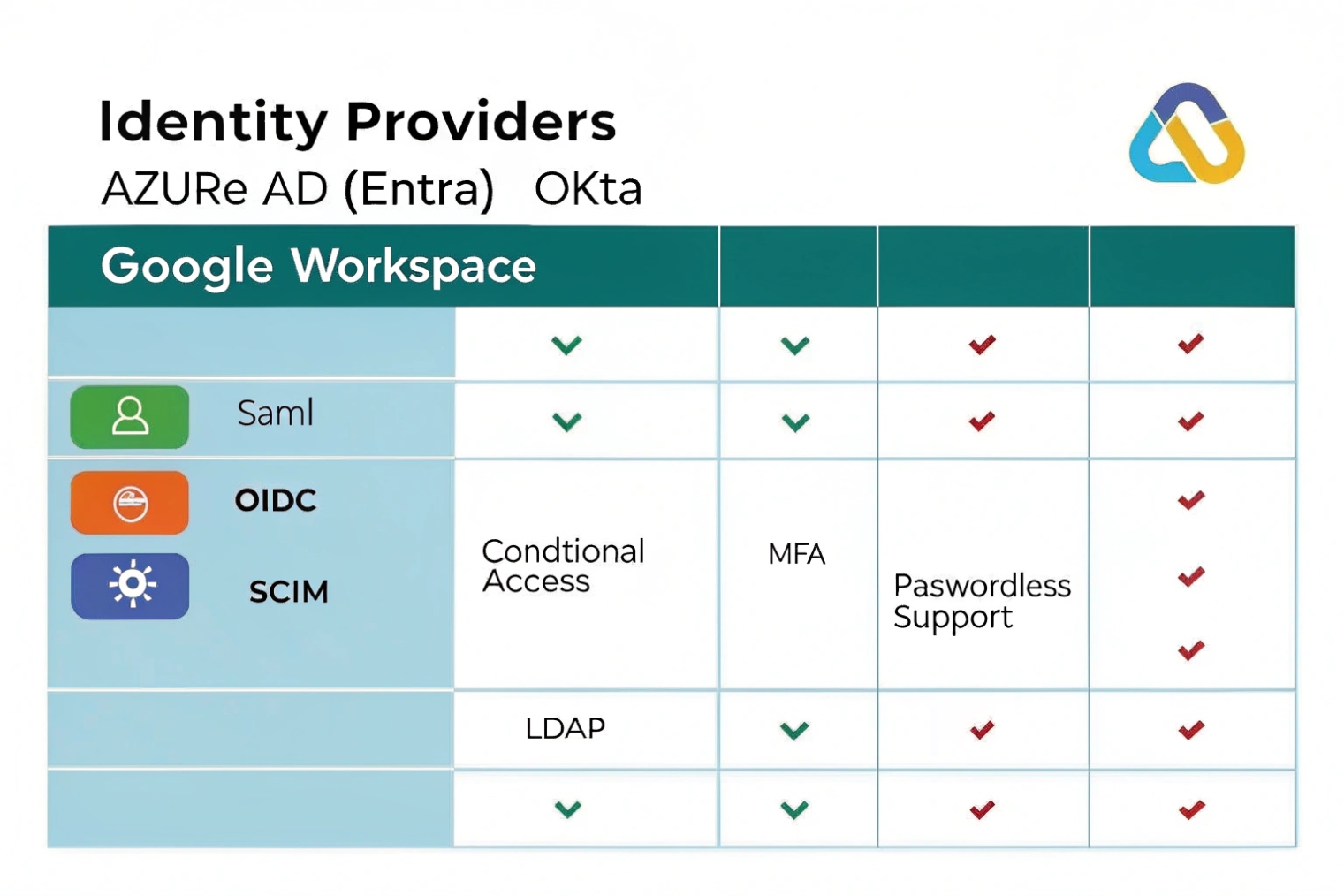
Azure AD (Entra ID), Okta, and Google Workspace are mainstream IdPs for SSO using SAML/OIDC. LDAP is usually a directory source, not a modern SSO provider, unless it sits behind something that speaks SAML/OIDC.
A simple way to choose
- Azure AD (Entra ID): best if the business already runs Microsoft 365, Intune, or needs strong conditional access policies.
- Okta: strong for mixed environments, many app integrations, and clean lifecycle management patterns.
- Google Workspace: good when Google is the primary workspace and admin wants simple SAML/OIDC for SaaS access.
- LDAP: good for legacy authentication and internal apps, but usually needs an IdP layer (or federation service) to do SSO for modern web apps.
The real compatibility question
The key question is not “which IdP is best,” but:
- Does the PBX/admin portal support SAML, OIDC, or both?
- Does the vendor support SCIM for provisioning?
- Does the system support group/role mapping reliably?
If the PBX only supports SAML, any of the big IdPs can work. If the PBX supports OIDC and you have multiple apps (softphones, dashboards, analytics), OIDC often scales better.
| Provider | Best fit | Strength | Watch-outs |
|---|---|---|---|
| Azure AD (Entra ID) | Microsoft-first orgs | Conditional access, device posture | Needs clean group strategy for RBAC |
| Okta | Mixed SaaS + on-prem | Lifecycle + integrations | Licensing can rise with advanced features |
| Google Workspace | Google-first orgs | Simple SSO for SaaS | Advanced conditional access varies by tier |
| LDAP | Legacy internal auth | Simple directory lookup | Not SSO by itself for modern web apps |
How do I secure SSO with MFA, SCIM, and role-based access?
SSO is only “secure” when it is paired with strong policy and lifecycle control.
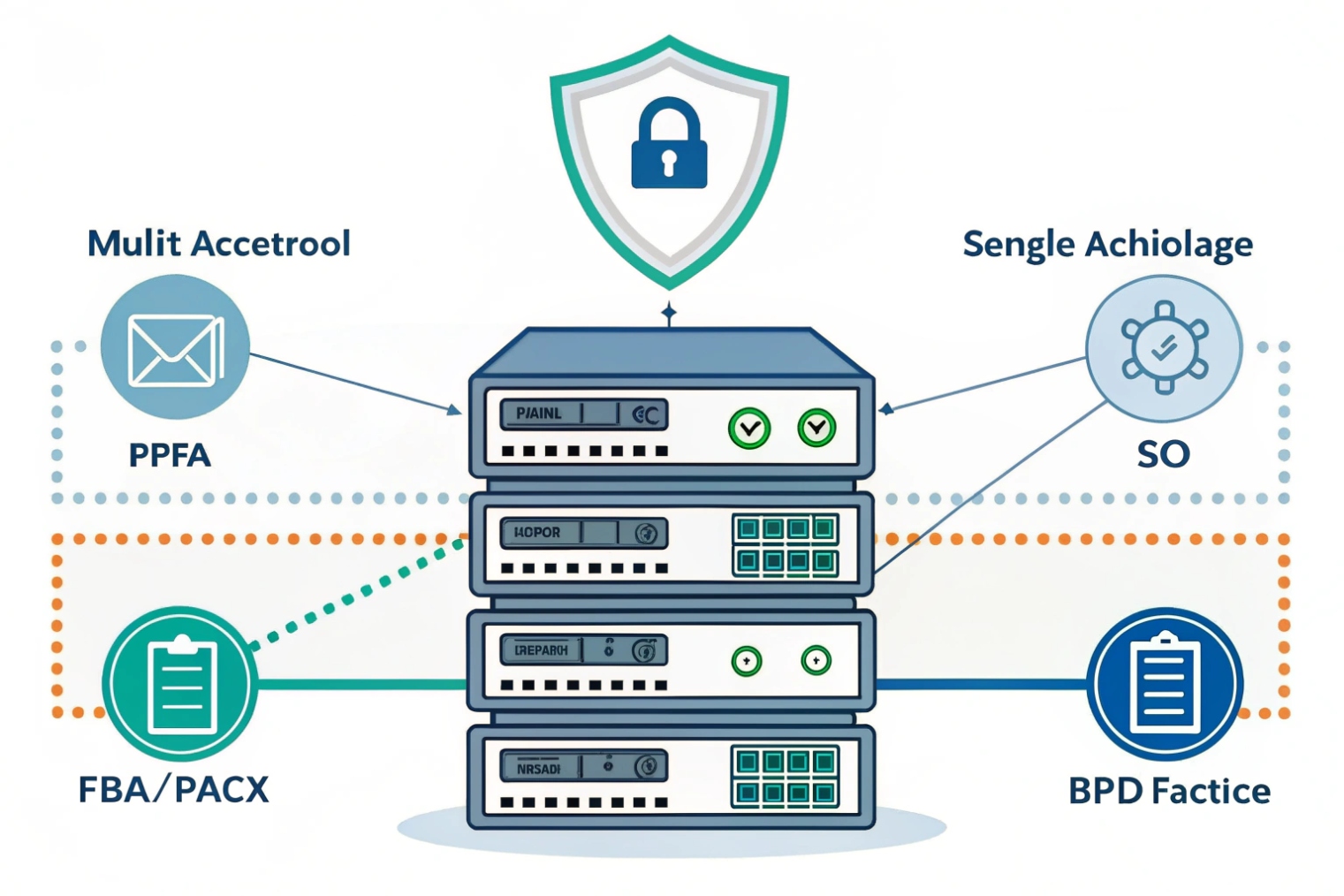
Secure SSO by enforcing MFA and conditional access at the IdP, using SCIM for automated joiner/mover/leaver workflows, and mapping IdP groups to VoIP RBAC roles with least privilege.
MFA and conditional access: stop account takeover
The IdP is the gate. Use it fully:
- Require MFA for admin and supervisor roles
- Step-up MFA for sensitive actions (export recordings, change trunks, reset passwords)
- Block risky logins (impossible travel, high-risk IPs)
- Restrict admin portal access to trusted networks or managed devices
- Consider passwordless options like WebAuthn / FIDO2 passkeys 4 where the PBX portal supports OIDC well
If you need a policy baseline, align MFA choices with NIST SP 800-63B digital identity guidance 5.
SCIM: automate provisioning and deprovisioning
SCIM (System for Cross-domain Identity Management) 6 (or API provisioning) prevents the two most common VoIP identity failures:
- New hires wait days for accounts and extensions
- Departed users keep access to recordings and call logs
With SCIM:
- Users and groups sync automatically
- Licenses and roles can be assigned on group membership
- Deprovisioning can disable access centrally
If SCIM is not available, use API scripts or scheduled sync, but still treat lifecycle as mandatory.
RBAC: map groups to roles, not individuals
Avoid assigning roles user-by-user. Map IdP groups to PBX roles:
VoIP-Admins→ Full adminVoIP-Supervisors→ Analytics + monitoringVoIP-Agents→ Queue toolsVoIP-Users→ Standard self-care
Then apply least privilege. Most companies give too many people “admin” because it feels faster. It creates long-term risk.
Token and session hygiene
- Short session lifetimes for admin portals
- Token revocation on sign-out where supported
- Global sign-out for stolen devices
- Audit logs from IdP + PBX aligned to the same user identity
| Security control | What it prevents | Where to enforce | Practical tip |
|---|---|---|---|
| MFA | Password theft abuse | IdP | Strongest for admins + supervisors |
| Conditional access | Risky logins | IdP | Limit admin portal by device/network |
| SCIM deprovision | Orphaned accounts | IdP ↔ PBX | Treat offboarding as “instant” |
| RBAC mapping | Over-privilege | PBX + IdP groups | Role via groups, not manual toggles |
| Break-glass account | IdP outage lockout | PBX local | Store securely, test quarterly |
Conclusion
SSO unifies VoIP portal access through your IdP, while SIP devices still use SIP credentials or certificates. Pair SSO with MFA, SCIM, and RBAC to make access simple and hard to abuse.
Footnotes
-
Official SAML 2.0 core spec for how assertions and signatures work in enterprise SSO. ↩︎ ↩
-
OpenID Connect Core spec for identity tokens, claims, and browser/app login flows. ↩︎ ↩
-
PKCE standard that reduces authorization-code interception risk in mobile and desktop SSO flows. ↩︎ ↩
-
WebAuthn standard for phishing-resistant passkeys and passwordless sign-in. ↩︎ ↩
-
NIST guidance on MFA strength, authenticator choices, and session security for identity systems. ↩︎ ↩
-
SCIM protocol spec for automated user and group provisioning between an IdP and your VoIP platform. ↩︎ ↩








