
Missed calls are not the problem. Confusing greetings are. They make callers hang up, call again, or leave short messages that create more back-and-forth.
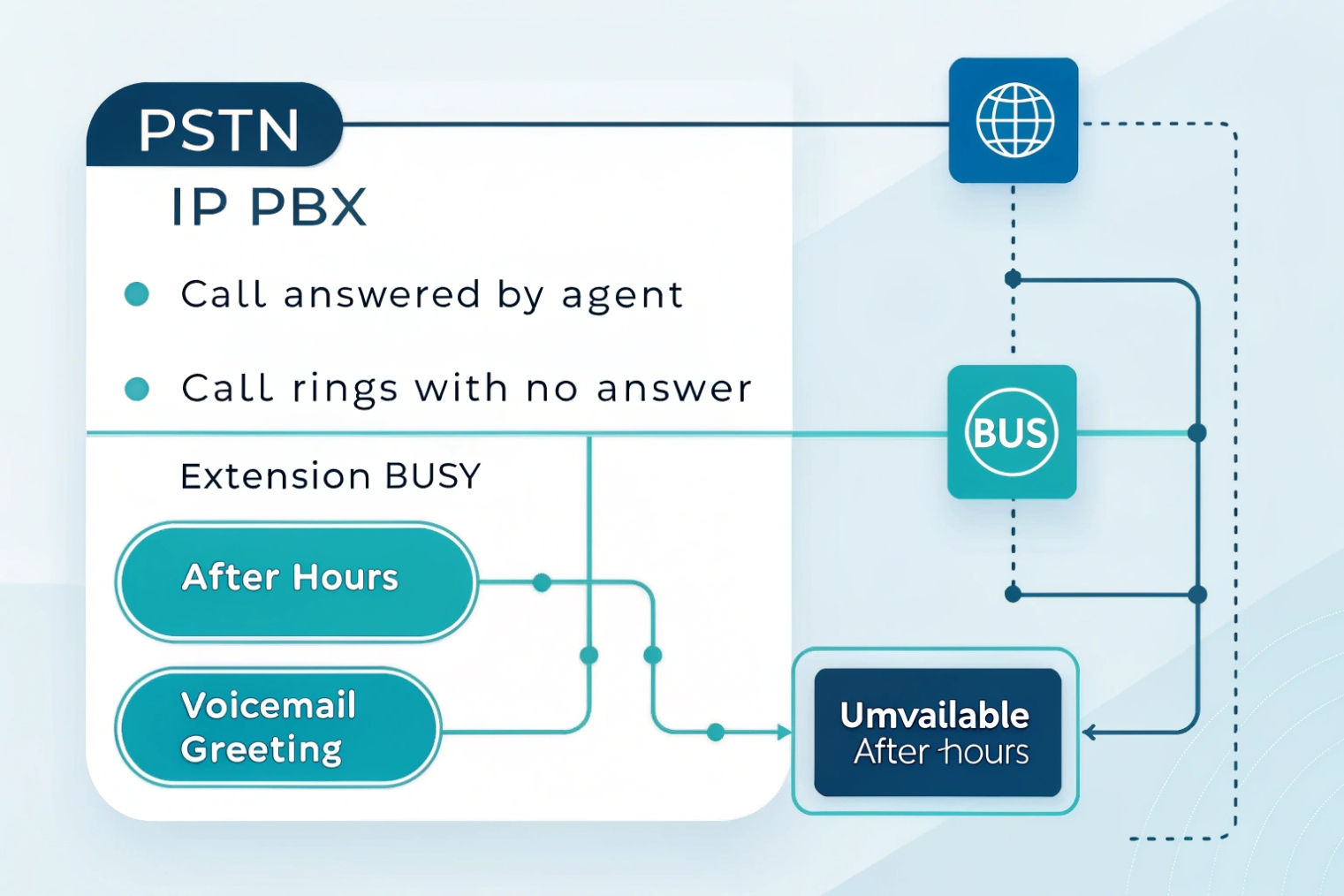
Voicemail greetings are the recorded messages callers hear when a call hits voicemail. Your IP PBX selects a greeting by call state and schedule, like unavailable, busy, no-answer, after-hours, holiday, or temporary overrides.
What a voicemail greeting really does
A voicemail greeting is not only “please leave a message.” In a modern VoIP system, it is a decision point that can shape the next action. It can guide a caller to self-service, set expectations, and reduce repeat calls. Most IP PBX platforms 1 support multiple greeting types, and systems based on the Asterisk voicemail module 2 make the busy/unavailable greeting behavior explicit.
The common greeting types map to real call events:
- Standard / Unavailable: used when the mailbox is reached normally.
- No-answer: used when the phone rings but nobody answers.
- Busy: used when the line is busy or DND is active.
- After-hours / Holiday: used when a schedule is active.
- Recorded name: a short name clip used by the system in prompts.
- Temporary / Override: used for a date range, then it auto-reverts.
Greetings can be set at different layers:
- User mailbox greetings (one person).
- Department or shared mailbox greetings (sales, support, security).
- Queue or hunt group greetings (when the group cannot answer).
- DID-level announcements (a specific phone number route).
They can also be managed in different ways:
- Record from a phone with star codes.
- Record in a web portal or softphone app.
- Upload a WAV/MP3 file.
- Generate with text-to-speech (TTS) engines 3 if supported.
A voicemail greeting is also connected to what happens after it plays. Many systems can deliver the message by:
- SIP Message Waiting Indicator (MWI) 4 on the phone
- Visual voicemail in an app
- voicemail-to-email notifications 5 with audio attachment
- Optional transcription
Caller controls matter too. Some mailboxes allow:
- Skip or repeat the greeting
- Press 0 to reach an operator
- Announcement-only mode (no message recording)
| Greeting type | When it plays | Best use | Common mistake |
|---|---|---|---|
| Unavailable / Standard | Caller reaches voicemail | Normal daily greeting | Too long, no next step |
| Busy | User is on a call / DND | High call volume roles | Sounds angry or rushed |
| No-answer | Ring timeout hit | Helps set expectations | Does not say response window |
| After-hours / Holiday | Schedule active | Direct to self-service | Lists too many options |
| Temporary / Override | Date range active | Vacation, events | Forget to remove it manually |
| Shared mailbox greeting | Department voicemail | Consistent brand voice | Uses one person’s name |
A good voicemail setup keeps greetings short, clear, and matched to the caller’s situation. The best systems also keep greetings consistent across DIDs, queues, and departments, so the brand sounds like one company, not a mix of voices and moods.
If the concept is clear, the next step is turning it into a working setup: default vs busy vs after-hours, content that boosts CSAT, and audio that sounds professional on real phones.
How do I set up default, busy, and after-hours greetings on my IP PBX?
If greetings are set in random places, callers get mixed messages. That lowers trust and creates repeat calls. A simple structure fixes it fast.
Set a standard greeting for normal voicemail, a busy greeting for in-call/DND cases, and an after-hours greeting controlled by schedules. Apply overrides at the mailbox, DID, queue, or department level, then test each call state.
Step 1: Decide where the greeting belongs
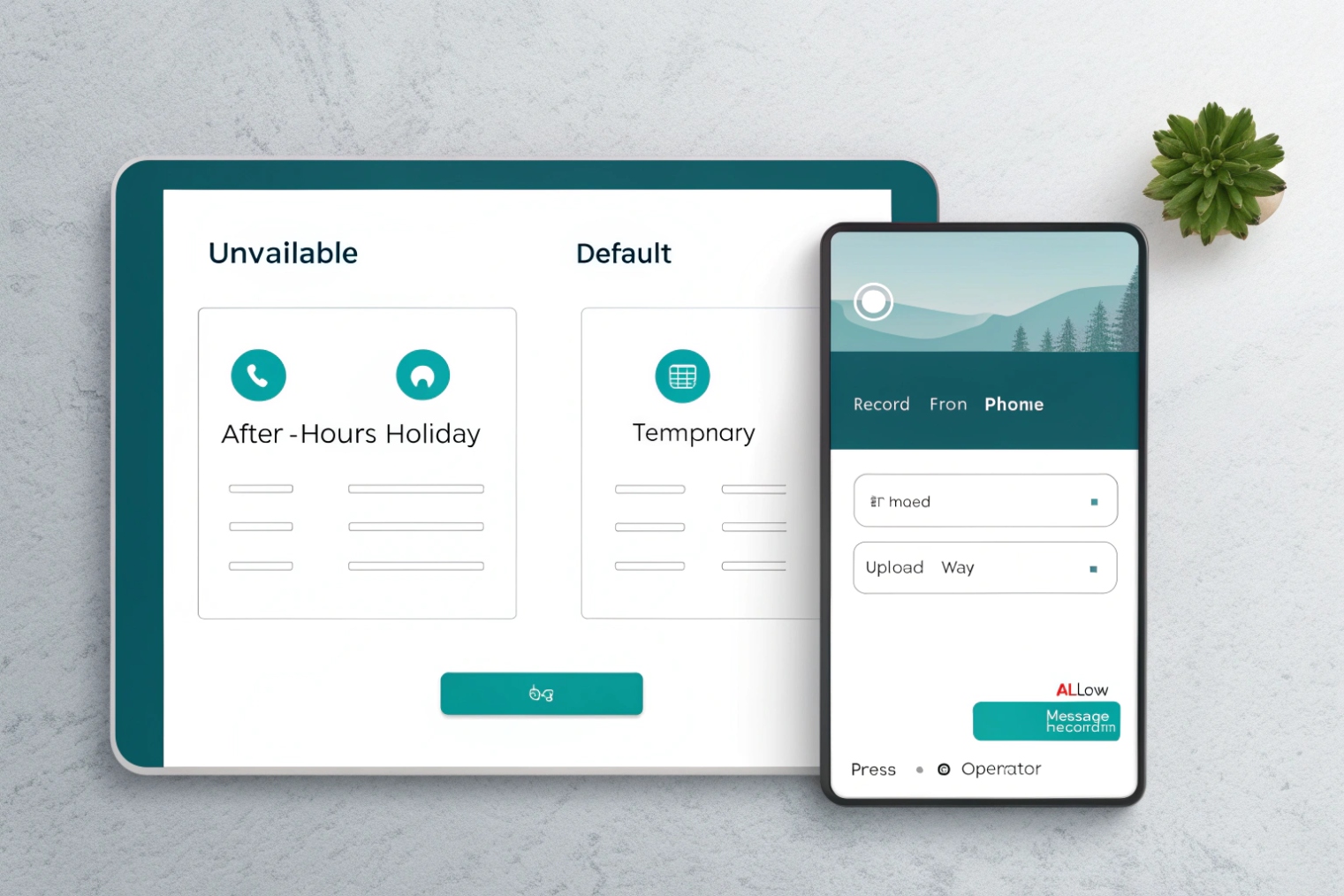
Start by choosing the right “owner” of the greeting:
- User mailbox: for personal extensions.
- Shared mailbox: for departments like Sales or Support.
- Queue: for call centers or hunt groups.
- Auto attendant / IVR: for main numbers that should offer routing before voicemail.
- DID route: for special campaign numbers.
This matters because personal greetings should not leak into department numbers. A sales DID should not sound like a single agent’s voicemail.
Step 2: Configure greetings by call state
Most PBXs follow a similar call flow:
- Call arrives at a DID or IVR.
- It routes to an extension, ring group, or queue.
- If no answer, it forwards to voicemail or a fallback destination.
- Voicemail selects a greeting based on the reason it was reached.
Set these three first:
- Default/Unavailable: the “normal” greeting.
- Busy: for busy or DND.
- No-answer: for ring timeout cases (if your PBX separates it).
Then add After-hours/Holiday using schedules.
Step 3: Add schedules and temporary overrides
After-hours greetings should be controlled by a schedule, not by people remembering to change settings. If you use FreePBX/Sangoma-style routing, the Time Conditions module 6 is a common way to enforce “open vs closed” behavior centrally.
- Define business hours.
- Define holidays.
- Point after-hours to a different greeting or a different route (like an on-call mailbox).
Temporary greetings should have:
- A start date/time
- An end date/time
- Auto-revert to normal after expiry
This prevents the classic “vacation greeting still active in March” problem.
Step 4: Test like a caller, not like an admin
Test each scenario from an external number:
- During business hours, do not answer and confirm the no-answer greeting.
- Call while on a call and confirm the busy greeting.
- Call after hours and confirm the after-hours greeting.
- Leave a message and confirm delivery (MWI + email + app).
| Task | Where to configure | What to verify | Quick test |
|---|---|---|---|
| Default greeting | User/shared mailbox | Plays on normal voicemail reach | Call and let it forward |
| Busy greeting | Mailbox + PBX busy logic | Plays on in-call/DND | Call while line is busy |
| After-hours greeting | Schedule + route | Plays only outside hours | Test after hours or force schedule |
| Holiday greeting | Holiday calendar | Plays on holiday dates | Set a test holiday today |
| Temporary greeting | Override greeting tool | Auto-reverts | Set 5-minute window |
A clean setup also depends on feature support. If the PBX does not support separate busy vs no-answer greetings, a single greeting can still work, but it should not claim a specific state. The goal is consistency: correct greeting, correct routing, and predictable message delivery.
What should my greeting say to boost CSAT and direct callers to self-service?
A weak greeting forces the caller to guess. That creates frustration. A strong greeting gives a clear next step and sets a calm expectation.
A high-CSAT greeting says who was reached, why the call was not answered, what the caller should do next, and when to expect a reply. Add one self-service option and one “urgent path” to reduce repeat calls.
Use a simple structure that works for most brands
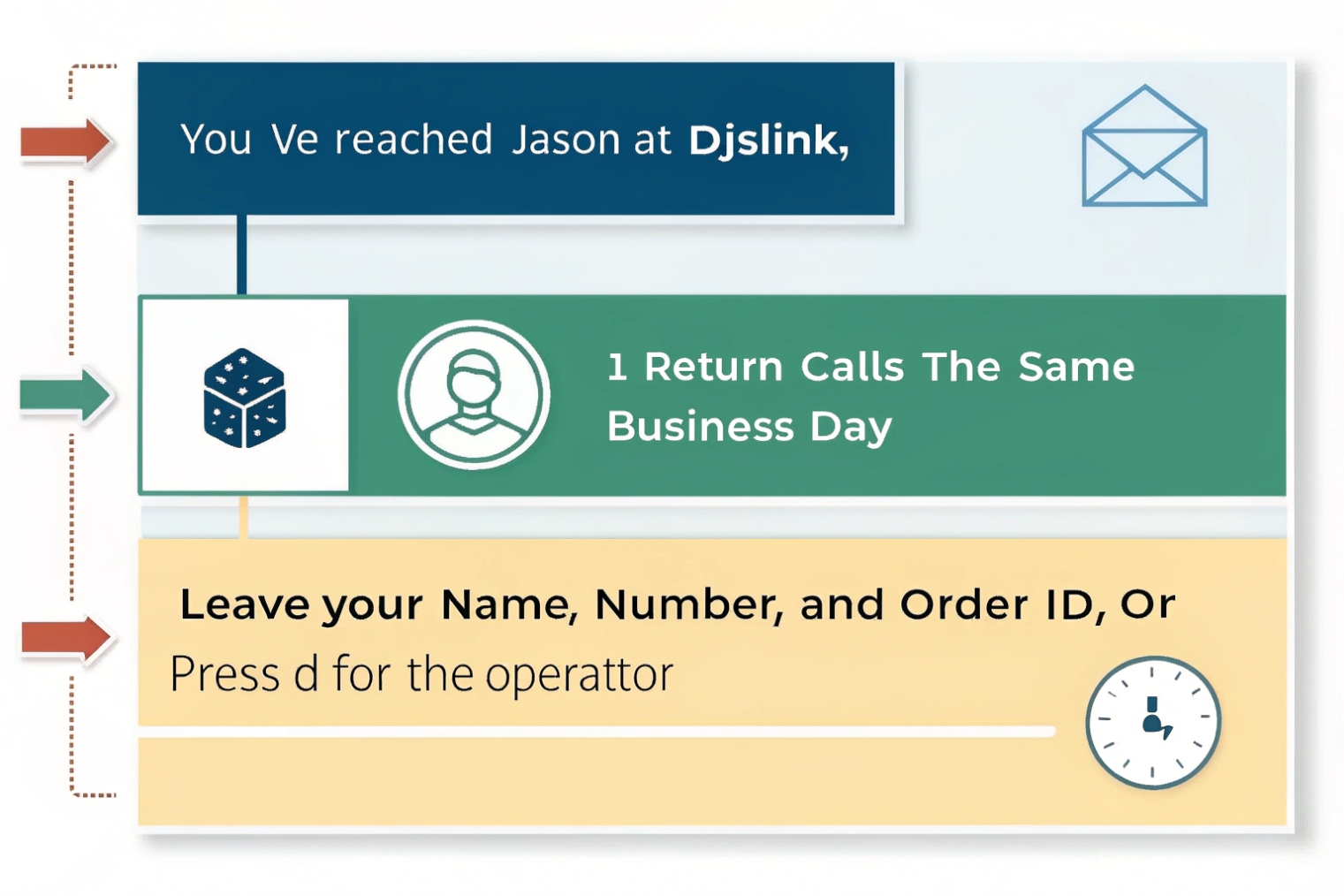
A voicemail greeting should feel like a helpful handoff. This structure stays short and clear:
- Identity: company + team or person
- Status: unavailable, on another call, or out of hours (keep it neutral)
- Action: what to leave (name, number, reason)
- Expectation: when you will respond
- Self-service: one best option (website portal, email, SMS, ticket link)
- Urgent path: “press 0” or call a main line (only if staffed)
Examples that sound professional and still human
Personal mailbox (business hours, no-answer):
“Hi, you reached Jason at DJSlink. I missed your call. Please leave your name, number, and what you need. I will call you back within one business day. For quick product specs, email sales with your model and quantity.”
Department mailbox (after-hours):
“Thanks for calling DJSlink Support. Our team is closed right now. Please leave your name, company, and issue details. We will reply on the next business day. For manuals and wiring guides, check our support resources.”
Busy greeting (high volume):
“Hi, you reached DJSlink Sales. The line is busy right now. Please leave your name, number, and your request. For a quote, include the model, quantity, and country.”
These scripts do three things that improve CSAT:
- They reduce uncertainty.
- They reduce repeat calls by giving an alternate path.
- They make the caller feel seen, even without a live answer.
Add self-service without turning it into an IVR
Self-service should be one clear next step. Too many options feel like a maze.
Good self-service prompts include:
- “For order status, include PO number in your message.”
- “For installation docs, search the model number on our site.”
- “For urgent on-site incidents, press 0 for the operator.”
Avoid:
- Long disclaimers
- Long lists of phone numbers
- Too many “press” options inside voicemail
| Caller goal | What to say | Why it helps | Keep it short like |
|---|---|---|---|
| Get help fast | “Leave model and issue.” | Better first reply quality | One sentence |
| Avoid repeat calls | “We reply within X hours.” | Sets a clear expectation | One time promise |
| Push self-service | “For docs, search model.” | Reduces simple calls | One option |
| Handle urgent cases | “Press 0 for operator.” | Saves true emergencies | Only if staffed |
| Compliance | “Calls may be recorded.” | Meets policy needs | One short line |
A greeting should never blame the caller or sound annoyed. It should guide the caller. That is what turns voicemail from “dead end” into “next step.”
Can I upload professional audio, TTS, or multilingual greetings with time-based rules?
If greetings are recorded on a noisy desk phone, they sound small and uneven. That can hurt trust. Better audio and language rules make the system feel more serious.
Many IP PBXs let you upload audio files or generate TTS greetings, and apply them with time-based rules. Multilingual greetings work best when each DID or IVR path is tied to a language, then voicemail inherits that language route.
Uploading professional audio: best for brand consistency
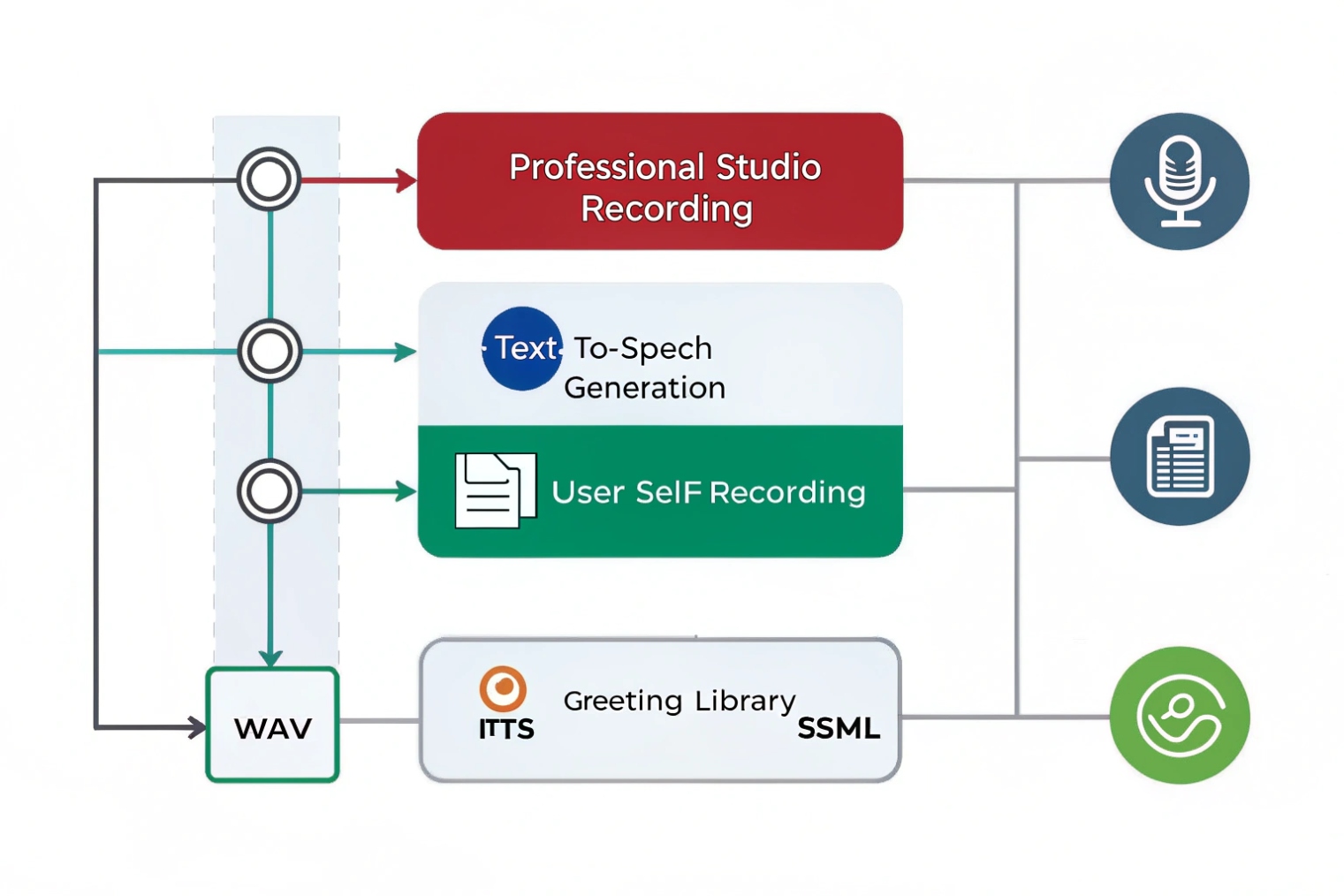
Professional audio is the fastest way to make every mailbox sound like one system.
A clean workflow looks like this:
- Write one approved script per use case (default, after-hours, holiday).
- Record in a quiet space with a good mic.
- Export to the PBX’s preferred format (often WAV, 8 kHz, mono).
- Upload centrally to shared mailboxes and department routes.
- Reuse the same voice and tone across queues and DIDs.
This keeps your “main number” greeting, queue announcements, and voicemail voice aligned.
TTS: fast updates and easy scaling
TTS is useful when:
- You need fast changes (holiday hours, special events).
- You have many small sites.
- You want consistent volume and clarity without studio work.
TTS also helps with version control. The text is easy to review and approve. The downside is brand feel. Some TTS voices sound flat. The best result comes from picking a stable voice and keeping the script simple.
Multilingual greetings: route first, then distribute
Multilingual greetings work best when language selection happens before voicemail:
- A DID maps to a language IVR.
- The IVR routes to the same team but sets a language context.
- The voicemail greeting used matches that language route.
If your PBX supports language tags or per-route prompts, use them. If not, a practical approach is to use:
- Separate DIDs per language
- Separate queues per language
- Separate shared mailboxes per language
Time-based rules: after-hours and holidays
Time rules should live in one place:
- Business hours schedule
- Holiday calendar
- Emergency closure override
- Temporary greeting window with auto-revert
This reduces the need for manual changes and avoids human mistakes.
| Method | Best for | Pros | Cons |
|---|---|---|---|
| Phone recording | Small teams | Fast, no tools | Variable quality |
| Web/app recording | Remote teams | Easier redo | Still depends on mic |
| Audio upload | Brand consistency | Best sound | Needs format control |
| TTS | Frequent changes | Fast updates | Voice may feel robotic |
| Multilingual DIDs | Clear routing | Simple reporting | More numbers and routes |
| Time-based rules | After-hours control | Auto behavior | Needs correct schedule setup |
If the PBX supports central templates, lock shared greetings and keep personal ones optional. That protects brand voice on public-facing numbers and still lets users personalize their own mailbox if needed.
How long should greetings be, and which audio formats and volumes work best?
Long greetings waste time. Poor audio makes callers doubt the business. A short greeting with clean audio is the fastest win.
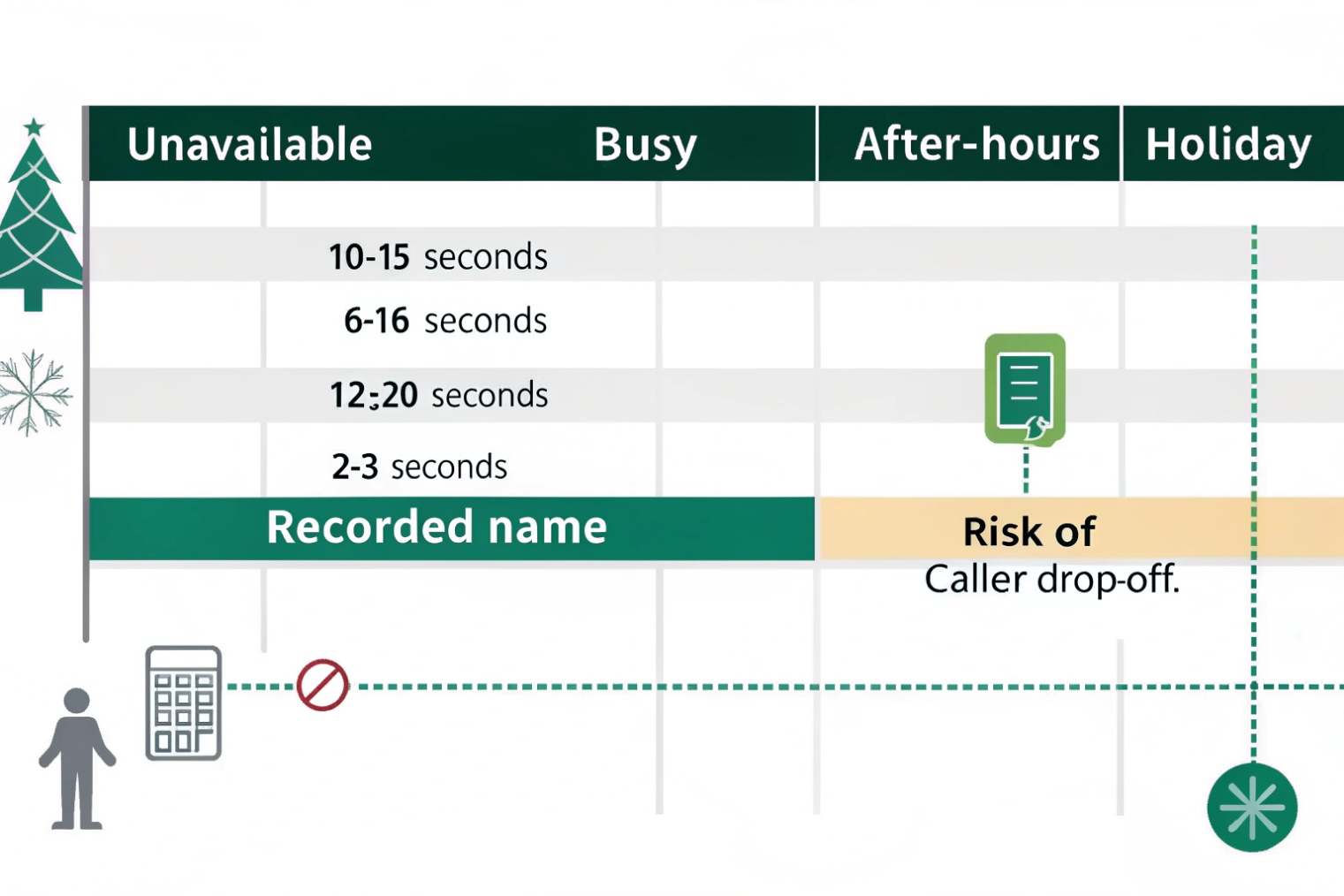
Keep most greetings around 10–20 seconds. Use clear speech, short sentences, and one self-service option. For audio, WAV 8 kHz, 16-bit, mono PCM (µ-law or A-law) is the safest target; MP3 often works but is usually transcoded.
Length: short enough to respect the caller
A good greeting is a short bridge, not a speech.
- 10–20 seconds is a strong target for most business greetings.
- After-hours greetings can be slightly longer, but still avoid long lists.
- Holiday greetings should be short and specific, with reopen time if known.
If you must include compliance text (like recording disclosure), keep it to one short line. Do not stack multiple legal lines in voicemail. If legal needs more, place it earlier in IVR announcements, not inside voicemail.
Format: aim for what telephony likes
Many PBXs and carriers store prompts in telephony-friendly formats:
- WAV, 8 kHz, 16-bit, mono
- µ-law or A-law depending on region
- Some systems accept MP3 but convert it to WAV internally
Even if your PBX accepts high-quality 44.1 kHz audio, it will still be downsampled for telephony paths. Starting with the correct target avoids artifacts.
If you want the “why” behind µ-law/A-law and common telephony payload expectations, the RTP/AVP profile (RFC 3551) 7 is the canonical reference.
Volume: avoid quiet greetings and avoid clipping
Two common problems:
- The greeting is too quiet, so callers turn up volume and still miss words.
- The greeting clips, so “S” sounds and loud parts distort.
A practical target:
- Keep peaks below clipping (leave headroom).
- Keep speech steady and even.
- Remove background noise and hum.
If you have a simple audio toolchain, apply:
- Light noise reduction
- Gentle compression for speech
- Normalization so all greetings match the same loudness
Test on real endpoints
Always test playback on:
- A mobile phone
- A desk phone on speaker
- A headset softphone
What sounds fine on a laptop can sound harsh on a small phone speaker.
| Item | Recommended target | Why | Common issue |
|---|---|---|---|
| Greeting length | 10–20 seconds | Faster caller action | 40+ seconds loses callers |
| Sample rate | 8 kHz | Matches PSTN voice band | High-rate audio gets degraded |
| Channels | Mono | Telephony prompt standard | Stereo causes odd conversion |
| Format | WAV (PCM, µ-law/A-law) | Most compatible | MP3 transcoding artifacts |
| Loudness | Even speech level | Better comprehension | Too quiet or clipped |
| Noise floor | Low | Sounds professional | Office echo and keyboard clicks |
When greetings are short and clean, callers leave better messages. Agents spend less time asking for missing details. CSAT improves because the experience feels guided, not abandoned.
Conclusion
Voicemail greetings are controlled audio prompts chosen by state and schedule. Keep them short, route by time and language, and use consistent scripts and audio formats for a clean caller experience.
Footnotes
-
Background on what an IP PBX is and how it differs from legacy PBXs. ↩︎ ↩
-
Explains voicemail greetings and options like busy/unavailable handling in Asterisk-style systems. ↩︎ ↩
-
Overview of how text-to-speech works and where it fits for scalable greeting creation. ↩︎ ↩
-
Defines the SIP event package used to signal message waiting status to phones. ↩︎ ↩
-
Shows voicemail email/attachment settings commonly used for voicemail-to-email delivery. ↩︎ ↩
-
Reference for time-based routing that drives after-hours and holiday call flows. ↩︎ ↩
-
Details standard RTP payload mappings and audio expectations relevant to telephony formats. ↩︎ ↩








