
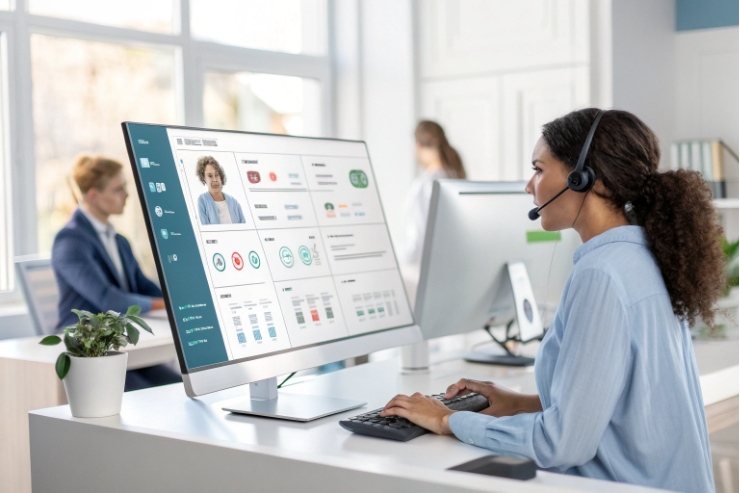
When call volume rises, a receptionist can either look like a hero or feel stuck. Without the right panel, every transfer becomes a guess, and callers hear long holds.
A VoIP switchboard is a real-time call control dashboard that lets receptionists or supervisors see presence (BLF) and route calls fast in a SIP PBX using one-click actions, hotkeys, and sometimes drag-and-drop.
A VoIP switchboard is the modern replacement for the classic hardware switchboard. It is usually software. It can be a web page, a Windows app, or a UC client module. The main job is simple: handle many calls quickly while keeping callers calm. The switchboard shows who is free, who is busy, and where a call should go next.
In a SIP system, switchboards get status in two common ways:
- Busy Lamp Field (BLF) presence indicators 1 for extension busy/ringing states
- SIP SUBSCRIBE/NOTIFY event notification framework 2 plus PBX APIs for richer presence, queue metrics, and permissions
Core actions are designed to reduce clicks:
- Answer, hold, resume
- Blind transfer and attended transfer (often via the SIP REFER call transfer method 3)
- Call park feature (shared “parking lot” holds) 4 and retrieve
- Pickup
- Conference
- Send to voicemail
- Start/stop recording (if policy allows)
A good switchboard also ties into directories. It can search internal extensions, ring groups, and queues. It can also show external contacts from Lightweight Directory Access Protocol (LDAP) 5 / AD or a CRM so a receptionist can route a caller with context instead of guesswork.
| Switchboard capability | What it does | Why it matters in peak hours | Common failure |
|---|---|---|---|
| Presence / BLF | Shows idle/ringing/busy/DND | Stops “transfer to a busy person” | BLF subscriptions not enabled |
| One-click transfer | Routes calls fast | Shorter holds | Wrong permissions or routes |
| Park and pickup | Holds calls in slots | Cleaner call handling | Users forget park codes |
| Queue visibility | Shows waiting calls/agents | Better triage | API limits or missing rights |
| Notes / screen pop | Shows caller info | More personal routing | Weak CRM mapping |
A switchboard becomes valuable when it reduces uncertainty. The receptionist should not be guessing. The panel should make the right next action obvious.
Next, it helps to separate words that sound similar: switchboard, operator console, and receptionist panel.
How does a switchboard differ from an operator console or receptionist panel?
These terms get mixed, but in practice they describe different depths of control.
A switchboard is the broad concept: a call routing and monitoring panel. An operator console is usually a more advanced version with supervisor controls. A receptionist panel is usually a lighter UI focused on fast transfers and directory search.
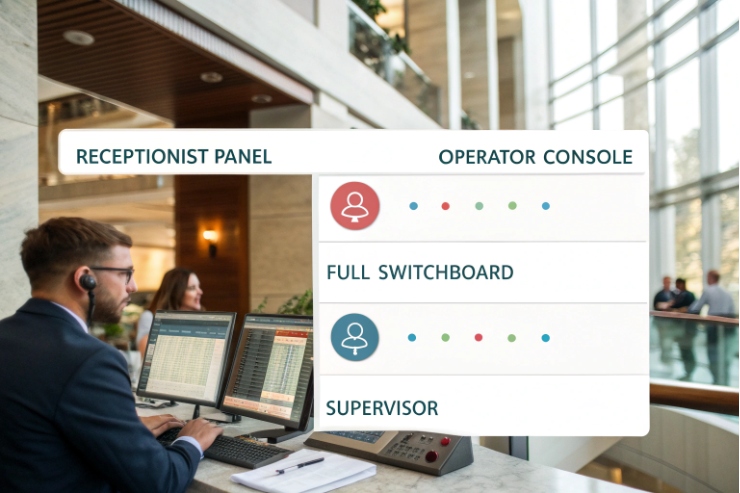
Switchboard (attendant view)
A switchboard is the general function:
- See calls in real time
- Route calls to people and departments
- Use BLF presence to choose the best target
- Handle multiple calls without losing track
Receptionist panel (front desk workflow)
A receptionist panel is usually optimized for speed:
- Big directory tiles
- Fast search
- Simple transfer/park buttons
- Basic presence
It may skip deep analytics and advanced monitoring.
Operator console (advanced control)
An operator console often includes supervisor features:
- Live queue stats (ASA, wait time, SLA)
- Agent state control (ready/break)
- Call intercept and requeue
- Listen/whisper/barge (where allowed)
- Recording controls and audit logs
In many deployments, the “operator console” is given to supervisors, while the “receptionist panel” is given to the front desk.
| Term you see in vendors | Typical user | Typical features | What it usually lacks |
|---|---|---|---|
| Receptionist panel | Front desk | Transfer, park, directory, BLF | Deep queue KPIs and monitoring |
| Switchboard | Reception + team lead | Multi-call control, BLF, quick actions | Full supervisor toolset |
| Operator console | Supervisor | Queue control, coaching, analytics | Simple “just transfer calls” UI |
The best choice depends on role. A front desk user needs speed and clarity. A supervisor needs insight and control. One tool can do both, but only if permissions and layouts are clean.
Can I see presence, BLF, and queue status in my switchboard?
Seeing who is available is the main reason switchboards exist. Without presence, transfers are blind.
Most VoIP switchboards show presence and BLF states, and many also show queue status like waiting calls and agent readiness when the PBX exposes queue data through APIs or built-in ACD modules.
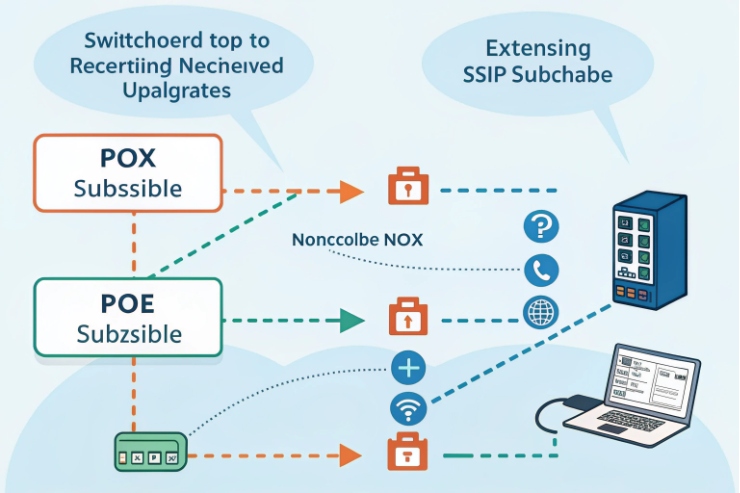
Presence and BLF
BLF typically shows states like:
- Idle / available
- Ringing
- Busy (on a call)
- DND
- Away (platform dependent)
This is usually driven by SIP subscriptions. It is fast and lightweight, but it only shows what the PBX publishes.
Queue status
Queue visibility is often richer than BLF:
- Calls waiting
- Longest wait time
- Agents logged in
- Agents ready vs in wrap-up
- Service level indicators
This often comes from PBX ACD logic rather than pure SIP. That is why queue support varies more between platforms than BLF support.
Why presence can feel “wrong”
Presence depends on correct state mapping:
- If DND is local on the phone but not published, the switchboard may not show it.
- If an agent uses multiple devices, states can desync.
- If network jitter affects signaling, BLF can lag.
A stable setup relies on:
- Correct SUBSCRIBE limits and timers
- PBX presence configuration per extension group
- QoS so signaling stays responsive
| Visual indicator | Data source | What it tells the operator | Typical mistake |
|---|---|---|---|
| BLF busy lamp | SIP SUBSCRIBE/NOTIFY | Target is on a call | Missing subscriptions, wrong event packages |
| DND/away | PBX presence or SIP hints | Target should not be disturbed | DND not published to BLF |
| Queue wait count | PBX ACD | Queue is overloaded | Supervisors lack permission to view |
| Agent ready state | ACD states | Who can take next call | Agents not using wrap-up/break states |
Presence and queue status are not “nice extras.” They are the difference between confident routing and random routing.
How do I transfer, park, and record calls with drag-and-drop?
High-volume call handling needs muscle memory. Drag-and-drop and hotkeys reduce training time and reduce mistakes.
In most switchboards, you can answer a call, then drag it onto a user, queue, or park slot to transfer or park. Recording is usually a one-click toggle tied to PBX permissions and storage policy.
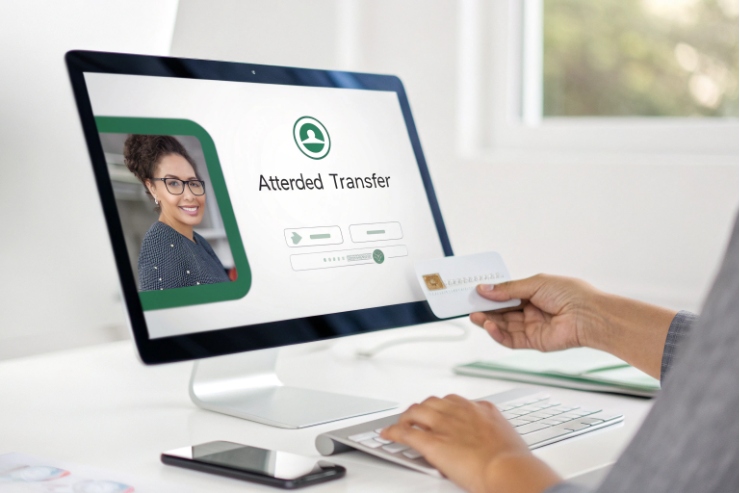
Drag-and-drop transfer patterns
Two common models exist:
1) Drag call to destination tile
- Drag active call onto an extension tile
- Drop to trigger blind transfer
- Or drop to trigger attended transfer depending on setting
Some systems let the operator choose with a modifier key:
- Drop = blind transfer
- Shift + drop = attended transfer
2) Click-to-select then click destination
This is more common on web consoles:
- Select the call
- Choose “Transfer”
- Click a destination
Both are fine. The key is consistency so operators do not hesitate.
Attended vs blind transfer in real front desk work
- Blind transfer is faster. It fits simple routing to known destinations.
- Attended transfer reduces mistakes. It fits VIP calls, escalations, and complex requests.
A good console makes attended transfer a two-step flow:
1) Call the target and announce the caller
2) Complete transfer
Call park: make it visible
Call park is the receptionist’s safety net. The best consoles make park slots visible:
- Park slot 701, 702, 703 as buttons
- Click to park
- Click to retrieve
- Clear labels like “Park 1 / Park 2”
If park is only a code, training is harder and errors rise.
Recording: permission-driven and audited
Recording from the switchboard is usually governed by:
- Role-based permission (who can record)
- Storage policy (where files go)
- Disclosure rules (call recording announcements)
- Audit logs (who pressed record and when)
| Action | Fastest operator flow | What must be true | Risk to control |
|---|---|---|---|
| Blind transfer | Drag to user tile | Target reachable and allowed | Misroutes without context |
| Attended transfer | Call target, then complete | PBX supports consult transfer | Extra time if scripts are poor |
| Park | Click park slot | Park feature enabled | Users forget retrieval steps |
| Record | One-click toggle | Policy allows recording | Compliance and access control |
The best setup keeps common actions on the first screen, uses clear labels, and prevents dangerous actions for the wrong roles.
What integrations work—CRM screen pop, directory, and hotkeys?
A switchboard is faster when it is fed by business context. The goal is to reduce questions and reduce hold time.
Common switchboard integrations include CRM screen pop on inbound caller ID, directory sync from PBX/LDAP/AD, and hotkeys for answer/transfer/park. Advanced setups use APIs/webhooks to create tickets, log calls, and attach recordings.
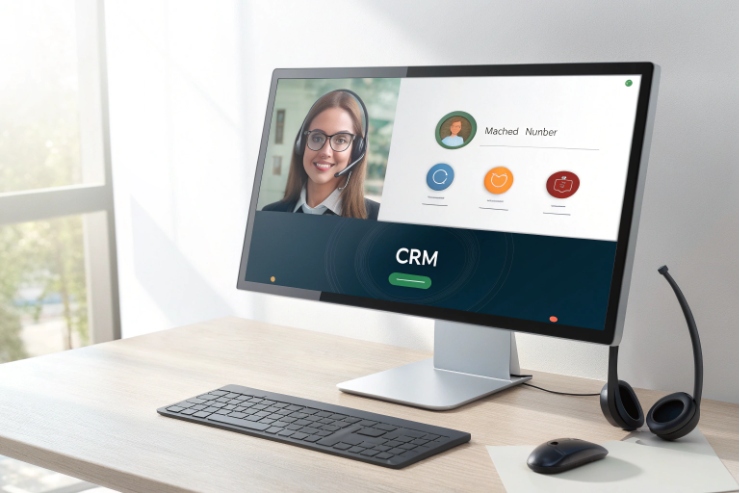
CRM screen pop
Screen pop means the console recognizes the caller number and opens the right record using contact-center screen pop (CTI) behavior 6:
- Customer profile opens on ring
- Past tickets appear
- Notes and VIP flags show immediately
This reduces “who are you calling about?” and shortens time to route.
To make it work well:
- Normalize numbers to a consistent format (often E.164)
- Sync contacts frequently
- Decide how to handle unknown callers (create a new lead, or show a quick search)
Directory integration
Directory sync is the foundation:
- PBX extensions and ring groups
- Corporate directory (LDAP/AD)
- External contacts from CRM
A searchable directory is what enables drag-and-drop routing without memorizing numbers.
Hotkeys and operator ergonomics
Hotkeys matter more than people think:
- Answer
- Hold
- Transfer (blind/attended)
- Park
- Record toggle
- Open notes
For a high-volume receptionist, saving one second per call adds up fast.
Security and permissions with integrations
The switchboard can expose a lot:
- Presence across departments
- Recording access
- Customer data in screen pops
Role-based access control (RBAC) 7 should limit what each role can see and do. Audit logs should track actions like transfers, intercepts, and recording toggles.
| Integration | What it improves | Typical method | Key requirement |
|---|---|---|---|
| CRM screen pop | Faster routing + personalization | CTI connector, API, webhook | Clean caller ID normalization |
| Directory sync | Less searching + fewer mistakes | PBX sync, LDAP/AD, CRM | Regular updates and permissions |
| Call logging | Better reporting | API writeback | Consistent user identity mapping |
| Hotkeys | Operator speed | App settings | Standardized layout per role |
| Ticket creation | Faster support | Webhook + helpdesk API | Retention and data governance |
When the switchboard is integrated well, the receptionist becomes a traffic controller with context, not a call forwarder with guesses.
Conclusion
A VoIP switchboard is a real-time attendant panel that uses presence and one-click controls to route calls fast. With queue visibility, drag-and-drop actions, and CRM integrations, it cuts hold time and improves routing accuracy.
Footnotes
-
Explains BLF presence so operators can avoid transferring to busy extensions. ↩︎ ↩
-
The SIP standard behind SUBSCRIBE/NOTIFY presence updates used by many switchboards. ↩︎ ↩
-
Defines SIP REFER, commonly used for blind and attended call transfer. ↩︎ ↩
-
Quick primer on call parking and how “park slots” differ from hold. ↩︎ ↩
-
Official LDAP protocol reference for directory lookups and enterprise contact syncing. ↩︎ ↩
-
Defines “screen pop” and how CTI surfaces caller context during inbound calls. ↩︎ ↩
-
NIST overview of RBAC concepts to design least-privilege switchboard permissions. ↩︎ ↩








