
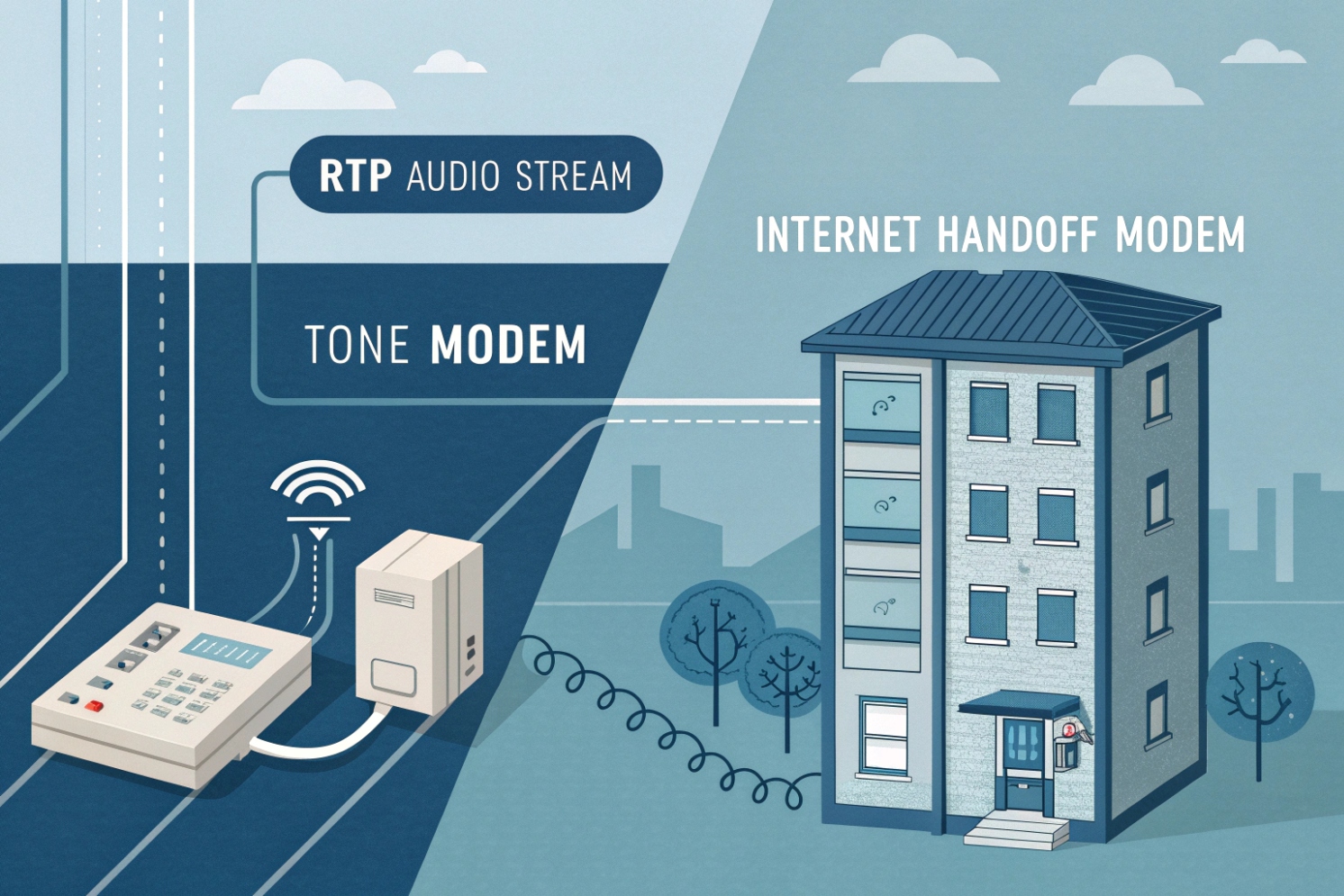
In your VoIP network, a modem serves as the device that converts the digital data from your internet connection into an analog signal that can be used for transmission over telephone lines (for traditional PSTN-based services) or, more commonly in modern VoIP setups, for delivering high-speed internet connectivity.
A modem in VoIP systems connects your local network to the internet, enabling data transmission necessary for VoIP communication. While the term "modem" traditionally refers to devices that enable internet access over analog phone lines, in VoIP systems, the modem ensures that voice data (sent as digital packets) can travel across the internet.
For VoIP systems, modems might also refer to devices that perform Analog Telephone Adapter (ATA) functions or Embedded Multimedia Terminal Adapters (E-MTAs). These devices help convert analog voice signals from traditional phones into digital packets that can be transmitted over IP networks, allowing you to use legacy equipment in a VoIP environment.
Now, let’s take a deeper look at how a modem fits into your network and how it differs from other network devices like routers, gateways, and ONTs.
How does a modem differ from a router, gateway, or ONT?
While modems, routers, gateways, and ONTs all play different roles in your network, their functions are often confused. Here’s a breakdown of each device’s role in the VoIP setup:
1. Modem:
- Primary role: Converts analog signals to digital or vice versa, providing an internet connection (the original modulator–demodulator concept 1).
- VoIP connection: In a VoIP system, the modem ensures your internet connection is stable, allowing for voice data transmission over IP.
- Example: A DSL modem or cable modem connects your local network to your ISP’s service, providing the bandwidth needed for VoIP calls. In ISP voice bundles, the “modem” may also include an Analog Telephone Adapter (ATA) 2 that provides dial tone for legacy phones.
2. Router:
- Primary role: Routes data between devices in your local network and the internet.
- VoIP connection: A router in a VoIP system manages your local devices (IP phones, computers, etc.), ensuring they have internet access and directing SIP and RTP packets between your VoIP network and the modem/ISP.
- Example: A Wi-Fi router or wired Ethernet router that provides IP addresses to your devices.
3. Gateway:
- Primary role: Connects two different networks and facilitates communication between them (e.g., between VoIP and PSTN).
- VoIP connection: In VoIP systems, gateways connect your VoIP network to the PSTN or legacy analog systems (via FXS/FXO ports), handling call routing, signaling, and media transmission.
- Example: A VoIP gateway converts SIP-based calls into analog signals for traditional phones or integrates ISDN trunks with a VoIP system.
4. ONT (Optical Network Terminal):
- Primary role: Acts as the interface device between your fiber-optic broadband service and your local network.
- VoIP connection: In fiber-optic networks, an ONT provides the data connection to your router or modem, enabling internet and VoIP services.
- Example: An Optical Network Terminal (ONT) 3 converts optical signals to digital Ethernet for internet access.
| Device Type | Primary Function | VoIP Role | Example |
|---|---|---|---|
| Modem | Connects local network to ISP | Provides internet for VoIP | DSL, Cable, or Fiber modem |
| Router | Routes local network traffic | Routes VoIP traffic between local devices and ISP | Wi-Fi router or Ethernet router |
| Gateway | Connects networks (e.g., VoIP to PSTN) | Bridges VoIP calls with traditional phone networks | VoIP gateway with FXS/FXO ports |
| ONT | Converts fiber signals to Ethernet | Provides internet access for VoIP | Optical Network Terminal in fiber networks |
Understanding the differences between these devices helps ensure the correct components are used in your network to support VoIP effectively.
Which modem types work best for SIP—DSL, cable, or fiber ONT?
The type of modem you choose depends on your internet service and the demands of your VoIP network. Here’s how different modems perform:
1. DSL Modems:
- Best for: Areas with available DSL internet service, where bandwidth needs are moderate (e.g., small businesses or home offices).
- VoIP performance: DSL typically provides decent bandwidth for VoIP, but higher latency and jitter can affect call quality. A good QoS (Quality of Service) configuration on the router can mitigate some of these issues.
- Ideal for: Small to medium-sized businesses with relatively low VoIP call volumes.
2. Cable Modems:
- Best for: Locations with cable broadband service, offering higher speeds compared to DSL.
- VoIP performance: Cable internet usually provides better bandwidth and lower latency than DSL, making it more suitable for VoIP calls. However, if your network is heavily congested, it may still experience occasional packet loss or latency issues.
- Ideal for: Businesses or homes with higher call volumes or moderate internet usage in addition to VoIP.
- Practical note: Many cable ISPs run on the DOCSIS cable broadband standard 4, so modem quality and ISP provisioning matter.
3. Fiber ONT (Optical Network Terminal):
- Best for: Areas with fiber-optic internet service, providing the highest speeds and reliability.
- VoIP performance: Fiber-optic connections deliver the best performance for VoIP, offering extremely low latency and high bandwidth. It is ideal for high-demand VoIP applications like video conferencing and high-quality voice calls.
- Ideal for: Businesses with large VoIP deployments, requiring top-tier performance and reliability.
Summary: Fiber ONTs are the best for high-quality VoIP service, followed by cable modems for medium use, and DSL modems for lighter applications or smaller setups.
| Modem Type | Ideal Use Case | VoIP Performance |
|---|---|---|
| DSL | Small office or home use | Moderate, subject to latency/jitter |
| Cable | Medium business use | Good performance with QoS optimization |
| Fiber ONT | High-volume or enterprise | Excellent, low latency, and high bandwidth |
Should I use bridge mode for public static IPs and QoS?
Using bridge mode can be helpful in certain network configurations, especially when you need a public static IP or want to optimize QoS for VoIP.
1. Public Static IPs:
- Bridge mode is typically used when you want your modem to pass a public static IP directly to your router, without any NAT (Network Address Translation). This can be useful for businesses that need to expose specific services (like a VoIP server) to the internet.
- Why use bridge mode? It simplifies network routing by allowing your router to directly manage public IP addresses and traffic.
2. QoS (Quality of Service):
- Bridge mode allows your router to handle the prioritization of VoIP traffic (using QoS settings like EF/DSCP 46) without interference from the modem’s built-in NAT/firewall. This can be particularly useful for ensuring voice packets get higher priority over data traffic, reducing call dropouts and improving quality.
- Why is QoS important? VoIP calls are sensitive to jitter and packet loss, so ensuring voice traffic has higher priority can make a significant difference in call quality.
If you’re deciding whether to enable it, treat bridge mode (network bridge) 5 as a topology choice: “who owns routing/NAT and firewalling.”
| Scenario | Why Use Bridge Mode | Benefit |
|---|---|---|
| Public Static IP | To pass the IP directly to your router | Easier management of external services |
| Optimizing QoS | To give your router full control over packet prioritization | Ensures stable and clear VoIP calls |
When to Avoid Bridge Mode:
- If you’re not using a static public IP and your modem needs to provide NAT services for internal IP address management, bridge mode might not be necessary. In this case, having your modem handle NAT can simplify your network.
Will my modem’s NAT, CGNAT, or firewall affect SIP and RTP?
Yes, NAT (Network Address Translation), CGNAT (Carrier-grade NAT), and firewalls can all have an impact on SIP (Session Initiation Protocol) and RTP (Real-Time Protocol) traffic in your VoIP system.
1. NAT:
- Impact on SIP: NAT modifies the IP address and port information in SIP messages, which can cause problems with SIP registration, call setup, and media paths. This can result in SIP signaling failures or call drops.
- Solution: Use SIP ALG (Application Layer Gateway) or configure your firewall to allow SIP traffic. For certain VoIP setups, SIP-traversal technologies (like STUN, TURN, or ICE (Interactive Connectivity Establishment) 6) may be necessary to handle NAT-related issues.
2. CGNAT:
- Impact on SIP: With Carrier-grade NAT (CGNAT) 7, multiple users share the same public IP address, which complicates the SIP message handling because each device behind the CGNAT could appear to have the same IP.
- Solution: Static IP addresses or proper port forwarding configurations can resolve CGNAT issues. However, CGNAT can still introduce challenges in ensuring a clear voice path for RTP traffic.
3. Firewalls:
- Impact on SIP: Firewalls often block SIP and RTP packets due to security settings. They may prevent the necessary ports from being open, blocking VoIP signaling or media traffic.
- Solution: Ensure that the firewall allows SIP traffic (usually on port 5060 for SIP and dynamic ports for RTP). Setting up port forwarding or using a DMZ for VoIP devices can help.
Summary: To prevent NAT, CGNAT, or firewall issues from disrupting your VoIP service, use technologies like SIP ALG, configure port forwarding correctly, and consider static IPs for better compatibility.
| Factor | SIP Impact | RTP Impact | Solution |
|---|---|---|---|
| NAT | SIP signaling issues | RTP media path issues | SIP ALG, STUN, TURN, or ICE |
| CGNAT | Multiple devices on same IP, signaling failure | Delayed/failed RTP | Static IP or port forwarding |
| Firewall | Blocking SIP ports | Blocking RTP media | Port forwarding, DMZ, firewall rules |
Conclusion
A modem in your VoIP network is the device that connects your local network to the internet, enabling VoIP calls by converting digital data into internet packets. By understanding the differences between modems and other network devices, as well as addressing concerns with NAT, CGNAT, and QoS, you can optimize your VoIP system for stable, high-quality calls.
Footnotes
-
Explains what “modem” originally meant and why modulation/demodulation still matters on access links. ↩ ↩
-
Shows how an ATA provides dial tone and converts analog phones/fax to IP calling. ↩ ↩
-
Clarifies what an ONT does in fiber installs and how it hands off Ethernet to your router. ↩ ↩
-
DOCSIS overview for understanding cable modem provisioning, performance limits, and ISP interoperability. ↩ ↩
-
Bridge-mode basics for deciding whether the ISP device or your router should own NAT and firewalling. ↩ ↩
-
ICE standard reference for NAT traversal methods used to keep media flowing when addresses/ports change. ↩ ↩
-
Explains CGNAT and why shared public IPs can break inbound SIP/RTP and some remote access patterns. ↩ ↩








