
Background noise makes customers ask “can you repeat that?” and it makes agents talk louder and faster. Over time, it kills CSAT and team energy.
Noise reduction (NR) is real-time audio DSP that suppresses steady and random background sounds (HVAC, road noise, keyboard) while trying to preserve near-end speech so calls sound clearer and less tiring.
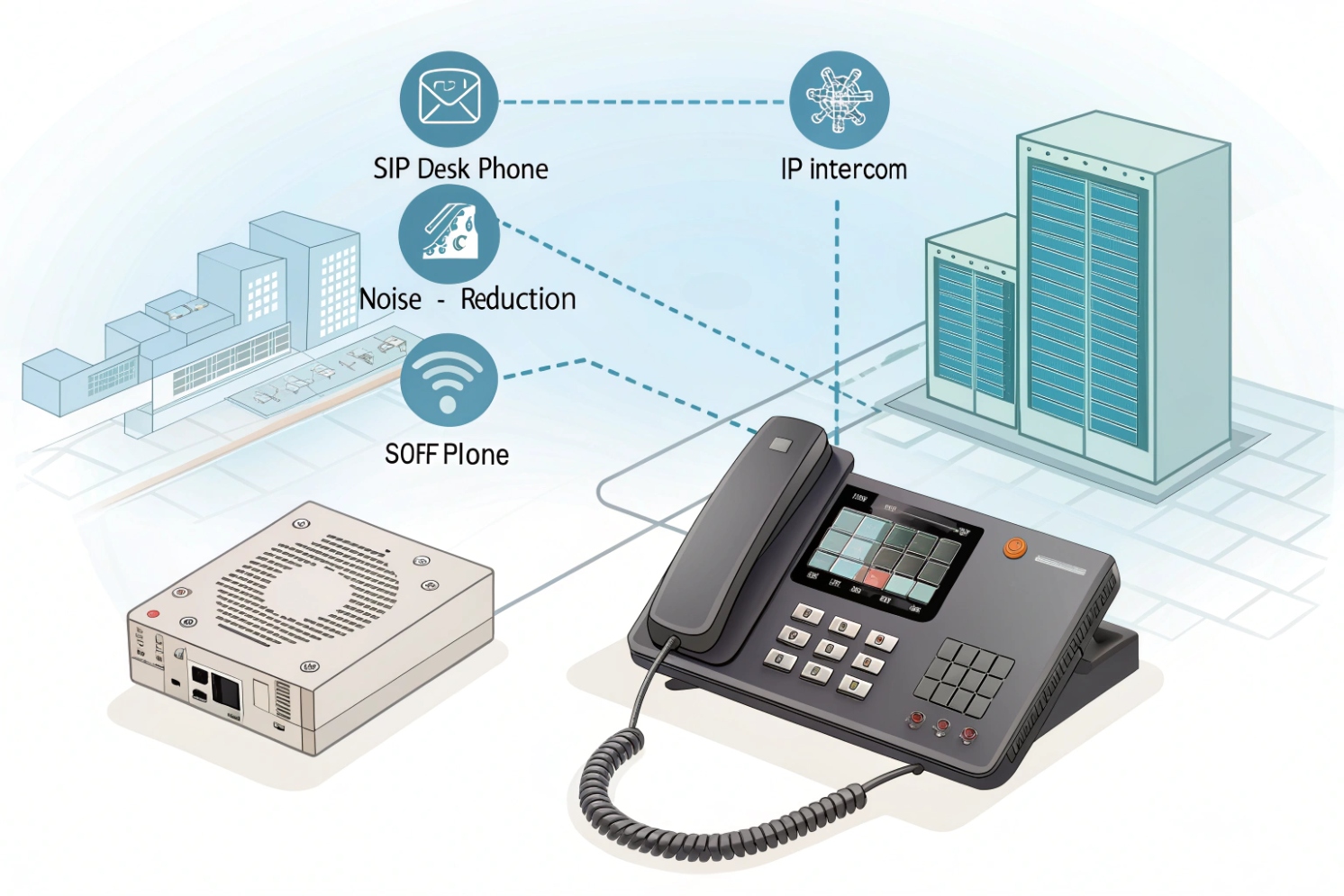
NR is not one single feature. It is a group of algorithms and tuning choices that sit in the audio chain. In VoIP gear, NR can live in:
- SIP desk phones (endpoint DSP)
- intercoms (often the noisiest environments)
- ATAs and gateways (analog edges and legacy devices)
- softphones/headsets (software DSP on the device)
Endpoint NR is usually the most effective because it sees the raw microphone audio before it gets compressed by the codec or mixed with other streams. Server-side NR can help in mixed environments, but it has less context and can’t “unhear” noise that was already encoded or clipped.
NR can be traditional DSP methods like spectral subtraction noise reduction 1 or ML-based noise suppression. Modern ML models can remove non-stationary noise better, but they can also add more delay and can sometimes “gate” syllables if tuned too aggressively. In many softphone ecosystems, NR features are influenced by building blocks like the WebRTC Audio Processing Module (APM) 2.
The key truth is this: NR is always a trade-off. More suppression can mean more artifacts:
- “musical noise” (warbling background)
- speech sounding thin or lisp-like
- clipped consonants
- reduced intelligibility for quiet speakers
So the best approach is to tune NR per device type and per environment. A quiet office does not need the same settings as a street-side intercom.
| Environment | Typical noise | NR goal | Common mistake |
|---|---|---|---|
| Office phones | HVAC, chatter, keyboard | Light suppression, natural voice | NR too high causes lisping |
| Intercoms | Traffic, wind, machinery | Strong suppression, intelligibility | AGC boosts noise when user is far |
| Gateways/ATAs | Analog hum, line noise | Stable audio, preserve tones | NR breaks fax/DTMF/modem tones |
| Softphones | Laptop fan, cafe noise | Adaptive suppression | Bluetooth mic causes extra artifacts |
If the definition is clear, the next step is how NR actually works on phones, intercoms, and gateways, because the “best setting” depends on where NR is applied in the chain.
How does NR suppress background noise on SIP phones, intercoms, and gateways?
When users say “noise reduction,” they expect magic. In practice, NR is pattern detection and careful filtering.
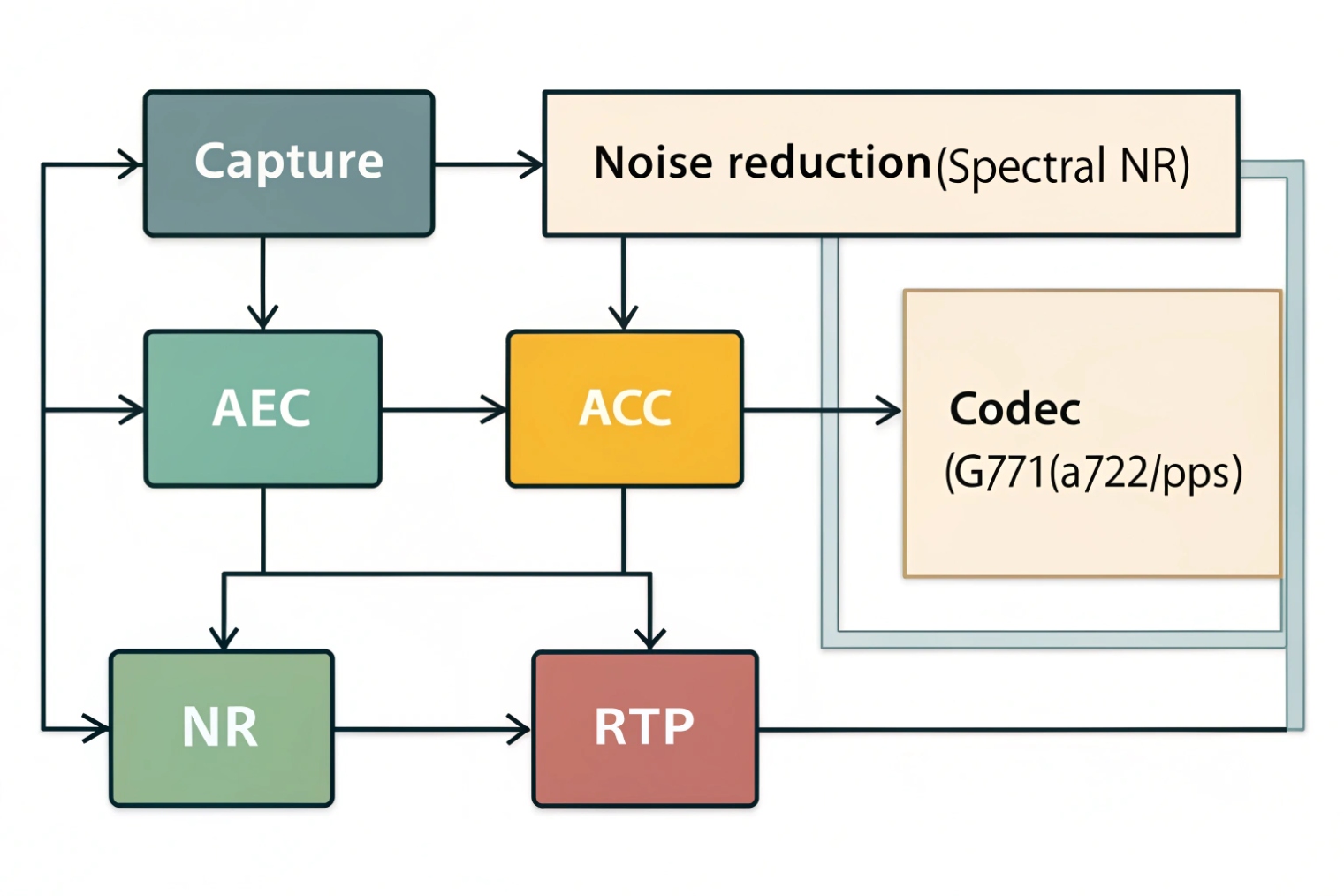
NR suppresses background noise by estimating the noise profile and attenuating it while preserving speech frequencies; multi-mic devices add beamforming to reject off-axis noise, and ML-based NR can separate speech from noise more intelligently than classic filters.
SIP phones: single-mic or dual-mic DSP
Many desk phones rely on:
- spectral filtering for steady noise
- voice activity detection cues
- light adaptive suppression
Phones with multiple mics can do better by using spatial cues. This is where beamforming microphone arrays 3 can focus on the speaker direction and reject off-axis noise. This is why two phones using the same codec can sound very different.
Intercoms: harsh acoustics, bigger distance, more wind
Intercoms often face:
- long talk distance
- reflective surfaces (metal, concrete)
- wind and rain noise
- engine and traffic peaks
NR on intercoms is often stronger, but it must be paired with correct mic gain and AEC, or it will amplify noise when the person is not speaking.
Gateways/ATAs: less “smart,” more “preserve signals”
Gateways and ATAs sit at the edge with analog lines and legacy devices. Their job is often to preserve:
- intelligible speech
- DTMF tones
- fax audio (or T.38)
- modem tones (if used)
Aggressive NR on a gateway can distort tone-based signals. That is why many gateway profiles offer “voice” vs “fax/modem” modes or recommend disabling enhancement on those ports.
| Device type | NR strength | Why | Tuning focus |
|---|---|---|---|
| SIP desk phone | Low–medium | Keep speech natural | AEC + mild NR |
| Outdoor intercom | Medium–high | Fight wind/traffic | Mic gain, AGC limits, NR profile |
| Gateway/ATA | Low or off for tones | Preserve DTMF/fax | Disable NR on FXS used for fax/modem |
NR should complement good acoustics, not replace them. Better mic placement and a better microphone capsule often improve real speech clarity more than any “high” NR setting.
Which NR settings should I tune—AGC, AEC, ANR, and microphone gain?
Most call quality issues blamed on “noise reduction” are actually gain and echo problems. The settings interact.
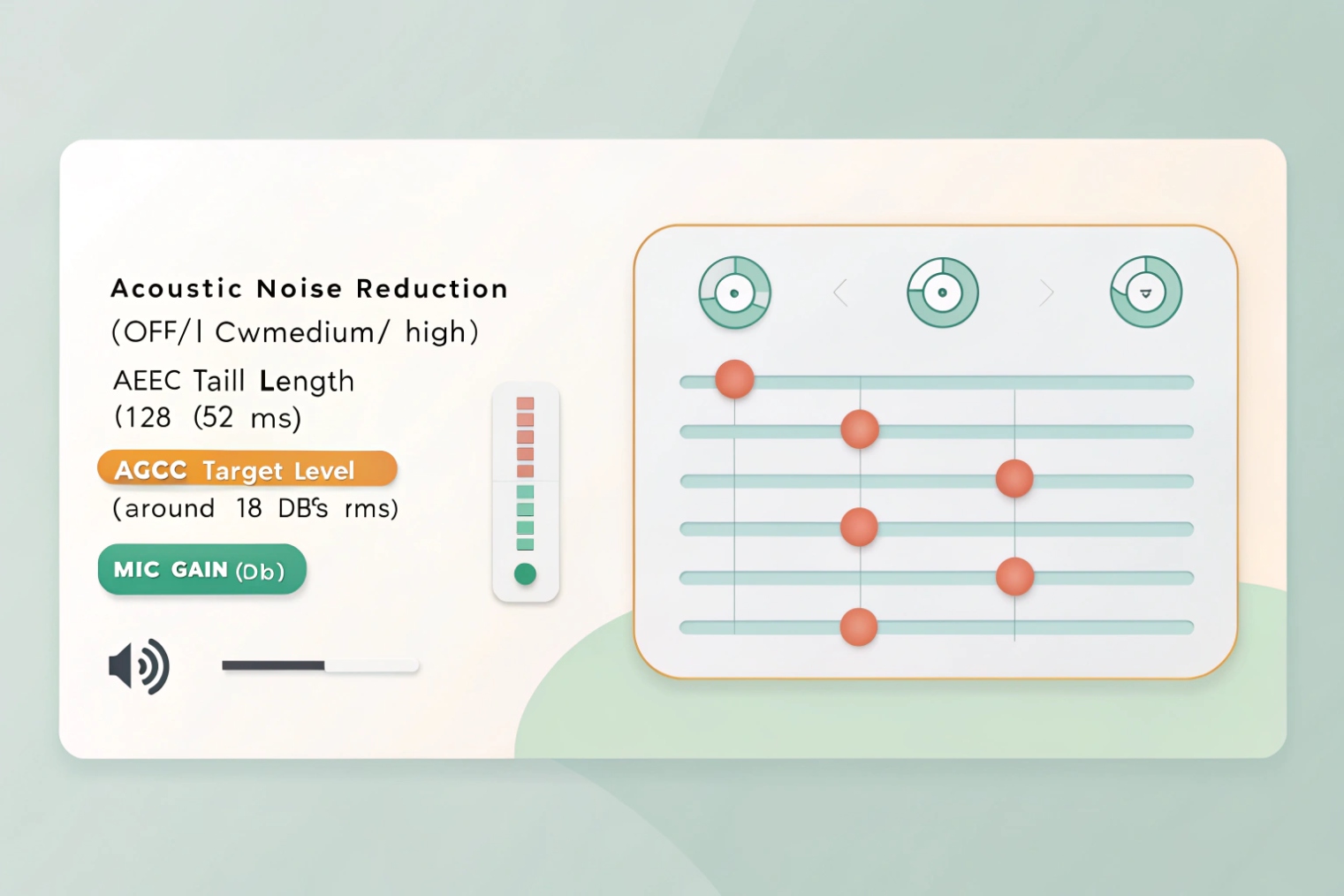
Tune microphone gain first, then AEC, then NR/ANR, and finally AGC. AGC can help quiet speakers, but it can also amplify room noise if mic gain and NR are not correct.
Microphone gain: set the baseline
Mic gain sets how loud the raw capture is. If it is too high:
- background noise becomes loud before NR can remove it
- AEC has more trouble because the mic hears more far-end audio
If it is too low: - speech becomes thin and NR may “gate” it
- AGC will overcompensate and pump noise
AEC (Acoustic Echo Cancellation): stop feedback and hollow sound
AEC removes far-end echo that the mic captures from the speaker. If AEC is weak:
- far-end hears themselves
- NR may mis-detect echo as noise and distort speech
In many enterprise devices, AEC behavior is aligned to guidance like the ITU-T G.168 echo canceller standard 4. Intercoms with loud speakers need strong AEC.
ANR/NR (Adaptive Noise Reduction): remove the background
NR should be used to reduce the noise floor, not to hide broken mic gain. Common levels are off/low/medium/high or profiles like office/outdoor/industrial.
AGC (Automatic Gain Control): smooth loudness
AGC makes quiet talkers louder and loud talkers calmer. The risk is pumping:
- when the speaker pauses, AGC raises gain and you hear HVAC louder
- when speech starts, AGC clamps down and clips consonants
Also watch interactions with silence handling: comfort-noise behavior and related payload formats (for example, the RFC 3389 comfort noise payload format 5) can change how “quiet” moments feel when NR/AGC are active.
A practical tuning order that works in most deployments:
- Set mic gain to a stable baseline.
- Fix echo with AEC.
- Apply mild-to-medium NR.
- Add AGC with conservative limits.
| Setting | What it changes | Too low | Too high |
|---|---|---|---|
| Mic gain | Raw capture level | Quiet, thin speech | Loud noise, clipping |
| AEC | Removes speaker echo | Echo complaints | Speech distortion if mis-tuned |
| NR/ANR | Noise floor suppression | Background noise remains | Musical noise, lisping |
| AGC | Loudness leveling | Inconsistent volume | Noise pumping, clipped starts |
Intercoms often need a different profile than desk phones. A lobby phone may work best with low NR and mild AGC. A parking gate intercom may need higher NR but strict AGC limits.
Will noise reduction affect voice clarity, DTMF detection, or MOS scores?
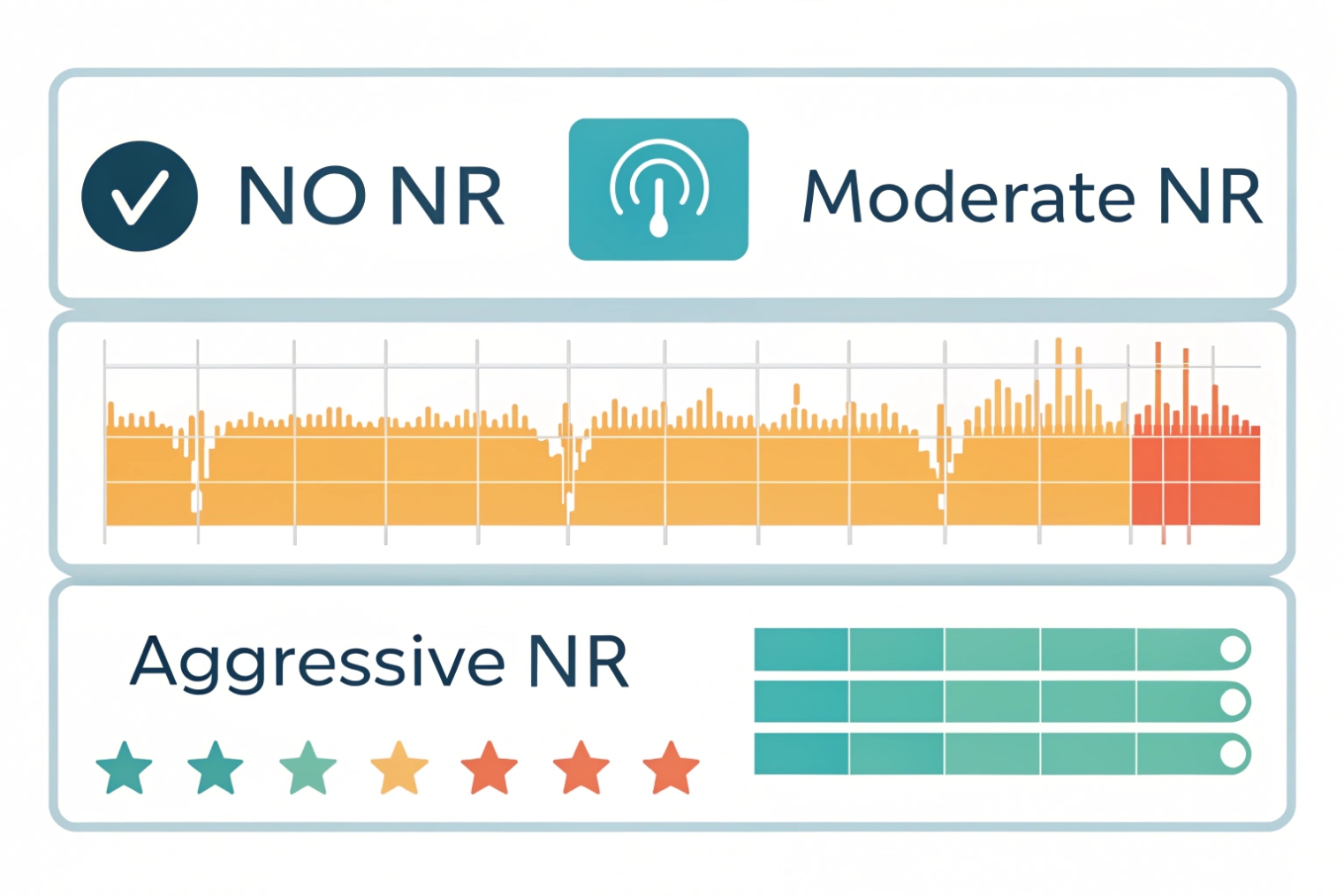
NR can improve perceived clarity, but it can also reduce intelligibility if it eats the wrong parts of speech. It can also interfere with tone-based signals.
Yes. Moderate NR can improve perceived call quality and MOS by lowering the noise floor, but aggressive NR can distort speech and can disrupt DTMF or tone-based devices, especially when in-band tones are used.
Voice clarity: the trade-off curve
NR helps when:
- the noise is steady (HVAC, engine hum)
- the speaker is close to the mic
- the algorithm can separate speech from noise well
NR hurts when:
- speech is quiet or far from the mic
- noise is non-stationary and loud (shouting, metal bangs)
- the NR aggressiveness is too high
DTMF detection: depends on DTMF transport mode
DTMF can be:
- RFC 4733 RTP events for DTMF 6 (most robust)
- SIP INFO
- in-band tones (audio)
NR mainly risks in-band tones because it modifies the audio stream. If your system uses RTP events, NR is less likely to break DTMF. Still, some devices generate tones that get misread if the audio chain is heavily processed.
MOS: what improves it
MOS (often defined as Mean Opinion Score (MOS) 7) improves when listeners hear:
- less background noise
- less echo
- stable loudness
MOS drops when: - speech is clipped or warbly
- talk-over increases due to added delay
- transcoding plus NR adds artifacts
For fax/modem signals, NR is usually a bad idea. Those tones are not speech, and NR will treat them like noise. For those ports and call types, disable enhancement or use special relay methods.
| Target | NR helps when | NR hurts when | Safe policy |
|---|---|---|---|
| Human speech | Steady noise, close mic | High suppression, quiet talker | Start with low/medium |
| DTMF | RTP events | In-band tones with heavy DSP | Prefer RTP events |
| Fax/modem | Almost never | Tones get filtered | Disable NR and VAD |
A simple rule: if the call must carry tones, keep the audio chain clean. If the call is human speech, use NR carefully and measure results.
How do I enable and test NR via provisioning templates, firmware, and PBX policies?
NR tuning fails when each device is configured by hand. It becomes inconsistent and hard to rollback. A template approach keeps it stable.
Enable NR through device provisioning templates and firmware profiles, apply role-based PBX policies for endpoint classes (desk phones vs intercoms vs gateways), then test with controlled noise scenarios and real call paths while monitoring MOS and user feedback.
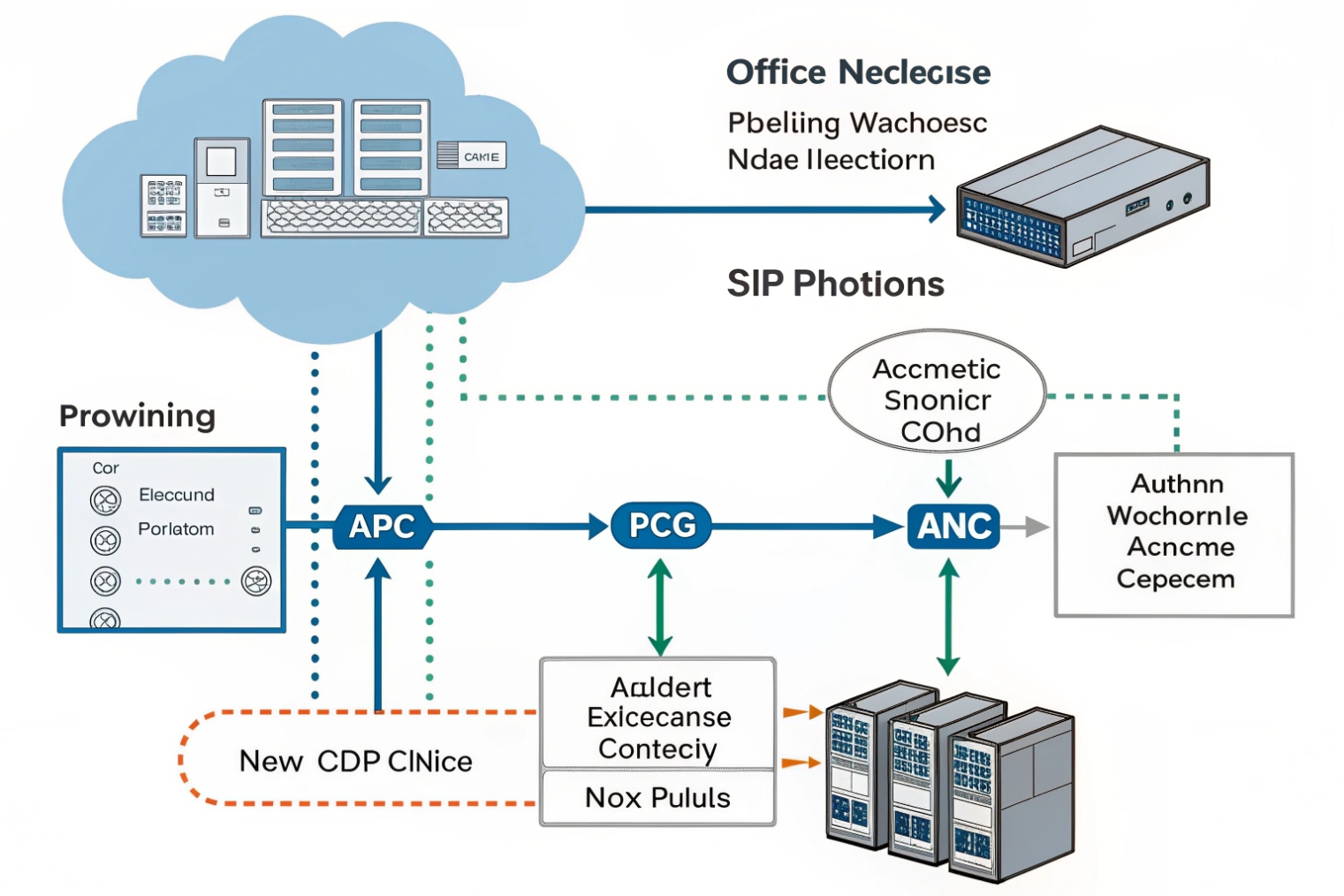
Step 1: standardize profiles by device class
Create profiles such as:
- Office phone profile: low NR, mild AGC, standard AEC
- Call center headset profile: headset-based NR, minimal AGC
- Outdoor intercom profile: medium/high NR, stronger AEC, capped AGC
- Fax/legacy profile: NR off, VAD off, codec fixed (often G.711)
This prevents “one size fits none.”
Step 2: push settings via provisioning, not manual UI
Most SIP endpoints accept configuration via:
- HTTP/HTTPS/TFTP provisioning
- model templates
- per-device overrides
- firmware-dependent parameter sets
Use templates so updates are repeatable and auditable. Keep a rollback plan: a known-good config and firmware version.
Step 3: align firmware and DSP versions
NR quality changes across firmware releases. A firmware update can:
- improve suppression
- change default aggressiveness
- change AGC/AEC behavior
That is why testing should include firmware version control, especially for intercoms used in noisy environments.
Step 4: test method that reveals real issues
A useful NR test includes:
- quiet baseline call
- steady noise (fan/HVAC)
- non-stationary noise (typing, door slam)
- far talk (speaker 1–2 meters away)
- DTMF through IVR
- transfer and conference (more processing and transcoding risk)
Use wired connections for baseline tests, then repeat on Wi-Fi if softphones are in scope. If MOS tools are available, track before/after changes. If not, use consistent listening tests and user surveys.
| Test case | What it validates | Pass signal | Fail signal |
|---|---|---|---|
| Quiet room | Baseline voice naturalness | Natural speech | Hollow, clipped |
| HVAC/fan noise | Steady noise suppression | Lower noise floor | Warbling artifacts |
| Typing/clicks | Non-stationary suppression | Less distraction | Speech gating |
| Far talk | Gain and NR balance | Clear words | Pumping or dropouts |
| IVR DTMF | Tone reliability | Digits recognized | Missed digits |
| Fax/modem (if used) | Tone integrity | Successful session | Retrains, failures |
Step 5: enforce policy boundaries in the PBX
PBX-side policies can help by:
- controlling codec lists to reduce transcoding
- forcing RTP-event DTMF
- separating device groups so intercoms do not inherit office profiles
- limiting recording/transcoding features that amplify artifacts
The goal is to keep NR where it works best: at the endpoint, with the correct profile for that acoustic environment.
Conclusion
Noise reduction is DSP that lowers background noise for clearer speech. Tune mic gain and AEC first, keep NR conservative for natural voice, disable it for tone-based devices, and manage it with templates and firmware control.
Footnotes
-
Overview of spectral subtraction and common “musical noise” artifacts. ↩ ↩
-
Explains a widely used real-time audio pipeline behind many softphone NR/AEC features. ↩ ↩
-
Quick explanation of beamforming and why multi-mic endpoints reject off-axis noise better. ↩ ↩
-
Reference for echo canceller behavior used across many enterprise voice devices. ↩ ↩
-
Details comfort-noise payload handling that can interact with NR/AGC and silence periods. ↩ ↩
-
Defines RTP telephone-event signaling that avoids in-band tone problems under heavy DSP. ↩ ↩
-
Defines MOS listening methodology used to compare perceived call quality changes. ↩ ↩








