
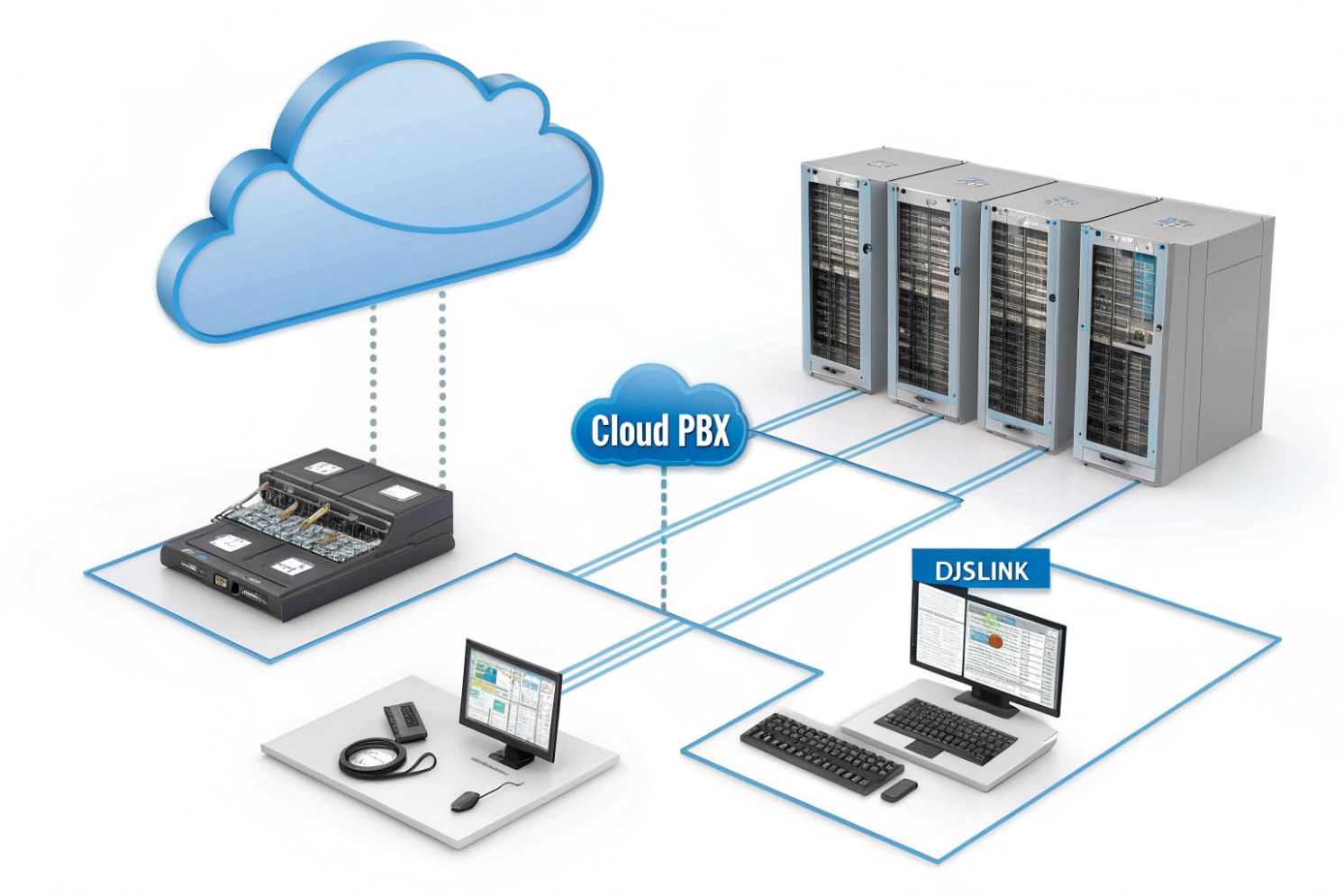
When phone systems live on a single box in a closet, one outage can stop every call. That risk grows fast as teams go remote and sites multiply.
A cloud PBX is a phone system where the PBX runs in a provider’s cloud, not on your local hardware. You manage users and routing online, while calls run over VoIP to phones, softphones, and browsers.
A cloud PBX is the “brain” of your business calling, but it sits off-site and is delivered as a service. Instead of installing and maintaining an on-prem IP PBX 1 server, the provider hosts the call control platform in a data center. Your phones, softphones, and intercom dashboards register to it over the internet or private links. You still get the normal PBX logic—extensions, ring groups, IVR, queues, transfers, conferencing, voicemail—but the software upgrades, redundancy, and core maintenance are handled by the provider.
This hosting model changes the cost and operations profile. It reduces upfront PBX hardware spend, and it shifts the work from “patch and backup a server” to “manage users, policies, and endpoints.” Scaling is also simpler. When headcount changes, new extensions and licenses can be added in minutes. Multi-site setups become easier too, because branches do not need their own PBX. They just need stable connectivity, QoS discipline, and clear emergency calling policies per location.
Cloud PBX quality still depends on the path between your endpoints and the cloud. If the internet link is unstable, voice suffers even if the provider’s platform is perfect. That is why cloud PBX planning always includes network readiness: voice VLANs 2, DSCP Expedited Forwarding (EF) 3 marking for RTP, and a failover plan for power and internet outages. Reliability becomes a shared responsibility: the provider owns the platform uptime, while you own the local LAN, WAN, and endpoint power.
| Area | Cloud PBX | On-prem IP PBX | Practical result |
|---|---|---|---|
| Hosting | Provider data center | Your server room | Fewer local failure points in cloud |
| Updates | Provider-managed | IT-managed | Less patch burden in cloud |
| Scaling | Add users quickly | Add capacity on server | Cloud scales faster |
| Control | Portal policies | Full server control | On-prem can be more customizable |
| Dependency | Internet + power | Local LAN + power | Cloud needs stronger WAN planning |
The next step is to separate three terms that often get mixed up: cloud PBX, on-prem IP PBX, and UCaaS. That difference changes what you buy and how you deploy.
A clean definition helps avoid paying for features that are not needed or missing features you expected.
How does cloud PBX differ from on-prem IP PBX and UCaaS?
When teams hear “cloud PBX,” they often assume it is the same as a full UC suite. Then the rollout hits gaps like messaging, meetings, or SSO scope.
Cloud PBX moves PBX call control to a provider’s cloud, while on-prem IP PBX keeps call control on your own server. UCaaS usually bundles cloud PBX with chat, meetings, and wider collaboration features in one subscription.
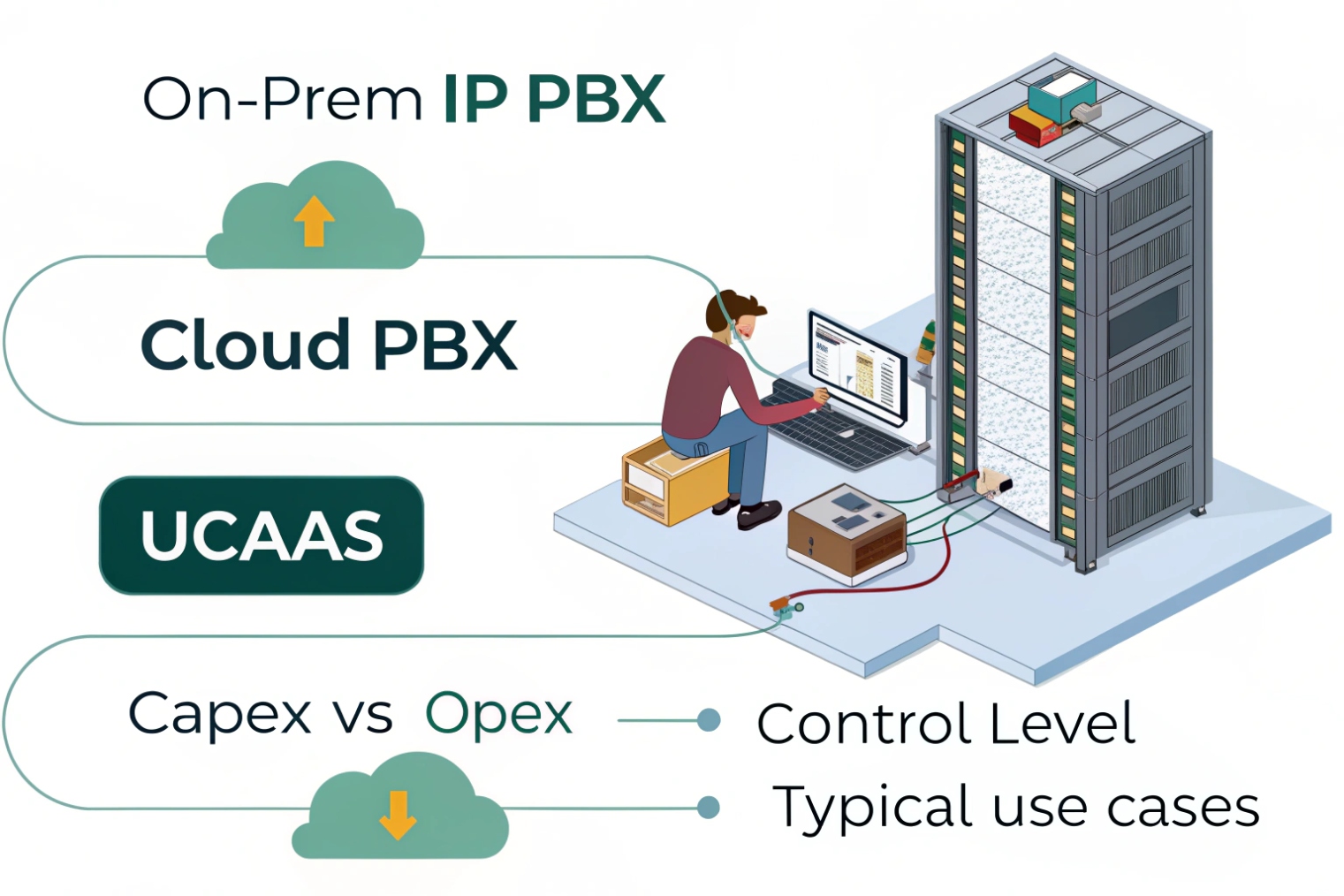
Cloud PBX is mainly the hosted phone system layer: extensions, call routing, trunks, numbers, and admin controls. On-prem IP PBX is the same concept, but the software runs on hardware you own or host in your own data center. UCaaS often includes cloud PBX plus unified communications features like team messaging, presence, video meetings, file sharing, and sometimes contact center functions.
Operational differences that matter
On-prem IP PBX gives deep control. It can be the best fit when custom dial plans, special integrations, or strict data locality rules are required. Still, it also means IT must handle:
- server sizing and high availability
- backups and patching
- SBC and firewall exposure
- disaster recovery planning
Cloud PBX shifts much of that platform work to the provider. This helps when the goal is fast rollout across many sites and remote staff. Still, cloud PBX pushes more focus onto:
- internet carrier quality and redundancy
- endpoint provisioning and policy
- identity and access management in the portal
UCaaS scope differences
A cloud PBX product can exist without a full UCaaS suite. UCaaS is often the “all-in-one” bundle. That bundle can be a win when one identity covers voice, meetings, and messaging. It can also be a cost increase if only voice is needed and the business already uses other tools for meetings.
| Topic | Cloud PBX | On-prem IP PBX | UCaaS |
|---|---|---|---|
| Main focus | Hosted telephony | Self-hosted telephony | Telephony + collaboration |
| Customization | Medium | High | Medium |
| IT workload | Lower | Higher | Lower |
| Best fit | Remote + multi-site | Special routing + strict control | Teams needing one suite |
| Failure mode | WAN outages matter | Local server outages matter | WAN outages matter |
A simple rule works in most projects: if the business wants fast deployment and less server work, cloud PBX fits well. If the business needs deep custom logic and full control, on-prem can be stronger. If the business wants one suite for voice + meetings + chat, UCaaS can be the cleanest package.
Now the next concern is the PSTN edge: SIP trunks, DIDs, and porting. Many buyers worry that “cloud” means losing control of trunks. The reality depends on the provider model.
Can cloud PBX support SIP trunks, DIDs, and number porting?
Number porting delays can kill go-live dates. Trunk design errors can cause one-way audio and failed inbound calls. These are not “nice details.” They are the real deployment work.
Yes. Most cloud PBX platforms support DIDs, number porting, and PSTN connectivity. Many include built-in carrier service, while some also allow bring-your-own-carrier (BYOC) SIP trunks through an SBC or certified trunk model.
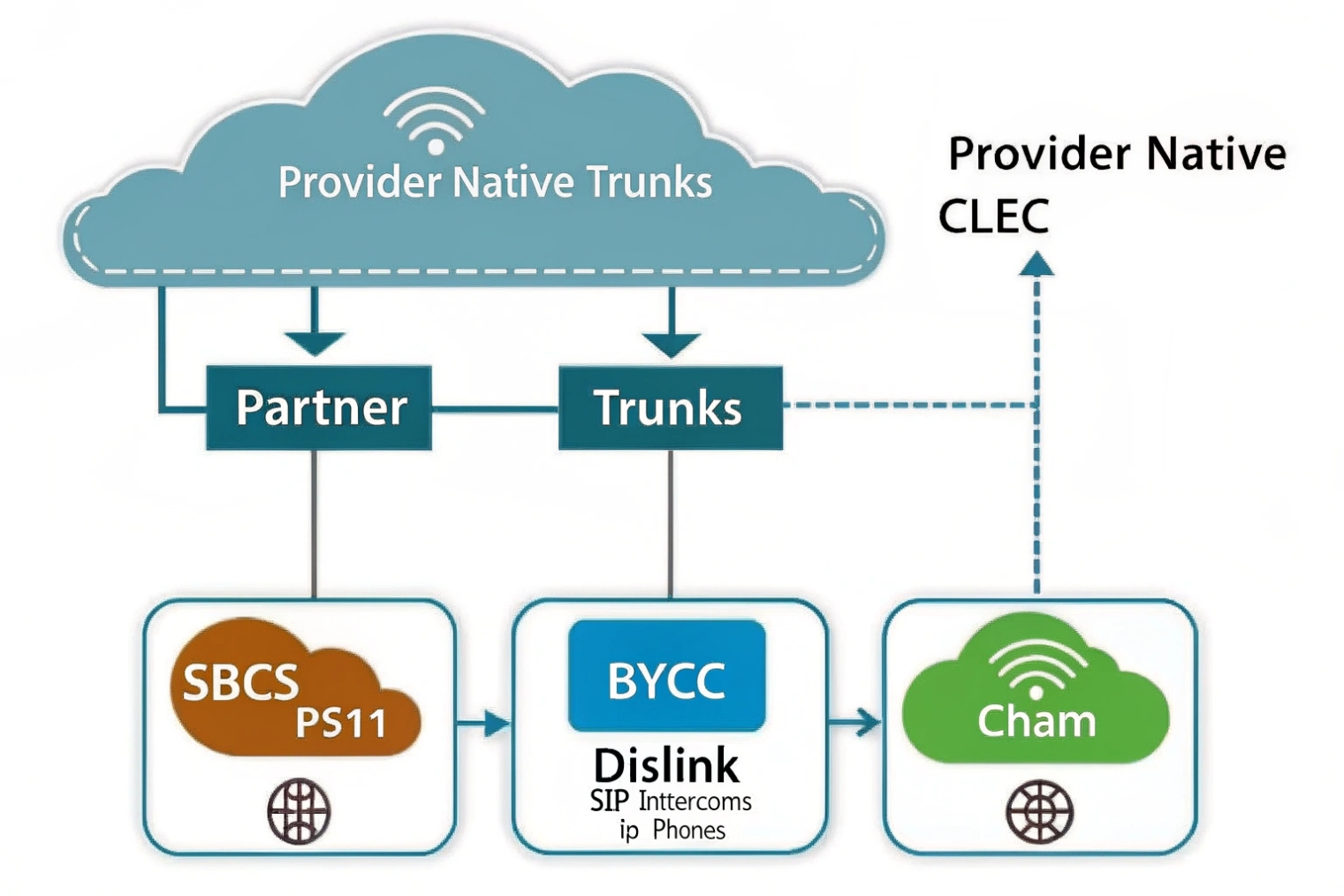
Cloud PBX can connect to the PSTN in two common ways:
1) Provider-carrier model
The provider supplies:
- SIP trunking behind the scenes
- DID inventory and ordering
- porting process
- E911 setup tied to numbers and locations
This model is simple because it is one contract and one portal. It is often best for small and mid-size deployments. The trade-off is less carrier choice and sometimes less routing control.
2) BYOC / integrated trunk model
Some cloud PBX systems allow:
- third-party SIP trunks
- custom routing to your preferred ITSP
- regional carrier choice for latency and compliance
This model can be best for enterprises that already have carrier deals, need special coverage, or want multi-carrier redundancy. It usually needs an SBC and careful policy design.
Porting and DID management in practice
Porting still follows carrier rules. A cloud PBX provider will guide LOA collection, CSR matching, and FOC scheduling. The key project habit is to start porting early and keep a fallback plan:
- temporary numbers during testing
- call forwarding during cutover windows
- staged ports by site or by department
| Item | Provider-carrier cloud PBX | BYOC cloud PBX | What to confirm early |
|---|---|---|---|
| DIDs | Included | From your carrier | Rate centers and coverage |
| Porting | Included process | Still required | FOC timelines and rejection rules |
| Redundancy | Provider-based | Multi-carrier possible | Failover routing method |
| Routing control | Limited | Higher | Caller ID, LCR, geo routes |
| Security | Provider SBC | Your SBC + provider | TLS/SRTP compatibility |
The right choice depends on how much control is needed. If the business is cost-sensitive and wants speed, the provider-carrier model is often enough. If the business needs special routing, strict compliance, or multi-region optimization, BYOC can be worth the extra design work.
Once PSTN connectivity is clear, the next question becomes features. A cloud PBX is not just “dial tone.” It is usually sold on features like IVR, queues, recording, and browser calling.
What features do I get—IVR, queues, call recording, and WebRTC?
A phone system does not create value by existing. It creates value when callers reach the right team fast and agents can handle calls with fewer clicks.
Cloud PBX platforms typically include IVR/auto-attendant, ring groups, queues, voicemail, call recording, analytics, and softphone clients. Many also support WebRTC so users can call from a browser without a desk phone.
IVR and call routing
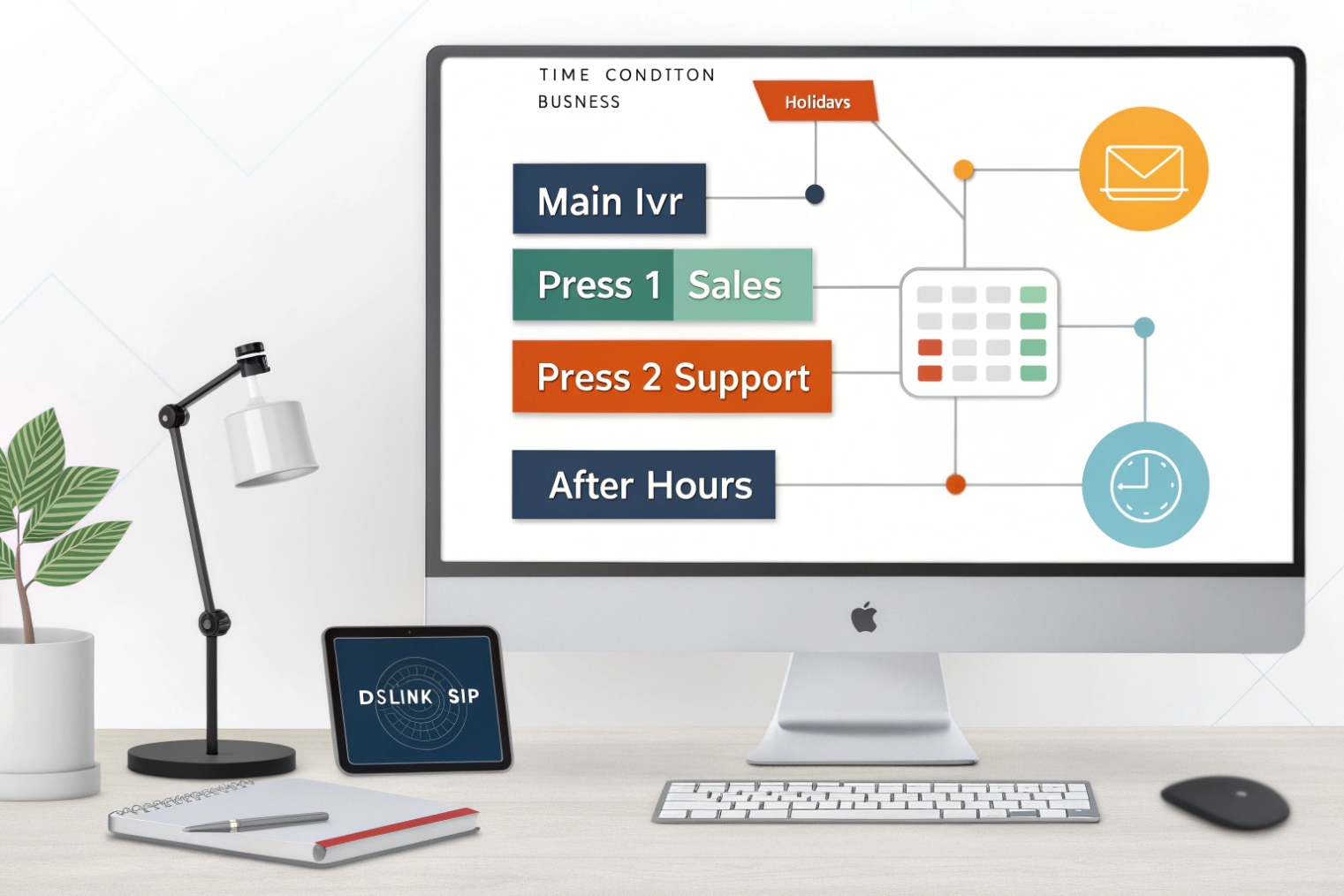
IVR (auto-attendant) is usually the first feature configured. It handles:
- business-hours routing vs after-hours routing
- menu options like “press 1 for sales”
- routing to ring groups, queues, voicemail, or external numbers
Time rules and holiday schedules matter more than fancy menus. A simple IVR with clear prompts usually beats a deep menu tree.
Queues and agent controls
Queues provide structured handling:
- caller position and estimated wait
- music on hold and announcements
- agent availability states
- overflow rules to backup teams
Uniform or weighted distribution rules may be available depending on the platform tier. Even when advanced ACD is not included, basic queue tools are enough for many small support teams.
Call recording and compliance
Recording is typically:
- per user or per queue
- always-on or on-demand
- stored in the cloud with retention controls
This impacts storage cost and compliance planning. Clear retention rules should be set early.
WebRTC and softphones
WebRTC calling from a browser 4 enables calling in a browser using a headset. It is useful for:
- remote teams
- quick access in CRM tabs
- contact center style workflows
WebRTC quality depends on the device and browser audio stack, so headset standards and network QoS still matter.
| Feature | What it solves | Key setup detail | Common pitfall |
|---|---|---|---|
| IVR | Routes calls correctly | schedule + fallback | too many menu layers |
| Queues | Handles volume fairly | agent states + overflow | no wrap-up policy |
| Recording | QA and disputes | retention + permissions | recording without consent policy |
| Analytics | See load and SLA | consistent naming | reports with messy routing |
| WebRTC | Fast remote calling | headset + browser policy | Wi-Fi jitter and poor mics |
A simple best practice: keep high-frequency actions easy. Put “transfer,” “park,” and “record” where users can reach them fast. Training time drops when the workflow matches the UI.
Now the last piece is security. Cloud PBX shifts call control into a portal. That portal becomes a high-value target. Security must cover signaling, media, identity, and admin access.
How do I secure cloud PBX—TLS, SRTP, MFA, and role-based access?
A cloud PBX is reachable from many networks and many devices. That is good for business. It is also attractive for attackers who want admin access and toll fraud routes.
Secure cloud PBX by encrypting signaling with TLS, encrypting media with SRTP, enforcing MFA for portals, and using role-based access so only the right staff can change routing, numbers, and recording policies.
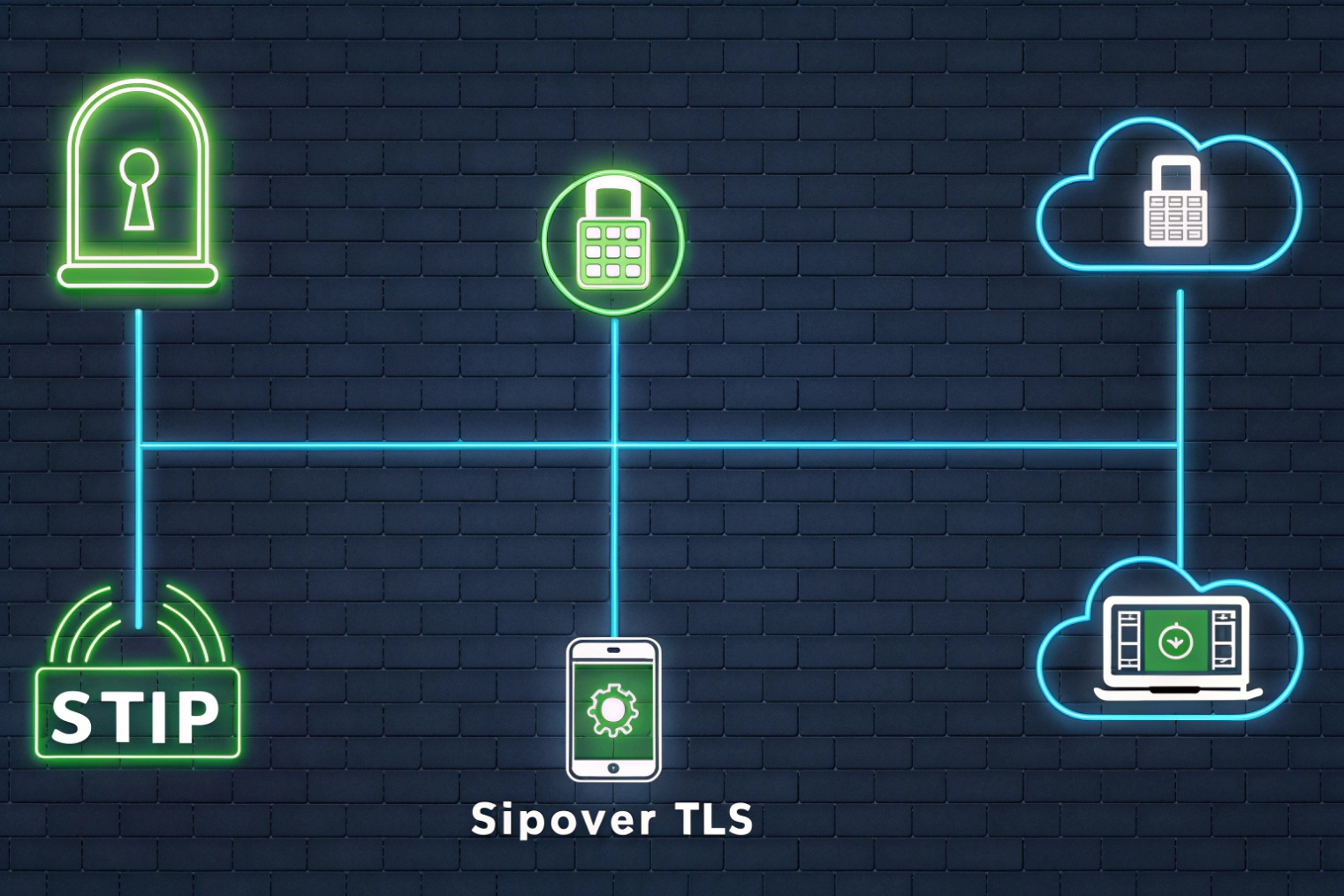
Transport security: TLS and SRTP
TLS protects SIP signaling, including credentials and call setup metadata. Secure RTP (SRTP) media encryption 5 protects the voice stream. Both matter most on untrusted networks, such as home Wi-Fi and public internet.
A practical policy is:
- TLS for all endpoint registrations when supported
- SRTP for all calls unless there is a known interop exception
- avoid unnecessary transcoding and media relays that add risk and delay
Identity security: MFA and least privilege
Admin portals control:
- number routing
- international calling
- recording access
- user permissions
This makes multi-factor authentication (MFA) for admin access 6 non-negotiable. Role-based access should separate:
- full admin (rare)
- telecom admin (routing and trunks)
- supervisor (queues and reports)
- standard user (own settings only)
Fraud controls: reduce blast radius
Toll fraud can happen even with TLS. The key is to limit what a compromised account can do:
- block premium destinations by default
- enable geo restrictions when possible
- set spend limits and rate limits
- alert on unusual call patterns and repeated failures
Endpoint and device management
For softphones, MDM helps enforce:
- device encryption and screen lock
- remote wipe for lost devices
- certificate distribution where used
- controlled provisioning profiles
| Control | What it protects | Best default |
|---|---|---|
| TLS (SIP) | signaling privacy and auth | on for all endpoints |
| SRTP | voice privacy | on for all calls |
| MFA | portal takeover | required for admins |
| RBAC | least privilege | role-based templates |
| Geo/spend limits | toll fraud | strict by default |
| Audit logs | accountability | keep logs and review |
A final reminder that helps in real deployments: security is not only crypto. It is also process. Keep a break-glass admin account with strong storage controls, so an IdP outage does not lock the business out. Keep emergency calling records updated, so a secure system is also a safe system.
Conclusion
Cloud PBX is hosted call control delivered over VoIP. It scales fast and supports modern features, but it needs strong WAN planning and layered security with TLS, SRTP, MFA, and tight roles.
Footnotes
-
Explains IP PBX fundamentals and how PBX features map to VoIP endpoints and call routing. ↩ ↩
-
Practical guide to voice VLAN setup concepts that reduce broadcast noise and simplify phone provisioning. ↩ ↩
-
Defines DSCP EF for prioritizing real-time traffic like RTP during congestion. ↩ ↩
-
Overview of browser-based calling concepts and limitations that affect real-world WebRTC voice quality. ↩ ↩
-
SRTP standard details for encrypting VoIP media streams and preventing eavesdropping on RTP audio. ↩ ↩
-
Authoritative MFA guidance for protecting admin portals and reducing account-takeover risk. ↩ ↩








