
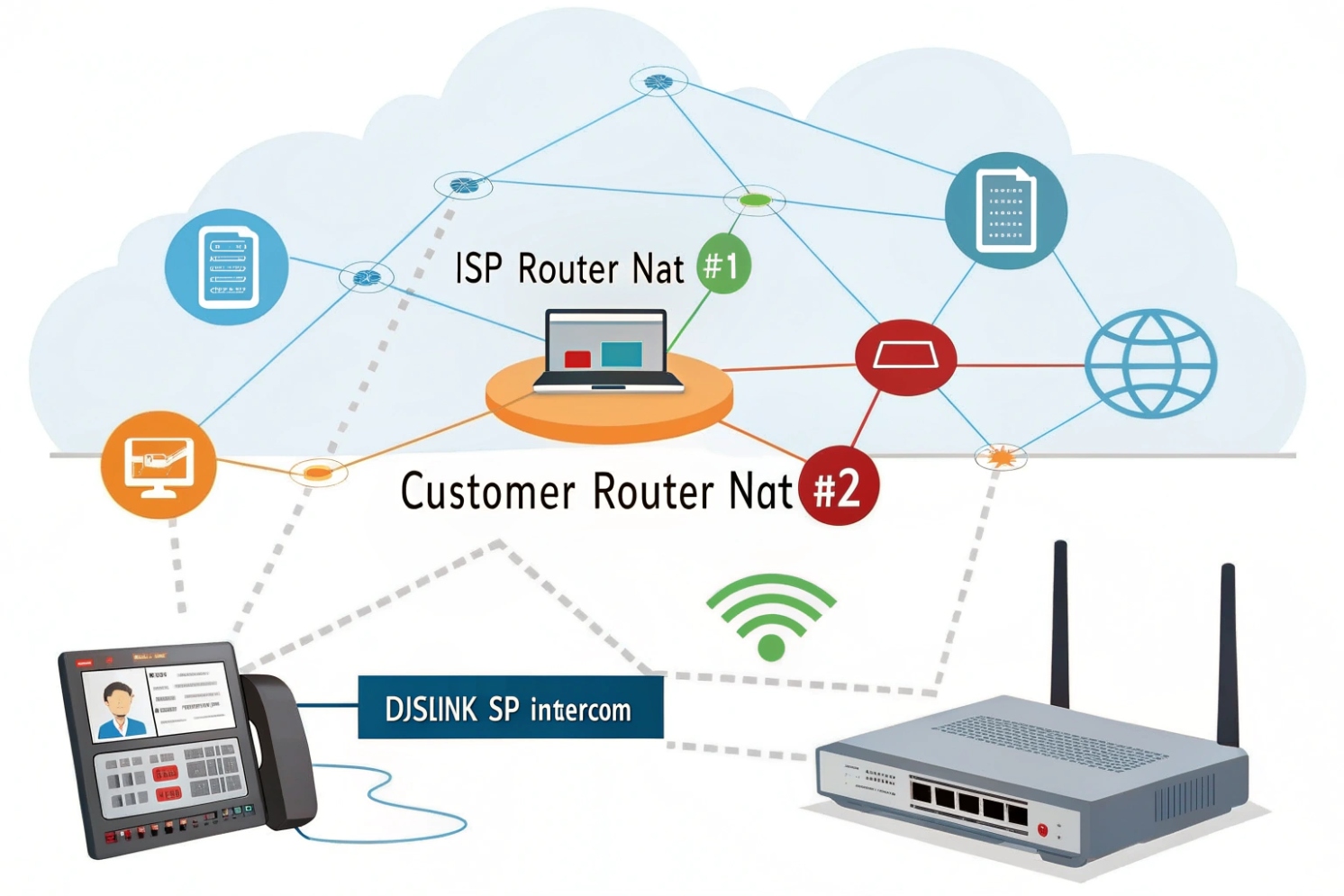
Double NAT is a silent VoIP killer. Calls “mostly work” until they do not. Then you get one-way audio, random drops, and hard-to-read logs.
Double NAT means two routers or firewalls are doing NAT back-to-back, creating two private networks. This breaks SIP and RTP reachability because inbound packets and port mappings become unpredictable.
Most VoIP problems blamed on “the provider” are local network problems. Double NAT is one of the most common. Once Network Address Translation (NAT) 1{#ref-1} is understood, fixing it is usually straightforward and repeatable.
How does double NAT affect SIP registration and RTP?
Double NAT often looks harmless because the phone still shows “Registered.” Then calls fail in weird ways and only some networks are affected.
Double NAT can keep SIP registration barely alive with outbound traffic, but it often breaks inbound SIP (INVITE/NOTIFY) and RTP media paths because ports and IPs change twice and time out faster.
What SIP expects, and what NAT changes
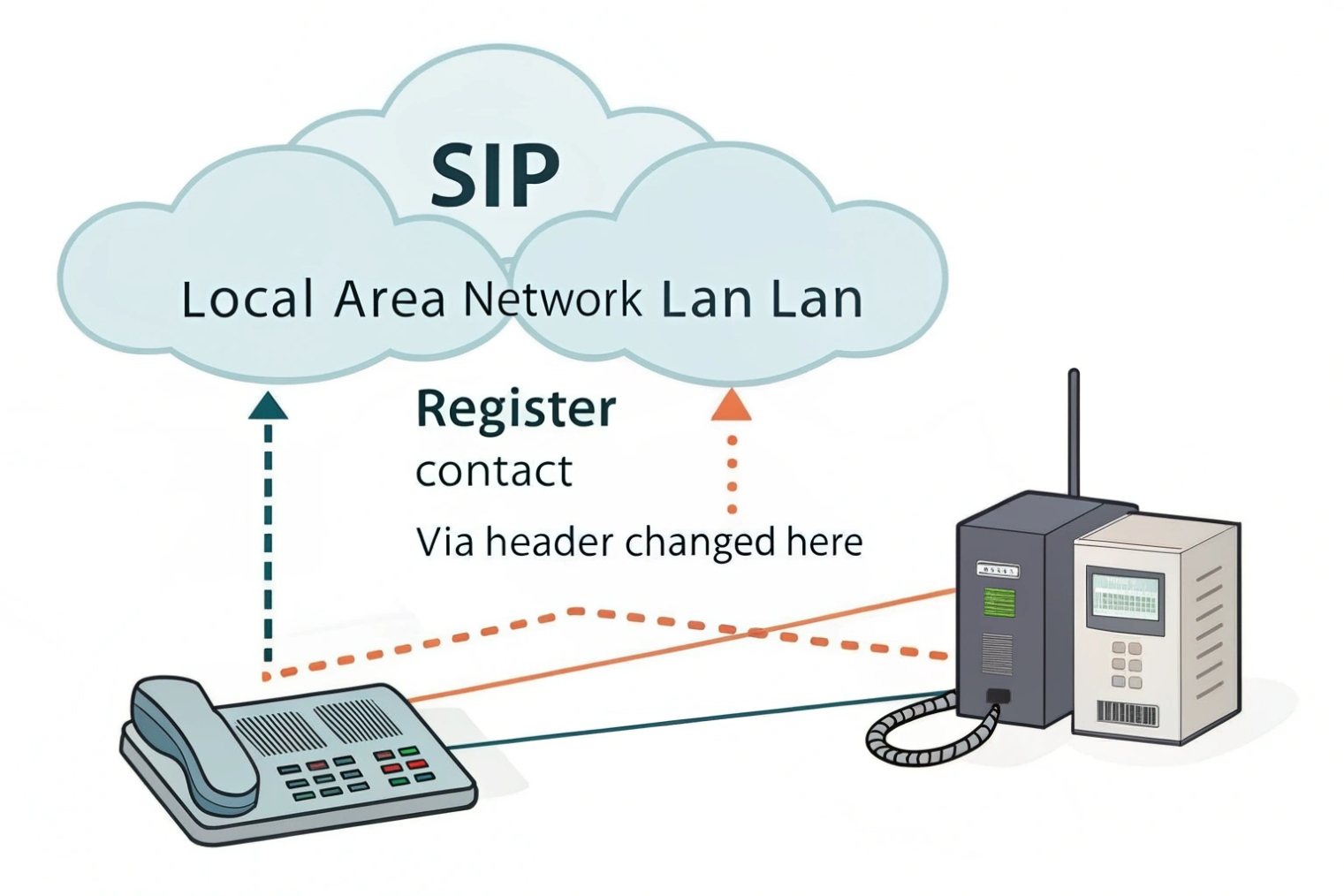
SIP signaling was designed to carry endpoint addressing inside messages. NAT rewrites the packet headers, not the SIP body. If two NAT devices rewrite and track state independently, the SIP server may see one IP/port, while the phone believes it is reachable at another.
This mismatch is small during registration (outbound, stateful). It becomes painful during inbound calls, BLF/NOTIFY updates, transfers, and re-INVITEs, because those rely on NAT pinholes staying open and consistent.
RTP is even more sensitive than SIP
RTP is usually UDP and uses dynamic ports. During a call, each side tells the other where to send media (IP + port) inside Session Description Protocol (SDP) 2{#ref-3}. With double NAT, the “outside view” may not match what the endpoint advertises. Even when signaling succeeds, RTP may be sent to an unroutable private address, or to a port that is no longer mapped.
That is where you get silent audio, one-way audio, or audio that starts then dies after 20–60 seconds. If you want the canonical behavior, it’s defined in the Real-time Transport Protocol (RTP) 3{#ref-4} spec.
Why “it works for a few minutes” is a NAT timer problem
Many consumer gateways use short UDP timeouts. Double NAT means two separate timeout clocks. Your phone can be fine on the inner NAT, but the outer NAT drops the mapping first. Keepalives and shorter registration intervals can mask this, but they do not remove the root cause.
| VoIP function | What it needs | What double NAT breaks | Typical symptom |
|---|---|---|---|
| SIP REGISTER | Outbound reach + stable mapping | Outer NAT expires early | Random deregistration |
| Inbound INVITE | PBX/ITSP must reach phone | Inbound blocked or misrouted | Missed calls, failed ring |
| SIP NOTIFY (BLF/MWI) | Unsolicited inbound updates | NAT/firewall blocks NOTIFY | Stuck BLF lights, no voicemail lamp |
| RTP media | Correct IP/port mapping | Wrong SDP, port mapping drift | One-way or no audio |
| Re-INVITE/transfer | Mid-call signaling reliability | Timer/NAT mapping resets | Drops during transfer/hold |
Why do I get one-way audio or failed calls with double NAT?
One-way audio is the classic sign. It is also the most confusing for non-VoIP teams because “the call connected,” so people assume audio should be automatic.
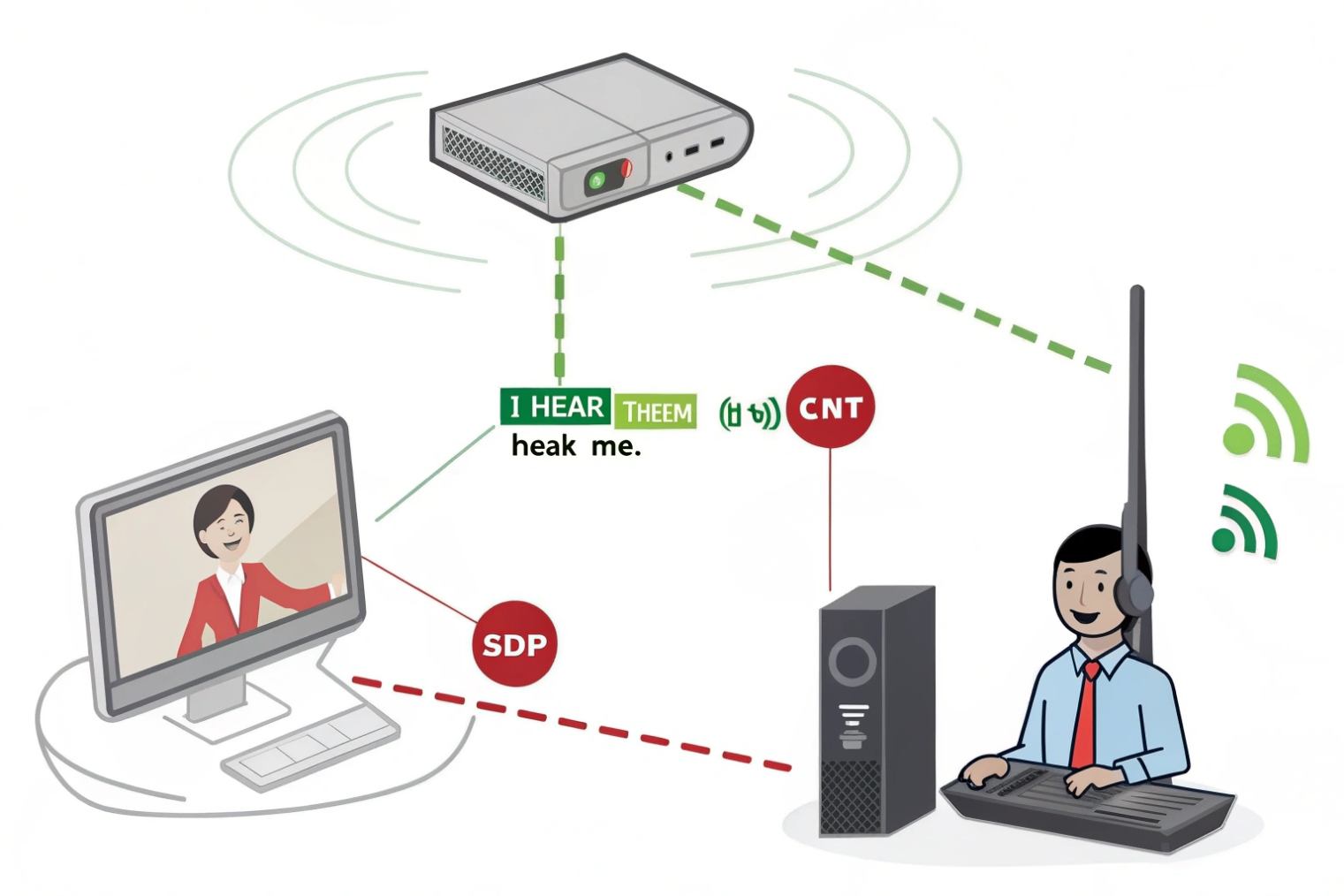
One-way audio happens when SIP signaling succeeds but RTP can only travel in one direction due to NAT mappings, wrong SDP addresses, blocked UDP ports, or SIP ALG rewriting headers incorrectly in a double NAT path.
The most common failure patterns
Inbound audio missing, outbound audio OK. Your endpoint can send RTP out, but the return RTP cannot find a valid mapping back through both NAT layers.
Audio drops after ~30–60 seconds. Often NAT pinholes timing out or SIP session refresh failing (UPDATE/re-INVITE/keepalive behavior differs by platform).
Transfers fail / park-retrieve breaks / hold-resume breaks. Transfers frequently change the RTP endpoints mid-call (new SDP, new ports). Double NAT increases the chance the new mapping does not line up, so the transferred leg has dead audio or fails to connect.
SIP ALG makes double NAT worse
SIP Application Layer Gateway (SIP ALG) 4{#ref-5} tries to “help” by modifying SIP packets. In practice, it often breaks them—especially when two devices are trying to rewrite headers/SDP. Result: calls that work only to some destinations, or only from one side.
How to confirm it is double NAT fast
A quick check is your router’s WAN IP:
- If WAN IP is public, you likely have single NAT.
- If WAN IP is private (like
192.168.x.x,10.x.x.x,172.16–31.x.x), you are in RFC1918 private address space 5{#ref-2} and there is another NAT upstream.
Then confirm the path:
- Phone → inner router → ISP gateway → internet
| Symptom | Likely cause inside double NAT | What to check first |
|---|---|---|
| One-way audio | RTP return path blocked | WAN IP is private, UDP timeouts, firewall rules |
| No inbound calls | Inbound INVITE cannot reach endpoint | Port forwards, NAT pinholes, PBX reachability |
| BLF/MWI stuck | NOTIFY blocked inbound | Firewall “unsolicited” traffic, NAT binding time |
| Drops on transfer | Re-INVITE changes RTP ports | ALG, NAT mapping stability |
| Works on LAN only | NAT traversal fails offsite | SBC/ICE support, NAT keepalives |
How can I fix double NAT—bridge mode, DMZ, static routes, or UPnP off?
Most fixes are about one goal: remove one NAT layer. If that is not possible, then control the damage by making NAT behavior predictable.
The best fix is to eliminate one NAT layer using bridge mode or access-point mode. If you cannot, use a DMZ to your VoIP router, disable SIP ALG and UPnP, and stabilize NAT timers and routing.
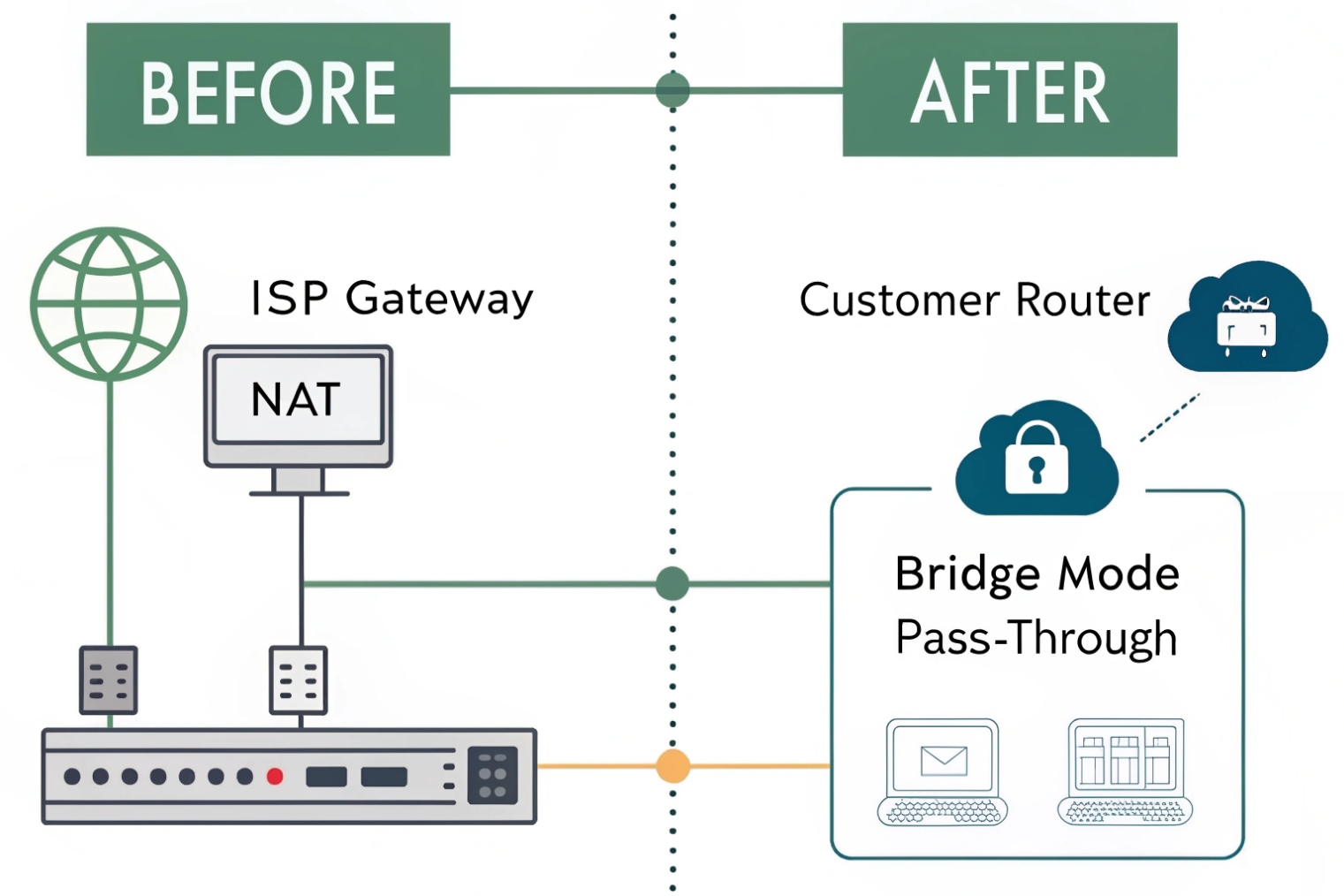
Fix option 1: Put the ISP gateway in bridge mode (best)
Bridge mode turns the ISP device into a modem. Your own router/firewall becomes the only NAT device. This usually fixes inbound SIP/RTP issues immediately and makes troubleshooting simpler.
Watch-outs:
- Bridge mode may disable ISP Wi-Fi (often fine in business networks).
- You may need PPPoE credentials or VLAN tagging, depending on the carrier.
- Your router must handle the public IP and firewall rules.
Fix option 2: Put your second router into AP mode (also best)
If the ISP gateway must stay as the router, convert the downstream router to Access Point mode (no NAT, no DHCP). This removes double NAT without needing bridge mode.
Fix option 3: DMZ to the downstream router (damage control)
If you cannot disable NAT on either device, DMZ can help by forwarding inbound traffic from the ISP gateway to the WAN IP of your VoIP router. It reduces inbound blockage, but it still leaves two NAT layers. Treat it as a workaround.
If you use DMZ:
- Disable SIP ALG on both devices.
- Disable UPnP on both devices.
- Harden the downstream firewall and admin access.
- Use strong SIP credentials and rate limits.
Fix option 4: Static routes (special cases)
Static routes can solve reachability between the two private subnets, but they do not remove NAT. For SIP trunks over the internet, static routes alone rarely fix one-way audio.
Why UPnP off is usually the right call
UPnP opens ports automatically. In voice networks it’s unpredictable and unsafe, and it can create conflicting mappings across two NAT layers. For VoIP, predictable policies beat automatic holes.
| Fix method | Best when | VoIP benefit | Main downside |
|---|---|---|---|
| ISP bridge mode | You control the edge firewall | Removes double NAT fully | Requires edge-router ownership |
| Router AP mode | ISP gateway must route | Removes double NAT fully | Less control on ISP gateway features |
| DMZ to router | No other option | Improves inbound reach | Still double NAT, more risk |
| Port forwards on both | Emergency workaround | Can allow some inbound flows | Hard to maintain, still fragile |
| Static routes | Controlled internal routing need | Helps internal reach | Does not solve NAT for internet paths |
Should I use STUN, TURN, or an SBC to handle double NAT?
Sometimes you cannot change the ISP equipment (multi-tenant buildings, retail chains, temporary sites). In those cases, NAT traversal tools can keep VoIP stable—but each has limits.
STUN can help endpoints discover their public mapping, TURN can relay media when direct RTP fails, and an SBC is the most reliable business option because it anchors signaling and media and controls NAT behavior.
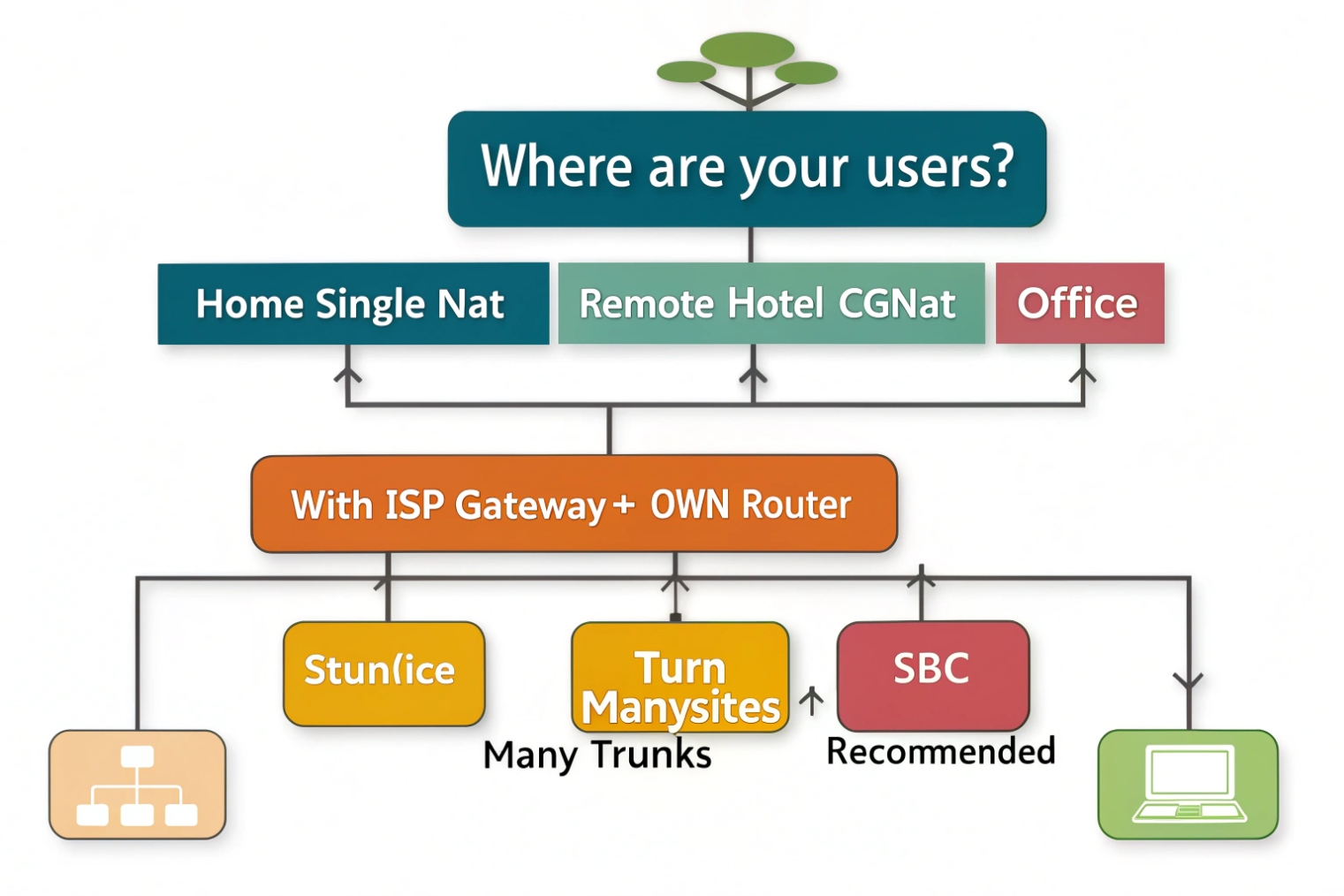
When STUN helps (and when it doesn’t)
STUN 6{#ref-6} helps the endpoint learn “what the internet sees.” With double NAT it may still work, but reliability drops if the outer NAT is symmetric or changes mappings often. STUN also doesn’t fix strict inbound firewall behavior—it improves discovery, not permission.
TURN is the safety net for media
TURN relays RTP through a reachable server, so both sides send media to TURN instead of directly to each other. This can eliminate one-way audio on hostile networks. Trade-off: added bandwidth cost and added latency (important to test for doors/intercom talk-over).
ICE is the “try best path first” strategy
Many modern softphones and WebRTC clients use ICE (STUN+TURN candidates), which is often the most practical approach for remote users behind unknown networks.
SBC is the business-grade answer
A Session Border Controller (SBC) 7{#ref-7} (your own, or your provider’s) makes NAT traversal boring by:
- Keeping SIP sessions pinned (often with TCP/TLS)
- Anchoring media so RTP has a stable, known path
- Enforcing policy (TLS/SRTP, rate limits, fraud controls)
- Managing keepalives and timers consistently
For multi-site and mixed endpoints, an SBC is usually the cleanest long-term solution.
| Option | What it solves well | What it does not solve | Best fit |
|---|---|---|---|
| STUN | Address discovery | Strict/symmetric NAT, inbound blocks | Small sites, simple NAT |
| TURN | Media reachability | Adds relay cost and latency | Remote users, unknown networks |
| ICE (STUN+TURN) | Best-path selection | Needs client support | Softphones and WebRTC users |
| SBC | Signaling + media stability + security | Requires design and licensing | Business VoIP, multi-site, SIP trunks |
Conclusion
Double NAT is two layers of address translation that confuse SIP and RTP. Remove one NAT if possible (bridge mode or AP mode). If not, disable SIP ALG/UPnP, stabilize timers, and consider TURN/ICE or (best for business) an SBC to keep signaling and media predictable.
Footnotes
-
NAT overview and why address/port rewriting breaks reachability for VoIP without stable mappings. ↩ ↩
-
Explains SDP fields that advertise media IP/ports—often the source of one-way audio under NAT. ↩ ↩
-
RTP standard reference for how real-time voice media is transported (and why UDP loss hurts). ↩ ↩
-
Why SIP ALG rewrites SIP/SDP and commonly causes failures—especially with two NAT devices. ↩ ↩
-
Defines RFC1918 private IP ranges used to quickly confirm an upstream NAT exists. ↩ ↩
-
STUN standard describing public mapping discovery for clients behind NATs. ↩ ↩
-
SBC functions and terminology for anchoring SIP/RTP and enforcing edge policy predictably. ↩ ↩








