
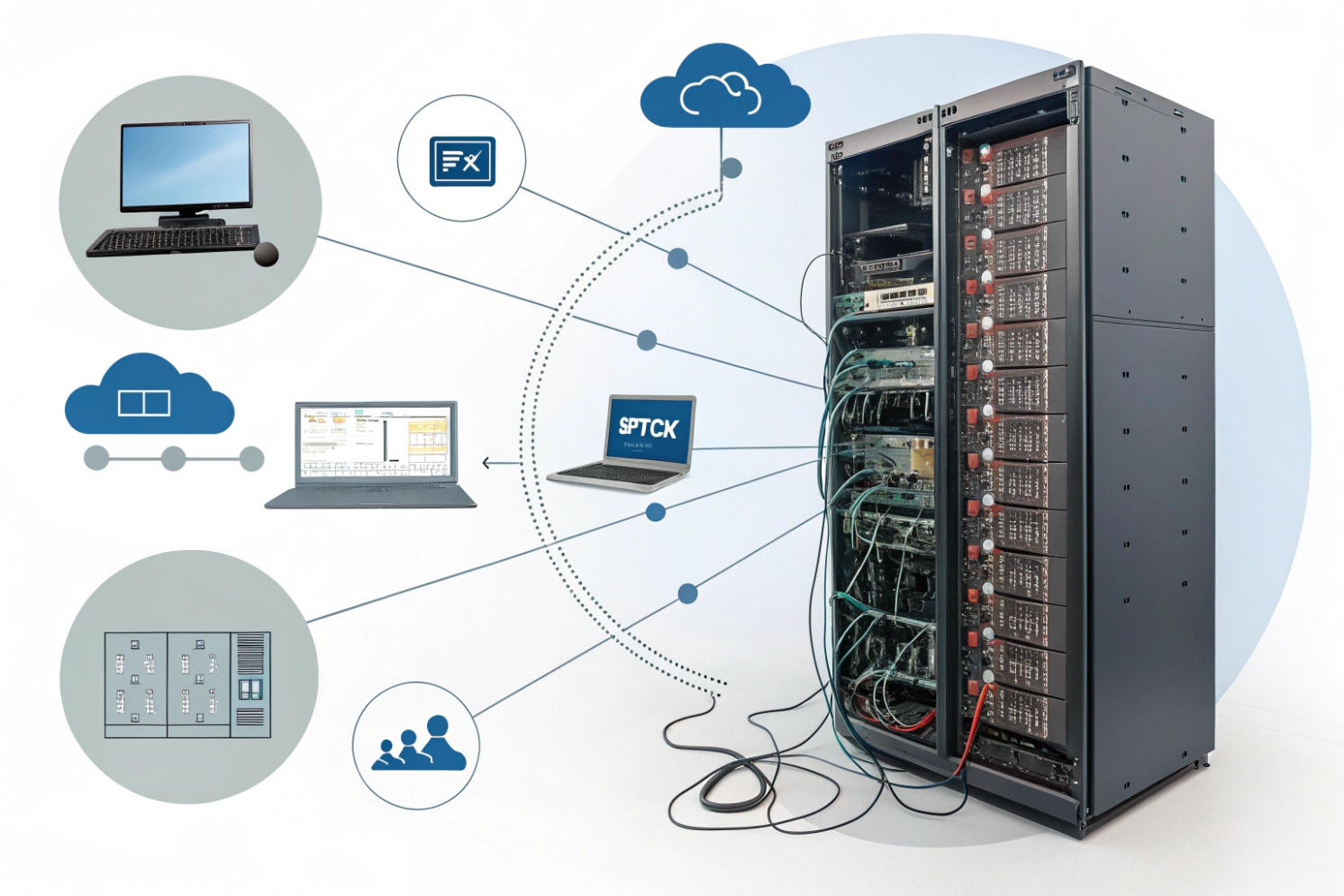
Dropped calls and messy transfers usually come from a PBX that is hard to manage or hard to scale. That pain grows fast when teams go remote or add more sites.
Hosted PBX is a provider-run phone system in the cloud. Your SIP phones, softphones, and intercoms register over the internet, while the provider hosts call control, features, and PSTN connectivity.
Hosted PBX 1{#fnref1} is basically “PBX as a service.” The provider runs the core, and you focus on endpoints, numbers, call flows, and network readiness. The key trade is control versus convenience—and that trade can be worth it when the rollout needs speed and predictable operations.
How does hosted PBX differ from on-prem IP PBX and UCaaS?
PBX choices feel simple until the first outage or the first feature request. Then the real differences show up in support, control, and how fast changes happen.
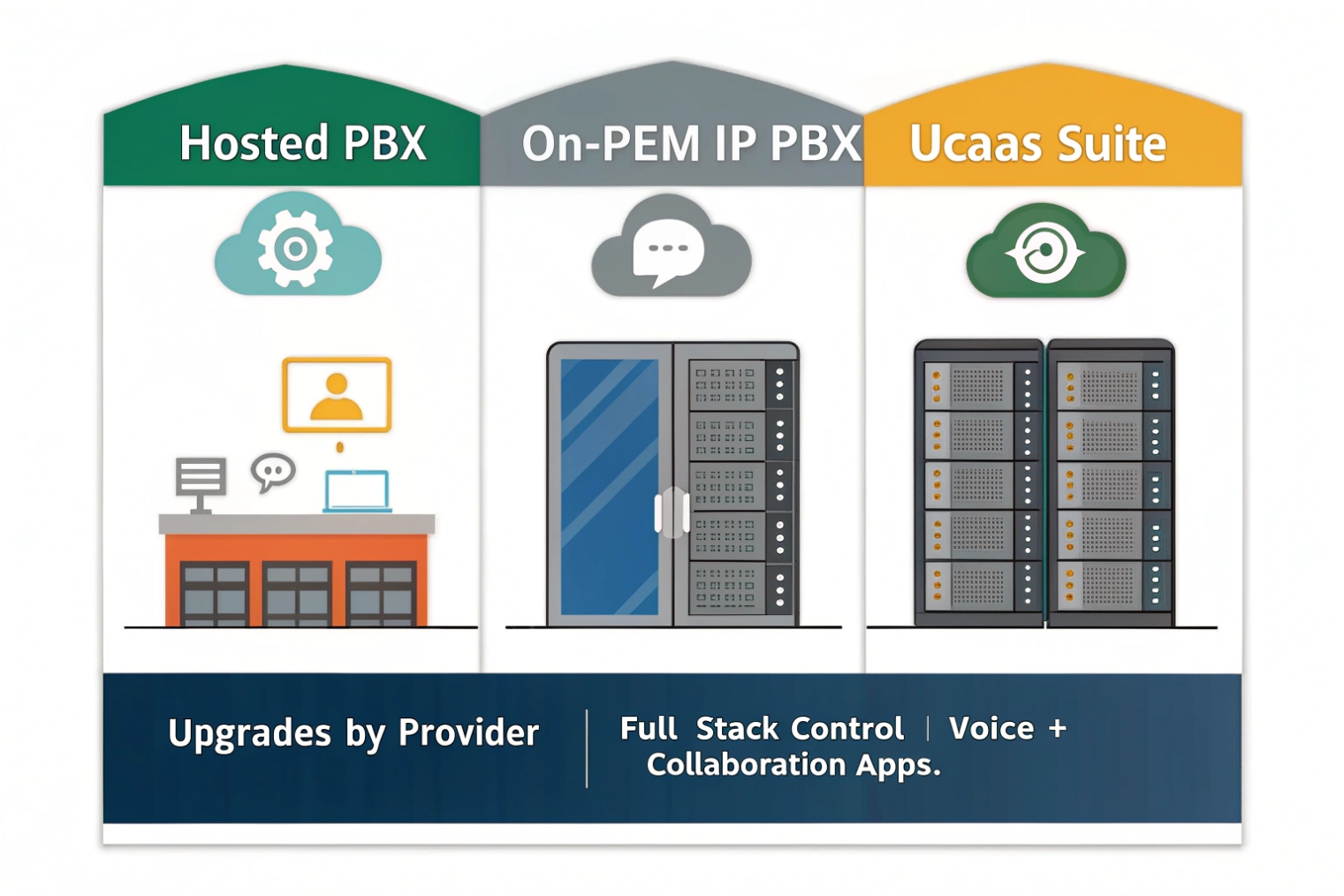
Hosted PBX runs your PBX in the provider cloud. On-prem IP PBX runs on your own server or appliance. UCaaS usually bundles hosted voice with chat, meetings, and apps, so “PBX” becomes one part of a larger suite.
Where the “PBX brain” lives
Hosted PBX means registration, routing, voicemail, and many features live in provider data centers. Your devices reach that service across your internet carrier. On-premises IP PBX 2{#fnref2} keeps the brain on your LAN, which can reduce internet dependency for internal calling and allow deeper control over routing/integrations.
Hosted PBX is often multi-tenant. That can bring scale and faster upgrades, but it also means feature changes arrive on the provider schedule. On-prem updates happen when your team decides, which improves control but increases workload and maintenance risk.
Quick comparison table
| Topic | Hosted PBX | On-prem IP PBX | UCaaS |
|---|---|---|---|
| Ownership | Provider runs platform | You run platform | Provider runs suite |
| Scaling | Fast user adds | Capacity planning needed | Fast, but plan limits |
| Custom dial plans | Medium (platform limits) | High | Medium (varies) |
| Internet dependency | High | Medium | High |
| Best fit | Multi-site + remote teams | Strict local control | “One app” collaboration teams |
If you’re comparing suites, Unified Communications as a Service (UCaaS) 3{#fnref3} is the category label many vendors use for “voice + meetings + messaging” bundles.
Can hosted PBX support SIP trunks, DIDs, E911, and number porting?
Many buyers assume hosted PBX means “no SIP trunks.” Others assume it means “bring any carrier.” Both assumptions can be wrong depending on the platform.
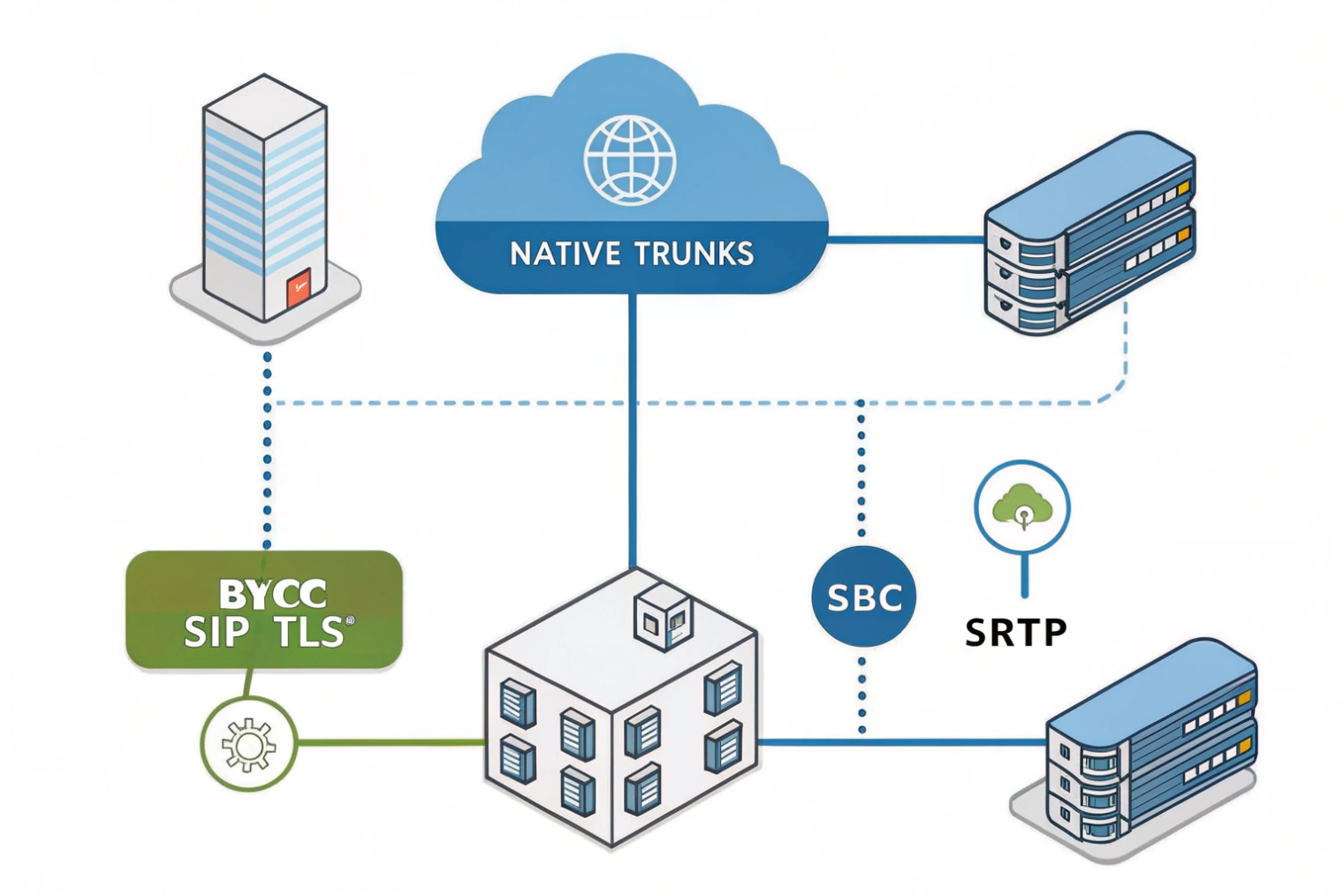
Hosted PBX usually supports DIDs, E911, and number porting, and it may support SIP trunks either as bundled trunks from the provider or as BYOC trunks through an SBC, based on region and vendor design.
Two common PSTN models
Bundled PSTN model: provider supplies numbers + routing. Simplest for rollout and usually simplest for E911.
BYOC model: you connect your own Bring Your Own Carrier (BYOC) SIP trunks 4{#fnref4} (often via SBC). Best when you need special coverage, pricing, or routing control.
What to validate early (before you migrate numbers)
| Item | What to confirm | Why it matters | Common miss |
|---|---|---|---|
| SIP trunks | Bundled or BYOC | Routing control + redundancy | Choosing a plan that blocks BYOC |
| DIDs | Cities/rate centers | Local presence | Assuming “global” equals local |
| E911 | Address binding model | Compliance + safety | One DID used across many sites |
| Porting | FOC handling + cutover support | Protect inbound calls | No cutover plan/testing |
| Survivability | Failover options | Business continuity | No backup route during ISP outage |
For BYOC designs, the boundary device is typically a Session Border Controller (SBC) 5{#fnref5}, which anchors signaling/media and enforces edge policy.
What features do I get—IVR, queues, recording, WebRTC, and analytics?
Features sell hosted PBX. Operations keep hosted PBX. A feature list matters only if it matches your call flows and reporting needs.
Hosted PBX commonly includes IVR/auto-attendant, ring groups and queues, call recording, softphones, and analytics; many platforms add WebRTC so users and guests can join calls in a browser.
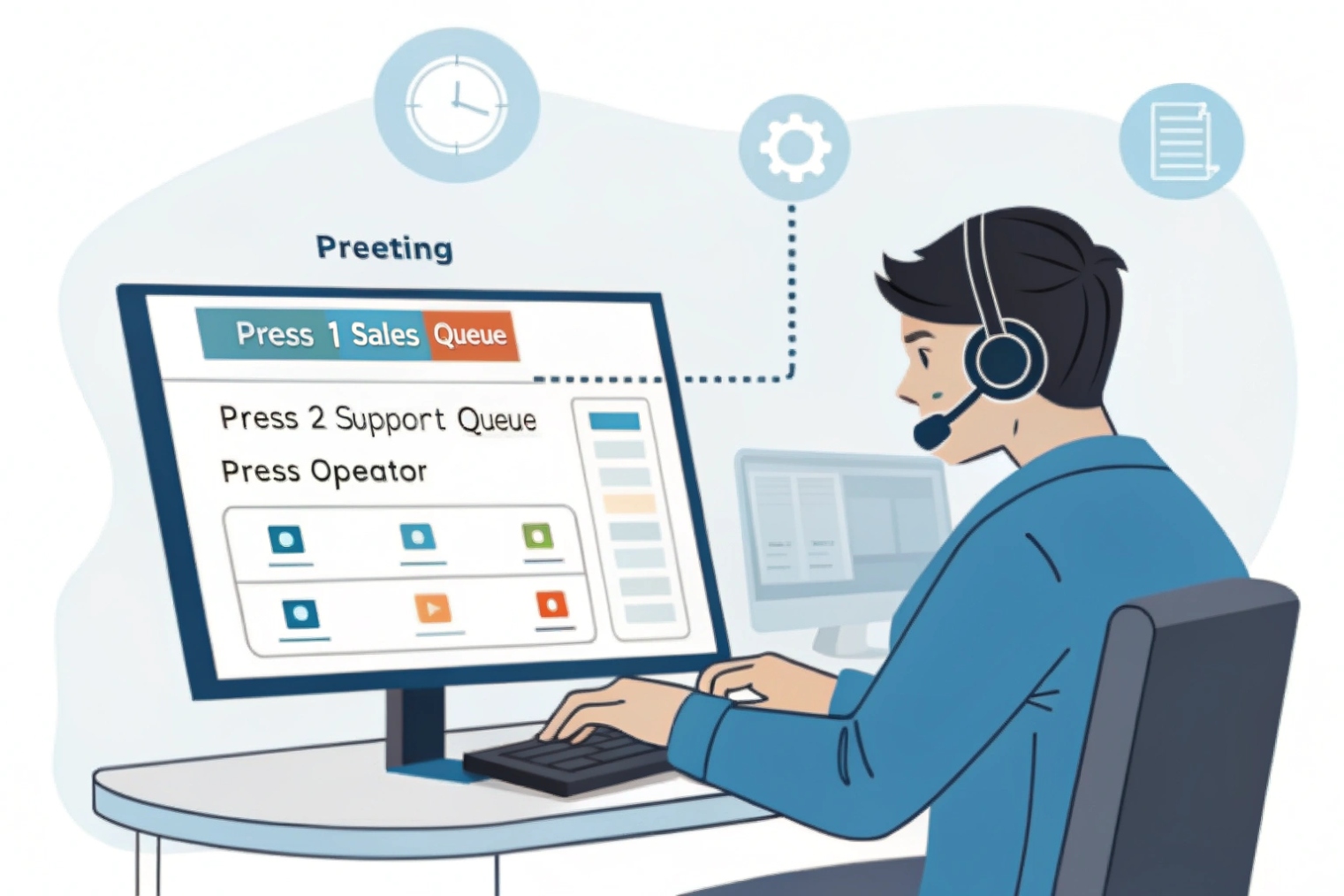
Many platforms now support WebRTC browser-based calling 6{#fnref6}, which can reduce client installs for remote users and guest scenarios—assuming your NAT/firewall path is compatible.
What to confirm for each feature
| Feature | What to ask | Why it matters | Red flag |
|---|---|---|---|
| IVR | Time rules + failover | Avoids dead ends | No schedule support |
| Queues | Overflow + states + reports | Better service levels | No agent state logic |
| Recording | RBAC + retention + export | Compliance + privacy | Everyone can download |
| WebRTC | Browser join + TURN policy | Remote/guest access | Works only on “good networks” |
| Analytics | API/export + real-time view | Ops + billing | Reports not exportable |
How do I secure hosted PBX—TLS, SRTP, MFA, roles, and backups?
Hosted PBX reduces server work, but increases identity risk. A stolen admin login can reroute calls, export recordings, and create fraud costs quickly.
Secure hosted PBX by enforcing TLS for SIP signaling and SRTP for media, requiring MFA for admins and remote users, using role-based access, and keeping backups/exports encrypted and isolated from normal admin accounts.
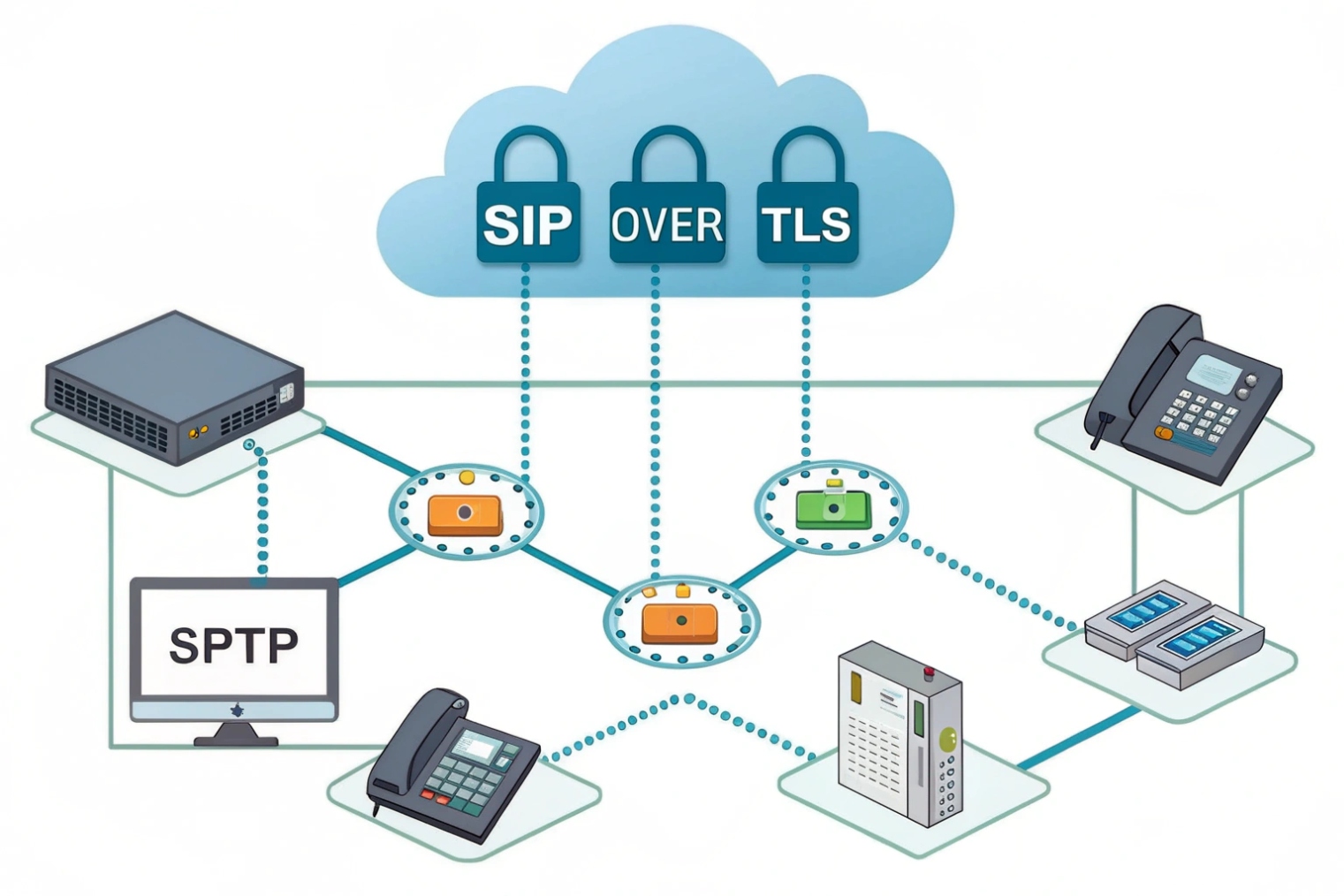
For voice privacy over untrusted networks, require Secure Real-time Transport Protocol (SRTP) 7{#fnref7} wherever endpoints support it, and keep admin access locked down with MFA and least-privilege roles.
Security checklist (the “boring but essential” items)
| Control | What to enforce | What it prevents | Simple test |
|---|---|---|---|
| TLS | SIP over TLS | Credential sniffing | Confirm TLS transport in logs |
| SRTP | Require SRTP where supported | Media interception | Verify SRTP negotiated |
| MFA | Mandatory for admins | Account takeover | Attempt login without MFA |
| RBAC | Least privilege roles | Accidental/malicious change | Verify role can’t edit trunks/IVR |
| Alerts | Fraud + config-change alerts | Silent abuse | Trigger a test alert |
| Backups/exports | Encrypted + isolated | Deletion/ransomware risk | Restore a sample dataset |
Conclusion
Hosted PBX is a provider-managed PBX in the cloud. It speeds scaling and reduces local maintenance, but it depends on good internet performance and strong identity/security controls to stay reliable.
Footnotes
-
Overview of hosted PBX and how cloud-hosted call control differs from an on-prem PBX. ↩ ↩
-
Explains what an IP PBX is and why LAN-hosted call control changes survivability and customization options. ↩ ↩
-
Defines UCaaS bundles so you can compare “voice-only” hosted PBX against full collaboration suites. ↩ ↩
-
BYOC trunking concept and architecture notes for connecting your own carrier into a hosted platform. ↩ ↩
-
IETF terminology for SBC functions that stabilize SIP/RTP and enforce security at the VoIP edge. ↩ ↩
-
Practical WebRTC basics to understand browser calling requirements, NAT traversal needs, and compatibility constraints. ↩ ↩
-
SRTP standard for media encryption so you can validate provider and endpoint support realistically. ↩ ↩








