
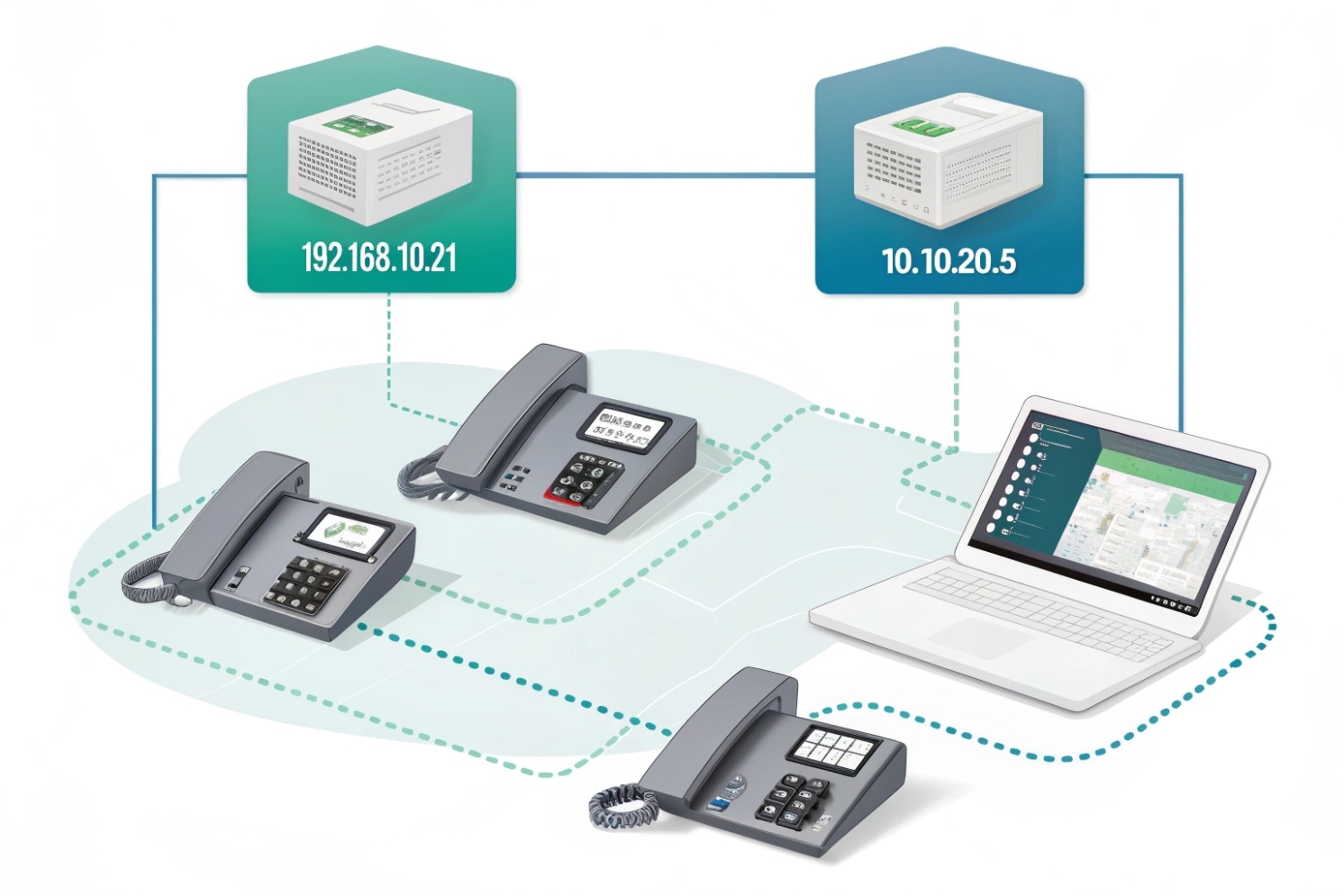
Calls get choppy, phones fail to register, and everyone blames the SIP server. Many times the real problem is simple: devices cannot reach each other reliably on IP.
An IP address is a network identifier that lets devices send packets to the right destination. In VoIP, correct IP addressing is the base for SIP signaling, RTP media, and stable provisioning across phones and intercoms.
IP is the “postal system” of your network. Once the addressing plan is clear, troubleshooting becomes faster because every VoIP symptom can be tied back to reachability, routing, or name resolution—and it all ultimately traces back to the Internet Protocol (IP) specification 1.
What’s the difference between public and private IP addresses?
VoIP works inside the office, then breaks from remote sites. Inbound audio fails, or SIP trunks act unstable. This is often where public and private IPs get mixed up.
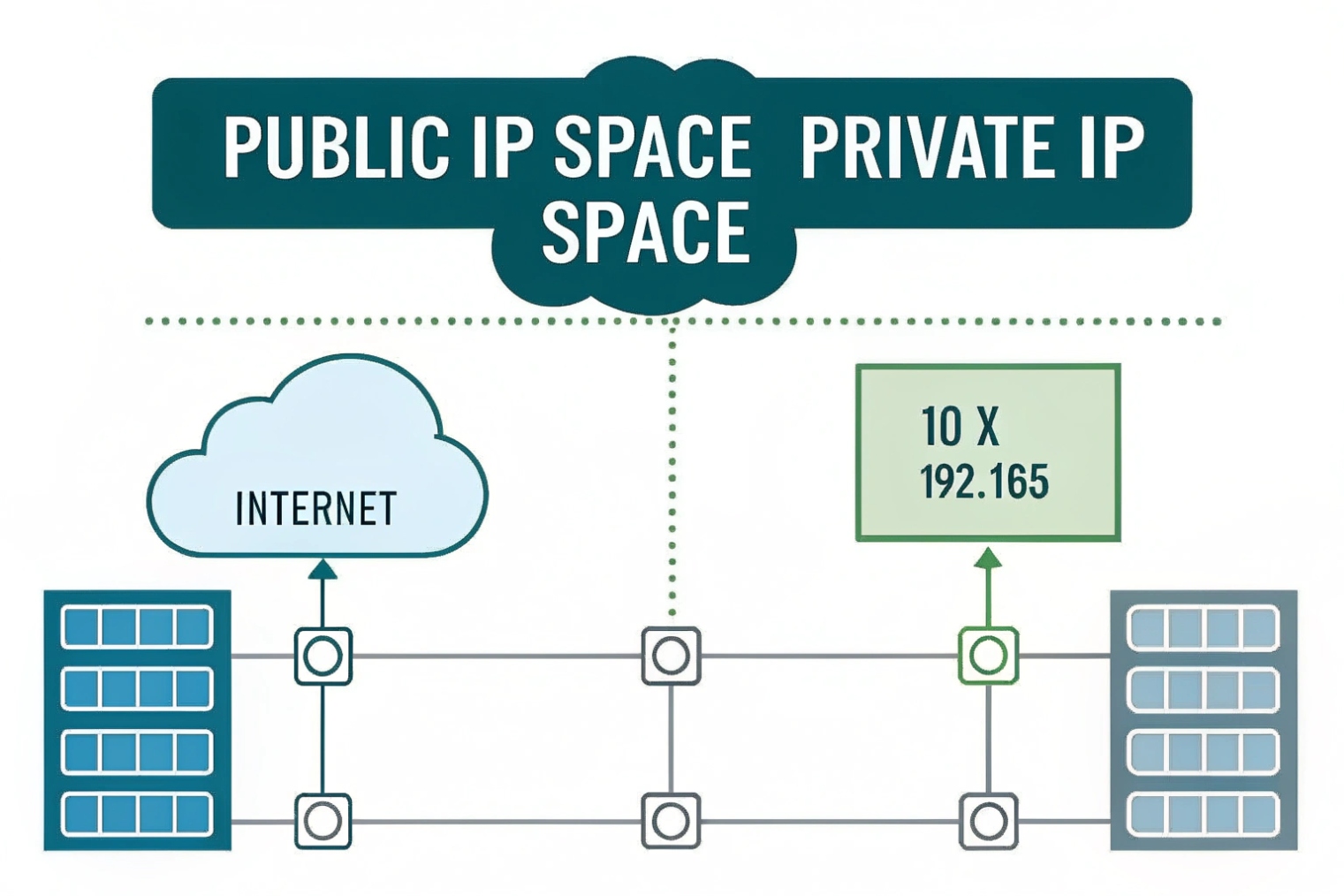
Public IPs are globally routable on the internet. Private IPs are used inside your LAN and usually reach the internet through NAT. VoIP issues appear when NAT or firewalls block SIP or RTP.
Public IP addresses
A public IP is reachable on the internet. It is what your ITSP, cloud PBX, or remote users “see” when they connect to your network. If you run an on-prem PBX or an SBC, a stable public IP makes SIP trunks and remote registrations much easier. It also makes firewall rules and allow-lists clean, because the address does not change.
Private IP addresses
Private IPs are used inside your building. Common ranges are 10.0.0.0/8, 172.16.0.0/12, and 192.168.0.0/16—officially defined as the RFC 1918 private IP address ranges 2. Phones and intercoms almost always use private IPs on the LAN. These addresses are not routed on the internet. So they need NAT at the edge router to reach external services.
NAT and why VoIP cares
NAT rewrites addresses and ports. That is fine for web browsing. But SIP and RTP can fail when:
- SIP messages carry internal IPs in headers or SDP
- NAT mappings time out too fast for UDP
- Firewalls block inbound RTP ports
- SIP ALG “helps” by rewriting packets in the wrong way
For hosted PBX and ITSP trunks, the safer design is usually one clean NAT layer using Traditional NAT 3 behavior, predictable firewall rules, and stable public IPs where possible. If the site is behind carrier-grade NAT (CGNAT) 4, inbound connections become harder and some trunk models may fail without SBC or TURN support.
| Item | Public IP | Private IP |
|---|---|---|
| Routable on internet | Yes | No |
| Used by | Edge routers, SBCs, cloud services | Phones, intercoms, PBX LAN interfaces |
| Needs NAT to reach internet | No | Yes |
| Common VoIP risk | Exposure if not firewalled | SIP/RTP breakage through NAT |
| Best practice | Restrict with firewall and allow-lists | Use VLANs, DHCP reservations, and clear routing |
How do IPv4 and IPv6 affect SIP phones and intercoms?
Some devices register fine on IPv4 but fail on IPv6 networks. Others behave differently on dual-stack LANs. This creates “random” issues that are not random at all.
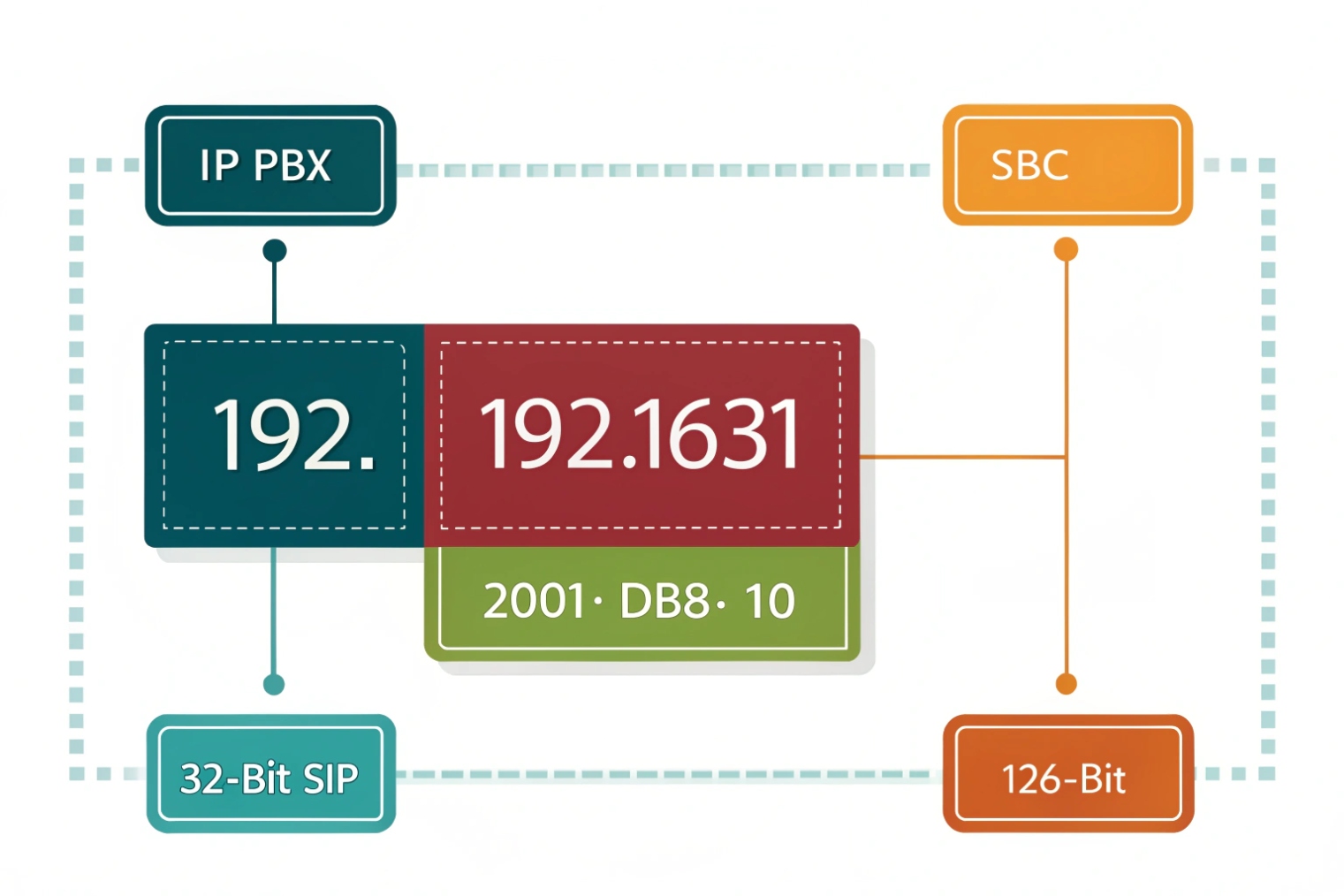
IPv4 uses 32-bit addresses and often relies on NAT. IPv6 uses 128-bit addresses and typically avoids NAT. SIP endpoints must support the IP version used for DNS, routing, and trunk connectivity.
What changes with IPv6
IPv6 gives every device a globally unique address in many designs. That can reduce NAT problems and simplify end-to-end reachability. It can also introduce new operational steps: IPv6 DNS (AAAA records), IPv6 firewall rules, and device support validation. In VoIP, the biggest practical question is not “IPv6 is better.” The real question is “Does every part of the call path support it?” The IPv6 specification 5 is the reference point when you need to validate what “support” really means.
A typical SIP call path can include:
- Phone or intercom endpoint
- Access switch and voice VLAN
- Router and firewall
- PBX or cloud PBX
- ITSP SBC and media relays
If any one of these components is IPv4-only, the deployment becomes mixed. Dual-stack can work well, but it needs policy. Some endpoints prefer IPv6 when it is available. If the PBX or provisioning server is IPv4-only, that preference can cause delays or failures.
SIP trunks and carrier reality
Many SIP trunk services still operate primarily on IPv4, even if the enterprise LAN is dual-stack. So it is common to run internal voice devices on IPv4 while testing IPv6 in parallel. For intercom deployments that must be simple and stable, IPv4 remains the default choice unless the project has a strong IPv6 requirement.
DNS and registration behavior
SIP endpoints often connect to a domain name like sip.company.com. DNS may return:
- A record (IPv4)
- AAAA record (IPv6)
If both exist, the endpoint chooses one based on its own logic. This is why a phone can behave differently than an intercom on the same LAN.
| Topic | IPv4 | IPv6 |
|---|---|---|
| Address size | 32-bit | 128-bit |
| NAT usage | Very common | Often avoided |
| VoIP benefit | Mature support everywhere | Cleaner end-to-end paths when supported |
| Common risk | NAT traversal issues | Partial support across endpoints and carriers |
| Best fit today | Most SIP phones/intercoms and trunks | Dual-stack networks with verified endpoint support |
A simple deployment rule
If the provider and the PBX are IPv4, keep endpoints IPv4 for consistency. If the whole stack supports IPv6, then dual-stack is fine, but lock down DNS, firewall rules, and endpoint preference so devices do not “flip” paths unpredictably.
Should I use DHCP or static IPs for VoIP devices?
Phones move desks. Intercoms get replaced. Techs swap switches. If every device is static, the admin work grows fast. If everything is DHCP without control, addresses can drift and break policies.
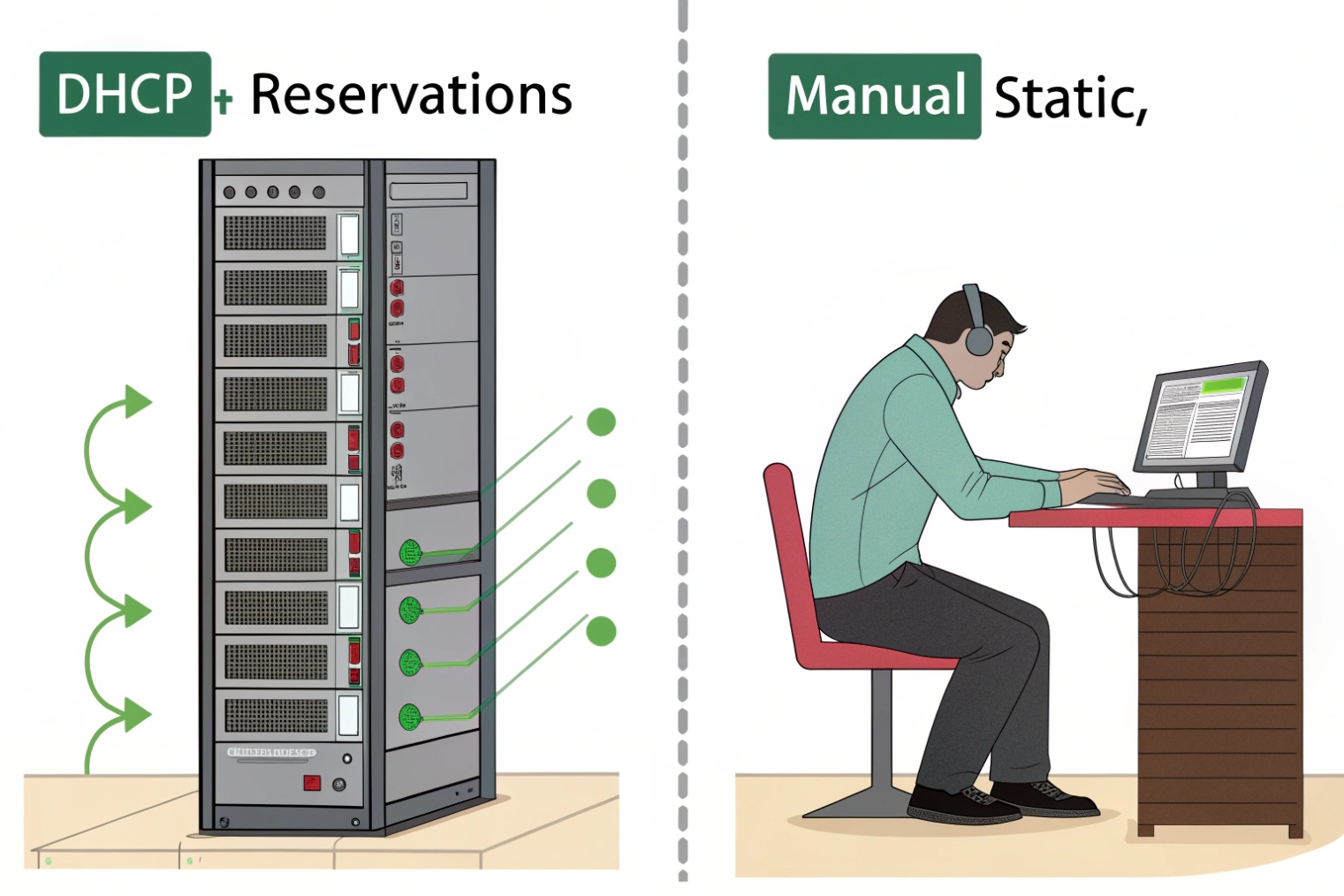
DHCP is usually best for VoIP endpoints when paired with DHCP reservations. Use static IPs for key infrastructure like PBX servers, SBCs, and gateways. The goal is stable identity with low operational effort.
DHCP for scale and speed
DHCP assigns an IP automatically. This is ideal for large fleets of SIP phones and intercoms because it reduces manual mistakes. DHCP also supports options used in VoIP, like:
- NTP server
- DNS server
- Provisioning server address (vendor-specific options)
- VLAN discovery support when combined with LLDP-MED and voice VLAN settings
In real deployments, DHCP is not “unstable” by default. It becomes unstable when leases change and devices are not pinned to consistent addresses.
DHCP reservations are the practical middle ground
A reservation ties a device MAC address to a fixed IP inside the DHCP system. This gives the operational ease of DHCP with the predictability of static addressing. It also makes replacements simple: if a device is swapped, the reservation can move with it, and the new unit gets the expected IP.
For SIP intercoms and emergency endpoints, reservations are often the safest choice because:
- Monitoring systems expect consistent IPs
- Firewall rules and allow-lists stay clean
- Provisioning templates can target a stable endpoint
Static IP for core services
Static IPs make sense for infrastructure that other devices must always find:
- PBX server or IP-PBX appliance
- SBC and SIP proxy
- Recording server storage target
- On-prem provisioning server
- Network gateways and DNS resolvers
Static IPs also simplify troubleshooting because the address never depends on a DHCP server being reachable.
| Device type | Recommended method | Why |
|---|---|---|
| SIP phones | DHCP + reservation | Easy rollout, stable identity |
| SIP intercoms | DHCP + reservation (often) | Stable monitoring and policies |
| PBX/SBC/gateway | Static IP | Core service must be predictable |
| Test devices | DHCP | Quick lab work |
| Remote sites | DHCP + central templates | Faster field deployment |
A simple addressing policy that works
Use a dedicated voice VLAN with its own DHCP scope. Reserve addresses for fixed endpoints. Keep a small “static range” for infrastructure. Document the plan once, then apply it everywhere. If you need protocol-level details for lease behavior and options, anchor your policy to the Dynamic Host Configuration Protocol (DHCP) 6 standard instead of vendor folklore.
How do IP conflicts cause SIP registration or call issues?
Everything looks correct in the PBX, but phones randomly drop, or only one device rings. The logs look messy. This is a classic IP conflict pattern.
An IP conflict happens when two devices use the same IP address. This breaks ARP resolution and causes traffic to land on the wrong device, leading to failed SIP registration, one-way audio, dropped calls, and provisioning errors.
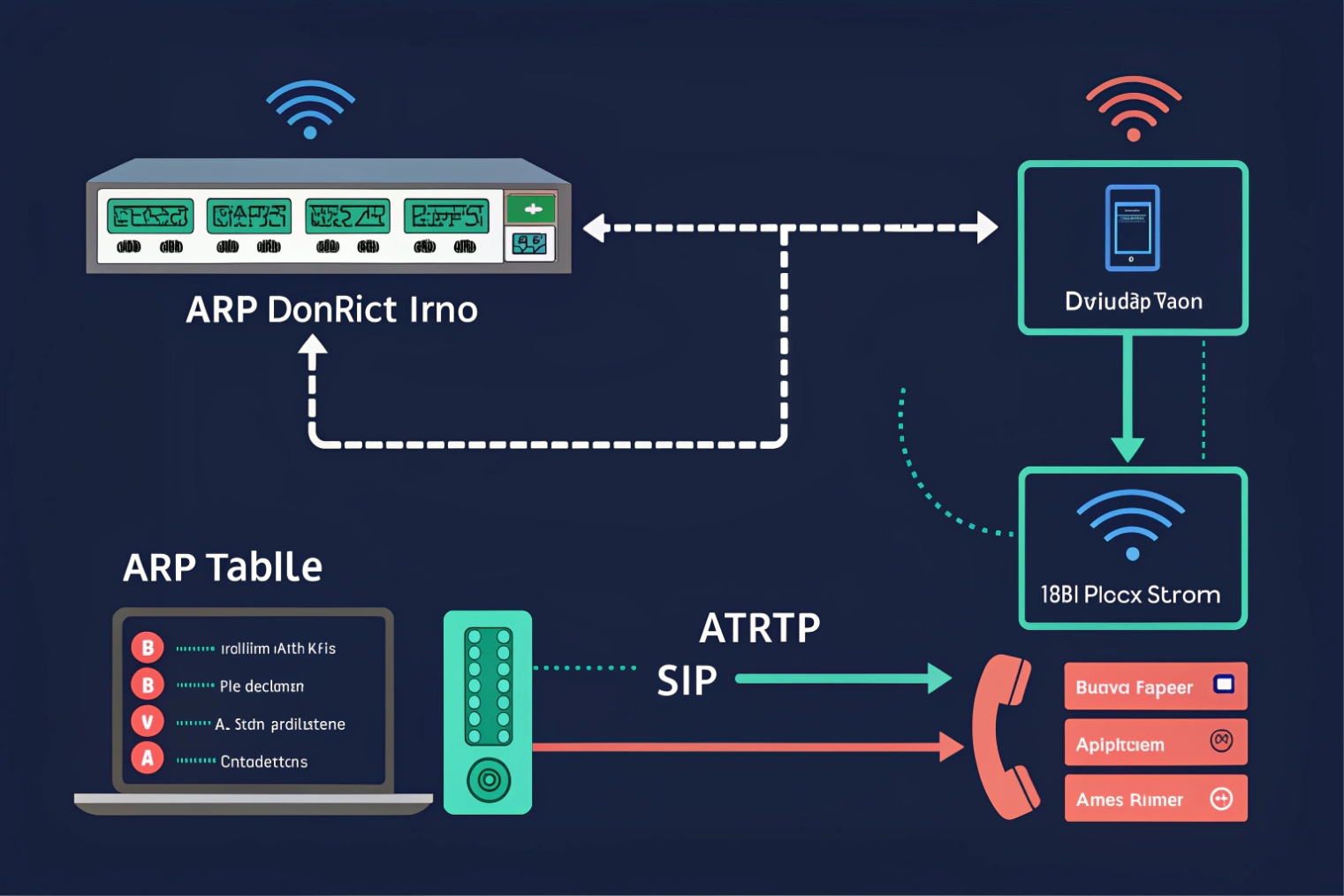
Why conflicts hurt VoIP faster than normal apps
A web browser can retry quickly and hide a problem. SIP endpoints maintain sessions, registrations, and media streams that depend on stable reachability. When two devices share one IP:
- The switch and router learn the wrong MAC for that IP (ARP flapping)
- SIP REGISTER messages might reach one device, while responses go to the other
- RTP streams can be sent to the wrong endpoint
- Provisioning downloads can fail or pull the wrong config
This is why conflict issues can look like “PBX bug” or “ITSP issue,” even though the root cause is local—specifically in Address Resolution Protocol (ARP) 7 behavior under duplicate addressing.
Common conflict causes in VoIP projects
- A tech sets a static IP that sits inside the DHCP pool
- An old intercom is replaced, but the old unit is still connected somewhere
- A phone uses a manually configured IP copied from another desk
- A DHCP server hands out an address that overlaps with another DHCP scope
- A site-to-site merge joins two networks with overlapping subnets
How to spot conflicts quickly
Symptoms often include:
- Phones that register, then drop, then re-register
- Only one of two devices works when both are powered on
- Random one-way audio that changes during the day
- PBX shows the wrong IP for the extension
- ARP tables showing the same IP mapping to different MACs over time
Fix pattern that stays clean
The stable fix is policy-based:
1) Put endpoints on DHCP with reservations
2) Keep static IPs outside DHCP scopes
3) Use IPAM or a simple spreadsheet to track reserved addresses
4) Use switch port descriptions for voice ports and intercom ports
5) Monitor ARP changes for key VoIP IPs
| Symptom | Likely conflict signal | Fast check | Fix |
|---|---|---|---|
| Flapping registration | ARP changes for phone IP | Check ARP table history | Move to DHCP reservation |
| One-way audio | RTP sent to wrong MAC | Packet capture or RTP counters | Remove duplicate IP device |
| Wrong device answers | PBX sees same IP for two users | PBX contact list | Assign unique IPs |
| Provisioning fails | HTTP/TFTP goes to wrong unit | Provisioning server logs | Clean DHCP scope boundaries |
A short story placeholder
On a site rollout, two intercoms shared the same static IP because an installer copied a template. Calls worked until both units were powered. Then registrations flipped every few minutes.
Conclusion
An IP address is how VoIP devices find each other and route packets. Clean public/private design, consistent IPv4/IPv6 policy, smart DHCP reservations, and zero IP conflicts keep SIP stable.
Footnotes
-
Read the foundational IP standard and field definitions that underpin routing and packet delivery. ↩ ↩
-
See the official private IPv4 ranges used inside LANs and why they are not internet-routable. ↩ ↩
-
Learn how NAT maps addresses/ports and why VoIP media paths can break when mappings time out. ↩ ↩
-
Understand CGNAT requirements and behaviors that affect SIP/RTP reachability for sites behind ISP-scale NAT. ↩ ↩
-
Reference the core IPv6 packet format and addressing model when validating endpoint and carrier IPv6 support. ↩ ↩
-
Review DHCP message flow and options so voice VLAN scopes and reservations stay predictable. ↩ ↩
-
See how ARP maps IP-to-MAC and why duplicate IPs cause flapping registrations and misdirected RTP. ↩ ↩








