
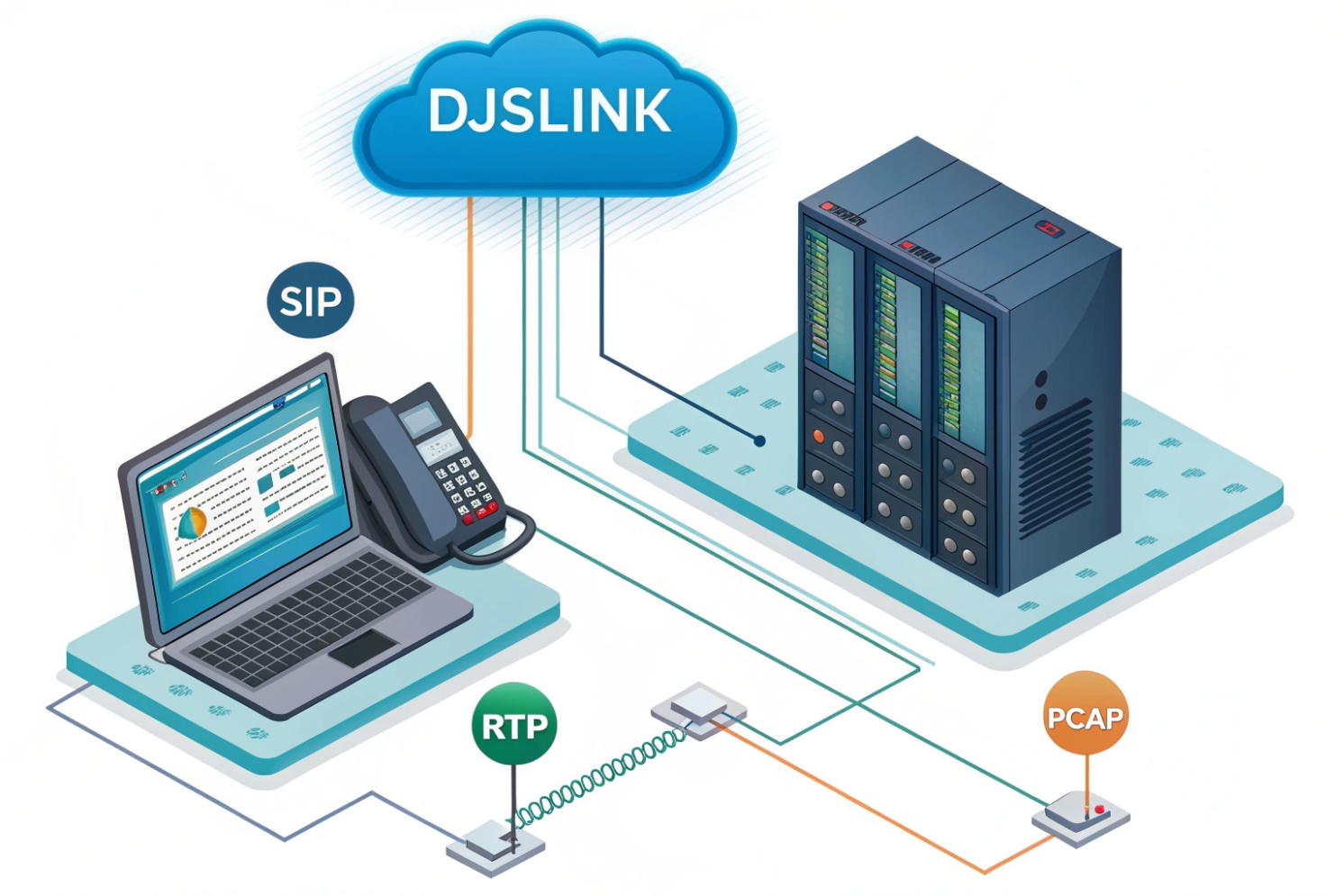
When a call breaks, guesses waste time. A PCAP gives proof. It shows every packet, in order, with times. It turns “maybe” into “here is why.”
A PCAP stores raw packets from a network interface. In VoIP it captures SIP signaling and RTP media, so I can trace call setup, codec choice, and audio path end to end.
A small, well-scoped capture beats a big log. With the right filters I find the invite, the SDP, the RTP streams, the loss, and the fix. In the sections below I show how to capture on phones, PBX, and switches, how to filter fast in Wireshark, how to read jitter and loss, and how to share captures safely.
How do I capture a PCAP on IP phones, PBX, or switches?
Problems often live on one hop. So I capture near the device that suffers. One clean capture tells more than five random ones.
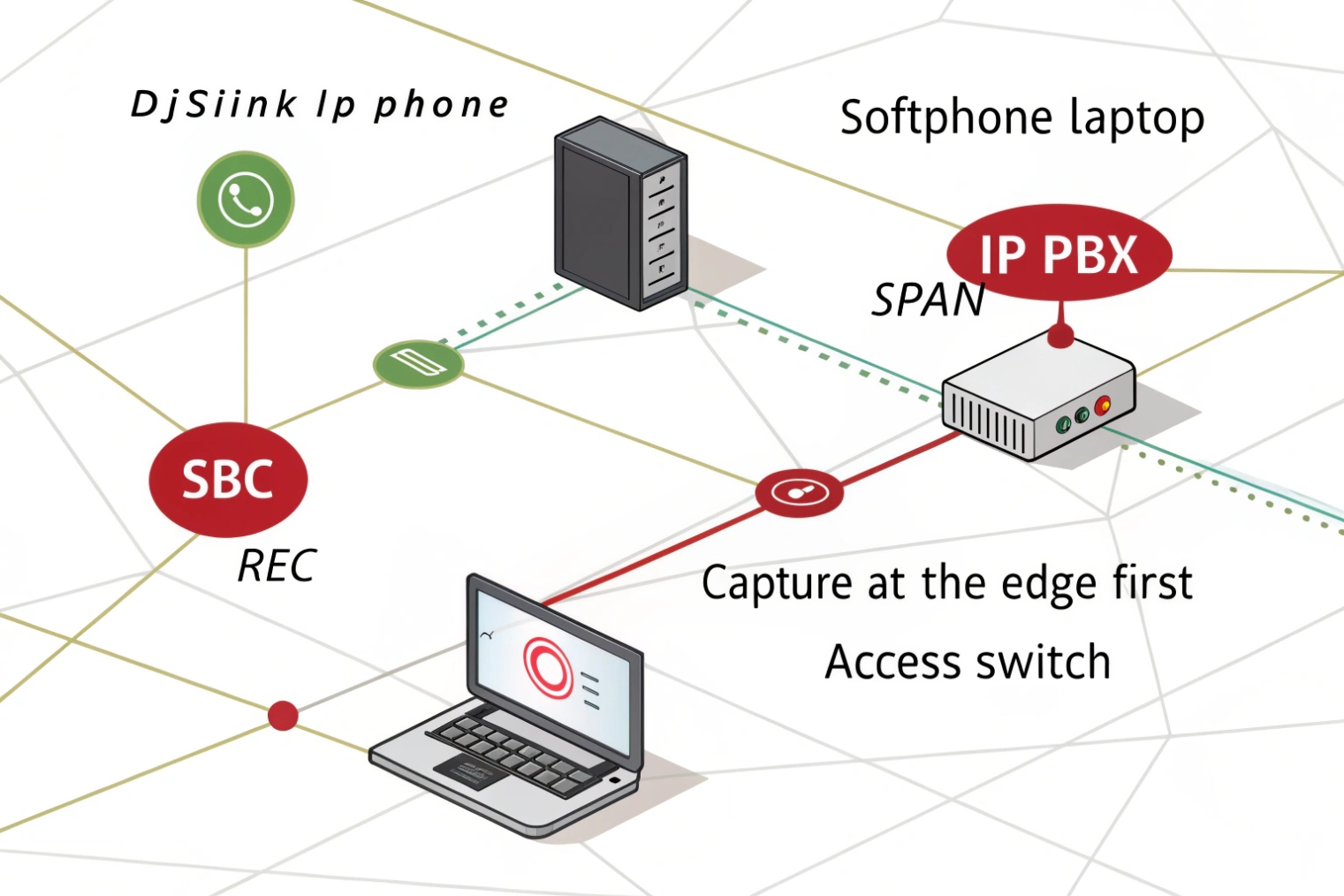
Capture at the edge first. Start on the phone or softphone. If not possible, use SPAN on the access switch or capture on the PBX/SBC. Keep scope tight and time short.
Where to capture and why
- IP phone / softphone: Best view of what the user sends and hears. You see real NAT bindings, DSCP marks, and local retries. Many phones export PCAPs from their web UI or support on-device traces.
- PBX / SBC / trunk edge: Good to prove if the issue is inside the LAN or beyond. You see SIP dialogs, SDP rewrites, media anchoring, and RTP pinholes.
- Access switch SPAN / mirror: Great when the phone cannot capture. Mirror the phone port to a laptop. You see both directions on that link. Cisco’s reference on configuring SPAN and RSPAN 1 is a solid starting point.
- TAPs / packet brokers: Best for long-term or high-fidelity jobs. No drops, hardware timestamps, multi-link capture.
Quick how-tos by platform
| Location | Steps |
|---|---|
| Windows softphone | Use Wireshark. Select the active NIC. Apply capture filter udp or tcp port 5060 to reduce noise. Stop after a single test call. |
| macOS/Linux | Use tcpdump: sudo tcpdump -i en0 -s 0 -w voip.pcap 'udp or tcp port 5060 or portrange 10000-40000' Then open in Wireshark. (Filter/capture options are covered in the tcpdump manual page 2.) |
| Asterisk/FreePBX | sudo tcpdump -i any -s 0 -w /tmp/asterisk-call.pcap 'port 5060 or portrange 10000-20000' Download via SCP. |
| 3CX/FreeSWITCH/SBCs | Most have a web “Capture” button or CLI pcap start. Limit to a single extension or trunk IP. |
| Cisco/HP/Aruba switch SPAN | Mirror the phone port to a laptop port. Example (Cisco): monitor session 1 source interface Gi1/0/10 and monitor session 1 destination interface Gi1/0/48. Capture on the laptop. |
| Phones (Poly/Yealink/Grandstream) | Phone web UI → Maintenance/PCAP → Start, place the call, Stop, download. If not available, enable syslog/diagnostics to generate PCAPs. |
Capture scope tips
- Keep it short. Start capture, reproduce once, stop. This protects privacy and keeps files small.
- Match time. Sync clocks (NTP). Wrong time makes jitter charts useless.
- Pick the right ports. SIP often on 5060/5061. RTP ranges vary. Check device settings.
- MTU awareness. If you suspect MTU issues, capture both ends or include ICMP “fragmentation needed” messages.
pcap vs pcapng
Use pcapng when possible. It keeps interface names, comments, and can hold decryption keys for secure workflows. Multi-interface captures in one file save time when reading both LAN and WAN legs.
Which Wireshark filters analyze SIP signaling and RTP media quickly?
Staring at every packet is slow. Good filters show the story in minutes, not hours. The Wireshark User’s Guide 3 is a handy reference for these menus and views, and Session Initiation Protocol (SIP), RFC 3261 4 is the source of truth for SIP header behavior.
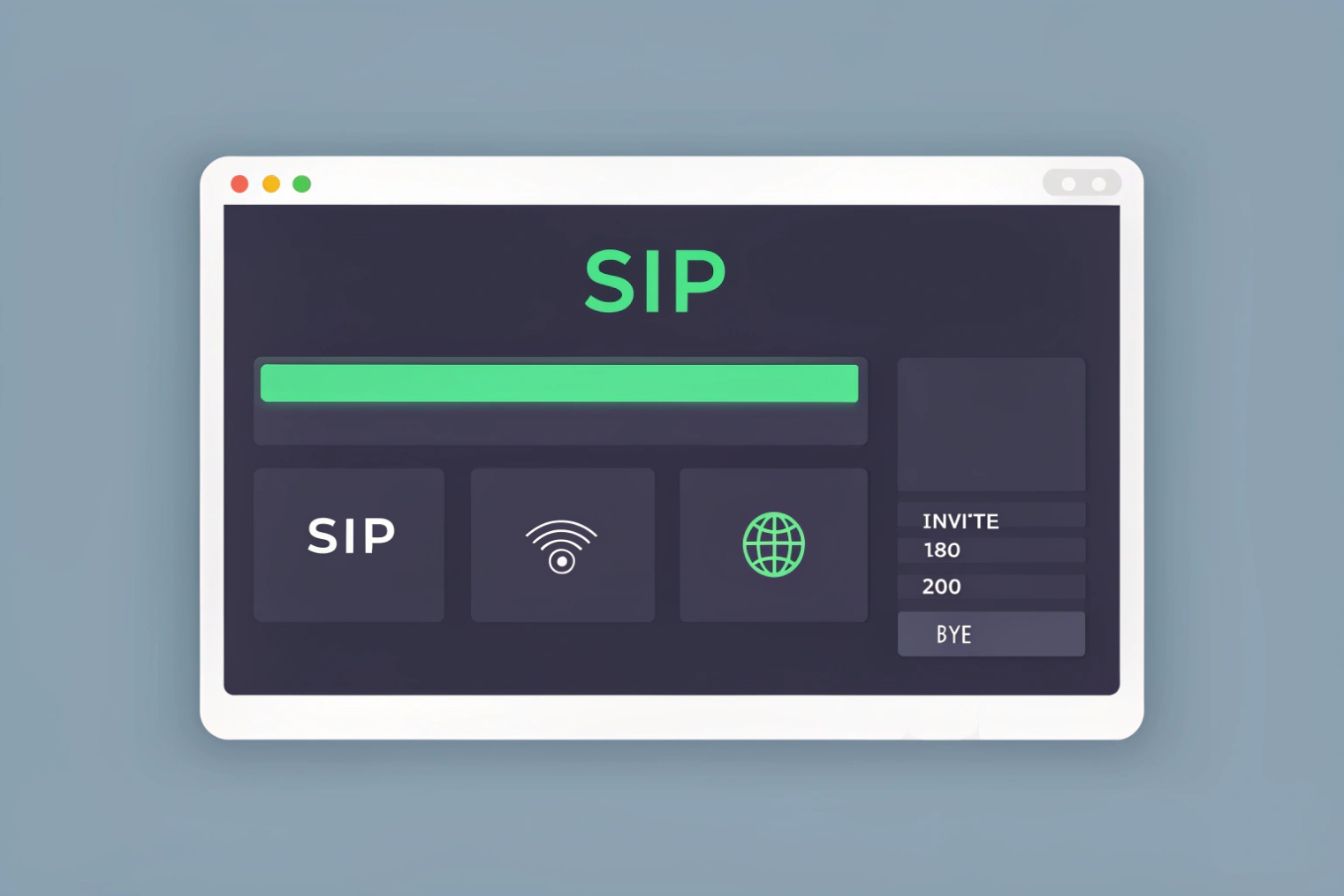
Use sip, rtp, and rtcp display filters. Jump to flows with Telephony menus. Color SIP errors and RTP gaps. Decode UDP to RTP when needed.
Fast-display filters (copy/paste)
| Purpose | Display Filter |
|---|---|
| All SIP | sip |
| Only SIP requests | sip.Method |
| Only failed SIP (4xx/5xx/6xx) | sip.Status-Code >= 400 |
| One dialog by Call-ID | sip.Call-ID == "abcd1234@example.com" |
| All SDP bodies | sip.msg_body |
| RTP only | rtp |
| RTCP only | rtcp |
| RTP for one SSRC | rtp.ssrc == 0x12345678 |
| RTP payload type (e.g., G.711 μ-law 0) | rtp.p_type == 0 |
| SRTP (unencrypted payload) presence | udp && rtp && !rtp.marker (after manual decode) |
| DNS SRV for SIP | dns.qry.name contains "_sip" |
| TLS SIP (SIP over 5061) | tcp.port == 5061 |
| ICE/STUN checks | stun |
| One host pair | ip.addr == 192.0.2.10 && ip.addr == 198.51.100.20 |
Helpful capture filters (before you press Start)
Capture filters reduce file size. Examples:
- SIP + RTP ranges:
udp portrange 10000-40000 or tcp port 5060 or udp port 5060 - One device
host 192.0.2.50 and (udp or tcp)
Workflow boosters in Wireshark
- Telephony → VoIP Calls: Finds dialogs, shows ladder, lets you Prepare Filter for a call.
- Telephony → RTP → Streams: Lists streams, Analyze jitter/loss, Player to listen or export WAV.
- Right-click UDP → Decode As… → RTP: When RTP is not auto-detected, force decode by port payload mapping.
- Coloring rules: Color 4xx/5xx red, provisional 1xx blue, RTP marker frames green. Your eyes will thank you.
- Follow SIP TCP/UDP stream: Read one dialog cleanly, confirm headers, routes, and Contact/Via values.
How do I read SIP call flows, RTP jitter, loss, and MOS?
Reading a PCAP is like reading a play script. Act 1 is SIP. Act 2 is RTP. If Act 1 fails, Act 2 never starts. If Act 2 stutters, users complain. The Real-time Transport Protocol (RTP), RFC 3550 5 is the best reference for the sequence/timestamp mechanics you’re interpreting.
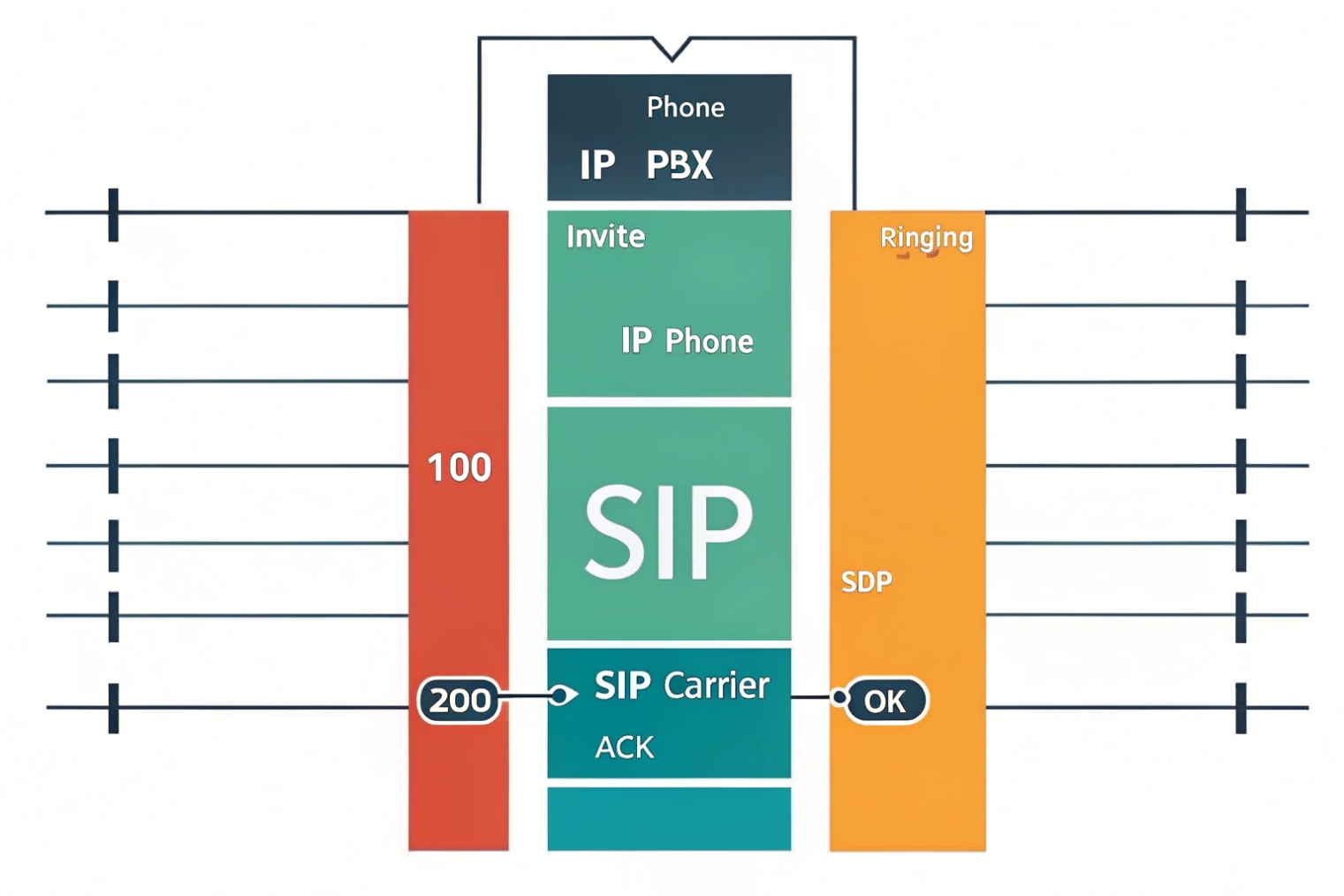
Trace the SIP ladder first. Confirm SDP, IPs, and ports. Then open RTP Streams, read jitter and loss, and listen. MOS is a guide, not a verdict.
SIP: quick checklist
- INVITE → 100/180/183 → 200 OK → ACK: All must appear, in order.
- SDP offer/answer: Check
c=(connection IP),m=(media port),a=rtpmap(codec),a=ptime(frame size). - RTP anchoring: If an SBC anchors media, expect the RTP peer to be the SBC, not the far phone.
- Early media:
183 Session Progresswith SDP means RTP before 200 OK. - TLS/SRTP: If SIP over TLS (5061) or SRTP/DTLS, expect encrypted payloads. Secure Real-time Transport Protocol (SRTP), RFC 3711 6 explains what remains visible (timing/sequence) even when audio is not.
RTP: what the numbers mean
Open Telephony → RTP → Streams → Analyze. Key fields:
- Max/Min/Mean Jitter: Variation in arrival times. Large spikes cause “robot voice.”
- Lost Packets: Count and %. Burst loss hurts more than small random loss.
- Sequence Errors / Out-of-Order: Reordering or drops on the path.
- Skew/Drift: Clock differences. Big skew causes lip-sync drift in video.
- Payload Type: Confirms the codec that actually flowed.
MOS and reality
Wireshark and SBCs often show Estimated MOS based on jitter, loss, and codec. Use it to compare calls, not to argue with a user. A low MOS almost always matches a bad user report. A high MOS with complaints means the issue sits in echo, gain, or device audio. The E-model (ITU-T G.107) 7 is the background for how network impairments map to a quality rating.
A small mapping table
| User Symptom | SIP/RTP Evidence in PCAP | Likely Fix |
|---|---|---|
| No audio both ways | SIP shows 200/ACK ok, no RTP | Firewall or wrong SDP IP/port |
| One-way audio | RTP only one direction | NAT pinhole, ACL, wrong public IP in SDP |
| Choppy / robotic | RTP jitter spikes, small bursts of loss | QoS, Wi-Fi airtime, buffer tuning |
| Ringing but no answer | No final 200 OK / missing ACK | SIP routing, proxy auth, timeout |
| Call drops at 30–60s | BYE/408 or RTP timeout | NAT binding, session timer, keep-alives |
| Echo / talk-over | High stable latency, clean loss | Path selection, avoid backhauls/VPN detours |
SRTP and decrypting reality
- SRTP hides payloads. You still see SSRC, sequence, and timing for jitter/loss.
- Decryption requires keys: SDES key logs, DTLS exporter secrets, or endpoint debug. Without keys, you cannot play audio. That is normal and expected.
A PCAP can expose more than packets. It may include caller IDs, DTMF digits, SIP auth, private IPs, and even audio. Handle it with care.
Redact before you share. Trim time, strip payloads if possible, mask IPs and usernames, and avoid long retention. Use secure links with expiry.

Privacy-first workflow
- Trim the file: Use Wireshark → File → Export Specified Packets. Keep only the call in question. Select “Displayed” to export your filtered view.
- Anonymize IPs and strings: Use TraceWrangler or editcap + text2pcap workflows to rewrite addresses and selected headers.
- Remove payloads when you can: For SIP over TCP/UDP, export Packet Bytes off; or use
editcap -Cto chop payloads after headers for signaling-only shares. - Encrypt at rest and in transit: Zip with AES or use a secure portal. Set a password by a different channel.
- Limit retention: Delete after the case closes. Keep hashes if you need chain-of-custody proof.
Handy tools and commands
| Tool | Purpose | Example |
|---|---|---|
editcap |
Cut by time/size, sample packets | editcap -A "2025-11-11 10:00:00" -B "2025-11-11 10:05:00" in.pcap out.pcap |
tshark |
Filter and export fields | tshark -r in.pcap -Y "sip" -T fields -e frame.time -e sip.Call-ID |
| TraceWrangler | Anonymize IP/MAC/SIP URIs | GUI-based rewrite with rules; export sanitized pcapng |
| Wireshark | “Export Selected Packets” | Export only displayed + comments removed |
capinfos |
Show metadata | capinfos out.pcapng |
What to remove or mask
- SIP auth:
Authorizationheaders, SIPFrom/Touser parts. - Caller IDs and DTMF: Especially if RTP carries in-band tones.
- Private addresses and domains: Internal IPs, hostnames, and realms.
- Audio payloads: If not needed, share signaling-only captures.
Chain-of-custody notes
For regulated environments, compute a SHA-256 hash before and after redaction. Log who accessed the file, and keep keys separate. pcapng comments can store notes, but avoid secrets in comments.
Conclusion
Capture close to the problem, filter fast, read SIP then RTP, and share only what is needed. A tight PCAP turns guesswork into fixes.
Footnotes
-
Cisco reference for setting up SPAN/RSPAN port mirroring and understanding platform limits. ↩ ↩
-
Learn tcpdump capture options and Berkeley Packet Filter syntax for tight, low-noise PCAPs. ↩ ↩
-
Reference Wireshark menus, filters, and VoIP tools for faster SIP/RTP analysis. ↩ ↩
-
Authoritative spec for SIP methods, status codes, headers, dialogs, and transactions. ↩ ↩
-
Details RTP headers, sequence, timestamps, and RTCP—core to jitter, loss, and stream analysis. ↩ ↩
-
Explains SRTP encryption/authentication and what metadata remains visible when payloads are encrypted. ↩ ↩
-
ITU E-model basis for MOS-style quality estimates from latency, jitter, loss, and codec impairments. ↩ ↩








