

A safety call without visuals slows response. In a hazardous area, a few lost seconds can mean responders walk to the wrong bay or miss the real hazard.
Yes. An explosion-proof telephone can trigger CCTV linkage by sending a clean event (relay, ONVIF, webhook, or SIP-driven integration) that the VMS/NVR turns into presets, recording, and operator pop-ups.
The most reliable CCTV linkage is “one event, many actions”
Why linkage works best when the event is simple
CCTV linkage fails when the trigger is vague. It works when the trigger is a clear state change with an identity and a timestamp. In most sites, the phone should not “control the camera” directly. The phone should announce an event. Then the VMS or a controller applies rules to cameras and screens.
A practical event model uses three states:
-
Off-hook / Call active (user is trying to talk)
-
SOS / Emergency (user pressed emergency key)
-
Tamper / Fault (cover open, line fault, device offline)
Each state should map to a defined CCTV response. Off-hook might call a nearby camera preset. SOS might trigger multiple cameras, start recording, and pop up the operator video wall layout.
The basic linkage architectures used in real plants
There are three patterns that stay stable across projects:
1) Hard-wired trigger: phone relay → I/O module or alarm input → VMS rule
2) IP event trigger: phone webhook/ONVIF → VMS event → rule engine
3) Call-based trigger: SIP call to a special extension → middleware → VMS actions
Hard-wired is easiest to trust. IP events scale better. Call-based triggers are useful when the phone does not expose I/O.
What to define before purchasing hardware
A clean requirements list prevents redesign:
-
Which phone events must trigger CCTV (off-hook, SOS, call connected, call failed)
-
Which camera actions are required (preset, record, bookmark, pop-up, audio talkback)
-
What identity must be included (device ID, location, zone, SIP extension)
-
What happens when the network or VMS is down (fallback behavior and local beacon)
| Requirement | Why it matters | Simple spec wording |
|---|---|---|
| Event type list | Stops “it should do everything” scope creep | “Off-hook + SOS + tamper only” |
| Device identity | Prevents wrong camera pop-ups | “Send device ID + location tag” |
| Priority levels | Avoids routine calls stealing screens | “SOS overrides off-hook triggers” |
| Logging | Makes audits and drills possible | “Syslog + VMS event log” |
This foundation makes the technical interface choice easy. Next is the interface question: what can actually trigger the cameras.
Which interfaces trigger cameras—relay outputs, ONVIF event notifications, HTTP webhooks, or SIP-to-VMS/NVR integrations?
A linkage plan that depends on a feature the phone does not support becomes a dead end. The right interface choice depends on the VMS and how much the site trusts IP automation.
Cameras can be triggered by a phone relay output (dry contact), ONVIF event notifications, HTTP webhooks to a VMS/middleware, or SIP-to-VMS/NVR integrations where call states become events.
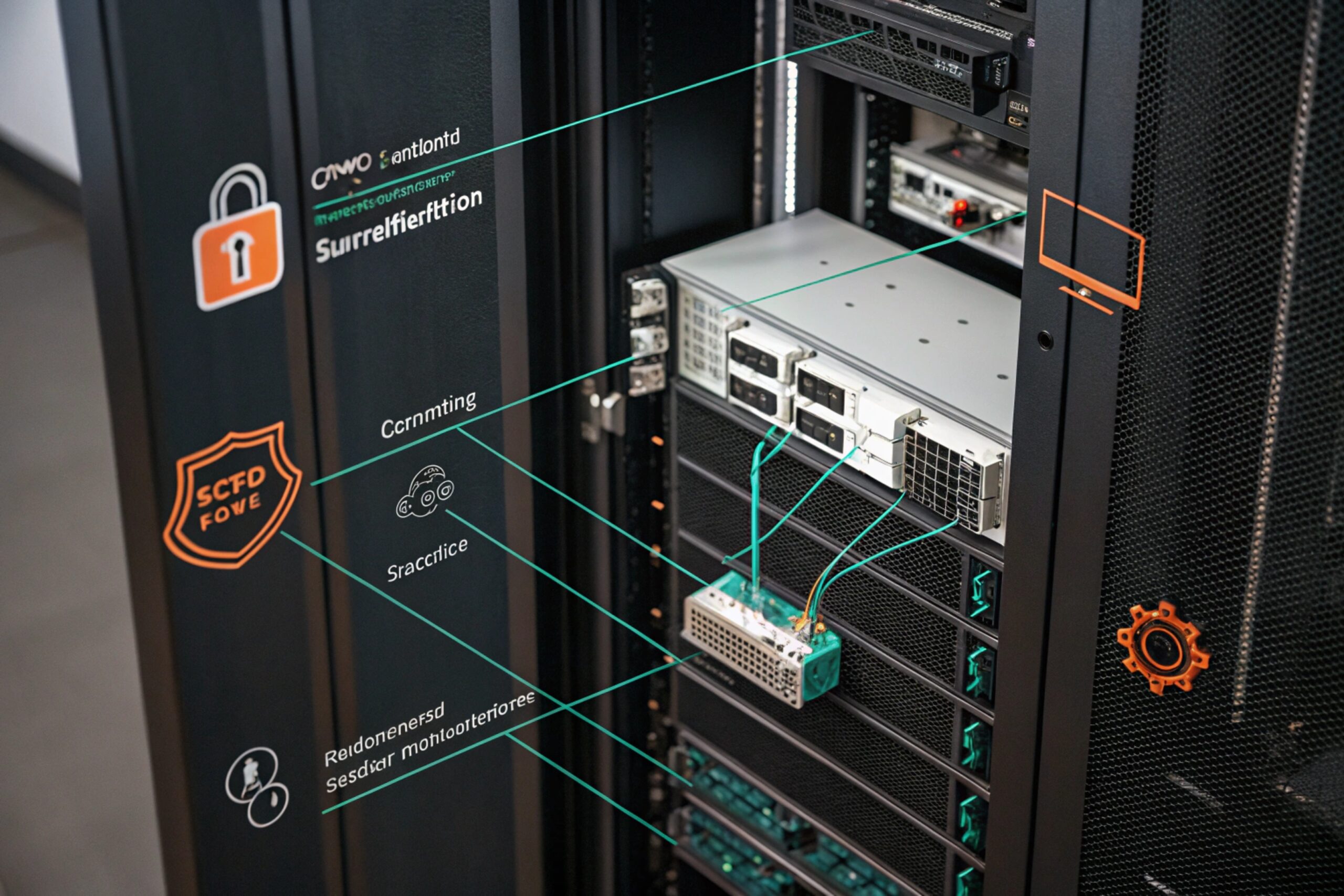
Relay outputs: the “industrial” trigger
A relay output is the most universal trigger because it does not care about VMS brand. The phone closes a contact when SOS is pressed or when off-hook is detected. That contact feeds:
-
a camera I/O input (some cameras have alarm inputs),
-
an I/O module near the NVR,
-
a PLC/SCADA input that also forwards to VMS.
This is stable, but it is not rich. A relay alone does not carry device ID, so you usually need one input per phone, or an I/O concentrator with channel mapping.
ONVIF events: clean when the VMS already speaks ONVIF well
ONVIF event notifications 1 are useful when the phone is more like an intercom endpoint with ONVIF event services. The VMS can subscribe to events and link them to camera actions. This scales better than wiring many relays.
Still, ONVIF event support is not guaranteed on “telephone-only” devices. It is more common on video-capable intercom endpoints. For a pure Ex telephone, webhooks are often more common than ONVIF.
HTTP webhooks: flexible and easy to enrich with IDs
A webhook can POST a JSON event with:
-
device ID and location
-
event type (SOS)
-
timestamp (NTP-synced)
-
call state (dialing, connected)
This makes mapping easy inside a middleware service or directly inside VMS automation if the VMS supports inbound webhooks.
SIP-to-VMS integrations: use call states as triggers
Some sites use SIP call states as the event source:
-
SOS triggers auto-dial to a special “alarm extension”
-
the PBX or middleware reads call start and answer events
-
the middleware calls VMS APIs to pop screens and start recording
This is useful when the phone is simple and the PBX is already the central system.
| Trigger interface | Strength | Best fit | Main limitation |
|---|---|---|---|
| Relay output | Most deterministic | OT-heavy sites, high compliance | No rich metadata without extra I/O mapping |
| ONVIF events | Standards-based | VMS already using ONVIF events | Device support varies by model |
| HTTP webhook | Most flexible | Sites that want device ID + logs | Needs secure endpoint and network routes |
| SIP-driven | Uses existing PBX | Sites with strong PBX ownership | Requires middleware or PBX event access |
Once the interface is chosen, the next job is mapping: how off-hook and SOS turn into camera presets, recording, and operator screen actions.
How can off-hook or SOS map to camera presets, instant recording, and screen pop-ups on Milestone/Genetec/NX?
During an incident, operators need the right camera view without searching. A correct mapping turns one press into immediate situational awareness.
Off-hook and SOS can map to camera presets, instant recording, and pop-ups by using VMS rule engines (or middleware) that link a phone event to a camera list, PTZ preset commands, recording flags, and workstation layouts.
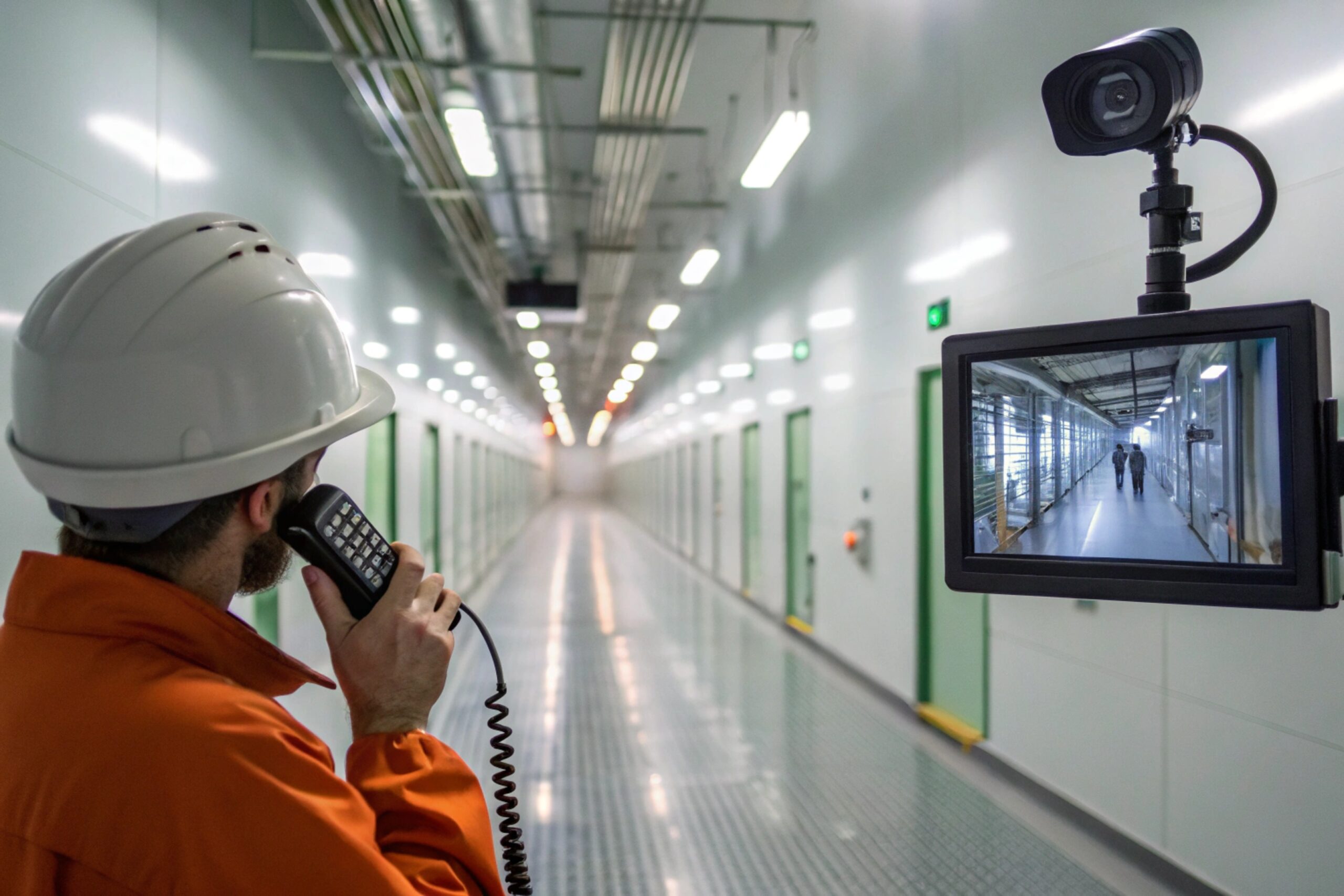
Rule design: separate “routine” from “emergency”
A stable linkage plan uses two tiers:
-
Off-hook tier: show local camera(s), short recording window, low priority
-
SOS tier: show multiple cameras, force recording, higher priority, optional pop-up on multiple workstations
This prevents routine calls from stealing screens during real emergencies.
Mapping by location tag, not by IP address
The cleanest mapping key is a location tag. For example:
-
Phone location tag:
TANKFARM-EAST-POST-03 -
Camera set:
TANKFARM-EAST-PTZ-01,TANKFARM-EAST-FIX-02 -
Preset:
PTZ-01 preset 7 (Gate)
This survives device replacement. If a camera is swapped, the tag stays.
Presets and recording: avoid false motion dependence
Relying on motion detection for emergency capture is risky in low light or smoky conditions. A better practice is:
-
On SOS: force recording and add a bookmark tag
-
On off-hook: record a shorter clip if the workflow needs it
If the site uses analytics, analytics can be a third layer, but SOS should not depend on it.
Pop-up behavior: define who sees what
Operators hate pop-ups that fire too often. The best practice is:
-
Off-hook pop-up only on assigned console
-
SOS pop-up on dispatch console + supervisor console
-
If no operator acknowledges, escalate to another screen or a wall monitor layout
| Event | Camera action | Recording action | Operator UI action |
|---|---|---|---|
| Off-hook | Call nearby PTZ preset 2 + show 1–2 cameras | Record 30–60 seconds | Pop-up on one console |
| Call connected | Hold view, optionally widen to 3–4 cameras | Continue recording | Highlight “live incident” |
| SOS pressed | Trigger multiple presets + show wider zone | Force record + bookmark + extend duration | High-priority pop-up + optional wall layout |
| SOS cleared / reset | Return presets to home after timeout | Stop after post-roll | Close or archive incident tile |
A simple acceptance test should be built from this table. It should be run during commissioning and repeated in drills.
Next is the question many teams ask: can the phone itself be a video endpoint, and how are events authenticated and supervised.
Do explosion-proof telephones support RTSP/ONVIF for video, and how are event subscriptions authenticated and supervised?
Some projects want a single Ex endpoint that provides both voice and video. Others only want events, not video. Mixing these goals without clear boundaries creates integration pain.
Some Ex intercom-style products support RTSP and ONVIF for video, but many “telephone-only” Ex devices are audio endpoints. Event subscriptions should use strong authentication, supervision (heartbeat/health checks), and NTP time sync so events and video timelines match.
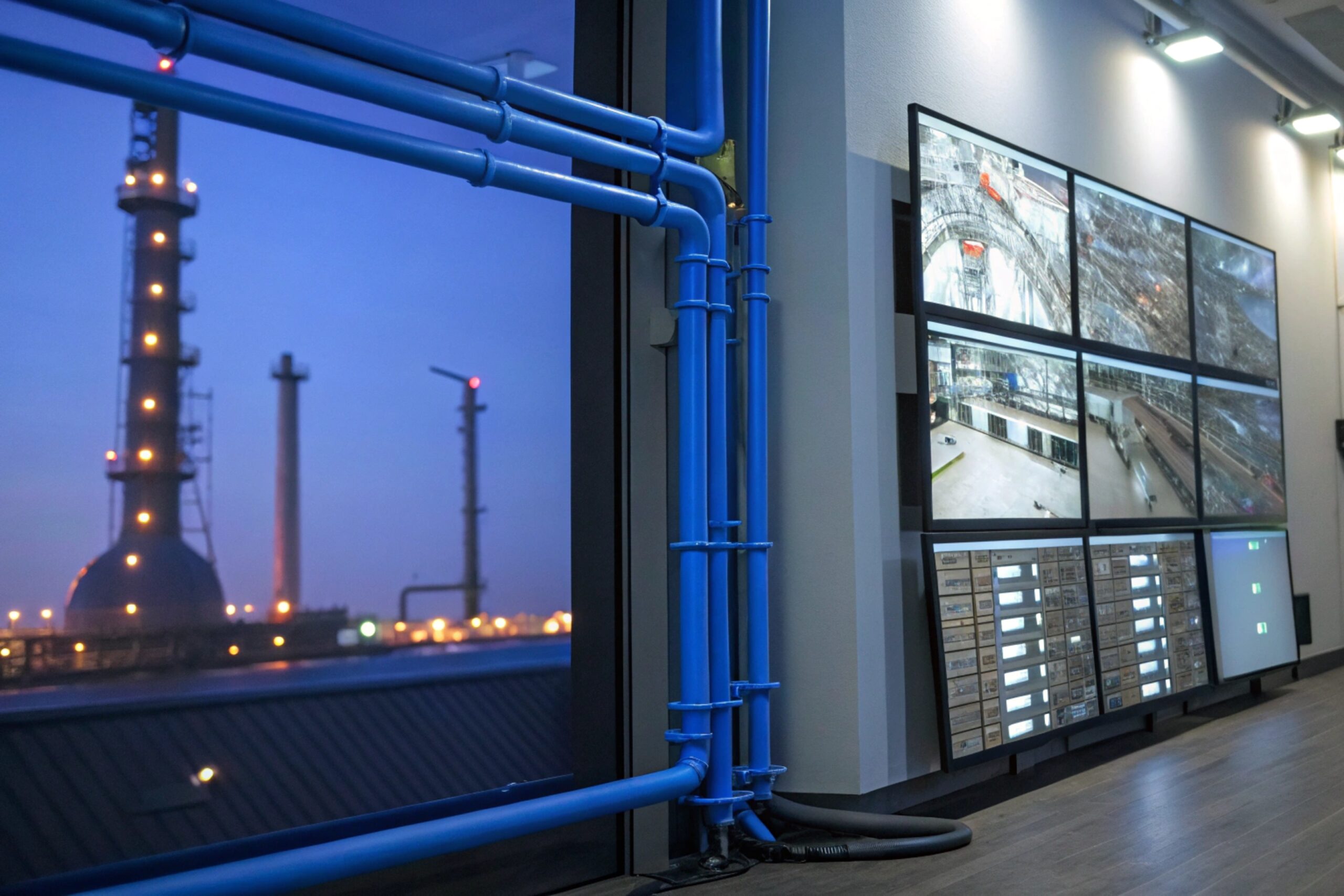
Video capability: treat it as a product class choice
In practice, there are two device classes:
-
Ex SIP telephone: audio-first, may have I/O and event APIs, usually no camera
-
Ex SIP video intercom: adds camera, RTSP/ONVIF, sometimes analytics
If the site needs live video at the call point, a video-capable Ex intercom 3 is the right category. If the site already has fixed cameras covering the area, then a telephone that triggers camera linkage is often simpler and cheaper.
Authentication: do not leave event endpoints open
Event flows can be abused if not protected. Good patterns include:
-
HTTP webhook with token or signature
-
HTTPS with certificates when supported
-
ONVIF with digest authentication and strong passwords
-
SNMPv3 if SNMP traps are used
On plant networks, segmentation helps too. Put phones and cameras in controlled VLANs. Only allow routes to the VMS and logging servers.
Supervision: detect failure before the incident
A linkage that fails silently is the worst outcome. Supervision should include:
-
device online monitoring (SIP registration or ping)
-
event delivery monitoring (test webhook daily)
-
ONVIF subscription renewal checks (if used)
-
syslog heartbeat messages
-
time sync status alarms (NTP loss)
A simple daily proof can be scheduled: trigger a test event and confirm the VMS creates a test bookmark. That catches broken routes and expired certificates early.
| Security/supervision item | What it protects | Practical check |
|---|---|---|
| Auth on webhooks | Stops fake alarms | Reject unsigned requests |
| TLS where possible | Protects credentials and payloads | Certificate expiry monitoring |
| VLAN segmentation | Limits lateral movement | Firewall rules audit |
| Subscription renewal | Keeps ONVIF events alive | Alert if no events for X hours |
| NTP sync | Makes timelines trustworthy | Alarm on NTP loss or drift |
After interfaces and security, the last step is installation. In hazardous areas, reliability is won or lost at glands, isolation, and power planning.
What installation rules ensure reliable linkage—Ex-certified glands, isolated I/O, PoE budgets, QoS, and failover design?
Even the best integration design fails if the field install is weak. Water ingress, surge events, and undervoltage cause “random” issues that are hard to debug.
Reliable CCTV linkage requires Ex-certified cable glands and correct sealing, isolated I/O wiring for relay signals, correct PoE power budgeting, QoS for voice and event traffic, and a failover plan that keeps alarms working during partial outages.
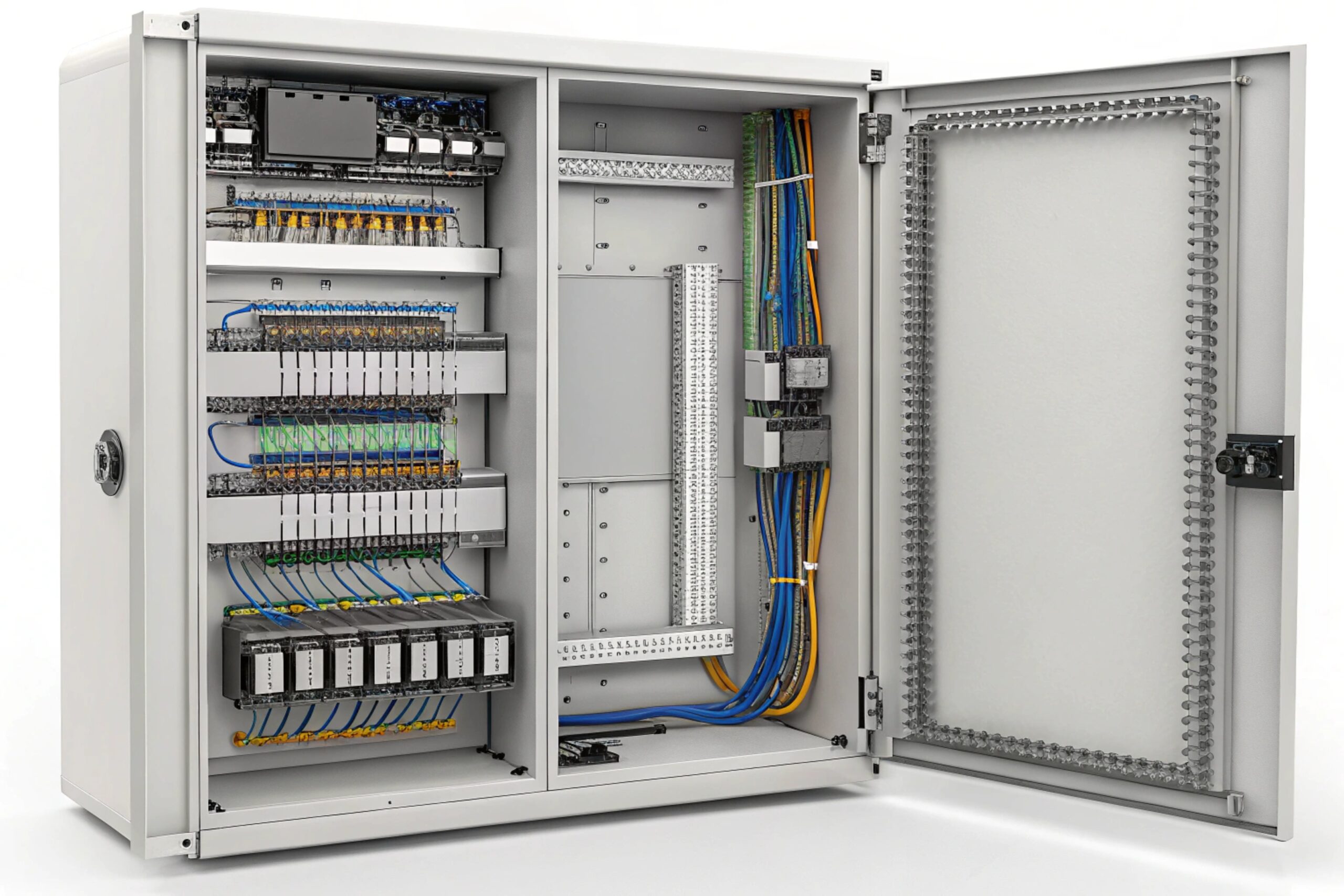
Ex-certified glands and sealing: stop the slow failures
CCTV linkage depends on the phone staying alive. In harsh zones, failures often start at cable entries. A correct install uses:
-
certified glands that match the protection concept
-
correct insert size for the cable jacket
-
correct torque and strain relief
-
drip loops where water can run down the cable
-
corrosion-resistant hardware in sour or coastal zones
Isolated I/O: prevent ground loops and noise injection
Relay outputs look simple, but long I/O runs can pick up noise from VFDs and lightning transients. Good practice includes:
-
opto-isolated digital inputs on the receiving side when possible
-
surge protection on long runs
-
proper shield termination based on plant grounding rules
-
separation of I/O and power cables where required
PoE and power: budget for peak behavior
If the phone is PoE-powered, the switch port must have margin for:
-
speakerphone peaks
-
beacon LEDs
-
I/O loads (if the device powers sensors)
-
cold start behavior
For emergency readiness, the PoE switch must be on UPS 4. The UPS runtime should be tested, not assumed. If the site uses 24 VDC, ensure the DC source is backed and fused correctly.
QoS and VLANs: keep voice and events stable during bursts
CCTV networks can be heavy. Video bursts can starve voice if QoS is missing. A stable plan uses:
-
VLAN separation for voice devices
-
QoS marking for SIP and RTP
-
multicast control (IGMP snooping) if multicast paging is used
-
rate limiting and storm control to prevent broadcast floods
Failover: define what happens when the VMS is down
A practical failover design answers one question: “If the VMS is down, does SOS still help?”
Good fallback options include:
-
SIP auto-dial still reaches dispatch
-
local beacon relay still triggers a light
-
syslog still records locally and forwards later
-
a PLC input still sees the SOS and can raise a plant alarm
| Failure case | What should still work | Recommended fallback |
|---|---|---|
| VMS offline | Voice response continues | SIP call to dispatch group |
| Network segment down | Local alert still happens | Relay to beacon/PLC |
| PoE switch down | Emergency point still powered | UPS + redundant switch or 24 VDC option |
| Camera offline | Operator still gets incident context | Pop-up shows nearest alternate cameras |
| Time sync lost | Logs remain usable | Alarm on NTP loss + local RTC check |
A strong commissioning checklist includes both functional tests and fault tests:
-
Trigger off-hook and confirm pop-up, preset, and recording.
-
Trigger SOS and confirm emergency priority behavior.
-
Unplug the VMS link and confirm the phone still calls and triggers local beacon.
-
Verify syslog timestamps match the NVR timeline 5.
Conclusion
Explosion-proof telephones can trigger CCTV linkage through relay, ONVIF, webhooks, or SIP-driven integrations. The best results come from simple events, clear priority rules, secure delivery, and disciplined field installation.
Footnotes
-
Standard specifying interface specifications for effective communication between IP-based security products. [↩] ↩
-
Pre-defined camera position (Pan, Tilt, Zoom) stored in memory for quick recall. [↩] ↩
-
Communication device equipped with a camera for visual verification in hazardous environments. [↩] ↩
-
Uninterruptible Power Supply system ensuring continuous operation during power failures. [↩] ↩
-
Integration process ensuring synchronized event logging and video recording for incident review. [↩] ↩








