
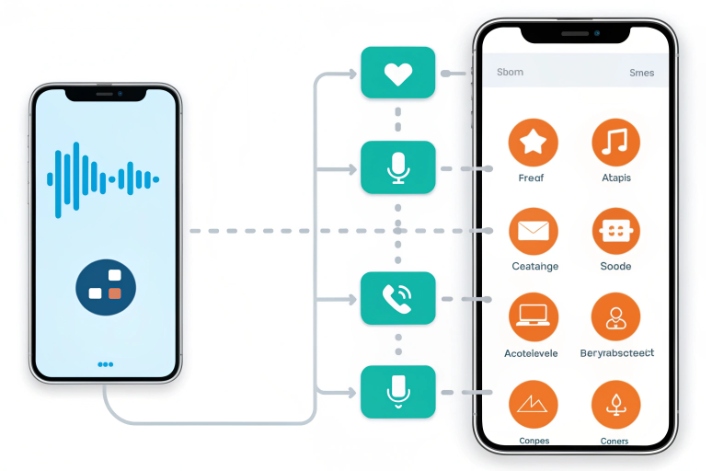
Manual outbound work is slow, random, and hard to track. Reminders get missed, customers forget appointments, and your team spends more time dialing than actually speaking.
Automated outbound calls are system-initiated calls that use software (dialer, IVR, or voice bot) to place calls, play messages, collect input, and transfer to agents without manual dialing.
Automated outbound lives on top of your SIP or VoIP stack 1. It reads events from your CRM, billing, or ticket system, then decides who to call, when to call, and what to say. It can speak with TTS, listen with DTMF or speech, and hand off to an agent if the customer needs more help. In real deployments, this cuts a big slice of low-value calls from agents and replaces “forgotten follow-ups” with reliable workflows. The key is to choose the right channel, build smart personalization, respect consent rules, and track pickup and conversion like any other digital funnel.
When should I use voice vs SMS?
Many teams just default to SMS because it feels cheap and simple. Others still use only phone calls out of habit. Both choices leave money, trust, or compliance on the table.
Use voice when the message is complex, urgent, or high-value. Use SMS when the message is short, low-friction, and people may not answer unknown numbers. Mix both for the best results.
Matching voice and SMS to the job
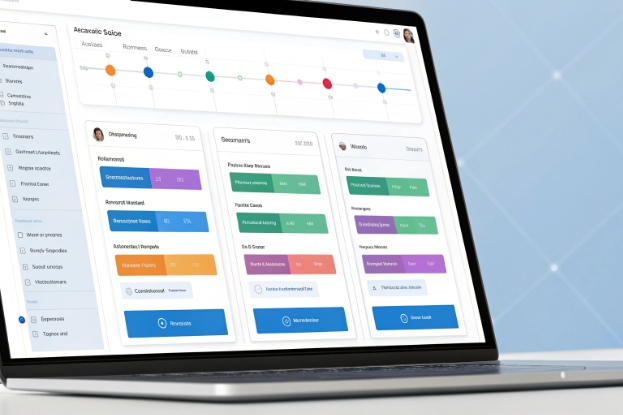
Voice and SMS are not enemies. They are tools with different strengths. Automated outbound works best when each message type fits the job it needs to do.
What automated voice does best
Automated voice fits when:
- The message is urgent or time-sensitive.
- You need strong identity checks.
- You expect questions or pushback.
Typical examples:
- Fraud alerts with “press 1 if this was you, press 2 if not.”
- Service outages where you must explain impact and next steps.
- High-value collections, where tone and clarity matter.
- Complex reminders that may require rescheduling during the call.
Voice gives more space. It allows longer scripts, branching logic, and a natural handoff to an agent. You can use Answering Machine Detection (AMD) 2 to decide whether to leave a voicemail or call back later. You can also use local presence caller ID 3 and STIR/SHAKEN attestation 4 to improve trust and avoid “spam likely” labels.
What SMS does best
SMS fits when:
- The message is short and clear.
- The user can act with a link or a simple reply.
- Real-time talk is not needed.
Examples:
- “Your parcel will arrive today 3–5pm. Reply 1 to change.”
- One-time passcodes and login checks.
- Simple payment links for low-risk invoices.
- Short satisfaction surveys with 1–5 ratings.
SMS is great for silent moments. People can open the message when they have time. SMS also pairs well with calls. For instance, send an SMS just before an automated reminder call to warm the contact.
Voice vs SMS at a glance
| Use case | Voice only | SMS only | Voice + SMS combo |
|---|---|---|---|
| Simple appointment reminder | Sometimes | Often enough | SMS first, voice if no response |
| Fraud or risk alerts | Strong option | Good backup | Voice first, SMS as follow-up |
| Complex service outage info | Best fit | Hard to fit detail | Voice main, SMS link to status page |
| Low-value promo campaigns | Rarely worth it | Good fit | SMS main, voice only for special offers |
| High-balance collections | Strong option | Support channel | Voice main, SMS for payment links |
Automated outbound should treat voice and SMS as channels in one journey, not separate systems. One event, like “order shipped,” can create an SMS with tracking plus an optional call for VIP customers or high-risk deliveries.
How do I personalize outbound at scale?
Bad outbound feels like spam. Names are wrong, content is generic, and the timing makes no sense. Personalization fixes that, but many teams think it needs heavy AI before they even start.
You personalize automated outbound at scale by using CRM data, segments, and events to choose the right script, language, timing, and caller ID for each contact, then letting software handle the branching logic.
Building a simple but powerful personalization engine
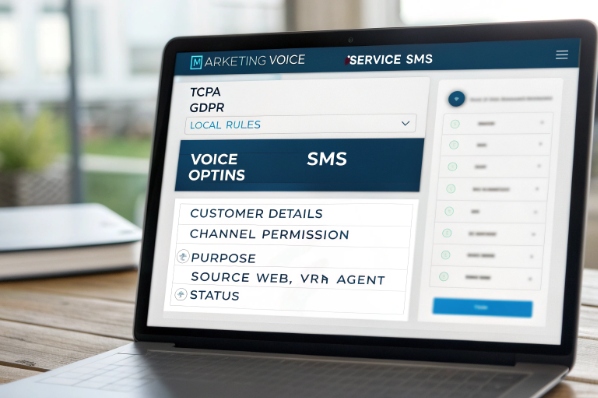
You do not need deep machine learning to get real gains. You need clean data, clear rules, and an outbound platform that understands both.
Layers of personalization
Think in layers:
- Who you call (segment).
- What you say (script and content).
- How you talk (channel, language, tone).
- When you trigger the contact.
A simple map looks like this:
| Layer | Data source | Example rule |
|---|---|---|
| Segment | CRM / billing fields | If VIP tier, use softer language and more retries |
| Script | CRM + event | If product = “Pro”, play Pro-specific reminder script |
| Language | Profile / last channel | Use last successful language for next call or SMS |
| Timing | Time zone + behavior | Call just after business hours for small business owners |
| Caller ID | Region / city | Use local presence DID by state or city |
Event-driven personalization
Automated outbound works best when it uses event-driven personalization 5:
- “Appointment booked” → schedule a reminder call 24 hours before.
- “Invoice overdue by 7 days” → send SMS, then call if still unpaid.
- “Card flagged as suspicious” → call with an IVR that confirms transactions.
Each event triggers a workflow. The workflow reads the latest CRM data and picks:
- Channel mix (voice, SMS, or both).
- Script variant and language.
- Allowed time windows and retry schedule.
In DJSlink-style SIP environments, this often runs through APIs and webhooks. Your CRM or core app calls the outbound platform with event data. The platform then schedules calls and messages and logs outcomes back to the source system.
Using bots and agents together
Personalization at scale does not mean bots do everything. A good pattern is:
- Bot or IVR handles the first part: identification, simple choices, and low-risk tasks.
- If the user needs help, the system transfers to an agent with full context: last IVR steps, answers, and history.
This keeps the human part focused and informed. Agents see why the system called, how the person responded, and what should happen next.
What opt-in and consent rules apply?
Nothing kills an outbound program faster than complaints and fines. Regulations keep changing, and they differ by country and channel. You cannot just “blast a list” and hope for the best.
Automated outbound must respect channel-specific consent, DNC rules, time-of-day limits, disclosures, and opt-outs. Treat consent as structured data and build your campaigns around it. Always confirm details with legal counsel.

Treating consent as a first-class object
This is not legal advice. It is a practical pattern that teams use with their lawyers.
Core consent concepts
You normally track:
- Who gave consent.
- For what purpose (service vs marketing).
- How you got it (web form, paper, IVR, agent).
- When it was given or updated.
Keep this in a central table that every outbound channel uses.
A simple view:
| Channel / use | Typical rule of thumb | What you should store |
|---|---|---|
| Service voice calls | Implied or express consent | Account relationship and service purpose |
| Marketing voice / robocalls | Higher bar, often express written consent | Clear marketing opt-in record |
| Service SMS | Channel consent or clear notice at signup | Number, purpose, source, timestamp |
| Marketing SMS | Usually explicit opt-in | Keyword or form, double opt-in if used |
Local laws like TCPA, GDPR, and others 6 define more detail. Your job is to make the data model ready, so legal can set the rules.
DNC, quiet hours, and channel blocks
Your automated system should enforce:
- National and local Do Not Call lists where they apply.
- Internal DNC flags when a person says “do not call me again.”
- Quiet hours per time zone and region.
- Per-channel opt-outs, so someone can stop SMS but keep voice, or the other way around.
Quiet hours are not just legal. They also protect your brand and reduce opt-out rates.
Opt-outs and disclosures
Every campaign should make it easy to stop future contact:
- Voice flows: “Press 9 at any time to stop automated calls.”
- SMS flows: “Reply STOP to opt out.”
When an opt-out happens:
- Update the central consent and DNC records.
- Stop not just this campaign, but any future campaigns that match that purpose and channel.
For recorded outbound, include clear disclosures at the start when required. For example, identify who is calling, why, and whether the call is recorded. Your scripts should come from a joint effort between legal, compliance, and operations, not from the dialer vendor alone.
How do I track pickup and conversion?
You cannot improve what you cannot see. Many teams know the total number of calls or messages, but not the real funnel: who picked up, who listened, who acted, and at what cost.
You track pickup and conversion by logging each step in the journey, from dials and connects to IVR choices and final actions, then linking those events back to CRM and campaign KPIs.

Turning automated outbound into a measurable funnel
Automated outbound should look like any other digital funnel. It has stages, drop-offs, and costs.
Key metrics and what they mean
Here is a simple glossary:
| Metric | What it measures | Why it matters |
|---|---|---|
| Reach / connect rate | Live answers / total call attempts | Shows list quality and caller ID health |
| Right-party contact (RPC) 7 | Target person reached / live answers | Shows data accuracy and routing quality |
| Completion / containment rate | Calls handled end-to-end by system | Shows how much work you remove from agents |
| Opt-out rate | Opt-outs / total reached | Shows message fit and frequency issues |
| Conversion rate | Desired action / total reached or completed | Shows real business impact |
| Cost per contact | Total cost / total reached | Shows efficiency at scale |
For voice, “completion” might mean the person heard the full message and pressed a confirm key. For SMS, it might mean they clicked a link or replied with a code.
Event tracking and integrations
To get this view, your outbound platform should log events like:
- Call attempt, ring, answer, voicemail detected, hangup.
- IVR or bot steps: which options pressed, which intent understood.
- Transfers to agents and their outcomes.
- Payments, bookings, or form completions.
APIs and webhooks then send these events back to your CRM, ticketing, or analytics stack. You can tag them by campaign, list segment, and even by experiment (for example, script A vs script B). This lets you see which script, channel mix, or caller ID strategy actually converts better, not just which one “feels” better.
Using metrics to adjust strategy
Once you have data, adjust in small steps:
- If connect rate is low but opt-out is also low, improve caller ID trust and reputation.
- If opt-out is high, change frequency, timing, or script tone.
- If completion is high but conversion is low, the message is clear but the offer or ask is weak.
- If containment is too low, improve IVR design or bot flows before adding more agents.
This is the same loop as any growth or product work: measure, change, measure again. Automated outbound becomes a repeatable engine, not a one-time “dial and hope” project.
Conclusion
Automated outbound works best when voice and SMS play together, personalization is data-driven, consent is central, and pickup and conversion are tracked like a real funnel, not a guessing game.
Footnotes
-
Brief explanation of SIP and VoIP stacks used to power business calling systems. ↩ ↩
-
How answering machine detection works and when to use it in outbound calling. ↩ ↩
-
Benefits of local presence caller ID for improving outbound answer and pickup rates. ↩ ↩
-
Official overview of STIR/SHAKEN call authentication framework and robocall mitigation. ↩ ↩
-
Guide to building event-driven personalization workflows using behavioral and transactional data. ↩ ↩
-
Summary of global communication compliance requirements across TCPA, GDPR, and similar regulations. ↩ ↩
-
Explanation of right-party contact metrics and tactics to improve RPC performance. ↩ ↩








