
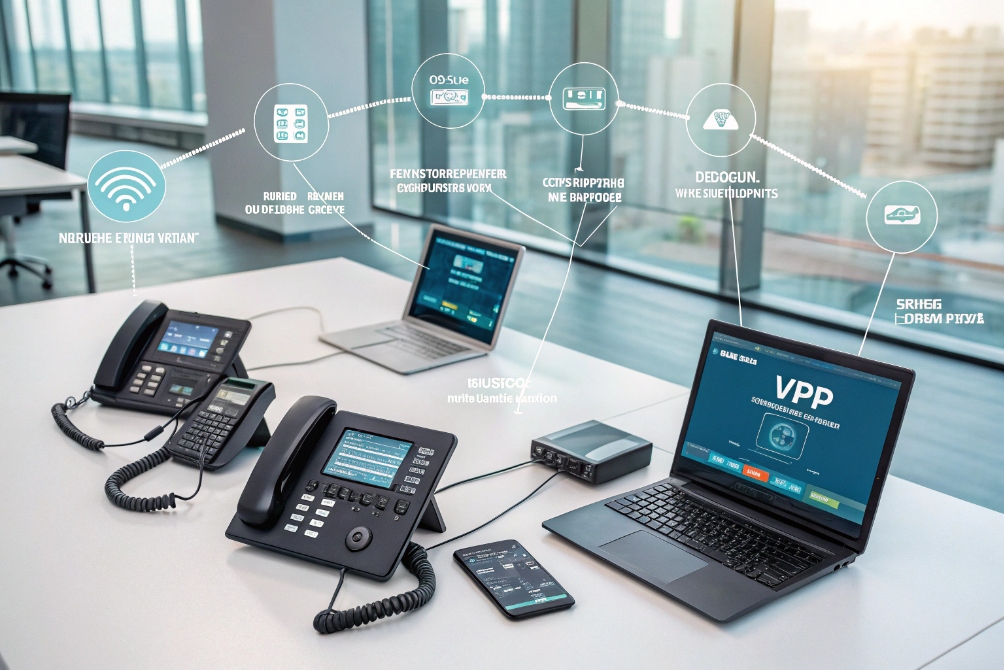
Calls slip through the cracks every day. Without clear notifications, your team reacts late, customers give up, and you only discover the damage in monthly reports.
Call notifications are real-time alerts about call events, like incoming, missed, voicemail, or queue changes, pushed to your mobile, desktop, or tools so you can react faster, follow up, and save more conversations.
Modern SIP and VoIP platforms already know everything that happens to a call. The problem is not data. The problem is making sure the right person sees the right alert at the right moment, on the device that they actually use. When notifications are planned well, they feel quiet but powerful: fewer missed chances, better SLAs, and much clearer accountability across your phones, softphones, SIP intercoms, and mobile apps.
Which alerts should I push to mobile and desktop?
Everyone says they want “more visibility”, until their phone and laptop start buzzing nonstop. Too many alerts and people turn them off; too few and customers leave unnoticed.
Push urgent, time-sensitive alerts to mobile and desktop in real time, like live queue calls, missed high-value calls, and urgent voicemails, and keep lower-priority summaries in email or dashboards.
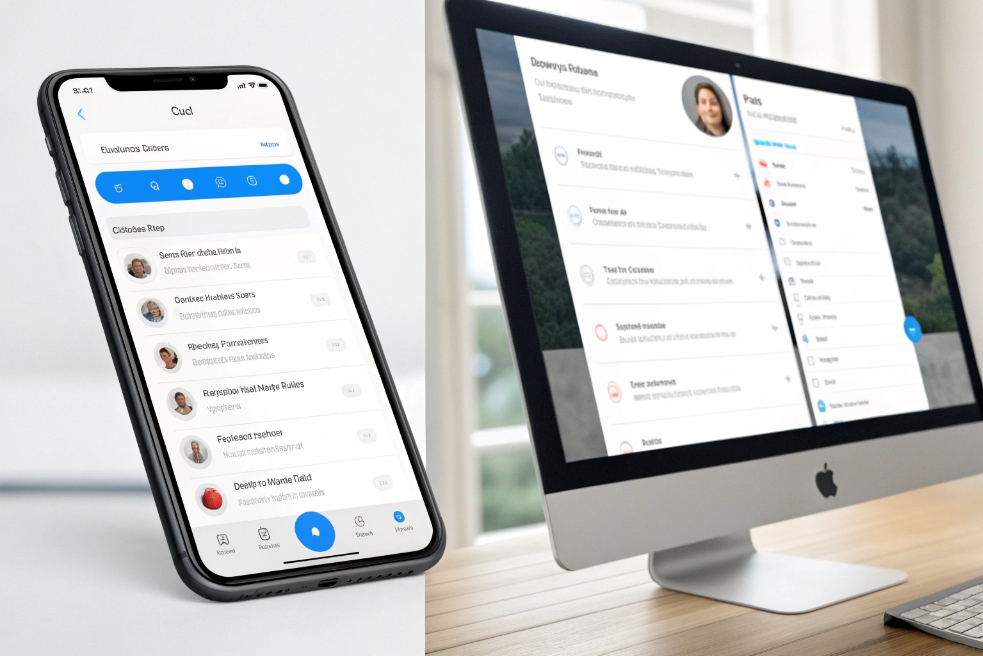
Core types of call notifications
Not every call event deserves a push. It helps to group notifications by what they mean for action:
-
Live call alerts
Incoming queue calls, direct extension calls, callback requests. If someone needs to pick up now, this is real-time. -
Missed and voicemail alerts
When nobody answered or a customer left a message. These need prompt but not instant action. -
Queue and SLA alerts
Queue length, oldest wait time, Service Level Agreement (SLA) 3 at risk. These are for supervisors, not every agent. -
Post-call alerts
Recording ready, transcript ready, disposition needed. These support QA and analytics. -
System and device alerts
Registration failures, trunk down, high error rates. These belong to admins and NOC, not frontline staff.
Matching alerts to mobile and desktop
Different devices play different roles:
- Mobile is about mobility and urgency. Perfect for:
- Direct calls to you.
- High-priority queue calls when you are on the move.
- Missed-call and voicemail alerts that you must return quickly.
- Desktop / softphone is about daily work. Better for:
- Live call pop-ups with CRM context.
- Call-back reminders while you are in front of your screen.
- Supervisor alerts about queue health.
A simple mapping:
| Alert type | Mobile push | Desktop/app banner | Email / other channels |
|---|---|---|---|
| Direct incoming call | Yes, native call UI | Yes, softphone popup | No |
| Queue call to logged-in agent | Yes, if agent is mobile-ready | Yes | No |
| Missed call to my extension | Yes | Yes | Optional daily summary |
| High-priority voicemail | Yes, with quick “play” action | Yes | Optional |
| Queue SLA breach (supervisor) | Yes (for a few owners) | Yes | Optional |
| Recording/transcript ready | No or low-priority | In-app notification | Yes for QA / compliance |
| Trunk / device failure (admin) | Optional | Yes | Yes, plus monitoring tools |
Avoiding alert fatigue
To keep trust in your notifications:
- Use clear, short text: caller ID, queue, reason, and one suggested action.
- Add action buttons where possible: answer, call back, open record, assign.
- Respect time zones and working hours; do not spam off-duty staff.
- Use roles: most agents never need global alerts; most managers do not need every small missed call.
In real deployments, a simple rule works well: if someone must act in the next few minutes, it goes to mobile and desktop. If someone can act later, keep it in-app, email, or dashboards instead of noisy push alerts.
Can I customize notifications by queue and priority?
One-size-fits-all alerts create tension. Sales wants every hot lead; support wants fewer pings; after-hours staff only want true emergencies. The PBX needs to reflect these different realities.
Yes. You can customize call notifications by queue, skill, and priority, so only the right people get urgent alerts, with different rules, quiet hours, and escalation paths per team.
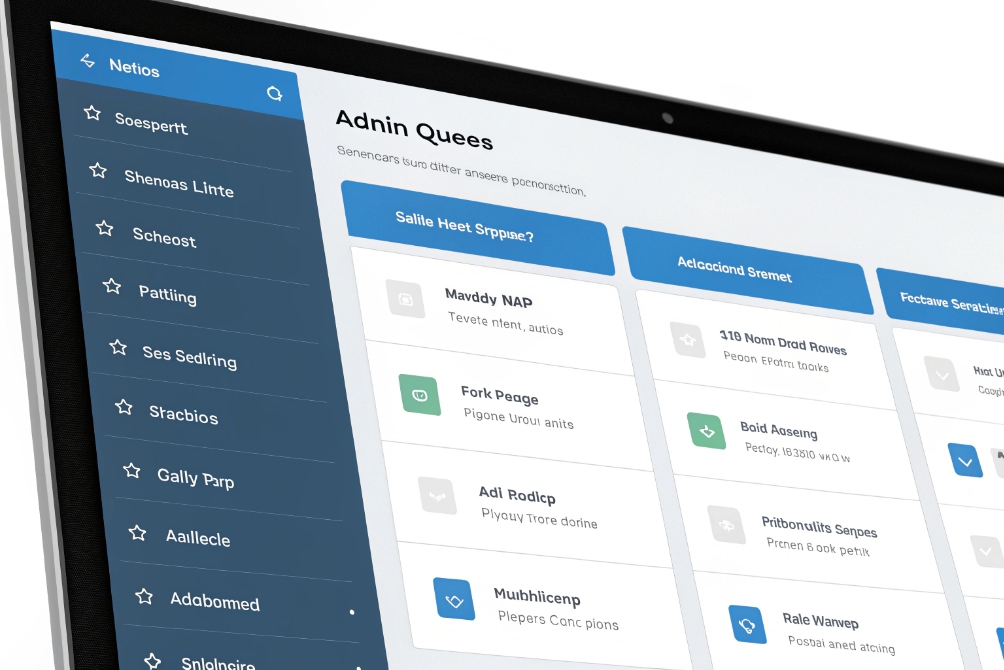
Thinking in queues, not just extensions
In a SIP PBX or UC system, most customer calls flow through queues or hunt groups, not direct extensions. This means your notification logic should live there too:
- Sales queue: hot leads, short time-to-answer targets.
- Support queue: SLA-based alerts, backlog view.
- VIP / emergency queues: top priority, special routing.
- Low-priority info lines: light notifications, daily summaries.
For each queue, you can define:
- Who should receive real-time alerts (agents, team leads).
- When alerts should trigger (wait time, call abandonment).
- Which channel to use (mobile, desktop, chat app, email).
Priority and skill-based routing for notifications
You already route calls by skill and priority. Do the same for notifications:
- Mark calls with priority tags: VIP, churn risk, new lead, normal.
- Bind these tags to notification profiles:
- VIP missed call → instant mobile push to owner and backup.
- Normal missed call → desktop badge, callback task in CRM.
- Low-priority line → daily email summary, no push.
Example strategy:
| Queue / Priority | Who gets alerts | Notification behaviour |
|---|---|---|
| Sales – High value leads | Assigned rep + backup queue | Immediate mobile and desktop push on missed call |
| Support – Tier 1 | Logged-in agents + supervisor | Desktop alerts; SLA warnings to supervisor mobile |
| Support – Tier 2 (escalations) | Senior agents only | Mobile push during hours; email after hours |
| VIP / Executive support | Dedicated pod + duty manager | Always-on mobile push with distinct sound |
| Low-priority info line | Shared mailbox / back office | No push; voicemail and missed calls → daily report |
How do missed-call alerts reduce my churn?
Churn rarely comes from one big disaster. It comes from many small moments where you do not pick up, do not call back, or follow up too late. Missed-call alerts target this exact problem.
Missed-call alerts reduce churn by shrinking your response time. They turn lost calls into fast callbacks, which saves deals, repairs trust, and shows customers that you took their attempt to contact you seriously.

Why missed calls hurt more than you think
A missed call is not just a “failed event”; it is often:
- A blocked sale.
- A frustrated support contact.
- A fragile moment in a relationship.
Customers who do not reach you:
- Try a competitor.
- Post a bad review.
- Stop trusting your channels.
If your team only sees missed calls in “yesterday’s report”, the damage is already done. The question is not whether you miss calls; the question is how fast you recover from them.
Turning missed calls into callbacks
A good missed-call workflow looks like this:
- Call comes in and is not answered within your threshold.
- System marks it as missed and checks context:
- Caller’s past history.
- Queue or campaign.
- Time and region.
- It instantly sends notifications:
- To the responsible agent or team.
- With buttons to call back or assign.
- A callback is attempted within minutes.
- Outcome (reached / voicemail / no answer) is logged.
Do notifications sync across my devices?
Nothing kills trust faster than a system that keeps shouting about a problem you already fixed. If your mobile, laptop, and desk phone do not agree, people start ignoring everything.
Well-designed call notifications sync across devices by using a central event stream and read/acknowledge states, so answering or dismissing an alert on one device updates all others.
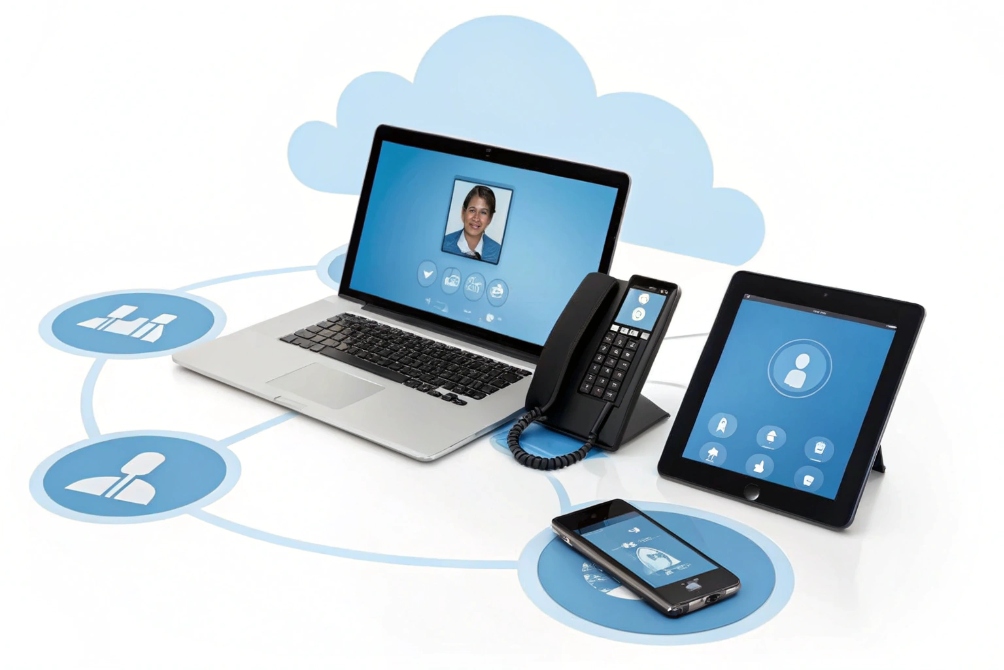
The problem: duplicated and stale alerts
Without sync, this is what happens:
- Your softphone shows a missed call.
- Your mobile app also shows it.
- You call back from the mobile.
- The desktop still shows it as “unhandled” for hours.
The same can happen with:
- Queue alerts.
- Voicemail notifications.
- Callback tasks.
Teams then waste time checking if something is really open, or they simply stop trusting the badges.
How proper sync should behave
In a healthy system, the call event and the notification state live on the server, not only on the device:
- The PBX or UC backend generates a call event with a unique ID.
- Every logged-in device subscribes to that event stream.
- When one device:
- Answers.
- Calls back.
- Marks as done.
- It sends an ack for that event.
- The server updates the state and broadcasts changes to all other devices.
Expected behavior per event:
| Event / action | What should happen on all devices |
|---|---|
| Call answered on desk phone | Incoming call banner disappears everywhere |
| Missed-call alert seen and callback done | Missed-call badge clears on mobile and desktop |
| Voicemail listened on mobile app | Voicemail counters update on IP phone and portal |
| Callback task closed in CRM | Associated notification disappears or shows “done” |
Presence and status tie into this as well. If your mobile app knows you answered on the desk phone, it should not keep vibrating as if nothing happened.
Designing sync into your environment
You can build sync in several layers:
-
Native UC platform
Most modern systems already provide multi-device presence and sync if all apps and phones are from the same vendor and tied to the same user. -
SIP + middleware
With mixed SIP devices (IP phones, SIP intercoms, softphones), you can:- Listen to SIP event notification (SUBSCRIBE/NOTIFY) 7 signals or PBX CDR streams.
- Maintain a central “notification state” per user.
- Use push services and in-app channels to reflect changes.
-
CRM and collaboration tools
If tasks and callbacks are tracked in CRM, treat CRM as the source of truth:- When a call is handled, CRM updates the task.
- All notification endpoints that rely on CRM receive updated states.
In real deployments, the rule is simple: if one person acts on a call, everyone else’s view must update within a few seconds. When this works, agents trust the system again. They know that if a red badge is visible, it is for something that still needs attention.
Conclusion
Call notifications turn raw call events into targeted, synced alerts across your devices, so your team reacts faster, misses fewer opportunities, and gives customers fewer reasons to leave.
Footnotes
-
Visual context for multi-endpoint VoIP notifications across phones and laptops. ↩ ↩
-
Example UI showing mobile/desktop alert surfaces in a UC experience. ↩ ↩
-
Quick definition of SLAs and how they’re used to measure service performance. ↩ ↩
-
Admin-screen illustration for configuring queue-based notification behaviors. ↩ ↩
-
Narrative visual emphasizing how missed-call follow-ups protect customer trust. ↩ ↩
-
Multi-device sync visual for keeping notification states consistent. ↩ ↩
-
Explains SIP’s SUBSCRIBE/NOTIFY event model often used for presence and call-state notifications. ↩ ↩








