
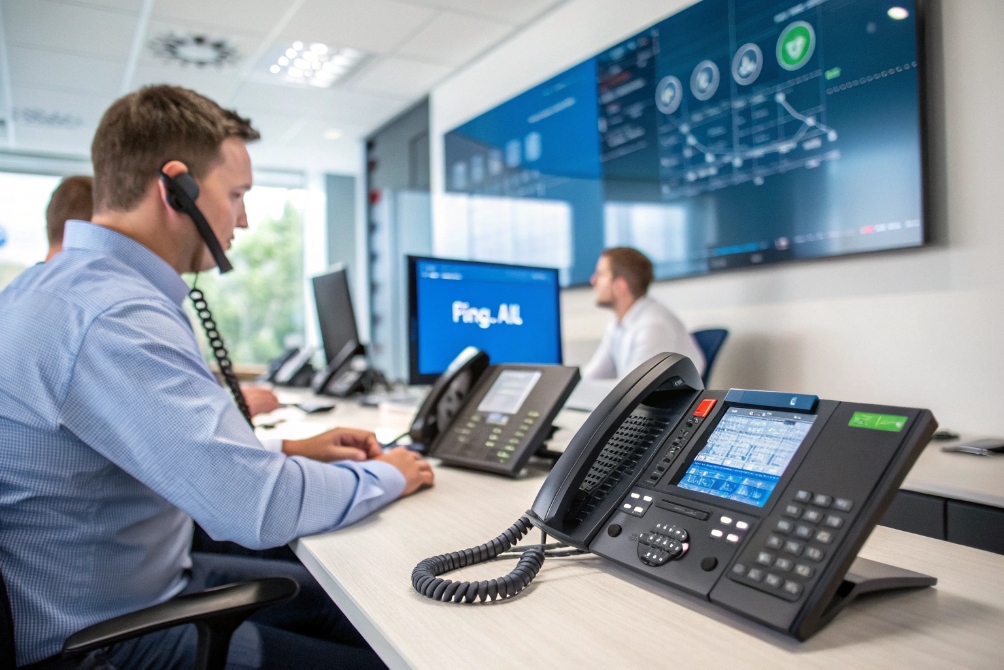
A single extension can miss calls the moment that person steps away. Then customers bounce to voicemail, and the business looks slow even when the team is available.
A call group (ring group / hunt group) is a set of endpoints that share one number so inbound calls ring multiple members (together or in order) until someone answers or overflow rules trigger.
Call groups are “lightweight routing” for teams
A call group is the simplest way to make “Sales” or “Reception” act like one reachable target. Instead of one person owning a DID, the DID points to a group. The group has members. The PBX tries members based on a ring strategy and a timeout.
Compared with a true call queue (Automatic call distributor (ACD) 1), a call group usually has fewer tools:
- no detailed queue KPIs
- no position-in-queue announcements
- no skills weighting and complex eligibility logic
- limited callback and SLA controls
That is not a weakness. It is a design choice. Call groups are fast to configure and perfect for small to mid teams that want better answer coverage without full contact center features.
What a call group controls
A call group typically controls:
- who rings and in what order
- how long to ring before trying the next step
- what happens on no answer (overflow / voicemail / external)
- which caller ID is presented
- whether members can toggle in/out (dynamic groups)
| Feature | Call group usually supports | Why it matters |
|---|---|---|
| Ring strategy | Yes | Controls fairness vs speed |
| Member eligibility | Basic (busy/DND) | Prevents ringing unavailable phones |
| Overflow | Yes | Stops calls from dying in the group |
| Schedules | Often | Different behavior after hours |
| Reporting | Basic | Missed/answered visibility |
A good mental model is: a call group is “one number, many phones.” The PBX tries to land the call on any eligible member.
Next, the main question is how to pick and configure ring strategies like ring-all, hunt, and sequential patterns.
How do I configure ring-all, hunt, and sequential call groups?
Many teams pick ring-all because it feels safe. Then they notice agent fatigue, missed calls, and people ignoring rings. Strategy matters.
Configure call group strategies by choosing a ring pattern (simultaneous, linear/sequential, round-robin, longest-idle), setting ring timeouts and retries, and defining overflow behavior when nobody answers.
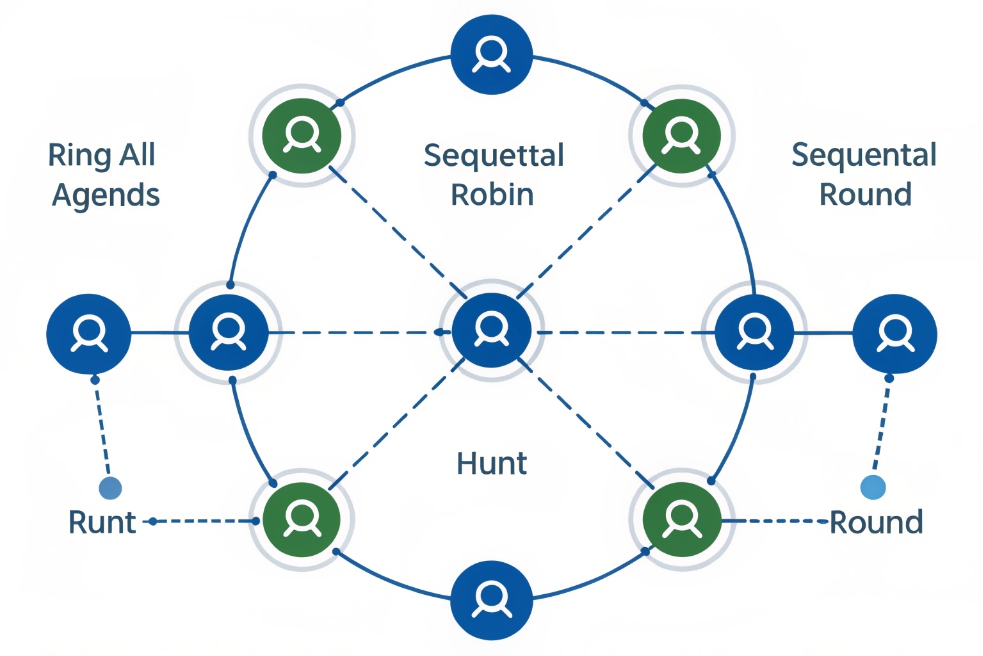
Ring-all (simultaneous)
Ring-all means every member rings at the same time. The first person to answer gets the call. This is great for:
- small teams
- reception coverage
- urgent inbound calls
But ring-all has side effects:
- constant interruption
- “everyone assumes someone else will answer”
- more noise on the floor
- higher risk of missed offers if people silence alerts
Sequential / linear hunt
Sequential means the PBX rings members in a fixed order. This is good for:
- clear ownership (primary → backup)
- teams with a lead role
- quiet environments that need less ringing
The risk is uneven load. The first person gets hit the most. That can feel unfair unless the order rotates or schedules shift. (If you want the formal “hunt list” concept, this is essentially line hunting 2.)
Round-robin / longest-idle / fewest-calls
These patterns spread calls more evenly:
- Round-robin: rotates through the list (a practical cousin of round-robin scheduling 3)
- Longest-idle: picks who has been idle the longest
- Fewest-calls: picks who has handled the least
They work best when members have similar skill levels and similar responsibilities.
| Strategy | Fastest answer potential | Fairness | Best fit |
|---|---|---|---|
| Ring-all | High | Low | Reception, urgent lines |
| Sequential | Medium | Low (unless rotated) | Primary/backup coverage |
| Round-robin | Medium | Medium | Small sales/support teams |
| Longest-idle | Medium | High | Teams with consistent workload |
| Fewest-calls | Medium | High | Even distribution goals |
The three settings that decide if calls get missed
No matter the strategy, three settings control real outcomes:
1) Ring timeout per attempt (too long wastes time, too short causes misses)
2) Number of cycles / retries (how many times the PBX loops the member list)
3) Overflow destination (where the call goes when the group fails)
A practical starting point for many teams is:
- 15–20 seconds ring timeout
- 1–2 cycles
- overflow to voicemail or a backup group with clear coverage
Once the ring pattern is stable, many deployments need mixed endpoints: office phones, SIP intercoms, and even external numbers.
Can my call groups mix extensions, SIP intercoms, and external numbers?
A call group is often used as the “front door” for the business, so it must reach people wherever they are. Still, mixing endpoint types can create voicemail traps and compliance issues.
Yes, many PBXs allow call groups to include internal extensions, SIP endpoints like intercoms, and external PSTN/mobile numbers, but external numbers should use call confirmation and clear caller ID rules to prevent missed-call loops and voicemail pickup.
Mixing internal extensions with SIP intercoms
Internal SIP devices (phones, intercoms, indoor stations) are usually safe group members because:
- they are inside the PBX policy domain
- they support SIP call progress reliably
- the PBX can enforce busy/DND rules consistently
SIP intercoms are often used as callers into groups (for example, door panel calls Reception group). They can also be members in special workflows, but that is less common because intercoms are not designed to answer like an agent.
Adding external numbers (mobile, PSTN) safely
External numbers are the tricky part. If the PBX forwards to a mobile, the mobile voicemail can answer and “steal” the call. Then the caller thinks they reached a person, but they reached voicemail. This also breaks reporting.
The best defense is call confirmation (often labeled “Confirm Calls 4” / press-to-accept):
- the PBX plays a whisper: “Call for Sales, press 1 to accept”
- only then does it bridge the caller to the mobile
This prevents voicemail traps and helps ensure the person really answered.
Caller ID and privacy when forwarding externally
When bridging to external numbers, caller ID policy matters:
- show original caller ID (ANI) so staff know who is calling
- or show the business number so staff answer consistently
- avoid exposing internal extension info to the PSTN
If you document caller identity for reporting and routing rules, it helps to understand terms like Automatic Number Identification (ANI) 5.
| Member type | Works well in groups? | Main risk | Best safety setting |
|---|---|---|---|
| Internal extensions | Yes | Missed rings on DND/busy | Busy/DND eligibility rules |
| SIP intercom calling a group | Yes | None major | Clear target group and timeout |
| External mobile member | Yes (with care) | Voicemail trap | Press-to-accept confirmation |
| External PSTN member | Sometimes | Costs and delay | Limit to overflow only |
Mixing endpoints can expand coverage a lot, but it must be controlled so the group does not become unpredictable.
Next, the biggest operational problem is missed calls. That is controlled by a few specific group settings.
Which call group settings affect missed calls, overflow, and voicemail?
Many “missed calls” are not human failure. They are routing settings that create long ring cycles, dead ends, or voicemail traps.
Missed calls and voicemail behavior are mainly affected by ring timeout, retry cycles, busy/no-answer handling, call confirmation, and overflow destinations like another group, IVR, voicemail, or an external number.
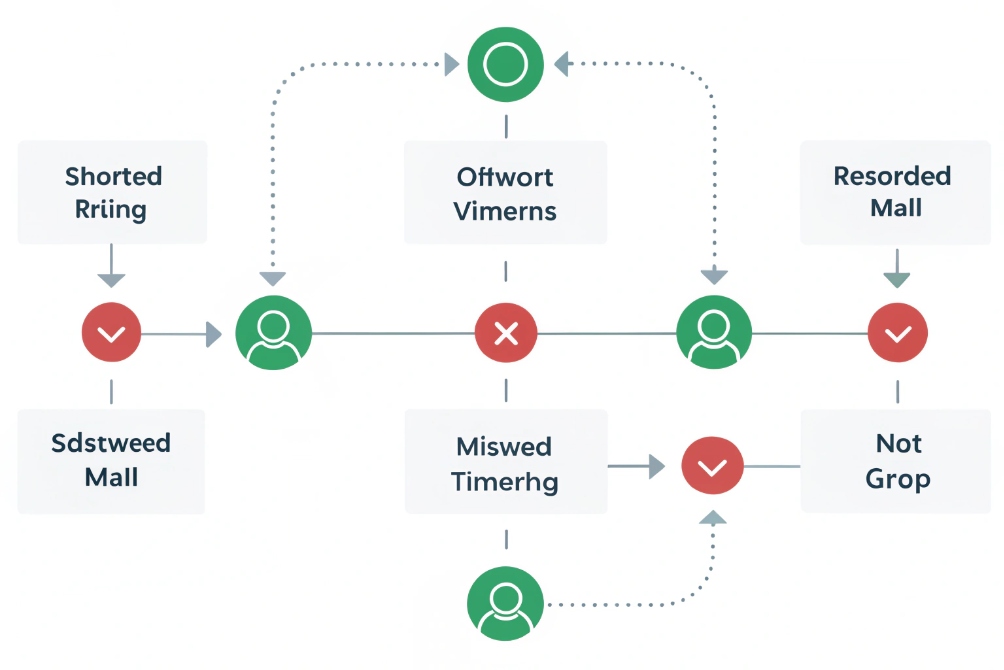
Ring timeout and ring cycles control waiting pain
If each member rings 25–30 seconds and the group cycles twice, a caller can wait a full minute before overflow triggers. That often raises abandonment. It also wastes staff attention because phones ring too long.
A tighter design usually performs better:
- shorter ring time per member
- fewer cycles
- earlier overflow to a staffed target
Busy and DND rules decide eligibility
Good PBX logic should skip members who are:
- busy on another call (if call waiting is off or limited)
- in DND
- not registered or offline
- set “temporarily unavailable” (if supported)
If the PBX rings members who cannot answer, calls get delayed and then abandoned.
Voicemail handling should be centralized
A common mistake is letting each member’s voicemail answer inside the group. That creates random outcomes and weak reporting. Better options are:
- disable personal voicemail pickup on group calls
- use call confirmation for external numbers
- send no-answer to a shared group voicemail or a queue mailbox
Overflow design: what happens when the group fails
Overflow should be an intentional business decision:
- backup group (Support backs up Sales after hours)
- receptionist fallback
- voicemail with transcription and email delivery
- IVR that offers callback or tickets
| Setting | If mis-set, what happens | Better practice |
|---|---|---|
| Ring timeout too long | Caller waits, abandons | 15–20s typical start point |
| Too many cycles | Delay before overflow | 1–2 cycles for most lines |
| No busy/DND skipping | Calls ring dead phones | Skip ineligible members |
| No confirmation for mobiles | Voicemail steals calls | Press-to-accept |
| Overflow not defined | Call drops or loops | Always set a final destination |
A stable group is not “ring everyone forever.” It is “try the best options fast, then overflow cleanly.”
Now, the last layer is the one that makes groups usable across real business hours: failover, schedules, and caller ID.
How do I add failover, schedules, and caller ID for call groups?
A call group that works at 10 AM can fail at 7 PM, during holidays, or during a trunk outage. Business-grade call groups need time logic and resilience.
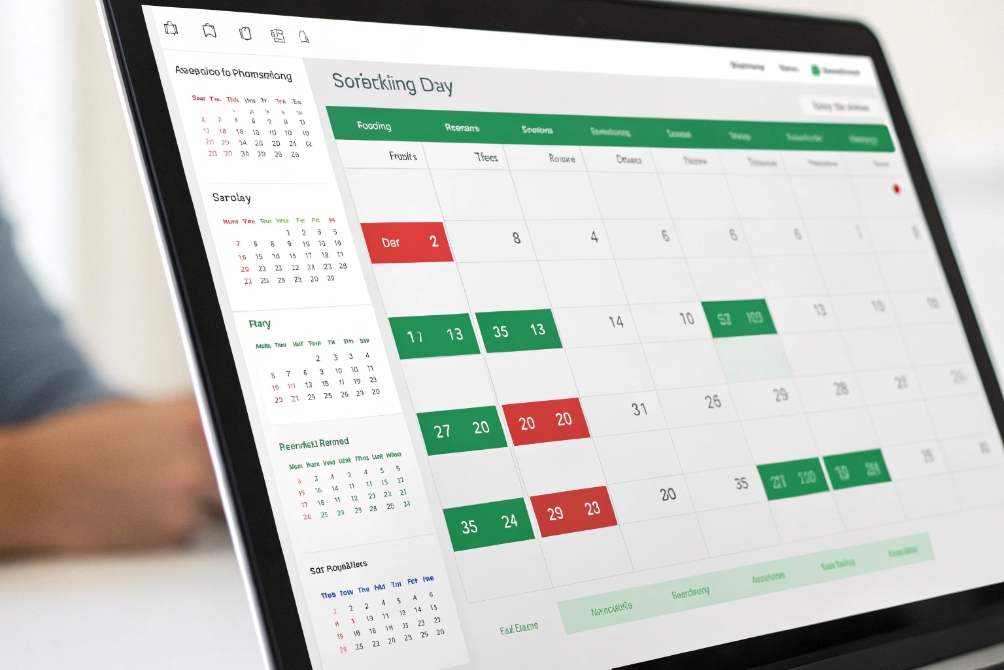
Add schedules by defining business hours and holiday rules, add failover by setting alternate routes and trunks, and control caller ID by choosing whether members see the original caller ID, the group DID, or a labeled identity with whisper tags.
Schedules: open hours, closed hours, and holidays
A clean schedule design includes:
- business hours route: ring group members
- after-hours route: voicemail or answering service
- holiday route: holiday greeting and ticket capture
If you’re implementing time logic in a PBX, it’s typically done with features like Time Conditions 6 (business-hours and holiday routing rules).
Time-of-day greetings reduce confusion and reduce repeat calls, especially for support lines.
Failover: keep calls alive during outages
Failover can mean different things:
- if trunk fails, route inbound calls to a backup trunk
- if the PBX node fails, route to a backup PBX or cloud service
- if WAN fails, route calls to a local site or external numbers
For call groups, simple failover is often:
- primary group rings internal extensions
- if no answer or system health is degraded, overflow to an external backup line with confirmation
Caller ID and “context labeling”
Caller ID settings decide what members see:
- Original caller ID (ANI): best for recognizing customers
- Group DID as caller ID: helps staff answer consistently, but hides the caller number unless the phone shows both
- Whisper label: “Sales line” or “Support line” played to the member so shared phones know context
A strong setup combines both:
- show caller ANI on the device
- whisper the dialed number label or group name
Keep reporting and ownership clean
Even without full queue KPIs, basic reporting matters. The group should have:
- missed call notifications (email/app) to a shared mailbox
- shared voicemail access for coverage
- simple answered/missed logs for review
| Add-on | What it solves | Best use case |
|---|---|---|
| Business-hour schedule | After-hours confusion | Any public DID |
| Holiday schedule | Seasonal spikes and closures | Retail, public services |
| Backup group overflow | Low staffing windows | Small teams |
| Trunk failover route | Carrier outages | Multi-site businesses |
| Caller ID + whisper | Shared lines confusion | Multi-brand or multi-dept phones |
Call groups look simple, but when schedules and failover are done right, they become the most reliable “front door” feature in a VoIP system.
Conclusion
A call group routes one number to many members using ring strategies and overflow rules. With confirmation, schedules, failover, and clean caller ID, it reduces missed calls without full queue complexity.
Footnotes
-
Definition of ACD and how it routes inbound calls to agents. ↩ ↩
-
Explains hunt-list (line hunting) behavior behind sequential ringing patterns. ↩ ↩
-
Quick reference for round-robin logic used to rotate call distribution fairly. ↩ ↩
-
Shows where “Confirm Calls” is implemented/configured for ring groups (press-to-accept). ↩ ↩
-
Clarifies ANI and why original caller identity matters for forwarding and reporting. ↩ ↩
-
Reference for setting PBX time windows used by business-hours and holiday routing. ↩ ↩








