
Everything can look fine until 9:00 AM hits. Then calls fail, callers hear busy tones, and the team blames “the internet” when the real issue is capacity.
A call path is one unit of simultaneous call capacity in your VoIP system or SIP trunk—each active external call leg typically consumes one call path at the PBX/SBC or carrier.
Call paths are about concurrency, not how many numbers you own
Many businesses buy lots of Direct Inward Dialing (DID) numbers 1 and assume that means lots of capacity. It does not. Phone numbers are addresses. Call paths are lanes on the highway. You can own 100 numbers and still only handle 10 concurrent external calls if you only have 10 call paths.
A call path is usually enforced at one or more points:
- the carrier trunk/account and its SIP trunk channels 2 (how many concurrent calls they allow)
- the PBX licensing model (how many external calls it will bridge at once)
- the Session Border Controller (SBC) 3 policy (how many sessions it will admit)
In most real deployments, inbound and outbound calls draw from the same pool. So a busy outbound campaign can block inbound calls if the same trunk capacity is shared.
One call can use one path, or more than one
A normal call:
- internal extension → PSTN number
usually consumes one call path on the trunk (one external leg).
But some features create two external legs through the same trunk:
- call forwarding to a mobile 4 (off-net forward)
- external-to-external hairpinning in VoIP 5
- simultaneous ring to an external number
- transferring a PSTN caller to another PSTN number through the PBX
In those cases, a single customer interaction can consume two call paths because two PSTN legs are active at the same time.
| Scenario | External legs on the trunk | Typical call paths consumed |
|---|---|---|
| Internal → PSTN | 1 | 1 |
| PSTN → Internal | 1 | 1 |
| PSTN → Forward to mobile via PBX | 2 | 2 |
| PSTN → PSTN (PBX hairpin) | 2 | 2 |
| 3-way call with 2 external parties | 2 external legs | 2 (plus internal leg) |
Why this matters for design and costs
Call paths drive:
- how many calls you can handle at peak
- whether callers get busy or overflow
- how many agents can be on calls at once
- how much bandwidth you need (paths × codec bitrate + overhead)
So the call path number is one of the most important capacity inputs in any VoIP project, especially for call centers and multi-site PBX systems.
Next, the confusion point is vocabulary: lines, channels, trunks, and call paths are often used interchangeably, but they are not the same thing.
How does a call path differ from lines, channels, or trunks?
Teams often compare quotes and think they are comparing the same unit. They are not. One vendor sells “lines,” another sells “channels,” another sells “call paths,” and the numbers look different.
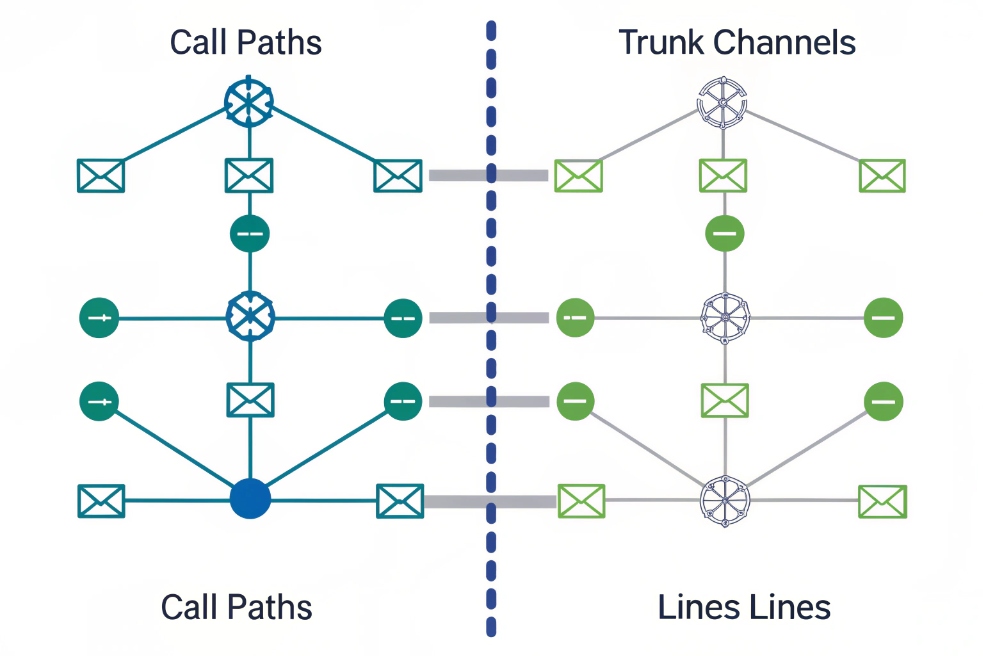
A call path is concurrent call capacity, while a line is a number/identity, a trunk is the connection to the carrier or SIP peer, and a channel is the technical slot for one simultaneous call on that trunk.
The clean definitions that prevent purchasing mistakes
- Line: often means a DID or a user/seat identity. It can place/receive calls but does not guarantee concurrency.
- Trunk: the SIP connection between your PBX/SBC and a carrier or another PBX.
- Channel: a classic capacity term (one simultaneous call) on a trunk bundle.
- Call path: usually the same idea as a channel: one simultaneous call capacity unit, but sometimes sold at the PBX level (license) rather than the carrier level.
A simple way to keep it straight is:
- numbers identify calls
- trunks carry calls
- channels/call paths limit how many happen at the same time
| Term | What it represents | What it does NOT guarantee |
|---|---|---|
| DID / number | Addressability | Concurrency capacity |
| Seat / line | User identity + features | Extra simultaneous calls |
| Trunk | Connection to PSTN/peer | Unlimited concurrent calls |
| Channel | One concurrent call slot | Extra numbers or users |
| Call path | One concurrent call slot (often billed) | Extra features or users |
Why “call path” wording exists
Some providers use “call path” because it is easier for buyers than “SIP channels.” In practice, most teams should treat call paths as concurrency units and verify:
- whether it is per trunk or shared across trunks
- whether inbound and outbound share the pool
- whether the plan charges overage or blocks
- whether hairpin calls count twice
Once terms are clear, the next decision becomes a planning question: how many call paths are needed for peak concurrency?
How many call paths do I need for peak concurrency?
Too few paths cause busy signals and abandoned calls. Too many paths waste money. The goal is a right-sized number based on busy-hour behavior.
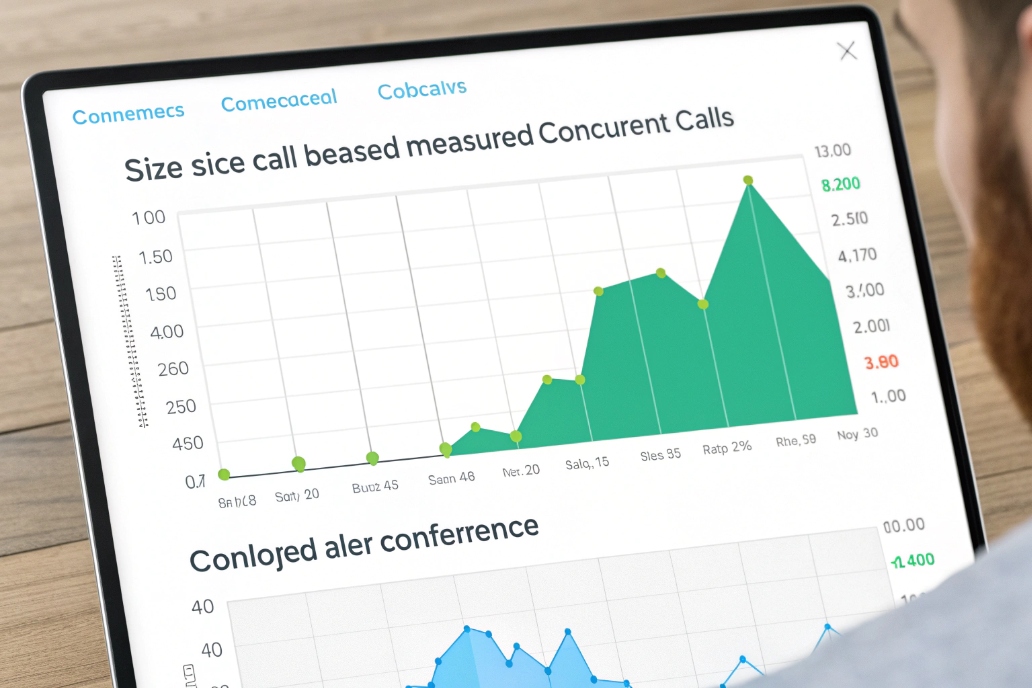
Estimate call paths from peak concurrent external calls, then add headroom for spikes, hairpin/forward legs, conferences, and failover scenarios, using peak and 95th-percentile concurrency as your sizing anchors.
Start with the busy hour, not total daily calls
Daily call volume does not tell you concurrency. A business can have 1,000 calls per day and still only need 15 paths if calls are short and spread out. Another business can have 200 calls per day and need 30 paths if many calls overlap.
The best input is:
- peak concurrent calls (max simultaneous external calls)
- 95th percentile concurrency (what happens on a “normal busy day”)
For many teams, the 95th percentile number is the target, then add headroom.
Include “double-path” behaviors in the math
If your environment uses:
- off-net forwarding
- simultaneous ring to mobiles
- external transfers through the PBX
then concurrency can jump because each call can consume two paths.
A practical sizing rule is:
- Base paths = peak concurrent external calls
- Add headroom = 15–30% for spikes
- Add extra = expected number of hairpin/forward legs at peak
Tie call path sizing to bandwidth and codec choice
Each path consumes bandwidth. Rough planning is:
- G.711 voice is higher bandwidth than modern codecs
- Opus audio codec (RFC 6716) 6 can reduce bandwidth but may not be supported end-to-end
- RTP overhead exists beyond codec bitrate
Even if bandwidth is large, jitter and loss during peaks can destroy call quality. So call path sizing and QoS planning should be done together.
| Sizing input | What it captures | Why it matters |
|---|---|---|
| Peak concurrency | Worst-case blocking risk | Prevents busy signals |
| 95th percentile | Normal peak behavior | Controls ongoing spend |
| Hairpin ratio | Forwarding and transfers | Prevents “2 paths per call” surprises |
| Failover mode | One trunk down | Ensures capacity during outages |
Once you know how many call paths you need, the next problem is licensing. Vendors can license capacity per PBX, per trunk, or per site.
Should I license call paths per PBX, per trunk, or per site?
Licensing is not only a pricing question. It changes how your system behaves during outages and during load spikes between locations.
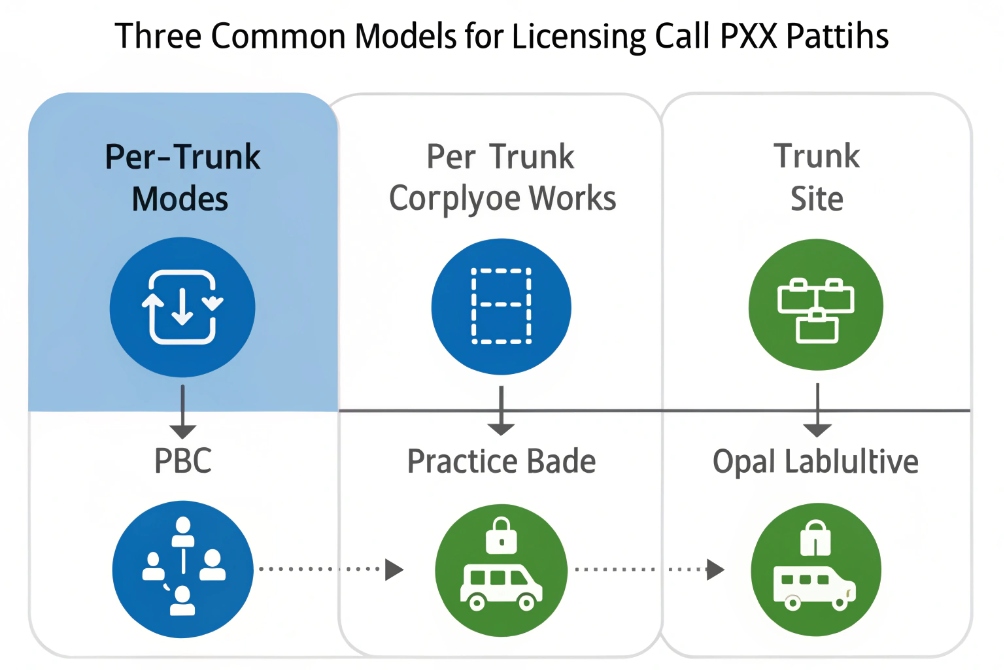
License call paths where your bottleneck is: per trunk if carrier capacity is the main limit, per PBX if your platform enforces session limits, and per site if sites must operate independently during WAN or trunk failures.
Per trunk licensing (carrier-centric)
This is common in SIP trunking:
- you buy a trunk bundle with N channels/call paths
- all sites share if they route through that trunk
Best for: - centralized PSTN ingress/egress
- simple forecasting
Risk: - one trunk becomes a single capacity pool that can be drained by one site
Per PBX licensing (platform-centric)
Some PBX platforms license external call sessions:
- the PBX allows only N simultaneous external calls
Best for: - environments where the PBX is the true bottleneck (CPU, recording, transcoding)
Risk: - even if the carrier can handle more, the PBX may block
Per site licensing (survivability-centric)
This model makes sense when:
- each site has its own trunks
- each site must keep calling even if WAN is down
Best for: - factories, campuses, critical sites
Risk: - capacity can be stranded (site A has unused paths while site B is overloaded)
| Licensing model | Biggest advantage | Biggest risk | Best fit |
|---|---|---|---|
| Per trunk | Simple capacity pool | Single pool can be drained | Centralized trunk strategy |
| Per PBX | Aligns with platform limits | PBX blocks before carrier | Heavy features: recording/transcoding |
| Per site | Strong survivability | Stranded capacity | Multi-site independence needs |
A hybrid is common: per-site local trunks for survivability plus a shared central trunk for overflow or cost control.
Once licensed, the final step is operational control: monitoring and alerting on busy-hour usage so capacity problems are detected before customers complain.
How do I monitor and alert on busy-hour call path usage?
Most teams find capacity problems only after missed calls pile up. The fix is simple: monitor concurrency like a core resource.
Monitor call paths by tracking real-time concurrent calls and 95th-percentile peaks per trunk and per site, then alert when usage hits defined thresholds so overflow or failover rules can trigger early.
What to monitor in practice
The key signals are:
- current concurrent external calls (inbound + outbound)
- peak concurrent calls per interval (15 minutes)
- 95th-percentile measurement 7 for concurrency per day/week
- blocked calls due to capacity (busy/503/487 patterns depending on platform)
- trunk failover events and reroute counts
Useful alert thresholds
A simple threshold model works well:
- Warning at 70–80% utilization: investigate load and upcoming peaks
- Critical at 90–95% utilization: trigger overflow/callback/failover actions
- Sustained critical (e.g., 10 minutes): paging to on-call or supervisor
Thresholds should be tied to business hours. After-hours spikes can be normal for some teams.
Link monitoring to routing actions
Alerts are better when they also trigger protective behavior:
- overflow inbound calls to a backup group or queue
- offer callbacks when concurrency is high
- block non-critical outbound calling during peaks
- failover to a secondary trunk when the primary is saturated
| Metric | Alert goal | Typical action |
|---|---|---|
| Concurrency % | Prevent blocking | Overflow or callback |
| Blocked call count | Detect capacity hits | Add paths or change policy |
| Hairpin/forward ratio | Detect “2-path” drains | Add confirmation or reduce forwarding |
| Trunk health | Detect carrier issues | Failover to backup trunk |
The most useful report: peak vs 95th percentile
Peak tells you the worst moment. 95th percentile tells you what you regularly live with. Using both keeps planning balanced:
- If peak is high but rare, overflow rules may be enough.
- If 95th percentile is high, you likely need more paths.
Monitoring makes call paths visible, and visibility is what keeps the system stable under real demand.
Conclusion
A call path is one unit of concurrent call capacity. Define it clearly, size it from busy-hour peaks, choose licensing that matches your topology, and monitor utilization so you avoid blocking at the worst time.
Footnotes
-
Understand what Direct Inward Dialing numbers are and why they don’t determine concurrency. ↩ ↩
-
Learn how SIP trunk channels map to concurrent call capacity when sizing inbound/outbound calling. ↩ ↩
-
Overview of what an SBC does and why it can enforce session limits and security. ↩ ↩
-
Quick reference on call forwarding behavior and why forwarding can consume additional trunk capacity. ↩ ↩
-
Definition of VoIP hairpinning and why PBX hairpin calls create longer paths and extra load. ↩ ↩
-
Official IETF spec for the Opus codec, useful for bandwidth planning and interoperability discussions. ↩ ↩
-
Explains 95th percentile measurement for capacity planning and billing-style utilization reporting. ↩ ↩








