
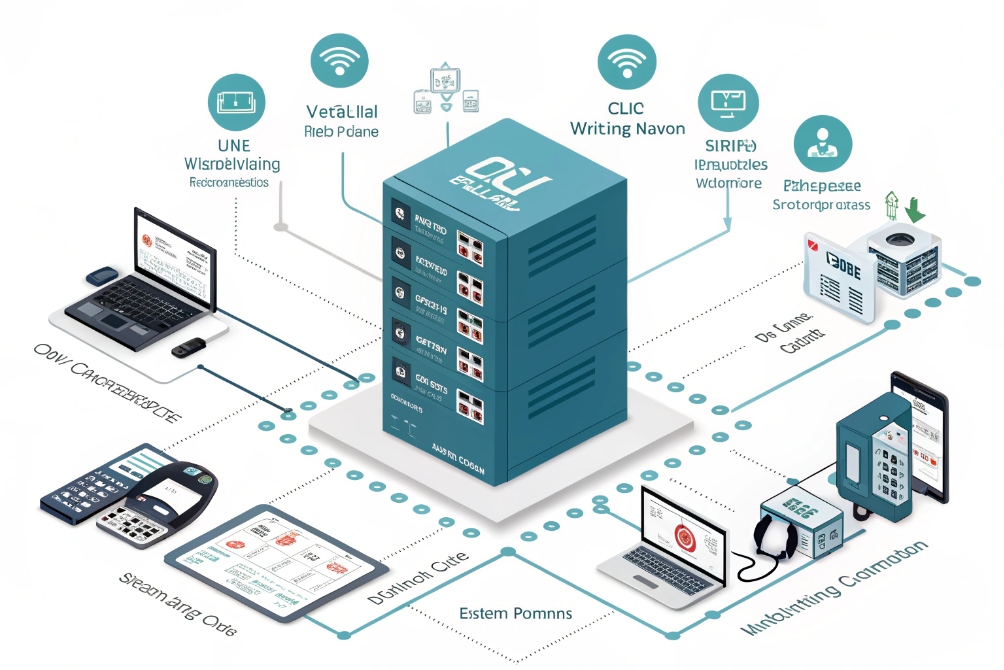
When calls hit your main number faster than humans can answer, chaos starts: ringing phones, rushed agents, and unhappy callers who never reach the right person.
A call queue is a virtual waiting line that holds inbound calls, plays music and announcements, and then distributes each call to the best available agent according to your routing rules and business priorities.
A good queue is not just a glorified “hold” button. It is a small engine: it watches agent states, applies skills, respects schedules, enforces limits, and decides what to do when the waiting room is full. When we design VoIP and SIP systems for buildings, hospitals, logistics, or contact centers, the queue becomes the place where customer expectations and internal reality meet. If we get this part right, everything downstream feels smoother for both callers and agents.
Which queue strategy fits my workload best?
Many people start with a default “ring the next free agent” and leave it there for years. Then they wonder why some agents drown in calls while others sit idle.
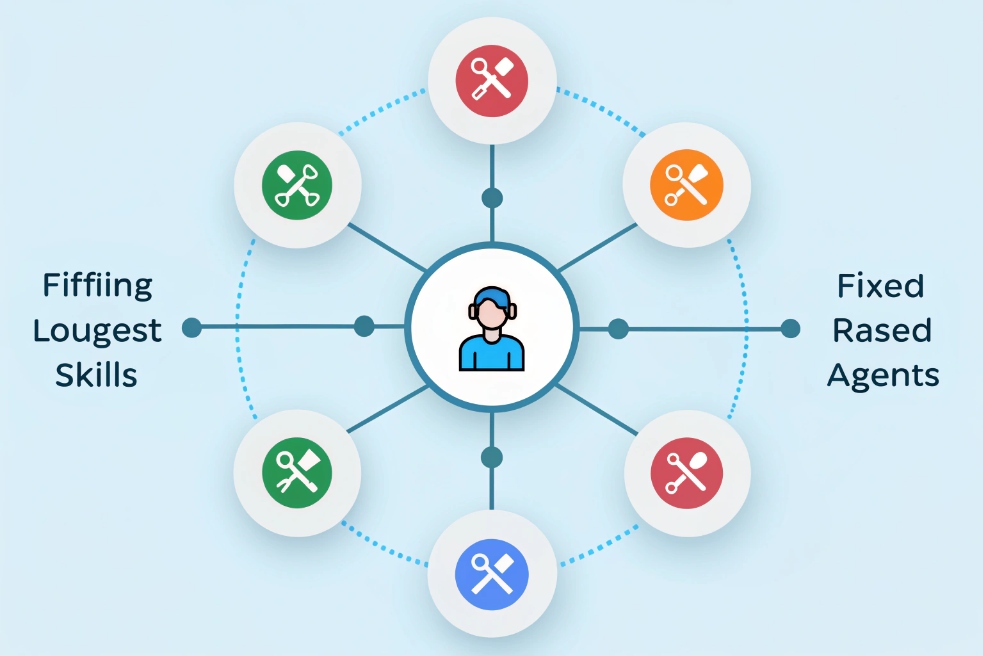
The best queue strategy matches how your workload behaves—steady vs bursty, simple vs complex—and balances fairness, speed, skills, and priority so the right agent takes each call at the right time.
Understand your traffic before picking an algorithm
Different queues see very different traffic:
- Support line with long troubleshooting calls
- Sales line with many short inquiries
- Emergency or security line where seconds matter
- Operator/front desk handling mixed requests
Before choosing a strategy, look at:
- Average and peak call volume
- Typical handle time
- Percentage of first-time vs repeat callers
- How many agents share which skills
Once that is clear, you can choose a routing method that supports your reality instead of fighting it.
Common queue strategies and where they shine
Here are some typical strategies used in SIP PBXs and cloud contact centers:
| Strategy | How it works | Best for |
|---|---|---|
| FIFO (first in, first out) | Oldest waiting call goes next | Simple teams, equal skills |
| Round robin | Rotates calls evenly across agents | Balanced workloads, fairness focus |
| Longest idle | Sends call to the agent idle the longest | Stable teams, good for fairness |
| Skills-based | Matches against skill tags (language, product) | Support with multiple products or languages |
| Priority-based | Uses caller or queue priority to jump the line | VIPs, SLAs, callbacks, emergency flows |
| Fixed order / hunt | Rings preferred agent(s) in a set order | Small teams, special roles, on-call setups |
For example:
- A technical support team often uses skills-based + longest idle so the right specialist gets the next call without burning out one person.
- A sales hotline may use round robin to keep leads distributed fairly.
- A security/emergency queue usually uses priority-based routing so those calls override low-priority lines.
Mix strategies rather than picking only one
You rarely need to choose only one method. A practical design might look like:
- Top layer: priority (VIP > callbacks > normal).
- Inside each layer: skills first, then longest idle among eligible agents.
That way, you protect important callers, still use skills, and keep the workload balanced. In SIP environments with many endpoints (desk phones, SIP intercoms, softphones), this mix keeps both operators and field staff in the loop without making routing rules impossible to explain.
How do I set SLAs, music, and announcements?
If you leave queues at vendor defaults, you usually get awkward music, generic messages, and no clear target for how fast calls must be answered. The result is random experience.
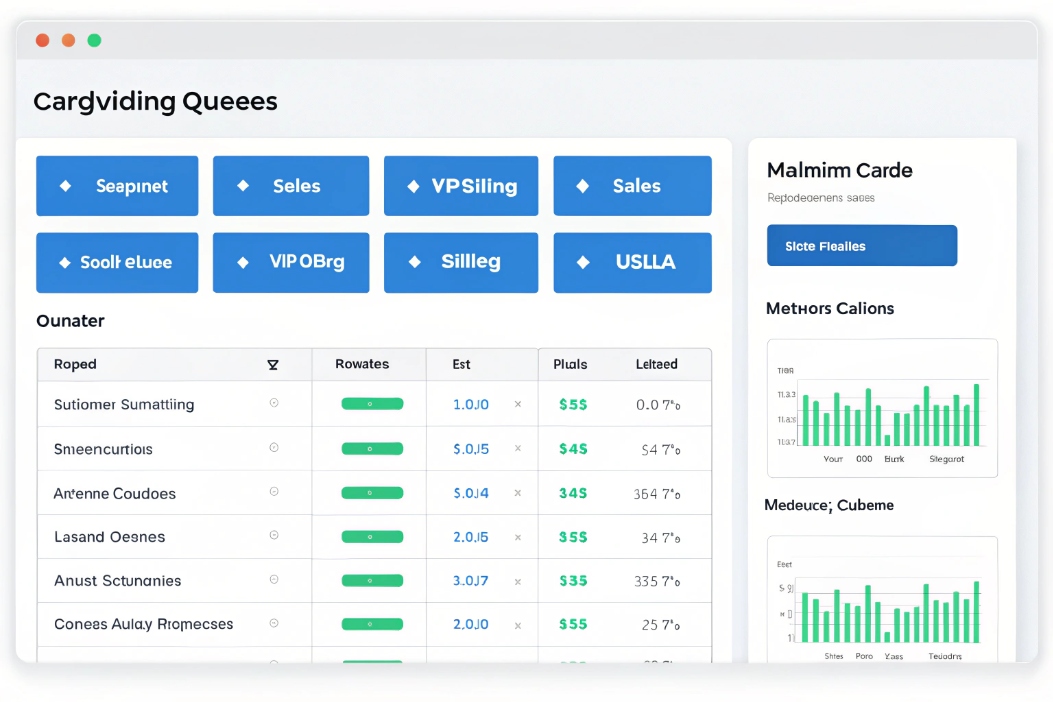
Set queue SLAs as concrete time and percentage targets, then match music and announcements to that experience so callers know what is happening and do not feel forgotten.
Defining realistic SLAs for your queues
An Service Level Agreement (SLA) 4 for voice is usually defined as:
X% of calls answered within Y seconds
For example:
- 80% of calls answered within 20 seconds for main reception
- 90% within 10 seconds for emergency/security lines
- 70% within 60 seconds for non-urgent billing
A simple SLA table:
| Queue | Target SLA | Notes |
|---|---|---|
| Main customer support | 80% in 30 seconds | Core business line |
| Sales / inquiries | 80% in 20 seconds | Leads drop off fast |
| VIP / key accounts | 90% in 15 seconds | Small, high-value group |
| Back office / billing | 70% in 60 seconds | Lower urgency, often smaller teams |
To make SLAs real, tie them to:
- Staffing levels and agent schedules
- Callback strategies (more on that later)
- Overflow rules (when the queue is too full)
Music and announcements that help, not annoy
While callers wait, they usually hear:
- Music-on-hold (MOH)
- Periodic announcements
- Sometimes position or estimated wait time
Good practice:
- Use clean, neutral music or branded audio, not harsh loops.
- Keep message intervals roughly every 30–60 seconds, not every 5 seconds.
- Avoid over-promising: if you cannot estimate time accurately, skip “your wait time is X minutes”.
Useful announcement types:
| Announcement type | Purpose | Example |
|---|---|---|
| Greeting | Set expectations and tone | “Thank you for calling…, we’ll be right with you.” |
| Position / wait info | Reduce anxiety | “You are third in line.” |
| Self-service options | Offer alternatives | “You can also log a ticket via our portal.” |
| Legal / compliance | Consent and disclosure | “This call may be recorded for…” |
| Max-wait / exit options | Allow escape without abandoning completely | “Press 1 to request a callback.” |
In SIP-based deployments, you can assign different MOH sources per queue. For example, a municipal emergency line might use short tones and serious messages, while a commercial support queue uses friendly but calm music.
Connect SLAs with what callers hear
Announcements should reflect reality:
- If your SLA is 80% in 30 seconds, but live data shows 3–4 minutes, adjust either the SLA or your staffing.
- If you offer callbacks, tell callers early, not only after a long wait.
- If queues are closed (outside business hours), play clear messages and route to voicemail or an emergency number instead of letting calls ring forever.
The goal is not to hide a long wait behind cheerful music. The goal is to keep callers informed and in control, while your SIP PBX and IP phones silently work through the queue to meet the SLA you committed to.
Can I prioritize VIP and callback customers?
Treating all calls the same can feel fair on paper, but in real business it often backfires. VIPs, escalations, and promised callbacks need faster treatment than casual questions.
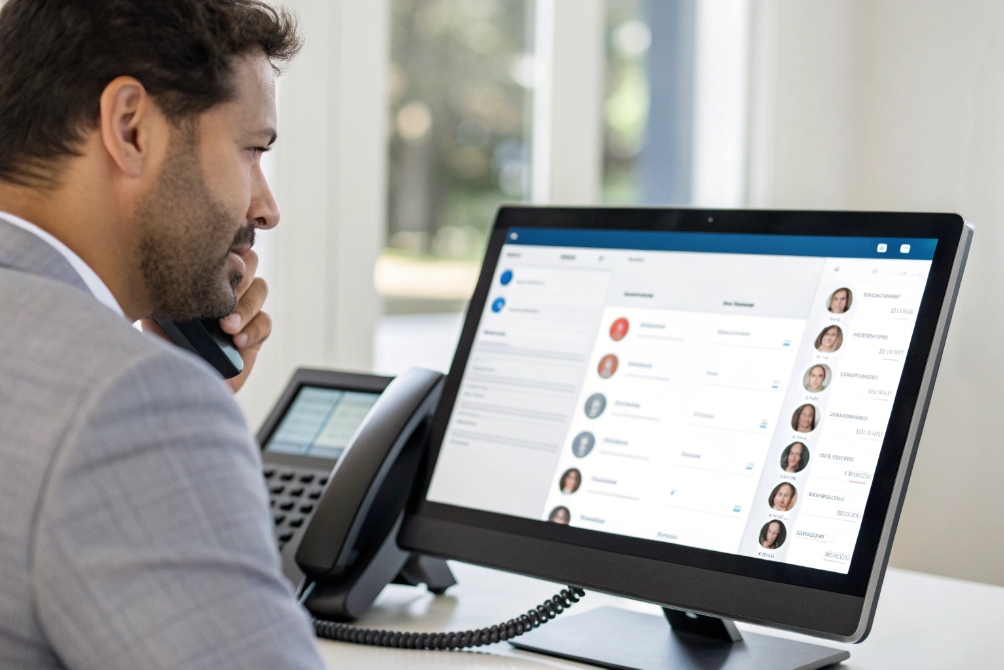
Yes. You can assign priorities to callers and queues so VIPs, scheduled callbacks, and high-risk cases move ahead of normal traffic without completely starving regular callers.
Priority layers inside your queue
Most modern Automatic Call Distributor (ACD) 6 / queue engines let you attach a priority score to:
- The queue itself (VIP queue > standard queue), and/or
- Each call (tag from CRM, IVR choice, callback flag)
This generates layers like:
- Emergency or safety calls
- VIP accounts / high-value customers
- Callbacks you already promised
- Normal inbound traffic
- Low-priority or internal-only queues
Within each layer, you can still use FIFO, skills, and longest idle. Priority only decides which pool of calls gets considered first when an agent becomes free.
Example priority scheme:
| Call type | Priority | Routing notes |
|---|---|---|
| Emergency/security | 100 | Always first, dedicated agents if possible |
| VIP support | 80 | Route to best-skilled agents |
| Scheduled callbacks | 70 | Treated as “already waiting” |
| Standard support | 50 | Normal SLA |
| Low-priority info line | 20 | When agents are free, no strict SLA |
Callback queues that behave like waiting callers
Callbacks are powerful because they reduce time-on-hold and frustration:
- Caller chooses callback instead of waiting in audio.
- System keeps their place in a virtual queue.
- When their turn comes, an agent becomes available and the system calls the customer back.
Things to watch:
- Keep the queue timestamp so the callback respects original order.
- Make sure caller ID and dial plan are correct so your callback is not flagged as spam.
- Set a maximum number of callback attempts and a clear rule for what happens after a failed attempt (voicemail, ticket, SMS, email).
From a design standpoint, treat a callback request as a call that never left the queue, not as a new low-priority outbound. That way, you do not punish customers for choosing the more polite option.
Identifying VIPs and high-priority callers
To know who is VIP, connect your SIP PBX or UC platform to:
- CRM / ERP tags (account tier, contract type, ARR)
- Special numbers (dedicated lines that imply priority)
- IVR options (for example “press 9 if this is a safety incident”)
When a call arrives, use ANI and DNIS plus CRM data to assign a priority score. That score travels with the call through the queue, even if the caller later moves to a different line or callback flow.
In the field, this approach keeps your best customers and most critical use cases away from the worst queue delays, without completely blocking regular callers. Everyone still gets through; some just float closer to the top when the system is under load.
Which KPIs prove my queue design works?
You can spend days tweaking routing rules, music, and announcements. Without numbers, you will still be arguing over whether things are “better” or “worse”.
The key KPIs for queues are ASA, service level, abandonment, occupancy, and handle-time metrics, plus callback and transfer stats that show whether your design really improves both speed and quality.
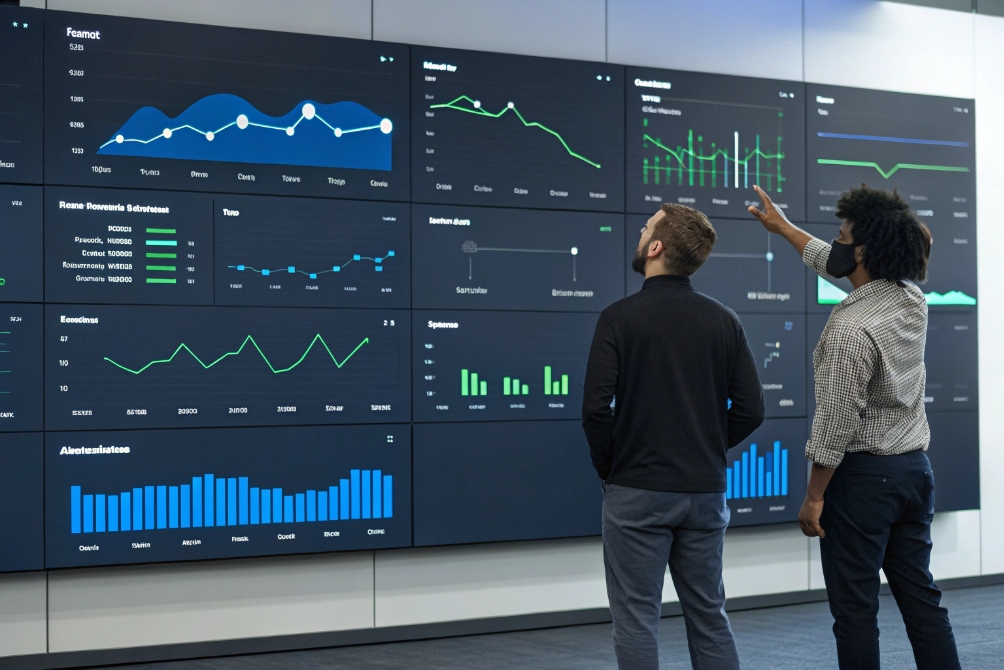
Core queue performance KPIs
Start with the basics:
| KPI | What it measures | Why it matters |
|---|---|---|
| ASA (Average Speed of Answer) | Time from queue entry to answer | Direct view of “how long they waited” |
| Service level | % of calls answered within SLA threshold | SLA compliance in simple, contract-ready form |
| Abandonment rate | % of callers who hang up before reaching an agent | Lost opportunities and frustration |
| AHT (Average Handle Time) | Talk + hold + wrap-up per answered call | Efficiency and training indicator |
| Occupancy | % of agent time spent on calls + wrap-up | Workload balance and burnout risk |
Healthy numbers vary by industry, but trends are more important than raw values. If ASA goes down and abandonment follows, something improved. If occupancy spikes while SLAs drop, you need more staff or better routing.
Callback and priority performance
If you use callbacks and VIP routing, add:
-
Callback success rate
Calls where the callback reached the customer within X minutes. -
Average callback delay
Time from when the caller requested callback to when the agent spoke to them. -
VIP vs standard SLA
Separate service level charts for VIP queues and normal queues.
Small example:
| Metric | Standard queue | VIP/priority queue |
|---|---|---|
| Service level (20s) | 78% | 94% |
| Abandonment rate | 9% | 2% |
| Average callback delay | 18 minutes | 6 minutes |
This tells you if your priority settings actually work or just look good on diagrams.
Quality, transfers, and first-call resolution
Queues are not only about speed. They also affect quality:
- Transfer rate: too many transfers mean routing or skills need tuning.
- First-call resolution (FCR): percentage of issues resolved in one contact.
- Repeat contacts: multiple calls from the same number for the same issue.
If you added skills-based routing or VIP queues and you see:
- FCR going up
- Transfers going down
- Handle time slightly up but customer satisfaction better
that is often a good trade: longer but more effective conversations.
Closing the loop with real changes
Once you see the KPIs:
- Adjust agent staffing and shifts around real busy hours.
- Change queue limits (max callers, max wait time) to avoid endless holds.
- Refine music and announcements based on abandonment hot spots.
- Test different strategies (round robin vs longest idle) on similar queues and compare.
Over time, your queue stops being a black box. It becomes a controlled system where routing, SLAs, and priority decisions show up clearly in dashboards. That is when you know your call queue design is not just technically correct, but actually working in the way callers and agents feel every day.
Conclusion
A well-designed call queue lines up your routing strategy, SLAs, VIP and callback priorities, and clear KPIs so every caller waits less, reaches the right person faster, and gives your team better chances to keep them for the long term.
Footnotes
-
Visual overview of a SIP/VoIP hub where queues coordinate endpoints. ↩ ↩
-
Routing graphic illustrating skill and strategy choices inside a queue. ↩ ↩
-
Example admin dashboard view for queue SLAs, prompts, and settings. ↩ ↩
-
Definition of SLA targets and how service-level measurement is commonly expressed. ↩ ↩
-
Incoming-call context image supporting VIP and callback prioritization. ↩ ↩
-
Background on ACD concepts that power queue routing, priorities, and agent distribution. ↩ ↩
-
KPI wallboard scene showing how queue performance is monitored in real time. ↩ ↩








