
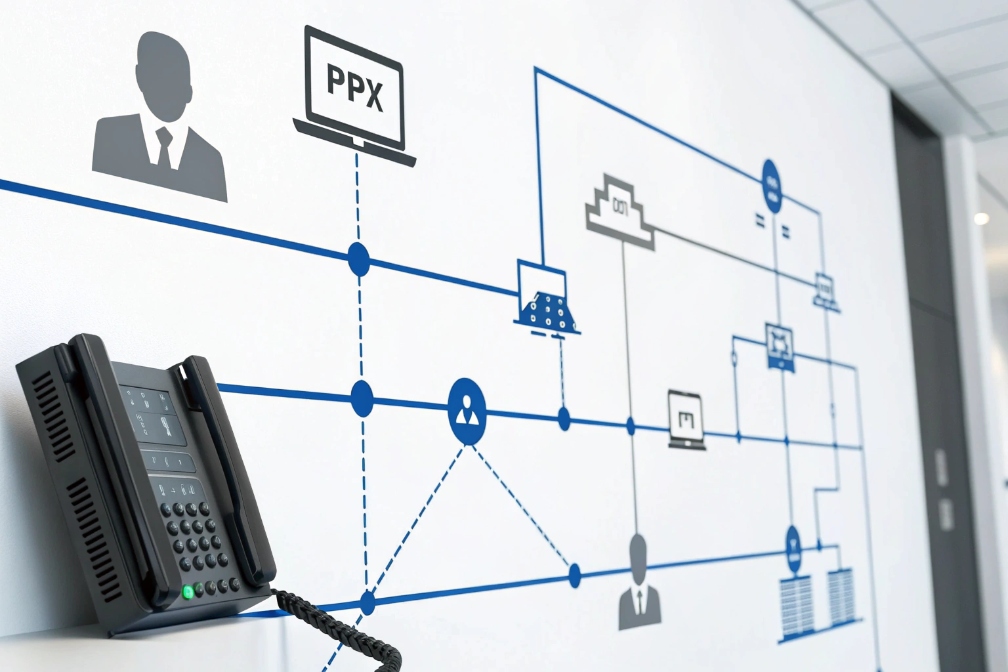
Wrong caller ID makes good calls look like spam. Customers ignore the ring, agents lose callbacks, and the business feels less trusted in one week.
Calling Line ID (CLI/CLID) is the outbound caller number your SIP system presents to the PSTN, while CNAM is the name databases may display based on that number.
The practical meaning of CLI inside a SIP/PBX environment
Calling line identification (CLI) 1 is the number that shows up on the other side when a call leaves your system. In day-to-day work, it answers one question: “What number does the customer see?” In a SIP world, that number can be set and rewritten at multiple points: the user profile, a ring group, an outbound route, an SBC policy, or the trunk itself.
It helps to separate three ideas that people mix together:
- CLI/CLID: the phone number presented to the recipient network.
- CNAM: the display name looked up by the terminating carrier, usually based on the CLI (often via Calling Name Presentation (CNAM) 2).
- Identity trust: whether carriers believe your CLI is real (this is where STIR/SHAKEN call authentication 3 and attestation matter).
Many SIP platforms send identity in headers like From, and on trusted trunks they may use P-Asserted-Identity (RFC 3325) 4 (PAI) or P-Preferred-Identity. The PBX or SBC often normalizes these before they reach the carrier. If the carrier does not trust the identity, it can rewrite it, replace it with the account main number, or mark it as suspicious.
CLI also impacts operations beyond “what shows on screen.” It affects:
- answer rates (unknown/spam-labeled numbers get ignored)
- callback success (agents need a callable number)
- compliance (emergency and toll-free routes can enforce stricter rules)
- analytics (campaign reporting depends on stable presentation)
A final nuance: one call can carry different identities across the path. The customer sees one thing, the carrier sees another for billing and security, and your PBX logs yet another field. That is normal. The goal is to keep those mappings intentional and documented.
| Term | What it is | Who controls it most | What can break it |
|---|---|---|---|
| CLI/CLID | Presented caller number | PBX/SBC + carrier policy | Unverified numbers, formatting, trunk rewrites |
| CNAM | Display name tied to number | Terminating carrier databases | Slow updates, inconsistent carrier support |
| Anonymous/Privacy | Withhold presentation to callee | PBX feature + carrier support | Emergency rules, carrier overrides |
| Attestation | Signed trust level for caller ID | Carrier/STIR-SHAKEN provider | Using numbers you do not own |
Once this foundation is clear, setting caller ID becomes far less mysterious. The next step is to control both the number and the name in a way that survives real PSTN delivery.
A good caller ID plan is part branding and part engineering. The following sections turn it into repeatable settings.
How do I set caller name (CNAM) and number (CLI)?
Bad CNAM updates waste time because teams keep “fixing” the PBX when the real issue is outside the PBX. Bad CLI settings are worse because calls can be blocked.
Set CLI in your PBX/SBC using owned, callable DIDs per user, route, or queue; set CNAM through your carrier’s CNAM listing process, then allow time for propagation across networks.
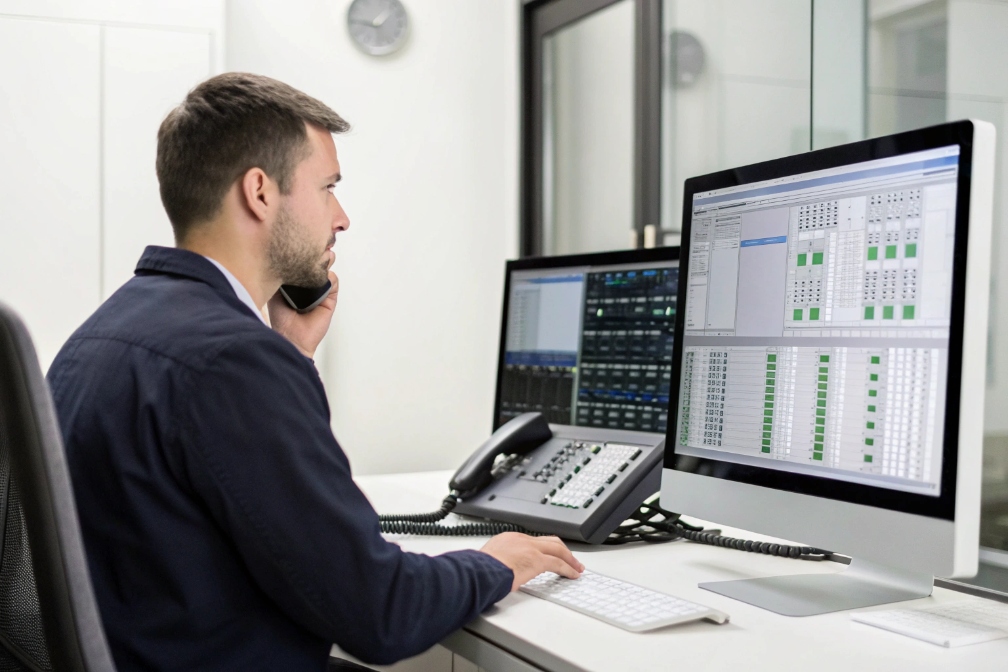
Set CLI where policy is easiest to enforce
In most deployments, CLI should be set in a clear priority order. A simple approach that stays manageable is:
1) Per-user CLI for direct extensions (sales reps, executives)
2) Per-queue or per-group CLI for shared lines (support, reception)
3) Per-route CLI when different destinations require different presentation
4) Trunk default CLI as the last fallback
This prevents random caller ID drift. It also makes troubleshooting easy because there is one expected answer for each call type.
A basic best practice is to present numbers in E.164 number format 5 (country code + number). It reduces carrier rewriting and helps consistent logging. Also, the number should be callable. A caller should be able to call back and reach the business, not a dead end.
Understand why CNAM is not a “SIP header feature”
Many SIP systems let you put a name in the SIP From display name. That does not guarantee the far end shows it. In many PSTN cases, the name displayed is a CNAM dip done by the terminating carrier, based on the CLI number. That means CNAM is more like a directory listing than a real-time SIP field.
So CNAM is usually set through your carrier:
- the carrier associates a name with your DID
- other carriers eventually see it (not always consistently)
- updates can take time, and some carriers ignore CNAM entirely
For multi-brand setups, CNAM can be tricky. Often the safest plan is:
- keep CNAM stable at the business name
- use different CLIs per brand/department
- use call whisper tags internally so agents know context
Keep a clean mapping table for operations
A caller ID plan works best when it is written down and reviewed monthly. This avoids “mystery changes” during trunk migrations or PBX upgrades.
| Call type | Presented CLI | Intended CNAM | Where it is set | Notes |
|---|---|---|---|---|
| Sales outbound | Sales DID per rep | Company brand | PBX user profile + carrier CNAM | Good for callbacks |
| Support outbound | Support main DID | Company support | Queue/group + carrier CNAM | Keeps brand consistent |
| After-hours on-call | Main DID | Company brand | Route rule | Avoid personal mobiles |
| International outreach | Local regional DID | Local brand | Route + regional trunk | Improves answer rate |
When this mapping is stable, outbound identity becomes predictable. The next question is whether the PSTN will actually display what you send, because carriers can still rewrite or block it.
Will my outbound caller ID display correctly on PSTN trunks?
Many teams set caller ID perfectly inside the PBX, then still see “Unknown” or the wrong number on customer phones. That is usually a carrier trust issue.
Outbound caller ID displays correctly when your trunk provider accepts the presented CLI as verified/owned, your formatting is valid, and downstream carriers do not rewrite it due to policy or trust scoring.
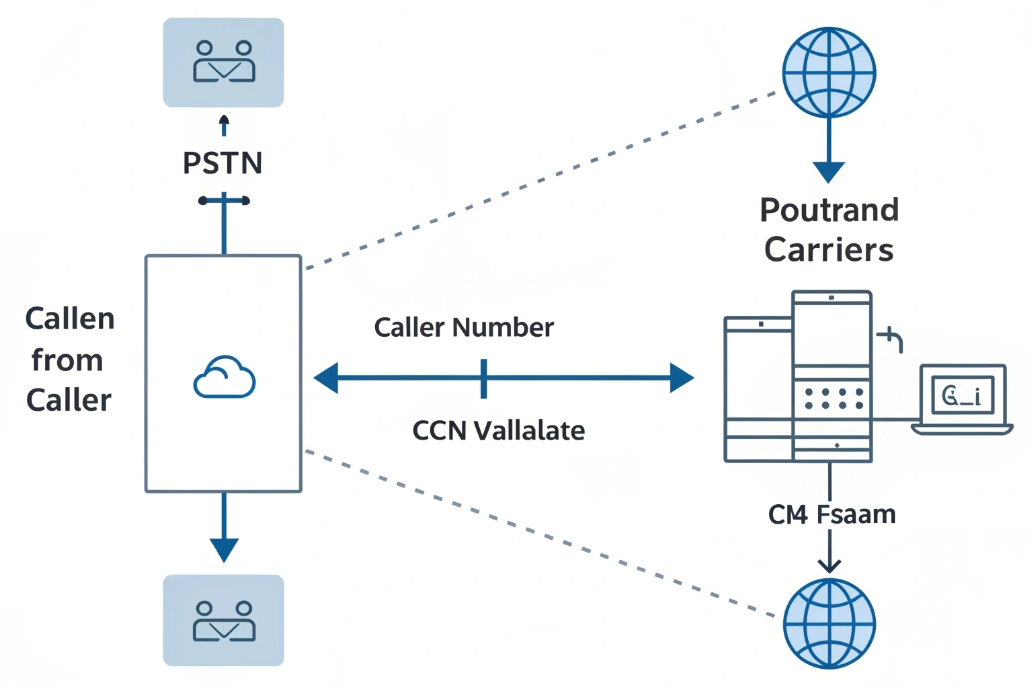
Why trunks rewrite caller ID even when your PBX is correct
Carriers protect their networks. If you send a CLI that is not on your account, many providers will:
- replace it with the trunk’s main number
- block the call
- mark it as suspicious and reduce completion
This is why “use any caller ID you want” is a dangerous assumption. In real trunks, the presented CLI is often allowed only if it matches:
- a DID assigned to your account
- an approved outbound caller ID list
- a verified number in a hosted voice plan
Some providers also enforce different rules by destination. For example:
- certain countries strip CLI formats they do not like
- toll-free and emergency routes may require a real callback number
- some mobile networks display differently than landlines
Direct media does not fix identity problems
Caller ID is set in SIP signaling, not in RTP media. So changing codecs, QoS, or RTP path does not fix wrong caller ID. The fixes are usually:
- trunk settings (trusted identity headers)
- PBX/SBC rewriting policies
- number verification on the provider account
- correct E.164 formatting and caller ID allowlists
Use test calls that reflect real destinations
A common mistake is testing only one phone type. Caller ID presentation differs across:
- major mobile carriers
- small regional carriers
- business PBXs
- international routes
A practical test plan includes at least:
- two mobile carriers
- one landline or office PBX
- one international target if you sell globally
| Failure symptom | Likely cause | Best first fix |
|---|---|---|
| Shows trunk main number | Provider overwriting unverified CLI | Add/verify DID on trunk account |
| Shows “Unknown” | Invalid format or privacy flag mishandled | Normalize to E.164, review privacy headers |
| Shows correct number but wrong name | CNAM not updated downstream | Submit CNAM listing and wait for propagation |
| Different display by carrier | Terminating carrier behavior | Use stable, verified numbers per region |
When outbound display is stable, privacy becomes the next topic. Many businesses need anonymous calling for certain workflows, but it must be done carefully.
How do privacy and anonymous caller ID settings work?
Anonymous calling can protect staff, but it can also reduce answer rates and trigger spam labeling. It should be a controlled feature, not a casual habit.
Anonymous caller ID uses privacy flags to withhold presentation to the recipient while still revealing identity to trusted carriers for billing and security; your PBX can apply it per user, per route, or per call.
What “anonymous” really means in SIP
Anonymous caller ID usually means: “Do not present my number to the called party.” It does not mean the carrier has no idea who is calling. Most carrier networks still require identity internally for:
- billing
- fraud prevention
- legal intercept requirements
- abuse tracing
In SIP, anonymous behavior is commonly implemented by:
- setting
Fromto anonymous (as defined in the core SIP spec, RFC 3261 6) - adding privacy indicators (for example, the SIP Privacy header (RFC 3323) 7)
- using a feature code (like *67) depending on PBX behavior
- applying an outbound route rule that masks CLI
The important point is placement. If privacy is applied in the PBX but the SBC rewrites identity later, the final result can be inconsistent. In stable setups, the SBC is the last policy gate and enforces privacy consistently.
Business rules: when anonymous makes sense
Anonymous is useful for:
- on-call staff calling back from personal devices
- sensitive departments that should not expose direct lines
- security operations that must avoid personal callback numbers
Anonymous is risky for:
- sales outreach (answer rates drop)
- support callbacks (customers may not pick up)
- any workflow needing clear return-call behavior
A better alternative to anonymous is often masking:
- present a department DID (callable)
- keep personal numbers hidden
- preserve accountability and callbacks
Special destinations can override privacy
Some destinations enforce stricter identity rules:
- emergency calling often requires a valid callback number
- toll-free and certain enterprise routes may reject withheld CLI
- some countries do not support privacy the same way
So privacy should be tested on the exact routes you care about, not only on internal calls.
| Privacy option | What the customer sees | Best use case | Main downside |
|---|---|---|---|
| Anonymous/withheld | “Private” / “Unknown” | Sensitive outbound callbacks | Lower answer rate, more spam labeling |
| Masked to main DID | Main company number | On-call and after-hours | Requires good IVR/routing on return call |
| Per-user direct DID | Agent direct line | Sales/account teams | Exposes direct line publicly |
| Per-queue DID | Department number | Support/reception | Requires clean queue coverage |
Privacy control should be intentional. The next step is protecting the system from spoofing and meeting modern caller ID trust requirements.
How do I prevent spoofing and comply with STIR/SHAKEN?
Spoofing is why legitimate businesses get labeled as spam. Fixing caller ID is no longer only a PBX setting. It is an identity trust project.
Prevent spoofing by allowing only owned/verified CLIs, enforcing SBC rewrite policies, and using STIR/SHAKEN-capable trunks so calls are signed with proper attestation that improves trust and reduces spam labeling.
Lock down what numbers can be presented
The strongest anti-spoofing step is simple: do not let endpoints present arbitrary caller ID. Many spoofing incidents happen because:
- a compromised extension can set any CLI
- a misconfigured dial plan passes caller ID through
- a trunk trusts headers from an untrusted side
A practical control set is:
- maintain an outbound caller ID allowlist (only your DIDs)
- block or rewrite any caller ID not on the list
- enforce rules at the SBC (the last trusted device)
- require authenticated registration for endpoints
This ensures every outbound call uses a number you can prove you own.
Understand STIR/SHAKEN as “signing caller ID”
STIR/SHAKEN is designed to cryptographically sign caller ID information so terminating providers can verify it. In practical terms, it helps carriers decide whether to trust the calling number and how to label it.
Attestation levels are commonly described as:
- A: full attestation (caller is authorized to use the number and the provider knows the customer)
- B: partial attestation (customer is known but not fully verified for that number)
- C: gateway attestation (provider is only passing the call along)
Higher attestation generally improves delivery and reduces negative labeling. Still, it is not a magic shield. Bad call patterns can still trigger spam analytics.
Align PBX identity headers with trunk trust rules
Even with STIR/SHAKEN, the trunk needs clean identity:
- present valid, owned numbers
- keep formatting consistent (E.164)
- avoid mixing anonymous and verified identity unless policy demands it
- use Diversion/History-Info carefully on forwarded calls so callbacks work
Forwarded calls are a common trouble spot. If a PSTN call is forwarded out again, the system must decide whether to preserve the original caller ID or present the business number. Preserving the original can help the called party know who it is, but it can also create trust issues if the trunk sees you presenting a number you do not own. In many cases, presenting a business-owned callback number is safer, while keeping the original number in diversion headers for context.
| Risk | What causes it | Best prevention |
|---|---|---|
| Caller ID spoofing from endpoints | Users/apps can set arbitrary CLI | SBC allowlist + rewrite policy |
| Low attestation | Mixed numbers or unclear ownership | Use verified DIDs only, register correctly with carrier |
| Spam labeling | High volume, short calls, poor reputation | Stable branding, good calling patterns, complaint control |
| Forwarding identity problems | Off-net forward/hairpin calls | Present owned CLI, preserve original in diversion headers |
A good compliance posture is not only “STIR/SHAKEN is on.” It is “caller ID is controlled end-to-end, and every presented number is owned, callable, and consistent.”
Conclusion
Calling Line ID is your outbound identity on the PSTN. With verified DIDs, clean CNAM processes, controlled privacy, and STIR/SHAKEN-aware policies, caller ID stays trusted and consistent.
Footnotes
-
CLI basics and terminology, useful for explaining why “caller ID” can be rewritten across networks. ↩ ↩
-
Explains how CNAM name display works and why results vary by carrier and region. ↩ ↩
-
FCC overview of STIR/SHAKEN call authentication and why verification affects spam labeling and call completion. ↩ ↩
-
Defines P-Asserted-Identity and trusted identity handling on SIP networks and carrier interconnects. ↩ ↩
-
Official E.164 numbering standard reference for consistent caller ID formatting and international presentation. ↩ ↩
-
Core SIP specification reference for identity-related headers and baseline call signaling behavior. ↩ ↩
-
Privacy header specification explaining how SIP signals “withhold caller ID” while carriers still retain internal identity. ↩ ↩








