

Outbound calling often feels random: agents grab numbers from spreadsheets, leads repeat, and nobody knows which calls are even allowed.
A calling list in my dialer or PBX is a structured set of contacts, with numbers, consent flags, and priorities, that the system dials under clear rules, pacing, and compliance controls.
A good list is not just a CSV of phone numbers. It is the core “fuel” for outbound dialing campaigns 1, screen pops, callbacks, and even mixed inbound–outbound queues. When I design lists carefully and let the PBX enforce the rules, agents get cleaner connects, fewer complaints, and managers get real data instead of guesswork.
How do I import, dedupe, and segment my lists?
Dumping raw exports from CRM or Excel straight into the dialer creates duplicate calls, mixed time zones, and angry prospects.
I import lists through a defined template, normalize and de-duplicate by key fields, then segment by campaign, timezone, and priority so the dialer can pace and route calls correctly.
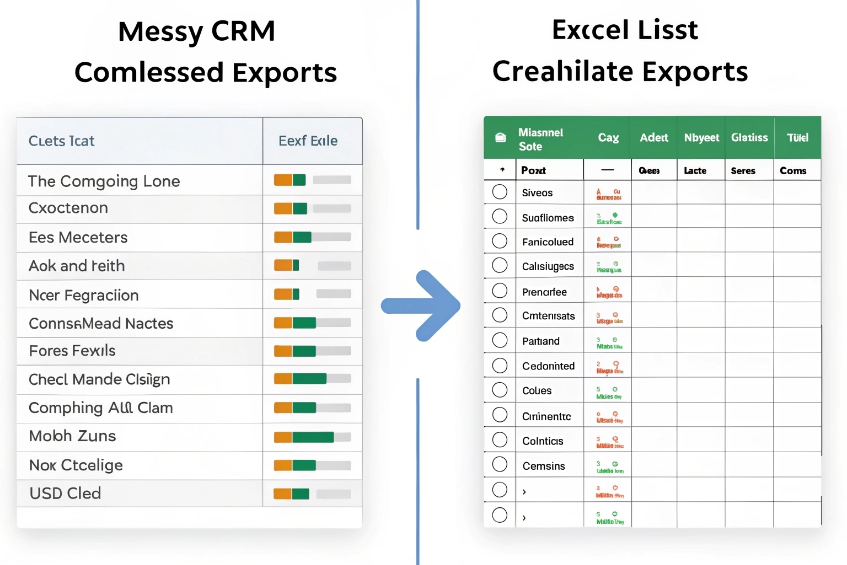
Designing a clean list structure before import
A calling list record should be more than “Number + Name”. At minimum, I want:
| Field type | Examples | Why it matters |
|---|---|---|
| Identity | Contact ID, account ID | Matching back to CRM and avoiding duplicates |
| Numbers | Mobile, work, home, alternate | Attempt logic and fallback numbers |
| Time / region | Timezone, state, country | Local-time rules and pacing |
| Consent / status | Opt-in flags, DNC flags, last outcome | Compliance and retry control |
| Routing metadata | Language, campaign, product, skill tags | Queue and agent mapping |
| Priority / score | Lead score, SLA deadline, VIP flag | Dialing order and pacing |
Before any import, I define a standard template and stick to it for all sources, even if some fields are blank for older data. This alone cuts a lot of chaos.
Import and de-duplication workflow
A safe workflow looks like this:
- Staging: load raw files into a staging area, not straight into a live campaign.
- Normalize:
- Strip spaces and symbols from numbers.
- Convert to a consistent format (often the E.164 numbering plan 2).
- Map timezones based on city, state, or country if needed.
- De-duplicate:
- Apply data deduplication 3 rules using a clear primary key.
- Merge duplicates so one person does not appear five times in the same list.
- Preserve useful alternate numbers, do not just drop them.
- Scrub against internal suppression lists before sending anything to a live campaign.
A simple dedupe rule table:
| Rule | Action |
|---|---|
| Same account ID | Merge into one record |
| Same phone + country | Keep most recent or highest-priority row |
| Different consent flags | Keep the most restrictive (safer) |
| Conflicting timezones | Pick the one from the most trusted source |
| Conflicting timezones | Pick the one from the most trusted source |
Segmenting lists for better pacing and routing
Once the base list is clean, I split it into logical segments:
- By campaign type: new leads vs renewals vs collections.
- By timezone or region: so I can follow local calling hours.
- By language or product: to map to the right skill group.
- By priority: hot leads and near-expiry cases first.
This segmentation lets the dialer predict answer rates better and adjust preview/power/predictive modes without burning through the wrong contacts. It also makes it easier to pause one campaign, adjust its script or caller ID, and restart without disturbing others.
Can I comply with DNC and consent rules automatically?
If agents rely on memory for “who we can call”, it is only a matter of time before complaints, penalties, or brand damage show up.
Yes. The dialer or PBX can enforce DNC and consent rules by scrubbing lists before dialing, checking flags on each attempt, and blocking or reclassifying records that fail compliance.
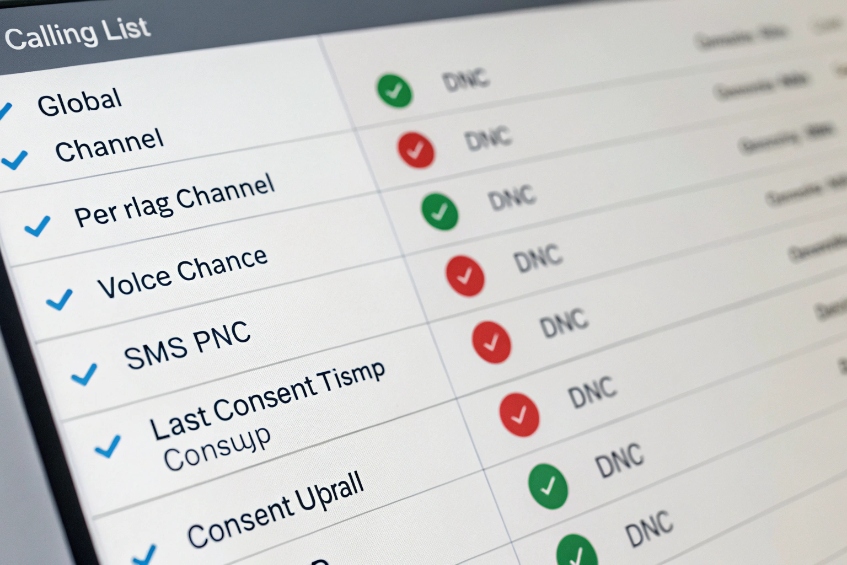
What compliance logic should live in the list
Compliance starts in the list, not only at the trunk. Useful fields include:
| Field | Purpose |
|---|---|
| Global DNC flag | Never dial this contact again |
| Per-channel consent | Voice, SMS, WhatsApp, email allowed or not |
| Consent source | Web form, contract, in-app opt-in |
| Consent timestamp | When consent was given or last refreshed |
| Last DNC update date | When we last got or imported DNC status |
For some regions, I also tag:
- Country and state, since rules differ.
- Customer type (consumer vs business), as laws can treat them differently.
The system then treats DNC and non-consent as hard stops: the record is suppressed from dialing, and any attempt to call must fail with a clear reason code.
Automatic scrubbing and enforcement
A sensible design uses several layers:
-
Pre-dial scrubbing
- When a new list is imported, automatically compare it to internal DNC tables and any subscribed external DNC feed (such as the National Do Not Call Registry 4).
- Mark or remove records that fail.
-
Real-time checks on each attempt
- Before sending a number to the dialer, check its latest DNC and consent flags.
- Apply country or state-specific quiet hours and call frequency rules.
-
Outcome-driven updates
- If a contact says “Do not call me again”, the agent sets a disposition that flips DNC flags immediately.
- The dialer stops all further attempts, even if the record appears in multiple lists.
A simple decision flow:
| Condition | Action |
|---|---|
| Global DNC = true | Never dial; log “DNC suppressed” |
| Consent.voice = false | Block voice calls, maybe allow SMS |
| Exceeds max attempts in last X days | Pause record or drop from campaign |
| Outside local legal calling window | Defer to next valid window |
Reduce risk by design, not just training
Agents still need training on what to say and how to log requests, but the system should be the main guardrail. That means:
- Separate campaigns for consented contacts vs pure informational or transactional calls.
- Strong outbound caller ID strategy and recording rules tied to each list.
- Clear, simple dispositions like “DNC Request” or “Opt-out” that agents can find quickly.
If you operate in the US, align consent handling with rules like the Telephone Consumer Protection Act (TCPA) 5 so your list fields and dialer behavior support what regulators and carriers expect.
When list fields, scrubbing jobs, and dialer logic all point in the same direction, complying with DNC and consent rules is mostly automatic. The PBX stops risky calls before they ever reach a trunk, instead of relying on someone to “remember the rules” when they are tired at the end of the day.
How do I track outcomes and schedule callbacks?
If every call ends with a free-text note and no structured outcome, the same numbers get hammered, and good leads vanish into inboxes.
I track outcomes using standard dispositions tied to each record, then let the dialer schedule callbacks by time, owner, and priority so agents see the right next calls without digging.
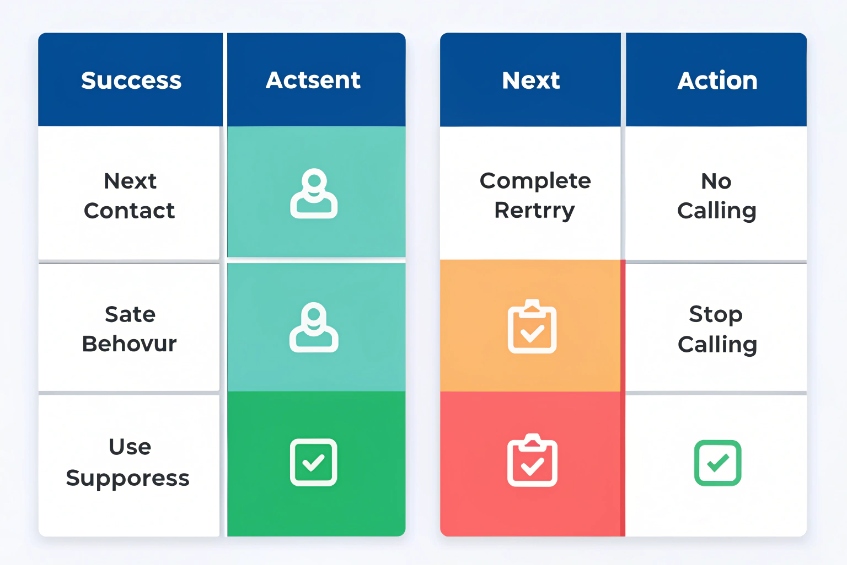
Build a simple but strict disposition model
Every completed attempt should end with a clear outcome. Not 50 options, but enough to drive logic. This is where consistent call disposition codes 6 pay off: the system can actually enforce retry, suppression, and callback behavior.
Typical examples:
| Category | Disposition examples | System behavior |
|---|---|---|
| Success | Sale, Appointment set, Issue resolved | Mark record complete; push data back to CRM |
| Next action | Callback, Send email, Transfer to team | Schedule callback or workflow; keep record active |
| No contact | No answer, Busy, Voicemail left | Apply retry rules up to max attempts |
| Stop calling | DNC request, Wrong number, Not interested | Suppress or retire record |
The fewer and clearer these are, the more accurate your data will be. The dialer should force a disposition before the agent can move on.
Let the dialer drive callbacks, not personal notes
Callbacks should be data, not sticky notes. A good callback record contains:
- Which contact, number, and campaign it relates to.
- Who owns the callback (any agent, a skill group, or a specific person).
- Exact date and time window in the contact’s local timezone.
- Priority level and any short reason code.
Then the dialer can:
- Pop the right call at around the promised time.
- Prefer the original agent when required, but still catch overdue callbacks with a team if needed.
- Avoid overloading the queue at the start of each hour by smoothing callback pacing.
A simple callback priority table:
| Priority | Example use | Dialer behavior |
|---|---|---|
| High | “Call me back in 30 minutes” | Schedule as soon as slot is free |
| Normal | “Call tomorrow after 10am” | Fit into normal campaign pacing |
| Low | Long-term nurture or reminders | Defer if queue is busy |
Feed outcomes into reports and next campaigns
Once every attempt has a structured outcome, you can answer useful questions:
- How many attempts per connect per list or campaign?
- Which lists produce the most “Sale” vs “Not interested”?
- How many callbacks are overdue, and why?
- Which agents use “DNC Request” correctly and which never use it?
This drives better list buying, script changes, and future segmentation. For example, you might:
- Exclude past “Not interested” leads from aggressive campaigns.
- Create a softer nurture sequence for “Call me later” outcomes.
- Keep separate lists for “Wrong number” vs “Unreachable”, since the first is a data quality issue and the second is a pacing or timing issue.
When callbacks and dispositions are first-class citizens in the dialer, agents stop chasing the wrong contacts, and managers see clear trends instead of random anecdotes.
Why are many numbers unreachable or flagged?
From the agent’s view, it can feel like “no one answers anymore” or “all calls go to spam,” but the reasons are usually visible in the data.
Numbers go unreachable or get flagged when list quality is poor, carriers see risky patterns, time rules are ignored, or repeated attempts hit the same voicemail and spam filters.
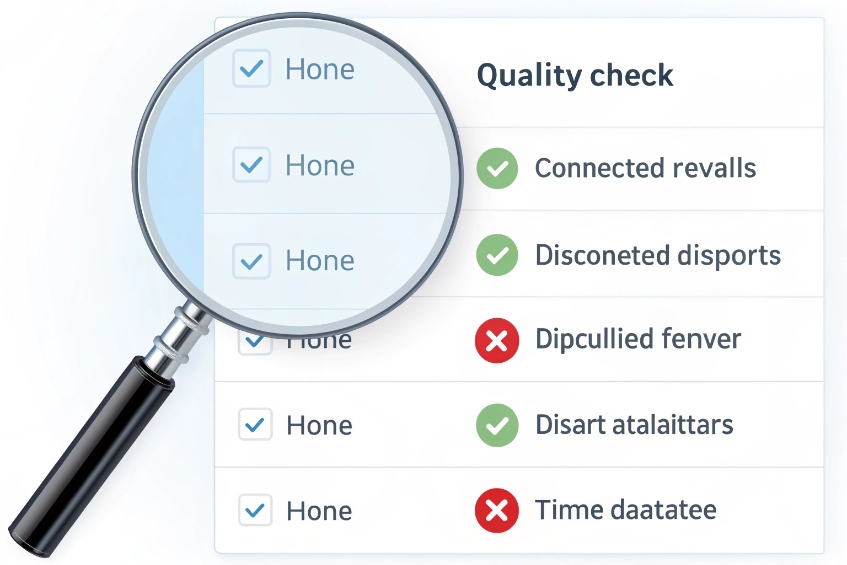
Start with list and number quality
First, I check whether the system is trying to call numbers that never had a chance:
| Issue | Symptom | Fix |
|---|---|---|
| Invalid formats | Immediate carrier errors | Normalize to E.164, validate before dialing |
| Landlines vs mobiles mix | Wrong scripts, low pickup for landlines | Tag type and route to fitting campaigns |
| Old or stale data | Many “Disconnected” or “Wrong number” outcomes | Refresh lists from source, shorten list age |
| Overlapped lists | Same number in many campaigns | Use global contact IDs and shared suppression |
If 20–30% of a list is bad, even a perfect dialer will look terrible. Tools that validate or score numbers before dialing can save a lot of wasted dials.
Carrier behavior and spam signaling
Even good numbers can be hard to reach if carriers or devices do not trust your traffic:
- Too many short, abandoned, or no-agent calls make you look like a spam dialer.
- Aggressive predictive dialing 7 pacing can create high drop rates, which feed spam analytics.
- Using caller IDs you do not own or that change every few minutes also looks suspicious.
To reduce flags, I:
- Keep drop/abandon rates low by matching pacing to real agent availability.
- Use stable, registered caller IDs per campaign or region.
- Align with STIR/SHAKEN and carrier rules via my SIP provider.
- Avoid “flash calls” and unnecessary retries within short windows.
Timing, attempt logic, and human behavior
Unreachable does not always mean “bad number”. It can also mean “wrong time” or “too often”. The fix is usually in attempt logic:
| Parameter | Effect |
|---|---|
| Max attempts | Prevents hammering a single number |
| Minimum wait | Gives real time between tries |
| Time-of-day windows | Avoids dead hours and quiet hours |
| Alternate number order | Tries mobile before less-used numbers |
If the data shows many “No answer” outcomes during working hours for B2B, but none in early evening, I adjust calling windows instead of just increasing attempts.
Finally, I watch callback vs cold dial ratios. Contacts who asked for a callback but get called at random times feel spammed. Contacts reached at the promised time feel respected and are far less likely to block or report the number.
When list quality, dialing behavior, and caller ID strategy all point in a sensible direction, unreachable and flagged numbers drop, and the dialer stops fighting the network and the people it is trying to reach.
Conclusion
A calling list is not just who you want to call; it is how you import, clean, protect, and act on those records so every outbound attempt is deliberate and compliant.
Footnotes
-
Shows how outbound dialing campaigns use contact lists and rules to control pacing and agent workflows. ↩ ↩
-
Quick reference for E.164 so you standardize phone numbers across regions, trunks, and reporting. ↩ ↩
-
Explains deduplication approaches so you merge duplicates without losing useful alternate numbers. ↩ ↩
-
Official resource for U.S. do-not-call registration and DNC guidance to support list scrubbing. ↩ ↩
-
FCC guidance on TCPA/robocall rules that shape consent handling, dialing practices, and compliance risk. ↩ ↩
-
Defines disposition codes and why consistent outcomes improve reporting, callbacks, and automated retry logic. ↩ ↩
-
Explains predictive dialing, pacing behavior, and common risks like abandoned calls that can trigger complaints. ↩ ↩








