
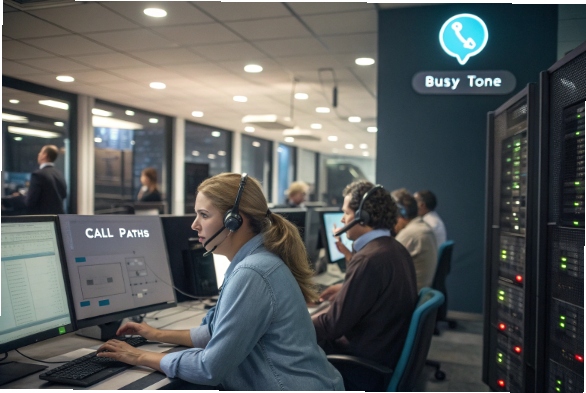
Busy hours (your busy hour 1) can feel random. One minute calls flow. Next minute callers hear busy tone, retries fail, and sales says “the phones are down” even when the internet looks fine.
A channel is one concurrent call path on a SIP trunk. Each active external call leg consumes one channel, and when your channel pool is full, new inbound or outbound calls will be rejected or queued.
Understanding “channel” the practical way
A channel is capacity, not an endpoint
In my deployments, a channel is best treated like a seat on a bus. Each external call needs a seat. When all seats are taken, the next passenger cannot ride. The confusing part is that endpoints (extensions, desk phones, softphones) are not seats. Endpoints create demand. Channels are the limited resource that serves that demand when a call must leave or enter the PBX through a trunk. On most trunks, call setup uses the Session Initiation Protocol (SIP) 2, while media runs separately.
One call can consume one or two channels
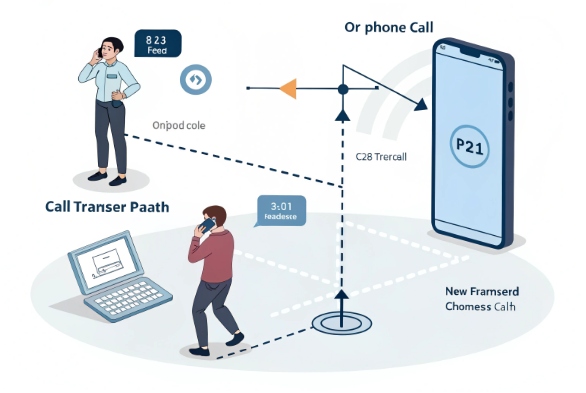
Most single-leg calls use one channel. But some call flows create two external legs at the same time. A common example is a transfer that uses hairpinning call paths 3 back out to the PSTN, or a forward to a mobile number. For a moment, the system may hold the original external leg and also start a second external leg. That can double channel usage for a single interaction. This is why a system can “feel” like it runs out of channels earlier than expected.
Unless the provider or the PBX separates them, inbound and outbound calls draw from the same shared pool. So a spike in inbound support calls can block outbound sales dialing, and the reverse can also happen.
| Term | What it is | What it limits | Common misunderstanding |
|---|---|---|---|
| Channel | One concurrent external call path | Simultaneous external calls | “More extensions means more channels” |
| Extension/User | An endpoint identity | Logins/devices, not concurrency | “Each phone equals one channel” |
| DID/Phone number | A number that routes to you | Routing, not concurrency | “More DIDs means more channels” |
| SIP Trunk | The service connection to PSTN | Usually sold by channels | “One trunk equals one call” |
| Call path/leg | A segment of a call | Determines channel consumption | “A transfer is still one channel” |
If this definition feels strict, that is good. Clear language makes sizing and licensing decisions much easier.
Now that “channel” is concrete, the next step is to separate it from similar terms that vendors and installers often mix together.
How does a channel differ from lines, trunks, and call paths?
Phone terms come from older wiring days, so many teams still say “lines” when they mean “capacity.” That is where mistakes start.
A line is usually a physical or logical subscription concept, a trunk is the shared connection to the carrier, and a channel is the per-call concurrent capacity inside that trunk. A call path is the route and legs a call takes.
Lines: the old mental model
A “line” often implies a dedicated path tied to a handset. In VoIP, that mapping is not real in most business setups. You can have 80 phones and only 10 channels. Calls still work, until 11 people try to call the PSTN at the same time.
A SIP trunk is the service that connects your PBX to the carrier. It is not a single call. It is a shared pipe. Providers normally sell that pipe by channels, like “10-channel SIP trunk,” and then you can attach many DIDs to the same trunk.
Call paths and call legs: what actually consumes channels
A “call path” is the route, and “call legs” are the segments. The channel count is driven by how many external legs exist at the same time. Internal extension-to-extension calls inside the PBX do not consume provider channels. External legs do.
| Concept | Think of it as | Metered by | Example |
|---|---|---|---|
| Line | Subscription/identity concept | Not a good sizing metric in VoIP | “Line 1, Line 2” on an old key system |
| Trunk | Shared carrier connection | Channels on that trunk | One trunk with 20 channels and 50 DIDs |
| Channel | Concurrent external capacity | Active external call legs | 20 simultaneous external legs max |
| Call path | The route the call follows | Design choice | PBX → carrier → PSTN mobile |
| Call leg | One segment of the route | Channel consumption driver | Forward to PSTN creates a second leg |
When these definitions are clean, the sizing math becomes simple instead of emotional.
How many channels do I need for peak concurrent calls?
Buying channels based on “how many phones we have” usually leads to either wasted spend or constant busy signals during your busiest hour.
Size channels for peak concurrent external call legs, not total users. Use busy-hour measurements, add room for transfers/forwards, and then choose a channel count that avoids rejections during your top traffic window.
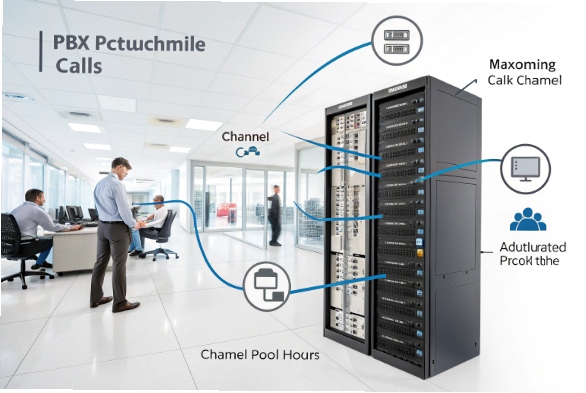
If you want a quick model for blocking vs. channels, the Erlang B formula 4 is the classic starting point.
Step 1: measure busy-hour concurrency
What matters is the maximum number of external call legs at the same time during the busiest 15–60 minutes. If Call Detail Records (CDRs) 5 are available, I pull peak concurrency from logs. If logs are missing, a short manual sample during your known peak window works better than guessing.
Step 2: add call-flow “multipliers”
If your business forwards many calls to mobiles, uses PSTN transfers, or runs contact-center queues with frequent external consult transfers, one customer interaction may briefly use two channels. That does not mean you always need double. It means you should add headroom based on how often those flows happen during peak times.
Step 3: decide your failure policy
Some businesses accept an occasional busy during rare spikes. Others cannot. Your policy sets headroom. If a missed call is expensive, buy more channels or use burst/overflow options.
| Input you should collect | Why it matters | Simple rule of thumb |
|---|---|---|
| Peak concurrent external calls | Core channel driver | Channels ≥ peak concurrency |
| Forward/transfer rate to PSTN | Can create double-leg moments | Add 10–30% headroom if common |
| Call center queue behavior | Spikes can be sharp | Add more headroom than office use |
| After-hours routing | Often uses mobile forwarding | Consider separate trunk or extra channels |
| Overflow/burst options | Avoids hard failures | Enable if the provider supports it |
For many SMBs, starting with measured peak concurrency plus 20% headroom is a safe baseline. For high-volume support centers, the headroom can be higher because spikes are sharper and missed calls cost more.
Will codec choice and bandwidth limit my available channels?
People often mix up “channels” with “bandwidth,” then blame codecs for busy signals. The truth is more precise.
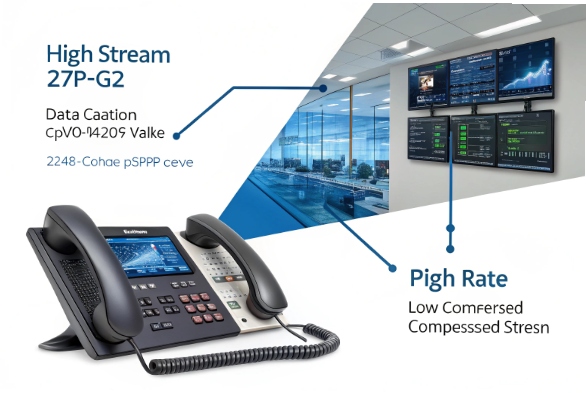
Codec choice changes bandwidth per call, not the number of licensed channels. Still, limited bandwidth, CPU, recording, transcoding, or conferencing can reduce your practical concurrent capacity even if channels are available.
Codec affects bandwidth per call
Each active call has RTP media streams 6. A higher-bitrate codec uses more bandwidth per call. A lower-bitrate codec uses less. This changes how many calls your network can carry with good quality, but it does not change how many channels your provider sold you.
Bandwidth and quality can become the real limiter
If the WAN link is tight, adding channels will not help. Calls may connect but sound bad, jitter increases, and packets drop. In practice, the network can become the ceiling before the channel license does.
CPU features can shrink real capacity
On-prem PBXs and SBCs have limits. Recording adds disk I/O. Transcoding adds CPU. Conferencing can multiply streams. So the “paper capacity” from channels can be higher than the “real capacity” your box can handle under load.
| Factor | What it impacts | What to watch |
|---|---|---|
| Codec bitrate | Bandwidth per call | WAN usage during peak |
| Packet loss/jitter | Call quality | MOS drops, choppy audio |
| Transcoding | CPU load | High CPU during mixed codec calls |
| Recording | Storage + I/O | Disk performance, retention policy |
| Conferencing | Media mixing load | Conference size and concurrency |
My rule is simple: channels are the provider-side gate, but bandwidth and compute decide whether those channels are usable with good audio.
Should I license channels per trunk, PBX, or per site?
Licensing choices can lock you into the wrong cost shape. It is not only about price. It is also about how traffic moves across sites and how you handle failover.
Licensing per trunk fits carrier billing, licensing per PBX fits platform limits, and licensing per site matches local survivability. The best choice follows your call routing design, peak concurrency location, and failover plan.
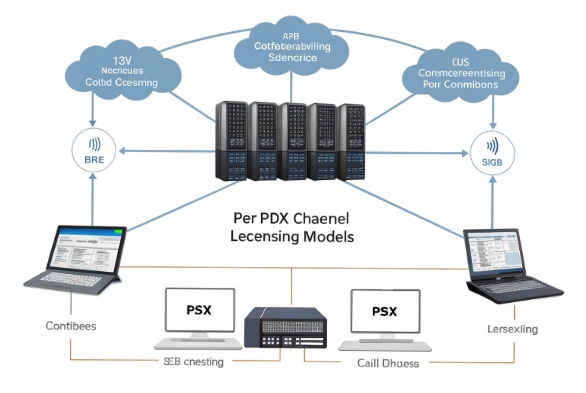
Per trunk: clean and common
Most carriers sell channels per trunk. This maps to real PSTN capacity. It is easy to understand and easy to adjust. It also makes channel bursting and overflow simpler when the provider supports it.
Per PBX: platform capacity control
Some PBX vendors license “simultaneous calls” or “sessions.” This is close to channels, but it may include internal sessions too, depending on the vendor. If internal calls are counted, a busy internal environment can hit limits even when the trunk is fine. I always read that definition carefully.
Per site: aligns with local peaks and survivability
If each site has its own local trunk for survivability, per-site licensing is logical. But if calls are centralized through one Session Border Controller (SBC) 7 and one carrier trunk, per-site licensing can cause stranded capacity. One site sits idle while another hits busy.
| Licensing model | Best when | Risk | Practical tip |
|---|---|---|---|
| Per trunk (carrier) | You want clear PSTN capacity | Multiple trunks can fragment capacity | Prefer shared pools if possible |
| Per PBX (vendor) | You must control platform load | Definition may include internal calls | Confirm what counts as a “session” |
| Per site | Sites must survive WAN failures | Idle capacity at quiet sites | Use overflow routing between sites |
| Hybrid | Mixed office + contact center | Complexity | Document who owns each limit |
In my view, start from call flow first. If calls are centralized, buy a shared channel pool. If survivability is key, local channels per site may be worth the extra cost.
Conclusion
Channels are concurrent external call capacity, not phone count. Size them by peak external call legs, then make sure bandwidth and PBX resources can actually carry that many calls.
Footnotes
-
Defines busy hour and how peak intervals are calculated for telecom capacity planning. ↩ ↩
-
SIP standard reference for how call signaling and session setup works. ↩ ↩
-
Explains hairpinning/shuffling behavior that can create extra call legs in transfers and forwards. ↩ ↩
-
Erlang B overview for estimating trunk/channel capacity from traffic and blocking targets. ↩ ↩
-
CDR spec showing what call logs contain and how to extract peak concurrency. ↩ ↩
-
RTP standard reference explaining real-time media transport used by VoIP calls. ↩ ↩
-
IETF discussion of Session Border Controller functions and edge-case behaviors in SIP networks. ↩ ↩








