
Missed voices in a meeting feel small at first. Then decisions get repeated, support escalates, and the “simple call” becomes a daily problem that wastes time.
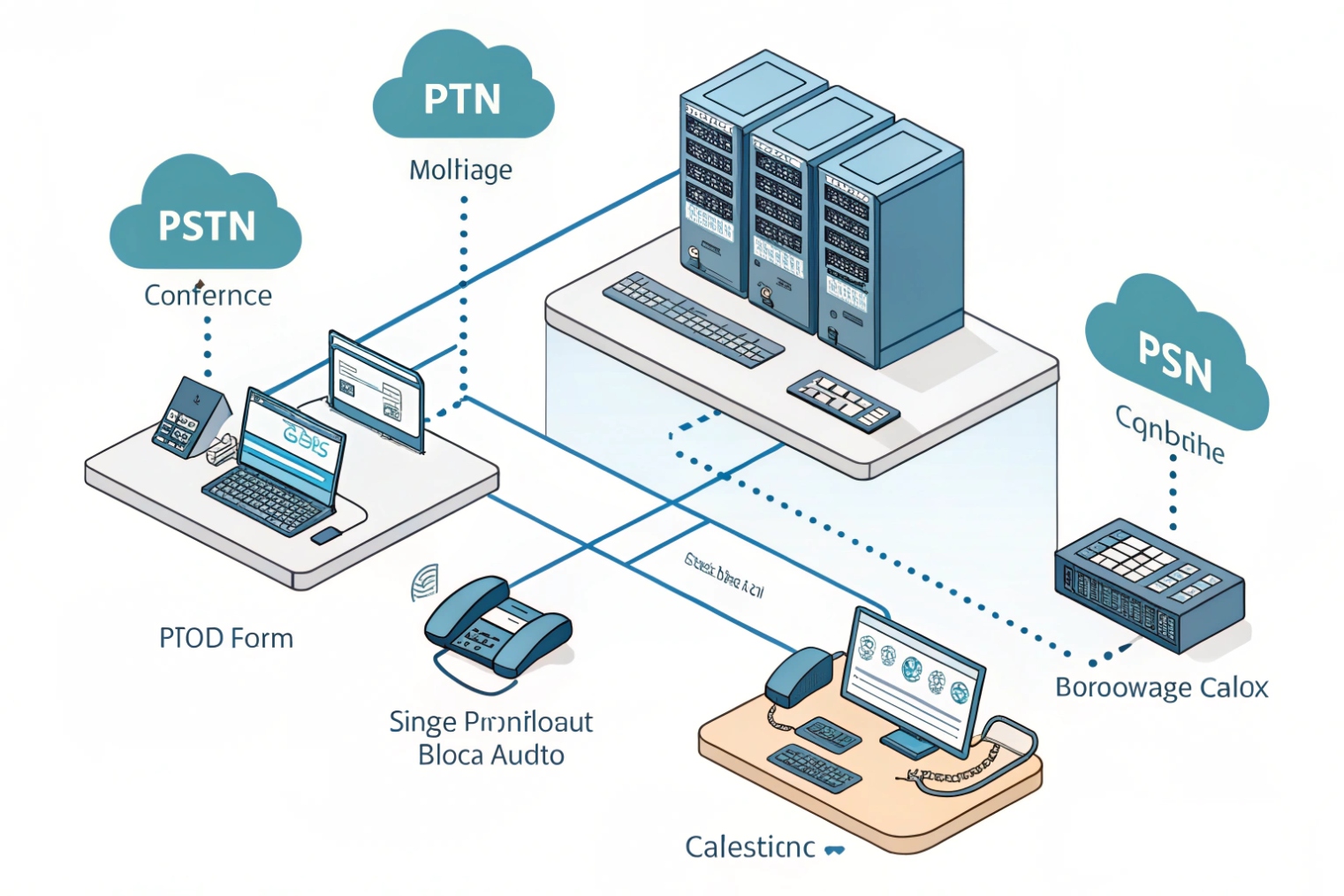
A conference call is a multi-party call that runs through a PBX “bridge” which mixes everyone’s audio so all participants can talk and listen in the same room at the same time.
A VoIP conference call is not just “many calls at once.” It is a controlled media service inside the PBX (or an external bridge) that takes audio from every participant and produces a balanced output stream for each person—often implemented as a PBX conference bridge (Asterisk ConfBridge) 1. Most bridges use a mix-minus method 2. That means each participant hears a mix of everyone else, but not a loud echo of their own voice. This is why conference audio often sounds different from a 1-to-1 call. The bridge is always working in the middle.
There are two common conference styles. The first is a scheduled or “meet-me” room with a persistent room number. People dial the same extension, enter a PIN, and join whenever the room is open. The second is ad hoc conferencing started from a phone or soft client during an active call, then adding more parties. Both styles rely on the same core resources: PBX CPU for mixing, memory for buffering, and sometimes a separate license limit for “max participants” or “max concurrent conferences.”
In real deployments, capacity planning must separate internal and external legs. Internal extensions joining a conference do not consume SIP trunk channels, but they still consume PBX resources. External PSTN participants do consume trunk channels, and every external leg counts—so the provider’s SIP trunking scale and limits 3 can become your hard ceiling. If a call is hairpinned, forwarded, or transferred to the PSTN during the conference, extra external legs can appear and temporarily double consumption. Codec alignment also matters. If different legs use different codecs, the bridge may transcode many streams at once, using codec modules that convert (transcode) media streams 4. That adds CPU load and can reduce the practical participant limit even when the “license” looks fine.
A clean conference design starts with one goal: predictable join flow, predictable controls, and predictable limits. Everything else becomes simpler after that.
If the bridge is the “room,” the next step is learning how to build that room in your PBX in a way that operators can manage without panic.
How do I set up conference bridges on my IP PBX?
When conferences fail, the failure is usually not technical. It is process. People do not know the room number, the PIN changes, or the host cannot control noise.
A good PBX conference setup is a repeatable room template: extension or DID, participant PIN, moderator PIN, join rules, and clear in-call controls for mute and lock.
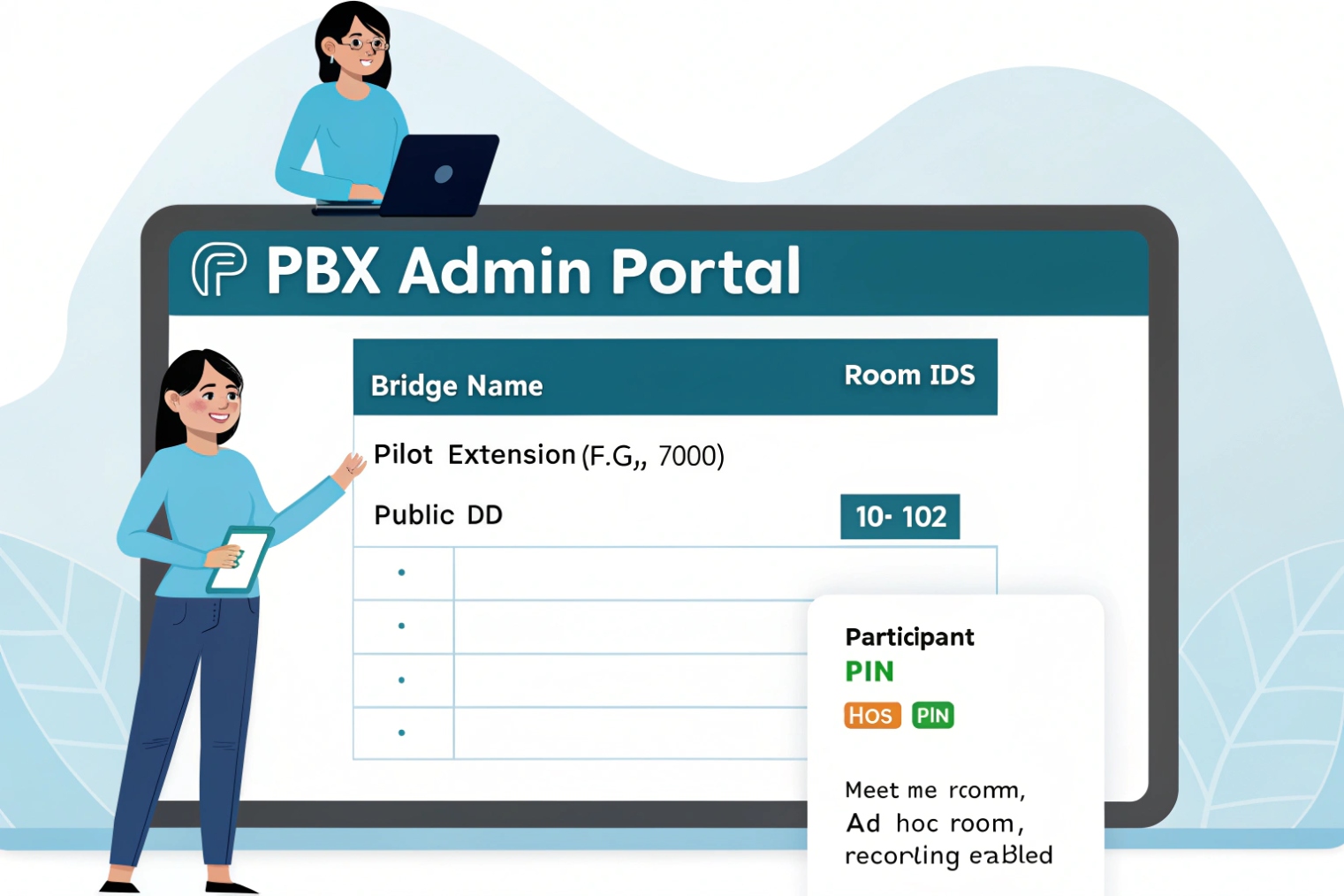
Most IP PBXs follow the same building blocks, even if the menu names differ. First, create a conference room object. This defines the room ID (often an extension like 7001), audio prompts, and the max participant setting. Second, define entry rules. This includes whether a participant must enter a room PIN, whether the room starts only when a host joins, and whether late participants go straight in or wait. Third, define moderator rules. A moderator PIN (or a moderator extension) is the cleanest way to give one person real control. Without a moderator role, “conference control” becomes a fight in the first two minutes.
Then connect the room to how people dial. Internal users usually dial the extension. External callers join through a DID that routes into the room, or through an IVR option like “Press 3 for the meeting.” A safe approach is to route external callers to an IVR first, then into the room after a PIN. This reduces accidental joins and keeps the room number from being the only secret.
It also helps to pre-build two room types. One type is a “quick room” for internal teams. Minimal friction. No PIN. Host controls only. The other is an “external room” for customers or partners. PIN required. Host required to start. Optional lobby. Recording policy defined.
| PBX item | What it controls | Recommended default for business calls |
|---|---|---|
| Room ID / extension | How users dial in | Short, memorable, non-public |
| Participant PIN | Prevents random joins | Required for any external room |
| Moderator PIN | Enables control | Required, separate from participant PIN |
| Start condition | Who can open room | “Host must join first” |
| Max participants | Hard cap | Set to license limit minus headroom |
| Join/leave prompts | User awareness | Join tone on, leave tone optional |
| DTMF control map | In-call controls | Mute all, lock room, kick participant |
| Recording policy | Compliance and training | Off by default, enabled by host |
In one project, a gate intercom and a guard desk needed a “hotline conference” for incident response. The mistake at first was making it too open. Anyone could dial in. Noise destroyed the call. After adding a host requirement and a moderator PIN, the bridge became reliable. The change was not fancy. It was just clear rules.
Once the room exists and people can reliably enter, the next big question is always the same: how many people can join before quality collapses or calls fail.
How many participants can join from SIP phones and PSTN?
Conference limits are often misunderstood because vendors advertise “supports 100 users” while the network only supports 20 stable audio streams in real traffic.
The maximum participants is limited by three things: the bridge’s licensed cap, PBX CPU for mixing and transcoding, and SIP trunk channels for external PSTN callers.
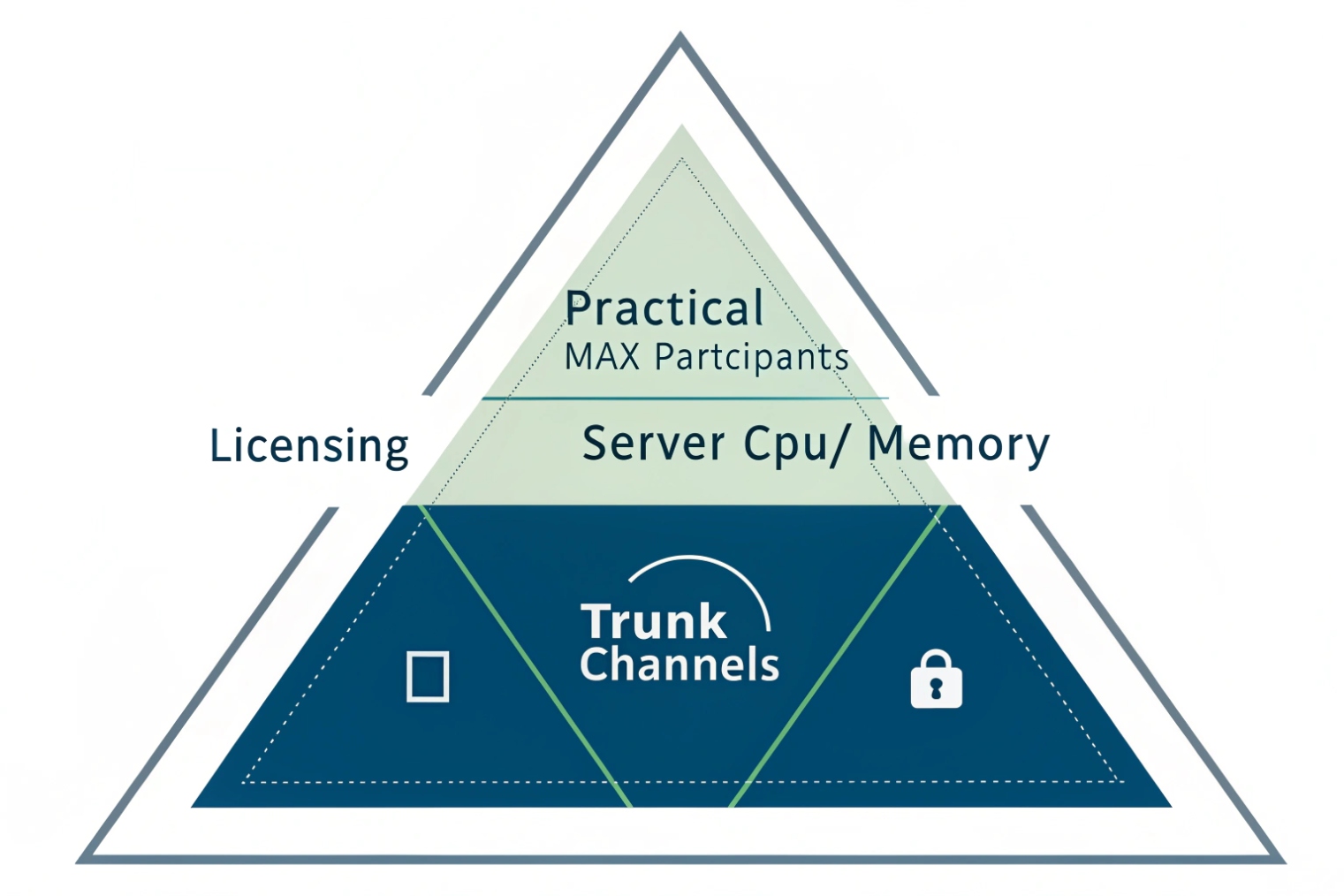
For internal SIP phones, each participant is usually one SIP leg and one RTP stream to the PBX, plus one mixed stream back. The PBX must decode each incoming stream, mix audio, and encode the outbound stream per participant. If everyone uses the same codec and the bridge can do “pass-through” or minimal processing, the load stays manageable. If codecs differ, the bridge may need to transcode, which increases CPU usage fast.
For PSTN participants (dial-in users), every person joining through the carrier consumes a trunk channel. This is the most direct limiter. If a trunk has 10 channels, and 8 are already used by normal inbound calls, only 2 PSTN callers can join a conference at that moment. Internal users do not consume trunk channels, but they still consume PBX conference resources.
A practical way to size is to split participants into two buckets: internal SIP endpoints and external PSTN dial-in endpoints. Then apply the stricter limit.
- Trunk limit for PSTN dial-in:
Max PSTN participants = available trunk channels during meeting - PBX limit for total participants: depends on license and CPU, often defined as “max participants per conference” and “max concurrent conferences”
- Network limit: uplink bandwidth and jitter under peak load (your voice media is typically carried using the Real-time Transport Protocol (RTP) 5)
| Scenario | Internal SIP participants | PSTN dial-in participants | Key limiter |
|---|---|---|---|
| Team meeting, all on LAN | 12 | 0 | PBX mixing capacity |
| Hybrid meeting | 8 | 6 | Trunk channels + PBX mixing |
| Customer support bridge | 5 | 15 | Trunk channels first |
| Multi-site meeting over WAN | 20 | 0 | WAN jitter and QoS |
| Large all-hands audio bridge | 80 | 20 | License + CPU + trunk |
A quick rule that avoids surprises is to reserve channels for meetings. If conferences are critical, do not let general calling consume every channel. Some teams separate trunks: one trunk for normal calls and one for meeting dial-in. Others use call admission control or time-based routing so that the meeting DID always has a reserved pool.
Also watch for “double-leg” behavior. If users dial in from PSTN and then are forwarded again to another PSTN number, that can create extra external legs. In conference environments, it is safer to keep PSTN legs terminating at the bridge, not bouncing out.
After capacity is understood, the next part is the experience. Without controls, even a small conference becomes a noisy mess.
Which features do I need—mute, host PIN, recording, and call control?
A conference can be technically stable and still fail as a meeting. Noise, interruptions, and lack of moderation are the real killers.
The essential features are host controls, mute management, room lock, and clear join rules. Recording and participant management matter when training, compliance, or support quality is important.
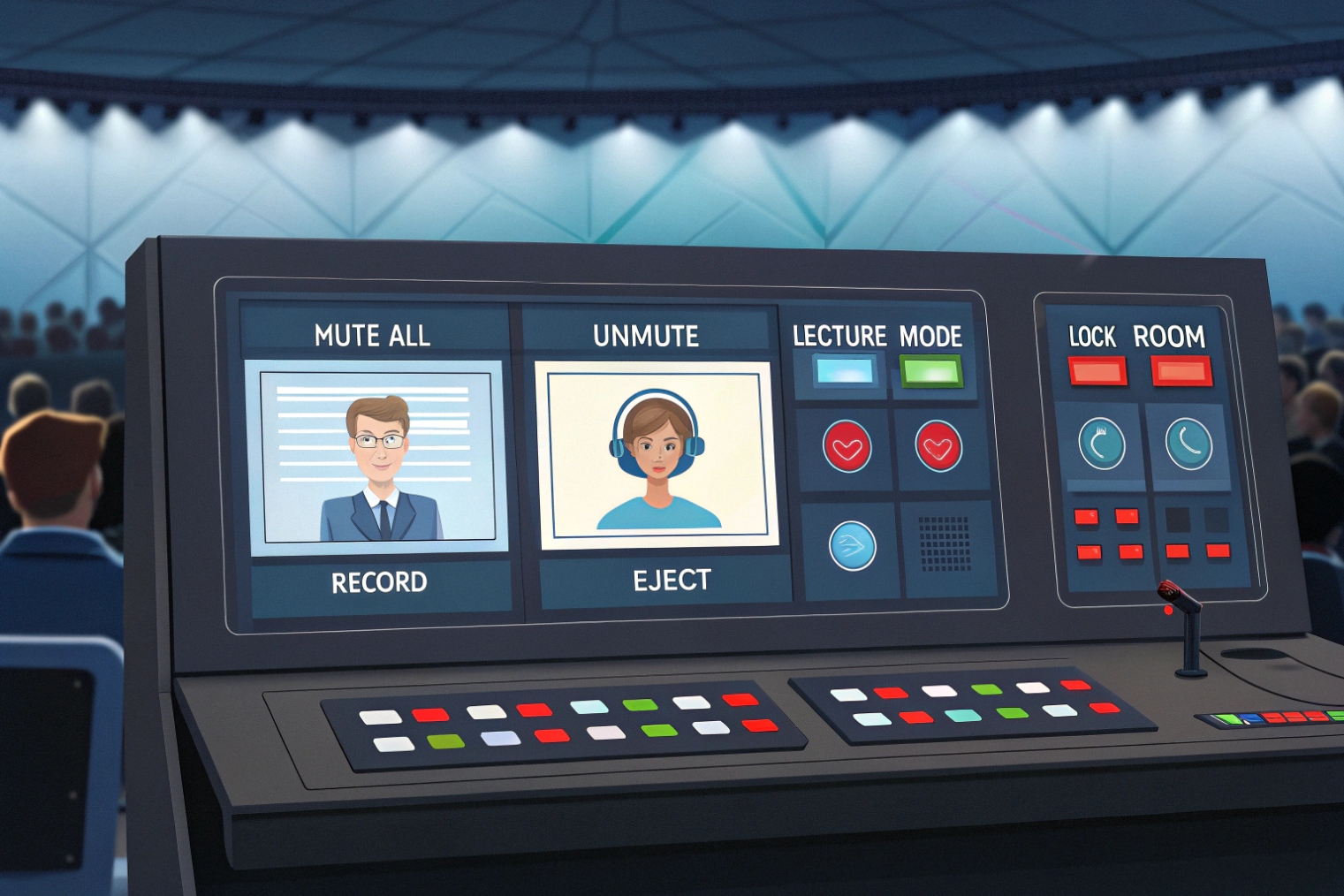
Start with a moderator role. The host should be able to mute and unmute all, lock the room, and remove a participant. Those are the core controls that prevent chaos. A separate host PIN is the simplest way to enforce this. If the system supports “start only when host joins,” use it for external rooms. It prevents people from joining early and talking without oversight.
Next is how users control themselves. DTMF menus are still the most universal control method because SIP phones, analog gateways, and PSTN users can all send DTMF. Even if the PBX also offers a web panel, DTMF commands are the fallback when someone is on a basic handset—often carried as RTP telephony events for DTMF (RFC 4733) 6.
Recording is a policy decision, not just a feature. Recording affects storage, access control, and legal requirements. It also affects CPU load if the PBX needs to transcode or mix a separate “recording stream.” The cleanest recording strategy is to record the bridge mix, store it centrally, and tie it to CDR entries with timestamps and room ID. If per-participant recording is needed for training or disputes, storage and complexity jump sharply.
| Feature | Why it matters | Simple default |
|---|---|---|
| Moderator/host PIN | Enables control | Always separate from participant PIN |
| Mute all / unmute | Stops noise fast | Host can mute all, users unmute self |
| Lock/unlock room | Blocks late or unknown joins | Host locks after roll call |
| Kick participant | Removes disruptors | Host-only |
| Lecture mode | One-way audio | Optional for training sessions |
| Join/leave tones | Awareness and troubleshooting | Join tone on, leave tone optional |
| Name announce | Helps identify PSTN callers | Use when PSTN dial-in is common |
| Recording | Training and compliance | Off by default, host can enable |
| Participant list | Better moderation | Web UI if available |
In practice, the “must-have” list depends on who joins. For internal engineering meetings, basic mute and a stable bridge may be enough. For customer-facing bridges, host PIN, lobby, and lock are more important because a wrong join becomes a security event.
Once features are selected, the final piece is protection. Open conference rooms are easy targets for random dialing, brute-force PIN attempts, and accidental joins.
How do I secure conferences with encryption, lobbies, and access policies?
Conference security often fails because it is treated like a single toggle. It is not. Security is layers, and each layer blocks a different kind of risk.
Secure conferences with transport encryption (TLS), media encryption (SRTP), strong access rules (PINs and host start), lobbies, and strict routing policies for who can dial the room from where.
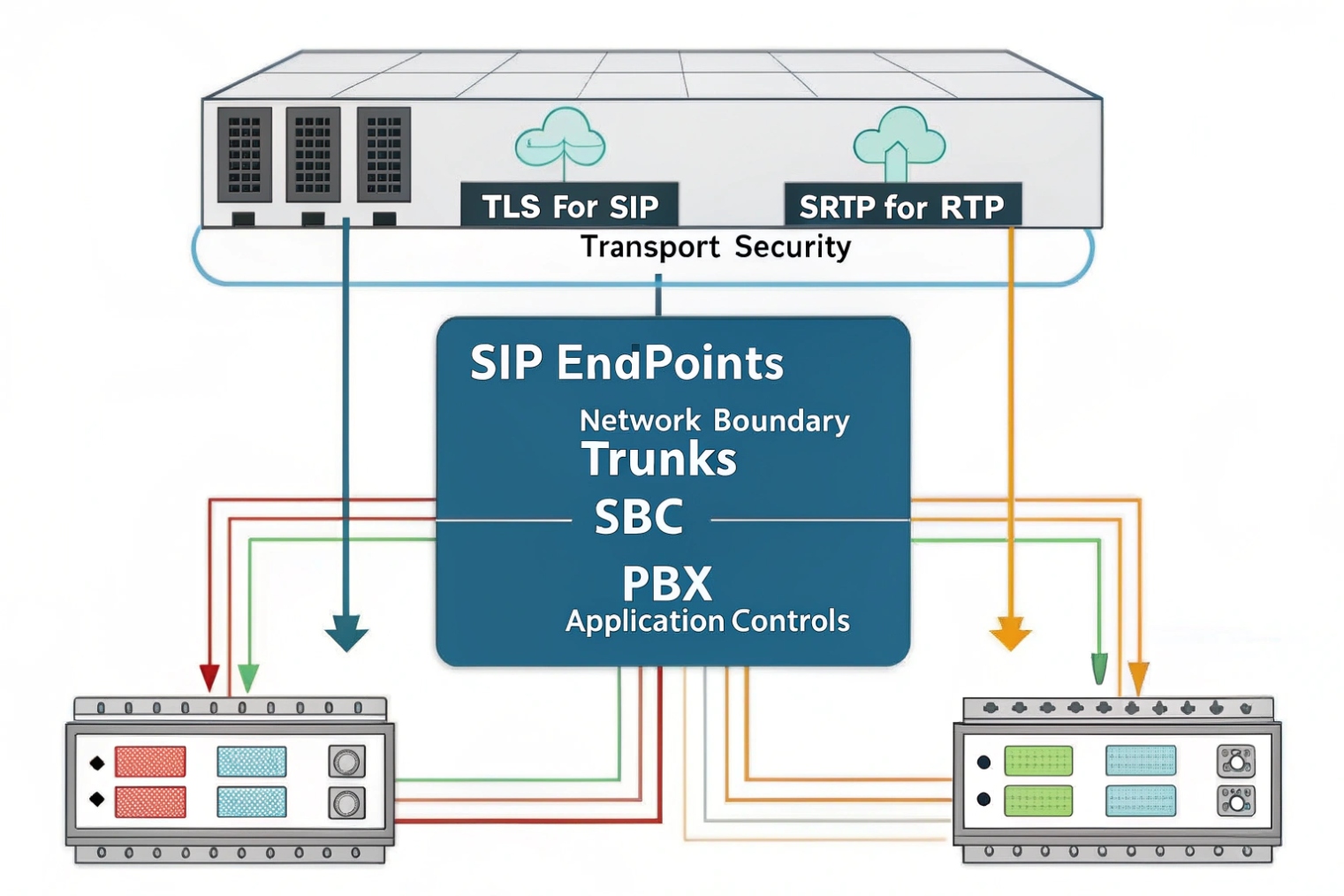
Encryption has two parts: signaling and media. Signaling encryption (often TLS) protects the SIP messages that set up calls and share SDP details. Media encryption (often SRTP) protects the RTP audio. If signaling is encrypted but media is not, audio can still be captured on the path. If media is encrypted but signaling is open, attackers can still learn room details and attempt joins. If you need a practical baseline, follow a TLS and SRTP secure-calling tutorial 7 and standardize it across endpoints.
A lobby or waiting room is the next layer. It stops unknown participants from entering the audio space before approval. In PBX terms, a lobby can be implemented as “host must be present,” or as “participants wait until admitted.” Not every PBX supports true admission control, but many support at least the host-start requirement. It reduces accidental early discussion and blocks unattended rooms from being abused.
Access policies make security real. Restrict who can dial the conference extension internally, and who can reach the conference DID externally. Use rate limiting on external entry points when possible. Limit retries. Use longer PINs for external rooms. Avoid using obvious room numbers like 1234. Rotate PINs for public events. Keep a clear audit trail in CDR logs.
| Security layer | Threat it blocks | Recommended for |
|---|---|---|
| TLS for SIP | SIP sniffing and tampering | Any internet or multi-site setup |
| SRTP | Audio interception | Sensitive meetings and remote users |
| Strong PINs | Random dialing and guessing | All external-access rooms |
| Host required to start | Unattended room abuse | External rooms by default |
| Lobby/admission | Unauthorized joins | High-risk meetings |
| Room lock | Late unknown joins | Any moderated meeting |
| Dial plan restrictions | Internal misuse | Large organizations |
| Logging and alerts | Silent failures | Compliance and operations teams |
One more point matters: encryption and policy must align with SBC and trunk reality. Many carriers do not support SRTP on PSTN legs. So a mixed conference with PSTN dial-in may have encrypted internal legs but unencrypted PSTN legs. That is still useful, but it is not “end-to-end encrypted.” The honest approach is to classify meetings. For high-security meetings, avoid PSTN dial-in and require SIP clients with TLS/SRTP, or use a dedicated secure bridge.
Security is not about making joining hard. It is about making joining predictable for the right people and hard for everyone else.
Conclusion
A VoIP conference call is a PBX bridge that mixes many legs into one meeting room. Good setup, real controls, clear capacity rules, and layered security make it reliable.
Footnotes
-
Understand how a PBX bridge mixes audio and handles join/leave controls in a real conferencing application. ↩ ↩
-
Learn why mix-minus prevents echo/feedback in conferencing and telephone interface audio. ↩ ↩
-
Check trunk-side concurrency limits so PSTN dial-in doesn’t silently cap conference size. ↩ ↩
-
See how transcoding works and why mixed codecs can spike CPU during conferences. ↩ ↩
-
Reference the standard protocol used to carry real-time voice media streams over IP. ↩ ↩
-
Understand how DTMF digits and telephony events are transported during calls and conferences. ↩ ↩
-
Step-by-step guidance for enabling encrypted signaling and media for safer VoIP conferencing. ↩ ↩








