
Choppy TLS handshakes, “untrusted certificate” pop-ups, and failed SIP registrations can waste days. Most of the time, the root cause is one small file you forgot to plan.
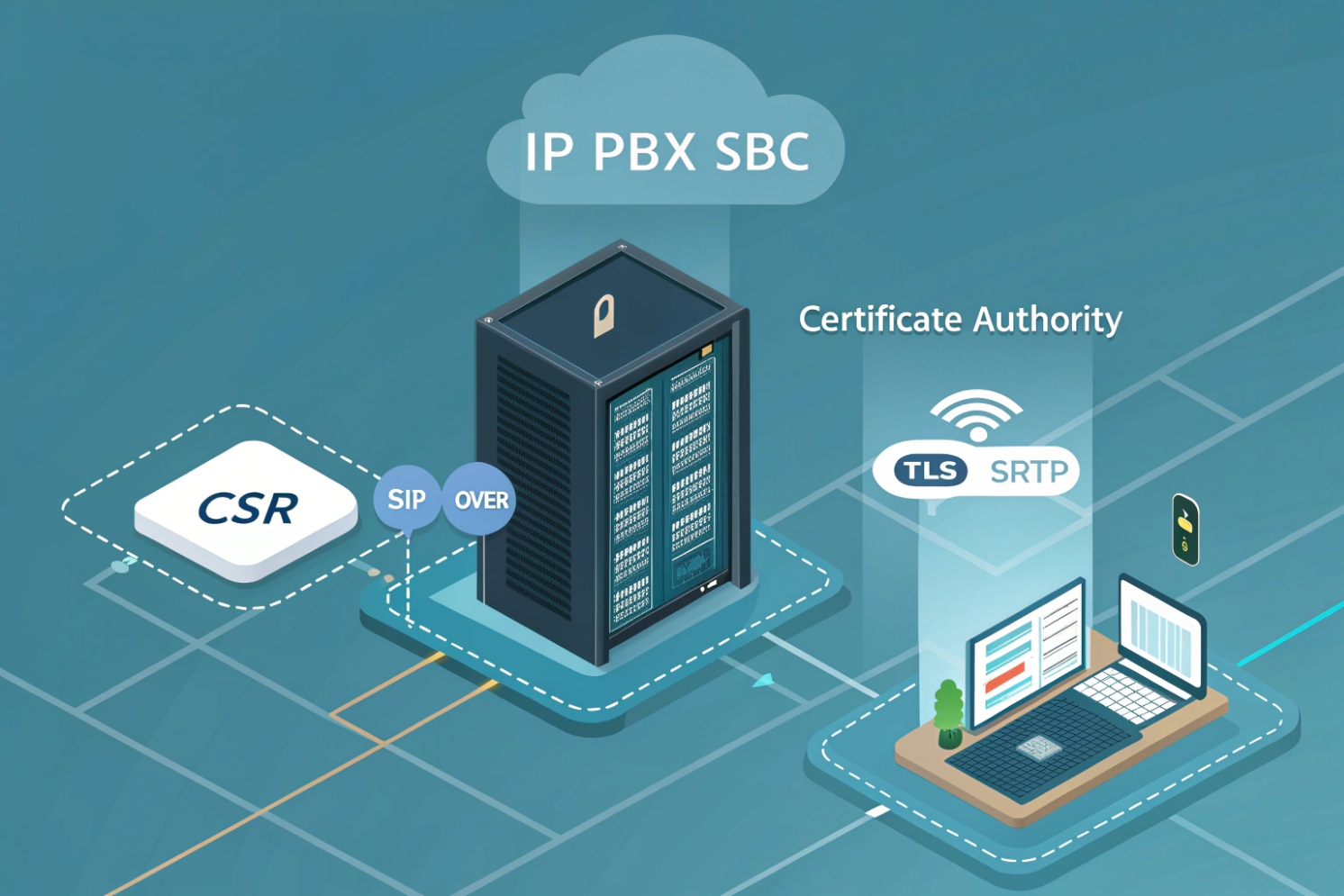
A CSR is a PKCS#10 request your IP PBX or SBC generates to ask a Certificate Authority for a TLS certificate. It contains your public key plus identity fields like CN and SAN, while the private key stays on your device.
CSR is not the certificate, and it is not the private key
A CSR is often treated like “the cert file,” but it is only the request. The CSR format follows the PKCS #10 certification request syntax 1. Your PBX/SBC creates a new key pair, then packages the public key with identity details into a CSR. The device signs that CSR using the private key to prove it owns the key. You send the CSR to a CA (public CA or internal CA like Active Directory Certificate Services (AD CS) 2). The CA returns a signed certificate. That certificate is what clients trust, as long as you also install the intermediate chain (your CA’s certificate chain and intermediate certificates 3).
In VoIP, this certificate matters because SIP over TLS and HTTPS admin portals rely on it. If you run mutual TLS trunks, the carrier also validates your certificate. On the media side, SRTP encrypts RTP, but many systems still need TLS first for secure signaling and policy enforcement. So a clean certificate lifecycle starts at the CSR.
A quick reality check: “CSR” in telecom can also mean “Customer Service Record” for number porting. In this article, CSR means Certificate Signing Request, because the workflow involves CN/SAN and key sizes.
| Item | What it is | Where it lives | What it is used for |
|---|---|---|---|
| Private key | Secret key material | Stays on PBX/SBC | Decrypt/sign during TLS |
| CSR | Public key + identity request | Exported file/text | Sent to CA for issuance |
| Certificate | CA-signed identity | Installed on PBX/SBC | Server identity for TLS |
| Chain (intermediates) | CA trust path | Installed with cert | Prevents “untrusted” errors |
Why CSR planning matters in SIP deployments
A SIP deployment rarely uses only one hostname. You may have:
pbx.company.comfor phonessbc.company.comfor trunks- a web portal name for admins
- DNS SRV records for SIP clients
- multiple sites with geo SBCs
If the certificate does not match the names endpoints actually connect to, TLS fails. That is why CSR fields, especially SAN, are not optional detail work. They are the core of “will TLS work on Monday morning.”
When this is planned early, SIP TLS is boring. When it is not, the team ends up re-issuing certificates under pressure.
Now the practical work starts: generating the CSR the right way so the private key stays safe and the request matches your SIP domain design.
How do I generate a CSR on my IP PBX or SBC?
A CSR that is generated “somewhere else” often breaks later because the private key is missing or the format is wrong. That creates downtime during cutover.
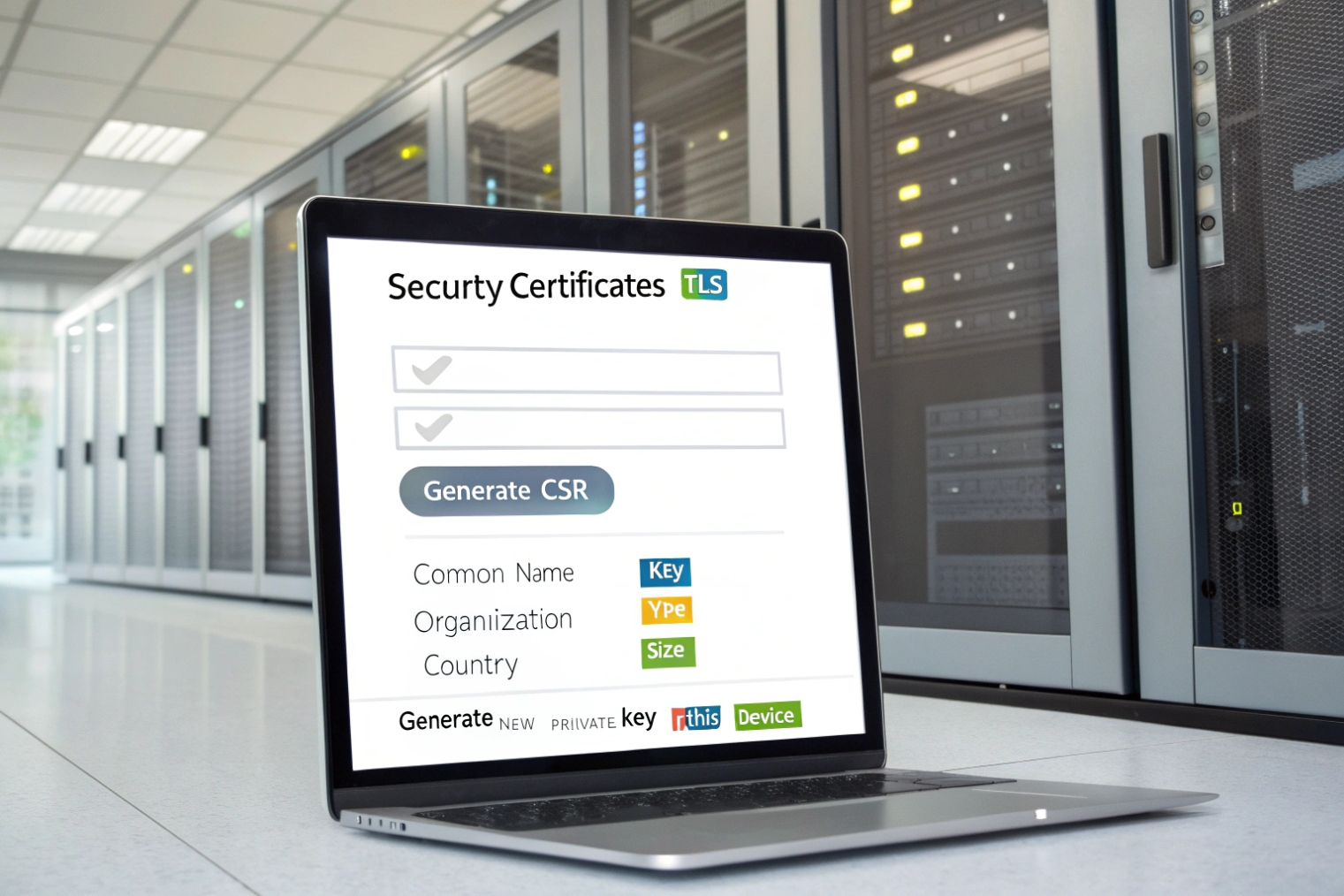
Generate the CSR on the exact PBX or SBC that will present the certificate, so the private key never leaves the device. Use the platform’s GUI or CLI to create a key pair and export the CSR text for the CA.
The safest rule: generate where you terminate TLS
If your PBX terminates TLS for phones, generate the CSR on the PBX. If your SBC terminates TLS for trunks, generate the CSR on the SBC. If both terminate TLS, each one needs its own certificate and CSR. This avoids the classic mistake: importing a certificate without the matching private key.
Most platforms support CSR generation in one of these ways:
- Web UI: create key → fill fields → download CSR
- CLI: generate key → generate CSR → copy/paste
- External OpenSSL: use the OpenSSL
requtility 4 only when the platform requires a PEM key import (less ideal, but sometimes needed)
In practice, the UI method is fine for most deployments. For high-availability SBC pairs, it helps to decide if each node has its own cert or if you use a shared VIP/FQDN. If you use a shared FQDN, you still need to manage where the private key lives and how it is synced, because uncontrolled key copying can create audit and security problems.
Key generation choices that matter
Two choices usually decide compatibility:
- Algorithm: RSA or ECDSA
- Key size / curve: RSA 2048/3072, or ECDSA P-256/P-384
RSA 2048 is still the safest “works everywhere” choice in mixed SIP endpoint fleets. ECDSA can be great, but older IP phones and some embedded SIP devices may not support it. In industrial intercom rollouts, mixed firmware support is common, so compatibility often beats elegance.
A practical CSR workflow that avoids rework
1) Pick the hostname(s) phones and trunks will use (real FQDNs).
2) Decide where TLS terminates (PBX, SBC, or both).
3) Generate the CSR on that device.
4) Use DNS validation (or internal CA templates) to issue the cert.
5) Install the certificate and full chain on the same device.
6) Test with a real SIP TLS registration and one trunk call.
| Step | Common mistake | Safer practice |
|---|---|---|
| CSR generation | CSR made on a laptop | CSR made on PBX/SBC |
| Hostnames | Using only CN | Putting all names in SAN |
| HA design | Cert bound to node IP | Cert bound to service FQDN/VIP |
| Issuance | Missing intermediate | Always install chain |
A CSR is easy to generate, but it must match the identity fields clients validate. That is why the next topic is the exact fields that belong in the CSR.
What fields must my CSR include—CN, SAN, key size?
Most TLS failures in SIP are not “bad encryption.” They are name mismatches. The certificate is valid, but it does not match the hostname the phone or carrier is using.
Your CSR must include the correct FQDN in SAN (not only CN), a strong key size (often RSA 2048+), and consistent organization fields. Modern clients validate SAN first, so include every hostname endpoints will connect to.
CN vs SAN in the real world
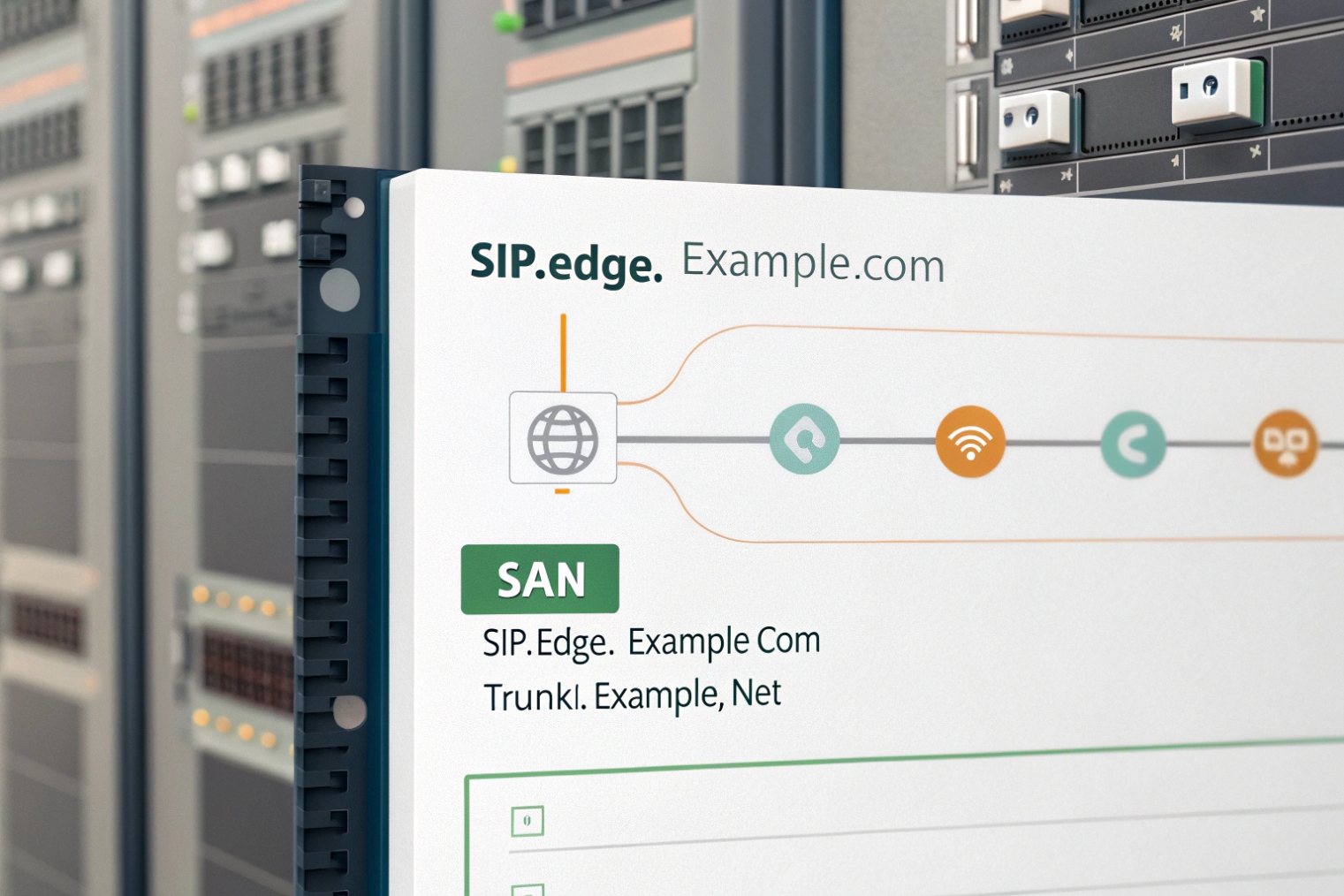
CN (Common Name) used to be the main match field. Today, most TLS stacks validate the Subject Alternative Name (SAN) extension 5. Many SIP clients still show the CN in logs, which can confuse troubleshooting, but validation usually happens against SAN.
So the working rule is:
- Put a sensible primary FQDN in CN.
- Put all used hostnames in SAN.
For example, if phones register to pbx.company.com and the admin portal is uc.company.com, both should be in SAN if they hit the same TLS endpoint. If trunks connect to sbc.company.com, that should be a separate certificate unless the same box is terminating TLS for both services.
DNS SRV and why it surprises teams
If SIP clients use DNS SRV records 6 like _sips._tcp.company.com, the SRV record points to a target host such as sbc1.company.com. The certificate must match the target hostname, not only the root domain. This is a common reason why “domain certs” fail on SRV-based SIP.
Key size and extensions
A baseline that keeps most SIP endpoints happy:
- RSA 2048
- SHA-256 signatures
- KeyUsage and ExtendedKeyUsage that includes server auth
If you run mutual TLS trunks, some carriers also want client auth usage. Many CAs handle this with profiles or templates, so it helps to confirm what your trunk provider expects before you issue.
| CSR field | What to put | Why it matters for SIP |
|---|---|---|
| CN | Primary FQDN (e.g., sbc.company.com) |
Good hygiene, logging clarity |
| SAN (DNS) | Every SIP/HTTPS hostname | Real validation target |
| SAN (IP) | Only if you truly connect by IP | Public CAs often restrict private IPs |
| O / OU | Company / team name | Internal governance and audit |
| L / ST / C | Correct location fields | CA policy and consistency |
| Key type/size | RSA 2048 (or supported ECDSA) | Endpoint compatibility |
| EKU | serverAuth (and clientAuth if needed) | mTLS and policy enforcement |
When these fields are right, the certificate will validate cleanly across phones, SBCs, and browsers. The next design choice is certificate style: wildcard versus SAN certificates, especially for SIP domains and multi-host deployments.
Should I use wildcard or SAN certificates for SIP domains?
Wildcards feel like a shortcut. They reduce paperwork. They also create blind spots in SIP, especially with SRV, multi-node SBCs, and strict trunk providers.
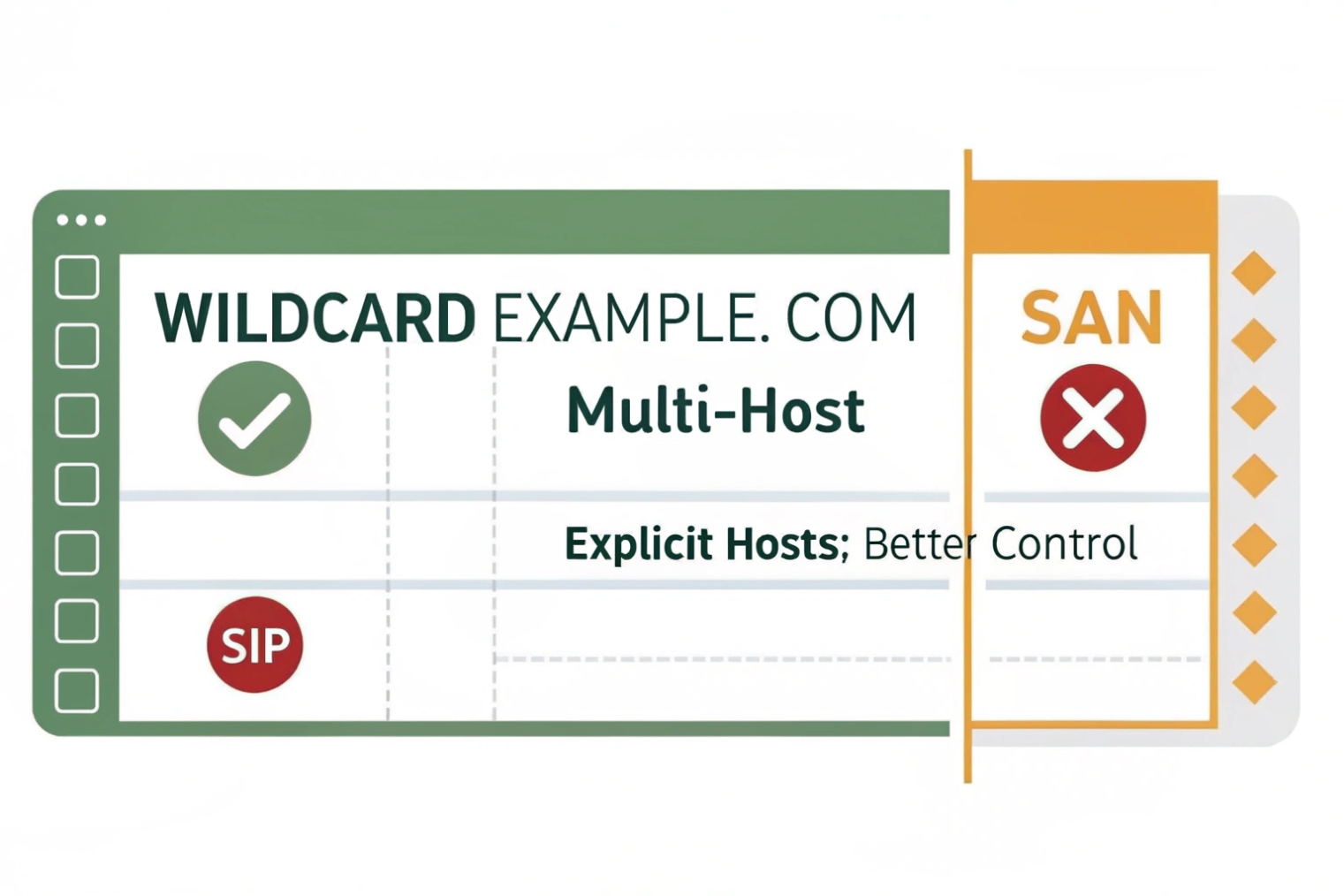
Use SAN certificates for SIP deployments when multiple specific hostnames are in play (SBC nodes, SRV targets, admin portals). Use wildcard certificates only when your endpoints truly connect to single-level hostnames and your security policy accepts the broader key risk.
Why SAN certificates fit SIP better
SIP deployments often involve:
- multiple SBC nodes (
sbc1,sbc2) - separate services (PBX, SBC, portal)
- DNS SRV targets
- federation or peering where the peer expects a specific FQDN
SAN certificates let you list exactly the names you need. That keeps validation precise. It also keeps your certificate scope limited, which helps security reviews and reduces blast radius if a private key is exposed.
When wildcard certs can still be fine
Wildcard certificates (*.company.com) can work well when:
- all endpoints use single-level hostnames under one domain
- you do not need deeper wildcard levels
- your phones and trunks accept wildcard matching
- you can protect the private key strongly
The main tradeoff is security scope. If a wildcard private key leaks, any host under that domain level can be impersonated. In environments with many systems and contractors, that risk is often unacceptable.
SIP SRV and wildcard confusion
Wildcard matching does not solve SRV target naming by itself. If SRV points to sbc1.company.com, a wildcard can match that. Still, carriers and some SIP stacks are stricter about identity and want the exact FQDN listed as a SAN entry, especially in mutual TLS relationships.
A practical recommendation that avoids surprises
- For SBC-to-carrier TLS/mTLS, prefer SAN with explicit node or service FQDNs.
- For phones registering to one PBX hostname, a single-name cert or SAN cert is best.
- For admin portals, do not reuse the trunk certificate unless the service is truly the same endpoint and policy allows it.
| Certificate type | Pros | Cons | Best fit |
|---|---|---|---|
| Single FQDN | Simple, tight scope | Not flexible | One PBX hostname |
| SAN (multi-name) | Precise, works with SRV/HA | More planning | Multi-node SBC and mixed services |
| Wildcard | Easy reuse | Larger risk, not always accepted | Small controlled domains |
Once the right certificate is issued, the last mile is installation. Many TLS issues come from missing chain files, wrong formats, or not restarting the right services.
How do I install the signed cert and chain for TLS/SRTP?
The most painful TLS outage is a good certificate installed without the intermediate chain. Everything looks correct on the PBX, but phones still reject it.
Install the signed server certificate plus the full intermediate chain on the PBX/SBC, confirm the private key matches, then enable TLS on SIP signaling and SRTP policies for media. Test from real endpoints and trunks after service reloads.
Install in the format your platform expects
Different systems want different bundles:
- PEM certificate + PEM private key + PEM chain
- PKCS #12 (PFX) bundle 7 with password
- separate uploads for server cert and intermediates
The key rule is the same: the installed certificate must match the private key created during CSR generation. If the key does not match, TLS handshakes fail or the platform refuses the import.
Chain matters more than people expect
Public CAs often issue:
- one server certificate
- one or more intermediate CA certificates
- a root CA (usually not installed on the server, but trusted by clients)
In SIP, many IP phones have limited trust stores. Some do not fetch intermediates automatically. So installing the full intermediate chain on the PBX/SBC is the safe move.
Enabling TLS and SRTP without breaking interop
SIP over TLS typically runs on 5061 and protects signaling. SRTP protects RTP media. Many deployments run:
- TLS required for phones and trunk
- SRTP preferred or required, depending on endpoint support
Still, real fleets have mixed support. Some endpoints support SDES-SRTP, some support SRTP only in certain modes, and WebRTC gateways often use DTLS-SRTP. So the clean approach is:
- enforce TLS on the segments you control
- set SRTP to “required” only when you verified endpoint and trunk support
- avoid unnecessary transcoding and media anchoring changes during the same cutover
Testing that catches problems early
After install, test in this order:
1) HTTPS portal access with no browser warnings
2) SIP TLS registration from one phone model
3) One inbound trunk call
4) One outbound trunk call
5) SRTP media verification (call stats show SRTP, not RTP)
6) Failover node test if you run HA
| Symptom | Likely cause | Fix |
|---|---|---|
| “Untrusted certificate” on phones | Missing intermediate chain | Install full chain on PBX/SBC |
| TLS handshake fails | Wrong CN/SAN | Re-issue with correct SANs |
| Works on browser, fails on phones | Phone trust store limits | Use a widely trusted CA, include chain |
| SIP registers, audio fails | SRTP mismatch or firewall | Align SRTP mode, verify RTP/SRTP ports |
| Carrier rejects TLS | mTLS requirements unmet | Add clientAuth usage if needed, confirm carrier profile |
Renewal and change control
Certificates expire, and SIP devices do not forgive it. A simple policy helps:
- renew before expiry with a fixed lead time
- avoid changing hostnames during renewal unless needed
- keep a rollback plan for the previous certificate
- document which services use which certificate (PBX, SBC, portal)
In one site rollout, a clean certificate install saved more time than any codec tweak. The phones registered instantly, trunks stayed up, and the security team stopped asking follow-up questions. That is the goal: make TLS boring.
Conclusion
A CSR is the start of TLS trust for SIP. Generate it on the PBX/SBC, use correct SANs, choose compatible keys, and install the full chain so TLS/SRTP works reliably across phones and trunks.
Footnotes
-
Understand CSR structure and signing rules so issued certs match your PBX/SBC keys. ↩ ↩
-
Learn how AD CS issues internal certificates and templates commonly used for enterprise SIP TLS. ↩ ↩
-
See how intermediates build trust chains and why installing the full chain prevents “untrusted certificate” errors. ↩ ↩
-
Reference the standard OpenSSL CSR generation options and fields when a platform requires external CSR creation. ↩ ↩
-
Confirm how SAN is validated in X.509 and why modern clients ignore CN-only certificates. ↩ ↩
-
Learn how SRV lookups select target hostnames, which must match the certificate identity. ↩ ↩
-
Understand what PKCS #12/PFX contains (cert, chain, key) and when platforms require it. ↩ ↩








