
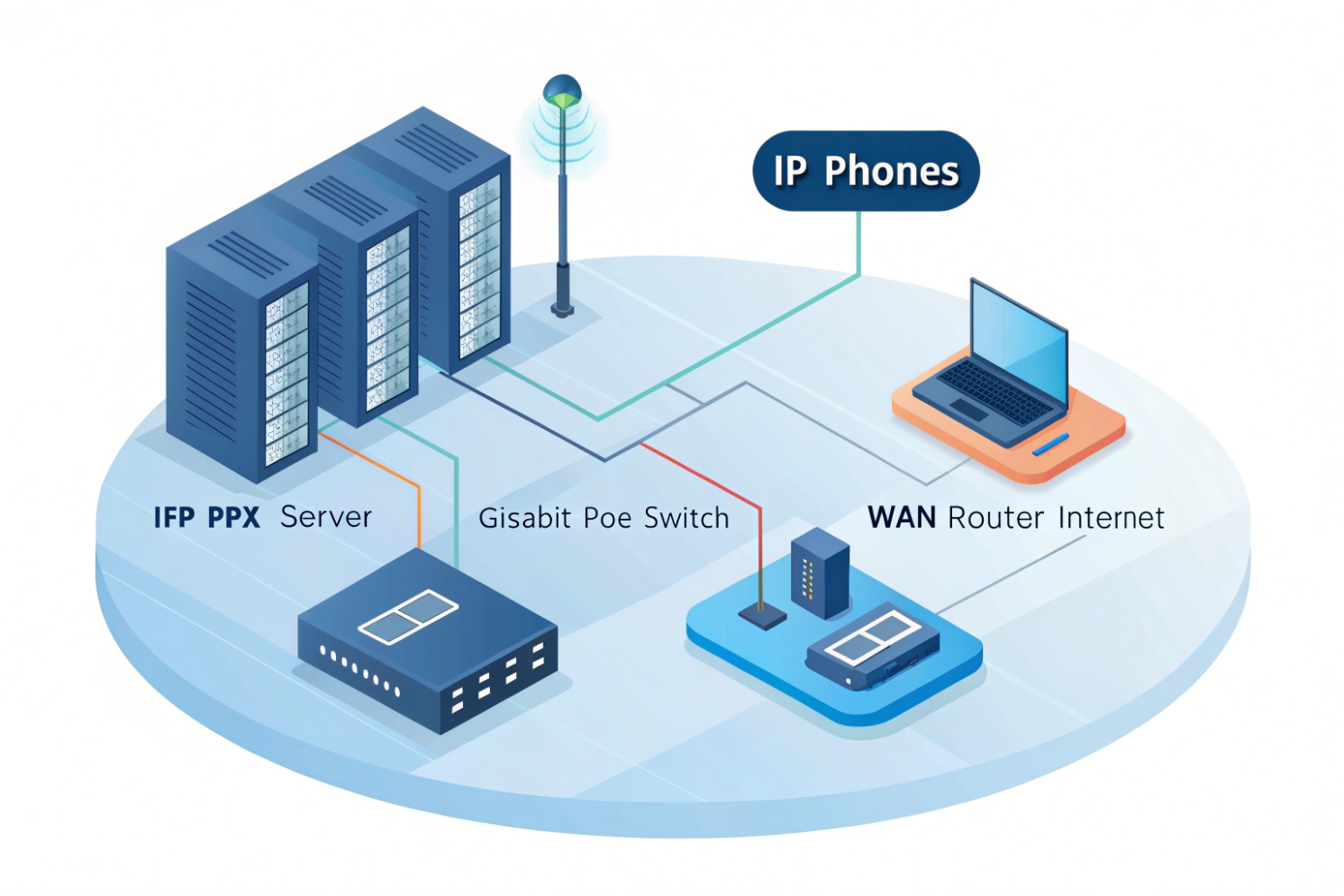
Poor switching turns a clean SIP design into jitter, one-way audio, and random reboots that look like “PBX bugs.”
A network switch is the Layer-2 device that connects your IP phones, intercoms, PBX, and router so SIP and RTP packets move across the LAN fast, with less noise and fewer collisions.
How a switch actually affects call quality
A switch is your voice “fabric,” not just extra ports
In a VoIP LAN, SIP signaling is small, but RTP media is constant and sensitive. A switch forwards frames based on MAC addresses and keeps each port in its own collision domain 1. That matters because voice hates micro-bursts, buffer drops, and unstable latency. A cheap or overloaded switch can look fine for web browsing, then ruin calls when a big file transfer starts.
In most deployments, phones and intercoms sit on access ports. The uplink goes to a distribution switch or directly to the router/firewall. If that uplink is congested, or if the switch has weak buffers, RTP packets get dropped. You hear it as choppy audio, clipped syllables, or robotic voice. Some teams blame the SIP trunk first, but the LAN is often the real bottleneck.
PoE is not a checkbox. It is a power budget.
Power over Ethernet is one of the main reasons a switch matters for VoIP. Phones and intercoms need stable power. With Power over Ethernet (PoE) 2, one cable carries power and data. That is clean for installs, but it also moves power planning into the network layer.
A good PoE plan checks worst-case draw per device, then compares it to the switch’s PoE budget. Do not size PoE budget on “average.” Use peak values, then add headroom. Video intercoms, indoor stations, and door controllers can spike higher than a basic desk phone.
Voice VLAN and trust boundaries keep things predictable
A dedicated voice VLAN isolates signaling and media from noisy data traffic. It also simplifies DHCP, QoS, and monitoring. Many phones support LLDP-MED 3 so the switch can tell the phone which VLAN to use, without manual phone setup. That reduces site work and cuts misconfigurations.
Security also improves. With a voice VLAN, you can limit what voice endpoints can reach. That matters for intercoms in public areas. The switch is where you apply guardrails like DHCP snooping, dynamic ARP inspection, and port security policies.
Resilience starts at the access layer
Even small VoIP sites benefit from basic redundancy. Switch stacking, dual uplinks with Link Aggregation Control Protocol (LACP) 4, and separate power feeds help keep endpoints reachable during a link or switch failure. Also enable Spanning Tree Protocol (STP) 5 correctly. Edge/portfast on access ports helps phones come up fast after a link flap, while loop protection prevents a single bad patch cable from taking down the building.
| Switch responsibility | What it controls | What you hear when it fails |
|---|---|---|
| Forwarding and buffering | Burst handling, micro-loss | Choppy audio, clipped words |
| PoE delivery | Power stability and budget | Random reboots, “phone offline” |
| VLAN separation | Isolation and cleaner policies | Voice breaks during data peaks |
| QoS queuing | Priority for RTP/SIP | Delay, jitter, robotic sound |
| Loop protection | STP/edge behavior | Full outage, broadcast storm |
This is why, in real VoIP projects, the “switch choice” is not a small detail. It is the foundation that keeps SIP and RTP stable.
A clear way to think about it is simple: the provider connects you to the outside world, the PBX controls calls, and the switch protects the inside lane where voice lives.
How does a switch differ from a hub, router, and PoE injector?
A lot of VoIP problems start when teams treat these devices as interchangeable. They are not.
A switch moves traffic inside your LAN (Layer 2), a hub blindly repeats traffic, a router connects different networks (Layer 3), and a PoE injector only adds power, not traffic control.
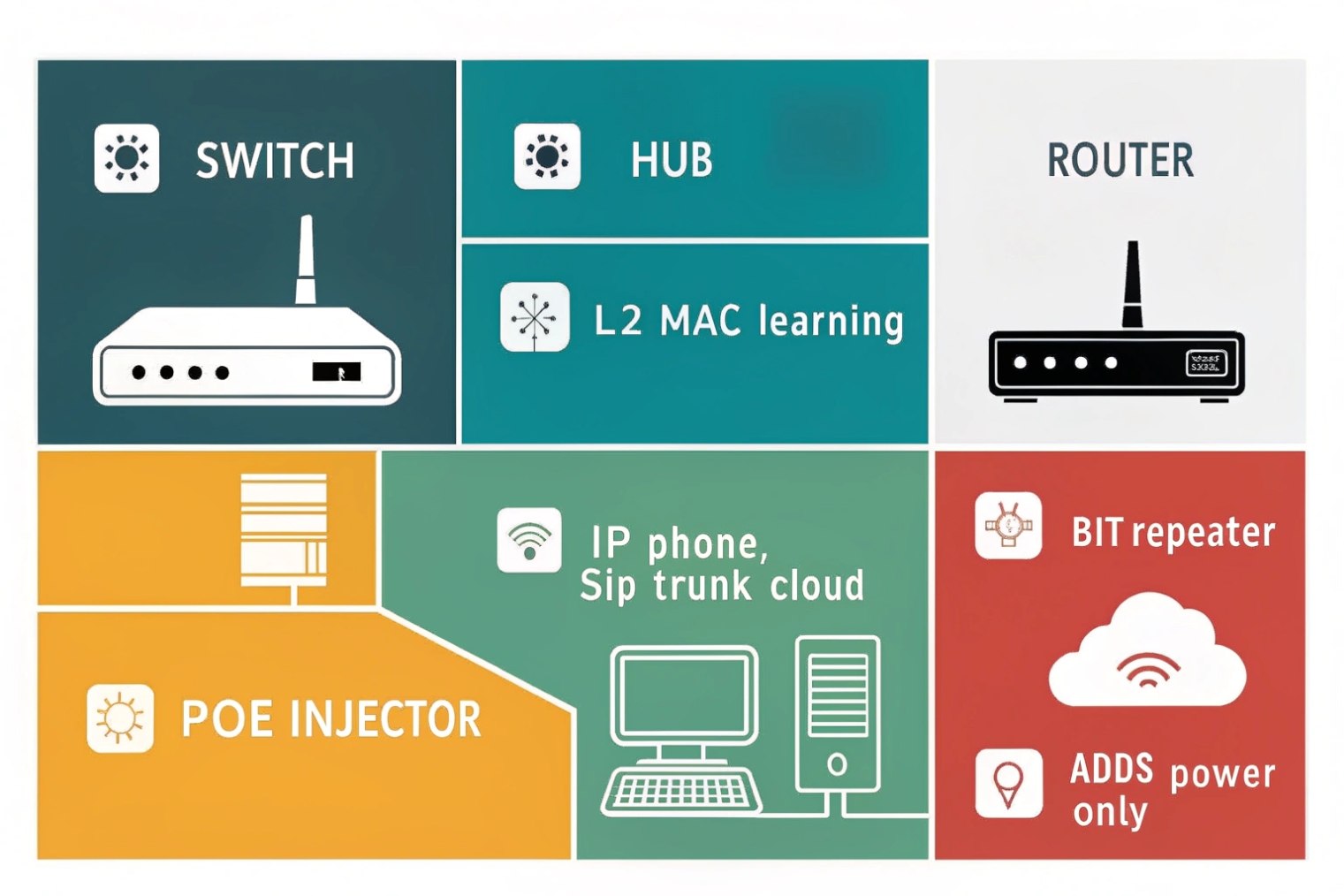
Hub: the old tool that creates chaos for voice
A hub is basically a repeater. It sends every frame to every port. That means collisions and constant noise. Voice packets do not get a clean path. Even if calls work in a lab, the moment you add traffic, voice quality drops. For modern VoIP, hubs are a “no.”
Switch: efficient forwarding inside one broadcast domain
A switch learns MAC addresses and forwards frames only where they need to go. That reduces wasted traffic and lowers collisions. For VoIP, this gives more stable latency. A managed switch also adds controls: VLAN tagging, QoS queues, LLDP-MED, mirroring for troubleshooting, and storm control.
Router: the boundary device that routes between networks
A router connects VLANs and subnets. It is where NAT, firewall rules, WAN routing, and VPN live. In VoIP, the router or firewall is often the path to your SIP trunk provider, or to a cloud PBX. The switch does not replace a router. It feeds it clean traffic.
If you need voice VLANs to reach the PBX VLAN, that is routing. If you need to reach the internet, that is routing. Some switches can also route (Layer 3 switches). That is a design choice, not a requirement.
PoE injector: power only, and it can hide problems
A PoE injector adds power on the cable for one device (or a small group, if you have a midspan). It does not manage QoS, VLANs, or storms. It also adds extra failure points. Injectors can be fine for a single door or a small retrofit, but at scale, a PoE switch is cleaner.
| Device | Main job | Layer focus | VoIP impact |
|---|---|---|---|
| Hub | Repeats everything | None (legacy) | Creates collisions and jitter |
| Switch | Connects devices in LAN | Layer 2 | Stable forwarding, VLAN/QoS possible |
| Router | Connects networks | Layer 3 | Inter-VLAN and WAN reachability |
| PoE injector | Adds power | Power only | No QoS/VLAN help, more parts to fail |
When someone says “the network device,” ask which one. The fix depends on the role.
Which switch features matter for SIP—PoE, QoS, VLANs, LLDP-MED?
Teams often buy “Gigabit PoE” and think the job is done. For SIP, the feature list is more specific.
For VoIP, the switch must deliver stable PoE, real QoS queues, voice VLAN support, and LLDP-MED so endpoints land in the right VLAN with the right priority.
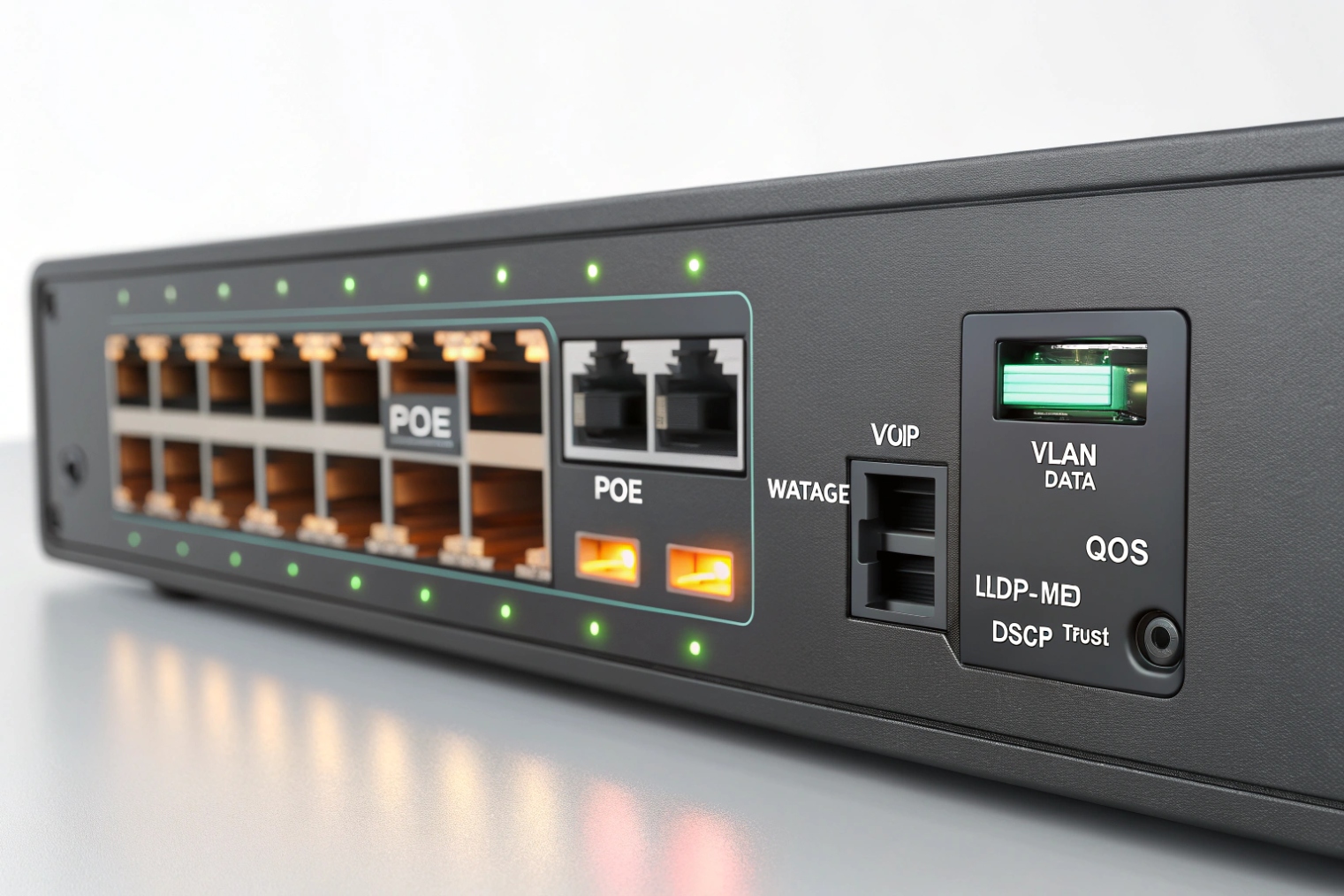
PoE standards and why budget matters
PoE comes in different levels. Many desk phones fit in 802.3af, while video units, intercoms with relays, and indoor stations may need 802.3at or more. Also watch the “PoE budget” on the switch. A 24-port PoE switch may not power 24 high-draw devices at once unless the budget is sized for it.
A practical rule is to compute worst-case draw for each endpoint, add 15–25% headroom, then verify the switch can deliver that total. Also confirm per-port limits. A switch can have a big total budget but still cap each port below what your device needs.
QoS: trust boundaries and queue behavior
VoIP needs priority handling. Most designs use DSCP EF (46) 6 for RTP media and CS3 or AF31 for SIP signaling. But QoS only helps if the switch trusts or sets markings and maps them into priority queues.
A simple approach is:
- Trust DSCP only on known voice ports (phones/intercoms).
- Do not trust DSCP on generic PC ports.
- Make sure the uplink preserves DSCP markings.
Some phones pass a PC through the phone. In that case, use a “voice + data” port model: the phone traffic gets the voice VLAN and priority, while the PC stays in the data VLAN.
VLANs: isolation plus easier operations
A dedicated voice VLAN reduces broadcast noise and makes policies simple. It also helps with troubleshooting because captures are cleaner. It is also safer for intercom deployments, because a public-area device should not live in the same flat LAN as office PCs.
LLDP-MED: less manual work and fewer mistakes
LLDP-MED lets the switch advertise the voice VLAN and QoS settings to the phone. That reduces misconfiguration, especially at scale. It also speeds up replacements. A tech can swap a phone and it lands in the correct VLAN without touching the handset menus.
Features that save real time during incidents
For VoIP operations, these are the “painkillers”:
- Port mirroring for RTP captures
- Per-port statistics and error counters
- Storm control
- Spanning-tree edge/portfast
- Ability to disable Energy Efficient Ethernet (EEE) 7 on voice ports
- DHCP snooping and ARP inspection (when used carefully)
| Feature | Why it matters for SIP/RTP | What to verify |
|---|---|---|
| PoE (af/at/bt) | Power stability for endpoints | Total budget and per-port limit |
| QoS (DSCP + queues) | Keeps RTP ahead of bulk data | EF mapped to priority queue |
| Voice VLAN | Isolation and clean policy | Tagged voice VLAN + untagged data VLAN |
| LLDP-MED | Auto VLAN and QoS assignment | Phone receives correct VLAN ID |
| Port mirroring | Fast packet capture | Mirror to a capture port without drops |
| Storm control | Stops broadcast/multicast floods | Thresholds that do not block normal ARP |
| EEE control | Avoids added latency/jitter | Disable on voice ports if needed |
If the switch cannot do these reliably, SIP will still register, but call quality will drift and troubleshooting will be slow.
How do I configure voice VLANs, DSCP, and storm control?
A VoIP LAN is not hard, but it must be consistent. Most “mystery jitter” issues come from half-finished QoS or messy VLAN edge ports.
Set a dedicated voice VLAN, make DSCP behavior explicit on access and uplinks, and tune storm control so it blocks real storms without breaking normal broadcasts.
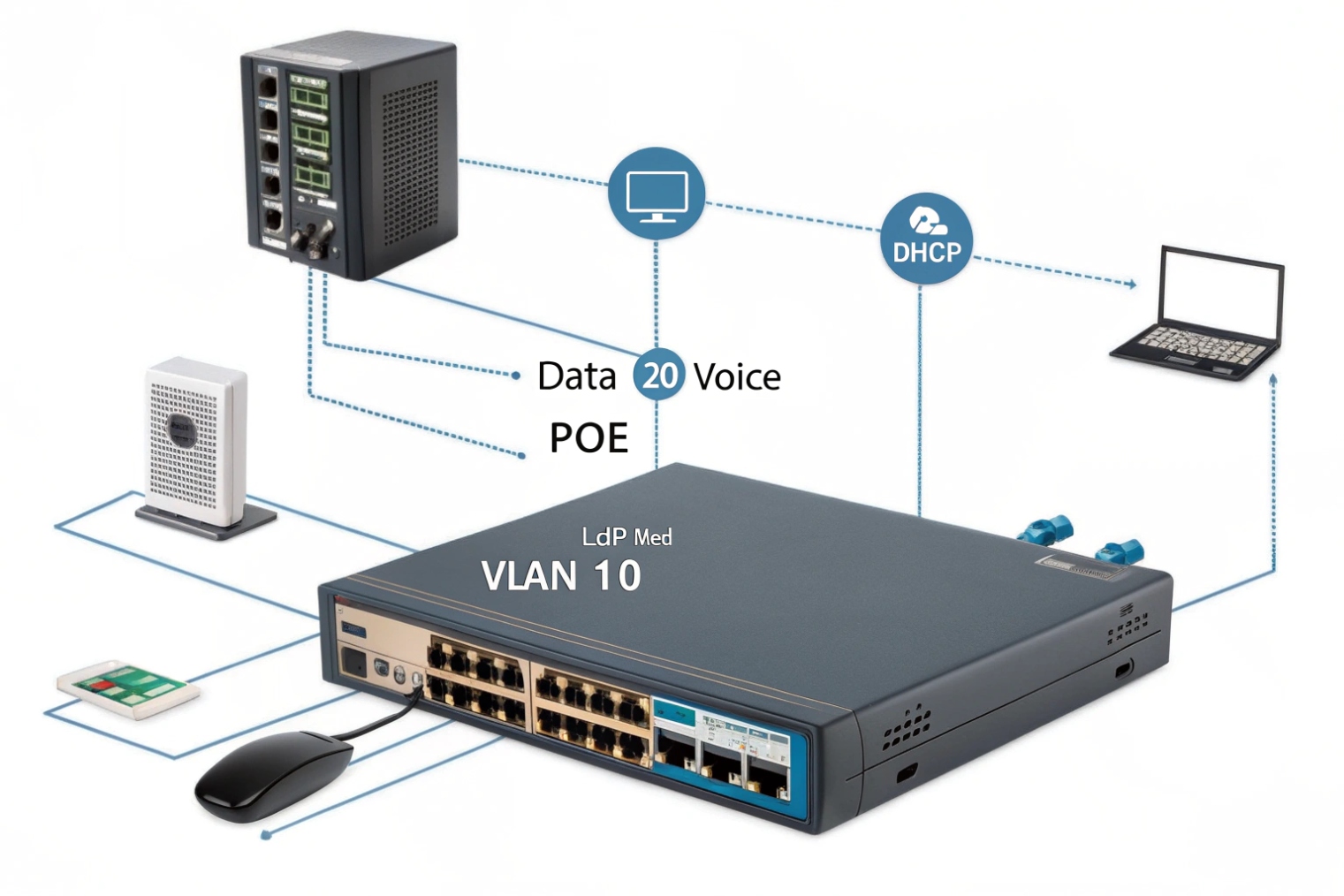
Step 1: Pick a voice VLAN and keep it boring
Choose a VLAN ID for voice and keep it consistent across sites. Give it its own subnet and DHCP scope. If you use DHCP options for provisioning (like Option 66/150), keep those inside the voice scope. This reduces cross-talk between data devices and voice endpoints.
Step 2: Build the access port profile (phone or intercom)
For a phone port, the common design is:
- Data VLAN untagged (for the PC behind the phone), or no data VLAN if you do not allow pass-through
- Voice VLAN tagged
- LLDP-MED enabled so the phone learns voice VLAN
- QoS trust set for the phone side
For an intercom port, the design is often simpler:
- One VLAN only (voice VLAN), usually untagged
- Strict trust rules (only trust markings from that device if it is controlled)
- Port security options if needed
Also enable spanning-tree edge/portfast on access ports. Phones should not wait for long STP timers.
Step 3: Make DSCP and queuing explicit
Decide whether you trust endpoint markings or you remark them. In controlled enterprise setups, trusting voice endpoints is common. If endpoints are not controlled, remarking at the edge is safer.
Recommended marking targets:
- RTP media: DSCP EF (46)
- SIP signaling: DSCP CS3 (24) or AF31 (26)
Then ensure the switch maps EF into a strict priority queue or a low-latency queue. Also confirm the uplink preserves DSCP. If the uplink strips tags or rewrites DSCP, the whole QoS plan collapses.
Step 4: Storm control without self-harm
Storm control protects you from loops and broken devices that flood broadcast or multicast. The danger is setting the threshold too low. ARP, DHCP, and some multicast can be normal. Use storm control as a guardrail, not a weapon.
A safe approach is:
- Apply storm control on access ports, not just uplinks
- Start with moderate thresholds and watch counters
- Enable loop protection with spanning-tree and consider BPDU guard on edge ports
Step 5: Turn off features that add latency on voice ports
Energy Efficient Ethernet (EEE) can add tiny delays when links sleep and wake. Voice can feel those delays as jitter. If a site has unexplained jitter with good WAN and good PBX, disable EEE on voice ports first and re-test.
| Item | Practical setting | Common mistake |
|---|---|---|
| Voice VLAN | Dedicated VLAN + DHCP scope | Mixing phones into flat data VLAN |
| LLDP-MED | Enabled on phone ports | Relying on manual phone VLAN entry |
| DSCP for RTP | EF (46) end-to-end | Marking EF but not mapping to priority queue |
| DSCP for SIP | CS3 or AF31 | Trusting DSCP on all ports (PCs can abuse it) |
| STP edge/portfast | Enabled on access ports | Phones take long to come online after link flap |
| Storm control | Moderate thresholds + monitor | Threshold too low, blocks ARP/DHCP |
| EEE | Off on voice ports if jitter | Leaving EEE on and chasing ghosts |
The goal is not a “perfect config.” The goal is predictable behavior. When behavior is predictable, VoIP becomes easy to operate.
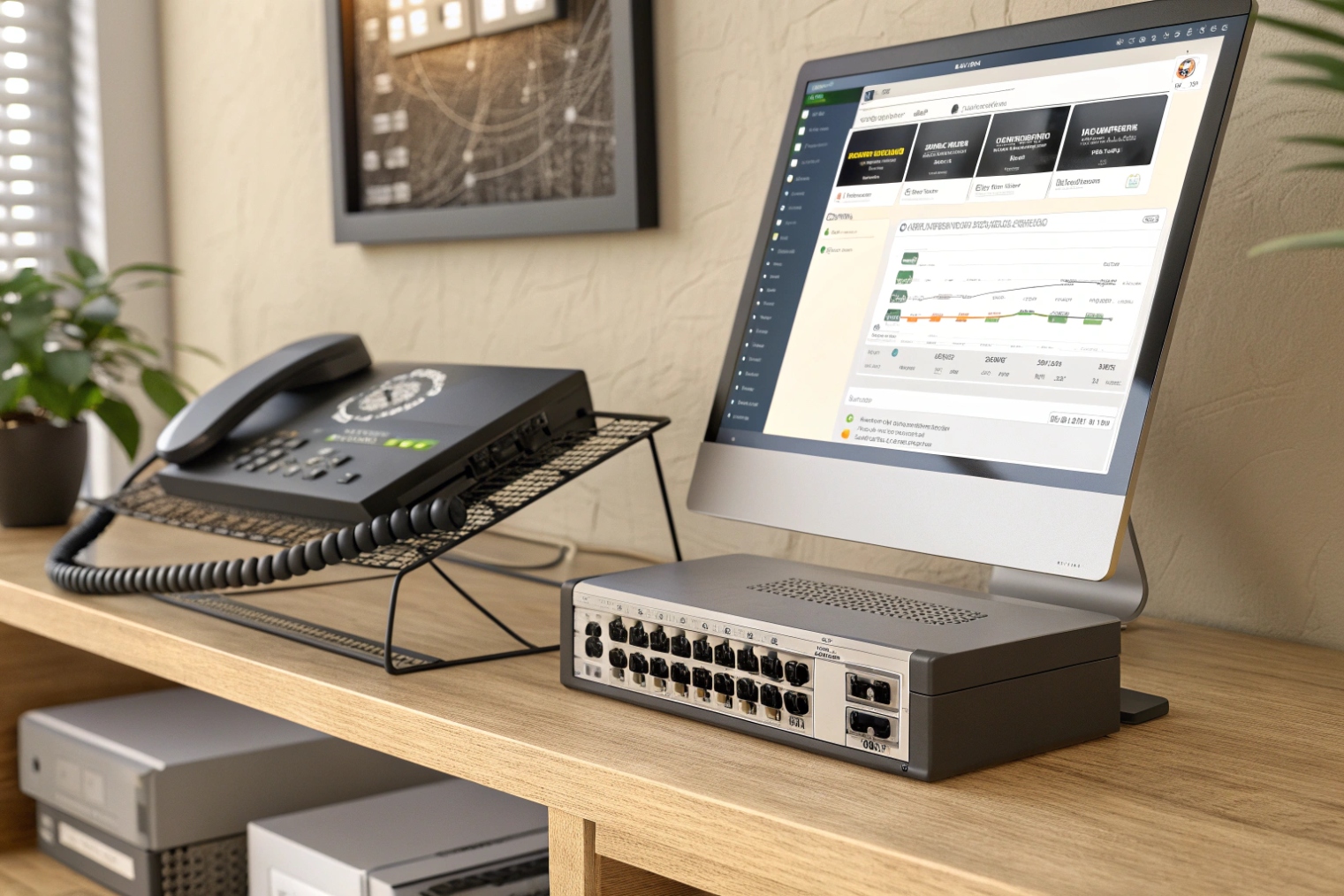
Should I choose managed, Layer 3, or industrial switches for intercoms?
This choice depends on where endpoints live and how harsh the environment is. Intercoms change the equation because many are installed outdoors, in elevators, in corridors, and in industrial zones.
Choose managed switches for almost all VoIP, add Layer 3 when you need routing at the edge, and use industrial switches when temperature, vibration, surge, or uptime requirements are real.
Managed vs unmanaged: the simple answer
Unmanaged switches are cheap, but they remove the tools that keep voice stable: VLANs, QoS, LLDP-MED, mirroring, and storm control. In small labs they work. In buildings they create long support cycles. For business VoIP and SIP intercom projects, managed is the normal choice.
When Layer 3 switching makes sense
Layer 3 switches can route between VLANs. That matters in campus networks, large buildings, and multi-closet designs. If every access closet backhauls to a core router, that can still work. But sometimes you want routing closer to endpoints to reduce core load or to keep local traffic local.
Layer 3 at the distribution layer can also make redundancy cleaner. You can run redundant uplinks, keep VLANs local, and use routing protocols or first-hop redundancy. The key is to keep voice policies consistent. If your voice VLAN spans many switches, routing design must be clean or you will chase asymmetric paths and odd QoS behavior.
Industrial switches for intercoms: not a luxury in harsh sites
Industrial switches are built for extreme conditions. In outdoor gates, tunnels, factories, mines, and transport projects, heat, cold, dust, vibration, and power noise are normal. A standard office switch can fail early. Industrial switches often provide:
- Wide temperature range
- Rugged housings and conformal coating options
- DIN-rail mounting
- Redundant DC power inputs
- Better surge and EMI resilience
- Ring protocols or fast failover features
For intercom deployments, this matters because the endpoint is often a safety device. If the switch feeding a gate intercom fails, the intercom is dead, even if the SIP server is fine.
A practical selection guide
Use the environment and topology as the deciding factors, not the feature list alone.
| Scenario | Best fit | Why it fits voice and intercoms |
|---|---|---|
| Small office, single rack | Managed Layer 2 PoE switch | VLAN + QoS + LLDP-MED with simple ops |
| Multi-floor building | Managed switches + LACP uplinks | Uplink resilience and easier scaling |
| Campus with many closets | Layer 3 at distribution | Cleaner routing, fewer large L2 domains |
| Outdoor gates and parking | Industrial PoE switch | Temperature and surge tolerance |
| Factory or chemical plant | Industrial + redundant power | Harsh conditions and higher uptime needs |
| Elevator or remote cabinet | Industrial compact switch | Small footprint and stable power options |
Conclusion
A VoIP switch is the LAN foundation for SIP and RTP. Pick the right features, apply voice VLAN and QoS correctly, and call quality becomes stable and repeatable.
Footnotes
-
Definition of collision domains and why switches reduce collisions for low-latency voice. ↩ ↩
-
PoE overview and standards to estimate power draw and avoid phone reboots. ↩ ↩
-
How LLDP-MED advertises voice VLAN and QoS to phones automatically. ↩ ↩
-
LACP overview for bundling uplinks and improving bandwidth and failover for VoIP. ↩ ↩
-
Spanning Tree Protocol basics to prevent loops and broadcast storms that wipe out voice. ↩ ↩
-
Explains Expedited Forwarding (EF) DSCP behavior for prioritizing RTP on congested links. ↩ ↩
-
Why EEE can add latency/jitter and when to disable it on voice ports. ↩ ↩








