
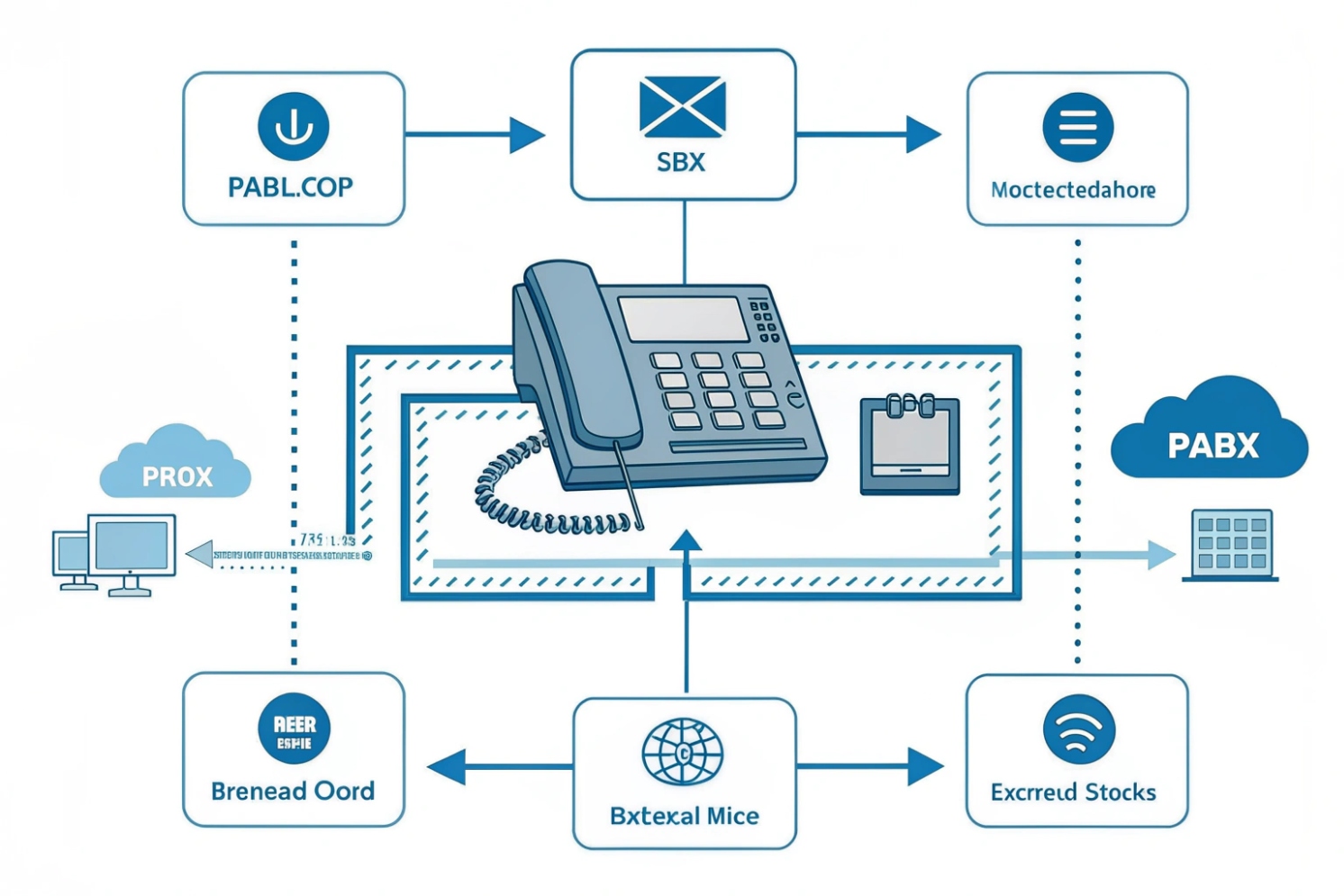
Phones should feel simple. Hidden switching makes that possible. Problems start when we forget how calls flow inside the box and out to the world.
A PABX is a private phone system that switches internal calls and shares a few external lines across many extensions. It automates routing, features, and trunk access without human operators.
Inside projects, the PABX is the traffic cop. It decides where a call goes, which trunk to use, and what features to apply. With a clear model, setup is faster, failover is cleaner, and costs drop. Let us unpack the pieces you will actually use.
What’s the difference between PABX, PBX, and IP PBX?
Old terms confuse teams. The gear changed. The goals stayed the same. Clear names stop design mistakes and ease vendor talks.
PBX and PABX now mean the same thing in practice. An IP PBX is the modern PBX that speaks SIP over IP instead of only analog or TDM.
Terms that actually matter today
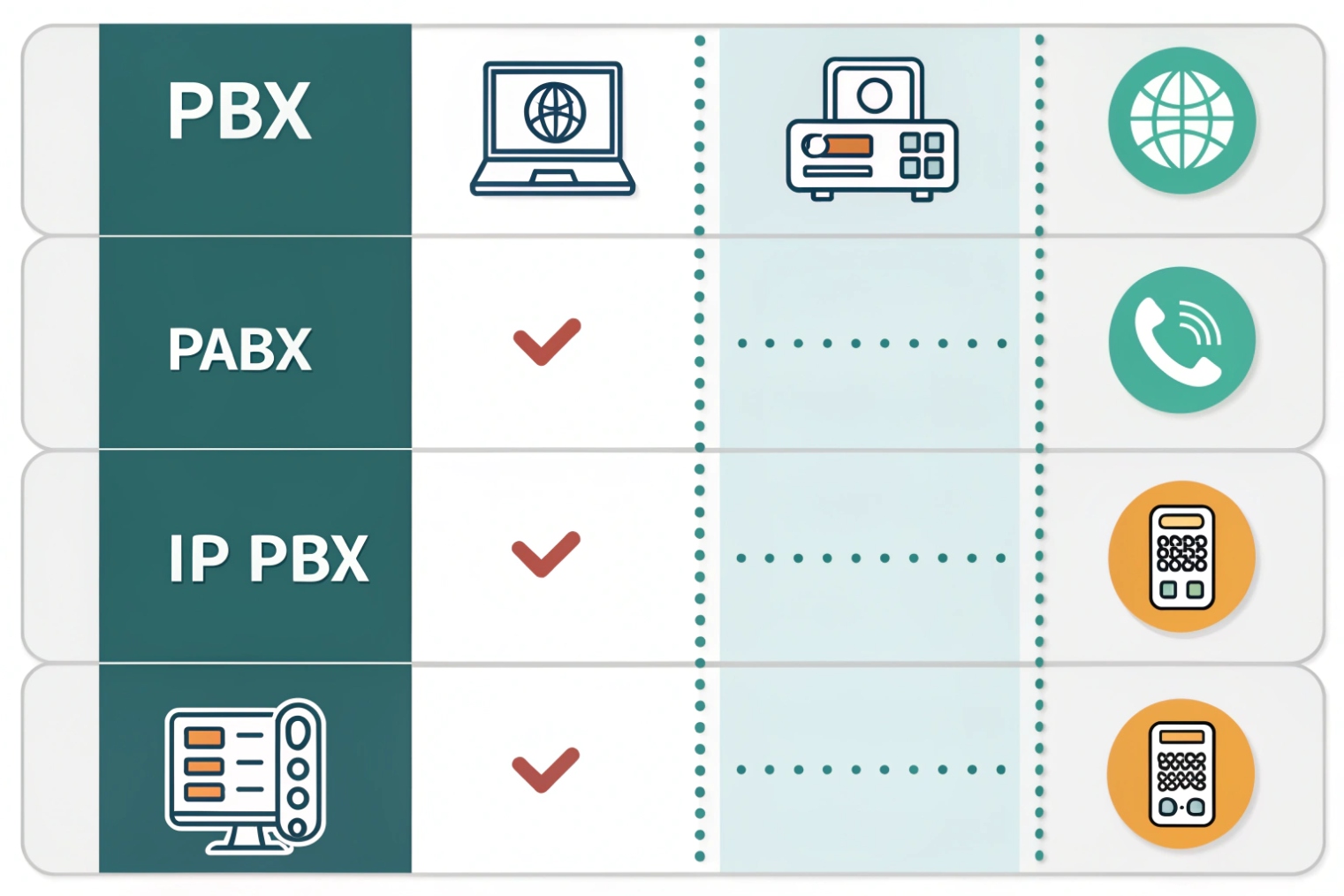
Historically, “PBX” meant a private branch exchange 1. It started with human operators. “PABX” added “automatic” to show that switching moved from people to electronics. Modern teams use PBX and PABX interchangeably. The real split is circuit-switched vs packet-based. An IP PBX is a PBX that runs on Ethernet and IP. It uses Session Initiation Protocol (SIP) 2 for signaling and Real-time Transport Protocol (RTP) 3 for media. It can still connect to analog phones or TDM trunks through gateways, but its core logic and features sit on a server or appliance.
Feature set across types
All three handle extension dialing, hunt groups, voicemail, IVR, call transfer, pickup, and conferencing. The IP PBX adds strong APIs, softphones, remote work, video support, and simple multi-site dialing. It integrates with CRMs and identity systems. It can live on-prem or in the cloud. Failover can be active-standby or geo-redundant. Old TDM PBX gear does not scale this way without costly hardware modules.
When vocabulary changes design
Use “IP PBX” when you want SIP trunks, remote phones, and easy interop with SIP intercoms, door stations, and paging. Use “PBX” or “legacy PBX” when you must describe analog or digital line cards and proprietary handsets. This difference affects licensing, power planning, and network QoS. It also shapes E911 configuration and location services. An IP PBX can map users to civic locations and push the right data to the carrier. A TDM PBX often relies on fixed trunks per site.
| Term | Switching Core | Lines/Trunks | Endpoints | Best Use Today |
|---|---|---|---|---|
| PBX | Manual → TDM | Analog (POTS), ISDN/T1 | Proprietary digital sets | Legacy sites, no data network reliance |
| PABX | Automatic TDM | Analog, ISDN/T1 | Analog, digital | Same as PBX (historical naming) |
| IP PBX | IP/SIP + RTP | SIP trunks, gateways | SIP phones, softphones | Modern sites, remote work, integrations |
How do analog, digital, and VoIP lines connect to PABX?
Different trunks carry the same voice. The PABX adapts with cards or gateways. Pick the mix based on carriers, geography, and upgrade timing.
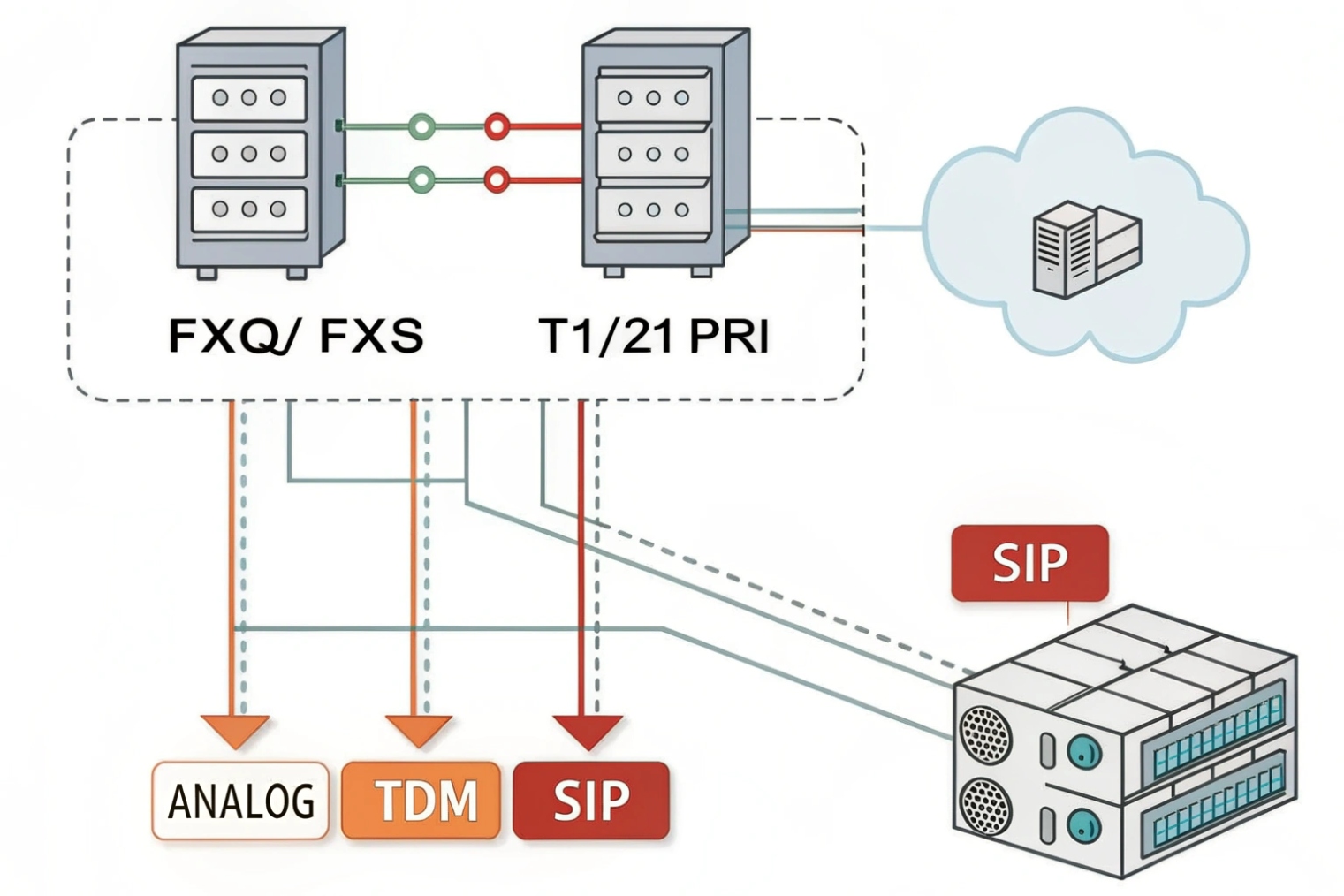
Analog uses FXO/FXS. Digital uses PRI/BRI or CAS. VoIP uses SIP trunks over IP. Gateways bridge formats so one PBX can talk to any carrier.
Analog: simple but limited
Analog POTS lines carry one call per pair. A PABX connects to the carrier with FXO ports. It connects to analog phones with FXS ports. Caller ID, polarity reversal, and message waiting rely on line signaling standards that vary by country. Pros: power often rides the line, which keeps basic service during short outages. Cons: scaling is expensive. Features like direct inward dialing (DID) are limited. Audio gains and impedance mismatches need attention, or echo appears. Fax and modems can work but add friction.
Digital TDM: dense and robust
Digital trunks such as Primary Rate Interface (PRI) 4 carry many channels on one circuit (30B+1D on E1, 23B+1D on T1). Signaling is out-of-band (D-channel) and adds stable caller ID, DID blocks, and better supervision. Connection uses CSU/DSU and specific clocking. Pros: dense capacity, predictable quality. Cons: hardware cards, vendor lock-in, and declining availability in many regions. Clock slips or framing mismatches cause slips and audio artifacts. You need telco smart hands for turn-ups.
VoIP/SIP: flexible and scalable
SIP trunks run over IP networks. They support elastic channel counts, DIDs from many countries, and failover to multiple IPs. The IP PBX registers to the provider or accepts inbound on static peers. Pros: scale, price, resilience, rich features (TLS/SRTP, STIR/SHAKEN caller ID authentication 5). Cons: needs good QoS, stable internet, and proper NAT/SBC design. E911 requires careful address mapping and testing.
Gateways and hybrid designs
A small box can bridge worlds. SIP–FXO/FXS gateways let an IP PBX use local POTS lines or analog phones. SIP–PRI gateways let it use legacy PRIs. This helps during migration. You can cut to SIP trunks for most calls while keeping a few POTS lines for backup power or alarms. Plan dial plans so emergency calls always find a working route.
| Line Type | Capacity per Circuit | Hardware Needed | Best For | Key Risks |
|---|---|---|---|---|
| POTS | 1 call | FXO/FSX ports | Small sites, power fail fallback | Limited features, hard to scale |
| PRI/BRI | 23/30 calls | PRI cards, CSU/DSU | Medium sites, DID blocks | Aging access, clocking issues |
| SIP | Elastic | WAN, SBC or firewall | Modern sites, multi-site scale | QoS, NAT, E911 mapping |
Should I keep POTS trunks or move to SIP trunks?
Budgets push to SIP. Regulations and reliability keep a few copper lines alive. Choose with a clear risk and cost view.
Default to SIP trunks for scale and features. Keep limited POTS only for regulatory needs, power-out survivability, or special devices. Plan a clean, tested failover.
Why SIP wins for most
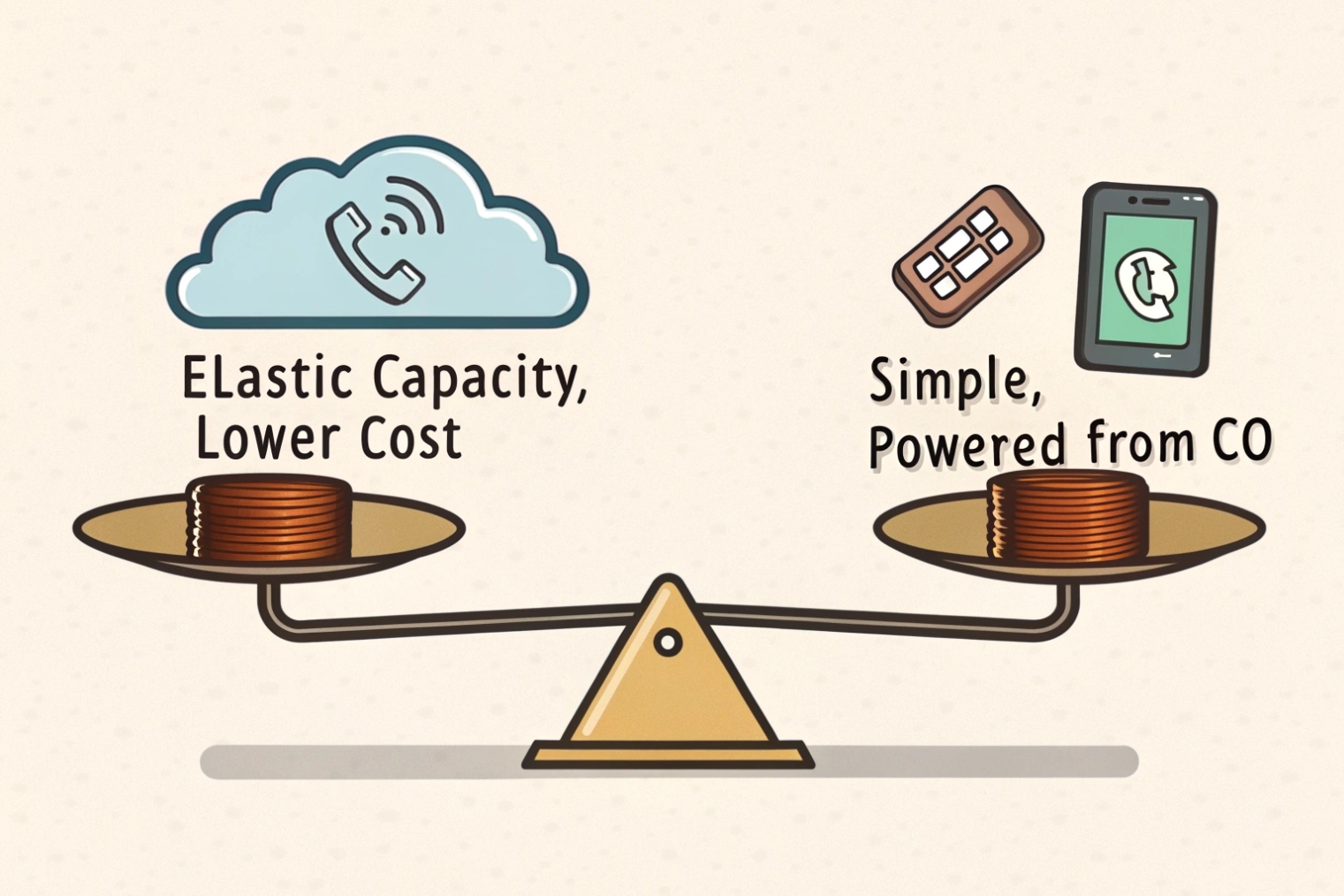
SIP trunks lower per-channel cost and remove the physical tie to a single local exchange. You buy only what you use. Bursting covers seasonal peaks. Multi-region DIDs make reception flexible. Encryption (TLS/SRTP) protects signaling and media. Modern carriers provide diverse edges and anycast SBCs so calls find the nearest entry. Disaster recovery is simpler. You can send calls to a secondary site or to mobile clients with a policy change.
Why some POTS stays
POTS can still carry power from the central office. That can keep a lobby analog phone alive during a power cut when the IP PBX and switches sit on a small UPS. Certain life-safety systems, legacy elevator lines, and old fax or alarm panels still expect analog loop current and supervision tones. Some regions mandate POTS for specific emergency endpoints. Carriers also offer “POTS over LTE” converters. Test these thoroughly for battery life and dial tone behavior before you trust them.
Balanced migration plan
Run hybrid for a while. Put the bulk of calls on SIP trunks. Keep one or two analog lines for emergency fallback and for special devices. Add a Session Border Controller (SBC) 6 at the edge to normalize SIP, terminate TLS/SRTP, and handle NAT. Configure E911 with correct civic addresses and test with the carrier’s non-emergency verification numbers. Add power planning: UPS for the IP PBX, PoE switches, and gateway. Simulate an outage and place calls. Prove that emergency calls still route when the WAN fails.
| Factor | SIP Trunks | POTS Trunks |
|---|---|---|
| Cost/Scale | Elastic, low per-channel | Linear cost, hardware bound |
| Resilience | Multi-POP, failover policies | CO power, limited routing options |
| Security | TLS/SRTP, IP ACLs | Physical only, fewer features |
| Features | DIDs, analytics, APIs | Basic calling |
| Compliance/E911 | Needs careful mapping and testing | Simple mapping by line location |
How to integrate PABX with SIP intercoms, door phones, and paging?
Voice is more than handsets. Doors need call-ins. Lobbies need paging. Emergency stacks need priority paths. A clean SIP plan makes all of this work.
Register intercoms and paging to the IP PBX as SIP endpoints. Use multicast paging or SIP paging groups. Map door relays and DTMF to PBX features and access control.
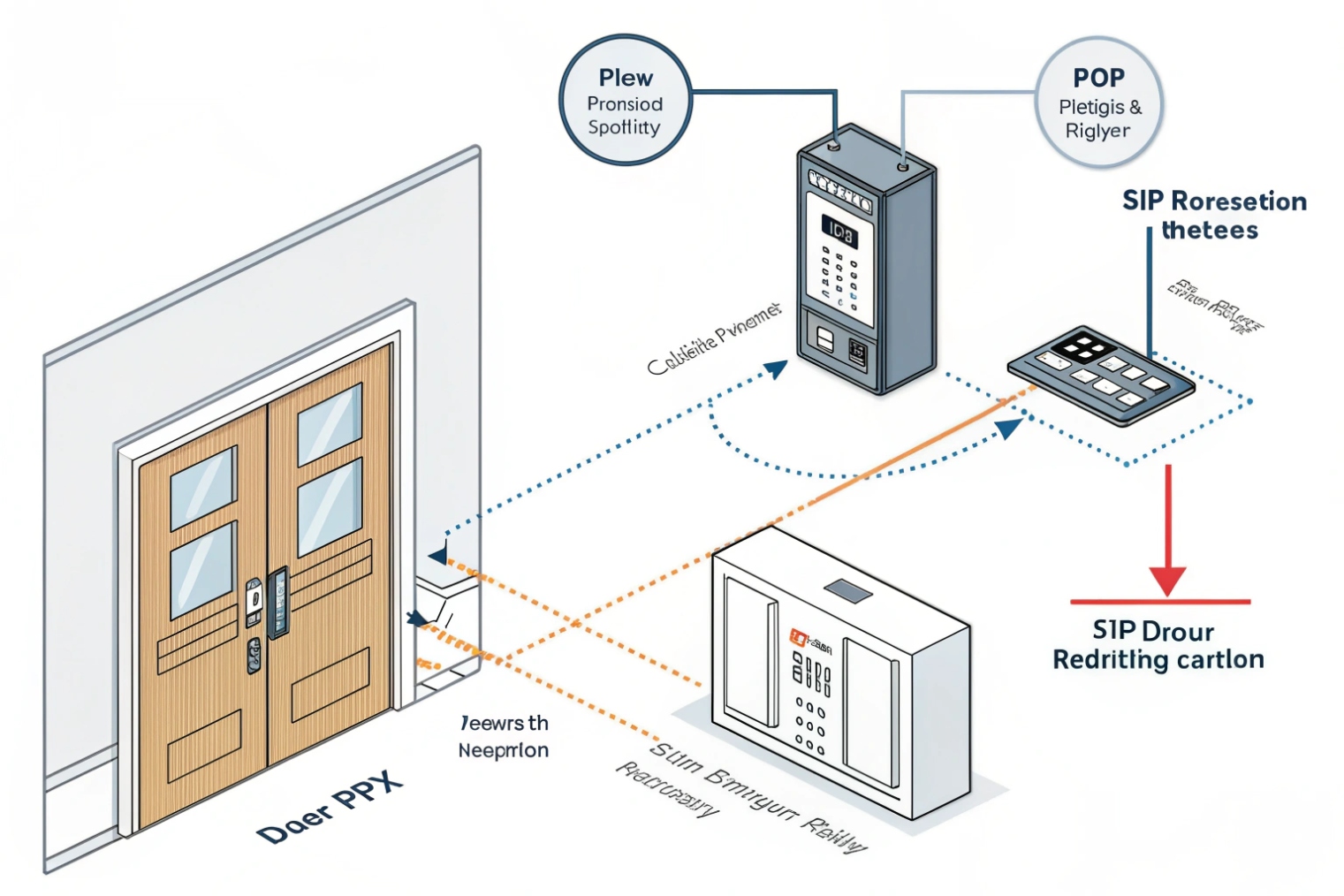
SIP intercoms and door phones
Treat each intercom as a SIP user with an extension. Give it a secure username, strong password, and TLS/SRTP if available. Many intercoms support video via SIP or RTSP. On the PBX, create a ring group or hunt list for reception or security. Use DTMF to trigger door release relays through the intercom after answering. Tie the intercom’s relay to an access control panel for logging. For visitor workflows, enable auto attendant schedules that route calls differently after hours.
Paging and announcements
There are two common paths. SIP unicast paging dials a paging group; the PBX bridges audio to selected endpoints. Multicast paging sends audio to a multicast IP; supported phones and speakers subscribe on the voice VLAN. Multicast reduces PBX load and scales better for many devices. For emergency paging, use a higher priority and preemption so the page cuts through active calls on target devices. For noisy areas, use horn speakers with PoE and set gain carefully to avoid clipping.
Network and QoS alignment
Put intercoms, phones, and paging devices on a voice VLAN with LLDP-MED network policy TLVs 7 to auto-assign VLAN, PCP, and DSCP (EF for RTP, CS3 for SIP). Trust markings at access. Reserve bandwidth for EF on uplinks and WAN edges. On Wi-Fi, map EF to WMM AC_VO. If video rides with voice, mark it AF41 and give it a shaped, non-priority queue so voice wins under load.
Security and survivability
Harden devices: change defaults, restrict by IP, and disable unused services. Use SIP TLS and SRTP where supported. Turn off fragile SIP ALGs; rely on the SBC for NAT traversal. Log events to a syslog/NMS. For power, give intercoms and critical speakers PoE from switches on UPS. Test failover: if the PBX or WAN dies, intercoms should still place emergency calls via backup trunks or a local gateway.
| Integration Item | Recommended Method | Key Setting/Tip |
|---|---|---|
| Door intercom call | SIP extension to ring group | DTMF to relay, TLS/SRTP on |
| Lobby paging | Multicast paging on voice VLAN | EF for audio, controlled join groups |
| Emergency page | SIP paging with preemption | Priority queue, tone prefix |
| Video at door | SIP video or RTSP to clients | Separate QoS class from voice |
| Access control link | Relay from intercom to controller | Event logging and time schedules |
Conclusion
Use IP PBX for scale and features, keep a small analog fallback, and integrate SIP intercoms with clean QoS and power plans. Test failover and E911 before go-live.
Footnotes
-
Background on PBX/PABX concepts and how private exchanges switch calls. ↩︎ ↩
-
The core SIP standard for registration, call setup, and signaling behavior. ↩︎ ↩
-
Details RTP/RTCP transport plus jitter reporting used in real-time voice streams. ↩︎ ↩
-
Explains PRI trunking, channel structure, and why it’s different from analog lines. ↩︎ ↩
-
FCC overview of STIR/SHAKEN caller ID authentication to reduce spoofing and improve trust. ↩︎ ↩
-
Explanation of SBC roles: security, NAT traversal, interoperability, and media anchoring. ↩︎ ↩
-
Cisco guide for LLDP-MED voice VLAN, CoS/DSCP policy, and PoE power negotiation. ↩︎ ↩








