
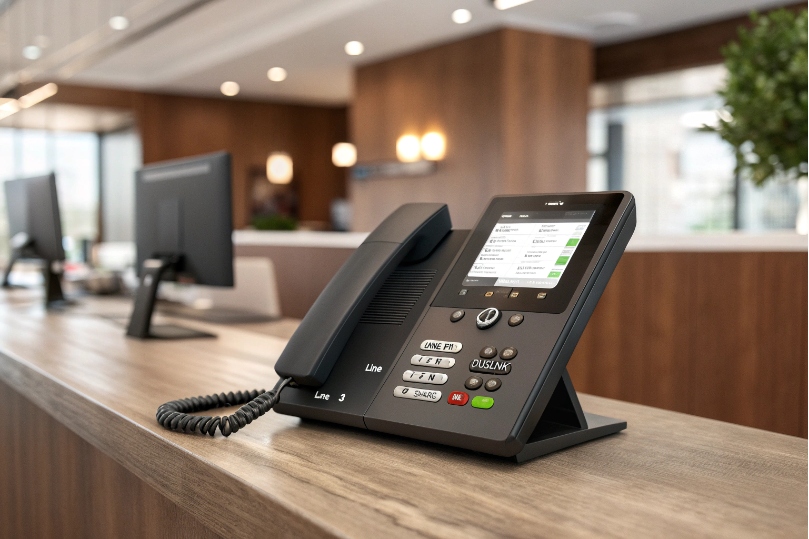
Ringing phones stack up. People guess which call is theirs.
Confusion wastes time and drops callers.
A phone “line key” is a programmable button tied to a SIP account or shared line appearance. It shows state with an LED and lets me seize, answer, hold, and resume with one touch.
A line key turns “which line?” into a simple light. Idle is dark or green. Ringing flashes. In-use glows steady. Held blinks. One account can consume more than one key to create multiple call appearances for that same number. Keys can also be mapped to shared lines so several phones see the same line 1, with synchronized lamp and hold/resume behavior.
How do my line keys differ from BLF, DSS, and speed dial?
Calls need clear roles. Keys do different jobs.
Mixing them at random causes missed pickups and dropped transfers.
Line keys control a line/identity. BLF watches someone else’s extension and can pick it up. DSS is a generic feature/speed key. Speed dial only dials.
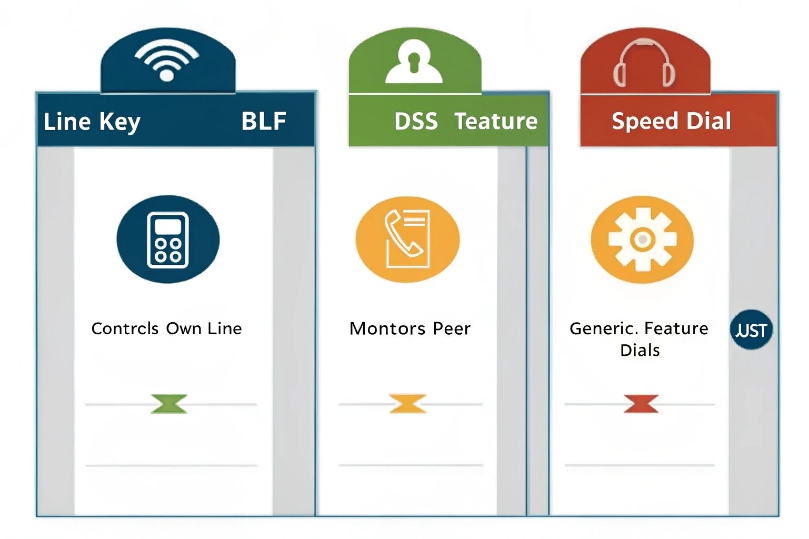
Line key (account/appearance): This key is bound to a SIP account (or to a Shared/Bridged Line Appearance—SLA/BLA/SCA 2). When I press an idle line key, I seize dial tone on that identity. When it flashes for an incoming call, I press to answer. When it shows held, I press to resume. These keys carry the account’s outbound caller ID, emergency routing, and trunk selection. I can assign two or more appearances of the same account to different keys (e.g., Line 1 A, Line 1 B) so I juggle two calls without blind transfers.
BLF (Busy Lamp Field) + pickup: This key monitors another user or extension. The LED follows that user: idle, ringing, busy. With the right pickup code or built-in pickup, I can answer their ringing call. BLF does not give me their dial tone or caller ID; it is visibility and pickup, not ownership.
DSS (Direct Station Selection): A generic feature key. Vendors use DSS for many functions: BLF, pickup, park, speed dial, intercom, queue login, night mode. Think of DSS as the “container” and the payload defines behavior.
Speed dial: Dials a number and that is all. It has no ongoing state and no pickup. If I need status or pickup, a speed dial is the wrong tool.
| Key Type | Shows State | Answers Own Calls | Answers Others | Holds/Resumes | Sets Outbound ID |
|---|---|---|---|---|---|
| Line key (account/appearance) | Yes (own line) | Yes | No | Yes | Yes (from its account) |
| BLF + pickup | Yes (peer) | No | Yes (pickup) | No | No |
| DSS (feature) | Depends on feature | Depends | Depends | Depends | Depends |
| Speed dial | No | No (dials only) | No | No | Uses active line |
Common pitfall: mapping a main number to BLF on many phones and expecting “hold/resume anywhere.” That behavior requires shared line appearances (SLA/BLA/SCA), not BLF.
Front desks and small teams live on shared lines.
They need one-touch answer → hold → announce → resume from any phone.
Use SCA/BLA/SLA for shared lines, then dedicate keys to park orbits (e.g., 71/72). Set per-line ring and distinctive tones. Keep a “Page” key for announce-and-pickup workflows.
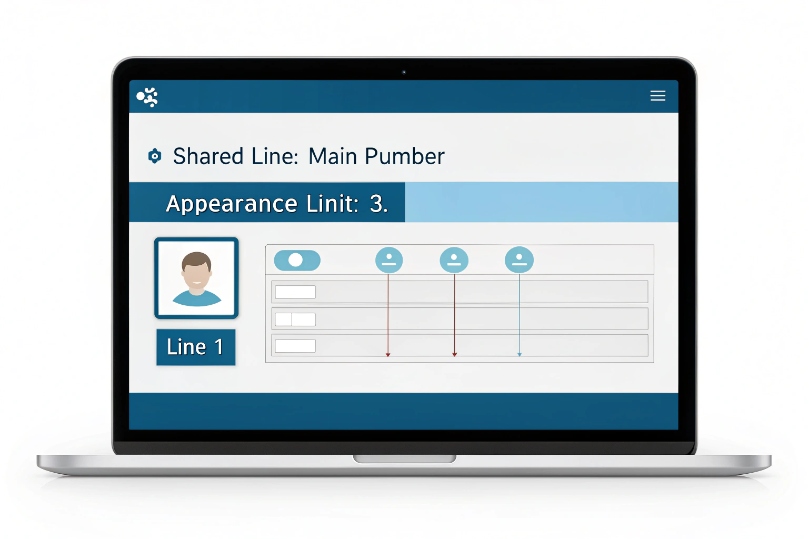
1) Shared line appearances (SCA/BLA/SLA): On the PBX, create a shared line object and assign it to multiple phones. Each phone gets one or more appearances of that same line. The PBX must publish dialog state so LEDs stay in sync across phones. With SCA/BLA/SLA, any user can answer Line 1, press HOLD, walk to another phone, and press Line 1 to resume—no transfer required. Pick an appearance limit (often 2–4) per phone so juggling two calls on the same line is smooth.
2) Per-line ringing and tones: Choose which line keys actually ring on each phone. For example, the receptionist’s Line 1 and Line 2 ring; accounting’s Line 2 is silent but shows flashes. Assign distinctive tones per line so people sort calls by ear.
3) Call park keys: Create park orbits (e.g., 71, 72) 3 on the PBX. Map keys labeled Park 71, Park 72 (DSS feature “Park”). Pressing a park key during a call parks to that slot; the LED for Park 71 lights on all phones. The right person can press Park 71 to retrieve. Pair this with a Page key to announce, “Line for Alex parked on 71.”
4) Announce and pickup flow: A common flow is answer → hold (or park) → press Page zone → announce → colleague presses the flashing line key or park key. This keeps handoffs fast without blind transfers.
5) Templates and provisioning: Keep a standard button layout across roles. Example:
- Key 1–2: Main Line (Appearance A/B)
- Key 3: Sales Line
- Key 4: Service Line
- Key 5–6: Park 71 / Park 72
- Key 7: Page: All
- Key 8–12: BLF for top contacts
Push via auto-provisioning so lamps and labels stay consistent after reboots and swaps.
6) Pitfalls: If phones do not show the same lamp state, check the PBX’s dialog event package support 4 and each phone’s SUBSCRIBE settings 5. If a shared line “collides” during two pickups, reduce appearance limits or add a second shared line to split traffic.
Will my line key show status across multiple SIP accounts or trunks?
Some users carry two identities: a main number and a department number.
Others pick an outbound brand per call.
Keys must reflect the right identity and status.
Line key LEDs show the state of the account or shared appearance bound to that key. They do not merge states across accounts. For multi-account phones, assign one account per key (or per block of keys).
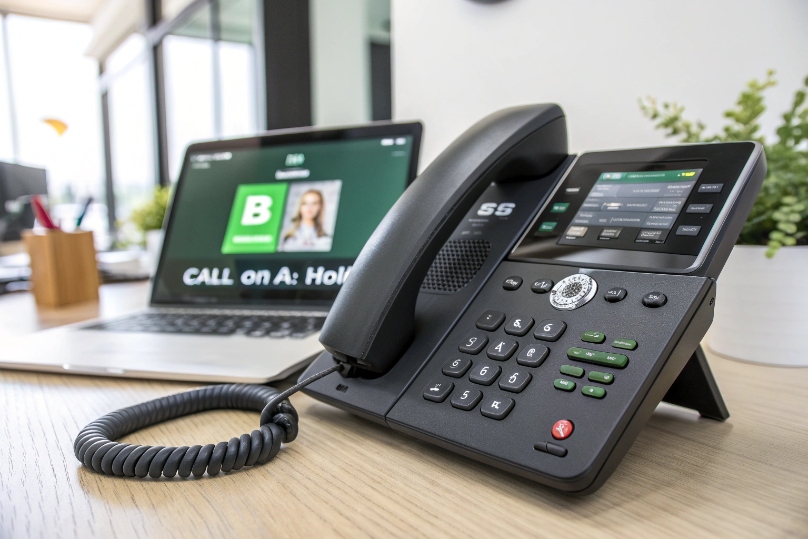
Each line key binds to one of two things: a SIP account 6 (personal identity) or a shared appearance (team line). The lamp follows that binding only. If a phone registers Account A and Account B, the A keys and B keys show independent states. A held call on A does not blink a B key. This clarity is good: it tells me which identity I will use when I hit an idle key.
For outbound calls, the selected line key sets From/PAI, outbound caller ID, and usually the trunk used. If the PBX supports per-account routing, choosing Sales Line ensures the Sales trunk and branding. For inbound ringing, any key bound to that shared appearance flashes on all phones that share it. Keys bound to a different account or trunk stay quiet.
Phones also allow multiple appearances of the same account (Account A Appear 1/2). Those show separate call legs: one appearance can be active while the other rings or holds. They are still the same identity; they just give you “slots” to handle more calls.
What about “one LED for everything”? That is BLF, not a line key. If you need a single indicator that “something is ringing somewhere” (like a queue), use a BLF or queue status key. Keep line keys focused on identities and shared lines. If you must show trunk health (up/down), some phones offer a trunk status indicator, but that is not a line key and it does not display call lamps.
| Scenario | Binding | LED Behavior | Outbound Identity |
|---|---|---|---|
| Personal calls | Account A | Shows A’s calls only | A’s caller ID |
| Department line | Shared appearance “Sales” | Mirrors team state | Sales caller ID |
| Two accounts | Account A keys + Account B keys | Independent | Chosen key’s account |
| Queue status | BLF/Queue key | Queue/ring state | N/A (not a line) |
What settings affect my line key behavior—hold, pickup, and privacy?
Small defaults change big behaviors.
Set them right and the whole floor works smoother.
Tune hold (local vs server), pickup codes, appearance limits, privacy/barging, and ring assignment. Align DND, call waiting, and distinctive ring with your line map.
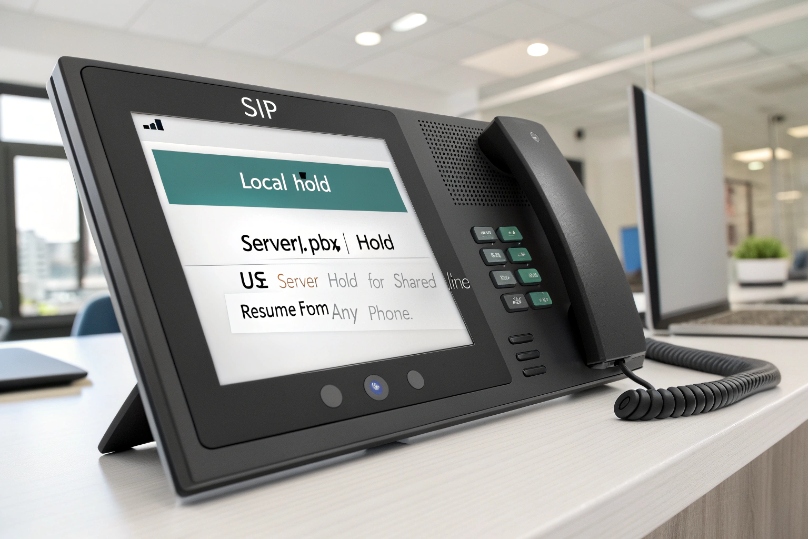
Hold and music: Phones can do local hold (they stop sending RTP; PBX provides MoH) or SIP re-INVITE with a=sendonly 7 (server hold). For shared lines, prefer server-anchored hold so resume works cleanly from any phone and music is consistent. Confirm MoH format matches device needs (often 8 kHz WAV for G.711 paths).
Pickup behavior: BLF-pickup needs a pickup code (e.g., *8) or native pickup support. Program the BLF key type to include pickup, not just monitor. For shared lines, pickup is pressing the flashing line key—no code needed. Make sure call pickup groups are defined so people cannot accidentally pull private calls outside their team.
Appearance limits and call waiting: Set how many simultaneous appearances each phone can hold for a given line (2 is common). If call waiting is on, a second call can land on appearance B while A is active. Staff who cannot juggle should have call waiting off and rely on park and teammates.
Privacy and barge-in: Privacy controls whether a second phone can barge on the same shared line call. Reception desks sometimes allow barge + whisper for training; legal or health teams tend to disable barge. Map a privacy key if your PBX supports dynamic privacy per call.
DND and ring assignment: DND may silence only personal lines or all lines, depending on the PBX. For shared lines, many sites require DND to skip that phone while letting others ring. Choose which line keys ring and which only display lamps, then set distinctive ring per line so staff identify calls by ear.
LED conventions: Vendors vary, but most follow something like: idle (dark/green), ringing (fast flash), active (steady), held (slow flash), DND (amber/solid), unregistered (red/slow blink). Publish a tiny legend in your quick guide so new staff do not guess.
Security and roles: Limit who can initiate a shared line or change its mapping. Use provisioning profiles by role (front desk, sales, back office). Keep a night mode key that flips routing after hours and lights a status lamp so no one forgets.
| Setting | Recommendation | Why |
|---|---|---|
| Hold mode | Server-anchored | Clean resume anywhere |
| Pickup | BLF with pickup code; shared lines via line key | Fewer mistakes |
| Appearance limit | 2–4 | Juggle without chaos |
| Privacy | Per role (on by default) | Prevent unintended barge |
| Ring map | Only where needed + distinct tones | Clear triage |
| DND scope | Personal by default; shared lines configurable | Avoid missed main line |
Conclusion
Line keys own identities and shared lines; BLF and DSS do the watching and features. Use SCA/BLA/SLA for “hold here, resume there,” add park slots and paging, and tune hold, pickup, and privacy so lamps and habits match the work.
Footnotes
-
SIP “shared appearances” background for true line sharing and synced hold/resume behavior. ↩ ↩
-
Practical SCA overview showing call states mirrored across multiple phones in a shared line group. ↩ ↩
-
Reference guide to call parking concepts, parking spaces/orbits, and how parked calls are retrieved. ↩ ↩
-
Defines the dialog event package used for lamp state updates like busy/ringing across endpoints. ↩ ↩
-
Explains SIP SUBSCRIBE/NOTIFY event subscriptions that many phones use for BLF and state tracking. ↩ ↩
-
Authoritative SIP specification for accounts/registrations and identity concepts used by SIP endpoints. ↩ ↩
-
SDP reference for media direction attributes like sendonly, used to implement server-side hold. ↩ ↩








