
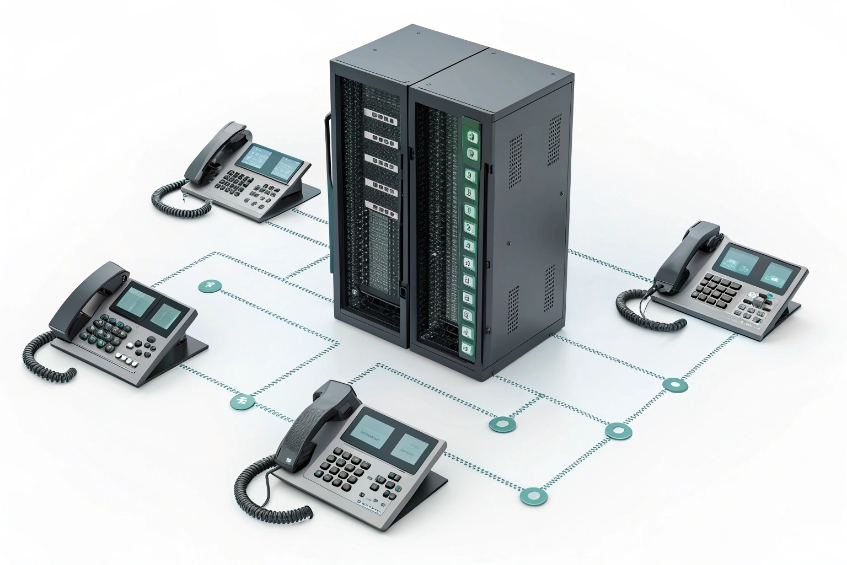
Many teams still miss calls because only one phone rings, while everyone else is free and the customer quietly gives up.
A ring group is a virtual extension that rings a defined set of phones using a strategy you choose, so any member of the group can answer the same incoming call.
When someone calls a sales or support number, the PBX sends that call to the ring group instead of a single user. In many platforms this is implemented as a hunt group 1 so multiple endpoints can share one inbound destination. The group then rings several extensions and sometimes external numbers based on rules: who to ring, in what order, for how long, and where to send the call if no one answers. This keeps the logic simple for the caller: one number, one menu at most. All the complexity stays inside the PBX. In my SIP PBX and intercom projects, a clean ring group design is often the first big step from “best effort” answering to consistent, trackable call handling—and most vendors document this as a standard PBX ring group feature 2 you can manage like any other virtual extension.
Which ring strategy should I choose for my team?
If you choose the wrong ring strategy, the same two people end up answering every call while the rest of the team complains that their phones never ring.
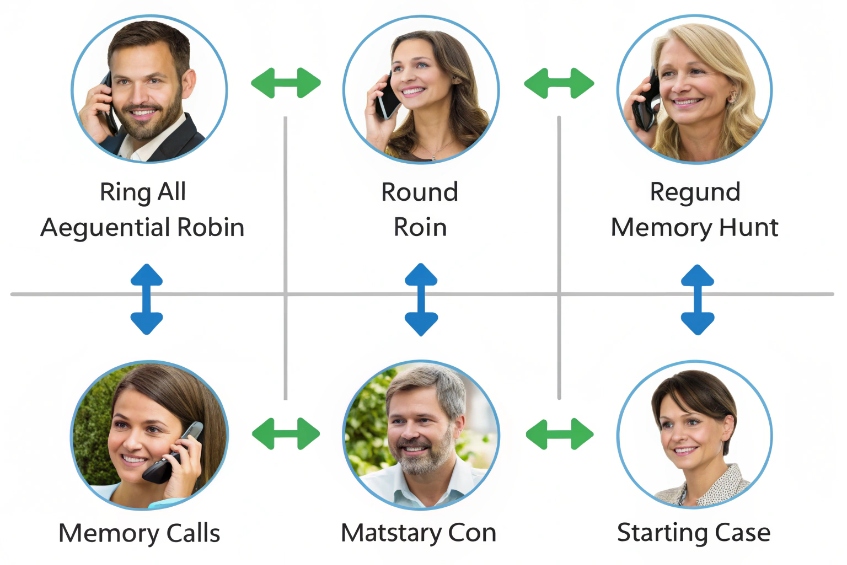
Pick ring strategies based on team size and work style: ring-all for small teams, sequential or round-robin for larger groups, and “memory” hunt when you want fair distribution.
Common ring strategies and what they really mean
Most PBXs give you a similar set of ring strategies. The names vary a bit, but the behavior is close:
| Strategy | How it rings | Best for |
|---|---|---|
| Ring-all | Everyone in the group at the same time | Small teams, urgent lines |
| Sequential / Hunt | One by one in a fixed order | Escalation paths, clear seniority |
| Round-robin | Next call starts at the next member in the list | Larger teams that want fairness |
| Memory hunt | Start with the last agent who answered, then others | Balancing workload while keeping momentum |
| Fewest calls / load-based | PBX chooses least-used extension | Call centers with high volume |
“Ring-all” is popular because it feels simple. The phone that is free answers first, and everyone hears the ringing. The downside is noise and stress if calls are frequent. It also tends to favor fast clickers, not fair load.
Sequential or hunt order works better when you want clear steps: first the front desk, then a backup person, then a manager. It can also match seniority or roles. The risk is that the first one or two people in the list take most calls if timers are long.
Round-robin and memory hunt aim for balance. Round-robin rotates starting points using a round-robin scheduling 3 style approach, so each new call starts at a different person. Memory hunt starts with whoever answered last, which keeps the flow smoother for the caller if that agent is already handling the topic.
How to match strategies to real teams
You can keep the choice practical with a few rules of thumb:
| Team type | Suggested strategy | Notes |
|---|---|---|
| 2–4 people, low/medium volume | Ring-all | Easiest to manage, quick answer |
| 5–10 people, steady volume | Round-robin or memory hunt | Fairer and less noisy |
| Escalation / on-call | Sequential hunt with clear order | Start with on-call, then backup, then manager |
| Mixed roles (L1 / L2 support) | Layered groups or memory hunt | L1 first, then L2 after timeout |
Start with a simple approach and observe real behavior:
- If some people never answer, you may need less ring-all and more rotation.
- If customers wait too long before anyone hears the call, shorten timers or use ring-all for the first hop.
- If managers get dragged into every call, move them later in the order or into a second group used only on overflow.
In many deployments, I end up with hybrid designs: the call first hits a small “front line” ring-all group, then overflows to a larger round-robin group if no one answers. That keeps speed and fairness in balance without over-complicating the PBX.
How do I add external numbers to a ring group safely?
Managers often want their mobiles in the ring group, but then personal voicemail answers calls, customers leave work messages on private mailboxes, and accounting sees strange mobile charges.
You can add external numbers to ring groups, but you should always use call confirmation, sensible timers, and clear rules about when those mobiles ring.
Why external numbers are risky by default
PBXs can easily send calls to outside numbers, like mobiles or home phones, as part of a ring group. That is convenient but it adds several risks:
| Risk | What happens |
|---|---|
| Personal voicemail answers | Customer lands in private mailbox instead of company |
| Extra call charges | PBX pays outbound minutes for every mobile leg |
| Long call setup | External legs ring later than local extensions |
| No control over device state | Mobile may be off, roaming, or already in another call |
If the PBX sees the external number as “just another member,” it does not know when the user has changed SIMs, swapped devices, or set mobile DND. The PBX also cannot manage mobile voicemail behavior. That is why we do not treat external numbers like normal internal extensions.
Safe patterns for external members
To use external numbers inside ring groups without chaos, I usually follow a few simple design rules:
-
Always enable call confirmation
When the PBX calls an external number, it should play a short prompt like “Press 1 to accept this call.” This is essentially a call screening confirmation prompt 4 that ensures a human answers before the caller is bridged. -
Use shorter ring time for external legs
External calls take longer to set up. Use group or per-destination timers that give mobiles enough time to ring, but not long enough to stall the whole group. -
Limit when mobiles ring
Add mobiles only to after-hours or on-call groups, not to every daytime ring group. Use time conditions so the mobile rings only outside business hours or when the on-call schedule says so. -
Watch costs and concurrency
Remember that every call that reaches a mobile uses an outbound trunk channel. If you ring multiple mobiles at once, you burn several outbound channels and minutes just for one inbound call.
A simple design might look like this:
| Step | Members | Notes |
|---|---|---|
| 1 | Office extensions only | Ring-all, 15 seconds |
| 2 | Office + on-call mobiles | External numbers with call confirmation |
| 3 | Failover to voicemail/IVR | For message capture or self-service options |
This way, mobiles act as backup, not as the primary answer point, and the PBX remains in control of the customer experience.
Can ring groups honor DND and agent availability?
A common fear is that ring groups will ignore DND, ring phones during meetings, and bother people who are already busy on calls.
Most PBXs can skip busy, DND, or unreachable members, but you need to match phone-side settings, PBX presence, and sometimes agent login/logout to get predictable behavior.
How ring groups see “busy” and “DND”
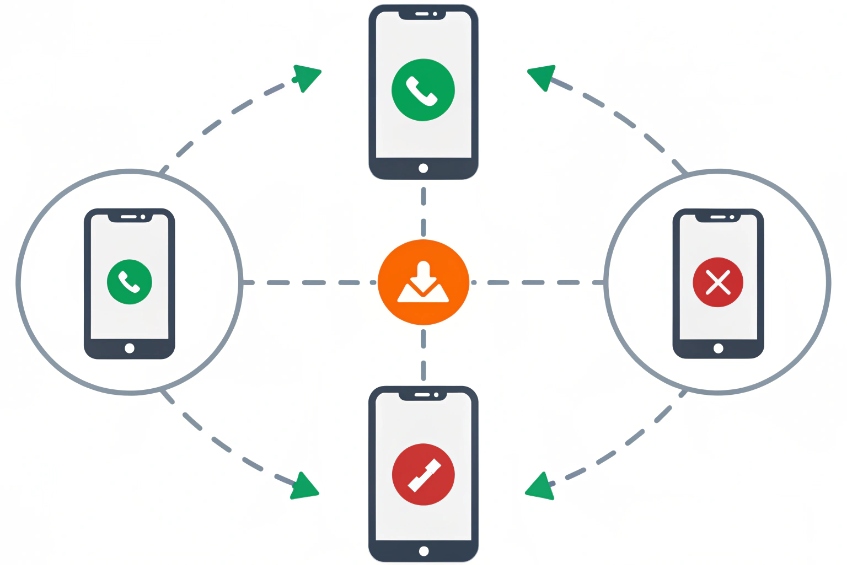
On a basic level, ring groups check whether an extension is:
- Registered
- Already on a call
- Marked as DND or “call forward”
If the PBX sees the extension as busy, it usually skips it for new group calls. If it sees DND, behavior differs by platform:
| Extension state | Typical ring group behavior |
|---|---|
| Free, registered | Included in ringing |
| On a call | Skipped or receives call waiting, based on config |
| DND active | Usually skipped entirely |
| Unregistered / offline | Skipped after a very short attempt or immediately |
The tricky part comes when phones have their own local DND or call forward rules that the PBX does not fully know about. For example, some desk phones can send all calls to local voicemail even when the PBX thinks they are free. That can lead to strange results if you do not align policies. In SIP terms, many systems treat “DND = reject” as returning a SIP 486 Busy Here response code 5 so the ring group can skip that member.
Using presence and login for more control
For teams with frequent status changes, presence and agent login work better than only DND. There are a few common tools:
- Agent login/logout for groups: members log in when ready to receive calls and log out when busy or off-shift.
- Global presence states: available, away, lunch, meeting. The PBX maps those to ring group behavior.
- Custom “do-not-ring” profiles: for example, when someone joins a scheduled video call.
You can then set your ring group to only target:
- Logged-in agents.
- Agents with an “available” presence state.
A simple setup might look like:
| Presence / status | Ring group action |
|---|---|
| Available | Can receive group calls |
| Away / Lunch | Skipped by ring group |
| DND / Meeting | Skipped and marked as busy |
For light use, simple phone-side DND is often enough, as long as you confirm how your PBX reacts. For heavier call flows or larger teams, it is better to use queues or full ACD. Queues usually track agent states in more detail and support wrap-up time, break codes, and other call center features—commonly referred to as an automatic call distributor (ACD) 6.
When a ring group is not enough
Ring groups are great for small teams and straightforward flows, but they have limits:
- They do not track how many calls each agent answered.
- They cannot offer “your position in queue” messages.
- They do not handle advanced wrap-up, pause reasons, or SLAs.
So if you care a lot about agent availability and performance metrics, a proper queue / ACD is a better fit. I often use ring groups as the first layer (fast simple ringing) and then hand off to a queue for more complex flows. For example, first ring a small VIP group, then put callers into a queue with full agent status management if no one is free. For reliable “available/away” syncing across devices, many deployments rely on the SIP event notification framework (SUBSCRIBE/NOTIFY) 7 so presence changes propagate quickly.
Why do ring group calls drop to voicemail early?
Sometimes callers hit the ring group, hear one or two rings, then they are sent to voicemail, or the call drops even though several people are still free.
Early ring group timeouts come from short group timers, per-extension timers, or external legs that answer with voicemail; you fix this by checking timers and failover rules step by step.
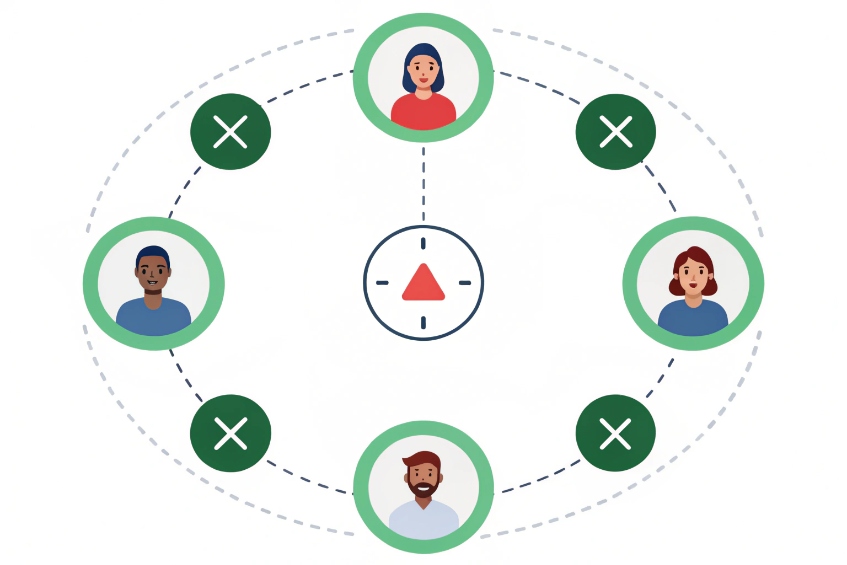
Timers: group timeout vs member timeout
Ring groups usually have at least two layers of timing:
- Ring time per attempt: how long the group rings before trying the next step.
- Total or “maximum” timeout: how long the caller can stay in the group before failover.
Some systems also have per-member ring timers in sequential strategies.
A typical misconfiguration looks like this:
- Group timeout: 20 seconds.
- Hunt strategy with four members in sequence.
- Each phone rings for 5 seconds.
On paper this looks fine. In real life, 5 seconds is barely two rings. If the first two people miss the call, the third person may only hear a single ring before the group timeout triggers and sends the call straight to voicemail.
You can avoid that by:
- Using longer timers when you have more members in sequence.
- Using ring-all for the first attempt and only hunting later.
- Increasing the overall group timeout, then using a queue or IVR as a safety net.
External numbers and aggressive voicemail
External numbers add another layer. If a mobile’s personal voicemail picks up faster than your group timeout, the PBX may think the call is “answered” or “completed,” then the caller lands in the wrong mailbox or hears silence.
Common symptoms and causes:
| Symptom | Likely reason |
|---|---|
| Call jumps to wrong voicemail | Mobile voicemail grabbed it |
| Call ends after one or two rings | Very short group timeout |
| Only calls with mobiles in group misbehave | External legs answer or fail unpredictably |
You fix this with:
- Call confirmation for external legs, so only real humans can answer.
- Longer initial ring times before mobiles are tried.
- Separate groups for “office only” vs “office + mobiles” with different behavior.
Loops, failovers, and time conditions
Another hidden cause is routing loops or conflicting time conditions. For example:
- The ring group’s failover goes to a voicemail box.
- That mailbox has a “0 to operator” option that routes back to the same ring group.
- The PBX limits total loop depth, so it hangs up early to protect the system.
Or:
- Time conditions send after-hours calls directly to voicemail.
- The ring group still has its own timeout, but the call never reaches it because the time condition already changed the path.
To debug, I like to write the flow as a small chain:
- Inbound number → time condition.
- Time condition → ring group (open) or voicemail (closed).
- Ring group → failover destination.
Then test each branch with a real call while watching logs. Once that simple diagram matches what the PBX actually does, “mystery” early hangups disappear.
When timers and failovers are clear, ring groups become reliable. Calls ring long enough, mobiles cannot hijack them, and voicemail only appears when you really want it as the last step.
Conclusion
With the right ring strategy, timers, and safe external routing, a ring group turns one phone number into a responsive team line that answers faster and drops fewer calls.
Footnotes
-
Explains hunt groups, the core concept behind ringing multiple phones from one inbound number. ↩ ↩
-
Practical overview of ring groups as a PBX feature, including common strategies and settings. ↩ ↩
-
Clarifies the round-robin concept used to rotate who rings first for fairer call distribution. ↩ ↩
-
Shows how call screening/confirmation prompts prevent voicemail from “answering” external legs in a ring group. ↩ ↩
-
Defines SIP 486 Busy Here, commonly used when DND/reject makes ring groups skip that endpoint. ↩ ↩
-
Explains ACD systems and why queues track agent state and metrics better than basic ring groups. ↩ ↩
-
Describes SUBSCRIBE/NOTIFY, the SIP mechanism many PBXs use for presence and availability updates. ↩ ↩








