
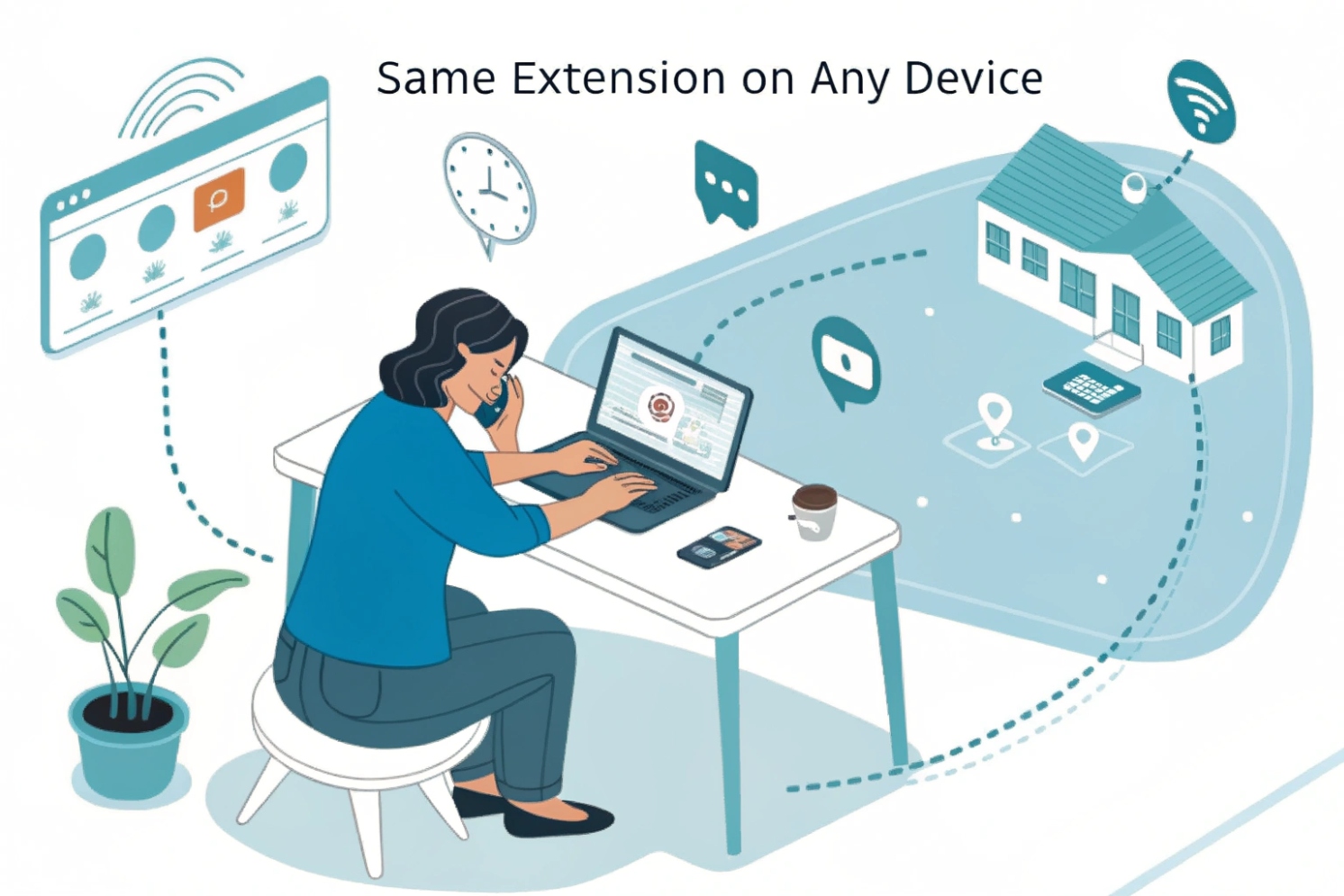
Remote work feels flexible until calls drop, audio echoes, or users mix personal numbers with business calls. A softphone fixes the workflow, but only if it is set up right.
A softphone is software that turns a computer or mobile device into a full VoIP phone using your SIP account for signaling and RTP/SRTP for media, with a headset/mic or built-in audio handling the call.
A softphone is the “phone client” that lives on Windows, macOS, iOS, or Android. It behaves like a desk phone, but it uses the device’s network and audio stack. It registers to your PBX or cloud platform, receives calls to your extension, and supports call controls like hold, transfer, park, conference, and voicemail. Many softphones also add features that are awkward on desk phones, like click-to-dial, CRM screen pop, searchable call history, and messaging presence.
Technically, the call still follows the same building blocks:
- Session Initiation Protocol (SIP) 1 for registering and setting up calls
- SDP offer/answer for codec negotiation
- Real-time Transport Protocol (RTP) 2 or Secure Real-time Transport Protocol (SRTP) 3 for audio media
- NAT traversal helpers like STUN/TURN/ICE (Interactive Connectivity Establishment) 4 when users are behind home routers or cellular networks
Softphones also coexist well with desk phones. Many systems allow multiple registrations for one extension. The PBX can “fork” the call to ring both the desk phone and the softphone, so users can answer from the most convenient device.
The biggest difference is that softphones depend on the device environment:
- Wi-Fi quality and roaming behavior
- OS battery and background network policy on mobile
- headset drivers, Bluetooth, and audio device switching on desktop
That is why softphones can feel amazing in a stable network and frustrating in a noisy one. The goal is to pick the right use case: mobility, hot-desking, supervisors, and intercom dashboards are strong fits.
| Item | Desk phone | Softphone | Practical impact |
|---|---|---|---|
| Hardware | Dedicated, stable | Uses PC/mobile | Softphone depends on device health |
| Mobility | Low | High | Softphone fits hybrid work |
| Audio path | Tuned for voice | Mixed OS audio stack | Headset choice matters more |
| Features | Reliable call controls | Adds integrations and hotkeys | Better workflow for teams |
| Security | Network-based controls | Needs endpoint controls | MDM/SSO becomes important |
| QoS | Easy on wired LAN | Hard on Wi-Fi/cellular | Stability needs planning |
Once the core definition is clear, the next question is what changes compared to SIP desk phones and what platforms you can run on.
How does a softphone compare to SIP desk phones for me?
A desk phone is predictable. A softphone is flexible. Your best choice depends on role and environment.
A desk phone is the most stable endpoint on a wired LAN, while a softphone is the most flexible endpoint for remote work, integrations, and multi-device calling. Many teams use both on the same extension.
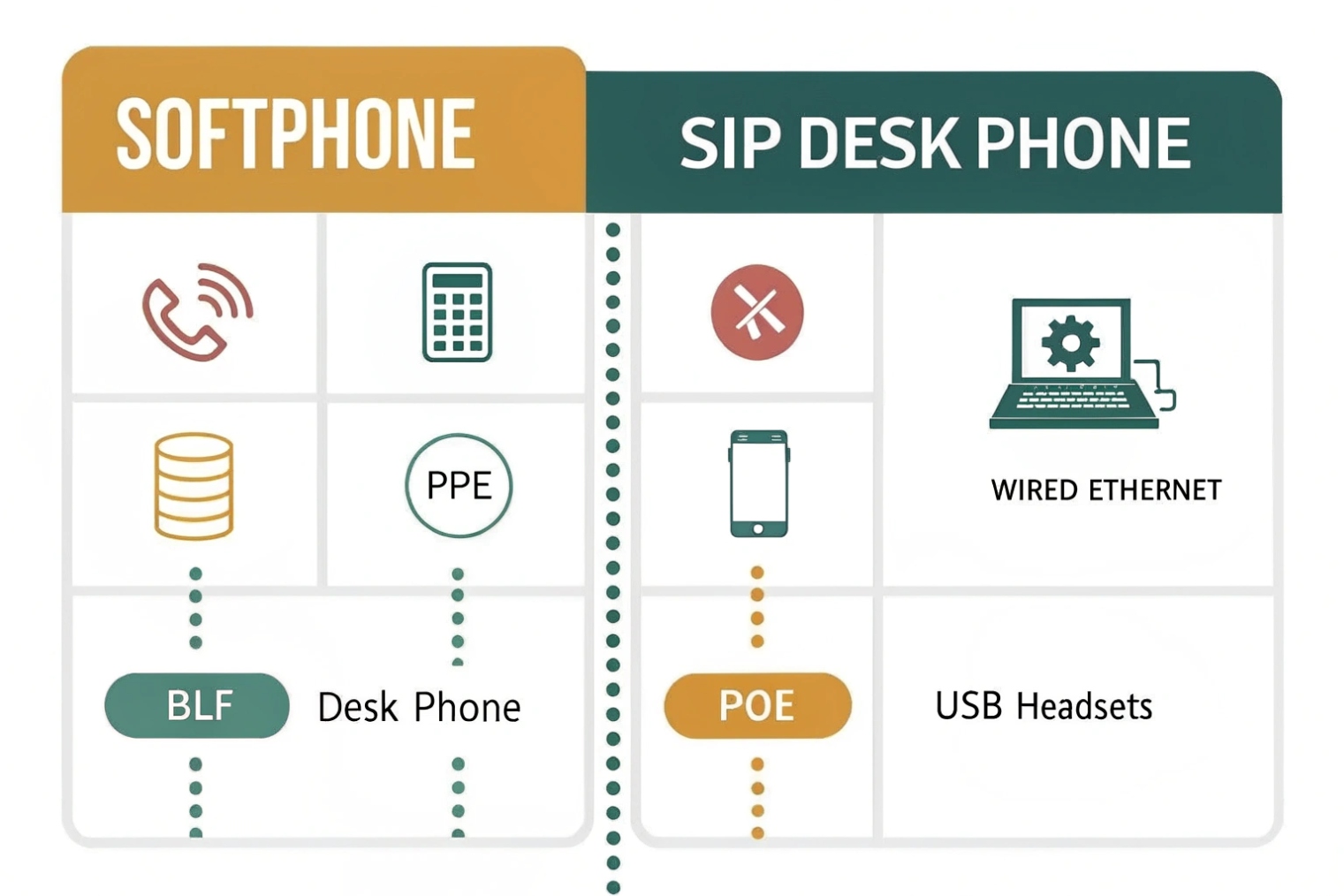
Desk phones win when:
- users sit at fixed desks
- wired Ethernet is available
- call handling must be consistent and simple
- shared areas need predictable behavior (lobbies, guard desks)
Softphones win when:
- users work remote or move between locations
- teams want click-to-dial and CRM screen pops
- supervisors need dashboards and quick controls
- mobility matters more than “always-perfect audio”
A mixed approach is common:
- desk phone at the office
- softphone on laptop for travel
- softphone on mobile for reachability
The only caution is concurrency. Multiple registrations can ring multiple devices. That is good for availability, but users need a clear habit to avoid answering twice or creating confusion in transfers.
Can I use a softphone on Windows, macOS, iOS, and Android?
Most VoIP platforms support multi-OS softphones, but the user experience varies by device policy and network environment.
Yes. Softphones are available for Windows and macOS desktops, and for iOS and Android mobile devices. Mobile softphones often use push notifications to stay reachable without draining battery.
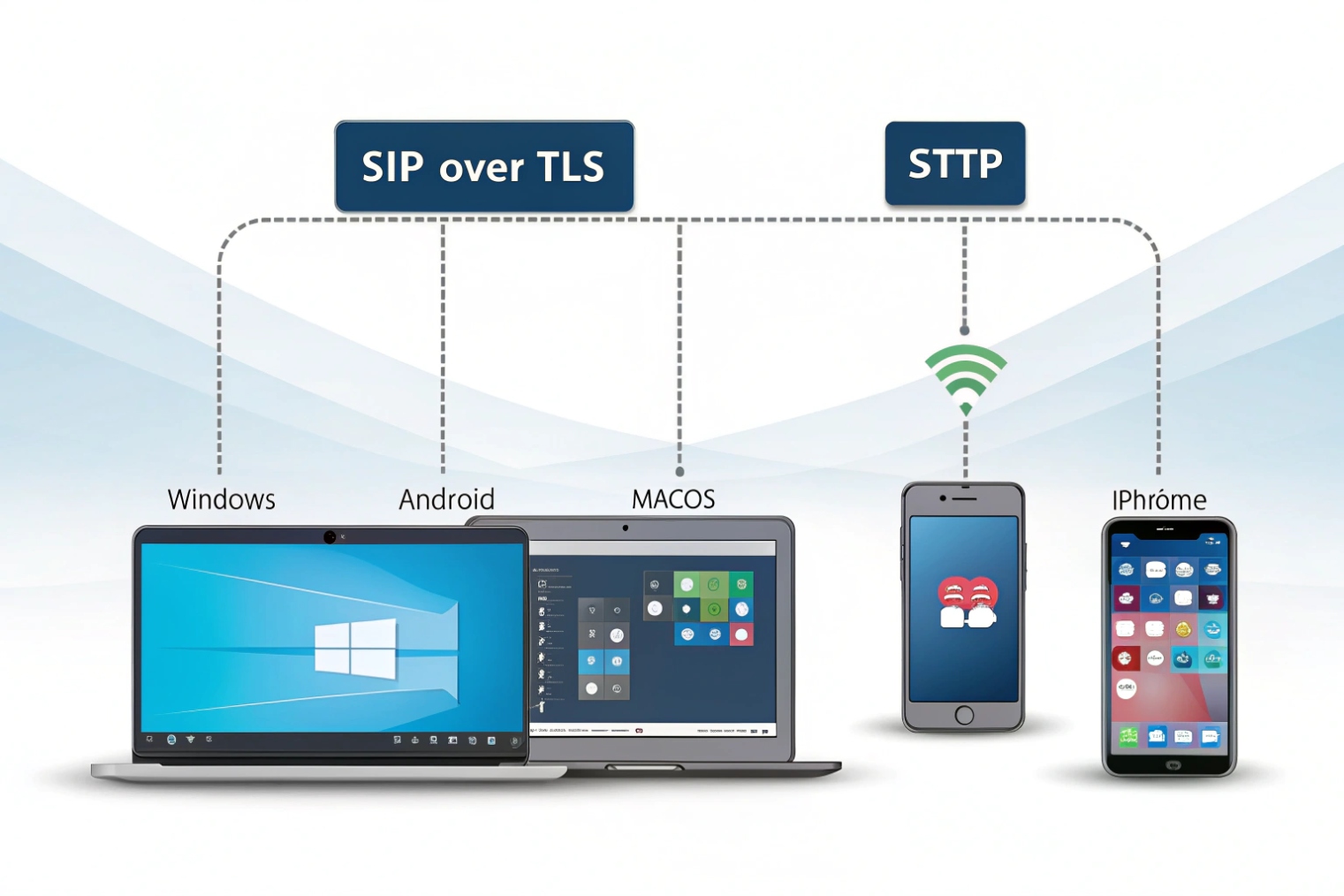
Desktop softphones are strong for heavy calling:
- better headset support
- hotkeys
- multiple monitors and presence panels
- easier CRM integration
Mobile softphones are strong for reachability:
- calls over Wi-Fi or cellular data
- background behavior controlled by iOS/Android
- VoIP push notifications (PushKit) 5 so the app does not keep a constant active SIP registration
The key is to align mobile expectations:
- Some platforms keep SIP registered in the background. Others rely on push to wake the app, then establish media quickly.
- Battery and OS policies can delay ring events if push is misconfigured or notifications are blocked.
For business deployment, it helps to standardize on:
- one or two supported app clients
- known-good headset models for desktops
- clear Wi-Fi requirements for office roaming
What features do softphones support—HD voice, video, presence, and BLF?
Softphones can match desk phone features and often go further, but the exact list depends on PBX and client support.
Most softphones support HD voice codecs, call control (hold/transfer/park), conferencing, voicemail, presence, and often video. Many also support BLF-style monitoring, busy lamp indicators, and queue visibility when the PBX exposes those states.
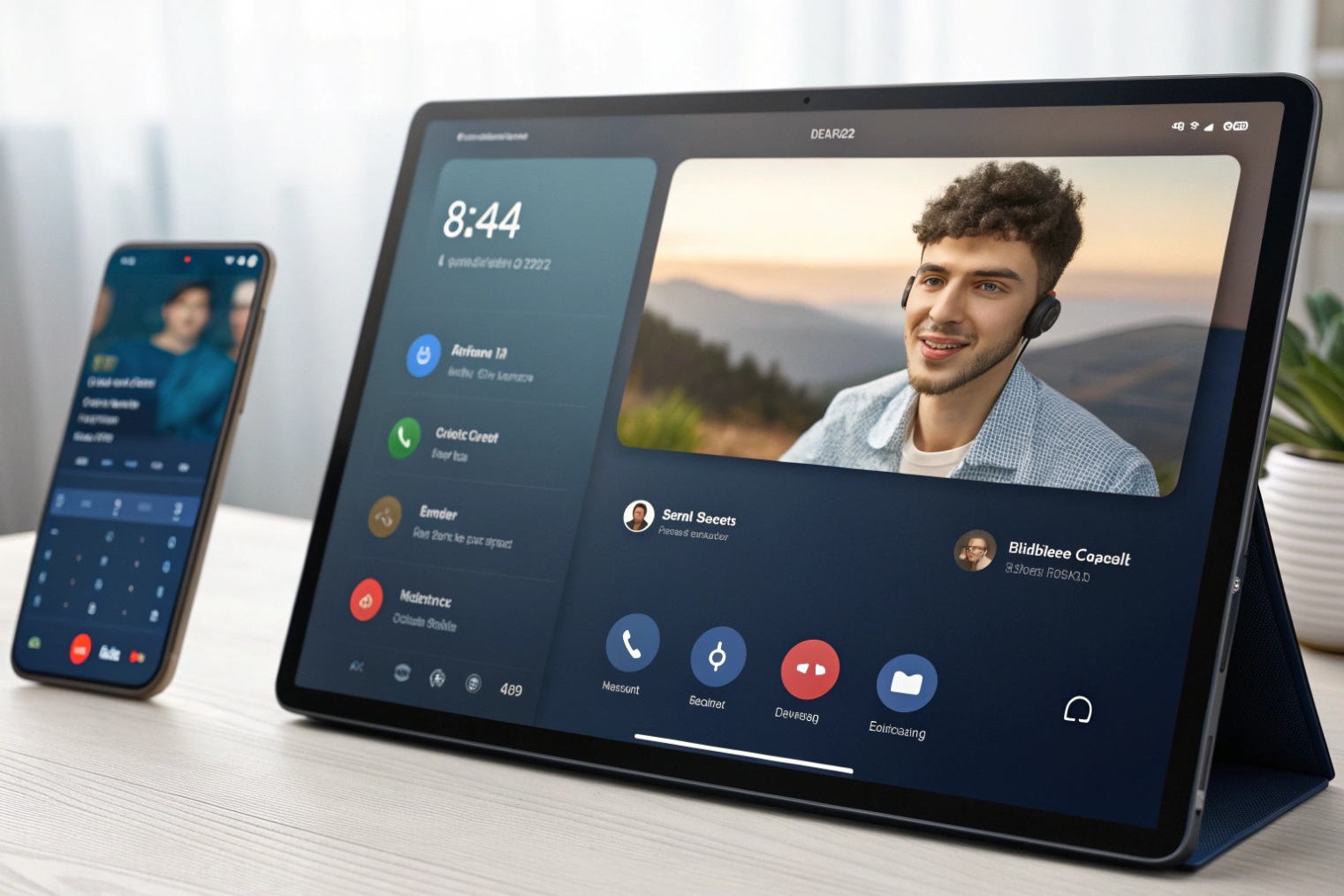
Common softphone features that matter in real work
- HD voice with wideband codecs when supported
- Video calling (platform-dependent)
- Presence and chat status
- Call transfer: blind and attended
- Call park and pickup
- Conference and merge calls
- Call recording controls (policy-based)
- Shared lines and multiple call appearances
- Contacts, directories, and favorites
- Call history and voicemail with transcripts (if enabled)
- Click-to-dial, tel: and sip: handlers
BLF and queue features
Busy Lamp Field (BLF) monitoring 6 on softphones can be implemented via:
- SIP SUBSCRIBE/NOTIFY presence
- PBX APIs for richer states
If you need receptionist-style monitoring, some vendors provide a switchboard panel rather than a simple softphone UI. Still, many softphones can show:
- extension busy/ringing
- DND status
- quick transfer buttons
- queue agent states (in some ecosystems)
| Feature | What it needs from the PBX | Why it matters |
|---|---|---|
| HD voice | Wideband codec support end-to-end | Clearer speech and less fatigue |
| Video | Client + server support | Better meetings, not always needed |
| Presence | Published states and subscriptions | Fewer blind transfers |
| BLF | SIP events or PBX API | Fast receptionist workflows |
| Queue view | ACD module + permissions | Better supervisor control |
| Recording control | Policy + storage | QA and compliance |
The best practice is to match feature promises with what your PBX actually exposes. A softphone can display a button that does nothing if the PBX feature is disabled or not interoperable.
How do I provision softphones securely—SRTP, TLS, SSO, and MDM?
Softphones live on endpoints you do not fully control, especially on BYOD. Security must be designed around that.
Secure softphones by encrypting signaling with TLS, encrypting media with SRTP, using modern identity for app login (SSO where supported), and enforcing device policy through MDM, certificates, and least-privilege roles.
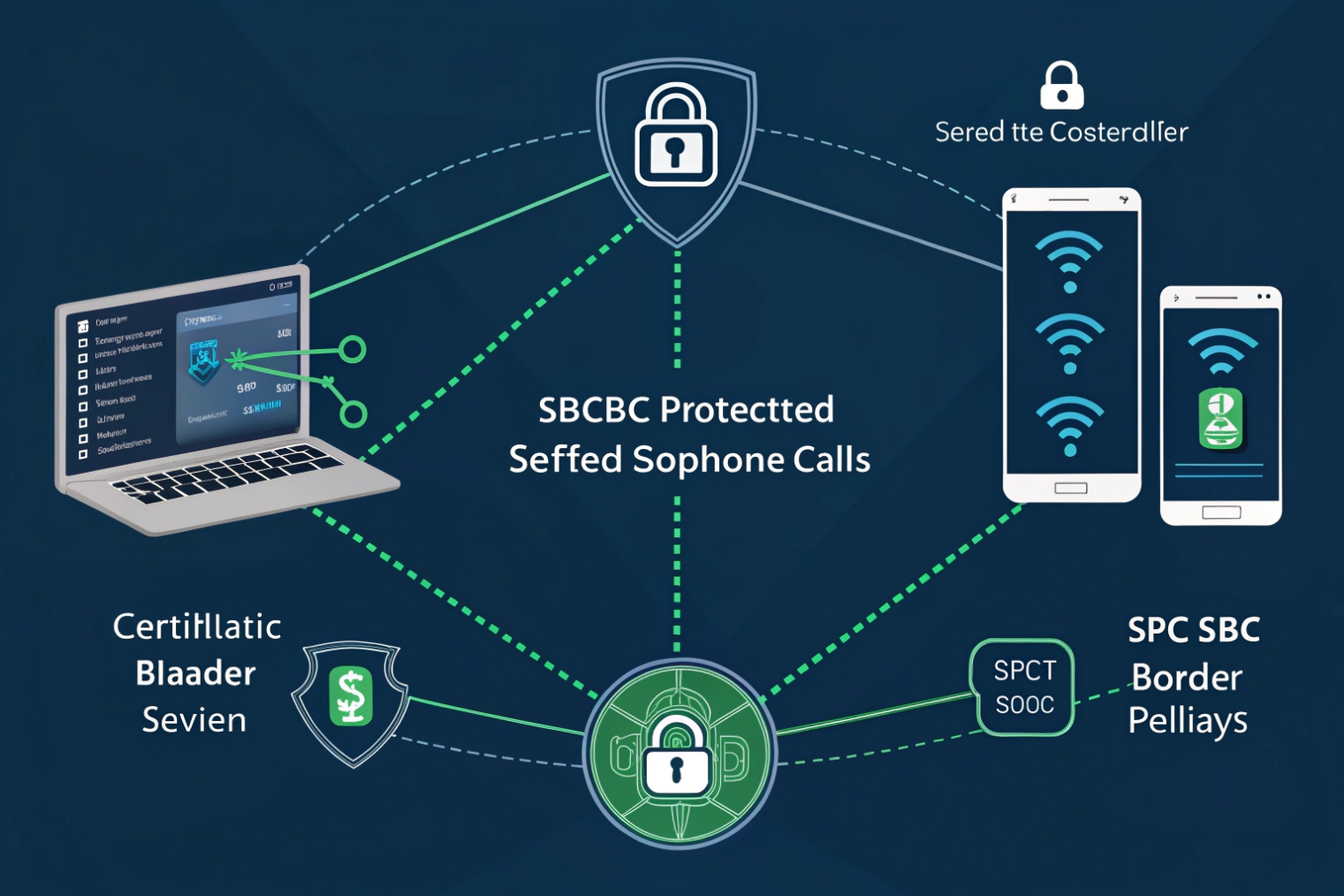
Transport security: TLS and SRTP
- Use SIP over TLS to protect credentials and signaling data.
- Use SRTP to protect voice media on untrusted networks.
If your system uses an SBC, it often terminates TLS/SRTP and applies policy. That can simplify remote access and NAT traversal.
Identity security: SSO is for apps, not SIP registration
Many platforms use SSO for the web/admin portal and the softphone login. That improves security because MFA and conditional access live in the IdP. Still, SIP registration often uses:
- SIP credentials, or
- certificates / mutual TLS in stronger designs
SSO is not a direct replacement for SIP digest in most classic SIP stacks. It is usually an application login layer around the softphone client.
Device security: MDM and policy
mobile device management (MDM) 7 controls reduce risk:
- enforce device encryption and screen lock
- push app configs and provisioning URLs
- block copy/paste of credentials
- remote wipe for lost devices
- certificate distribution for mutual TLS or VPN
- restrict local call recording where needed
Provisioning methods that scale
Manual config works for a few users. For fleets, use:
- QR code provisioning
- provisioning URLs
- MDM profiles
- per-user tokens
This reduces credential leakage and lowers support load.
Practical “secure default” checklist
- TLS + SRTP enabled for all remote softphones
- SIP ALG disabled on edge routers
- SBC or outbound proxy for NAT stability
- short credential rotation policy or token-based provisioning
- RBAC: users cannot access admin features
- logging: call attempts, failed auth, and anomaly alerts
- geo restrictions and spend limits for toll fraud protection
| Security control | What it protects | Best fit |
|---|---|---|
| TLS (SIP) | Credentials and signaling | All softphones, especially remote |
| SRTP | Voice privacy | Untrusted Wi-Fi and mobile |
| SSO + MFA | Account takeover risk | Softphone app login and portals |
| MDM | Lost device and policy drift | Corporate devices and BYOD programs |
| Certificates | Strong device identity | Regulated or high-risk deployments |
| RBAC | Misuse of features | Multi-tenant and enterprise teams |
Softphones are not less secure than desk phones. They just move security responsibility to endpoint policy and identity. When TLS/SRTP and MDM are in place, softphones become a safe and flexible endpoint option.
Conclusion
A softphone is a SIP-based phone app for computers and mobiles. It beats desk phones on mobility and integrations, and it stays secure and stable with TLS/SRTP, SSO, and strong MDM policy.
Footnotes
-
SIP standard for call setup, registration, and core signaling behavior. ↩ ↩
-
RTP specification explaining how real-time audio is carried over IP networks. ↩ ↩
-
SRTP standard describing encryption and integrity protection for VoIP media streams. ↩ ↩
-
ICE details NAT traversal methods that help softphones work behind home routers and mobile networks. ↩ ↩
-
Apple’s VoIP push framework used by many iOS softphones to stay reachable with low battery use. ↩ ↩
-
BLF overview for understanding busy/ringing presence indicators used in transfer-heavy workflows. ↩ ↩
-
NIST guidance on securing mobile devices—useful for building practical MDM policies for softphone endpoints. ↩ ↩








